ByteDance has been shipping Seedance updates fast enough that it's genuinely hard to keep track of which version does what. If you've been staring at the Seedance 2.0 and Seedance 2.5 options wondering which one to actually use for your next project, this article is the clearest answer you'll find. No filler, no vague benchmarks, just the real operational differences that change what you can build.

Seedance 2.0: The Solid Foundation
Seedance 2.0 arrived as the first genuinely competitive entry from ByteDance in the text-to-video space at scale. Before it, the Seedance 1.x line felt like a proof-of-concept. Version 2.0 changed that by delivering consistent motion quality, solid 1080p output, and something very few models had nailed at launch: synchronized native audio baked directly into the generation pipeline.
Output Quality That Holds Up
The visual fidelity of Seedance 2.0 is strong for its generation tier. Textures render with believable depth, facial motion tracks reasonably well under moderate movement, and the model handles mid-complexity scenes without the ghosting artifacts that plagued earlier ByteDance outputs. Where it occasionally struggles is with very fast motion sequences and highly detailed backgrounds that shift perspective, which can produce subtle warping in longer clips.
For the majority of content creator workflows, short product demos, b-roll, social media clips, none of those edge cases matter much. Seedance 2.0 produces clean, usable footage that doesn't require significant post-processing cleanup.
Native Audio from Frame One
This is the detail most people overlook. Seedance 2.0 generates audio as part of the model output, not as a separate step layered on top. What that means practically is that the audio is temporally coherent with the video content: footsteps land on beats, ambient sound shifts match scene changes, and there's no desync drift you have to manually correct in post.

For creators who want to publish directly without spending time in an audio editor, this single feature makes Seedance 2.0 genuinely production-ready in a way that many competitors still are not. Models that bolt on audio post-generation consistently have sync problems at cuts. Seedance 2.0 avoids that entirely.
The Fast and Mini Variants
Two sub-models sit under the 2.0 umbrella: Seedance 2.0 Fast and Seedance 2.0 Mini.
Seedance 2.0 Fast trades some output resolution ceiling for generation speed. If you're iterating on a concept and need to see rough results quickly before committing credits to a full render, Fast is the right starting point. The quality gap between Fast and the base model is noticeable in static frame quality but much less obvious in motion-heavy content where the eye tracks action rather than surface detail.
Seedance 2.0 Mini is optimized for short-duration outputs and lower computational cost. It's the right choice when you need high-volume generation, think thumbnails, social stories, short looping clips, and cost per generation matters more than maximum quality.
💡 Practical rule: Use the base Seedance 2.0 for hero content. Use Seedance 2.0 Fast for iteration. Use Seedance 2.0 Mini for volume.
Seedance 2.5: What ByteDance Changed

Seedance 2.5 is not a cosmetic update. The changes ByteDance made between version 2.0 and 2.5 represent a genuine architectural shift in what the model prioritizes, and those changes directly affect which use cases each version serves best.
30-Second Videos, Finally
The single biggest operational difference is duration. Seedance 2.0 caps out at 10 seconds per generation. Seedance 2.5 extends that ceiling to 30 seconds.
That jump changes the category of content you can produce. At 10 seconds, you're building b-roll clips, short social content, and looping visuals. At 30 seconds, you're producing narrated demos, short-form advertisements, product walkthroughs, and intro sequences that would previously have required stitching multiple 2.0 clips together in post.
Stitching clips always introduces discontinuities, lighting shifts, motion breaks, even with careful editing. Generating 30 seconds from a single prompt eliminates that problem. For commercial and branded video work, this is not a minor improvement. It's a workflow change.
Motion and Realism Improvements

Seedance 2.5 shows measurable improvements in two specific areas: motion consistency over longer durations and prompt adherence in complex scenes.
In Seedance 2.0, long generations (close to the 10-second ceiling) sometimes drifted from the original prompt as the model tried to maintain temporal coherence. Characters would subtly change appearance, backgrounds would shift, and motion trajectories would bend unnaturally. Seedance 2.5 handles this better, holding composition integrity across the full 30-second range more reliably.
On complex prompts, multi-element scenes with distinct subjects, specific spatial relationships, or multiple simultaneous actions, 2.5 also shows better fidelity to the prompt description. This matters for anything beyond simple subject-on-background compositions.
Seedance 2.5 Lite vs Standard
Like version 2.0, Seedance 2.5 comes in two tiers: a free, unlimited Seedance 2.5 Lite and the full Seedance 2.5 Standard.
The Lite version is available for free with unlimited generations on PicassoIA and produces videos up to 10 seconds. It's a good entry point for testing prompts before committing to a full 30-second render on the Standard tier. The quality difference between Lite and Standard becomes more pronounced in longer clips and high-motion scenes.
💡 Workflow tip: Draft your prompt concept using Seedance 2.5 Lite, then run your finalized prompt through Seedance 2.5 Standard for the final output.
The Real Differences, Side by Side

Here's a direct comparison of the specifications that actually change how you work:
| Feature | Seedance 2.0 | Seedance 2.5 |
|---|
| Max video duration | 10 seconds | 30 seconds |
| Resolution ceiling | 1080p | 1080p |
| Native audio | Yes | Yes |
| Free tier available | No (Fast/Mini at cost) | Yes (Lite, unlimited) |
| Prompt complexity handling | Good | Better |
| Motion consistency (long clips) | Moderate | Strong |
| Generation speed | Fast | Moderate (longer output) |
| Best for | Short clips, iteration | Long-form, commercial |
Max Duration
This is the sharpest practical dividing line between the two models. For anything under 10 seconds, both models are viable choices. For anything over 10 seconds, only Seedance 2.5 works without clip-stitching.
Resolution and Clarity
Both models hit 1080p. The actual perceived sharpness at that resolution is slightly higher in 2.5 due to improved texture detail rendering, particularly visible in close-up shots with human subjects. In wide shots and aerial perspectives, the difference is minimal and unlikely to affect the viewer's perception in typical publishing contexts.
Audio Behavior
Both Seedance 2.0 and Seedance 2.5 generate audio natively synchronized to the video. In 2.5, audio coherence over the longer 30-second window is maintained with no notable drift. This is technically harder to achieve at 30 seconds than at 10 seconds, and ByteDance appears to have solved it well.
Generation Speed
Seedance 2.0 is faster per generation because it's producing a shorter clip. If you're generating ten 10-second clips for a rapid iteration session, 2.0 will complete that queue significantly faster than 2.5 generating equivalent total duration in 30-second chunks. For time-sensitive workflows, that speed difference is worth accounting for.
Which One Fits Your Work

The version choice should follow the project type, not a preference for newer versions.
Short-Form Social Content
For Instagram Reels, TikToks, YouTube Shorts, and similar formats that run under 10 seconds, Seedance 2.0 is a strong choice. It generates fast, produces high-quality short clips, and the native audio is well-suited to the punchy, immediate style these platforms reward.
If budget is the primary concern, Seedance 2.5 Lite runs free and unlimited, making it the obvious choice for high-volume short content where speed-to-publish matters more than absolute quality ceiling.
Long-Form Storytelling
Any content format that needs a continuous shot longer than 10 seconds belongs to Seedance 2.5 territory. Documentary-style narratives, tutorial intros, mini-documentaries, brand story videos: these all benefit from the coherent 30-second output window that eliminates the awkward seam that clip-stitching always introduces.
The improved prompt adherence in 2.5 also helps with longer, more descriptive prompts that convey specific scene requirements, character positions, and environmental details simultaneously.
Commercial and Product Work
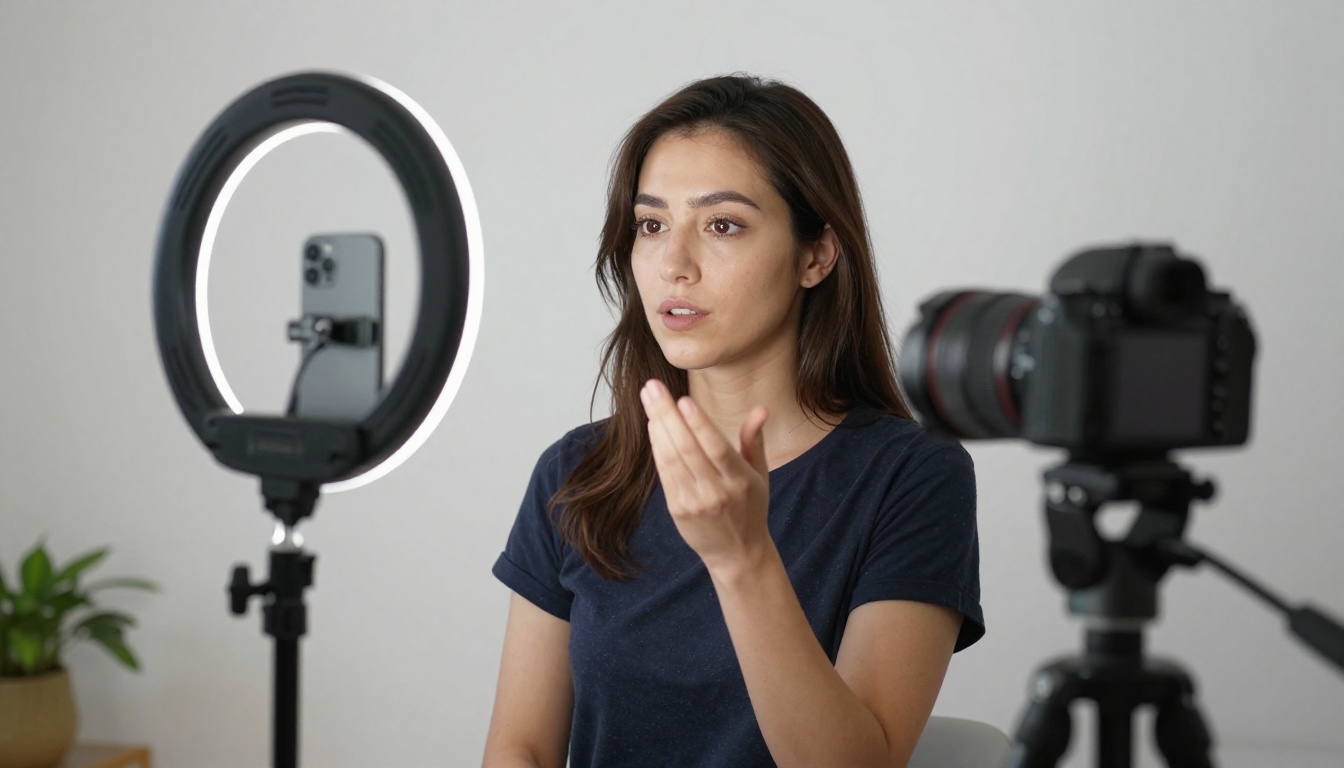
Commercial video, particularly product demonstrations and brand ads, typically needs a minimum of 15-20 seconds to establish context, show the product, and deliver a message. Seedance 2.5 is the better fit here, and the 30-second ceiling covers the standard broadcast ad length precisely.
For product close-ups and detail shots under 10 seconds that feed into a larger edited piece, Seedance 2.0 remains a solid choice for those specific shots within a mixed workflow.
How to Use Seedance 2.5 on PicassoIA
PicassoIA hosts both Seedance 2.5 Standard and the free Seedance 2.5 Lite with unlimited generations. Here's the direct workflow:
Step-by-Step
- Go to Seedance 2.5 on PicassoIA
- Select your desired output duration: 5, 10, or 30 seconds
- Write your prompt in the text field (see prompt tips below)
- Choose resolution: 720p for drafts, 1080p for final outputs
- Submit the generation and wait for the queue to complete
- Download the MP4 or share the direct R2 link
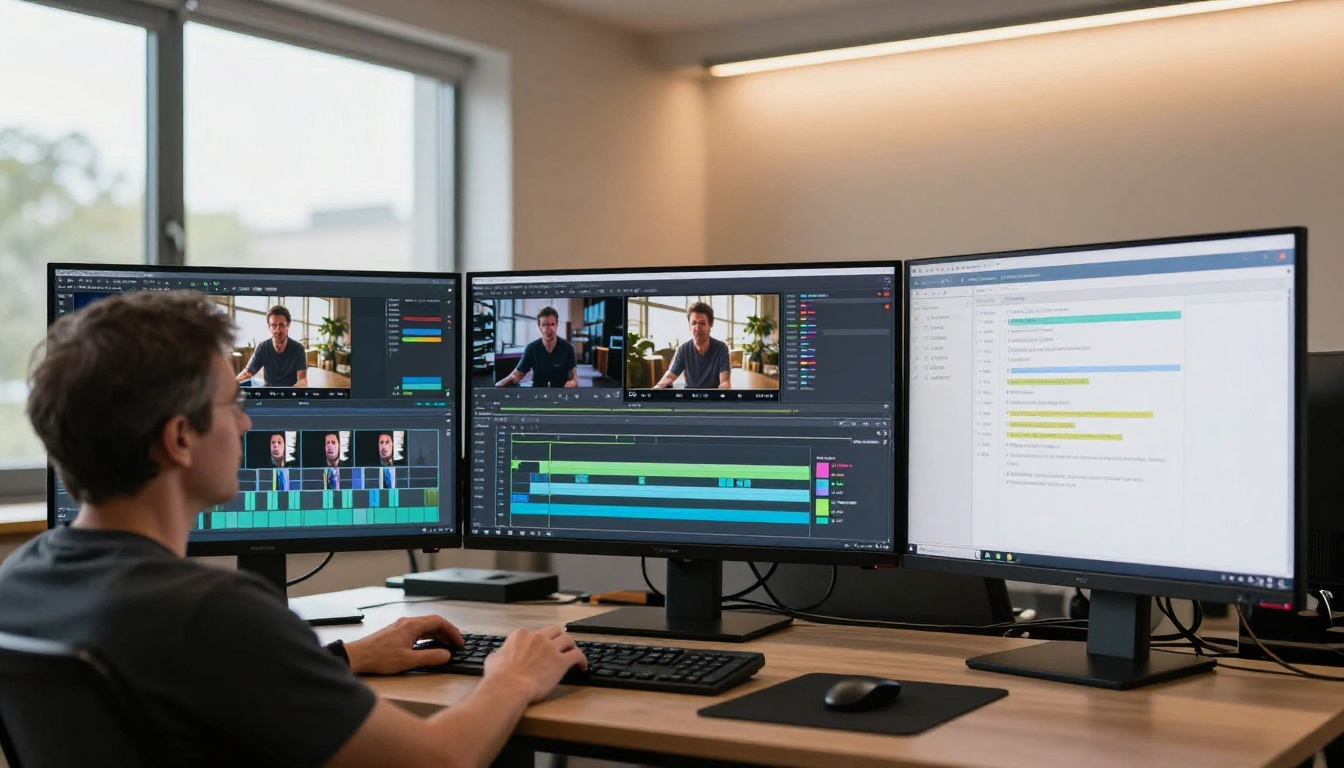
Prompt Writing That Works
The prompt architecture that performs best with Seedance 2.5 follows a specific pattern: Subject + Action + Environment + Lighting + Camera Motion.
Structure your prompts this way:
- Subject: Be specific. "A woman in her thirties" outperforms "a person." Describe clothing, pose, and expression.
- Action: Describe what happens over time, not just the starting frame. "Walks slowly toward the camera" tells the model about motion trajectory.
- Environment: Specify depth. "A busy cafe with blurred background patrons" gives the model spatial context.
- Lighting: Name the light source direction and quality. "Warm afternoon backlight from the left" produces more consistent results than just "outdoor lighting."
- Camera motion: State whether the camera is static, dollying, panning, or zooming. Seedance 2.5 responds well to explicit camera direction.
💡 Length matters: Seedance 2.5 handles longer prompts better than 2.0. Don't fear a 100-word prompt if you need precise output. The model has the capacity to use that information.
Avoid vague aesthetic descriptors like "cinematic" or "beautiful" without specifics. Replace "cinematic lighting" with "volumetric morning light from the upper left, soft shadow roll-off, warm color temperature." The second version gives the model actionable information; the first gives it almost nothing.
Other Video Models Worth Trying
If your project requirements fall outside what either Seedance version offers, PicassoIA hosts a wide range of alternatives that cover different production needs.
For maximum video length and ultra-high resolution, Veo 3 from Google produces outputs with native audio and strong photorealism. Kling v2.6 handles cinematic motion control particularly well for scripted narrative content.

For projects where image-to-video animation matters more than text-to-video generation, Wan 2.7 I2V and Kling v2.6 Motion Control both offer strong animating performance when you have a reference image you want to bring to life.
For high-volume free generation without credit limits, Seedance 2.5 Lite and Ray Flash 2 720p are both accessible without per-generation costs on PicassoIA.
Here's a quick comparison of the Seedance family against other notable models on the platform:
Start Creating Now
The version that's right for you is the one that fits the duration your content requires. Short social clips: Seedance 2.0 or the free Seedance 2.5 Lite. Long-form commercial content: Seedance 2.5 Standard. Both models are live on PicassoIA and available for immediate generation without any setup.
If you haven't tried the Seedance 2.5 Lite free tier yet, it's a zero-cost way to test prompt strategies before spending generation credits on the Standard model. Start there, build your prompt formula, then scale up. The best way to figure out which version serves your workflow is to run both against the same prompt and see the result yourself at picassoia.com/en/all-models.


