Most creators working with Seedance 2.5 for 18+ content run into the same walls. Not because the model is limited, but because the gap between what the model can produce and what a weak prompt asks it to do is enormous. Seedance 2.5 is one of the most capable adult AI video generators available today: it handles clips up to 30 seconds, generates synchronized native audio, and delivers photorealistic output at 1080p. Those numbers only show up when the workflow is correct. This article covers the mistakes that consistently destroy output quality and exactly how to fix each one.
What Makes Seedance 2.5 Different
Seedance 2.5 represents a substantial step up from every previous version in the Seedance family. The model handles adult content with far greater anatomical realism, better motion coherence across frames, and a significantly improved ability to follow nuanced prompt instructions. It accepts both text-to-video and image-to-video workflows, and the native audio layer generates synchronized ambient sound from visual scene context automatically.
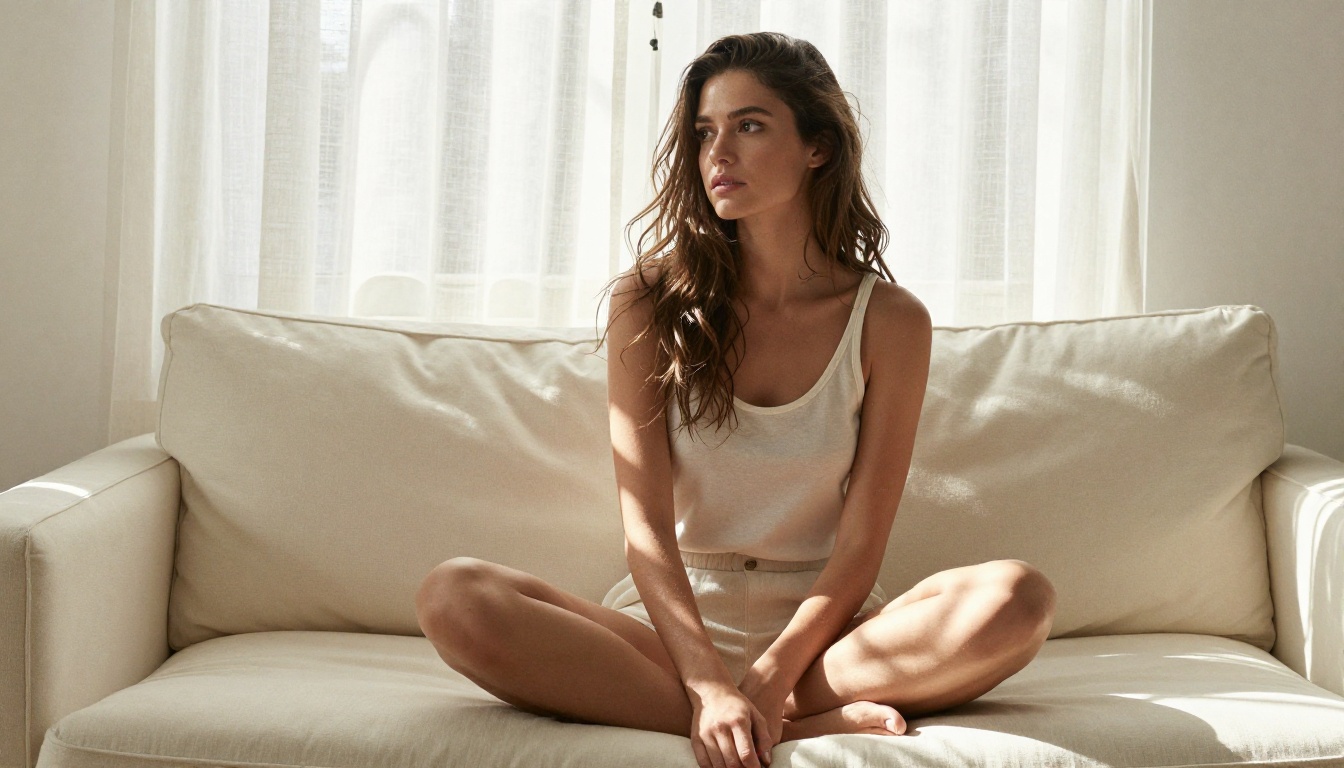
The model rewards specificity
Unlike earlier Seedance versions that tolerated vague prompts with reasonable output, Seedance 2.5 amplifies whatever you feed it. A vague prompt produces vague, unstable motion. A detailed, structured prompt produces close to exactly what you described. This single truth is behind every mistake on this list.
Why audio context changes your prompts
The integrated audio in Seedance 2.5 is not an afterthought. It reads the visual scene and infers appropriate ambient sound automatically. This creates a secondary reason to be precise about environment description: a poorly described scene generates mismatched or generic audio that immediately lowers perceived quality, even when the visuals are strong.
Mistake 1: Vague, Underdeveloped Prompts
This is the most common mistake and the most damaging one. Creators who treat Seedance 2.5 like a simple caption box miss the entire architecture of the model.

What a weak prompt looks like
Bad: "Beautiful woman dancing, sexy, 18+"
Good: "A confident woman in her late twenties wearing a silk slip dress slowly swaying her hips in a warmly lit boutique hotel room, soft amber lamplight casting long diagonal shadows across the wall behind her, camera dollying in slowly from a medium shot to a close-up on her face, natural fabric movement, realistic skin texture, cinematic grain"
The difference is not just length. The second prompt specifies a clear subject with enough detail to anchor visual identity, describes clothing and how it moves, names an environment the model can use to generate coherent audio, defines camera movement for dynamic visual interest, and sets a lighting direction that shapes mood and shadow.
Prompt structure that works
Build every prompt in layers, in this order:
| Layer | What to Include | Example |
|---|
| Subject | Who, age range, posture | "Woman in her late twenties, standing relaxed" |
| Clothing | Material, fit, how it moves | "Silk slip dress, loose, brushes her thighs" |
| Environment | Room type, time of day | "Boutique hotel room, late evening" |
| Lighting | Source, direction, intensity | "Amber lamp from the right, soft shadows" |
| Camera | Shot type, movement | "Medium shot, slow dolly-in" |
| Motion | What moves, how, at what pace | "She slowly turns to face camera" |
💡 Rule of thumb: If your prompt could describe five different scenes, it is too vague. Seedance 2.5 needs exactly one scene locked down with precision.
Mistake 2: Choosing the Wrong Aspect Ratio
Creators default to 16:9 for everything. For adult content distributed across different platforms, this is frequently the wrong call and one of the easiest fixes available.
Matching ratio to platform
| Platform or Use Case | Recommended Ratio | Why |
|---|
| Mobile feed and stories | 9:16 vertical | Full screen with no bars |
| Desktop video players | 16:9 | Standard cinema format |
| Square social grids | 1:1 | Grid-optimized, no cropping |
| Cinematic wide close-ups | 21:9 | Immersive, film-like feel |
A 9:16 scene description rendered in 16:9 leaves empty space or requires cropping that kills composition. Decide your distribution target before writing the prompt, then set the ratio to match that target.
💡 On PicassoIA, Seedance 2.5 and the free Seedance 2.5 Lite both let you specify aspect ratio per generation. This takes ten seconds and prevents a useless output.
Mistake 3: Ignoring the Image-First Workflow
Text-to-video works fine for rapid experimentation. For high-quality adult content where consistency matters, the image-to-video workflow produces dramatically better results every time.
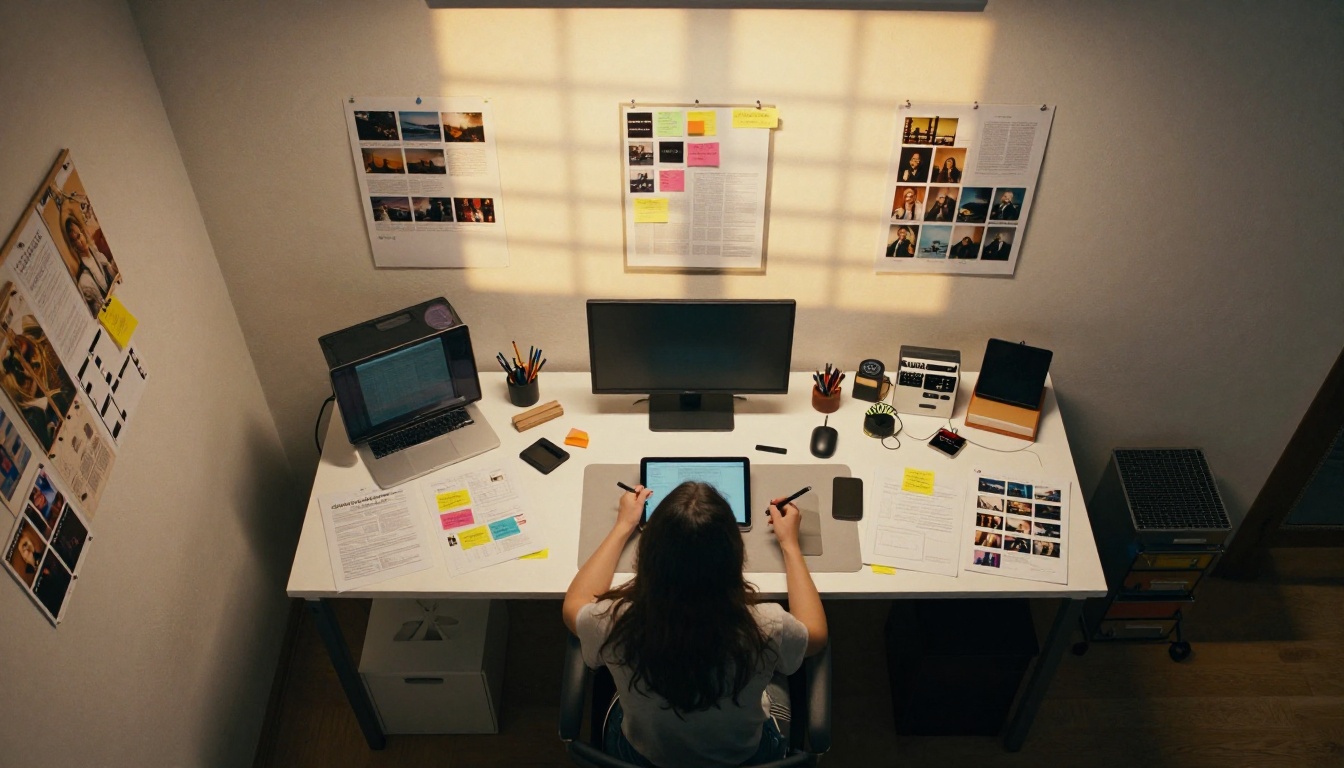
Why image-to-video wins
When you feed Seedance 2.5 a source image, the model has a fixed visual reference for the entire generation. It knows what the subject looks like, what the lighting conditions are, what the environment contains, and what the color grading is. From there, it generates motion that is consistent with that visual reality rather than an interpretation of abstract text.
For adult content specifically, this matters because:
- Facial consistency is preserved across all frames
- Body proportions remain stable through motion sequences
- Clothing behavior matches the fabric and fit shown in the source frame
- Lighting coherence is locked to the starting image throughout the clip
The image-first workflow in practice
- Generate a high-quality source image using one of the NSFW-capable image models on PicassoIA (covered in the model section below)
- Use that image URL as the first frame input for Seedance 2.5
- Write a motion prompt that describes only what changes from the starting frame forward
The source image does 80% of the visual definition work. Your motion prompt only needs to describe what moves, in which direction, and how the camera behaves.
Mistake 4: Running Everything at Default Resolution
Accepting the default resolution without considering your output need is a quiet mistake that appears only when you look at the final result next to a properly rendered clip.
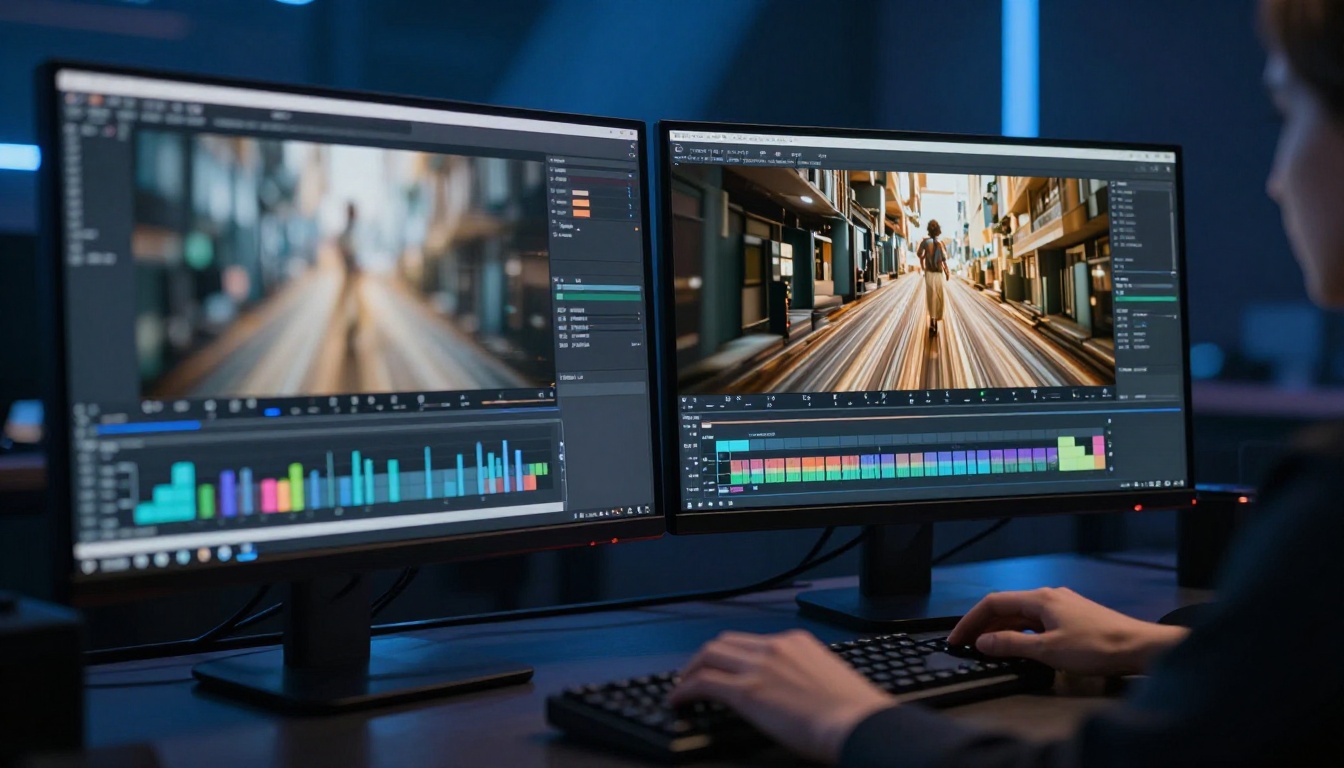
What resolution actually affects in adult AI video
| Setting | Generation Speed | File Size | Skin Detail | Fabric Texture |
|---|
| 480p | Fast | Small | Softened | Flat |
| 720p | Moderate | Medium | Natural | Visible weave |
| 1080p | Slower | Large | Photorealistic | Sharp threads |
For adult content, where realistic skin texture, fabric behavior, and subtle expression micro-movements are central to the viewing experience, 480p erases the details that make AI-generated content convincing. The softening at that resolution is not stylistic. It is a technical loss.
💡 Use 480p for draft passes only. Confirm the motion works and the composition is right, then re-render the approved take at 720p or 1080p for final output.
Seedance 2.5 on PicassoIA supports up to 1080p output. Seedance 2.5 Lite runs at lower resolutions and is better suited for rapid testing than final delivery.
Mistake 5: Overloading the Motion Description
Here is the counterintuitive mistake: writing too much action into a short clip. Creators who list three or four motions for a 5-10 second generation get a clip that attempts everything and completes nothing.
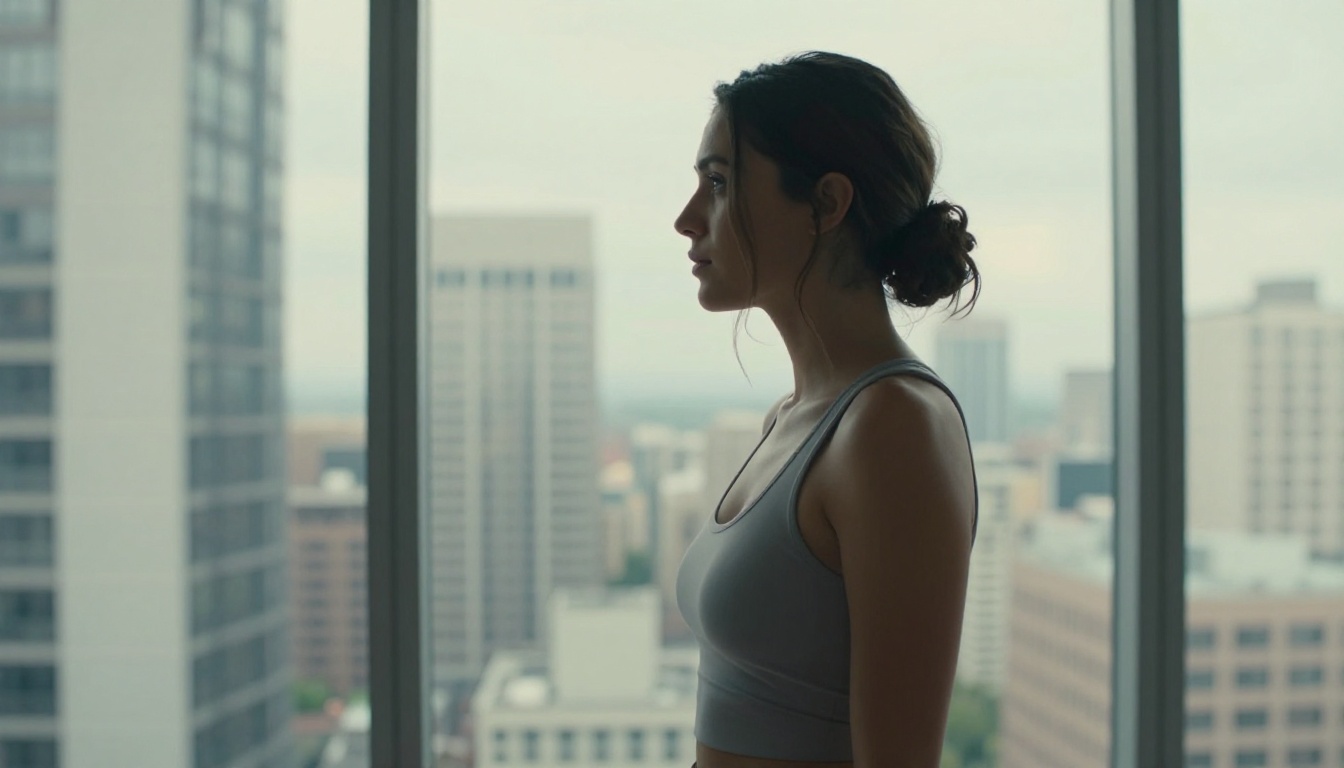
One motion, fully executed, beats four half-done
Bad: "She walks to the window, then turns and sits on the bed, then looks at the camera and smiles"
Good: "She slowly turns from a three-quarter profile toward the camera, eyes rising to meet the lens, a slight smile forming, soft fabric of her dress shifting with the movement, camera steady on a medium shot"
One motion. Full frame duration. Convincing, stable output.
Camera movement as a substitute for character motion
Camera movements are a powerful alternative to character action for adult content, and they play directly to Seedance 2.5's strengths. A slow dolly-in on a subject holding a relaxed pose generates compelling output because all motion lives in the camera, not the character. This produces stable, photorealistic frames throughout.
Movements that work well for adult content:
- Slow dolly-in: Camera moves steadily toward the subject
- Gentle horizontal pan: Camera sweeps across the scene
- Rack focus: Focus shifts from an out-of-focus foreground to the subject
- Orbital arc: Camera slowly circles around the subject
This mistake happens before you write a single word. Many mainstream AI video platforms apply content filtering that modifies your prompt silently, returns sanitized output, or blocks the generation entirely without telling you why.
What platform filtering does to your results
When a platform filters adult prompts, it may:
- Silently rewrite your prompt before sending it to the model
- Return a fully clothed version of a described scene with no warning
- Block the generation and display a generic error message
- Produce technically successful but visually sanitized output that looks nothing like the prompt
You will not always know this happened. The result looks like a model failure when it is actually a policy override.
Full creative freedom on PicassoIA
PicassoIA is one of the few platforms where Seedance 2.5 runs without the heavy-handed content filtering applied elsewhere. What you write is what the model generates. The same applies to Seedance 2.0, Seedance 2.0 Fast, Seedance 1.5 Pro, and Seedance 1 Pro, each with different trade-offs on speed, cost, and output quality.
Mistake 7: Not Running Multiple Takes
Accepting the first output without running variants is a workflow gap that professional AI video creators do not make. The same prompt will generate noticeably different results on every run.
Why the same prompt produces different results
Seedance 2.5 introduces controlled randomness in each generation. Identical prompts will produce:
- Different micro-expressions in the same movement
- Different pacing of motion within the described action
- Different camera angle variance even when angle is specified
- Different fabric behavior on the same described clothing
Running 3 to 5 takes of the same prompt and selecting the best output is standard practice in professional AI video production. It is not a sign that the prompt failed. The variance is a feature, not a defect.
💡 On PicassoIA Video, unlimited video generation means you can run as many takes as needed at no additional cost on Elite and Infinite plans.
When to adjust vs. when to select:
If 3 out of 5 takes nail the motion but one has an inconsistent frame: take the best one, the prompt is working.
If all 5 takes miss the described motion entirely: adjust the prompt. The problem is the instruction, not the random seed.
Mistake 8: Ignoring Audio Scene Cues
Seedance 2.5's native audio is generated from visual scene context. Most creators write prompts that are entirely visual and receive generic ambient audio that sounds disconnected from the scene.
How the model infers audio
The model reads visible environmental details and generates audio that matches what those details would sound like. Describing specific environment elements gives the model accurate audio cues:
| Visual Detail in Prompt | Audio the Model Infers |
|---|
"hotel room with AC unit on the wall" | Soft mechanical background hum |
"open window with city street view" | Distant traffic and urban ambience |
"candlelit room, no windows, heavy curtains" | Near-silent room tone, subtle crackle |
"hardwood floor apartment, quiet morning" | Natural room tone, light footstep sound |
These details cost nothing to add to a prompt and substantially lift the perceived quality of the final clip. A technically strong visual paired with mismatched audio reads as low quality regardless of resolution.
Best NSFW Models for Source Images on PicassoIA
For the image-to-video workflow that produces the best Seedance 2.5 results, you need source images that are already high quality, photorealistic, and free from content restrictions. PicassoIA has the right tools:
-
Seedream 4.5 ⭐ The primary recommendation for NSFW source images. Accepts adult content, supports image editing, and generates ultra-realistic results in under 3 seconds. Its newer successor, Seedream 5 Lite, does not support NSFW and should not be used for adult content workflows.
-
PicassoIA Image Editor Pro — An img2img model with unlimited generations on Elite and Infinite plans. Need 500 source frame variants? That is 500 images at no additional cost compared to roughly $50 on per-credit models. Results arrive in under a second, with a 3-generation free trial requiring no credit card.
-
Qwen Image 2 — Open-source model that creates or edits any image in seconds with very detailed realism and no content filters.
-
Grok Imagine Image — Converts reference images to bikini format in a realistic way. Useful for wardrobe and scene transformation workflows.
-
Recraft V4 — Text-to-image only, but produces very realistic, high-resolution results for clean source frames.
-
P-Image — NSFW text-to-image generation in under 1 second. Fast iteration across prompt variants.
-
prunaai-wan-2.2-image — Highly realistic images from text descriptions without content filters, strong for detailed scene construction.
For video beyond Seedance 2.5:
-
PicassoIA Video — Unlimited video generation from text prompts at up to 720p and 5 seconds per clip, with no generation limits on Elite and Infinite plans.
-
P-Video — Text, image, or audio to video at up to 1080p, with the safety filter disabled by default and a draft mode for instant low-resolution previews before final render.
-
Grok Imagine Video — Clips up to 15 seconds from text, a reference image, or an existing video clip. No watermarks, outputs at 720p or 480p across eight aspect ratios.
-
LTX 2.3 Pro — The highest-fidelity option, reaching up to 4K at 50fps. Includes retake and extend editing modes for precise frame-level control without re-rendering the full clip.
-
Wan 2.2 I2V Fast — Image-to-video with smooth, natural animations and NSFW support for fast workflow integration.
👉 Browse every available NSFW-capable AI model at picassoia.com/en/all-models.
Build the Right Workflow on PicassoIA
Every mistake on this list is fixable with the same underlying approach: a precise image-first workflow on a platform that does not restrict your creative output.
Start with a photorealistic source image from Seedream 4.5. Feed that image into Seedance 2.5 on PicassoIA with a single, well-structured motion prompt. Run three takes at 480p to confirm the motion works. Select the best take, then re-render at 720p or 1080p for final output.
That is the workflow that separates creators who get consistent, high-quality adult AI video from those who fight the model on every generation. The model is not the bottleneck. The process is.
PicassoIA gives you access to Seedance 2.5, every image model you need for a professional source-frame workflow, and the creative freedom to use them without content filters standing between you and the output. Start generating and see how quickly the results improve when the mistakes above are no longer part of the equation.


