Every creator who has worked with AI video knows the ritual: generate a 5-second clip, generate another one, hope the lighting matches, hope the subject stays consistent between shots, then spend thirty minutes in a video editor trying to make it look like a single take. The seams always show. Seedance 2.5 from ByteDance changed that equation by producing a single, continuous 30-second clip from one prompt, no stitching required.
This article breaks down exactly what makes that possible, how it compares to every major alternative, and how to start using it right now on PicassoIA.
Why Stitching Was Always a Problem
The 5-Second Trap
Early AI video models were remarkable for what they could do, but the window was short. Most settled around 3 to 6 seconds per generation. That was enough to prove the technology worked, but not enough to tell a story. The moment a creator needed anything longer, the only option was to chain clips together.
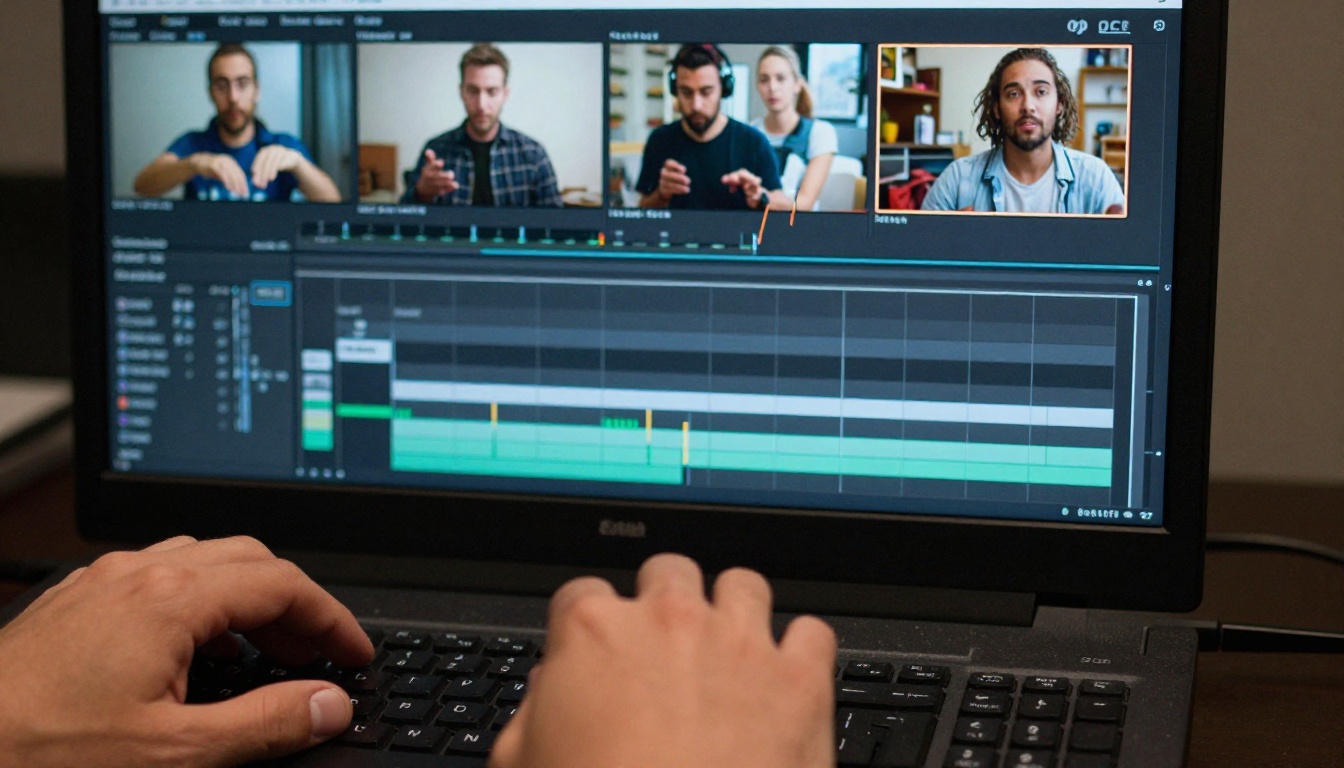
Stitching creates three problems that no editing skill can fully hide:
- Motion discontinuity: A person walking in clip 1 resets their gait in clip 2. The body language never flows naturally.
- Lighting inconsistency: Each generation samples slightly differently. The sun shifts. Shadows move wrong.
- Temporal incoherence: Objects change subtly. A cup on a table moves two centimeters. A sign flips. These micro-errors destroy immersion.
💡 The irony of stitching: the more clips you stitched, the longer the video looked, but the worse it felt. Quality degraded with every seam you added.
What "Longer" Really Costs
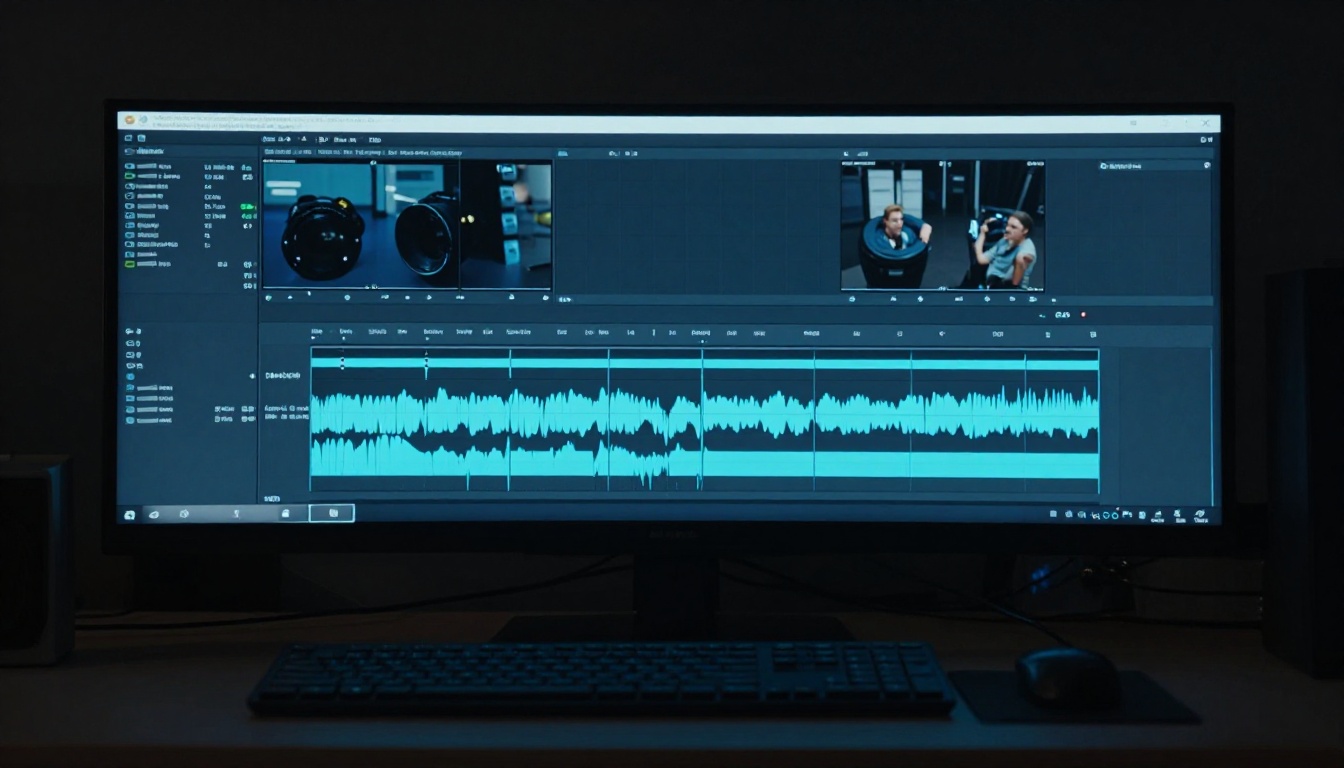
Generating five 6-second clips to get 30 seconds of content means five separate model runs, five sets of inconsistencies to smooth over, and five times the generation cost. Even with the best transition effects, the result reads as AI-generated at a glance because human eyes are extremely good at detecting unnatural motion discontinuities.
The more a creator invested in trying to fix stitching artifacts, the more time they lost doing work that should not have existed in the first place.
Why Short Clips Fail at Narrative
Story has a rhythm. Even a 30-second advertisement follows an arc: a problem is introduced, tension builds, a resolution appears. That arc requires time to breathe. At 5 seconds, you can capture a moment. At 10 seconds, you can capture a beat. At 30 seconds, you can capture a complete thought.
The creative limitation of short-clip AI video was not technical so much as it was structural. Creators were working with fragments and trying to build narratives from them, which is the equivalent of writing a sentence one word at a time and hoping the meaning survives.
How Seedance 2.5 Generates 30 Seconds
Temporal Consistency at Scale
The central challenge in extending video generation is temporal consistency: keeping every element in the scene physically coherent across hundreds of frames. At 24fps, a 30-second clip contains 720 frames. Every one of them has to agree with its neighbors on where every pixel belongs.
Seedance 2.5 achieves this through an architecture that processes the full duration as a unified generation task rather than as a sequence of short generations. The model holds scene state across the entire clip, so the subject does not reset, the lighting does not shift, and the camera motion stays physically grounded.
This is fundamentally different from extended-length approaches that concatenate overlapping segments. Those methods still stitch, just invisibly. Native 30-second generation means a single forward pass produces all 720 frames with a shared latent state.
Native Audio Sync
One detail that separates Seedance 2.5 from many competitors is that the audio is not added as a post-processing layer. It generates alongside the video, which means ambient sound, environmental effects, and incidental audio actually correspond to what is happening on screen. Rain sounds heavier when the camera pushes into a downpour. Footsteps land on beats that match actual foot strikes.
This matters because layered audio, where a sound effect file is placed over footage after generation, never quite matches the visual rhythm. Even the best manually synced audio has frame offsets that the human ear catches as a mild wrongness.
💡 Native audio at 30 seconds: Seedance 2.5 does not just generate longer video. It generates longer synchronized video, where the audio evolves with the scene rather than looping or cutting independently.
Resolution That Holds
Seedance 2.5 outputs at up to 1080p, making it production-ready for most social and web publishing contexts. The resolution holds across the full 30-second duration, which is another area where extended-clip approaches struggle. Frame quality in stitched sequences tends to degrade at the splice points because the model is not maintaining the same quality gradient throughout.

Seedance 2.5 vs. the Field
How It Compares to Earlier Seedance Models
The Seedance lineage from ByteDance has been consistent about video quality. What changed in version 2.5 is the duration ceiling and the audio architecture.
The jump from 10 seconds to 30 seconds is not incremental. It represents a different category of output. A 10-second clip can show a moment. A 30-second clip can tell a story.

How Veo 3.1 and Kling Approach Duration
Google's Veo 3.1 is the strongest competitor in the native audio space. It generates high-quality clips with synchronized dialogue and environmental sound, with strong temporal consistency. Its focus has been on cinematic realism and audio fidelity rather than extended duration.
Kling v3 Video excels at cinematic motion control, delivering smooth camera movements and complex subject choreography at 1080p. Kling's strength is in motion quality and scene composition, with shorter clip lengths than Seedance 2.5.
Luma Ray 3.2 brings HDR-level visual richness to shorter cinematic clips, with standout color depth and highlight retention that makes every frame look finished.
None of these models currently offer 30-second native single-shot generation. They all produce shorter clips where longer output requires concatenation.
When Shorter Models Still Win
The 30-second format is not always the right tool. If you need:
- Rapid iteration: Seedance 2.0 Fast generates quickly and is ideal when you want to test multiple angles before committing to a full-length run.
- Free unlimited testing: Seedance 2.5 Lite gives up to 10 seconds without credits, useful for prompt experimentation and direction validation.
- Precise motion control in short form: Kling v3 Video packs more directional control into 10 seconds than most models manage at any duration.
The 30-second format earns its advantage specifically when you need a clip to function as a self-contained piece: an ad, a social reel, a short scene, or a product demo with no hard cuts.
How to Use Seedance 2.5 on PicassoIA
Setting Up Your First 30-Second Clip
Getting started is straightforward. Navigate to the Seedance 2.5 model page on PicassoIA and enter your prompt directly in the text field.
Step-by-step workflow:
- Open Seedance 2.5 on PicassoIA.
- Write a prompt that describes the entire 30-second arc of what you want to happen, not just a single frame or moment.
- Set your preferred resolution: 1080p recommended for final output, 720p for drafts.
- Submit and wait. The model processes the full 30 seconds in one generation pass.
- Review the output and iterate on the prompt if the motion or pacing needs adjustment.
Prompting for Long-Form Coherence
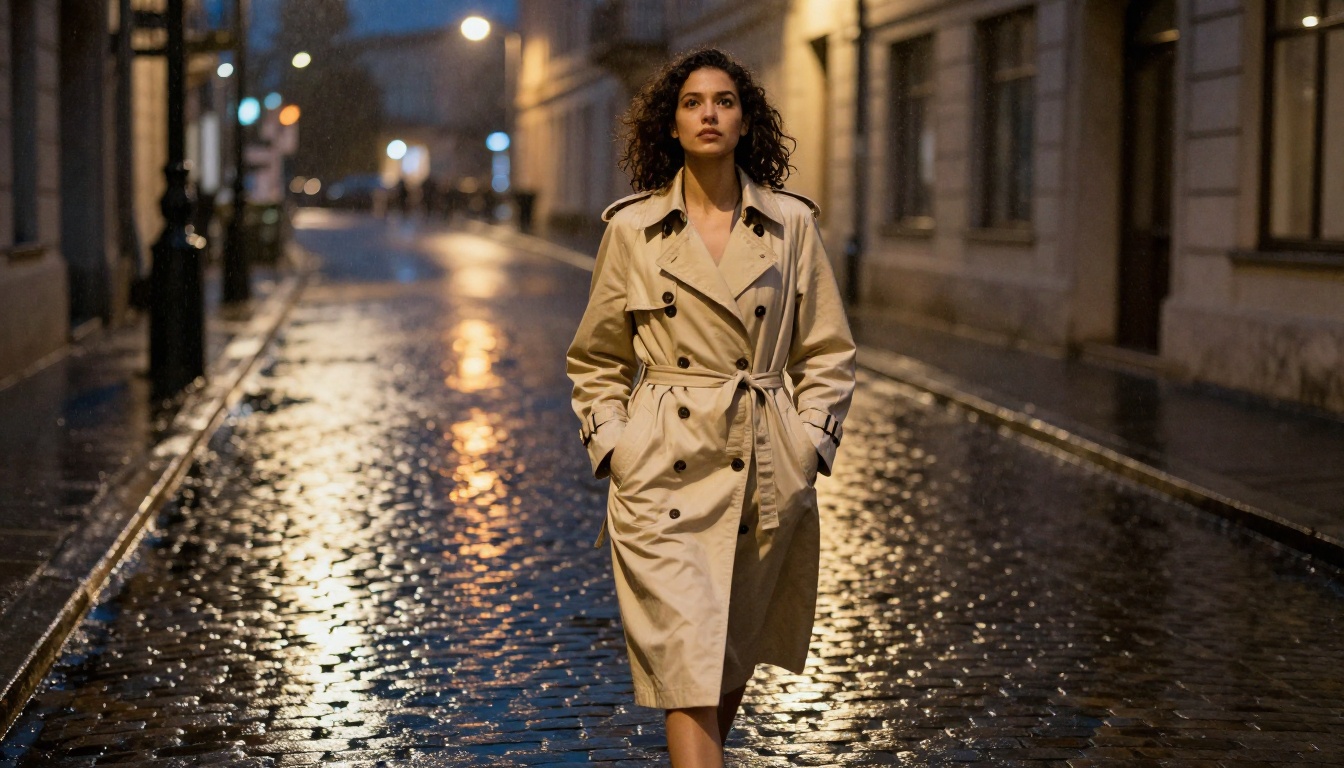
The biggest shift in thinking for 30-second generation is that your prompt needs to describe motion over time, not just a visual snapshot. Static descriptions produce static-feeling video even at 30 seconds.
Prompts that work well for 30-second clips:
- Describe the camera's journey: "slow dolly from street level up to rooftop height as morning light breaks over the city"
- Include action arcs: "a chef begins slicing vegetables, moves to the stove, and plates the dish as steam rises"
- Reference pacing: "languid, unhurried movement throughout, no abrupt changes in direction"
Prompts to avoid:
- Pure environmental descriptions with no motion cue: "a beautiful mountain at sunset" tells the model nothing about how the 30 seconds should evolve.
- Multiple unrelated subjects in one prompt: coherence suffers when the model has to maintain two completely different scene contexts simultaneously.
- Overloaded technical specifications: keep the creative direction clear and let the model handle the rendering details.
💡 Best practice: think of your prompt as a director's note to a camera operator. Tell them where to start, what to focus on, and where to end. The model fills in the middle.
Choosing Between 1080p and 720p
The resolution decision is practical. 1080p produces larger files and takes longer to generate, but delivers the detail needed for display on modern screens at full size. 720p is the right choice for social platforms with smaller playback windows, for rapid iteration, or when generation speed matters more than pixel density.
For anything you intend to publish on a website, in a product page, or on a platform with high-quality playback, use 1080p. For testing prompt variations, 720p gets you results faster and still shows you whether the motion direction and scene composition are working.
Real Use Cases for 30-Second Native Clips
Social Media and Short-Form Storytelling
Instagram Reels, TikTok, and YouTube Shorts all work natively with 30-second content. This is not coincidental: 30 seconds is the format the largest distribution platforms have optimized for. A single-shot 30-second clip fits these channels without any post-production overhead.
For content creators, the workflow change is significant. Instead of spending 45 minutes stitching and color-matching clips, you spend that time writing better prompts and publishing more frequently. The output volume possible with a single-shot workflow is substantially higher than with any stitching approach.
Product Showcases and Demos
A product demo needs to show a workflow from start to finish. With a 10-second model, that means multiple clips, matching environments across them, and hoping the product looks the same in each shot. With 30-second native generation, the entire demonstration arc fits in one generation: unboxing to use to outcome in a single continuous take.
The consistency of lighting, the unchanged appearance of the product, and the smooth camera movement all contribute to making the demo feel produced rather than assembled.
Short Films and Cinematic Content
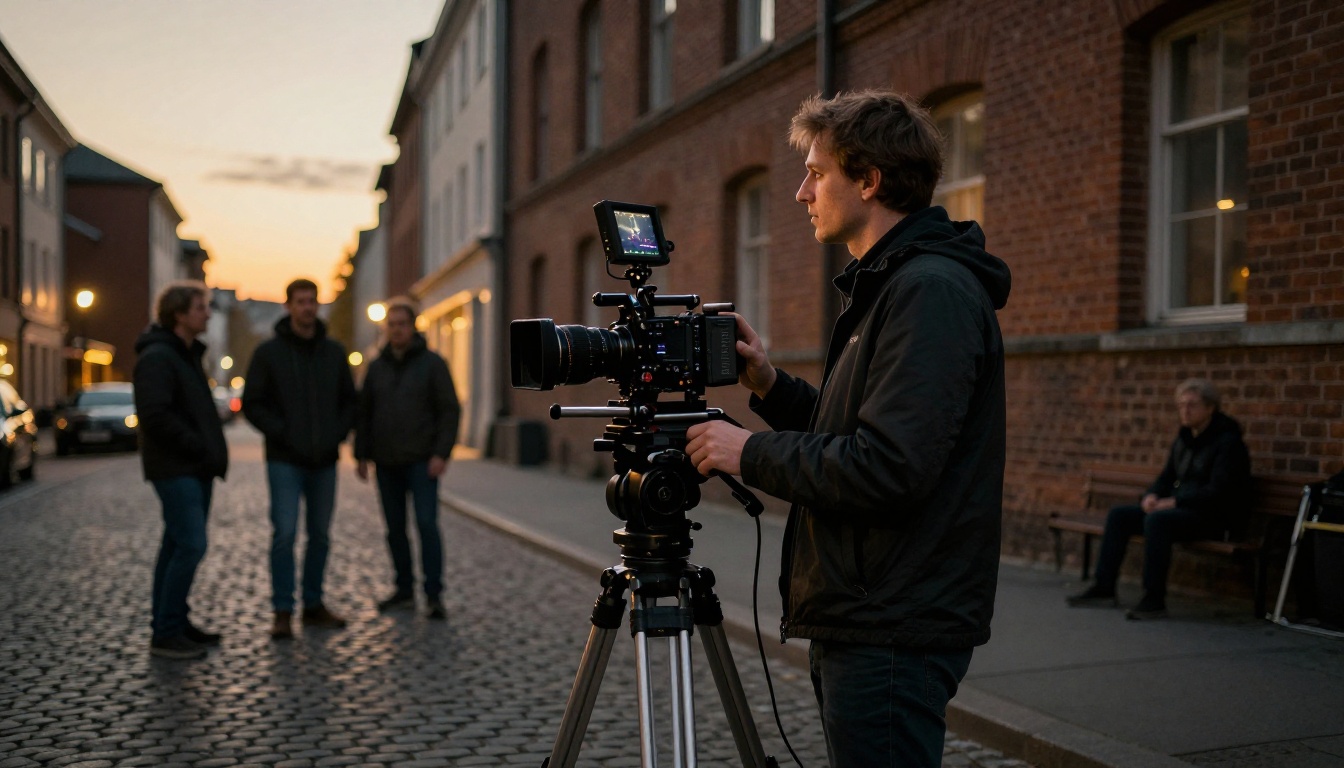
Filmmakers working with AI tools have always treated short clip length as the main creative constraint. A scene needs breathing room. A character needs time to move through a space. Thirty seconds is not a full scene, but it is long enough for an establishing sequence, a transition, or a visual soliloquy that would previously have required stitching six clips with matched conditions between each.
The creative ceiling for AI short film production rises substantially when the minimum usable unit of footage extends from 5 to 30 seconds.
Wan 2.7 for 1080p Text-to-Video
Wan 2.7 T2V is a strong option when you want 1080p text-to-video output with a different generation approach. It handles complex scene compositions well and is particularly effective for nature and architecture content where environmental richness matters more than character motion.
LTX 2.3 Pro for 4K Output
When pixel density is the priority, LTX 2.3 Pro delivers 4K video from text prompts. It trades generation speed for output resolution and is the right choice when you need footage that holds up at very large display sizes, such as digital signage or cinema-adjacent production.
Hailuo 02 for Speed at 1080p

Hailuo 02 generates 1080p clips with fast turnaround times and strong visual quality. It works well as a complement to Seedance 2.5: use Hailuo for rapid first-draft testing, then commit to a full 30-second run in Seedance 2.5 once you know your scene direction is right.
Kling v2.6 for Motion Control
For creators who want precise camera movement and character choreography, Kling v2.6 offers fine-grained motion direction that most text-to-video models do not expose. If your 30-second concept requires a specific camera path, Kling's motion control tools let you validate that precision before committing to a full-length generation in Seedance 2.5.
Start Creating Without Stitching
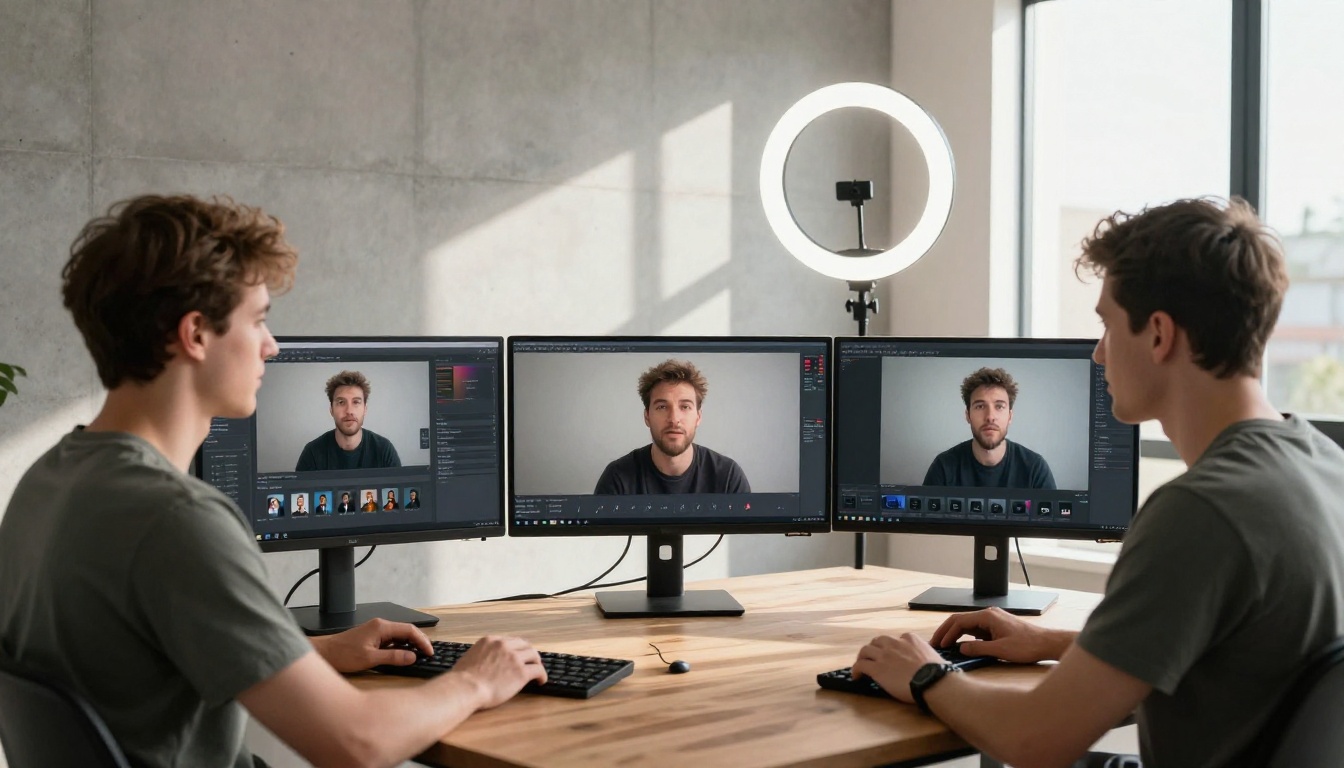
The video stitching workflow was always a workaround, not a feature. It existed because the models were not capable of generating what creators actually needed: one continuous, coherent clip long enough to carry a story.
Seedance 2.5 removes the workaround. A single prompt produces a single clip. The lighting stays consistent. The subject stays coherent. The audio stays synchronized. You spend your time on the creative work, not on seam repair.
PicassoIA gives you direct access to Seedance 2.5 alongside the full catalog of text-to-video models. Whether you want the 30-second native output of Seedance 2.5, the 4K resolution of LTX 2.3 Pro, the motion precision of Kling v3 Video, or the audio-native quality of Veo 3.1, every option is available from one platform with no installations required.
Open PicassoIA and try Seedance 2.5 on your next project. Write one prompt. Get one clip. No stitching.


