ByteDance has been iterating on its Seedance model family faster than most people can keep up. Seedance 2.5 is the latest chapter, and it brings meaningful changes on three fronts: resolution, clip length, and audio. If you have been following AI video generation, those three variables are exactly where the current competition is playing out, and Seedance 2.5 has staked out clear positions on all of them.
What Seedance 2.5 Actually Is
ByteDance's Path to 2.5
ByteDance did not arrive at Seedance 2.5 overnight. The version history is worth understanding because each release made specific bets about what mattered most.
Seedance 1 Pro landed as a solid entry-level option for 1080p clips, but it topped out at shorter durations and had no built-in audio. Seedance 1.5 Pro pushed motion quality forward, improving how subjects moved through scenes without the stuttering or unnatural acceleration that plagued earlier video AI models. The Seedance 2.0 generation added native audio for the first time, a major capability jump that shifted the model from "silent clip generator" to something closer to a production-ready tool.
Seedance 2.5 takes that audio foundation and layers 4K output capability on top, while also stretching clip duration to 30 seconds.
Two Versions, One System
The model ships in two variants. Seedance 2.5 is the full-capability version from ByteDance, supporting clips up to 30 seconds long. Seedance 2.5 Lite is the free, unlimited version available on PicassoIA that generates clips up to 10 seconds. The Lite tier is a real option for prototyping or shorter creative formats, but if duration or maximum resolution is the priority, the full model is the one to reach for.

The 4K Resolution Difference
What 4K Means for AI Video
Most AI video models have historically topped out at 1080p, with many running default generations at 720p or lower to keep inference costs reasonable. 4K changes the practical use cases significantly.
At 4K (3840 x 2160 pixels), you can:
- Export for large displays without visible pixelation
- Crop in post without losing usable resolution, since reframing a 4K shot down to 1080p still yields a crisp output
- Print stills taken from the video at magazine quality
- Deliver for streaming platforms that increasingly require 4K source files
For anyone producing content intended for YouTube, OTT platforms, or commercial use, 4K as a starting point rather than a ceiling is a meaningful upgrade.
Temporal Consistency at High Resolution
Resolution is only half the story. The harder problem in AI video is temporal consistency, which is the technical term for whether objects stay visually coherent from one frame to the next. At lower resolutions, small inconsistencies are forgiven by the blur. At 4K, every frame gets scrutinized.
Seedance 2.5 improved its temporal consistency alongside the resolution bump. This means faces do not flicker between frames, fabric patterns do not shift, and camera movements feel physically grounded rather than randomly drifting. That combination, high resolution with stable consistency, is what separates a model that can technically output 4K from one that produces genuinely useful 4K footage.
When Lower Resolution Works Fine
Not every project needs 4K. If the final destination is social media, a reel, or an embedded video in a blog post, 1080p is often more than sufficient and generates faster. The Seedance 2.0 Fast model remains a strong pick for quick iterations. The 4K capability in Seedance 2.5 is most valuable when the downstream use case demands it, not as a default for every project.
💡 Practical rule: Generate at 4K when the final output will be displayed at full screen on a 4K monitor or larger, or when you plan to crop the frame. For everything else, the faster lower-res variants will save you time without sacrificing perceived quality.

How Long Can the Clips Be?
Up to 30 Seconds Per Generation
The 30-second clip length is one of the most impactful changes in Seedance 2.5. Previous models in the family capped out at 5 to 10 seconds per generation. That meant stringing multiple clips together in an editor to build anything with a sense of narrative or pacing.
Thirty seconds is long enough to:
- Tell a short story with a beginning, middle, and end
- Capture a product in action with full setup and payoff
- Create a social media short that stands alone without editing
- Generate a scene with enough time for a character to move through a space
The model now generates with a longer temporal memory of where the scene is going. Early AI video models treated every frame almost independently, which is why motion felt random. Seedance 2.5 maintains coherent subject identity, environment continuity, and lighting logic across a much longer sequence.
What That Enables in Practice
The 30-second ceiling also changes how you approach prompting. With a 5-second clip, you write a snapshot, a description of a single moment. With 30 seconds, you are describing an arc. You need to think about where the camera starts, where it moves, and what happens to the subject over that span.
This requires more deliberate prompting but rewards the effort. A well-written 30-second prompt yields a clip that feels shot rather than generated.

Native Audio: No More Silent Clips
How the Audio Layer Works
One of the defining frustrations with early AI video was silence. You would generate a visually impressive clip and then realize you needed to source, license, and sync audio separately in post-production. Seedance 2.0 broke that pattern by introducing native audio generation, and Seedance 2.5 carries that capability forward with refinements.
The model generates audio that is:
- Synchronized to the scene, so ambient sounds match the visual action
- Tonally coherent, so a quiet interior scene does not suddenly carry loud street noise
- Temporally aligned, so if someone appears to speak, the audio timing reflects that
This is fundamentally different from placing a royalty-free music track over a clip. The audio is generated as part of the same pass, which means it responds to the content rather than being layered on top after the fact.
What Audio Styles Are Generated
The audio that Seedance 2.5 produces is primarily ambient and environmental, not musical. If your prompt describes a beach scene, you get wave sounds and wind. An urban street produces traffic, voices at a distance, and footsteps on pavement. A studio interior gives room tone and subtle mechanical hum.
For AI music creation specifically, platforms like PicassoIA offer dedicated AI music generation models that are built for that task. Seedance 2.5 excels at atmospheric audio, which is what makes scenes feel physically real rather than visually assembled.
💡 Tip for better audio: Your text prompt influences the audio output. Describing the acoustic environment explicitly, for example "in a quiet marble hallway with distant footsteps echoing," gives the model significantly more to work with than describing only the visual elements.

Seedance 2.5 vs 2.0: Side by Side
The table below captures the core specification differences between the two primary generations.
The jump from 2.0 to 2.5 is not incremental. Resolution, duration, and consistency improvements together represent a qualitatively different tool, not just a minor version update.
Quality Gains You Will Actually Notice
Three areas show the clearest improvement in real output:
Skin and fabric detail: At 4K, textures that previously appeared as a uniform color now show weave patterns, skin pores, and surface variation. This matters most for any subject involving people.
Motion physics: Objects moving through space in Seedance 2.5 follow more believable physical paths. Water flows correctly. Hair moves with natural weight. Camera pans decelerate rather than stopping abruptly.
Scene stability: Long clips in Seedance 2.5 maintain the same light source direction, color temperature, and spatial layout throughout. In 2.0, a 10-second clip could shift noticeably in ambient light intensity between the beginning and end.

How to Use Seedance 2.5 on PicassoIA
PicassoIA hosts both Seedance 2.5 and Seedance 2.5 Lite. Here is how to get the best results from either.
Step 1: Choose Your Tier
Go to the model page for Seedance 2.5 for full capability, or Seedance 2.5 Lite if you want unlimited free generations up to 10 seconds. The Lite version is a good starting point to test your prompt before committing to a full 30-second generation.
Step 2: Write a Scene-Based Prompt
Treat your prompt like a shot description from a film script. Include:
- Subject and action: Who or what is in the scene, and what are they doing
- Environment: Where the scene takes place, with specific details about the space
- Camera behavior: Whether it is static, slowly dollying in, panning, or zooming
- Lighting conditions: Time of day, light sources, and intensity
- Audio context: What the viewer should hear around and within the scene
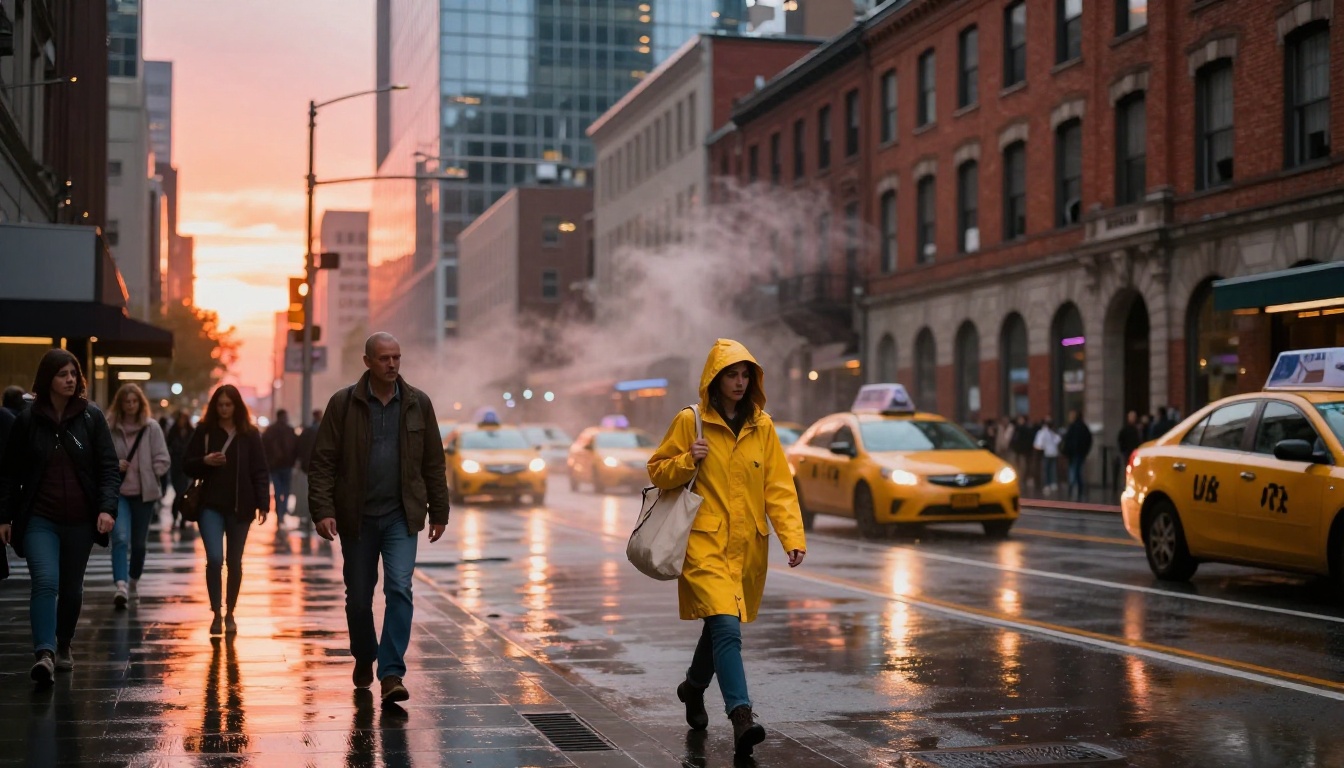
Example: "A woman in her early 30s walks along a cobblestone alley in a European city at dusk, lanterns flickering on stone walls, camera following at walking pace from behind, warm amber light from shop windows casting long shadows ahead of her, distant sounds of a café with faint music and voices"
Step 3: Set Duration and Resolution
Using the full Seedance 2.5 model, you can select clip duration up to 30 seconds and target 4K output. For test runs, a shorter 10-second clip at 1080p will generate faster and let you validate your prompt before running the full version.
Step 4: Review for Consistency
When the clip arrives, watch it at full resolution. Pay attention to:
- Subject consistency: Does the person or object look the same at second 25 as at second 5?
- Lighting continuity: Does the light source stay in the same position throughout?
- Motion fluidity: Are transitions between camera moves smooth?
If any of these break down, refine your prompt with more explicit descriptions of those specific elements and regenerate.
Step 5: Combine with Other Tools
Seedance 2.5 generates the raw clip. From there, PicassoIA has dedicated tools for further refinement. The AI video enhancement category includes upscaling and stabilization options. For lipsync work, the platform offers dedicated lipsync models that can sync spoken dialogue to the faces in your generated clip, extending the post-production value significantly.
Other High-Resolution Video Models Worth Trying
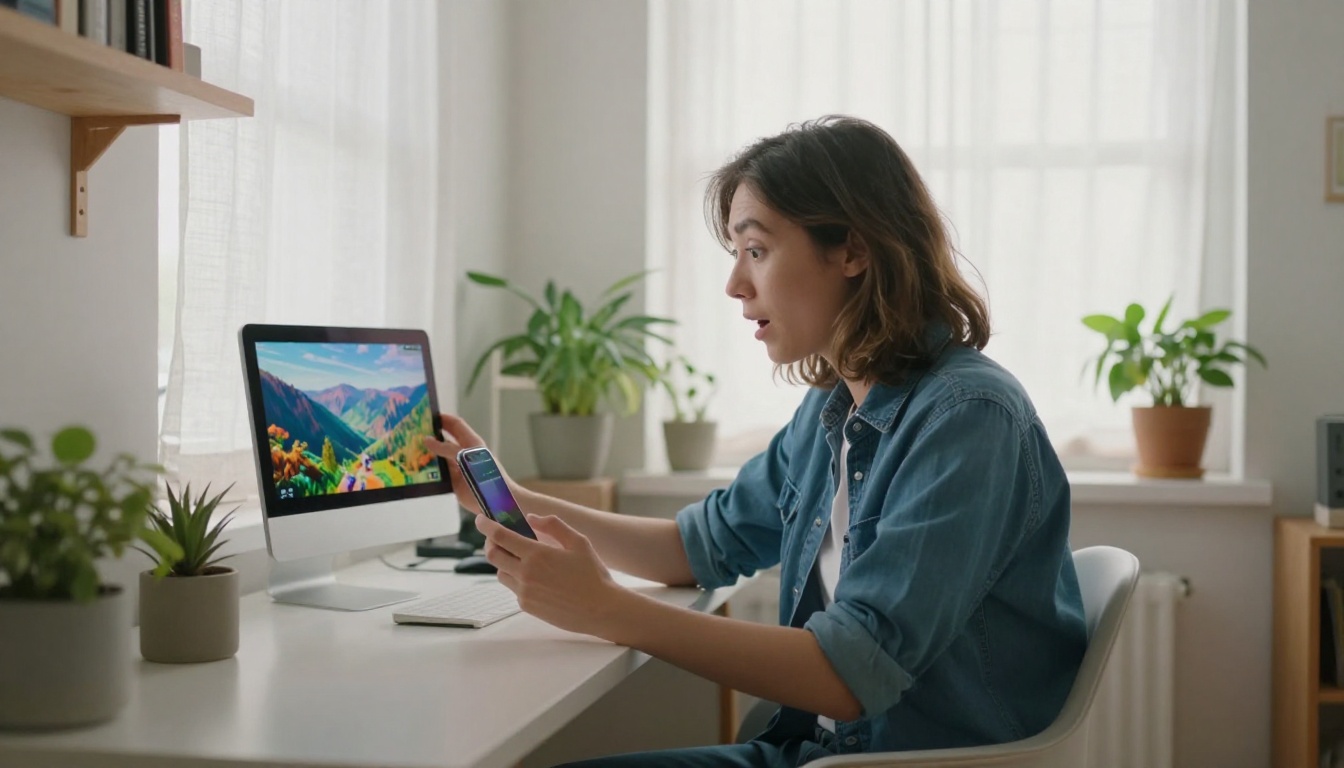
Seedance 2.5 is not the only model operating at the high end of the quality spectrum. A few others are worth knowing, both for comparison and for cases where their specific strengths are a better fit.
LTX 2.3 Pro and LTX 2.3 Fast
LTX 2.3 Pro from Lightricks is one of the few models that matches Seedance 2.5 in resolution capability, supporting 4K output from text or image input. It performs well on cinematic style generation and tends to produce clean, filmic-looking output. LTX 2.3 Fast is the speed-optimized variant of the same architecture, ideal when iteration speed matters more than maximum fidelity.
Veo 3.1 from Google
Veo 3.1 targets 1080p output with strong emphasis on realistic motion and physics simulation. It handles complex multi-element scenes well and tends to produce natural-looking results for outdoor environments and people in motion. It does not match Seedance 2.5's 4K ceiling, but its motion quality at 1080p is competitive with the best available.
Wan 2.7 T2V
Wan 2.7 T2V is a strong 1080p text-to-video option that handles longer prompts particularly well. It processes detailed scene descriptions and tends to reproduce specific visual instructions more reliably than some competing models. For cases where precise control over what appears in the frame is the priority, Wan 2.7 is worth testing alongside Seedance 2.5.
Kling v3
Kling v3 Video from Kwai is built specifically for cinematic output, with strong handling of dramatic lighting and depth of field simulation. It operates at up to 1080p but with a visual aesthetic that leans more stylized than documentary-realistic. If the goal is highly produced, cinematic-looking content rather than raw naturalism, Kling v3 is worth evaluating.
What the 4K Leap Signals
Resolution Is Now Table Stakes
The fact that ByteDance is shipping 4K in a consumer-accessible AI video tool signals something broader: the AI video industry is moving away from resolution as a differentiator and toward motion quality, duration, and audio as the new battleground. A year ago, 1080p AI video was impressive. Now, 4K output from a text prompt is available to anyone with access.
What this means practically is that creators who adopt these tools now have access to output quality that would have required expensive hardware, professional software, and significant post-production work not long ago. The gap between what a solo creator can produce and what a production company can produce has narrowed substantially.
The Audio-First Shift
The native audio integration in Seedance 2.5 is, arguably, more significant than the resolution bump. Video without audio is incomplete for most use cases. The moment AI video models began generating synchronized audio as a core output, the downstream workflow changed. Instead of treating audio as a post-production problem, creators can now treat it as part of the generative brief. Write what the scene sounds like. Let the model handle both dimensions at once.
This is still an early capability. The audio in current AI video is atmospheric rather than musical, and it does not match the precision of a dedicated sound design workflow. But the direction is clear: the best AI video models are converging on delivering complete audiovisual output from a single text prompt.
Create Your First Seedance 2.5 Video
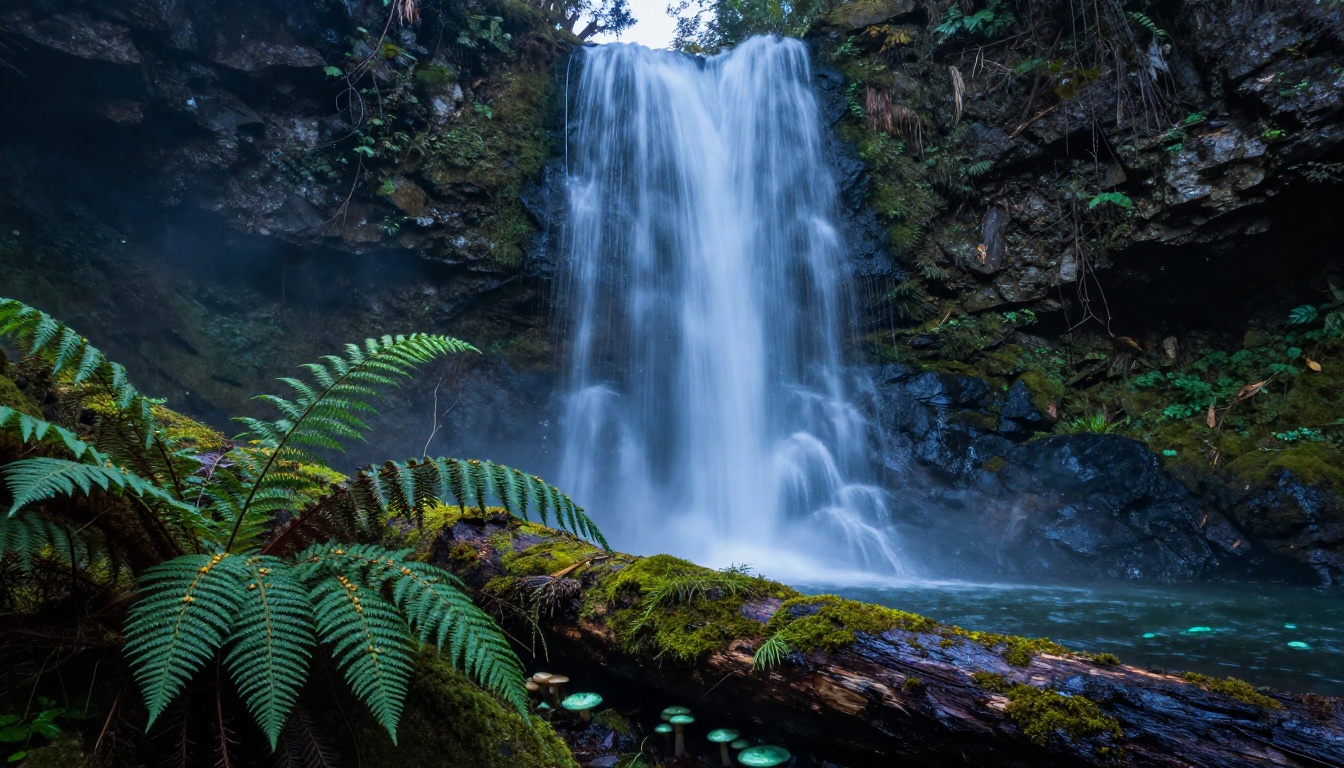
If you have made it this far, the best next step is to run a generation yourself. Theory about AI video quality only goes so far. Actually seeing a 30-second 4K clip come out of a text prompt tells you more than any specification comparison.
Start with Seedance 2.5 Lite on PicassoIA for a free, unlimited test. Write a specific scene description, be deliberate about camera movement and lighting, and watch how the model handles it. Then move up to the full Seedance 2.5 when you are ready to push duration and resolution.
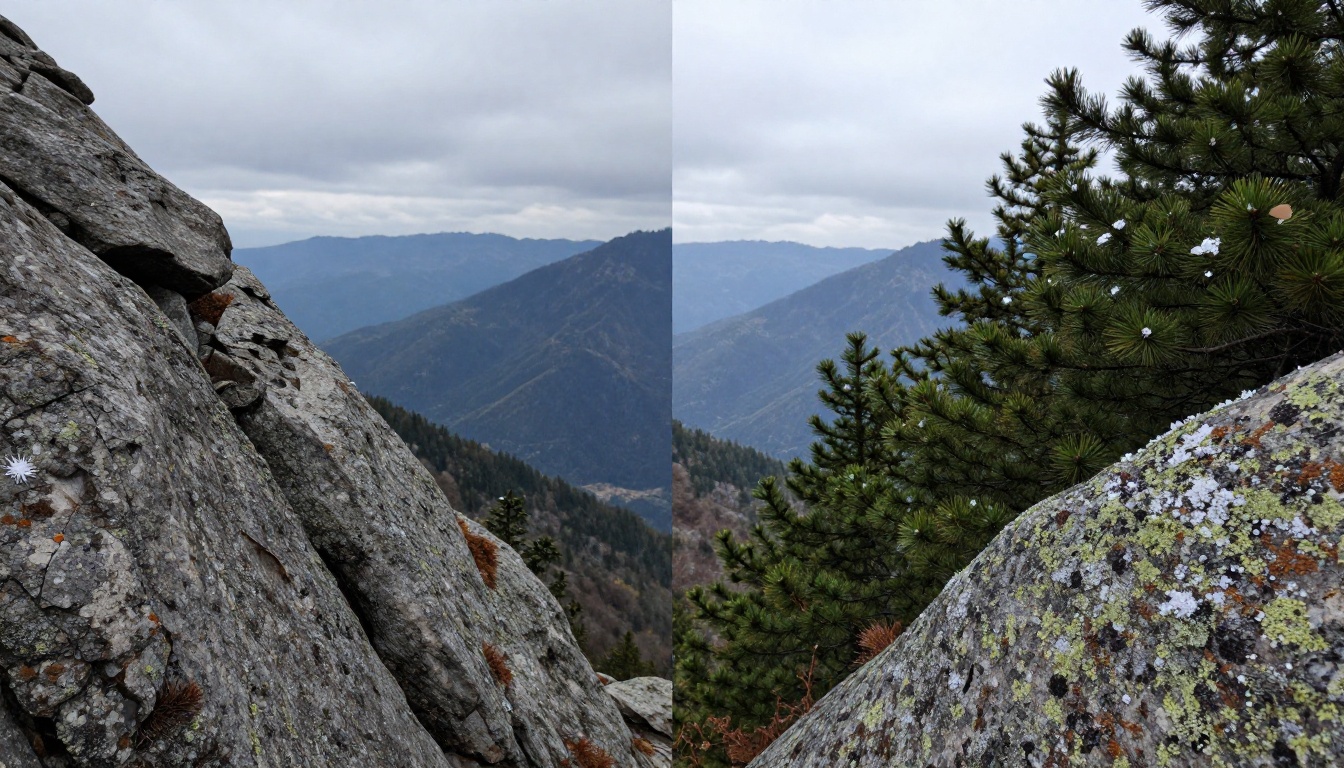
The difference between 4K and lower-resolution output is visible even as a still frame comparison:
For a broader look at everything the platform can generate, from text-to-image through lipsync to AI music, picassoia.com/en/all-models has the full catalog. There are over 100 video models alone, which means whatever visual direction you want to take, there is a model built to handle it. Start with a prompt, watch it render, and adjust from there. The tools are genuinely accessible, and Seedance 2.5 is one of the best places to start.


