If you have spent any time researching AI video generators in 2027, you have already heard the name. Seedance 2.5 is ByteDance's most capable video generation model to date, and it is producing results that are legitimately difficult to distinguish from real footage. This is not marketing language. It is what happens when a company with serious compute infrastructure decides to compete at the very top of the AI video stack.
This article breaks down what makes Seedance 2.5 different from everything else currently available, who it is actually for, and how to start generating with it today on PicassoIA.

What Seedance 2.5 Actually Does
Seedance 2.5 generates videos up to 30 seconds long at 1080p resolution with native synchronized audio baked directly into every clip. You write a prompt, optionally supply a reference image, and the model produces a finished video complete with ambient sound, spatial audio cues, and realistic motion, all in a single pass.
This is a significant jump from earlier models in the Seedance family. Seedance 2.0 capped out at shorter outputs without the same level of motion fidelity. Seedance 1.5 Pro was a capable workhorse but required heavier prompt engineering to get cinematic results. Version 2.5 closes the gap between "AI-generated" and "filmed on location" considerably.
Core capabilities at a glance:
- Duration: Up to 30 seconds per clip
- Resolution: 1080p native output
- Audio: Synchronized ambient and environmental sound
- Input modes: Text-to-video and image-to-video
- Motion fidelity: Physics-aware secondary motion (fabric, water, hair, foliage)
💡 Tip: For maximum quality, pair a detailed reference image with your text prompt. The model uses the image as a compositional anchor, which dramatically improves subject consistency across the full clip.
Why the Motion Quality Stands Apart
The single biggest differentiator in AI video right now is not resolution. It is motion. High resolution on a clip that moves unnaturally is immediately rejected by any viewer. Seedance 2.5 addresses this directly.

The model demonstrates what engineers call secondary motion awareness. When a person walks, their hair moves. When wind hits fabric, the fabric folds along realistic stress lines. When water impacts a surface, the ripple physics behave consistently with gravity and viscosity. None of this is hand-coded into the model. It emerges from the training data and the architecture's understanding of how real-world physics propagate across a frame.
Where this shows up most clearly:
- Portrait clips: Subtle facial micro-expressions, eye blinks, natural head movement
- Environmental footage: Water, fire, smoke, fog behave with physical consistency
- Action sequences: Momentum carries correctly through a subject's body during movement
- Crowd scenes: Individuals in the background retain independent motion without becoming a blur
This level of fidelity is what separates Seedance 2.5 from many of its competitors in everyday production use.
Seedance 2.5 vs the Competition
The AI video space has never been more crowded. Here is how Seedance 2.5 stacks up against the most-used alternatives available right now on PicassoIA:
| Model | Max Duration | Native Audio | Resolution | Best For |
|---|
| Seedance 2.5 | 30s | Yes | 1080p | Full cinematic clips |
| Kling v3 Video | 10s | No | 1080p | Short dramatic scenes |
| Veo 3.1 | 8s | Yes | 1080p | Realistic dialogue scenes |
| Sora 2 | 20s | No | 1080p | Complex scene transitions |
| Ray 3.2 | 10s | Yes | 1080p | HDR cinematic style |
| Wan 2.7 T2V | 10s | No | 1080p | Open-source flexibility |
The 30-second duration with native audio is the defining edge. Most competitors cap at 8-10 seconds, which means you need multiple generation passes and editing work to build a coherent clip. Seedance 2.5 can produce a complete scene in a single generation.

How to Use Seedance 2.5 on PicassoIA
PicassoIA gives you direct access to both Seedance 2.5 and Seedance 2.5 Lite without any technical setup. Here is the exact workflow for getting high-quality results:

Step 1: Open the model page
Navigate to Seedance 2.5 on PicassoIA. No account configuration required to start experimenting.
Step 2: Write a structured prompt
The model responds well to prompts that specify three things clearly:
- Subject: Who or what is in the frame, and what they are doing
- Environment: Where the scene takes place, with lighting notes
- Camera: How the camera behaves during the clip
Example prompt: "A woman in a linen dress walks slowly through a sunlit lavender field at golden hour, camera dollying gently forward with soft morning haze in the air, bokeh blurring the field edges, photorealistic."
Step 3: Add a reference image (recommended)
Upload a source image to lock in the composition and visual style. The model will animate from that image, preserving subject identity and framing while synthesizing motion.
Step 4: Review and iterate
The first output is rarely the final one. Adjust your prompt based on what the model produced. If the camera motion is too fast, specify "slow pan" or "static locked shot." If motion looks mechanical, add "natural secondary motion, wind affecting hair and fabric."
💡 Prompt tip: Describe what changes over time, not just what the scene looks like. "The curtain billows gently as a breeze enters through the open window" produces better motion than simply "curtain near window."
Who Gets the Most from Seedance 2.5
Not every use case benefits equally from 30-second 1080p clips. Here is a breakdown of who genuinely gets the most from this model:

Social Media Creators
Short-form video content on Instagram Reels, TikTok, and YouTube Shorts moves fast. Seedance 2.5 lets creators produce B-roll, transitions, and abstract visuals without booking a shoot day or hiring a videographer. A single prompt can generate a clip that would have required hours of location shooting.
Marketing Teams
Product campaigns, brand films, and social ads all benefit from cinematic quality footage that does not require an entire production crew. The native audio means a finished clip can go directly into an ad edit without needing separate sound design.
Indie Filmmakers and Storytellers
Scene concepts, storyboard references, and atmospheric shots that would normally exceed an independent budget are now accessible at the prompt level. Seedance 2.5 does not replace a director of photography, but it dramatically expands what a small team can put on screen.
YouTubers and Educators
Documentary-style b-roll, title sequence material, and visual explainers can all be generated on demand. The 30-second clip length is particularly useful here because it can fill an entire visual beat without cutting.
Seedance 2.5 Lite: When Free Is Enough
For creators who want to experiment before committing credits, Seedance 2.5 Lite is available as a free unlimited option on PicassoIA.

What you get with Seedance 2.5 Lite:
- Clips up to 10 seconds in length
- Unlimited generation at no cost
- The same underlying Seedance 2.5 model architecture
- Native audio included
When to use the full Seedance 2.5 instead:
| Situation | Use Lite | Use Full |
|---|
| Testing a prompt idea | Yes | |
| Social media clips under 10s | Yes | |
| Full scene generation | | Yes |
| Brand film clips | | Yes |
| Music video sequences | | Yes |
The Lite version is a legitimate production tool for short content. It is not a downgraded demo. However, for any project where clip length or motion consistency across 15-30 seconds matters, the full Seedance 2.5 is the correct choice.
The Audio Advantage
Every serious AI video model eventually runs into the same problem: audio. Lip sync, ambient sound, and music are typically added in post-production because the base model produces silent video. Seedance 2.5 takes a different approach.

The model generates audio as part of the video synthesis process, not as a separate step bolted on afterward. This means:
- Environmental sound responds to what is happening on screen: wind in a field, rain on pavement, crowd ambience in a city scene
- Audio timing aligns with visual events: a door closing produces sound at the exact frame the door shuts
- Spatial audio cues vary with camera distance: a subject moving closer sounds proportionally louder
This is the same approach taken by Veo 3.1 from Google, which also generates native audio. The difference is Seedance 2.5 achieves this at 30 seconds versus Veo 3.1's 8-second ceiling, making it substantially more useful for production work.
For creators building lipsync content, Seedance 2.5 pairs well with PicassoIA's dedicated lipsync tools available in the platform's effects and lipsync categories, allowing you to generate a base clip and then apply precise mouth sync in a follow-up step.
Visual Effects and Lipsync Integration
Seedance 2.5 generates the raw cinematic material. PicassoIA's broader model ecosystem lets you take that material further.
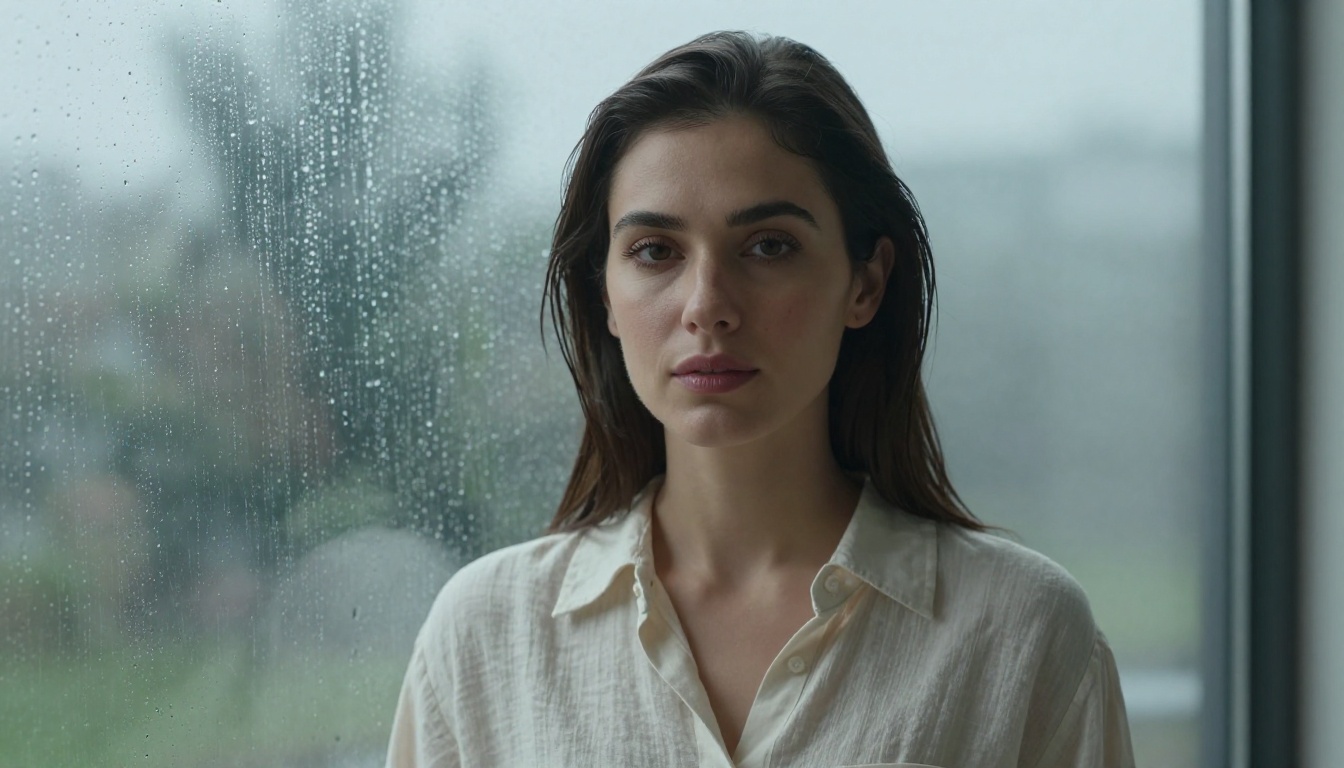
Visual effects workflows:
After generating a base clip with Seedance 2.5, you can pass it through video enhancement models to upscale, stabilize, or apply stylistic treatments. PicassoIA's effects category includes over 500 video effects for exactly this type of post-generation processing.
Lipsync workflows:
If you are building talking-head content, the typical workflow is:
- Generate a face-forward portrait clip with Seedance 2.5
- Write or record the audio you want the character to speak
- Apply lipsync using PicassoIA's dedicated lipsync models
- Export the finished clip
The quality of the lipsync result depends heavily on having a clean, frontally-lit face in the source clip. Seedance 2.5's portrait generation, when prompted carefully, produces exactly this.
Other models worth combining with Seedance 2.5:
- Wan 2.7 I2V: Animating specific reference photos into video
- Pixverse v6: Cinematic output with AI audio for shorter clips
- Hailuo 2.3: Cinematic text-to-video at 1080p for alternative stylistic options
- LTX 2.3 Pro: 4K resolution output for maximum fidelity requirements
Real Applications Worth Noting
The theoretical capabilities of an AI video model matter less than whether it solves actual production problems. Here are situations where Seedance 2.5 consistently delivers:

Travel and tourism content: B-roll of locations that would require costly shoots. A 30-second cinematic clip of a coastal village or city street at dusk can be produced from a single well-crafted prompt and a reference photo.
Product demonstration videos: Showing a product in different environments without arranging multiple shoots. Generate the environment, composite the product, apply finishing effects.
Music video sequences: Atmospheric clips that respond to lyrical or emotional cues. The 30-second length allows an entire verse of visual content in one generation pass.
Real estate visualization: Walkthroughs and neighborhood ambience clips that set the scene for property listings without drone footage costs.
E-commerce: Lifestyle video content showing products in use, without models, locations, or crew.
💡 Production tip: When building a video series, establish a consistent visual identity by using the same reference image and base prompt structure across all clips. This creates coherent visual branding across multiple Seedance 2.5 outputs.
How the Seedance Family Has Evolved
Understanding where 2.5 sits in context helps you decide which version fits your specific situation.
Each version in the family has its appropriate application. Seedance 2.5 is the top of the stack, but the older models remain useful for faster iteration or situations where processing time is a constraint.
Start Generating on PicassoIA
The best way to evaluate any AI video model is to run it yourself. Text descriptions of quality will always fall short of what you see when you hit generate.
PicassoIA gives you access to Seedance 2.5 and its Lite version alongside the full spectrum of text-to-video models, including Kling v3 Video, Veo 3.1, Ray 3.2, Sora 2, and 80+ additional options across every style and use case.
Start with Seedance 2.5 Lite to build your prompting approach at no cost. When you are ready to produce clips at full length and maximum fidelity, switch to Seedance 2.5. Every model on the platform is available at picassoia.com/en/all-models. The next video you want to create is one prompt away.


