Game studios spend months crafting the perfect announcement trailer. AI video models now let indie developers and small teams produce similar cinematic sequences in hours, not weeks. Seedance 2.5 from ByteDance sits at the center of that shift, and the question everyone in the game production space is actually asking is simple: what does it do well enough to use on a real trailer, and where does it still fall apart?
This is not a surface-level overview. It is the practical breakdown that comes from pushing the model through every game trailer format imaginable, from slow atmospheric reveals to high-action combat sequences. The results are specific, and the answers might surprise you.
What Seedance 2.5 Actually Does Well
Motion Coherence Over 30 Seconds
Most AI video models deliver 5 to 10 seconds of believable motion before things start to drift, warp, or lose the subject entirely. Seedance 2.5 extends that ceiling to 30 seconds, and that single capability changes everything for game trailers.
A 30-second clip is long enough to establish a world, introduce a character, and close on a hook. That is a full storytelling unit. Previous-generation models like Seedance 2.0 were limited to shorter outputs, which forced creators to stitch clips together and accept the visual breaks between them. With 30 seconds of coherent motion, that problem is substantially reduced for certain shot types.
Where this shines most: environment showcases and atmospheric panning shots. A slow dolly through a fog-filled forest, a sweeping aerial across a ruined city, a steady push toward a cathedral entrance at dawn. These are the connective tissue of game trailers, and Seedance 2.5 handles them with impressive spatial consistency.
Native Audio Sync
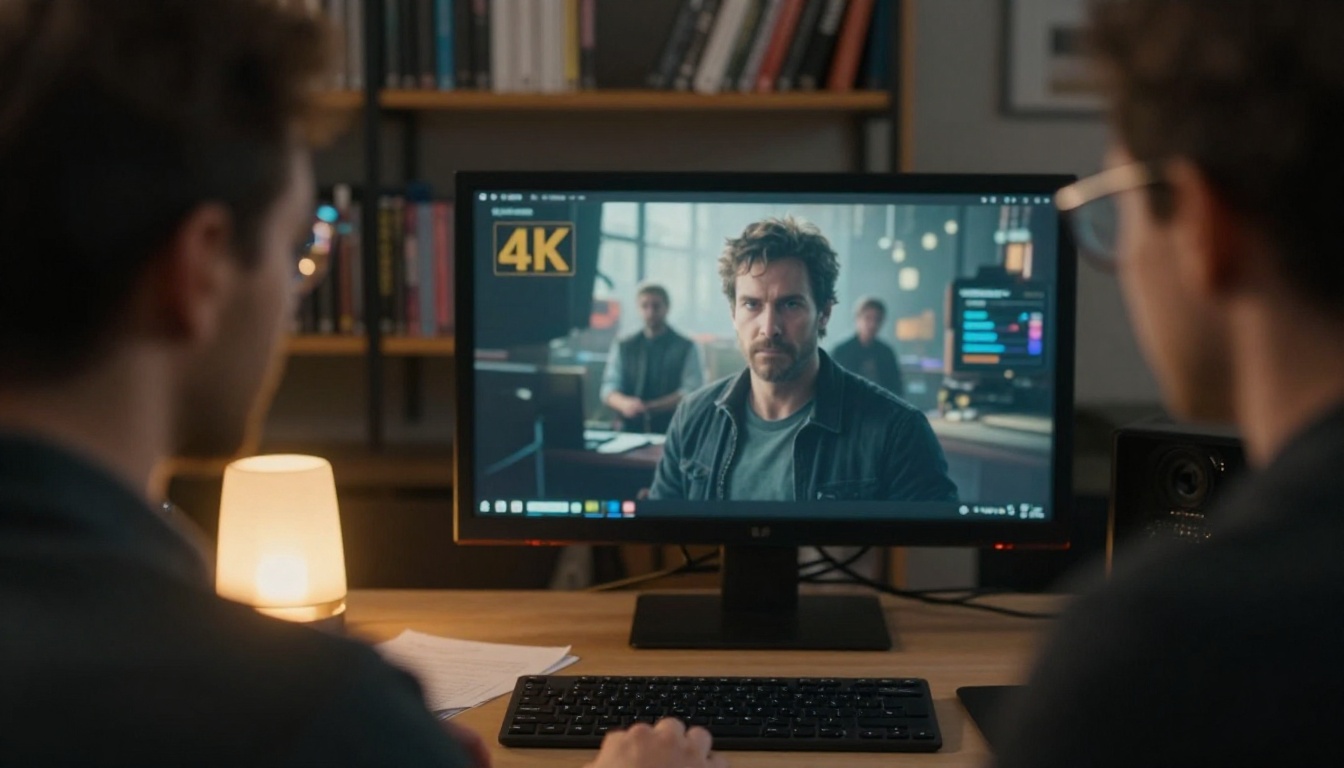
The built-in audio generation that ships with Seedance 2.5 is genuinely useful, particularly for ambient sound design. Wind through ruins, crowd murmur in a tavern scene, footsteps on stone, rain on a battlefield. These are atmospheric details that cost real money in traditional production and significant time in post.
Be explicit in your prompts about the sonic environment. Vague prompts produce vague audio. Specific prompts, such as "wind howling through a narrow stone canyon at dawn," produce audio that actually fits the visual context. The sync quality is not perfect for sharp transient sounds like weapon impacts, but for atmospheric ambient layers it is ready to use without heavy post-processing.
💡 Tip: If you need precise sound effects (sword clashes, explosions, UI sounds), use Seedance 2.5 for the ambience and layer your SFX in post. The model excels at sustained environmental sound, not sharp transients.
Prompt Adherence at Scale
For a 30-second output, maintaining visual consistency across the full duration requires robust prompt adherence. Seedance 2.5 handles this better than most alternatives at this clip length. The environment stays coherent. Lighting direction holds. Color temperature does not drift.
Where this directly benefits game trailer work: you can describe a specific aesthetic, a dark gothic medieval world with low-angle morning light and desaturated blues in the shadows, and the model will hold that look across the entire 30 seconds. That consistency is what makes a game world feel real and lived-in.
Where Seedance 2.5 Falls Short
Fast-Cut Editing Limitations
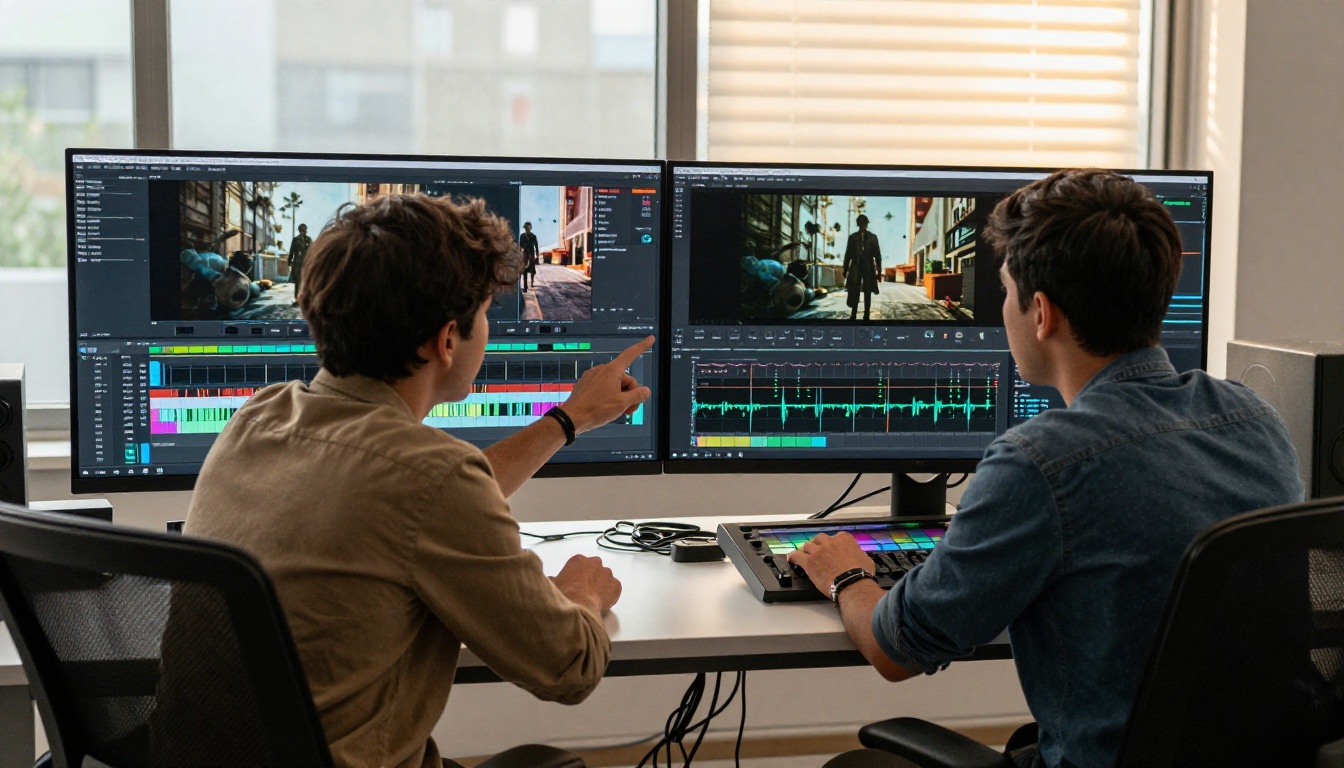
Game trailers are built on rhythm. A sequence of 1 to 2 second cuts, each hitting a beat in the music, is the standard language of the genre. Seedance 2.5 is not designed for this. It generates long, coherent clips, which means the fast-cut assembly process still happens entirely in your editing software.
You are not asking the model to generate a finished trailer. You are asking it to generate the raw cinematic material that you then cut down, reorder, and sync to music. That distinction matters, and creators who approach it expecting a finished product will be disappointed. Creators who treat it as a B-roll and scene generation tool will get real value.

Character Consistency Issues
This is the biggest limitation for narrative trailers specifically. If your game has a defined protagonist, a specific face, a specific costume, Seedance 2.5 will not reliably maintain that character across multiple generations. Each clip starts fresh from the prompt, and subtle inconsistencies accumulate.
The workaround that works best: use Seedance 2.5 for environment and atmosphere shots, and use image-based workflows for character-specific sequences. Tools like Kling v3 Video offer more controlled image-to-video workflows that can hold a specific character design more reliably when you feed in a reference image as the first frame.
Action Sequences vs. Cinematic Panning
Combat sequences are where AI video models still struggle most. Sword fights, gunfights, explosion-driven chaos: these require precise spatial reasoning about bodies in motion, and the model frequently produces visual artifacts during high-speed movement. Limbs stretch incorrectly. Weapons pass through surfaces. The motion blur looks artificial.
This does not mean you cannot create combat-adjacent content. A slow pan through the aftermath of a battle, a close-up of a warrior gripping a weapon, a cinematic dolly toward a burning structure: all of these work. But real-time action is not the model's strength at this stage.
How to Use Seedance 2.5 on PicassoIA
Seedance 2.5 is available directly on PicassoIA alongside its sibling model, Seedance 2.5 Lite, which offers shorter clips with faster generation times and no cost for standard resolutions. The full Seedance 2.5 is the model to use when you need the 30-second output and higher resolution for final production work.
Setting Up Your First Prompt
The most common mistake is writing prompts that describe the game itself rather than the cinematic shot. You are not writing game design notes. You are writing director's notes for a specific camera setup.
Ineffective: "A dark fantasy world with knights and monsters fighting in a ruined castle"
Effective: "Low-angle tracking shot following armored boots walking across cracked flagstones in a fog-covered courtyard, morning light from the right creating long shadows, slow steady camera movement, cinematic 24fps"
The effective version specifies the camera angle, the subject in frame, the lighting direction, the camera movement, and the visual atmosphere. That level of specificity is what produces usable output.

Prompting for Game Trailer Style
Game trailers have a specific visual vocabulary. Here are the shot types that Seedance 2.5 handles best, and the prompt components that produce them:
| Shot Type | What Works in the Prompt | Expected Output Quality |
|---|
| Atmospheric environment | Slow dolly, fog, morning/golden hour light | Excellent |
| Character reveal (static) | Close-up, face emerging from shadow, slow exposure | Good |
| World scale (aerial) | High altitude pan, wide field depth, dawn light | Excellent |
| Vehicle/creature movement | Subject crossing frame, controlled camera | Good |
| Combat action | Fast cuts, weapon impacts, body contact | Weak |
| UI/HUD overlays | Requested in-frame text/graphics | Not recommended |
Combining With Other Models
No single model covers every shot type a game trailer needs. The professional workflow on PicassoIA involves using multiple models together. Seedance 2.5 covers your atmospheric and environment shots. Ray 3.2 handles HDR cinematic sequences with strong lighting control. LTX 2.3 Pro produces 4K output when you need resolution for broadcast or large-format display.
For character-specific sequences, Kling v2.6 provides image-to-video with stronger subject fidelity. The Wan 2.7 T2V model works well for 1080p output with strong spatial coherence, making it a solid complement for the sequences Seedance 2.5 does not handle well.
These are production-tested structures built specifically for game trailer generation with Seedance 2.5.
The Cinematic Reveal Shot
Structure: [Object/subject in silhouette or shadow] + [slow camera movement toward subject] + [light source direction creating the reveal] + [atmospheric detail] + [camera spec]
Example: "A warrior's silhouette standing at the threshold of a massive stone gate, slow dolly-in from 20 meters to 5 meters, backlit by orange-red sunset through the arch creating rim light on armor edges, ground fog at knee height, 85mm equivalent lens, cinematic 24fps"
This structure produces the single most-used shot in game reveal trailers: the hero emerging from atmosphere. Seedance 2.5 handles it consistently well.
The Environment Showcase
Structure: [Camera starting position] + [direction and speed of pan] + [environment description with specific details] + [time of day and light direction] + [atmospheric condition]
Example: "Wide aerial shot drifting slowly left to right at 300 meters altitude over a sprawling medieval fortress city, morning golden-hour light from the east casting long orange shadows across tiled rooftops, light mist in the valley below, smoke rising from chimneys, 16mm wide lens"
This is where Seedance 2.5 genuinely produces impressive material. Environment showcases at 30 seconds give you fully usable B-roll for nearly any game world genre, from high fantasy to sci-fi.
The Character Introduction
Structure: [Character description without face specifics] + [action state] + [camera angle and movement] + [environment context brief] + [lighting]
Example: "A heavily armored figure in black plate armor slowly turning to face camera from over their left shoulder, camera rising slightly from chest level to eye level during the turn, dimly lit stone hall background, single torch light from the right creating strong side shadow, slow and deliberate motion"
Avoid face-specific details, since character face generation is inconsistent. Focus instead on silhouette, costume, and movement quality. That approach produces repeatable results.
Seedance 2.5 vs. Other Video Models
When choosing between the available models on PicassoIA for game trailer work, the decision comes down to your specific needs for that shot. This table reflects production experience across the PicassoIA model catalog.
| Model | Max Length | Best For | Resolution |
|---|
| Seedance 2.5 | 30 seconds | Long atmosphere, environment | Up to 1080p |
| Seedance 2.5 Lite | 10 seconds | Fast iteration, prototyping | Standard |
| Kling v3 Video | Standard | Cinematic character sequences | 1080p |
| Ray 3.2 | Standard | HDR, lighting control | 1080p HDR |
| LTX 2.3 Pro | Standard | 4K broadcast quality | 4K |
| Veo 3.1 | Standard | Realistic physics, 1080p | 1080p |
| Sora 2 | Standard | Prompt fidelity, complex scenes | 1080p |
💡 Workflow tip: Use Seedance 2.5 Lite for rapid prompt testing before committing to a full Seedance 2.5 generation. Lite runs faster and costs less, letting you validate a shot composition before investing in the full 30-second output.
For teams working at scale, the Seedance 1.5 Pro model remains a solid option for budget-conscious production runs when you need a high volume of shorter clips. It lacks the 30-second capability but produces reliable results at 1080p for trailer-style content.
3 Common Mistakes Creators Make
Treating It Like a Finished Product
Seedance 2.5 is a production asset generator, not a trailer assembly tool. Every successful creator using it for game trailers treats the output as raw footage, not a deliverable. You still need an editing workflow, music, sound design, and color grading on top of the generated clips.
Creators who post raw Seedance output without post-processing are easy to spot. The results look good but feel mechanical. The ones doing real work are cutting the clips aggressively, color grading to a defined look, and layering proper audio on top. That post-production layer is what separates content that looks generated from content that looks produced.

Ignoring the Audio Potential
The built-in audio in Seedance 2.5 is being systematically underused. Most creators mute it and replace with music tracks. That is sometimes the right call, but the ambient audio generation is genuinely strong for atmospheric content.
A foggy mountain pass clip with wind audio built in gives you a working base layer that takes 30 seconds to produce. In traditional production that ambient layer requires a location recording session or a sound library license. Use what the model gives you, then build on top of it. The layered approach, ambient from the model, music and SFX added in post, produces richer results than silence plus music alone.
Wrong Resolution for Your Format
Using standard resolution output when your target is a YouTube channel at 1440p or a Steam page at 1080p will cost you quality that is hard to recover in post. Seedance 2.5 supports up to 1080p output. If you need 4K for a cinematic showcase or large-format display, that is when LTX 2.3 Pro becomes the right choice. Match your generation resolution to your final delivery format from the start, not after you have already run your production budget through standard-resolution clips.
Start Building Your Trailer Today
The gap between what independent game developers can produce and what AAA studios spend millions on is narrowing fast. Seedance 2.5 on PicassoIA is one of the real reasons why. Thirty seconds of coherent, atmospheric cinematic footage with built-in audio, generated from a well-crafted text prompt, is a production capability that did not exist two years ago.
The model is not perfect for every shot type. Character consistency requires workarounds. Fast-action sequences need other tools from the catalog. But for the atmospheric, world-building, environment-showcase content that defines the best game trailers, Seedance 2.5 delivers usable results at a speed that changes what small teams can actually produce and ship.
Start with one shot type. Write a specific, director-style prompt. Generate with Seedance 2.5 Lite first to test the composition, then scale up to the full Seedance 2.5 for your final output. Add the camera work, the music, the color grade. You might be surprised by what you ship.
Try the full model lineup, including Seedance 2.5, Kling v3 Video, Ray 3.2, Veo 3.1, and dozens more, at picassoia.com/en/all-models.