Short-form video has never been more competitive, and the creators winning on Instagram right now share one trait: they produce more content, faster, without sacrificing quality. Seedance 2.5 from ByteDance is the model that makes that pace sustainable. With native 30-second video output, synchronized audio, and vertical framing built in, it is one of the few AI tools that produces Instagram Reels ready to post without additional editing steps.
This article covers exactly what Seedance 2.5 does, how it compares to alternatives, how to write prompts that generate scroll-stopping content, and the real-world Reel ideas that perform best with this model.
What Seedance 2.5 Actually Does
Most AI video generators on the market today top out at 5 to 10 seconds per clip. For social media creators, that means editing multiple generations together, manually layering audio, and spending time in post-production that cancels out whatever speed the generation provided. Seedance 2.5 sidesteps the entire problem.
A single generation run returns up to 30 seconds of video with sound. The motion is directional and purposeful, not the aimless floaty movement that early video AI models were known for. Lighting responds dynamically to the scene described in the prompt. If you specify "late afternoon sun from the left," the model applies directional light accordingly. If you describe "overcast winter morning," the color palette, shadow softness, and atmospheric fog all adjust to match.
The temporal consistency between frames is meaningfully better than what Seedance 2.0 or Seedance 1.5 Pro delivered. Faces hold their structure across frames, objects do not warp through slow pans, and camera movements like dolly-ins and orbital shots feel physically grounded rather than algorithmically generated. For Reels that show people, products, or environments in motion, this matters more than raw resolution numbers.
30-Second Videos with Native Audio
The 30-second output duration aligns directly with what the Instagram algorithm rewards. Reels between 15 and 30 seconds that hold genuine viewer attention — measured by through-rate, the percentage of viewers who watch all the way to the end — receive the strongest distribution boost. Shorter clips tend to loop, which inflates watch time metrics but often does not trigger the same algorithmic reach signals.
Native audio generation is the feature that separates Seedance 2.5 from most competitors in this tier. You do not need a sound effects library. You do not need to pick a background track from a royalty-free catalog. The model analyzes the scene described in the prompt and generates audio that matches it: ambient environment sounds, incidental noise, and atmospheric detail that makes the scene feel real.
💡 Tip: To get specific audio behavior, describe the sound explicitly at the end of your prompt. "A woman walking through a rainy Paris street at night, sound of heels on wet cobblestones, a distant saxophone from a bar" gives the model a precise audio target, not just a visual one.
The 9:16 Advantage
Seedance 2.5 generates video in the 9:16 vertical aspect ratio by default. Instagram Reels are displayed in 9:16 full-screen on mobile, and any footage not originally at this ratio requires cropping or letterboxing. Cropping cuts off frame elements the creator wanted. Letterboxing adds black bars that reduce visual impact in the feed.
With Seedance 2.5, the composition is designed for vertical viewing from the start. Subjects sit in the center third of the frame. The upper and lower 15% of the screen, where Instagram overlays username, caption, and interaction buttons, is kept clear of critical visual information. This is not something you adjust manually. It is how the model frames every output.

Seedance 2.5 vs. Other Video Models
Before committing to any tool, it helps to see how the options actually compare on the metrics that matter for Reel production.
| Model | Max Duration | Native Audio | Vertical Format | Best Use Case |
|---|
| Seedance 2.5 | 30 seconds | Yes | Yes | Full Reels, TikTok, Shorts |
| Seedance 2.5 Lite | 10 seconds | Yes | Yes | Free prototyping, quick clips |
| Kling v2.6 | 10 seconds | No | Yes | Cinematic camera movements |
| Pixverse v5.6 | 8 seconds | Yes | Yes | Creative and stylized effects |
| Ray 3.2 | 9 seconds | No | Yes | HDR, film-quality visuals |
| Veo 3.1 | 8 seconds | Yes | Yes | Photorealistic outdoor scenes |
| Wan 2.7 T2V | Custom | No | Yes | Complex multi-element scenes |
For Instagram Reels specifically, Seedance 2.5 wins on duration alone. No other model at this quality tier generates 30 seconds of polished video in a single pass. That directly translates to less editing time and a higher sustainable posting frequency.
The Seedance 2.5 Lite variant available on PicassoIA is free to use, outputs up to 10 seconds with the same audio quality, and is the fastest way to prototype before running a full 30-second generation. For testing prompt ideas or showing a client concept options, it removes any cost barrier entirely.

How to Use Seedance 2.5 on PicassoIA
PicassoIA makes Seedance 2.5 accessible without any account setup, software installation, or GPU configuration. Here is the step-by-step process from prompt to postable Reel.
Step 1: Open the model page
Go to the Seedance 2.5 collection page on PicassoIA. The generation interface loads directly in the browser.
Step 2: Write your prompt
Enter a detailed scene description. Include subject, setting, motion, lighting, and audio in that order. Longer prompts with specific details consistently outperform short generic ones. A 60-word prompt will outperform a 10-word prompt roughly nine times out of ten.
Step 3: Set output parameters
- Resolution: 720p for fast generation, 1080p for final posting quality.
- Aspect ratio: 9:16 for Reels. Select 16:9 if you want a landscape version for YouTube or repurposing.
- Duration: Up to 30 seconds. For a standard Reel, 15 to 25 seconds is the performance sweet spot.
Step 4: Generate and review
A 1080p, 25-second video takes around 60 to 90 seconds to render. Preview the result in the browser player before downloading. Check that motion reads well, audio matches the scene, and framing is clean through the full duration.
Step 5: Iterate or finalize
If one element is off, adjust the specific part of the prompt that describes it and regenerate. Because the Seedance 2.5 Lite version is free, prototype the concept there first and only run the full version when the prompt is dialed in.
Step 6: Upscale if needed
For 4K output or to sharpen footage with fine texture detail, run the downloaded MP4 through Video Upscale before posting.

Prompts That Actually Work
The difference between a generic AI video and a Reel worth posting almost always comes down to the prompt. Seedance 2.5 is powerful, but it cannot invent intention. You have to tell it exactly what you want.
Hook in the First 3 Seconds
Instagram measures "3-second video views" as a core distribution signal. Reels that hook viewers in the opening three seconds see significantly better reach than those that take time to build. Your prompt needs to front-load the most visually arresting element of the scene.
Weak prompt: "A woman walking in a city."
Strong prompt: "A woman in a red dress steps out of a yellow cab onto a rainy Manhattan street at dusk, the first second shows only her heels hitting the wet pavement in slow motion, steam rising from a subway grate beside her, then the camera pulls back quickly to reveal the full rain-soaked city scene around her."
The strong version describes the shot in sequence, which tells Seedance 2.5 how to pace the motion across the full duration. It also places the most visually striking element, heels on wet pavement, in the first moment of the clip.
5 Prompt Structures That Deliver
These are reusable templates. Replace the bracketed values with your specific details.
-
The Reveal: "[Close detail of subject] → camera pulls back slowly to reveal [full scene]. [Time of day], [lighting condition], ambient sound of [specific sounds]."
-
The Follow: "Camera follows [subject] from behind as they [walk/move] through [environment]. [Season/weather details], [natural ambient sound]."
-
The Slow Motion Moment: "[Subject] [performs action] in slow motion, [background details], [lighting description], sound of [matching audio]."
-
The POV Walk: "First-person point-of-view walking through [location], [environmental detail left and right], [time of day], ambient sound of [location-specific sounds]."
-
The Product Close-Up: "[Product description] on [surface], [lighting], [hand or person interaction], camera slowly orbits around [product], sound of [atmospheric audio]."
💡 Important rule: Always specify audio at the end of your prompt. Seedance 2.5 uses the final audio description to build its sound layer. If you do not describe sound, the model chooses ambient audio that may not match your scene's mood.

Real Reel Ideas for Every Niche
The highest-performing Reel content categories on Instagram each have specific visual and audio characteristics that Seedance 2.5 handles well. Here are ready-to-use ideas with prompt direction for three of the strongest niches.
Lifestyle and Beauty Reels
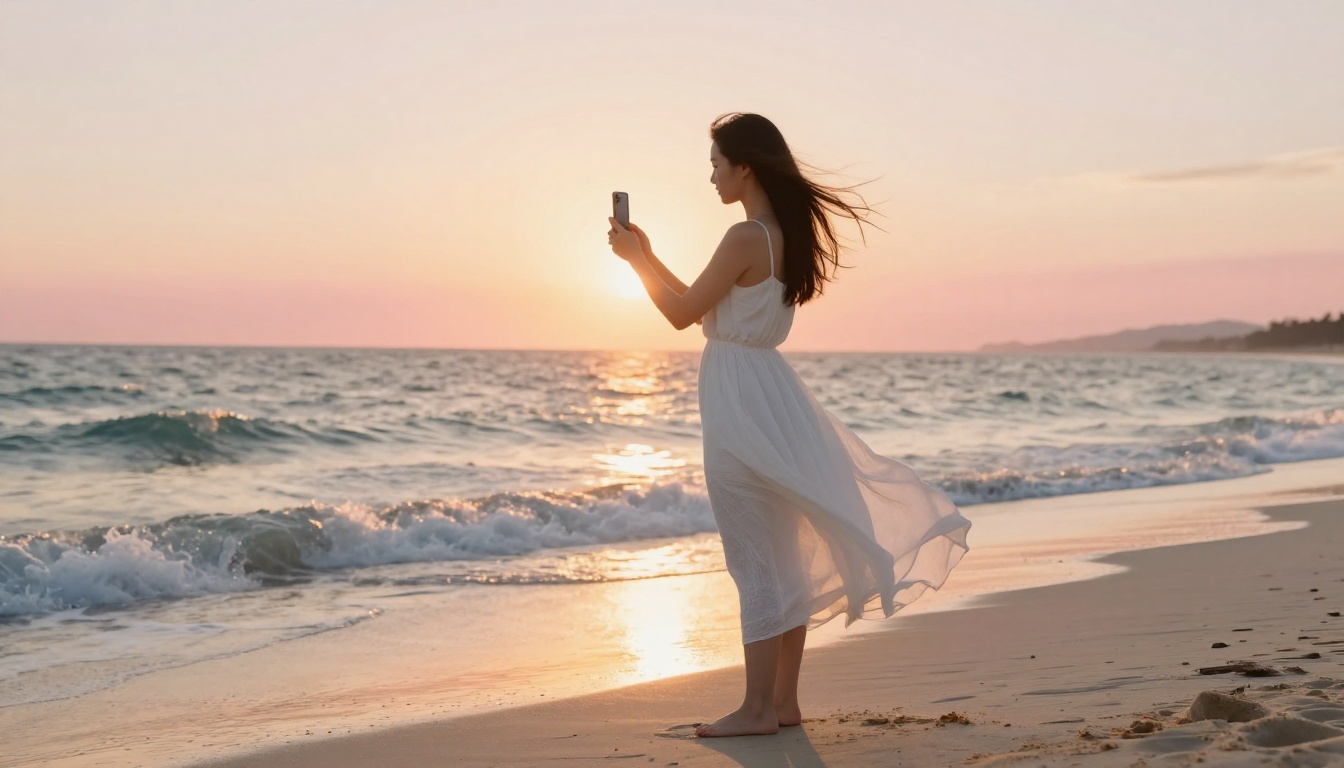
Beauty and lifestyle content dominates Reels in terms of save rates, which is the metric most strongly correlated with algorithmic reach. AI-generated lifestyle scenes work because you can produce aspirational content that would require expensive real-world shoots.
What performs well in this category:
- Morning routine aesthetics: warm apartment interiors, steam from coffee, golden early light through curtains
- Skincare textures: close-up of serums and creams in soft studio light, satisfying application motion
- Outfit reveals in interesting settings: rooftop at sunset, cobblestone streets, boutique hotel lobbies
- Mood videos: rain on windows, candles, ambient reading or journaling scenes
Sample prompt: "A woman with dewy skin and natural makeup sits at a vintage wooden vanity in a sun-drenched white bedroom, she lifts a small glass dropper and applies serum to her cheek in slow motion, the liquid catching the warm morning light, soft sounds of birds outside an open window, intimate and peaceful atmosphere."

Product Showcase Reels
Product videos that show context rather than just the product outperform traditional catalog-style ads significantly on Instagram. Seedance 2.5 generates products in aspirational settings with the motion and lighting quality that makes people stop scrolling.
What works for product content:
- Luxury goods in travel settings: a watch on the edge of a yacht, sunglasses beside a pool overlooking hills
- Food products in "made fresh" scenes: steam, natural light, hands at work in a real kitchen
- Fashion in dynamic environments: a dress in a market, a coat on a winter city street, jewelry at a candlelit dinner
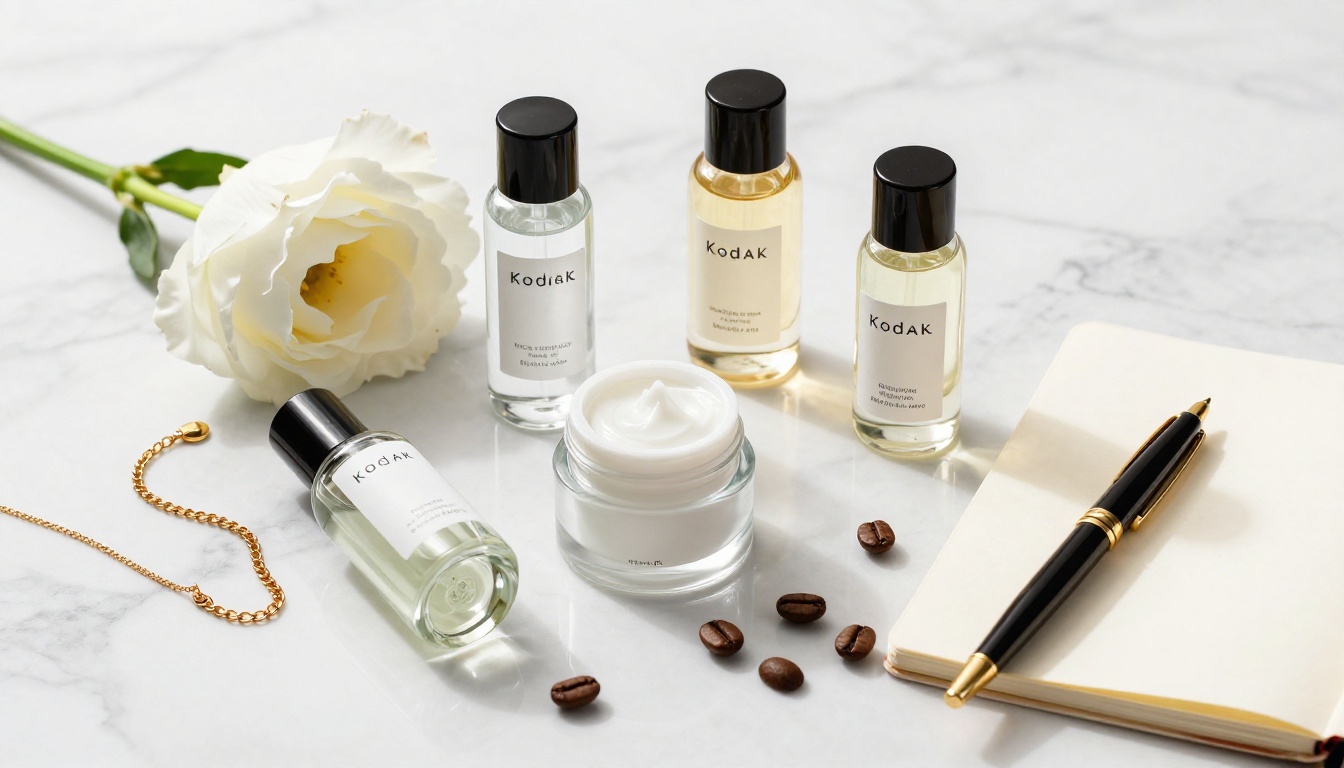
- Beauty at home: products on a marble bathroom counter in morning light
Sample prompt: "A glass perfume bottle with amber liquid sits on a marble counter near a frosted bathroom window, warm diffused morning light passes through the bottle creating a warm glow on the surface, a woman's hand enters the frame from the left and lifts the bottle gently, camera follows in slow motion, quiet ambient sound of a serene morning apartment."
Travel and Adventure Reels
Travel content on Reels performs because viewers are essentially experiencing the emotional pull of a place for 20 seconds. A photo shows the location. A video creates the feeling of being there. Seedance 2.5's atmospheric audio generation is particularly valuable here.
Travel Reel ideas with strong performance:
- Sunrise arrivals: approaching a famous landmark at dawn from first-person view
- Atmospheric descent: a reveal of a mountain valley with morning mist and birds
- City wandering: narrow street walking scenes in foreign cities with ambient market sound
- Weather moments: rain on a Japanese street at night, reflections of lights on wet pavement
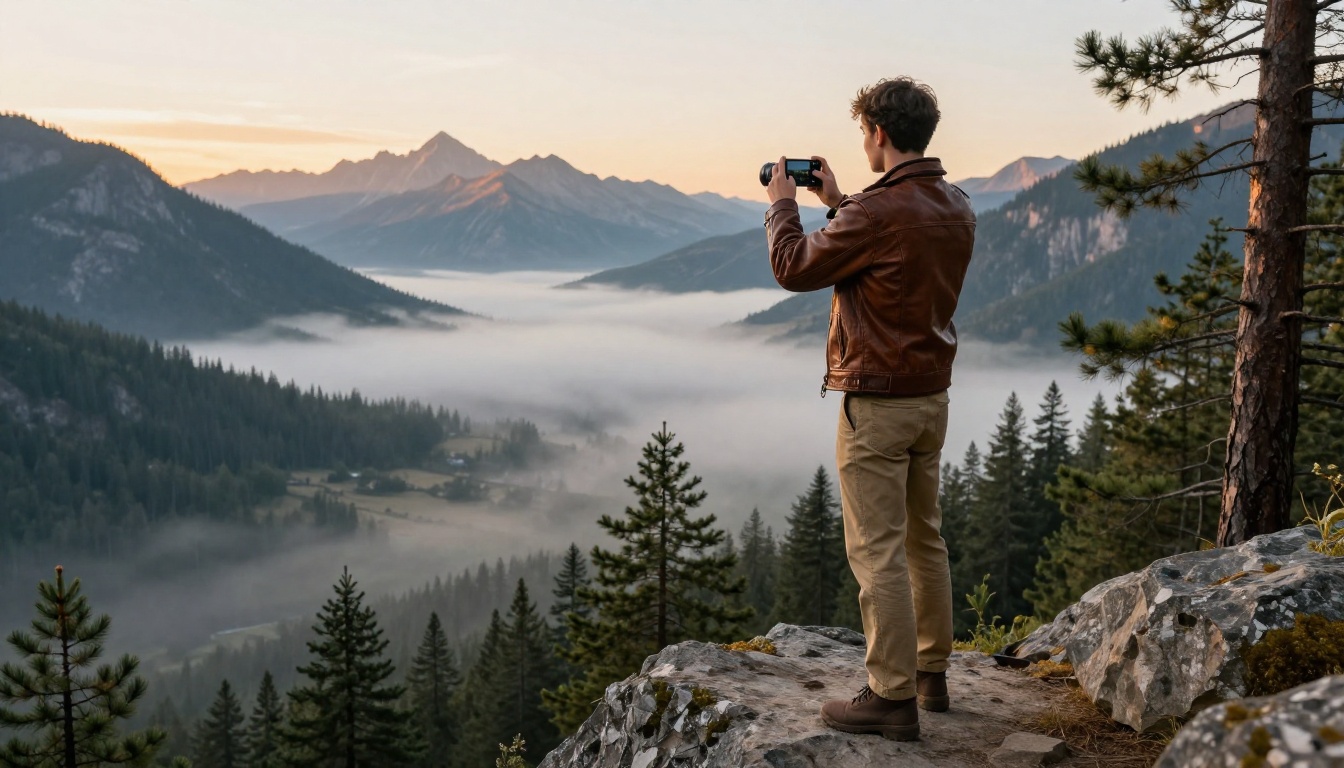
Sample prompt: "A traveler in a weathered leather jacket walks slowly toward the edge of a mountain cliff at dawn, the mist-filled valley spreads below, a distant eagle circles, wind audible as the camera stays close behind their shoulder, then slowly tilts up to reveal the full sunrise panorama, sound of wind and a single hawk call."
Making AI Reels Even Sharper
Seedance 2.5 outputs are strong by default, but two post-generation steps can take the result from good to genuinely standout quality.
Video Upscaling After Generation
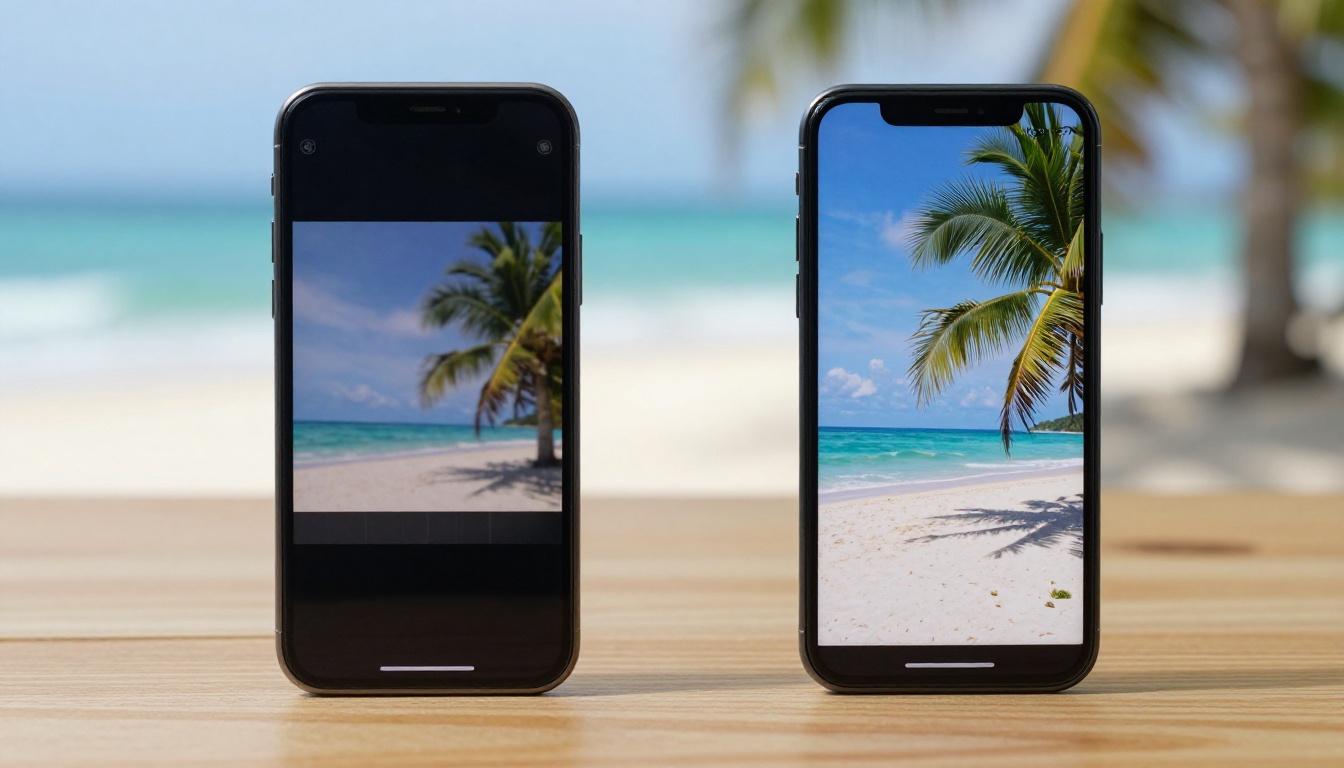
If you run Seedance 2.5 at 720p for speed, or if you want 4K output for repurposing to YouTube or for archiving, upscaling is the right next step. PicassoIA's Video Upscale by Topaz Labs processes AI-generated video and outputs at up to 4K. This is genuine detail recovery, not pixel stretching: edge sharpness improves, compression artifacts are removed, and micro-jitter in the footage is stabilized.
The quality difference is most visible on content that includes fine textures: skin detail in portraits, fabric in fashion Reels, glass surfaces and product packaging in product content. If your Reel involves close-up shots where surface quality matters, running through Video Upscale before posting makes a real, visible difference.
The Runway Upscale v1 is a useful alternative for content with fast motion or action scenes, where different processing priorities apply.
What to Combine With Seedance 2.5
Seedance 2.5 is a video generation tool. The workflow around it determines how complete and polished the final output is.
The practical three-step production flow: use Seedance 2.5 Lite to prototype, use Seedance 2.5 for the final generation, run Video Upscale on the output. This keeps costs minimal during the iteration phase and puts production effort only into ideas that actually work.
Other Models Worth Testing
If your content has specific requirements that Seedance 2.5 does not cover completely, PicassoIA's video model catalog has strong alternatives for every use case.
Kling v3 Video: Outstanding for sequences where camera movement needs to feel deliberately cinematic. Slow pans, orbital shots, and dolly-ins are particularly well-executed. The tradeoff is shorter maximum duration.
Wan 2.7 T2V: Handles complex scenes with multiple moving elements more reliably than most models in its category. Strong for action-heavy content and scenes with lots of environmental activity happening simultaneously.
Pixverse v5.6: The choice for editorial and stylized content. If your aesthetic is more creative or abstract, Pixverse handles atmospheric effects and visual style better than the photorealistic Seedance models.
Seedance 2.0 Mini: When you need high-volume output for testing multiple concepts, the Mini variant generates faster with slightly lower resolution. It is the right tool for the ideation phase when speed matters more than final quality.
💡 Strategy: Use Seedance 2.5 Lite for concept testing, Seedance 2.5 for final Reel production, and Video Upscale as the finishing step. This three-stage workflow keeps iteration costs low while putting quality effort only into content that is actually going to be posted.
Start Posting Today
Instagram rewards posting frequency above almost everything else. Accounts that post daily with solid quality consistently outperform accounts that post weekly with technically perfect content. The production bottleneck for most creators is time and resources, not ideas.
Seedance 2.5 removes that bottleneck. Every Reel idea you have had but never filmed because it was too expensive, too complicated, or too location-dependent is now a 90-second generation on PicassoIA. The free Seedance 2.5 Lite means you can test ten concepts before committing to a full run on any of them.
Write a prompt based on one of the structures in this article, generate your first Reel, review it, and post. That is the entire workflow. No camera, no location, no production team required. Try it now at PicassoIA and see what one good prompt produces.


