Seedance 2.5 dropped without much fanfare, which is ironic given what it can actually do. ByteDance's latest AI video model is purpose-built for long-form, cinematically coherent clips, and it changes what AI can realistically contribute to music video production. If you have spent any time using older AI video tools for creative projects, you already know the wall you hit: clips too short, motion too jittery, and audio that floats in from somewhere else with no real relationship to what you are watching. Seedance 2.5 addresses all three. This is a first look at what it does, how it performs on real music video workflows, and how you can start using it right now on PicassoIA.
What Seedance 2.5 Actually Is
Seedance 2.5 is ByteDance's fifth-generation video generation model, and it represents a significant architectural shift from its predecessor Seedance 2.0. The model is trained with a joint audio-visual objective, meaning it does not bolt audio on after the fact. It generates motion and audio as a unified output, which is rare among models currently available for public use.

30-Second Clips with Native Audio
The headline feature is clip length. Most AI video models cap out at 5 to 10 seconds per generation. Seedance 2.5 generates up to 30 seconds in a single pass. For music video work, this is a material difference. A 10-second clip is a cutaway. A 30-second clip is a scene. You can structure a full verse, hold on a performer's expression through a pivotal lyric, or let a landscape transformation unfold at its natural pace.
The audio component is not ambient filler either. The model produces synchronized atmospheric and music-adjacent sound that matches the visual energy of the clip. It does not generate vocals from a lyric sheet, but the tonal quality of the audio output tracks the visual rhythm of what is happening on screen.
The Motion Quality Leap from 2.0
Seedance 2.0 was already solid for AI video, but it showed common artifacts: temporal inconsistency on faces, clothing that warped at the edges of motion, and a tendency for backgrounds to shimmer in a way that read immediately as synthetic. Seedance 2.5 addresses all three through a new temporal attention mechanism that tracks objects across frames with far greater fidelity.
In practice, you notice it most when there is a performer moving against a stationary background. In 2.0, the background often "breathed" in an unnatural way. In 2.5, static elements hold still while dynamic elements move. That distinction alone justifies the version number. Earlier versions like Seedance 1.5 Pro and the original Seedance 1 Pro were foundational, but 2.5 is the first build that holds up to the demands of professional music video production.
Why Music Videos Are the Hardest Test
Music video production is a stress test for any AI video tool because it requires three things to work at once: motion that feels intentional, timing that relates to audio rhythm, and visual coherence across cuts. Most AI models can occasionally produce one of these. Almost none can reliably produce all three in a single generation.
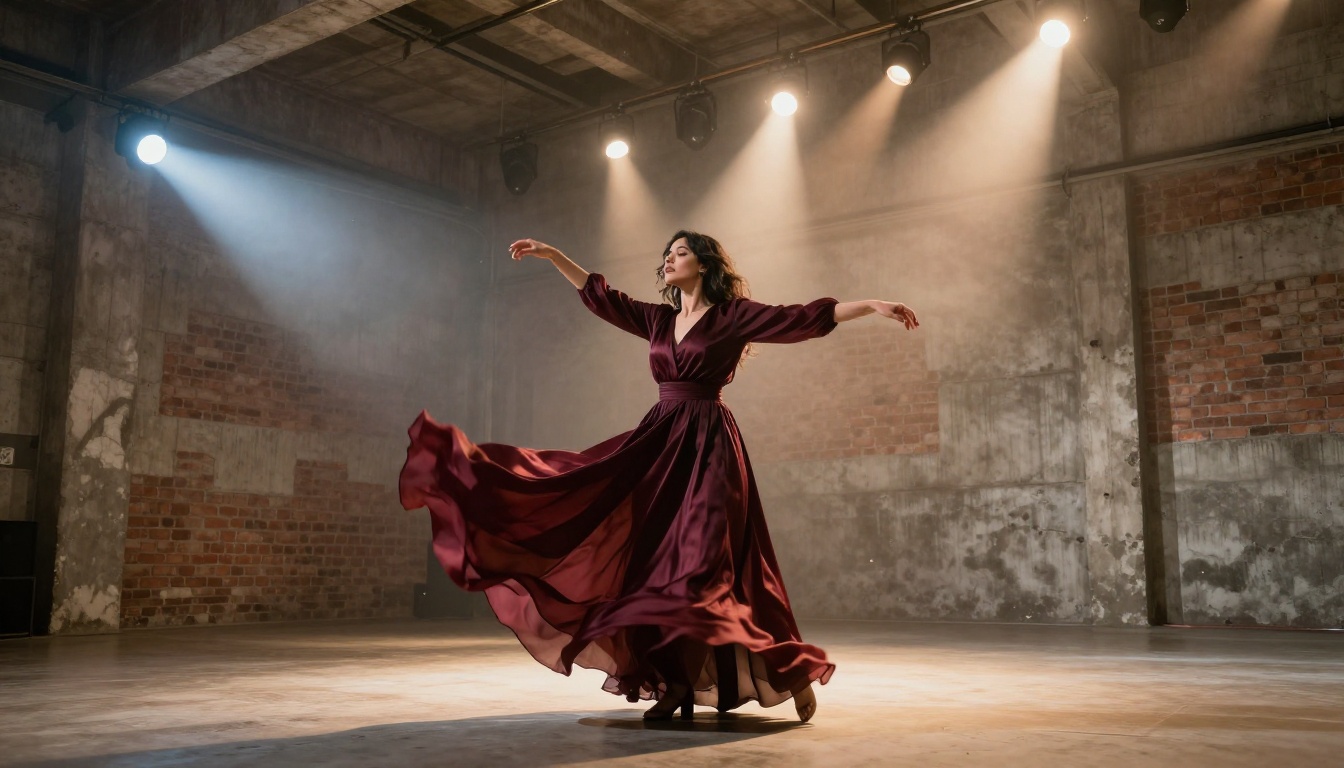
What Broke with Older Models
The failure modes of older AI video tools in music contexts were predictable:
- Clip length: At 5 seconds per generation, building a 3-minute music video required 36 separate generations that all needed to feel cohesive. They never did.
- Motion artifacts: Fast movement, especially on hands and faces, produced smearing and deformation that was unusable in any serious context.
- Audio disconnect: Models that added audio treated it as a post-process, generating sound that had no relationship to on-screen movement.
- Style drift: Generated across multiple clips, the visual style would shift between generations even with identical prompts and seeds.
Seedance 2.5 narrows all four of these gaps meaningfully. It does not fully close all of them, but it gets close enough to use in actual production workflows without constant patch-up work in post.
Rhythm, Timing, Visual Consistency
The native audio-visual training means that Seedance 2.5 generations have a natural relationship between motion speed and sonic energy. A prompt describing a fast-paced dance sequence produces clips where the movement has urgency. A prompt describing a slow, atmospheric performance produces clips that breathe differently. The model has internalized some notion of visual tempo, and it shows.
This is the feature that will matter most to music video directors working with AI tools, because it reduces the amount of re-prompting you need to do to get motion that feels musically appropriate.
How to Use Seedance 2.5 on PicassoIA
PicassoIA hosts both Seedance 2.5 and Seedance 2.5 Lite, the free and unlimited version capped at 10-second clips. For music video work requiring longer sequences, you want the full Seedance 2.5 model.
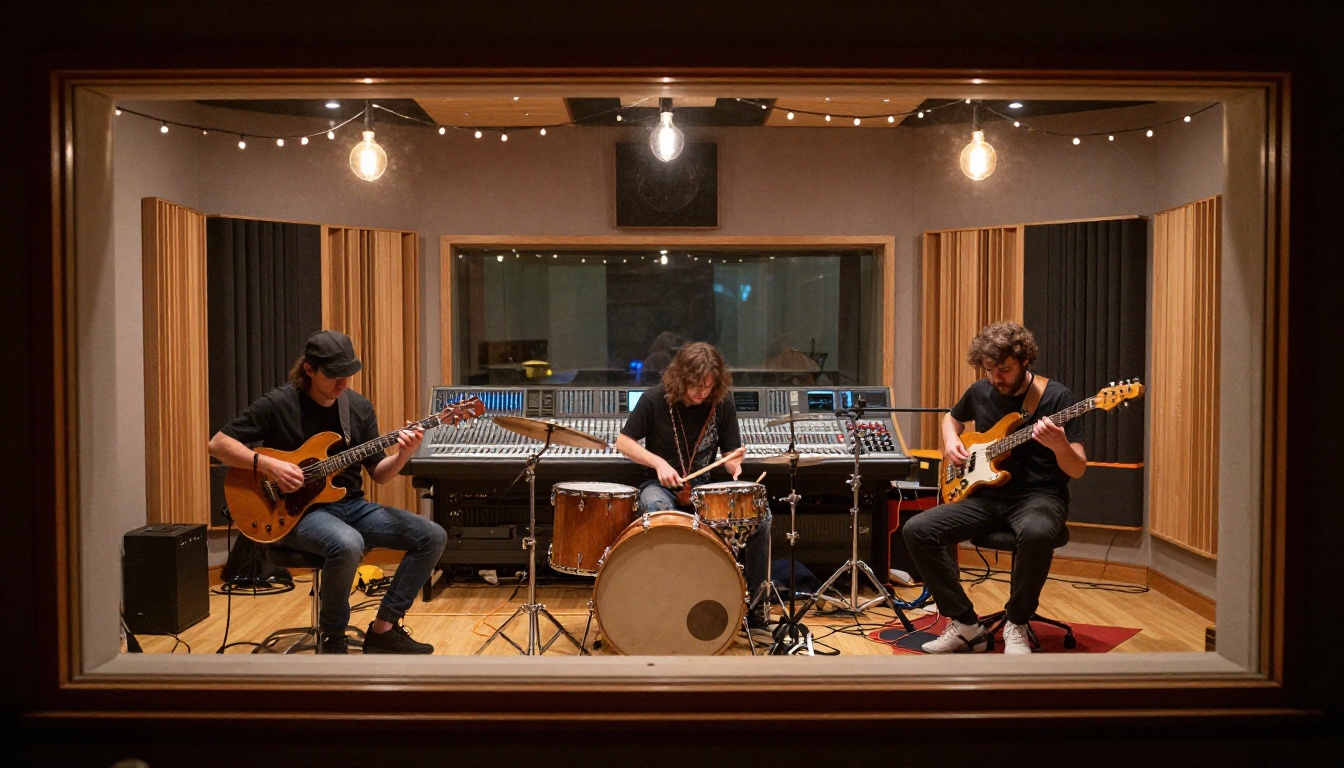
Step 1: Set Up Your Generation
Open Seedance 2.5 on PicassoIA and decide whether you are starting from a text prompt or an image. For music videos, image-to-video often produces better results because you can precisely control the composition of the opening frame before the motion begins.
A solid setup workflow:
- Generate a still image using any of the text-to-image models on PicassoIA (91+ options available).
- Use that still as the input frame for Seedance 2.5.
- Describe in the video prompt what motion you want to occur from that starting frame.
This two-step approach gives you far more control over the visual output than pure text-to-video for any production-grade work.
Step 2: Write Prompts That Hit the Beat
The prompt structure that works best for music video sequences is chronological and motion-specific. Describe what happens in order, not what the scene looks like statically.
Tip: Describe motion as a sequence of actions. Instead of "a woman dancing," write "a woman begins a slow turn, arms lifting from her sides as she completes the rotation, hair sweeping across her face in the final frame."
Additional prompt elements that improve music video output:
- Camera movement: "slow dolly forward," "gentle arc from right," "static wide shot"
- Lighting conditions: "single tungsten spotlight from above," "soft dusk light from the left"
- Pacing cues: "deliberate pace," "building momentum," "sudden stillness"
Avoid vague aesthetic terms and instead describe physical events. The model responds to action, not mood words.
Step 3: Resolution and Output
For music video production, generate at the highest available resolution. On PicassoIA, Seedance 2.5 produces output suitable for 1080p delivery. For higher-resolution needs, run the output through a super-resolution model afterward.
Tip: If your final output needs 4K, consider running the Seedance 2.5 clip through LTX 2.3 Pro for high-fidelity upscaling without introducing generation artifacts.
Seedance 2.5 vs. the Competition
Here is how Seedance 2.5 compares to the other major AI video models available on PicassoIA for music video use cases:
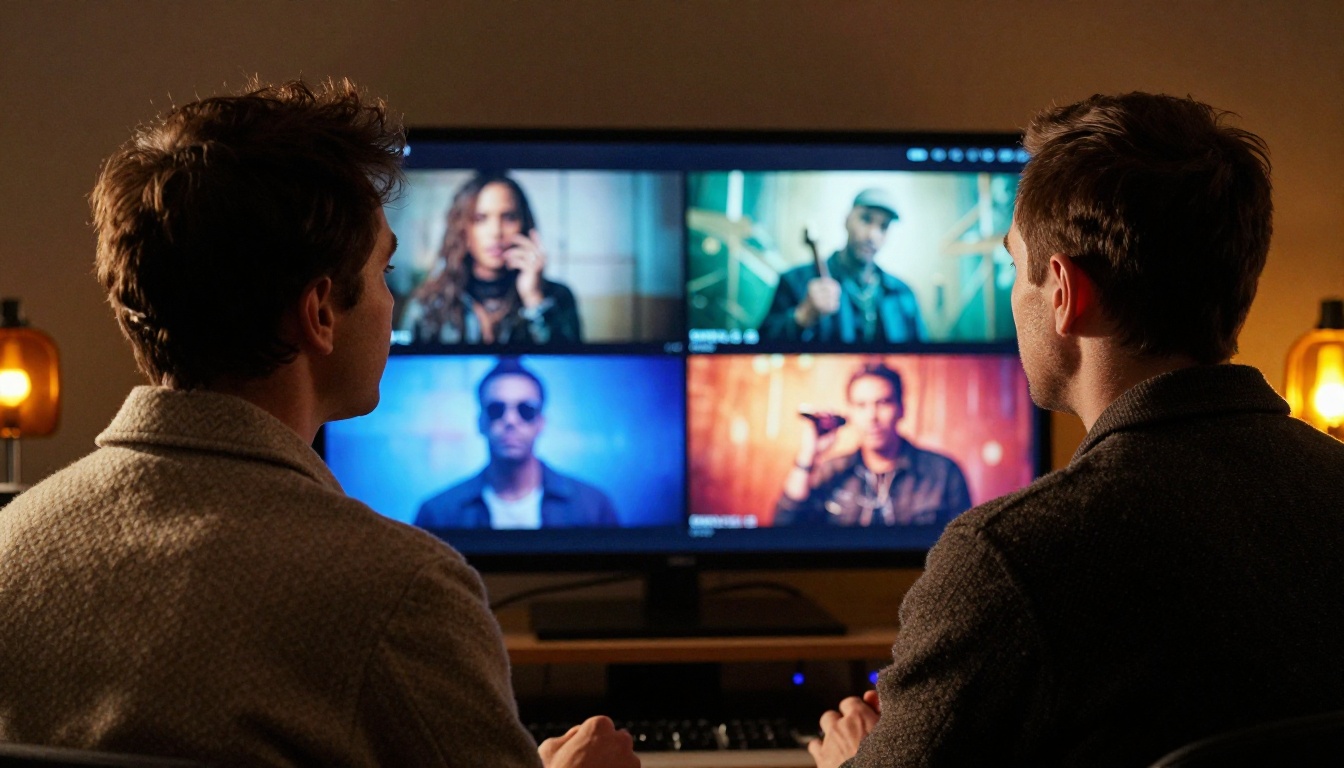
The table tells the story clearly. For music video work where you need long-form sequences with built-in audio, Seedance 2.5 has no real competitor right now. Veo 3.1 produces stunning clips but maxes out at 8 seconds. Sora 2 can stretch to 20 seconds but lacks the audio-visual joint training that makes Seedance 2.5 behave so differently on music-adjacent content. Kling v2.6 and Ray 3.2 remain excellent choices for short, polished clips, but neither addresses the clip length problem that has always made AI music video production feel like a patchwork exercise.
Visual Effects and Style Control
Music videos lean heavily on visual effects, and Seedance 2.5 gives you meaningful control over the motion and atmospheric character of each clip without requiring post-production software.
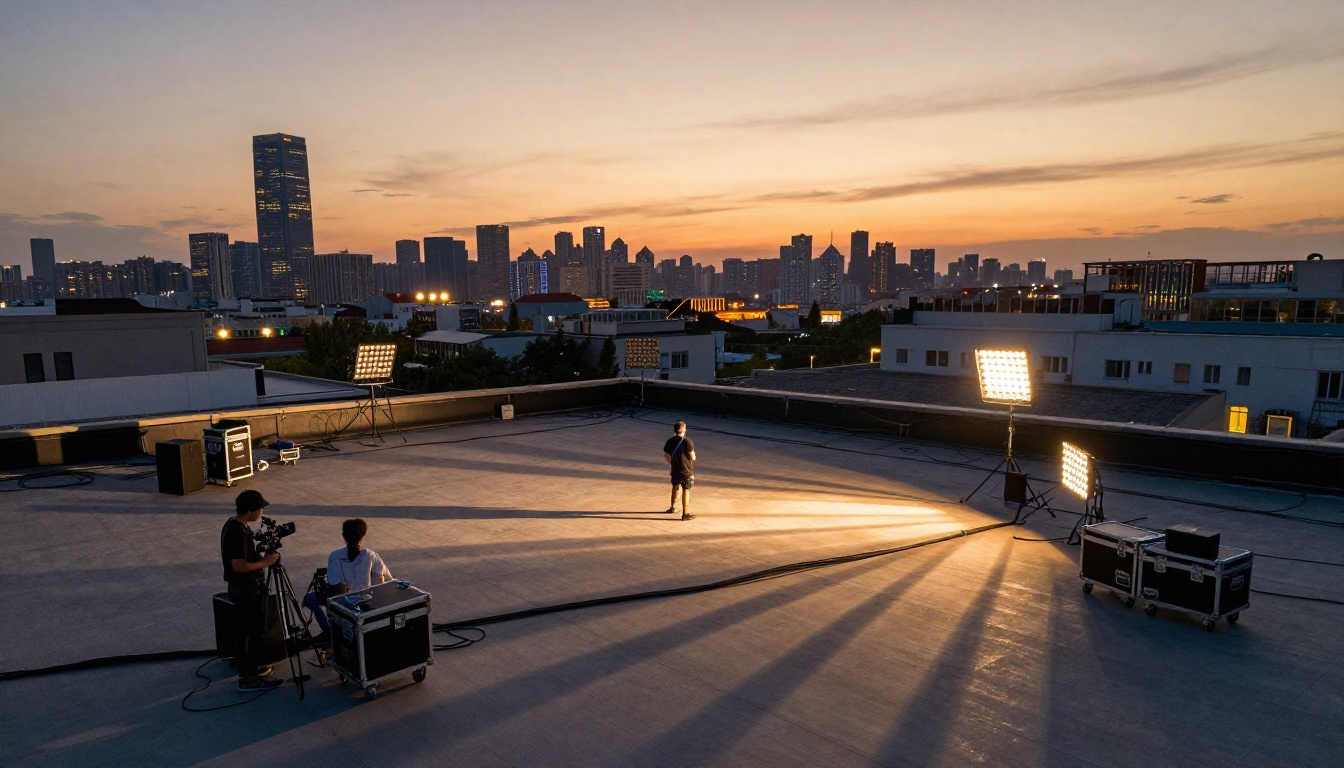
Motion Styles That Work
Through prompt engineering, you can reliably achieve several distinct motion styles with Seedance 2.5:
Slow burn: Perfect for ballads and atmospheric pieces. Prompt with minimal action and gradual camera movement. "A performer standing still as the camera drifts imperceptibly forward over 30 seconds" produces a clip that feels like it is breathing alongside the music.
Kinetic cut: For high-energy tracks. Describe rapid transitions between closely related compositions. "The performer pivots left, camera snaps right to follow, then pulls back to a wider frame as she extends her arms" reads as fast-cut ready from a single generation.
Atmospheric drift: Long establishing shots with environmental motion. Wind-moved foliage, crowd sway, fabric rippling. These work as interstitial clips between performance takes and give a music video room to breathe between high-energy sequences.
Tip: For visual effects-heavy sequences, pair Seedance 2.5 output with Pixverse v6 for clips where you specifically want cinematic AI audio layered over effect-rich visuals that Pixverse handles particularly well.
Lighting and Atmosphere Control
Lighting description in prompts has an outsized effect on output quality. The model responds well to physically specific lighting language:
- "Single overhead tungsten spotlight creating a hard circular pool of light on the floor"
- "Volumetric morning light entering from the left at 15 degrees above horizontal"
- "Practical backlighting from warm amber neon tubes behind the performer"
Vague terms like "good lighting" or "cinematic" produce inconsistent results. Physical specificity produces physically coherent lighting, which is critical when you are cutting between multiple Seedance 2.5 clips and need the look to match across scenes.
The Full Pipeline: AI Music + AI Video
The most interesting use of Seedance 2.5 is not as a standalone tool, but as the video layer in a fully AI-generated music video production pipeline. Here is how that pipeline works in practice, using tools already available on PicassoIA.

Generate the Track First
Before you touch the video layer, generate the audio. PicassoIA has a strong AI music generation library. The models worth knowing:
- Music 2.6: Generates full songs with vocals from a text prompt. Strong on pop, R&B, and hip-hop structures.
- Lyria 3 Pro: Google's flagship music model. Produces instrumentally rich, full-length compositions. Excels at orchestral and electronic genres.
- Stable Audio 2.5: Particularly strong for electronic and ambient music. High fidelity output with precise genre control.
- ElevenLabs Music: Composes full songs from descriptive text prompts. Reliable vocal presence and commercial-sounding arrangements.
- Lyria 3: Google's standard music generation tier, solid for original compositions across a wide range of genres.
Start with Lyria 3 Pro or Music 2.6 if you want a full track with vocals. Use Stable Audio 2.5 if you want instrumental music that you can narrate over or pair with on-screen dialogue.
Match Visuals to Audio Mood
Once you have the audio, listen to it twice before writing a single video prompt. What you are listening for:
- Energy curve: Does the track build, peak, then drop? Your video prompts should mirror that arc across the sequence of clips you generate.
- Texture: Is it busy or sparse? Sparse audio with minimal instrumentation pairs with visually still, slow-moving clips. Dense audio benefits from kinetic video movement.
- Emotional tone: Cold and distant tracks call for wide shots, cool lighting, minimal human proximity. Warm, intimate tracks want close-ups and soft practical lighting.
This audio-to-visual mapping is what separates a collection of AI-generated clips from an actual music video.
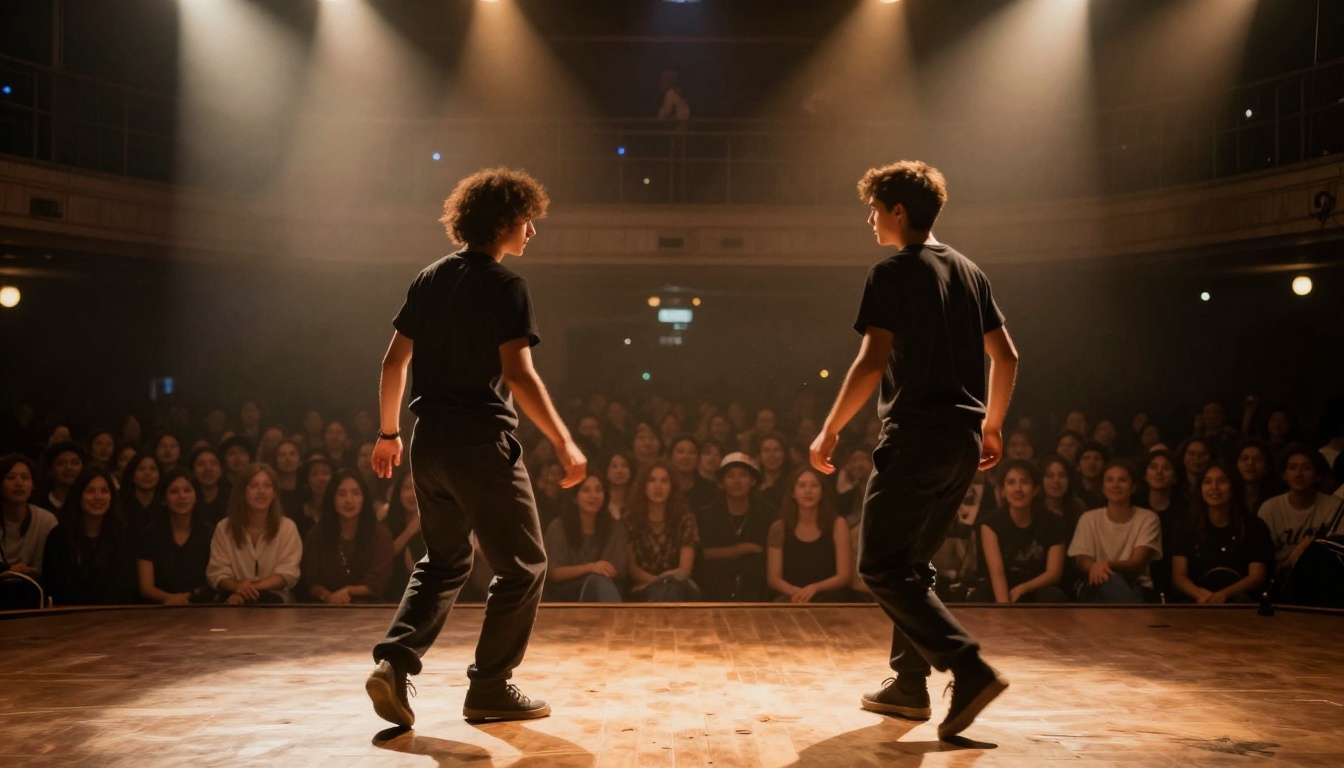
The Audio to Video model from Lightricks on PicassoIA takes this pairing a step further, animating still images directly to the rhythm of an audio input. For production work that requires tight sync between music and visual movement, this model works as a complement to Seedance 2.5 rather than a replacement. Use Seedance 2.5 for long-form scene generation and Audio to Video for precise rhythm-locked clips where the beat matters at the frame level.
What Seedance 2.5 Still Gets Wrong
Honest assessment matters. Seedance 2.5 has real limitations that show up consistently in music video production workflows, and knowing them upfront saves you from wasted generations.
Hand detail at distance: Hands remain a known weak point in AI video generation. At close range, Seedance 2.5 handles hands better than most competing models. At medium to long distances, fingers tend to blend or multiply in complex gestures, which makes crowd shots and full-body dance sequences unreliable.
Sustained facial motion over 20+ seconds: For clips between 5 and 15 seconds, facial coherence is excellent. Push toward the 25 to 30 second range and subtle drift begins to appear, especially on close-up shots held for extended periods.
Prompt-to-audio alignment: While the audio is generated jointly with the video, you cannot directly specify what the audio should sound like. It is inferred from the visual prompt. For productions where you have a specific generated track you want to match, the sync is approximate, not precise. Pair with Audio to Video when you need frame-accurate beat sync.
Rapid cut sequences: The model generates continuous motion well. It does not generate "cuts" within a single clip. If your music video style requires rapid editorial cutting every 2 to 3 seconds, you still need to generate each shot separately and edit them together in post.

These limitations are real, but they are also manageable. Structuring your video prompts around medium shots rather than extreme close-ups reduces the facial drift issue. Keeping complex hand gestures out of the frame eliminates the hand deformation problem. Generating at the 15 to 20 second range rather than maxing out at 30 gives you better consistency without sacrificing the extended-clip advantage that makes Seedance 2.5 worth using in the first place.
Start Creating on PicassoIA
Seedance 2.5 is the best argument yet that AI video has crossed the threshold into legitimate music video production. The combination of 30-second clip lengths, native audio-visual training, and improved temporal consistency means that what once took hours of manual editing across dozens of short AI clips can now happen in a fraction of the time with far better visual coherence.
The platform to access it is PicassoIA, where both the full Seedance 2.5 and the free Seedance 2.5 Lite are available alongside 117+ video models and a deep AI music generation library. The full pipeline, from track creation with Lyria 3 Pro or Music 2.6 through scene generation with Seedance 2.5, lives in one place.

Start with Seedance 2.5 Lite for free to get a feel for how the model responds to different prompt structures. Then move to the full Seedance 2.5 when you are ready to build 30-second scenes. Combine it with Stable Audio 2.5 or Music 2.6 for tracks, and you have everything needed to produce a full AI music video without leaving the platform.
Browse the full model library at picassoia.com/en/all-models and pick your starting point.


