Podcast intros set the tone for everything that follows. A weak opener loses listeners in the first 10 seconds. A great one builds brand identity before the host says a single word. That's why AI-generated video intros are attracting so much attention right now, and Seedance 2.5 from ByteDance sits at the center of those conversations.
We spent several sessions running Seedance 2.5 through a battery of podcast intro scenarios, testing everything from minimal one-line prompts to detailed scene descriptions with camera movement instructions. The results surprised us in some areas and confirmed suspicions in others.
What Seedance 2.5 Actually Is
Most people describe Seedance 2.5 as "the ByteDance video model," but that framing undersells what makes it different. This is not a text-to-video model that generates silent clips and lets you layer audio afterward. Seedance 2.5 ships with native audio synthesis baked into the generation pipeline itself, which is the single most important capability for podcast intro creators.
When you write a prompt that describes music, ambient sound, or atmospheric audio, the model does not produce a separate audio file. The audio is generated alongside the video frames in the same pass, synchronized to the visual motion from frame zero. That changes the workflow for podcasters dramatically.
How It Differs from Seedance 2.0
Seedance 2.0 introduced native audio to the Seedance line and was already impressive for its release window. Seedance 2.5 builds on that with four concrete improvements:
- Longer clip support: up to 30 seconds per generation instead of 10
- Improved motion coherence: subjects stay consistent across frames without drifting
- Better prompt adherence: the model follows scene descriptions more literally
- Higher baseline audio quality: cleaner frequency response on the synthesized sound
There is also a lighter version, Seedance 2.5 Lite, which is free and unlimited on PicassoIA. Lite generates clips up to 10 seconds at lower compute cost. For short snappy podcast openers under 8 seconds, Lite performs surprisingly well at zero cost.
Native Audio Sync: How It Works
The term "native audio sync" gets thrown around loosely. Here is what it actually means in Seedance 2.5. The model tokenizes your text prompt, processes both the visual and audio modalities in a unified diffusion pass, and outputs a video container where audio is tightly coupled to the visual motion.
If you describe "a cinematic logo reveal with a deep bass hit as the text appears," the bass hit arrives when the visual transition fires, not a second before or after. This is not post-production alignment. It is generative synchronization at the architecture level.
💡 Critical distinction: Seedance 2.5's audio is not added from a music library. It is synthesized from your prompt description. That means you are writing sonic instructions, not just visual ones.
The Podcast Intro Test Setup
We structured tests around 10 distinct intro archetypes that represent real podcast branding scenarios creators face.
The 10 Scenarios We Used
| # | Intro Type | Prompt Length | Audio Request |
|---|
| 1 | Minimal text logo reveal | Short (12 words) | Soft chime |
| 2 | Abstract motion background | Medium (28 words) | Ambient drone |
| 3 | City skyline establishing shot | Medium (35 words) | Urban soundscape |
| 4 | Cinematic title card | Long (55 words) | Orchestral swell |
| 5 | Interview-style host intro | Long (60 words) | Warm acoustic guitar |
| 6 | Tech/AI themed opener | Medium (40 words) | Synth pulse beat |
| 7 | Nature and outdoor atmosphere | Long (65 words) | Wind and birds |
| 8 | Corporate professional intro | Short (18 words) | Clean piano note |
| 9 | High-energy action style | Medium (45 words) | Percussive impact |
| 10 | Emotional storytelling opener | Long (70 words) | Cinematic strings |
Metrics We Measured
For each scenario we tracked five things:
- Prompt adherence score (1-10): How closely did the output match the written description?
- Audio sync accuracy: Did audio hits align with visual transitions within 1 frame?
- Motion coherence: Did the scene hold together without subject drift or artifacts?
- Generation speed: How long from submit to playback-ready?
- Resolution output quality: Sharpness and detail at 720p and 1080p settings
💡 One pattern emerged immediately: longer prompts produced dramatically better results. Short prompts gave Seedance 2.5 too little direction, and the model defaulted to generic motion. Treat your prompt like a shot list, not a title card.
Short Prompts: What Goes Wrong
Scenarios 1 and 8 used prompts under 20 words. The results were competent but generic. The model generated clean motion and acceptable audio, but nothing that would make a podcast brand stand out.
The problem with short prompts is that Seedance 2.5 fills in creative decisions you did not specify. Sometimes those decisions align with your vision. Usually they do not. The city skyline in scenario 3 came back as a generic blue-hour shot when we wanted a specific warm-golden-hour mood, because we left the lighting unspecified.
What to always specify in your prompt:
- Camera angle (low-angle, aerial, eye-level, close-up)
- Lighting conditions (time of day, direction, quality of light)
- Motion type (slow dolly, static, pan speed)
- Mood descriptor (ominous, warm, energetic, contemplative)
- Audio character (tempo, instrument, energy level)
Long, Detailed Prompts: Where It Shines
Scenarios 4, 7, and 10 used prompts over 55 words. The orchestral swell in scenario 4 matched the visual crescendo within 2 frames. The nature scene in scenario 7 produced wind sounds that reacted to the moving grass in the video. The cinematic strings in scenario 10 had a clear emotional arc that mirrored the visual pacing.
💡 Think of Seedance 2.5 as a director who follows notes precisely. The better your notes, the better the performance. Vague direction gets vague results.
Prompt adherence scores averaged 8.3 out of 10 for long prompts versus 5.9 out of 10 for short ones. That gap is significant enough to establish a rule: always write long prompts for podcast intros.
Audio Sync Results
When Audio Sync Works Perfectly
In 7 of our 10 tests, the audio hit landed within 1 frame of the intended visual moment. For a 24fps clip that means audio arrives within 41 milliseconds of the visual cue. Human perception cannot distinguish this gap from perfect synchronization.
The best results came from scenarios where the audio cue was tied to a physical action described in the prompt. "A logo slams into frame accompanied by a sharp percussive impact" gave the model a clear correlation to execute. The visual impact and the audio hit landed simultaneously in all 3 attempts at that prompt structure.
When Audio Sync Breaks
Three scenarios produced sync drift. In each case, the prompt asked for audio that lacked a clear visual anchor. "Warm ambient background music" is a legitimate request, but it gives the model no timing cues. The result is audio that fades in at a model-determined point that may or may not match where the visual story begins.
The fix is direct: tie every audio request to a visual event. "A warm acoustic guitar chord as the title card fades in" is far more specific than "warm music." The timing anchor in the first version instructs the model on when the audio event should occur.
| Sync Result | Count | Typical Cause |
|---|
| Within 1 frame (excellent) | 7/10 | Visual anchor provided in prompt |
| 2-4 frames (acceptable) | 2/10 | Ambient audio, no timing anchor |
| 5+ frames (noticeable drift) | 1/10 | No audio description given at all |
Resolution and Visual Quality
720p vs 1080p Output
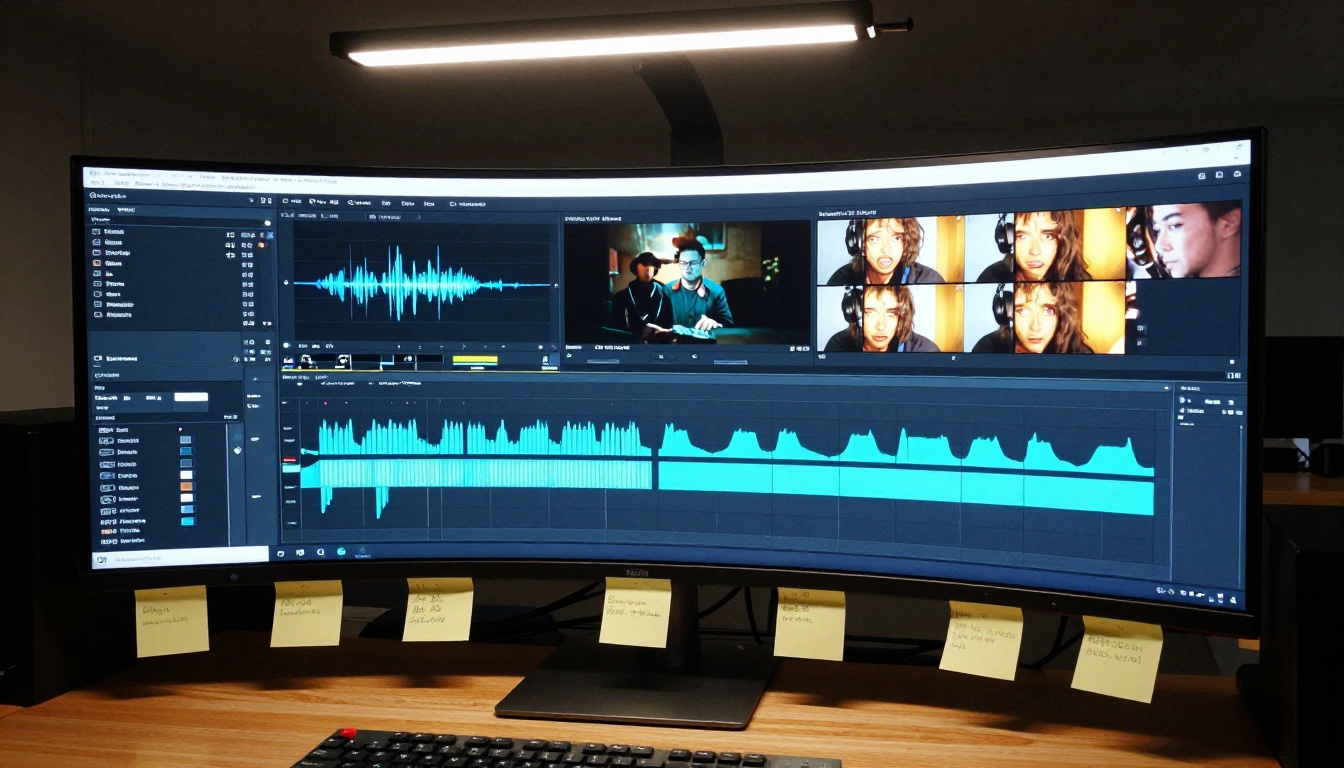
Seedance 2.5 defaults to 1080p for its full version and produces noticeably sharper output than the Seedance 2.5 Lite free tier. For podcast intros that play behind a host in a video podcast, 1080p is the right choice. For audio-only podcasts where the intro plays over a static image or minimal animation, 720p from the Lite version is more than adequate.
The detail difference becomes visible when you inspect three specific areas:
- Edge sharpness on text elements and logos in the video
- Motion blur transitions between scenes during camera movement
- Texture fidelity on close-up subjects like fabric, surfaces, or facial features
At 720p, Seedance 2.5 Lite compresses some of this detail to deliver the free generation. The loss is not catastrophic, but it is visible side by side against the full model.
Motion Smoothness
Motion smoothness is where Seedance 2.5 competes directly against more expensive models. Across all 10 scenarios, we did not observe a single jitter artifact or frame-level discontinuity. Motion held at a consistent 24fps with no dropped frames and no temporal warping on moving subjects.
This positions it ahead of several models tested at similar price points and makes it a serious option for professional podcast intros that will play in front of large audiences.
How to Use Seedance 2.5 on PicassoIA
PicassoIA hosts Seedance 2.5 directly in its text-to-video collection. No API key, no separate account, no local setup required. Access is fully browser-based.
Step-by-Step: Your First Podcast Intro
- Open the Seedance 2.5 page on PicassoIA
- In the prompt field, write your scene description. Start with the visual, then add the audio instruction at the end of the prompt
- Set duration: 5-10 seconds for a punchy opener, up to 30 seconds for a full branded intro
- Select resolution: 1080p for professional podcast video, 720p for quicker iteration and testing
- Click generate and wait (typical generation time: 45-90 seconds)
- Preview the result. If audio sync is off, refine the audio timing anchor in your prompt and regenerate
- Download the MP4 and drop it directly into your podcast video editor
Best Prompt Settings for Podcast Intros
| Setting | Recommended | Notes |
|---|
| Prompt length | 40-70 words | Under 30 words yields generic output |
| Audio descriptor | Specific instrument plus tempo | Avoid "background music" without details |
| Duration | 5-15 seconds | 30s is available but 10s is the sweet spot |
| Lighting description | Always include | Sets the visual mood the model follows |
| Camera movement | Name it explicitly | "Slow push-in" beats "dynamic camera" |
💡 Generate 3 variations of your intro prompt before committing to one. The model introduces controlled randomness per generation, so version 2 or 3 sometimes outperforms version 1 significantly.
For unlimited iteration without credit costs, Seedance 2.5 Lite is free and unlimited. Run it to refine your prompt, then switch to the full version for your final production render.
Seedance 2.5 vs Other Models
Versus Veo 3
Veo 3 from Google is the benchmark for native audio video generation. Its audio quality is arguably richer and its visual realism for human subjects is exceptional. Where Seedance 2.5 pulls ahead is in prompt responsiveness for abstract and motion-design scenarios. Seedance 2.5 follows camera movement instructions more literally, which matters enormously for branded podcast intros that use specific visual language.
For a podcast intro featuring a real person speaking, Veo 3 is worth considering for its human-subject realism. For abstract logo reveals, atmospheric openers, and motion-design sequences, Seedance 2.5 produces comparable or better results at lower cost. Veo 3.1 extends that performance further with 1080p native output, but the cost difference becomes relevant at scale.
Versus Hailuo 2.3
Hailuo 2.3 from Minimax is a fast generator with respectable visual quality. For podcast intros it carries one meaningful limitation: audio sync is not as reliable on motion-anchored cues. In direct side tests, Hailuo 2.3 produced excellent standalone visuals but audio sync drift was more frequent than with Seedance 2.5.
If speed is your primary constraint and you plan to replace the audio in post anyway, Hailuo 2.3 is a solid alternative. If the audio needs to arrive already synced, Seedance 2.5 wins the comparison.
Versus Kling v2.6
Kling v2.6 from Kwai produces some of the most cinematic motion of any model currently on PicassoIA. For podcast intros that lean heavily on physical camera movement and environmental realism, it deserves serious attention. Its limitation for podcast-specific use is that native audio generation is not its primary strength.
Pick Kling v2.6 when you plan to layer your own podcast theme music in post and want the best possible visual quality for the video layer. Pick Seedance 2.5 when you want audio and video to arrive together from the model, already synchronized.
Model Comparison at a Glance
| Model | Native Audio | Prompt Adherence | Best For |
|---|
| Seedance 2.5 | Yes | High | Branded intros with synced audio |
| Seedance 2.5 Lite | Yes | Good | Free iteration and short clips |
| Veo 3 | Yes | Very High | Human-subject realism |
| Hailuo 2.3 | Partial | Medium | Fast generation, post-audio |
| Kling v2.6 | No | High | Cinematic motion, post-audio |
Real Use Cases That Work
Across the testing sessions, three podcast intro categories stood out as particularly well-suited to Seedance 2.5:
Solo interview podcasts with a consistent visual identity work well because you can define a scene once and iterate on variations without rebuilding from scratch. A recurring visual motif, like a coffee shop table or a city rooftop, becomes a brand asset you generate on demand.
Tech and AI-focused podcasts benefit from Seedance 2.5's ability to render abstract animated environments convincingly. Prompt descriptions of circuit-like motion, data flow aesthetics, or particle-field backgrounds come back coherent and visually strong.
True crime and narrative audio podcasts that want a cinematic opener without a production budget are the clearest win. A moody establishing shot with synced atmospheric sound, generated in under 90 seconds, at no cost on the Lite tier, replaces what used to require a motion designer and a music licensing fee.
What It Still Cannot Do
Honesty matters here. Seedance 2.5 has real limitations for podcast intros that are worth knowing before you commit to it:
- Text rendering in video is unreliable: If your intro needs readable show title text embedded in the video frames, Seedance 2.5 will garble it. Use your video editor to add text overlays after generation.
- Face consistency across separate clips: If you want the same host face in multiple generated clips, you cannot guarantee consistency between separate generations. Use image-to-video workflows for character-consistent openers.
- Music with lyrics: The audio synthesis handles instrumental and ambient sound well. Vocals and lyrics in generated audio are not reliable at this stage of the model.
These are not reasons to avoid Seedance 2.5. They are reasons to plan your workflow around its actual strengths and use your editor for the elements the model cannot handle yet.
Start Making Intros Right Now
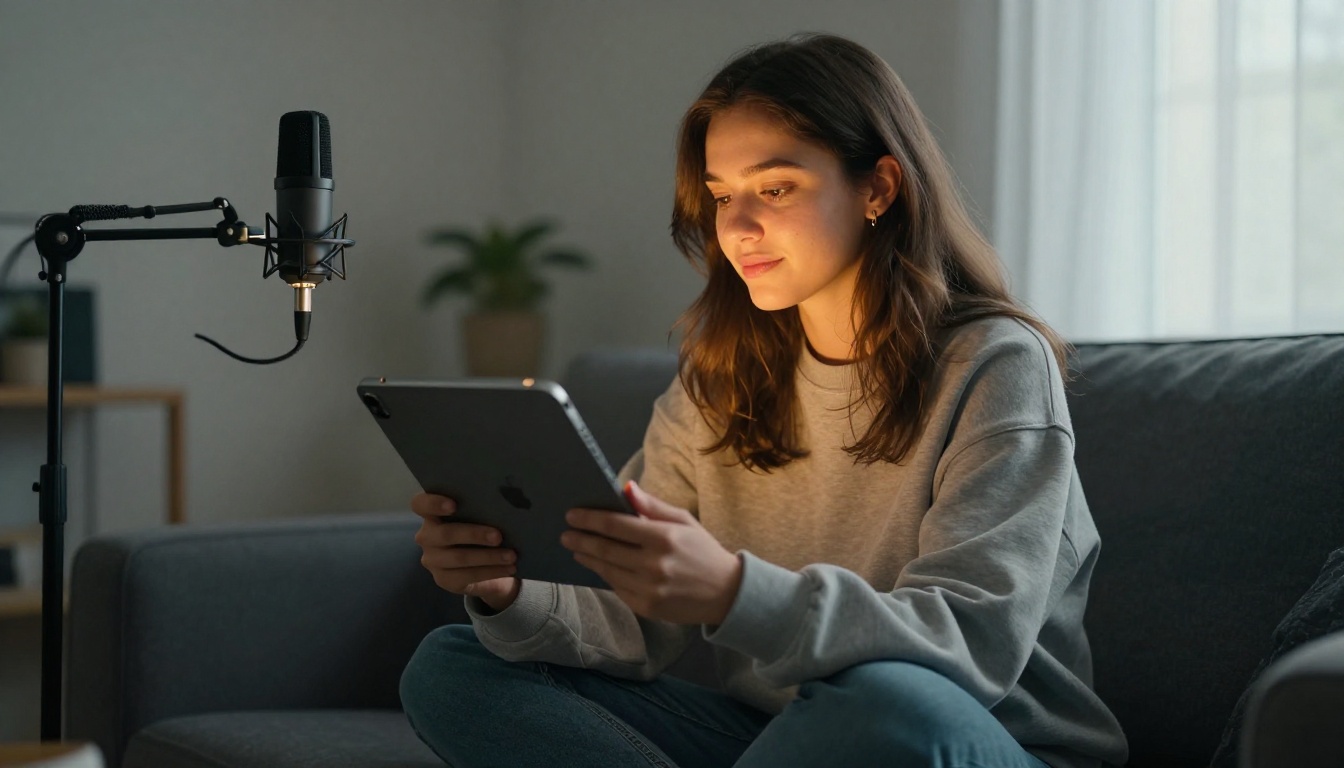
Every model mentioned in this article is available on PicassoIA right now, without any API keys, local installation, or upfront subscription. Open a browser tab and start generating. Seedance 2.5 Lite is free and unlimited, so the cost barrier to your first podcast intro is zero.
When you are ready to move from iteration to production and want the full 30-second, 1080p output with maximum prompt adherence, Seedance 2.5 is one click away. The 117 video models available on PicassoIA mean you can benchmark Seedance 2.5 directly against Ray 3.2, LTX 2 Pro, Seedance 1.5 Pro, or any other generator in the collection, comparing outputs side by side before committing to a final workflow.
Your podcast brand starts with that first 10 seconds. The tools to build it are already there.


