If you've spent any time generating AI video, you know the upscaling ritual. Generate a clip, notice the soft edges, run it through a super-resolution model, wait again, compare, repeat. For years this was just part of the workflow. Seedance 2.5 raises a direct question: does that ritual still belong in your process?
ByteDance's latest video generation model outputs native Full HD (1080p) by default. Not upscaled to 1080p. Not 720p with sharpening applied afterward. Actual native resolution, rendered at the source. That distinction matters more than it sounds, and this article breaks down exactly when it changes your workflow and when upscaling still earns its place.
What Full HD Actually Means for AI Video
1080p vs. the old standard
Most AI video generators, even high-quality ones, have historically produced output at 720p or lower. The reasons are computational: rendering at full 1080p costs significantly more memory and processing time per frame. Models that claimed "1080p output" often achieved it through post-generation upsampling rather than true native generation, which means the detail was interpolated rather than synthesized from the model's learned data.
Native 1080p generation means the model is predicting pixel values at full resolution during inference itself. Every frame, every motion blur, every texture transition is computed at 1920x1080, not scaled up from a smaller canvas. The difference is most visible in:
- Fine textures such as fabric weave, hair strands, or grass blades
- Edge transitions where objects meet backgrounds
- Motion clarity in fast-moving subjects
- Compression artifact resistance during encoding
Why resolution alone doesn't tell the whole story
Raw resolution numbers only tell you the pixel count. Quality depends on how that resolution is used. A 1080p video with heavy compression artifacts can look worse than a well-encoded 720p clip. Factors that actually determine perceived sharpness include:
| Factor | What It Affects |
|---|
| Native vs. upscaled generation | Micro-detail authenticity |
| Bitrate during encoding | Compression block artifacts |
| Motion handling | Edge coherence in movement |
| Temporal consistency | Frame-to-frame stability |
| Prompt specificity | Detail level in generated content |
Seedance 2.5 addresses the first factor at the architecture level. The others remain in your control through prompt craft and export settings.
How Seedance 2.5 Outputs Native 1080p
The architecture behind native Full HD
Seedance 2.5 uses a diffusion transformer architecture trained on high-resolution video data. Unlike older generation models that operated in a compressed latent space optimized for lower resolutions, Seedance 2.5's latent compression ratio preserves more spatial information, allowing the decoder to reconstruct full 1080p frames with genuine high-frequency detail rather than smoothed approximations.
The practical result: when you generate a clip of a person walking through a market, the individual fabric threads on their clothing, the texture of cobblestones underfoot, and the sharp boundary between a subject and an out-of-focus background all render with genuine fidelity. Previous models often smoothed these areas because the lower-resolution latent space simply lacked room to encode them.
What changed from Seedance 2.0 to 2.5
Seedance 2.0 was already a capable model with solid motion quality and reasonable temporal coherence. The jump to 2.5 brought three concrete improvements:
- Native 1080p inference rather than post-generation scaling
- Improved motion consistency across 10-30 second clip durations
- Better prompt adherence for compositional elements like scene framing and subject placement
The motion consistency gain matters specifically for workflows where upscaling was previously necessary to mask temporal flickering at lower resolutions. At 1080p with improved frame-to-frame stability, that masking need disappears for most use cases.
Seedance 2.5 vs. the Competition
How it stacks up
Full HD output is becoming more common across top-tier models. Here is where Seedance 2.5 sits relative to comparable generators available on PicassoIA:
Seedance 2.5 stands out for combining native Full HD with long-form clip support up to 30 seconds and synchronized native audio. That combination eliminates two common post-processing steps at once: upscaling and audio overlay.
Where the differences actually show
Competitor models at 1080p often favor sharpness over natural motion. Seedance 2.5 tends to prioritize temporal coherence, meaning the motion across frames is smooth and natural rather than hyper-sharp with occasional jitter. For footage meant to feel documentary or cinematic, this is typically the right tradeoff. For product showcase videos where maximum frame-level sharpness matters, LTX 2 Pro's 4K output may justify the additional generation time.
Where Upscaling Still Makes Sense
The cases where 1080p isn't enough
Native 1080p from Seedance 2.5 is excellent for most distribution channels: social media, web embedding, streaming platforms, and standard HD broadcast. There are specific scenarios where you still need more:
4K cinema or exhibition. If your video plays on a 4K projector in a cinema setting or on a large-format display, 1080p will show visible softness at close viewing distances. For these use cases, running your Seedance 2.5 output through an AI super-resolution model to reach 4K is still worth the step.
Print or large-format exports. When you need a still frame from video for print or very large digital billboard use, starting from 1080p and upscaling to 4K before extraction gives you significantly more latitude.
High-bitrate archival. Some broadcast and archival standards demand 4K master files even when distribution is 1080p. In those workflows, upscaling from a 1080p source to a 4K archive is standard practice regardless of the source generator.
Cropping flexibility. If your post-production workflow involves significant cropping, reframing, or digital zoom, starting at 1080p limits how much you can crop before quality degrades. Upscaling to 4K first gives you more pixels to work with before the final 1080p output.
AI upscaling tools worth knowing
When upscaling is the right call, these models on PicassoIA deliver genuine quality rather than simple interpolation:
- Clarity Pro Upscaler: Photorealistic AI upscaling with strong texture regeneration. Best for natural scenes and faces.
- Real ESRGAN: Free 4x upscaling, strong on reducing compression artifacts in addition to resolution increase.
- P Image Upscale: Fast 1-second upscaling for when speed matters more than maximum fidelity.
- Image Upscale by Topaz: Up to 6x enlargement, best-in-class for archival and large-format use cases.
💡 Tip: If you upscale a Seedance 2.5 output, start with Clarity Pro Upscaler for cinematic content. Its texture regeneration is trained on photorealistic footage and handles the natural motion blur from AI video particularly well.
How to Use Seedance 2.5 on PicassoIA
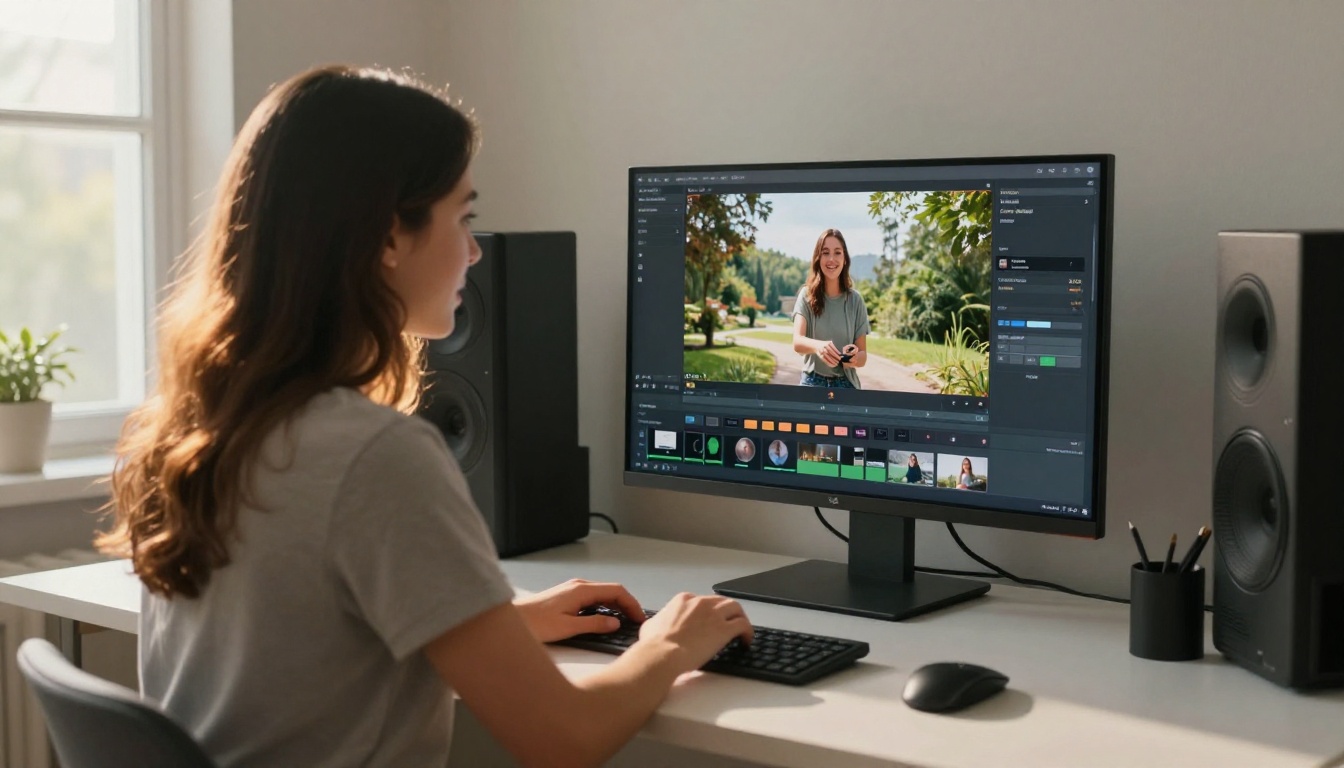
PicassoIA hosts both Seedance 2.5 and the lighter Seedance 2.5 Lite variant. Here is how to get the best native Full HD results from the platform.
Step-by-step instructions
Step 1: Choose your model. Go to Seedance 2.5 on PicassoIA for maximum output quality. Use Seedance 2.5 Lite when you need faster generation or want to iterate quickly on a concept before committing.
Step 2: Write a specific prompt. Native Full HD generation rewards detailed prompts. Vague descriptions produce vague results even at high resolution. Include:
- Subject description with specific attributes
- Scene environment and lighting conditions
- Camera movement or perspective
- Motion description for the subject
Step 3: Set duration appropriately. Seedance 2.5 supports clips up to 30 seconds. For most social content, 8-15 second clips at full resolution are ideal. Longer clips at 1080p require more generation time and credits.
Step 4: Review at 1:1 pixel scale. After generation, zoom to 100% in your player to evaluate actual pixel quality rather than the scaled-down preview. This is where you decide whether the output is ready for export or needs an upscaling pass.
Step 5: Export with adequate bitrate. The generated quality only reaches your audience if the export codec preserves it. Use H.264 at minimum 10 Mbps for 1080p, or H.265 at 6 Mbps for equivalent quality at smaller file size.
Parameter tips for maximum quality
- Avoid prompt overloading: More than 150 words in a prompt often degrades coherence. Focus on the most critical visual elements.
- Specify lighting conditions: "Golden hour side lighting" or "overcast diffused light" gives the model clear constraints that resolve detail in flat surfaces.
- Use motion verbs carefully: "Slowly walking" produces smoother motion than "walking briskly" in most AI video models including Seedance 2.5. High-speed motion increases temporal artifacts.
- Iterate on composition first: Use Seedance 2.5 Lite at lower cost to confirm your compositional idea works, then switch to the full model for the final generation.
Seedance 2.5 Lite vs. the Full Model
Seedance 2.5 Lite is not simply a downscaled version of the full model. It is a separate model variant optimized for speed and credit efficiency. The differences matter for how you plan your upscaling decisions:
| Attribute | Seedance 2.5 | Seedance 2.5 Lite |
|---|
| Max resolution | 1080p native | Up to 1080p |
| Generation speed | Standard | Faster |
| Clip length | Up to 30s | Up to 10s |
| Motion coherence | High | Good |
| Upscaling need | Rarely | Sometimes |
The Lite model performs well for short social clips where rapid iteration matters. Its 1080p output is solid, but the full Seedance 2.5 model's temporal coherence at longer durations means you will encounter fewer cases where a post-generation fix is needed.
When the Lite model is enough
For clips under 10 seconds destined for Instagram, TikTok, or YouTube Shorts, Seedance 2.5 Lite delivers output that is indistinguishable from the full model to most viewers. The resolution is there. The motion handling is solid. The speed advantage is real. For creators running high-volume content pipelines, the Lite model with selective upscaling on hero clips is often the most efficient workflow.
When to Skip Upscaling Entirely

Use cases where native Full HD wins
The honest answer to the question in the title: for the majority of modern content distribution channels, native 1080p from Seedance 2.5 removes the need for a separate upscaling step. Here are the specific scenarios where you can drop it from your workflow:
Social media content. Every major platform, including YouTube, Instagram, and TikTok, delivers 1080p as the standard high-quality stream. Uploading 4K only results in re-encoding back to 1080p for most viewers anyway.
Web video and streaming. HTML5 video players on most websites cap out at 1080p. Higher resolution adds file size without adding viewer benefit.
Corporate and educational video. Conference presentations, e-learning modules, and internal company videos virtually all target 1080p as the delivery spec. Native Full HD from Seedance 2.5 is the right resolution from the start.
Rapid iteration workflows. When you are producing multiple video variations for A/B testing or campaign iterations, the extra generation time and cost of a separate upscaling pass adds up fast without proportional quality benefit for 1080p delivery.
Workflow optimization for creators
The most efficient workflow for most creators working with Seedance 2.5 looks like this:
- Concept and prompt development using Seedance 2.5 Lite
- Final production generation using Seedance 2.5 at native 1080p
- Direct export with adequate codec settings
- Optional: Clarity Pro Upscaler only for hero clips or cinema delivery
This flow eliminates upscaling from the default path while keeping it available as a deliberate choice for specific high-stakes outputs.
Other Top Video Models Worth Comparing
Native Full HD is not unique to Seedance 2.5, and different models suit different content types even at the same resolution. Here are the ones worth knowing on PicassoIA:
Kling v2.1 Master: Produces sharp 1080p with excellent subject motion. Strong for human-centric content. Does not include native audio, so audio overlay is required in post.
Veo 3.1: Google's top model combines 1080p output with native audio generation, similar to Seedance 2.5. Clip length is shorter, but the audio synchronization quality is outstanding for dialogue-driven content.
LTX 2.3 Pro: Generates genuine 4K video, making it the only model that makes upscaling completely irrelevant for cinema delivery. Generation cost is higher, but the quality ceiling is the highest available on the platform.
Wan 2.7 T2V: Solid 1080p output with strong prompt adherence and a wide creative range. Good choice when scene composition flexibility matters most.
Seedance 1.5 Pro: The predecessor to the 2.x line. Still generates quality 1080p content and is worth considering for shorter clips where the generation cost of 2.5 is not justified.
💡 Tip: Not sure which model fits your project? Browse all video models at picassoia.com/en/all-models and compare output examples side by side before committing credits.
The Real Numbers on Upscaling Necessity
Here is a direct breakdown of when upscaling adds genuine value versus when it is an unnecessary step in a Seedance 2.5 workflow:
| Output Destination | Native 1080p Sufficient | Upscaling Adds Value |
|---|
| YouTube / social media | Yes | No |
| Web streaming | Yes | No |
| Corporate presentation | Yes | No |
| 4K cinema projection | No | Yes, significantly |
| Large-format digital signage | No | Yes |
| Broadcast archival masters | No | Yes |
| Heavy reframing / crop | Maybe | Yes |
| Physical print from video still | No | Yes |
The table is honest: for the distribution channels most creators actually use day to day, native Full HD from Seedance 2.5 is sufficient. The upscaling step has not disappeared entirely, but it has become a deliberate specialized choice rather than a default corrective measure.
Start Creating with Native Full HD
The shift from "generate, then upscale" to "generate at quality" is not just about resolution numbers. It is about removing a step that cost time and credits and introduced its own artifacts, and replacing it with output that is ready for distribution straight from the model. That is exactly what native Full HD generation in Seedance 2.5 delivers for the mainstream use cases.
If you are producing content for social platforms, web delivery, or corporate video, the upscaling step can come out of your default workflow today. Start a project on Seedance 2.5, run a 10-second clip, and compare the output at 1:1 scale against what you were getting from lower-resolution models with post-processing. The difference will be visible in the fine texture of subjects, the sharpness of edges in motion, and the cleaner compression of the final export.
For the specific cases where 4K is genuinely needed, the upscaling tools on PicassoIA, particularly Clarity Pro Upscaler and Image Upscale by Topaz, are well-suited to working from a clean 1080p source. A good source makes a better upscale. Starting from native Full HD gives you exactly that.
Take a few minutes to experiment on PicassoIA. Test a prompt you know well, see what native 1080p actually looks like from your usual content type, and let the output answer the question directly. The first generation will tell you what months of upscaling debates cannot.


