Most AI video tools talk about NSFW generation in whispers. They bury the feature under vague terms like "creative freedom" and "adult content support," then hit you with a filter wall the moment you actually try to use it. Seedance 2.5 from ByteDance takes a different approach, but a lot gets left out of the official documentation and community posts. This article lays it out plainly: what multimodal input actually does, how the NSFW pipeline works in practice, and what you need to know before you spend hours wondering why your outputs keep failing.
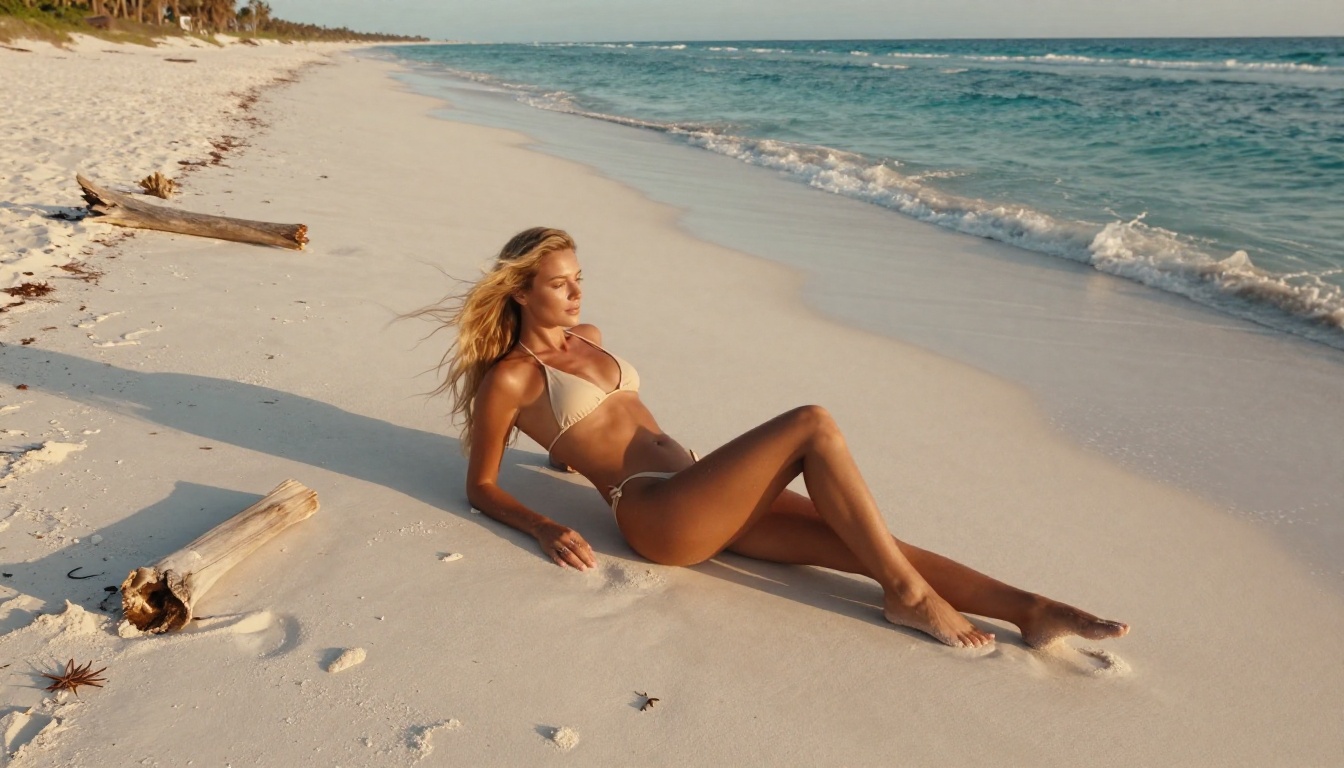
"Multimodal" sounds impressive. In practice, it means Seedance 2.5 accepts both a text prompt and a reference image at the same time to drive video generation. Most text-to-video models work from text alone. Multimodal input is a fundamentally different pipeline.
The reference image acts as a visual anchor. Instead of the model hallucinating what a subject looks like from a text description, it takes the visual information directly from your image, then animates it according to your prompt. This matters for NSFW content because:
- Consistency: Body proportions, skin tone, hair color, and facial details carry over from the image, not from the model's internal biases
- Control: You can set the exact visual starting point before motion begins
- Predictability: Fewer surprises in what actually renders
The text prompt still drives the action and camera behavior: how the subject moves, what the camera does, and what atmosphere gets built over the clip duration.
Text and Image: How They Interact
Seedance 2.5 blends these two inputs through cross-attention layers that let image features and text semantics influence each other. In plain terms: your text prompt tells the model what to do, and your image tells it what it looks like.
💡 Critical point: The image you provide has roughly 70% of the influence on the final output. A weak or mismatched image breaks the result even with a perfectly written text prompt.
The model does not simply "move" the pixels in your image. It creates a new video where the content resembles your image, animated according to your description. This means small input variations can produce dramatically different outputs.
Why Both Inputs Change Everything
Single-input video generation forces the model to invent visual details. For NSFW content, this means unpredictable anatomy, inconsistent lighting, and frequent filter triggers on ambiguous prompts.
With multimodal input, you sidestep many of these issues. The model already knows what the subject looks like. Your text prompt then describes motion and mood rather than physical appearance. This separation of concerns is what makes Seedance 2.5 significantly more reliable for adult content than earlier models in the Seedance line.
The NSFW Filter Problem
Every major AI video platform runs content filters. Seedance 2.5 is no exception, but the way its filters interact with multimodal input is specific and worth understanding.
The model runs two filtering stages:
- Prompt analysis: The text input gets scanned for explicit words and flagged combinations
- Output analysis: The generated frames get checked against a visual classifier
Stage 1 catches most casual NSFW generation attempts. Stage 2 catches what slips through. The specific threshold for each platform hosting the model varies, which is why results differ between services using the same underlying weights.
What Gets Blocked and Why
The blocks are not random. They follow patterns:
| Trigger Type | Risk Level | Why It Gets Flagged |
|---|
| Explicit anatomical nouns | Always blocked | Direct policy violation |
| Ambiguous poses with skin descriptors | High | Combined feature match |
| Extreme close-ups on specific areas | High | Visual classifier output |
| Suggestive actions with no context | Medium | Ambiguity triggers caution |
| Artistic nudity with clear setting | Low | Context-aware models pass this more often |
The nuance here is that context matters at every level. A prompt describing a woman standing in a shower can pass or fail depending on every other word in the description. Platform-specific filter calibration determines which side of the line you land on.
The Workarounds Nobody Shares
The most effective method is also the most counterintuitive: describe the visual result, not the action.
Instead of: "woman removing clothes in slow motion"
Use: "loose silk fabric gently falling off bare shoulder, golden backlight, slow dolly in, soft focus background"
You are describing what the camera sees at the end state, not the action that gets there. The model interpolates the motion. The filter reads no explicit action.
Other practical approaches:
- Lead with atmosphere: Open your prompt with lighting and environment details before any subject description
- Use camera language: Terms like "slow dolly," "shallow depth of field," and "wide angle pull-back" signal cinematic intent, which statistically passes filters more often
- Avoid body-part specificity in the text: Let the reference image carry that information
- Include tasteful qualifiers: Words like "elegant," "artistic," and "editorial" consistently shift the model toward the aesthetic spectrum
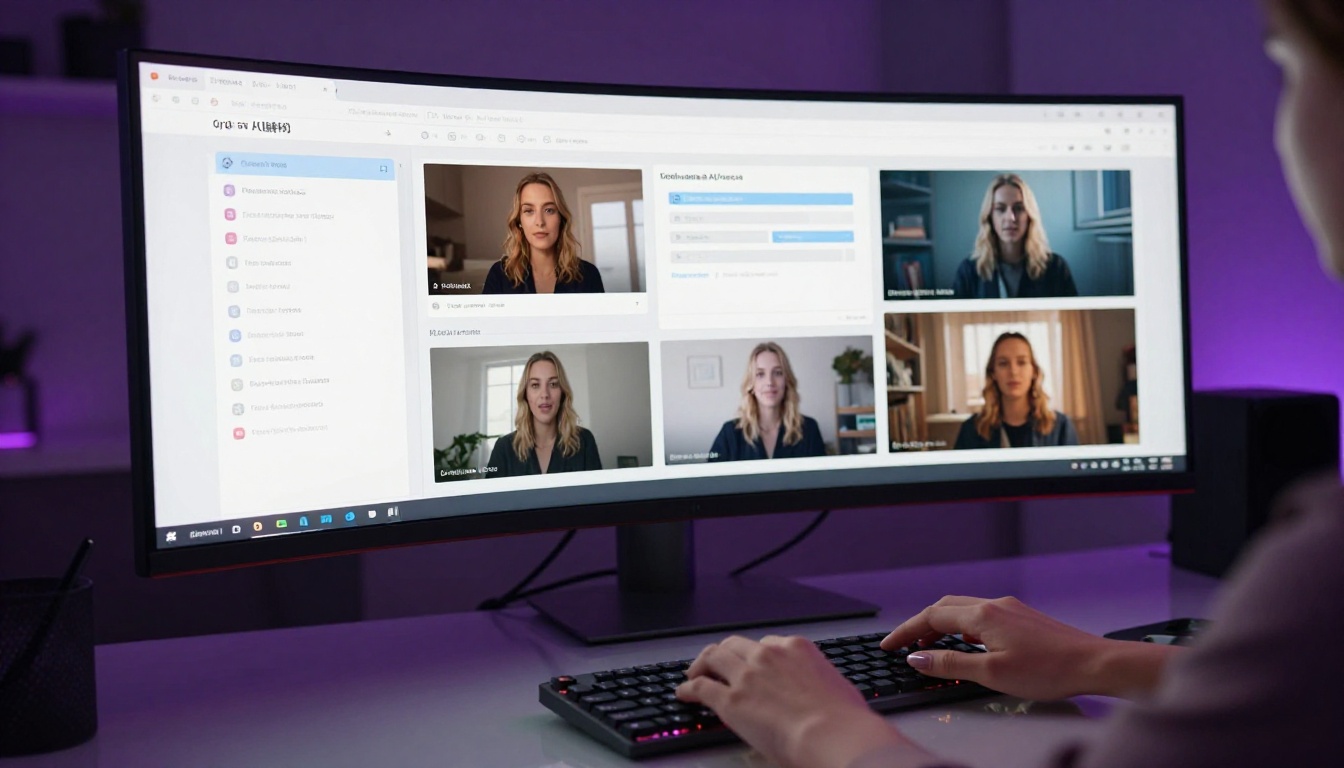
How Seedance 2.5 Handles Adult Content
The full Seedance 2.5 model and the Seedance 2.5 Lite version behave differently. Understanding this distinction saves significant time.
Lite Version vs. Full Model
Seedance 2.5 Lite is optimized for speed and cost. It runs lighter inference and applies a more conservative content policy by default. This makes it less useful for NSFW generation, though it still handles suggestive content better than most competing lite-tier models.
The full Seedance 2.5 model offers:
- 30-second video capability (vs. shorter clips in the lite version)
- Higher resolution output up to 1080p
- More nuanced content handling: The richer model architecture distinguishes between artistic and explicit intent more reliably
- Better multimodal coherence: The image anchor holds stronger over longer clip durations
For NSFW work specifically, the full model's advantage in image-text coherence is the deciding factor. A 5-second clip with strong visual consistency from a reference image almost always outperforms a text-only prompt at the same content level.
Resolution and Quality for NSFW Output
At 720p and above, the visual classifier in Seedance 2.5 becomes more sensitive because there is more detail to analyze. This creates a paradox: higher quality increases both visual fidelity and filter sensitivity.
The practical solution is to generate at 1080p with an NSFW-optimized image input and assess the output. If it fails, drop to 720p and use a slightly less visually specific reference image. The coarser resolution gives the classifier less information to act on while still producing a usable result.

Best Image Models for Seedance 2.5
The reference image you feed into Seedance 2.5 determines much of your output quality. Generating it with the wrong model produces images that look great but don't animate well.
Seedream 4.5: The NSFW Foundation
Seedream 4.5 is the primary recommendation for generating reference images in NSFW Seedance 2.5 workflows. It comes from the same ByteDance model family, which means the visual style and anatomy rendering are architecturally aligned.
Advantages:
- Uncensored output: Seedream 4.5 handles artistic nudity and suggestive content without the aggressive filtering found in newer model versions
- Anatomical consistency: Bodies are proportioned realistically, which translates directly to better video animation
- Lighting compatibility: The model's natural lighting approach matches what Seedance 2.5 expects in its reference input
- Unlimited generation: No per-session generation caps means you can iterate quickly to find the right reference image
For a workflow combining image and video NSFW generation, Seedream 4.5 is your starting point.
Seedream 5 Pro: Sharper, Cleaner Outputs
Seedream 5 Pro produces visually superior images at 2K resolution with significantly finer detail in skin texture, fabric, and hair.
For NSFW reference images intended for video generation, Seedream 5 Pro works well for SFW-adjacent content: bikini photography, artistic glamour shots, and implied nudity where no explicit content needs to pass through the image classifier.
💡 Important: Do not use Seedream 5 Lite for NSFW content. The lite version applies stricter content filters and will block the majority of adult-oriented generation attempts, even artistically framed ones. Stick with Seedream 4.5 or Seedream 5 Pro depending on your content level.

Real Prompt Structures That Work
Prompt writing for multimodal NSFW video generation follows different rules than standard text-to-video prompting. Here is what actually produces results.
Text Prompt Anatomy
A high-performing Seedance 2.5 NSFW prompt has four components in order:
- Environment and lighting (2-3 words): Sets the scene before any subject mention
- Camera behavior (1-2 words): Tells the model how to move
- Subject state at end of clip: Describe what is visible, not what happens
- Atmosphere and texture: Specific materials, light quality, surface detail
Example structure:
"Golden afternoon light, slow dolly in, bare shoulder catching warm backlight, silk sheets rippling softly, natural skin texture, shallow depth of field"
This describes what the camera sees, not what the subject does. Motion emerges from the model's interpretation of the visual language.
Image Input Tips
Not all images work equally well as multimodal anchors. These factors matter:
| Factor | Good | Avoid |
|---|
| Lighting | Natural, soft, directional | Harsh flash, flat studio white |
| Pose | Relaxed, clear subject separation | Complex overlapping limbs |
| Background | Simple or blurred | Cluttered, busy patterns |
| Resolution | 1024px or wider | Small, compressed images |
| Crop | 16:9 or close to it | Vertical portrait crops |
The image should resemble what you want the video to start from. The more work you put into generating a strong reference, the less work the video model has to do interpreting your prompt.
Common Reasons Your Output Fails
Most Seedance 2.5 NSFW failures come from four predictable mistakes.
The Input Image Problem
The most common failure: the reference image was generated with a model that uses a different visual style than what Seedance 2.5 expects. If you use a heavily stylized or anime-inflected image as your anchor, the video output will look inconsistent because the model tries to animate a visual style it doesn't understand.
Fix: Always use photorealistic image models for your reference input. Seedream 4.5 and Seedream 5 Pro are purpose-built for this workflow.
Prompt Triggers That Backfire
Some words consistently trigger false positives in the content filter even in non-explicit contexts. These include:
- Direct body-part nouns (even anatomically neutral ones in the wrong combination)
- Action verbs describing disrobing or physical intimacy
- Combinations of "young" or "teen" with any suggestive descriptor
- Specific fabric descriptors combined with nudity-adjacent language
The solution is not to sanitize your creative intent, but to re-describe it cinematically. Think about how a film director would describe a scene in a shot list, not how you would describe it in a personal message.

Resolution Mismatches
Using a reference image at a different aspect ratio than your target video output creates artifacts. Seedance 2.5 defaults to matching the source image's aspect ratio. A vertical reference image produces a vertical video. If you want 16:9 output, generate your reference image at 16:9.
Over-specifying Motion
Prompts that try to describe complex multi-step actions in 5 seconds fail because the model cannot execute choreography in that timeframe. A 5-second clip at 24fps is 120 frames. Describe one smooth motion, not a sequence.
Too complex: "woman turns, leans forward, brushes hair aside, looks over shoulder"
Right scale: "slow turn toward camera, hair falling across face, soft backlight"
How to Use Seedance 2.5 on PicassoIA
PicassoIA hosts both Seedance 2.5 and Seedance 2.5 Lite with direct access to the multimodal input pipeline. The workflow is straightforward.
Step-by-Step Workflow
Step 1: Generate your reference image
Open Seedream 4.5 on PicassoIA. Write a photorealistic prompt at 16:9 ratio, focusing on lighting, pose, and environment. Generate several options and pick the cleanest one with clear subject-background separation, natural directional lighting, and no complex overlapping elements.
Step 2: Copy the image URL
Once generated, copy the direct image URL from your result. This is what you will paste into the video model's image input field.
Step 3: Open Seedance 2.5
Navigate to Seedance 2.5 on PicassoIA. You'll see both a text prompt field and an image input field.
Step 4: Write your motion prompt
Use the four-component structure described above: environment, camera, subject state, atmosphere. Keep it under 60 words. Avoid explicit action verbs. Think cinematically.
Step 5: Set resolution
For highest quality, select 1080p. For more reliable NSFW pass-through, 720p is the safer starting point. The model generates at 24fps for 5 seconds in the standard version, up to 30 seconds in the full model.
Step 6: Generate and iterate
Your first generation tells you immediately if your prompt-image combination is working. If the video is anatomically incoherent, your image has a style mismatch. If the content is filtered, revise the prompt using cinematic re-framing.
💡 PicassoIA advantage: Unlike many platforms, PicassoIA gives you direct access to the full Seedance 2.5 model with fewer intermediary restrictions layered on top. You're working closer to the raw model output, which means both more creative range and more responsibility for prompt quality.
The Models Worth Knowing Beyond Seedance 2.5
If Seedance 2.5 doesn't fit your use case, PicassoIA offers strong alternatives in the same space:
- Wan 2.7 I2V: Excellent image-to-video quality with strong temporal consistency. Handles suggestive content well at 720p
- Kling v3 Video: Cinematic motion with precise anatomy tracking. Strong for body movement content
- Seedance 2.0: The previous generation, still capable and sometimes more permissive on content due to older filter calibration
Each of these accepts image input alongside text. The prompt approaches described in this article apply across all of them with minor adjustments for each model's style preferences.
For the image generation side, PicassoIA hosts the full Seedream model family: Seedream 4.5 for uncensored NSFW-oriented generation, Seedream 5 Pro for sharper artistic outputs, and over 90 additional text-to-image models across every style and use case.
You can browse the complete model catalog at picassoia.com/en/all-models.
Start Creating on PicassoIA
The approaches in this article only click once you run them yourself. Reading about prompt structure is not the same as seeing what happens when you change one word in your motion description.
Start with a strong reference image from Seedream 4.5. Get your lighting and composition right before anything else. Then bring that image into Seedance 2.5 and write one clean cinematic motion prompt. Your first five attempts will teach you more than any documentation.
PicassoIA makes that iteration fast and accessible, with no generation limits getting in the way of actually learning the model. Browse the full collection at picassoia.com/en/all-models and find the combination that fits your creative workflow.


