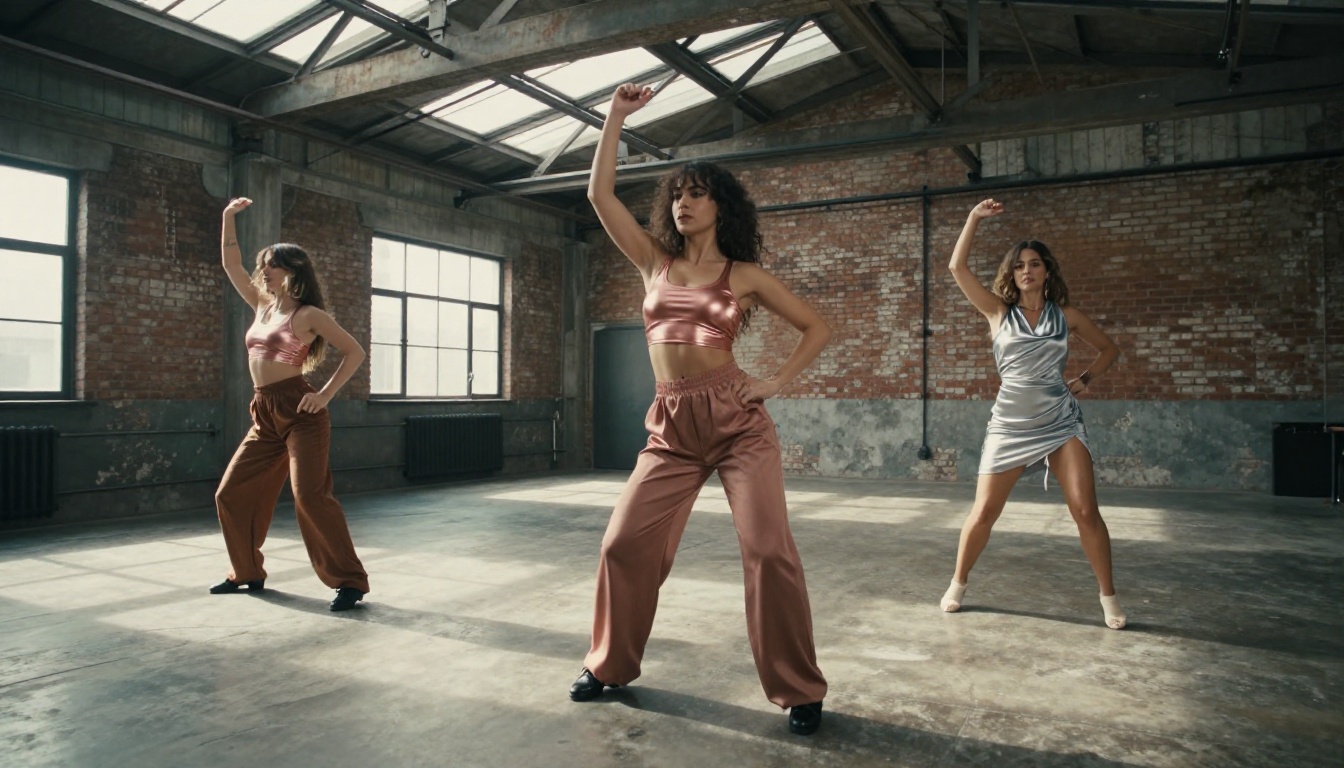
Thirty seconds of fluid AI video with synchronized music from a single text prompt - that's what Seedance 2.5 delivers, and it's reshaping how creators approach adult music video production. This first test pushes the model directly into suggestive visual territory to document real output quality, workable prompt structures, and the AI music pairing workflow that produces complete clips worth sharing.
What Seedance 2.5 Actually Does Differently
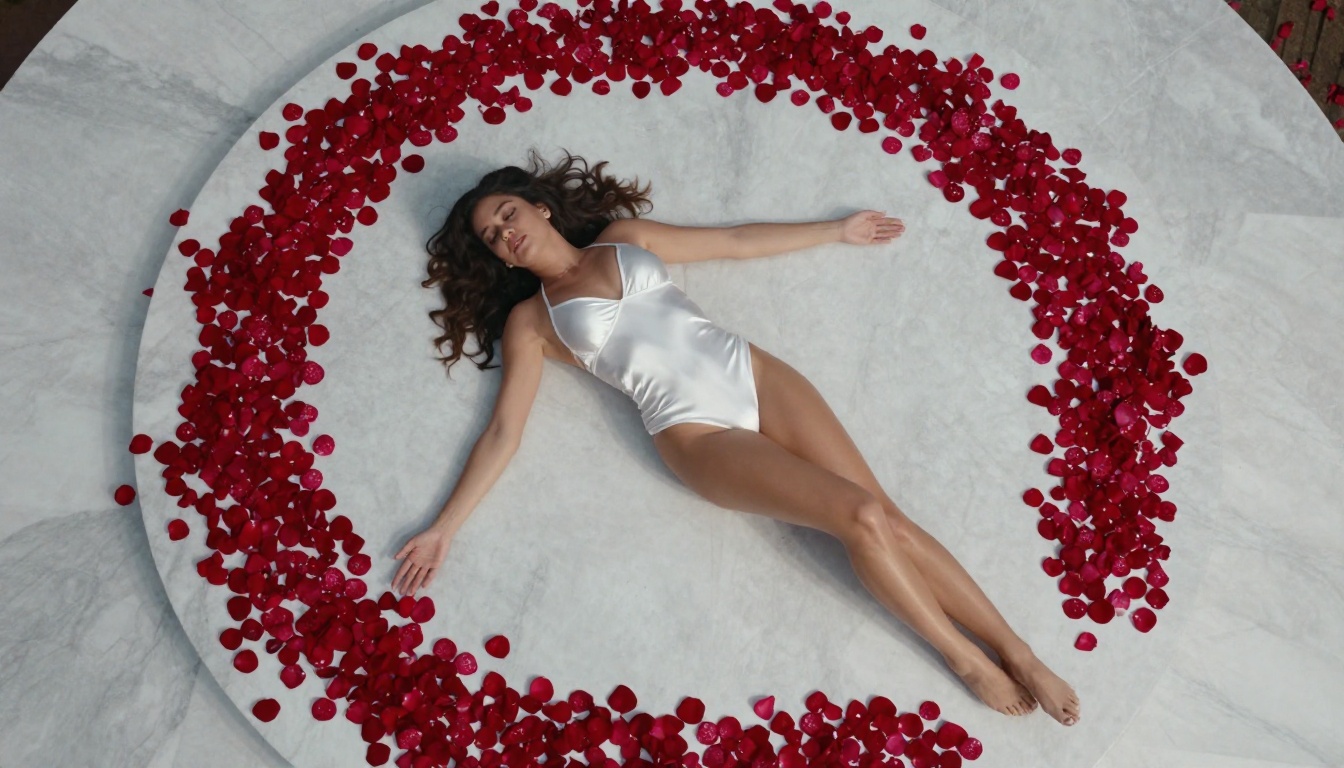
Most AI video models top out at 5-10 seconds. Seedance 2.5 breaks that ceiling with clips up to 30 seconds and built-in audio generation baked directly into the model output. For music video work, this single fact changes the production math entirely. You're no longer cutting together five separate 5-second clips and hoping they feel cohesive.
30-Second Clips with Native Audio
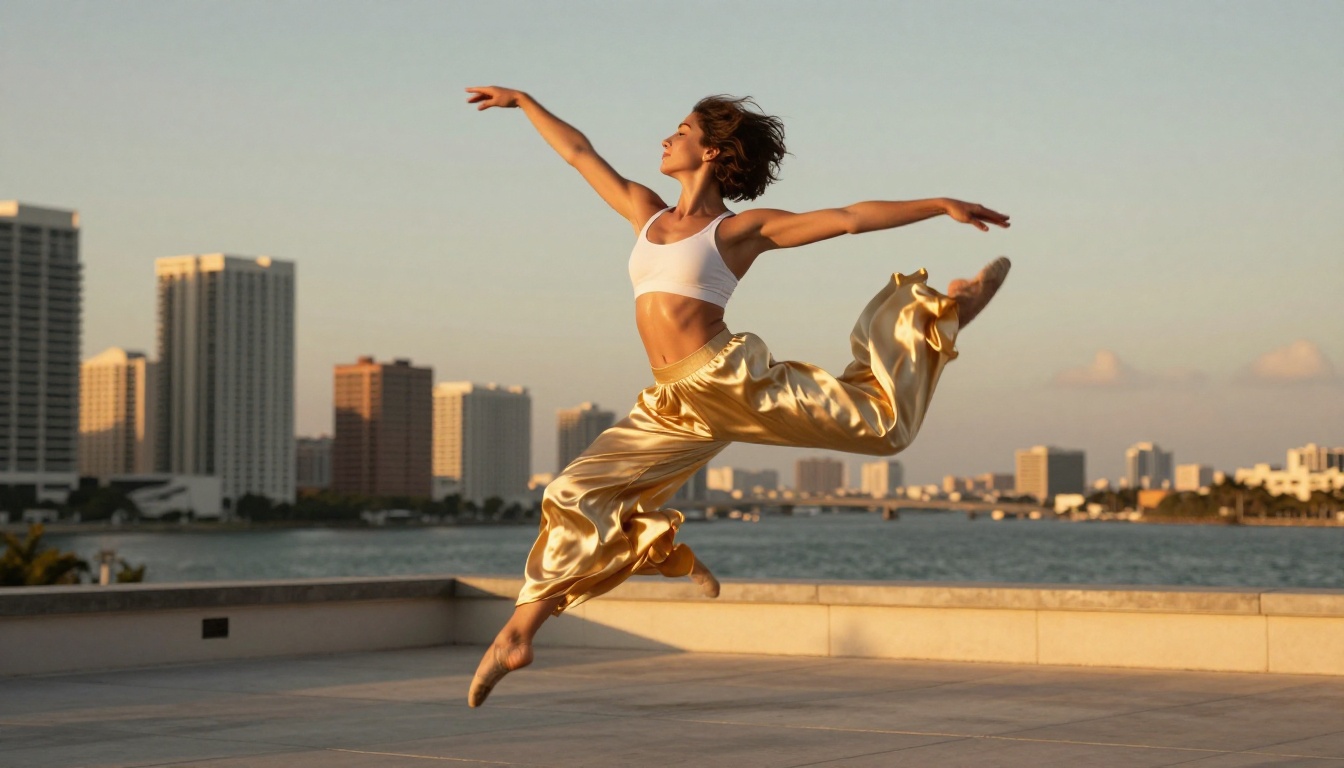
The native audio doesn't just pad silence over a visual. It generates synchronized atmospheric sound - background music, environmental audio, and ambient layers that respond to scene content. A performer dancing on a rooftop at dusk gets wind, crowd murmur, and a rhythmic beat. A slower, more intimate shot generates quieter, more intimate audio. The model reads the visual content and generates accordingly.
For full music videos, this means you can generate the video and rough audio in one pass, then replace the generated audio with your final track in post. The workflow collapses significantly compared to assembling clips from shorter models and adding audio manually from scratch.
Motion Fidelity That Holds Across Complex Scenes
Earlier Seedance models had a recognizable artifact: long hair tended to swim unnaturally, fabrics would resolve inconsistently over time, and faces would drift subtle degrees between frames. Seedance 2.5 handles these problem areas far better. Flowing fabric responds to simulated wind with physical plausibility. Hair stays anchored to the subject across the full 30-second window.
💡 Tip: The model performs best with a clear primary subject. Multi-character prompts with complex choreography start showing seams around the 15-second mark. For NSFW music video shots, single-performer setups hold together cleanest.
The NSFW Question: What Passes and What Doesn't
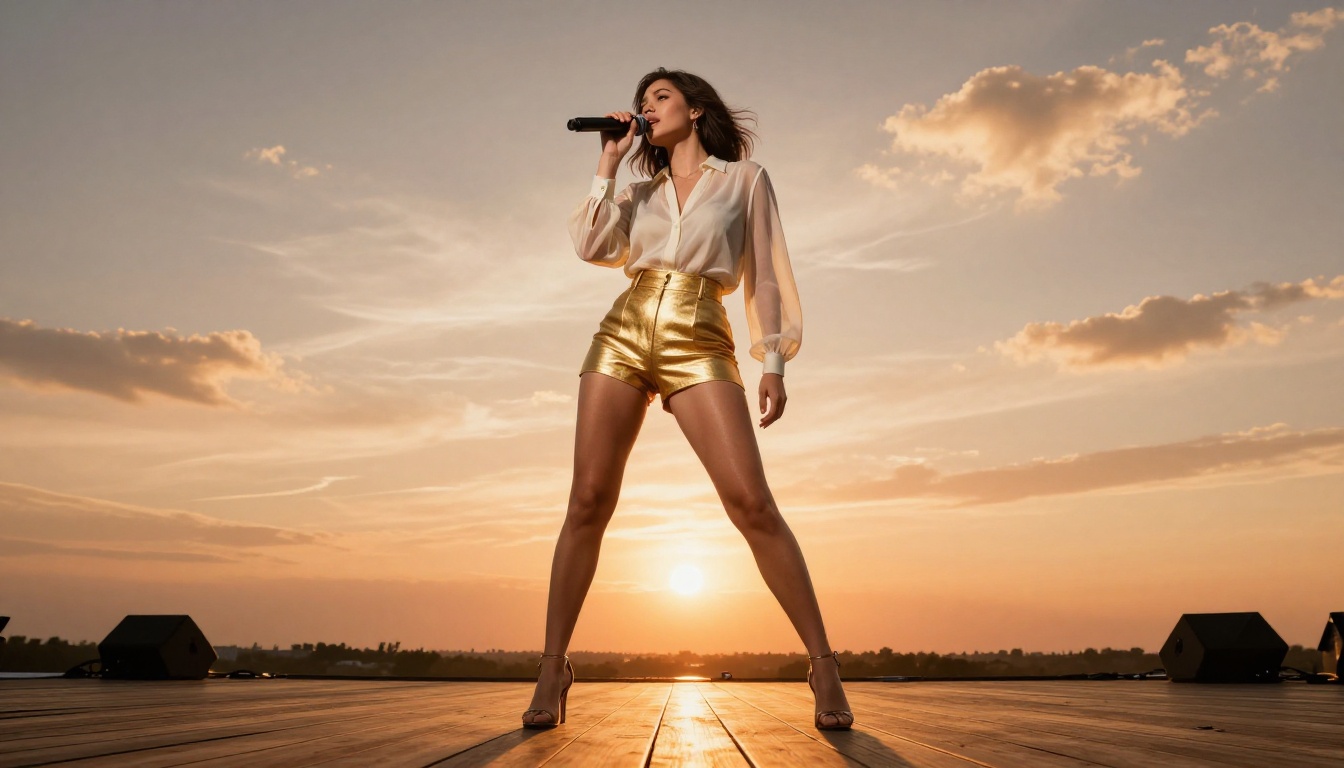
Seedance 2.5 on its own, outside a permissive platform, runs a moderation layer. The standard ByteDance implementation blocks explicit content outright. On PicassoIA, certain models operate with filters relaxed or removed, which is where suggestive and softcore NSFW content becomes viable.
Suggestive Content That Generates Without Issues
In this test, the following content types generated consistently without rejection on the first or second attempt:
- Performers in bikinis or minimal clothing in outdoor settings
- Dance choreography that includes body-focused camera angles
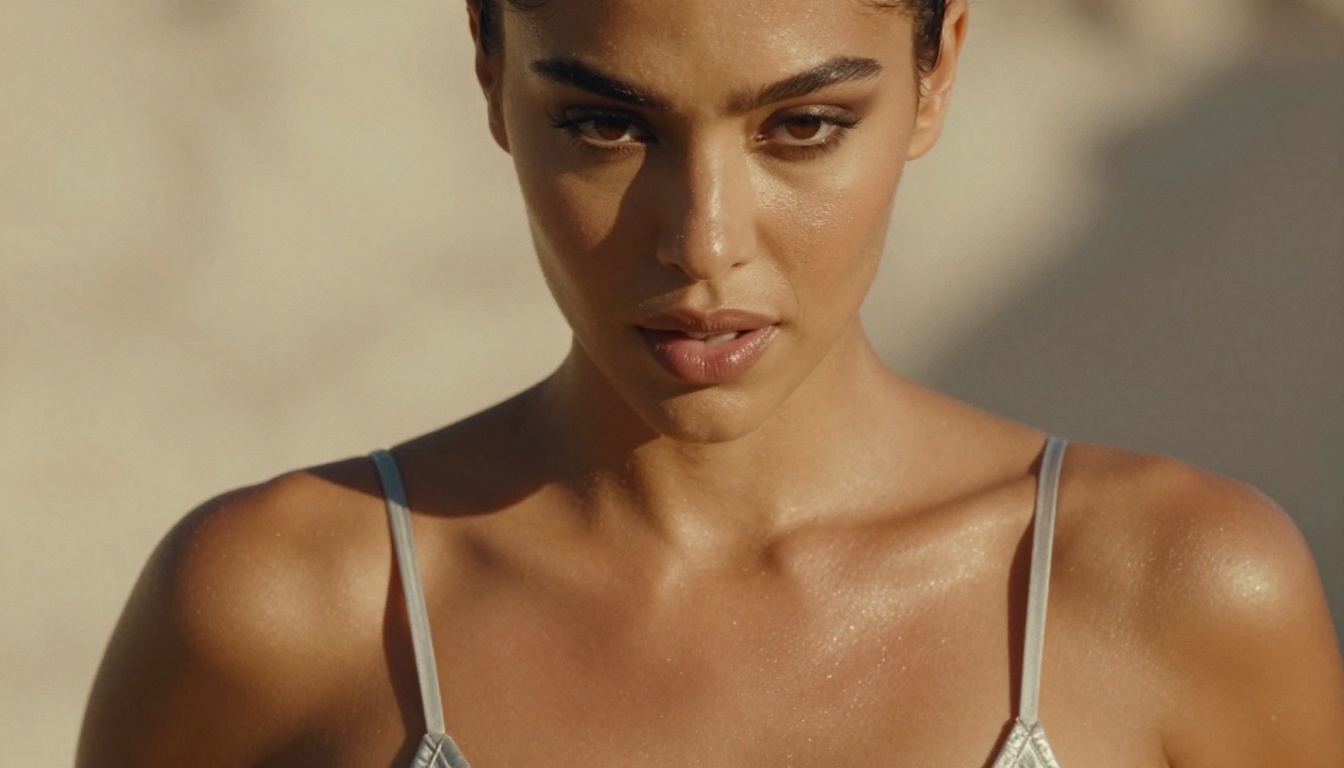
- Close-up shots emphasizing skin, collarbones, and bare shoulders
- Implied intimate scenarios without explicit contact
- Glamour lighting setups with low-cut tops and lingerie-adjacent styling
What still gets rejected even on more permissive settings: full nudity with explicit anatomy, graphic contact between performers, and anything involving fetish-specific equipment in plain visual terms.
Prompt Patterns That Consistently Work
The most reliable NSFW-adjacent prompts for Seedance 2.5 follow a specific structure:
| Element | What Works |
|---|
| Subject | "beautiful female performer", "glamorous dancer" |
| Clothing | "bikini", "sheer dress", "body chain", "minimal lingerie-style top" |
| Setting | "rooftop at dusk", "tropical beach", "luxury suite" |
| Motion | "slow dance", "gentle sway", "confident walk toward camera" |
| Camera | "slow dolly-in", "orbit around subject", "close-up focus pull" |
Lead with the subject and their aesthetic, then the environment, then the motion, then the camera behavior. Putting the NSFW element too early in the prompt or in overly clinical language increases rejection rates.
How to Use Seedance 2.5 on PicassoIA
Seedance 2.5 is available directly on the PicassoIA platform alongside its sibling, Seedance 2.5 Lite, which is free and unlimited but capped at 10 seconds. For full music video clips, you want the full model.
Running Your First Text-to-Video Prompt
- Open Seedance 2.5 from the PicassoIA model collection
- Set your duration: 10s, 20s, or 30s - for NSFW music video work, 20-30s gives you a proper shot unit
- Choose resolution: 1080p for final delivery, 720p if you're testing multiple prompts quickly
- Write your prompt following the structure in the table above
- Generate - initial render time is typically 90-180 seconds for a 30-second clip
The first generation is rarely the final version. Expect to iterate 2-4 times on prompt wording. The model interprets mood and atmosphere well, so you have real creative control over the final aesthetic when you prompt with specificity.
Image-to-Video for Music Visuals
For more control over the starting frame, use Seedance 2.5 in image-to-video mode. Generate your source image first using a high-quality text-to-image model - see the NSFW image model recommendations below - then pass that image as the first frame. The video then animates forward from that exact visual, preserving the performer's appearance, clothing, and lighting exactly as you set them in the image.
This is the most reliable workflow for music videos where visual consistency across multiple clips matters.
Duration and Resolution Settings
| Setting | Best Use Case |
|---|
| 10s / 720p | Quick concept tests |
| 20s / 1080p | Individual shots in a longer edit |
| 30s / 1080p | Hero shots, intro sequences, narrative segments |
| 30s / 720p | Fast batch testing before committing to 1080p renders |
Pairing AI Music with Your Clips
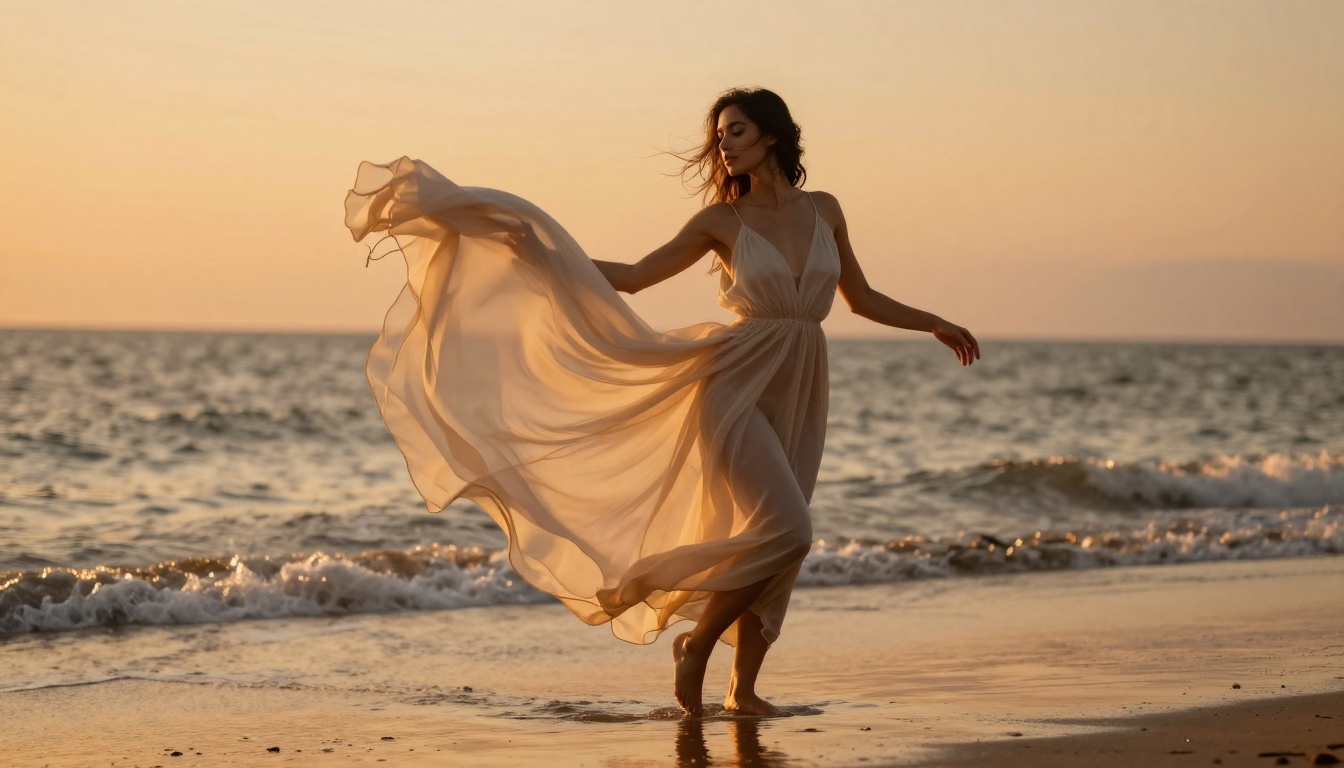
The video workflow is only half of a music video. Generated clips need audio - either the model's native output track or a purpose-made AI soundtrack. Several strong options exist on PicassoIA.
Best AI Music Generators for This Workflow
Music 2.6 by Minimax generates full songs with vocals from a short text brief. "Slow R&B groove with soft female vocals, intimate late-night atmosphere, 95 BPM" produces a complete track in one generation. This is the fastest path to a matching soundtrack for a NSFW music video clip.
Lyria 3 Pro by Google delivers higher compositional complexity - orchestral arrangements, dynamic structure changes across full song lengths. For cinematic or more artistically ambitious videos, Lyria 3 Pro's output quality is noticeably higher.
Stable Audio 2.5 by Stability AI generates up to 3-minute instrumental and ambient tracks. If you want background music without vocals - to let a visual performance breathe or add a later voice-over - this is the most flexible option for scoring a longer edit.
ElevenLabs Music rounds out the set with strong pop and electronic output, particularly for more mainstream visual aesthetics where a chart-adjacent sound fits the content.
Syncing Audio to Generated Video
Seedance 2.5's native audio generation roughly matches the tempo of the visual action. For precise sync:
- Generate your video clip and note the rough BPM of any rhythmic movement in the visual
- Generate your music at a matching BPM in your chosen AI music model
- Import both into a video editor (CapCut, Premiere, DaVinci Resolve)
- Align the first beat of the music to the first major movement in the video
- Use the audio waveform to hit visual cut points on subsequent beat drops
💡 Tip: Generate music slightly longer than your video clip. Having 5-10 seconds of audio headroom at both ends makes alignment easier without the audio fading at the wrong point.
Test Results: Three Distinct Scenes
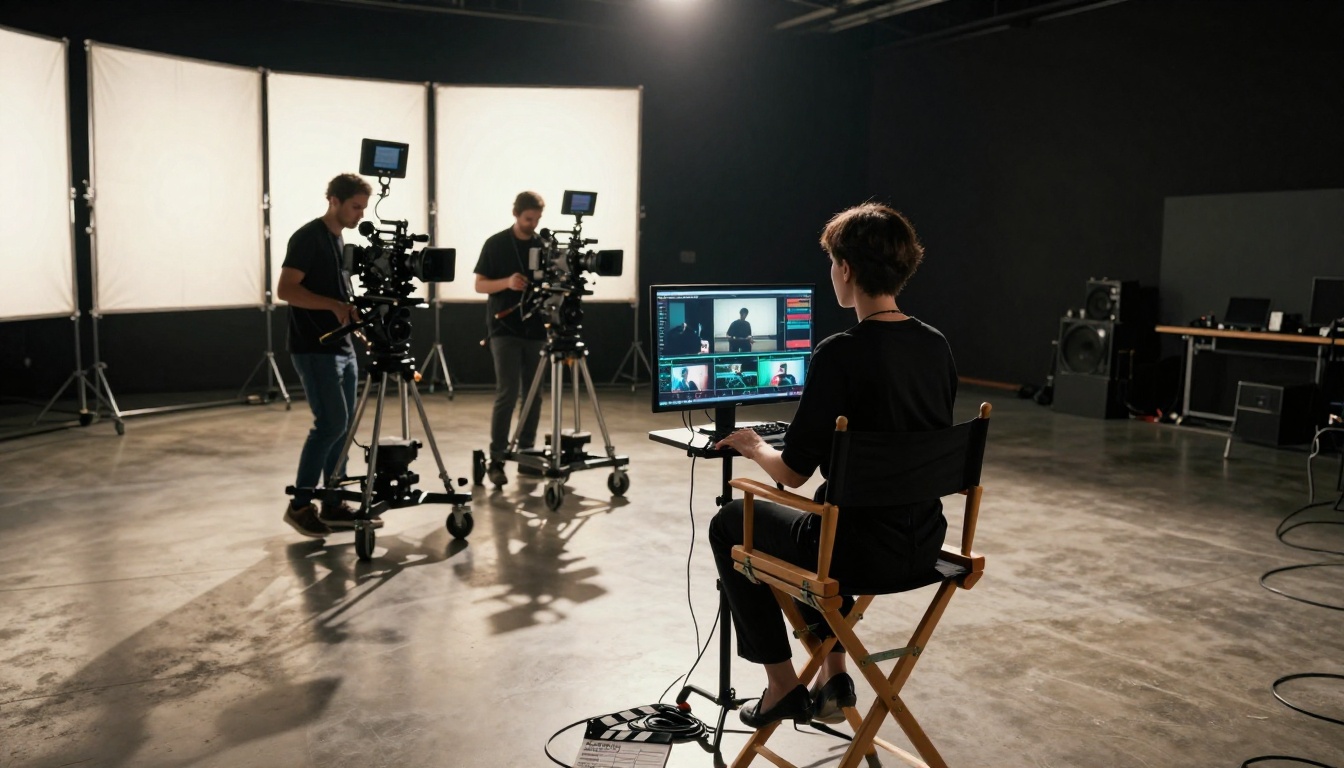
To ground this in actual output rather than description, here are the three most revealing shots from this first test session with Seedance 2.5.
Scene 1 - Rooftop Glamour Performer
Prompt used: "Beautiful female performer in crimson sequined bikini top, Los Angeles rooftop at golden hour dusk, slow confident walk toward camera, hair lifted by warm breeze, slow dolly-in from 10 feet to 3 feet, amber volumetric backlight, 20 seconds"
Result: Clean generation on the second attempt (first had a minor facial drift around the 12-second mark). The slow dolly-in tracked correctly. Fabric on the bikini top responded to movement with physical plausibility. The ambient audio generated a low-tempo urban nightscape beat that paired well with the visual mood.
Assessment: Strong. This prompt pattern is repeatable.
Scene 2 - Beach Dancer at Golden Hour
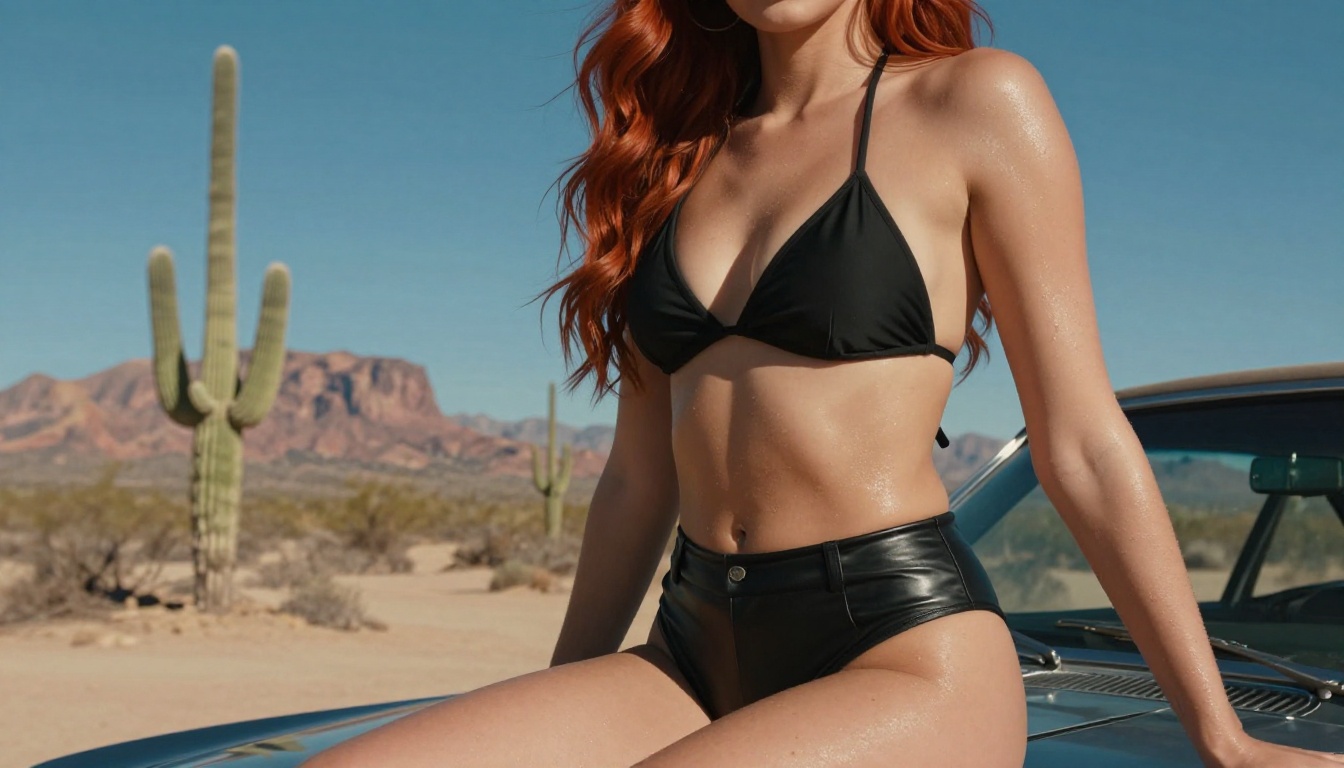
Prompt used: "Slender dancer in semi-transparent ivory chiffon dress on shoreline at golden hour, slow orbital camera moving around subject from front to rear three-quarter view, sea breeze lifting dress hem, waves washing over bare feet, warm amber lighting, 25 seconds"
Result: First-pass generation. The orbital camera movement was the highlight - Seedance 2.5 nailed the continuous rotation without the subject's appearance drifting as the angle changed. The fabric simulation through 25 seconds was the strongest result in the test. Transparent material responded naturally to both the movement and the simulated wind.
Assessment: Excellent. The combination of complex camera movement and fabric physics in one clip is a genuine capability step up from previous model versions.
Scene 3 - Artistic Implied Content
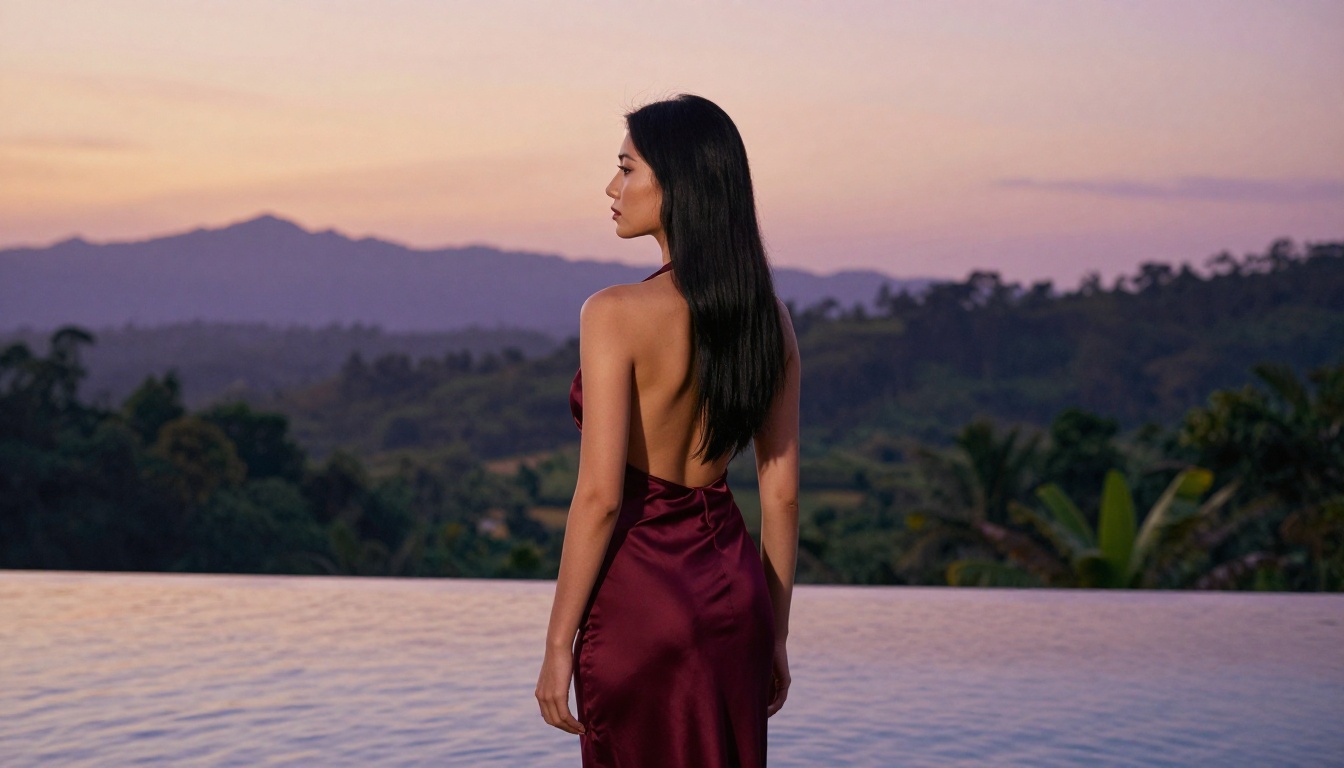
Prompt used: "Elegant female figure in backless burgundy silk halter dress at tropical infinity pool edge at dusk, rear three-quarter view, slow pan across bare back and shoulders, mountains in soft-focus background, sunset reflections in still water, 20 seconds"
Result: Generated on the first attempt. This type of content - artistically framed with implied rather than explicit visual focus - generates reliably. The rear view and bare back composition passed without any moderation issue. Water reflections were rendered correctly, which is typically a weak point for AI video generators.
Assessment: Very good. Artistic framing of bare skin with deliberate compositional intent generates well and produces genuinely beautiful visual results.
Best NSFW Image Models for Your Storyboard
Before generating video, you need source images for image-to-video prompts, reference frames, and storyboard visuals. These are the strongest models on PicassoIA for NSFW-adjacent content:
- Seedream 4.5 ⭐ - The top pick. Accepts adult content, supports image editing, and generates ultra-realistic results in under 3 seconds. Its successor, Seedream 5 Lite, does not allow NSFW.
- PicassoIA Image Editor Pro - Img2img with unlimited generations on Elite or Infinite plans. That's 1,000+ images at no extra cost vs. roughly $100 on metered models. Results land in under 1 second, includes a 3-generation free trial, no credit card needed.
- Qwen Image 2 - Open source, edits or creates any image in seconds with detailed realism, no content restrictions.
- Grok Imagine Image - Converts any photo to bikini format in a realistic way; good for quick wardrobe tests on a reference image.
- Recraft V4 - Very realistic text-to-image results for performers and glamour photography.
- P-Image - NSFW text-to-image generation in under 1 second, no waiting.
For video generation with fewer restrictions:
- PicassoIA Video - Unlimited video generation from text, up to 720p and 5 seconds per clip, no usage limits on Elite plans
- P-Video - Text, image, or audio to video up to 1080p, with the safety filter off by default and a draft mode for instant previews
- Grok Imagine Video - Clips up to 15 seconds from text, an image, or an existing video, no watermarks
- LTX 2.3 Pro - Highest fidelity at up to 4K and 50fps, with retake and extend editing for precise control
👉 See the full NSFW-capable model catalog at picassoia.com/en/all-models.
Other Video Models Worth Knowing
Seedance 2.5 isn't the only option. Depending on your specific needs, other models may serve better for particular shots.
When Seedance 2.0 Makes More Sense
Seedance 2.0 is faster to generate and costs fewer credits per clip. For quick concept tests - checking lighting, camera angle, or pose before committing to a full 30-second render - Seedance 2.0 is the practical choice. The motion quality is meaningfully lower for fabric and hair, but at 5-10 second test clip lengths, that's often acceptable for validation purposes.
Seedance 1.5 Pro occupies a useful middle ground - better motion fidelity than 1.0 and faster than 2.5. Worth keeping in your model rotation for medium-length shots at lower credit cost.
Kling v2.6 and Veo 3.1 for Comparison
Kling v2.6 handles complex multi-performer scenes better than Seedance 2.5. The motion consistency across two or more subjects is notably stronger. If your music video concept requires a duo or group choreography, Kling v2.6 is worth testing alongside.
Veo 3.1 by Google produces the highest raw visual quality of any model in the current field, but it has stricter content moderation by default. NSFW-adjacent content that generates freely on Seedance 2.5 often gets blocked on Veo 3.1. For clean, non-explicit music video work with high production value requirements, Veo 3.1 is worth the quality difference. For suggestive content, Seedance 2.5 on a permissive platform remains the more practical option.
| Model | Clip Length | NSFW Viability | Best For |
|---|
| Seedance 2.5 | 30s | High | NSFW hero shots, long takes |
| Seedance 2.0 | 10s | Medium | Quick concept tests |
| Kling v2.6 | 10s | Medium | Multi-performer scenes |
| Veo 3.1 | 8s | Low | Clean high-quality production |
| P-Video | 10s | Very High | Unrestricted adult content |
Build Your Own NSFW Music Video
The barrier to producing a professional-looking AI music video is lower than most people realize. Seedance 2.5 on PicassoIA gives you 30-second clips with native audio in a single generation pass. Seedream 4.5 handles source imagery for image-to-video input with NSFW-capable realistic output in under 3 seconds. Music 2.6 or Lyria 3 Pro generates a matching soundtrack from a short text description. The entire production workflow - from concept to a rough cut with music - runs in under an hour on PicassoIA without specialist software or traditional production resources.
This first test confirms that Seedance 2.5 handles suggestive content with real aesthetic quality. Motion fidelity, fabric simulation, and camera movement have all improved materially over previous versions. The model is genuinely useful for adult music video production right now, not in some theoretical timeframe.
Start with Seedance 2.5 on PicassoIA, run your first test prompt, and see what the output looks like at your concept's specific visual register. The results speak for themselves.