How Seedance 2.5 Turns Podcast Clips Into 10-Language Video Content
Seedance 2.5 by ByteDance produces up to 30 seconds of audio-synchronized video, making it the most capable AI model for turning podcast recordings into short clips distributed across 10 languages. This breakdown covers how the model works, the production workflow for multilingual distribution, platform-specific clip formatting, and the exact prompting approach that produces consistent talking-head footage at scale.
Podcast creators now have a concrete path to reach ten different language markets without hiring translators, dubbing studios, or separate video editors. Seedance 2.5 from ByteDance generates cinematic, audio-synchronized video clips up to 30 seconds long, and when paired with the right multilingual workflow, it removes the barrier between a single recording session and ten markets publishing simultaneously.
This is not a language-learning tool or a simple captioning service. It is a full video AI that interprets audio cues, generates motion-synced footage, and outputs broadcast-quality clips ready for Instagram Reels, YouTube Shorts, TikTok, LinkedIn Video, and anywhere short-form content matters. The difference between a podcast that stays in English and one that reaches a Spanish listener in Mexico City, a French commuter in Paris, or a Japanese creator in Tokyo often comes down to whether the production workflow can scale without adding headcount. Seedance 2.5 for Podcast Clips in 10 Languages is the direct answer to that scaling problem.
What Seedance 2.5 Actually Does
Seedance 2.5 is ByteDance's most capable video generation model to date. It produces 5-to-30-second video clips with native audio synchronization built in, meaning it does not generate silent footage that you later add audio to. The model outputs motion, lighting, camera behavior, and audio as a unified result.
Most AI video generators cap at 5-to-10 seconds. That is enough for a product visualization or a short social media loop, but it does not cover a meaningful podcast excerpt. The most shared podcast moments, the data consistently shows, are 20-to-45 seconds: the punchy statistic, the surprising reversal, the practical tip. At 30 seconds, Seedance 2.5 can contain a self-contained point. That changes what podcasters can actually distribute.
The Seedance 2.5 Lite version also exists for creators on a tighter budget, offering a free and unlimited entry point with slightly reduced parameters. It is practical for testing multilingual workflows before committing to full-resolution production. Both models sit on PicassoIA, and switching between them takes seconds.
From Audio to Video: What the Model Does Internally
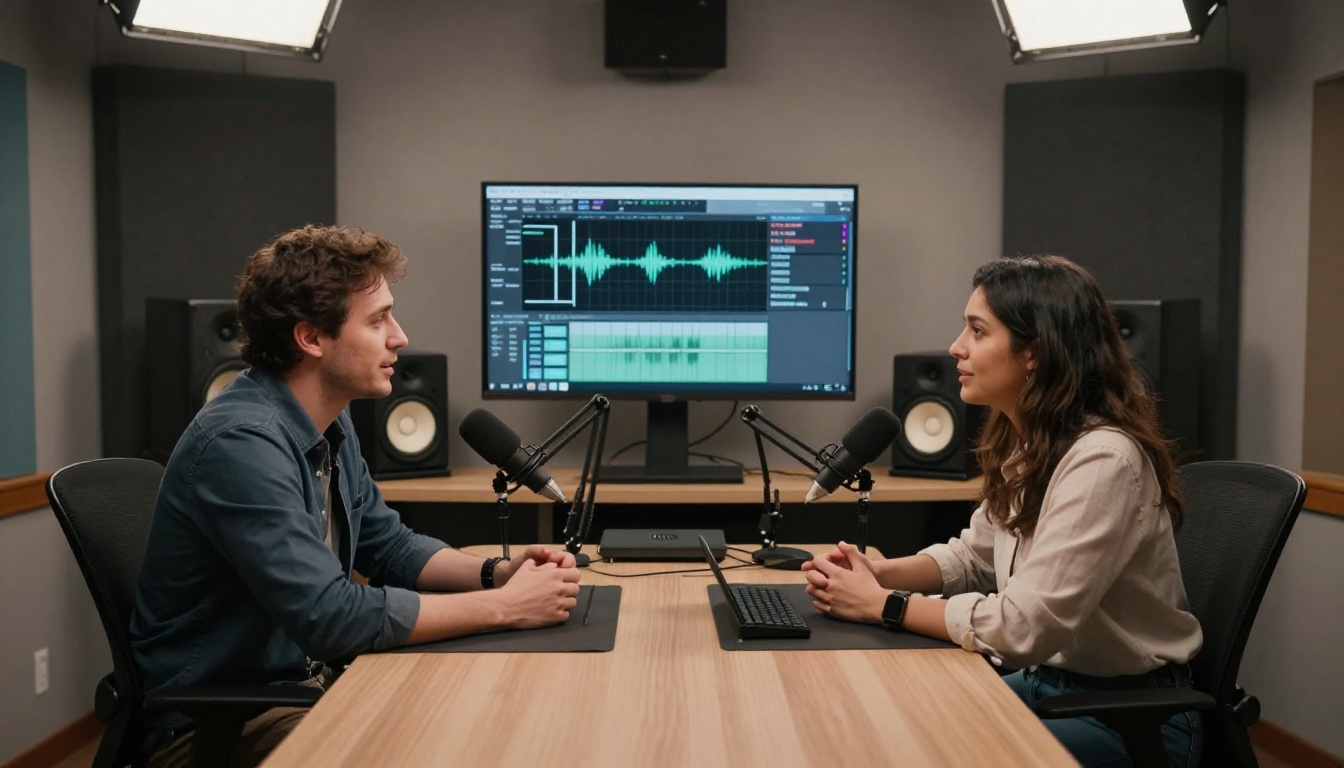
When you feed Seedance 2.5 a host portrait plus a motion prompt, the model does several things simultaneously. It infers how a human subject moves naturally while speaking, it generates camera behavior consistent with broadcast conventions, and it applies lighting conditions that match the environment described in your prompt. The output is not a looping GIF. It is directional video with perceptible time and motion, which is why it reads as professional footage even when viewed without audio.
For podcast clips specifically, this matters because audience retention on social platforms drops significantly when the visual does not match the content energy. A static audiogram rarely holds attention past 5 seconds. A properly prompted Seedance 2.5 clip holds attention because the subject appears to be genuinely speaking to the viewer.
The 10-Language Clip Production System
The real capability is not just video generation. It is the system around it. Podcast creators who want to reach 10 language markets need a repeatable workflow that does not require re-recording or re-editing for every clip in every language. Seedance 2.5 provides the visual output layer. The multilingual layer works alongside it.
The 10 Priority Languages for Podcast Clips
These are the languages where short-form podcast clips perform at scale on social platforms in 2027:
Spanish (Latin America + Spain, 500M+ speakers)
English (baseline, global)
Portuguese (Brazil is the world's 3rd-largest podcast market)
French (Western Europe + Africa)
German (highest per-capita podcast listening in Europe)
Japanese (largest podcast audience in Asia)
Mandarin Chinese (Douyin/TikTok-first format)
Hindi (fastest-growing podcast market globally)
Arabic (Gulf countries show strong audio content growth)
Indonesian (Southeast Asia's most active podcast listeners)
💡 Tip: You do not need native-quality translation for every language on day one. Start with 3-4 languages where your existing audience has shown interest, then expand. Even a single clip in Portuguese can open Brazil's market before you have a full localization strategy.
How the Workflow Runs
The production sequence for a multilingual podcast clip batch has four stages:
Stage 1: Source Clip Selection
Choose 60-90 seconds of podcast audio containing a self-contained insight or story. Cut it into 20-30 second segments that work as standalone clips. Each segment should have a clear opening statement that works without context, because social platform viewers arrive without having heard the episode.
Stage 2: Visual Generation with Seedance 2.5
Use Seedance 2.5 to generate the video footage for each clip. The model accepts text prompts or an input image as a first frame. For podcasts, the standard approach is to provide a host portrait as the starting image and let the model generate natural motion over it. One generation covers all language versions of that clip, because the video footage is language-neutral. Only the subtitle layer changes per language.
Stage 3: Subtitle Generation and Translation
This stage is where the 10-language output actually happens. AI speech-to-text tools transcribe the English audio to a timestamped transcript. Machine translation then converts that transcript to each of the 10 target languages. Subtitle files (SRT or VTT format) are generated per language and burned into the video using a batch export process. The subtitle position, font size, and safe zones may need minor adjustment per language because character density varies significantly: Arabic takes roughly 30% less horizontal space than English, while Mandarin takes about 40% less.
Stage 4: Platform Distribution
The 9:16 variant goes to Instagram Reels, TikTok, and YouTube Shorts. The 1:1 variant goes to LinkedIn and Twitter/X. The 16:9 variant goes to YouTube standard uploads and Facebook. Each platform variant is rendered once, then each subtitle version is exported from that variant. For 10 languages and 3 platform variants, one podcast clip becomes 30 individual files, all from a single Seedance 2.5 generation.
Using Seedance 2.5 on PicassoIA
PicassoIA provides direct access to Seedance 2.5 without API setup, without credit card management for each generation, and without waiting for ByteDance's own platform access queue. This matters for independent podcasters who want to produce multilingual clips without becoming AI engineers.
Step 2: Upload a portrait or thumbnail image of the podcast host as your first-frame input. This gives the model a subject to build motion from. A clean, well-lit headshot produces the most consistent results.
Step 3: Write your text prompt. For podcast clips, describe the scene and the motion style, not just the subject. For example: "Podcast host speaking to camera in a warmly lit studio, natural head movement, speaking gesture with right hand, steady medium shot, professional lighting."
Step 4: Set aspect ratio to 9:16 for social vertical, or 16:9 for standard web. You will likely want both, so run two generations at this stage.
Step 5: Generate. Seedance 2.5 produces up to 30 seconds of footage with synchronized audio motion.
Step 6: Download the output, overlay your translated subtitle file using a video editor or subtitle-burn tool, and export per platform. The same video file receives 10 different subtitle layers in this step.
Comparing Seedance 2.5 to Other Video Models on PicassoIA
PicassoIA hosts dozens of video generation models. For podcast clip production specifically, here is how the main options compare:
For podcast clips specifically, Seedance 2.5 wins on duration. The 30-second limit covers actual podcast excerpt lengths that perform on social media. No other model on this list comes close for that specific use case.
Language-Specific Performance Notes
Generating a clip in Seedance 2.5 and overlaying subtitles in 10 languages is technically straightforward. The nuance is in how different language audiences consume short-form video differently.
Spanish and Portuguese
Both perform best in vertical 9:16 format on Instagram Reels and TikTok. Spanish-speaking audiences in Latin America respond strongly to clips that open with a bold statement in the first 3 seconds. Portuguese clips for Brazil should feel warm and personal rather than corporate. Use Seedance 2.5 with warm lighting prompts and relaxed body language descriptors for these markets.
Japanese and Mandarin
These markets favor precision in framing. Clean backgrounds, minimal motion, and professional posture in the generated footage tend to outperform energetic or expressive clips. The subtitle timing also matters more here because character-based scripts take less horizontal space and can be positioned more flexibly in the frame.
Arabic and Hindi
Arabic subtitle rendering requires a renderer that handles right-to-left text natively. When generating footage for these clips in Seedance 2.5, consider leaving more visual breathing room at the bottom of the frame where subtitles sit. Hindi subtitle files in Devanagari script read left-to-right, but the character height is slightly taller than Latin scripts, so font sizing needs adjustment to avoid visual crowding.
German and French
Western European audiences on LinkedIn and YouTube consume podcast clips in landscape 16:9 more than vertical. Both German and French podcast markets have higher per-listener session depth than most global regions. Clips under 30 seconds in these markets can address technical or professional topics effectively.
💡 Tip: Generate separate aspect ratio versions with Seedance 2.5 in 9:16 for social and 16:9 for professional platforms simultaneously. The model handles both without quality degradation, and running both in the same session keeps the visual style consistent across formats.
Indonesian
Indonesia deserves its own note. It is one of the fastest-growing creator economies in Southeast Asia, and podcast consumption is heavily mobile. Short clips in Bahasa Indonesia perform well on YouTube Shorts and TikTok. The language itself has a relatively low character count compared to English equivalents, which means subtitle timing can be slightly more forgiving.
Scaling to 100+ Clips Per Month
A weekly podcast episode contains roughly 2,500-3,500 spoken words. At a natural speaking pace, that is about 20-22 minutes of audio. From a single episode, a production workflow using Seedance 2.5 can extract:
3 aspect ratio variants per clip (16:9, 9:16, 1:1)
10 language subtitle versions per clip variant
That math produces between 180 and 240 individual assets from a single recording session. For a solo podcaster, this represents weeks of social media coverage. For a media company, it represents content that would previously require a dedicated localization team.
The Batch Generation Approach
Rather than generating clips one at a time, experienced creators using Seedance 2.5 via PicassoIA batch their prompts across a session:
Identify all distributable moments in one pass of the episode transcript
Write all Seedance prompts for each moment at once
Generate all video clips in a single session
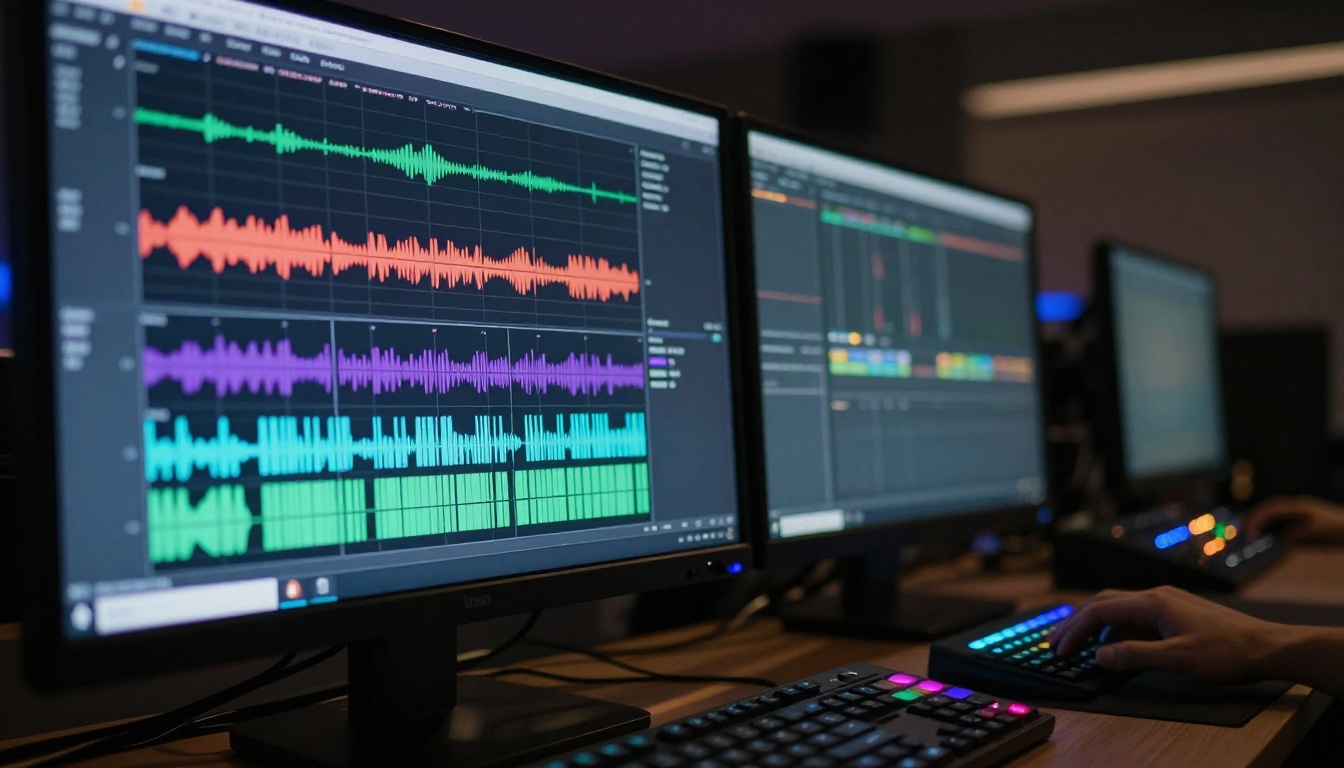
Apply subtitles in batch using a subtitle automation tool
Schedule distribution across platforms by language market and time zone
This approach reduces the per-clip production time from 20-30 minutes of manual editing to roughly 4-6 minutes of prompt writing plus generation time. For a podcaster releasing weekly episodes, the difference is between spending a full day on clips versus a focused 2-hour session.
Quality Control for Multilingual Clips
Scaling to 100+ clips per month without a quality review process creates consistency problems. The main issues to watch for:
Subtitle sync drift: Machine translation can produce sentences of different lengths than the original, which shifts the subtitle timing. Review 2-3 clips per language per batch to confirm sync accuracy.
Visual drift across clips: If the Seedance 2.5 prompt changes between generations, the footage style changes too. Maintain a fixed prompt template for your show.
Platform safe zone violations: Each platform has different areas of the frame that get covered by UI elements. Subtitles that sit too low get obscured on TikTok. Subtitles that sit too high get obscured on YouTube Shorts. Check your safe zone alignment before the first batch publish.
Prompting Strategy for Talking-Head Clips
The prompt is the main variable between a clip that looks professional and one that looks machine-generated. With Seedance 2.5, the model responds well to specific, grounded language rather than abstract quality descriptors.
What Works
Describe the subject as already mid-action: "Host speaking earnestly to camera" performs better than "a person sitting"
Name the lighting explicitly: "warm studio lighting, 3200K, soft shadow on left cheek" produces consistent results across generations
Specify camera behavior: "steady medium shot with subtle breathing motion" vs. "close-up with slow push-in" produce noticeably different outputs
Set the energy through body language: "measured and authoritative tone, minimal gestures" vs. "animated and expressive, wide hand movements" changes the generated motion profile
What to Avoid
Generic descriptors like "professional video" with no specifics
Describing emotions abstractly without describing facial or body behaviors
Contradictory instructions like "static shot with dynamic motion"
Requesting on-screen text inside the video prompt (subtitle overlay happens in post, not inside the model)
Prompt Template for Podcast Clips
[Host description] speaking directly to camera in a [setting],
[motion: natural head nodding / expressive hand gestures / leaning slightly forward],
[camera: medium shot, 50mm lens equivalent, slight camera breathing],
[lighting: soft main light from left, warm 4000K, gentle fill on right],
professional broadcast aesthetic, photorealistic, no artificial glow
This template, adapted per clip and per episode, produces consistent results across multiple generations with Seedance 2.5.
Building a Multilingual Podcast Brand
Distributing clips in 10 languages is not just a distribution tactic. It shapes how each language audience perceives the show. A podcast that appears in a listener's feed in their native language, with properly timed subtitles and professional-looking footage, is not experienced as a foreign show with subtitles. It is experienced as content made for them.
Brand Consistency Across Hundreds of Clips
When generating footage across hundreds of clips, visual brand consistency becomes critical. Each clip generated by Seedance 2.5 is technically a fresh generation. Without consistent prompting, the visual style drifts across clips: the lighting changes, the camera distance shifts, the background color varies. The solution is a prompt reference sheet: a fixed set of variables (lighting, camera, setting, color temperature) that stays identical across every clip generation.
Define your prompt reference before the first batch, and the clips will feel like they came from the same show even though each is independently generated.
Language-First Thumbnail Strategy
Different platform algorithms favor different thumbnail behaviors. For podcast clips distributed in multiple languages:
Spanish Instagram: faces, bold white text overlay, high contrast
German LinkedIn: professional setting, clean composition, minimal text
Japanese TikTok: clean frame, text-free thumbnail, the first 0.5 seconds of motion drives click-through
Arabic YouTube Shorts: centered subject, right-to-left-compatible text positioning near the bottom
Seedance 2.5 outputs can be framed differently per platform by adjusting the aspect ratio and the camera prompt before generation, keeping the host portrait as the consistent first-frame input.
What Other Video Models Add to the Workflow
While Seedance 2.5 is the strongest choice for long-form podcast clip generation, the broader PicassoIA model library offers supporting capabilities that fit into a multilingual podcast workflow:
Kling v3 Omni Video: Cinematic 1080p clips for trailers and promotional content around the podcast
Veo 3.1: Text-to-video with high narrative fidelity, useful for story-driven episode clips
LTX 2.3 Pro: 4K output for high-production podcast highlight reels
Ray 3.2: HDR atmospheric clips for intro and outro segments with strong visual identity
Wan 2.7 I2V: Animate static episode artwork into motion for social headers and story content
Each of these models is available directly on PicassoIA, with no local installation required. The ability to switch models within the same session means podcast producers can match the visual style to the clip content without switching platforms.
💡 Tip: Use Seedance 2.5 for your core episode clips and LTX 2.3 Pro for your monthly highlight reel trailer. The combined output looks significantly more professional than single-model workflows, and both are accessible from the same PicassoIA account.
The Seedance Version Selection
If you are just starting with AI video for podcast clips, the version decision is straightforward:
Seedance 2.5 Lite: Free, unlimited, ideal for testing and low-volume production
Seedance 2.5: Full resolution, 30-second duration, for professional production
Seedance 2.0: Faster turnaround, useful when you need quick iterations
Seedance 1.5 Pro: Still available for workflows built around its specific output characteristics
The version hierarchy is clear: Seedance 2.5 is the production standard. Everything else is either a budget option or a speed option.
Start Creating Your Multilingual Clips
The gap between a podcast that serves one language market and one that reaches ten is no longer a budget problem or a staffing problem. With Seedance 2.5, the production of high-quality, motion-synced video clips from podcast audio is now a prompt-and-generate workflow. The 30-second duration limit covers real podcast excerpt lengths. The native audio synchronization removes the manual dubbing step. The 1080p output meets the quality bar for every major platform.
If you have a podcast episode ready and a market in any of the 10 languages above that you have not reached yet, today is the right session to start. Go to Seedance 2.5 on PicassoIA, upload a host image, write the scene prompt from the template above, and see what 30 seconds of AI-generated video footage feels like when it carries your voice to a new market. The full model library is there whenever you want to expand the workflow beyond clips into full-production video content, multilingual trailers, or animated episode artwork.