The AI video generation space hit a turning point the moment ByteDance released Seedance 2.5. Not because of the longest clips or the flashiest specs, but for one specific reason that working creators immediately noticed: it outputs at Full HD natively, without requiring a separate upscaler to look sharp.
That distinction is more significant than most people realize, and it is worth breaking down exactly why.
What "No Upscale Needed" Actually Means
Every AI video model has a native output resolution. Some generate at 512p or 720p and then apply a separate super-resolution step to inflate the frames to 1080p. That result looks HD on the spec sheet, but it fails under close inspection. Motion blur bleeds, fine textures like hair strands or fabric weaves appear smeared, and edges carry that telltale AI-upscale softness.
Seedance 2.5 skips that step entirely. The model was trained to produce 1080p output as its base resolution. The pixels are present at generation time, not injected afterward by an interpolation algorithm.
Native HD vs. Upscaled HD
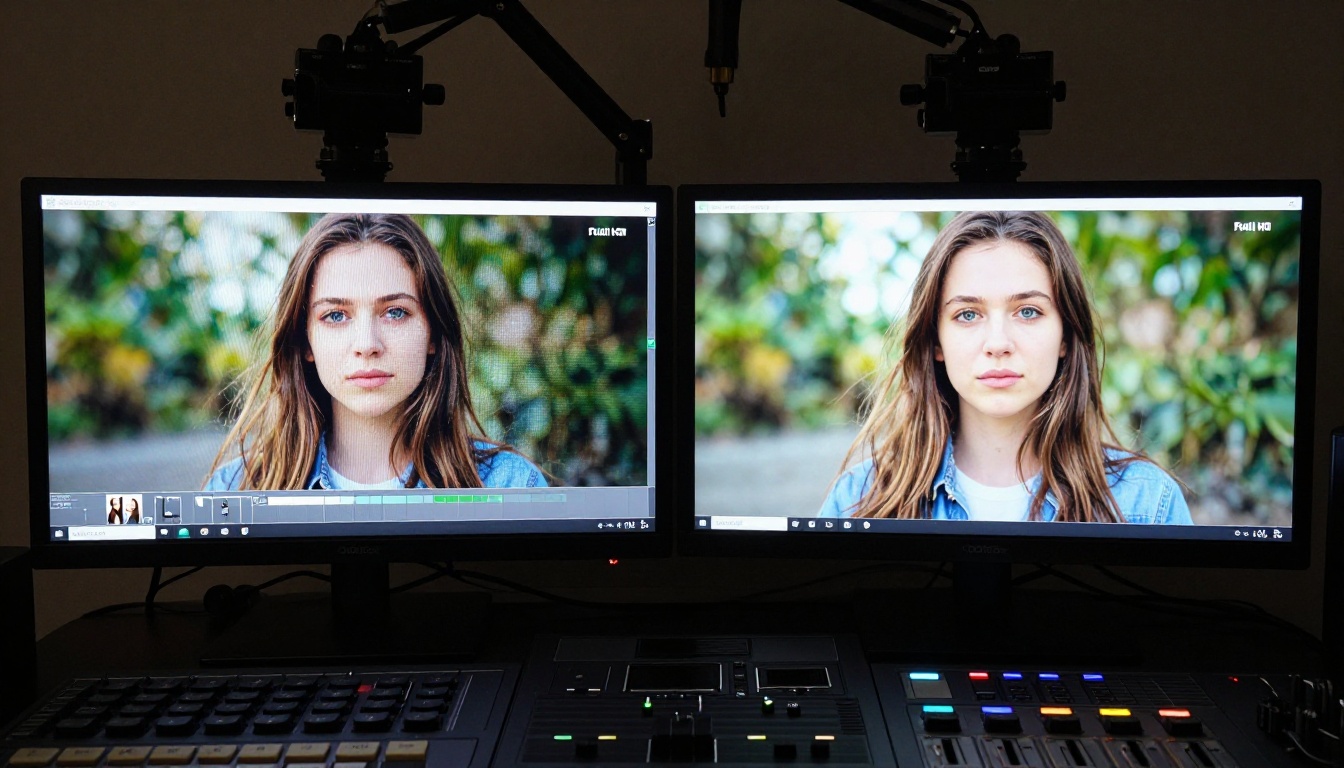
The visual difference is immediately visible in any side-by-side comparison. When you zoom into a native 1080p Seedance 2.5 frame, sharpness is consistent across the entire frame, corner to corner. Hair, skin pores, background details all carry real information because the diffusion process worked at that resolution from the start.
An upscaled 720p-to-1080p video, by contrast, has a "painting" quality in fine-detail areas. The upscaler guesses what those pixels should contain. It is usually right in broad strokes and almost always wrong in fine detail.
Why This Matters for Uncensored Content
When the subject matter is visually demanding and detail-critical, every quality compromise amplifies. Uncensored AI video generation requires a model that handles fine skin texture, natural lighting on curved surfaces, and fabric behavior without introducing visual artifacts that betray the model's limitations.
Seedance 2.5 handles these requirements with enough output fidelity that a separate super-resolution pass adds no perceptible improvement. That speaks to genuine native pixel density, not marketing language.
💡 Quick test: Take any Seedance 2.5 output and run it through a super-resolution tool. If the result looks essentially identical to the original, the original was already operating at genuine HD quality.
The Uncensored Capability Explained
"Uncensored" in AI video generation means the model renders prompts involving adult themes, suggestive scenarios, and mature content without automatic refusal or content degradation. Standard video models from most providers apply safety filters that either block the request outright or generate a sanitized, heavily modified version of what was requested.
Seedance 2.5 does not do that by default when accessed through platforms that do not layer their own moderation on top of it.
What "Uncensored" Includes
Being specific here matters. Uncensored does not mean anything goes without limits. It means the model will render:
- Suggestive scenarios without replacing subjects with fully clothed versions
- Implied nudity where composition and context support it
- Intimate settings with realistic subject behavior and body language
- Mature visual narratives that heavily filtered models decline
The baseline remains artistic and human-dignity-respecting. The difference is that Seedance 2.5 trusts the creator to define that line rather than enforcing an aggressive conservative filter that strips the creative intent from every mature prompt.
Platform Access Matters
Where you access the model determines what you can generate. Seedance 2.5 on PicassoIA operates with a permissive generation policy that respects mature creative work. The platform does not add content restrictions on top of what the model natively supports.
This is the practical difference between using Seedance 2.5 through PicassoIA versus providers that apply their own safety overlays regardless of the model's native capabilities.
Seedance 2.5 Technical Specs at a Glance
| Specification | Value |
|---|
| Native Resolution | 1080p Full HD |
| Upscaling Required | No |
| Maximum Duration | 30 seconds |
| Native Audio | Yes, synchronized |
| Aspect Ratio Options | 16:9, 9:16, 1:1 |
| Uncensored Mode | Yes (platform-dependent) |
| Content Filtering | Minimal |
| Generation Speed | Optimized fast inference |
How to Use Seedance 2.5 on PicassoIA
Accessing Seedance 2.5 takes four steps once you have a PicassoIA account.
Step 1: Open the model page
Navigate directly to the Seedance 2.5 collection page. The interface presents a text prompt input with resolution and duration controls.
Step 2: Write a structured prompt
Seedance 2.5 responds well to prompts that layer specific details:
- Who the subject is and what they are doing
- The scene environment with enough detail to establish visual tone
- Camera behavior (slow push-in, static wide, gentle orbit)
- Lighting conditions (warm afternoon light, soft studio diffusion, golden backlight)
- The emotional register of the scene
Example prompt: "A woman with dark curly hair reclining on white linen in a bright apartment, afternoon sunlight through sheer curtains, slow camera push-in from waist level, warm natural light, relaxed and intimate, photorealistic"
Step 3: Select 1080p and duration
Set resolution to 1080p. Choose a duration between 5 and 30 seconds based on your creative need. The longer the clip, the more important your prompt structure becomes for maintaining visual coherence throughout.
💡 Prompting insight: Specific lighting details produce noticeably better skin-tone rendering and motion coherence than vague prompts with no environmental context.
Step 4: Review at full scale
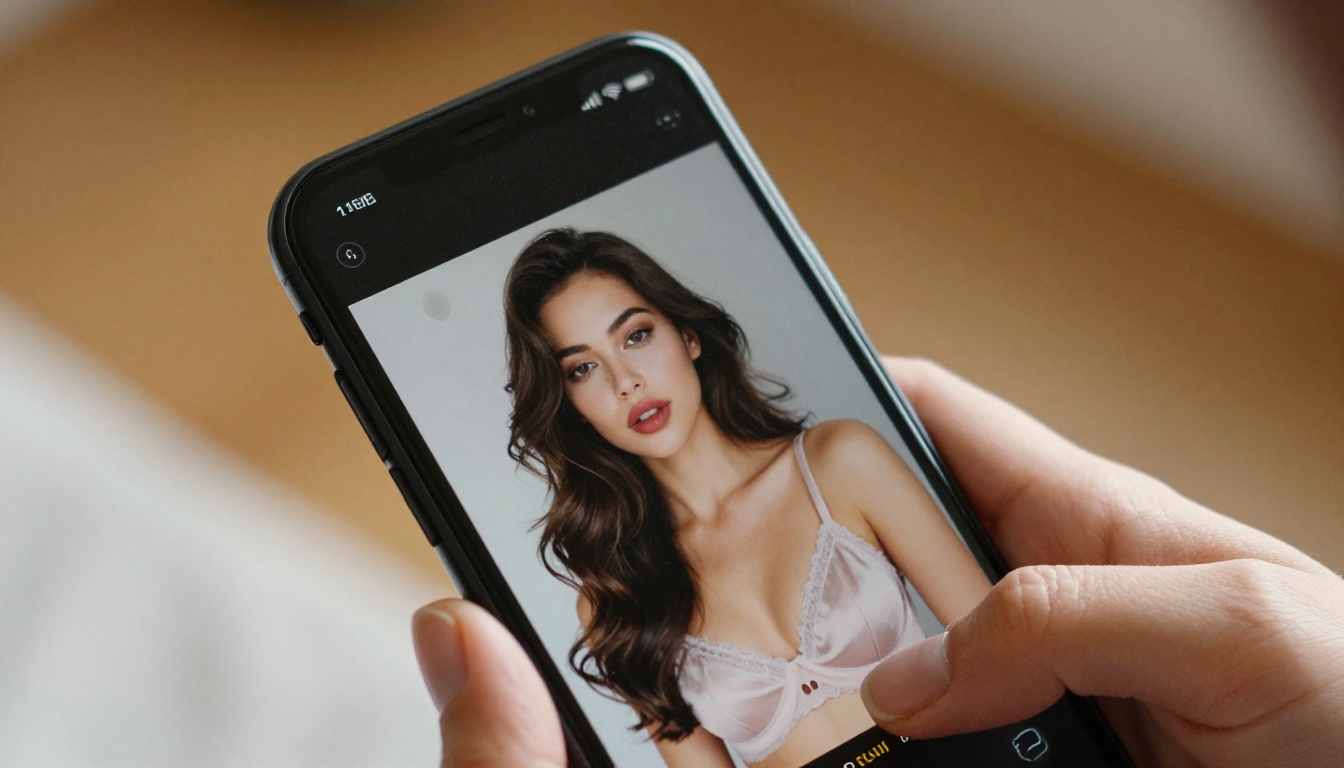
Download the MP4 and view it at 100% zoom in a media player rather than inside a browser window. This is where native HD quality becomes obvious. No softening. No smearing on fine details. Every pixel is where the model placed it.
The Best Companion for Still Images: Seedream 4.5
If your workflow involves generating source images before creating video, a common approach for controlled composition work, Seedream 4.5 is the recommended starting point for NSFW and mature content.
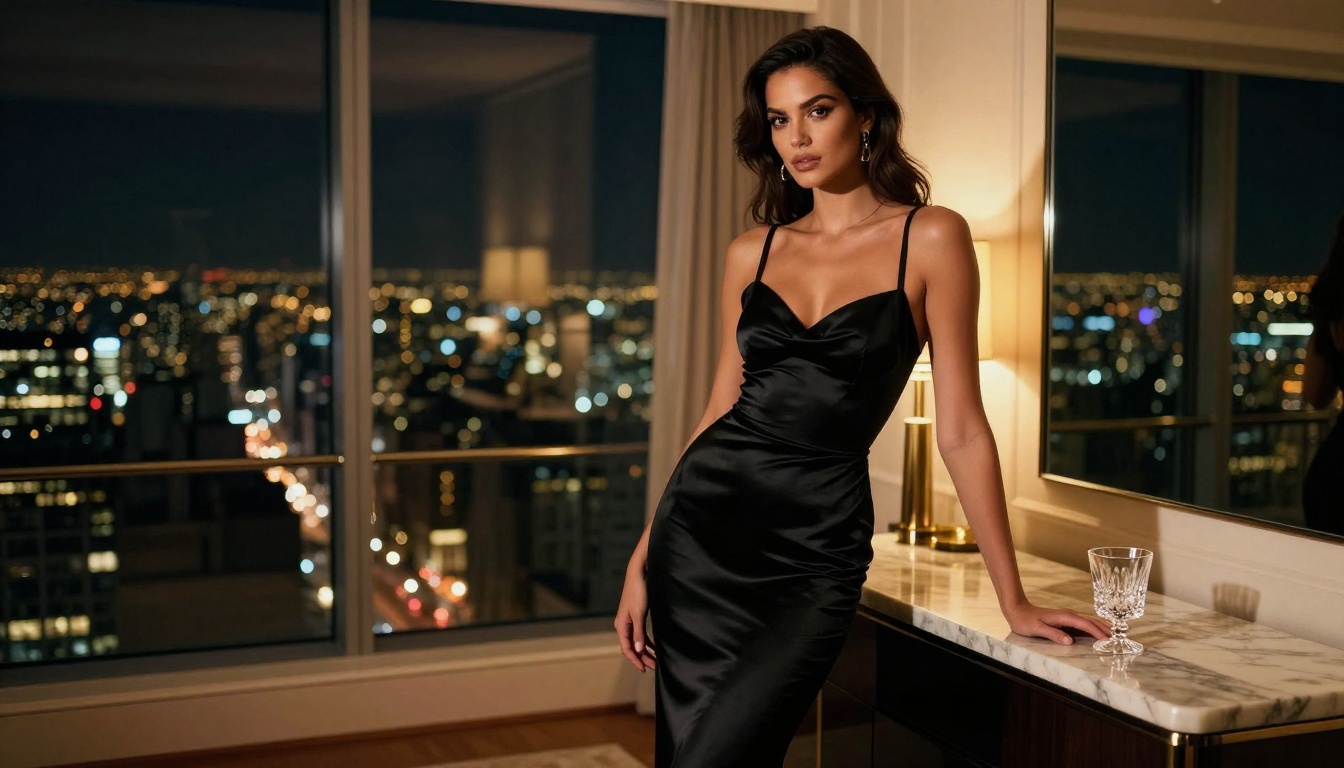
Seedream 4.5 generates native 4K images with detailed skin rendering, natural lighting physics, and full support for mature creative requests. Its output quality in uncensored scenarios consistently outperforms alternatives that have been tuned toward safer content by design.
Why Seedream 4.5 leads this category:
- Native 4K output with no upscaling required
- Realistic skin texture including pores, fine hair, and natural shadows
- Handles intimate and adult prompts without sanitizing the result
- Fast generation compared to models with equivalent quality levels
For post-generation refinement, PicassoIA Image Editor Pro gives you unlimited generations with inpainting, outpainting, and object replacement built in. You can refine any Seedream 4.5 output with targeted precision edits before taking it into Seedance 2.5 for video animation.
Ranked Models for Uncensored Image Generation
- Seedream 4.5: Best overall for NSFW. 4K native, fast, detailed texture rendering.
- Seedream 4: Strong free-tier option with 4K output for high-volume work.
- Seedream 3: 2K output at accessible volume for iterating on concepts quickly.
⚠️ Avoid Seedream 5 Lite for NSFW: This model applies content filtering that blocks adult requests. Use Seedream 4.5 instead.
All models are accessible at picassoia.com/en/all-models.
Seedance 2.5 vs. the Top Alternatives
How does Seedance 2.5 compare against other leading video models available on PicassoIA?
The combination of native 1080p, uncensored mode, 30-second duration, and synchronized audio makes Seedance 2.5 the only model in this tier that checks all four criteria simultaneously.
What a Workflow Without Upscaling Looks Like
To be concrete about the practical difference, here is how a typical session looks with models that require upscaling versus Seedance 2.5.
With upscaling-required models:
- Generate video at 720p or lower native resolution
- Pass output through a super-resolution pipeline (adds 2 to 5 minutes per clip)
- Accept upscaling artifacts in hair, fine fabric, and edge detail areas
- Export at 1080p with the caveat that it is technically not native
With Seedance 2.5:
- Generate at 1080p natively
- Export immediately
- Done
This is not just a time advantage. It is a quality ceiling advantage. Even the best super-resolution models introduce processing artifacts in complex areas. Removing the upscaling step removes that artifact category from the output entirely.
💡 For high-volume production: If you generate 20 clips per session, eliminating the upscaling step cuts your total processing time by a third or more. It also removes a source of quality inconsistency between outputs.
Prompting for Maximum Output Quality
Seedance 2.5 rewards structured prompts. Generic inputs produce generic output. Specific, layered descriptions produce cinematic results.
The Prompt Structure That Works
A strong Seedance 2.5 prompt follows this pattern:
Subject + state or action > Environment with texture detail > Camera behavior > Lighting condition > Mood > Technical qualifier
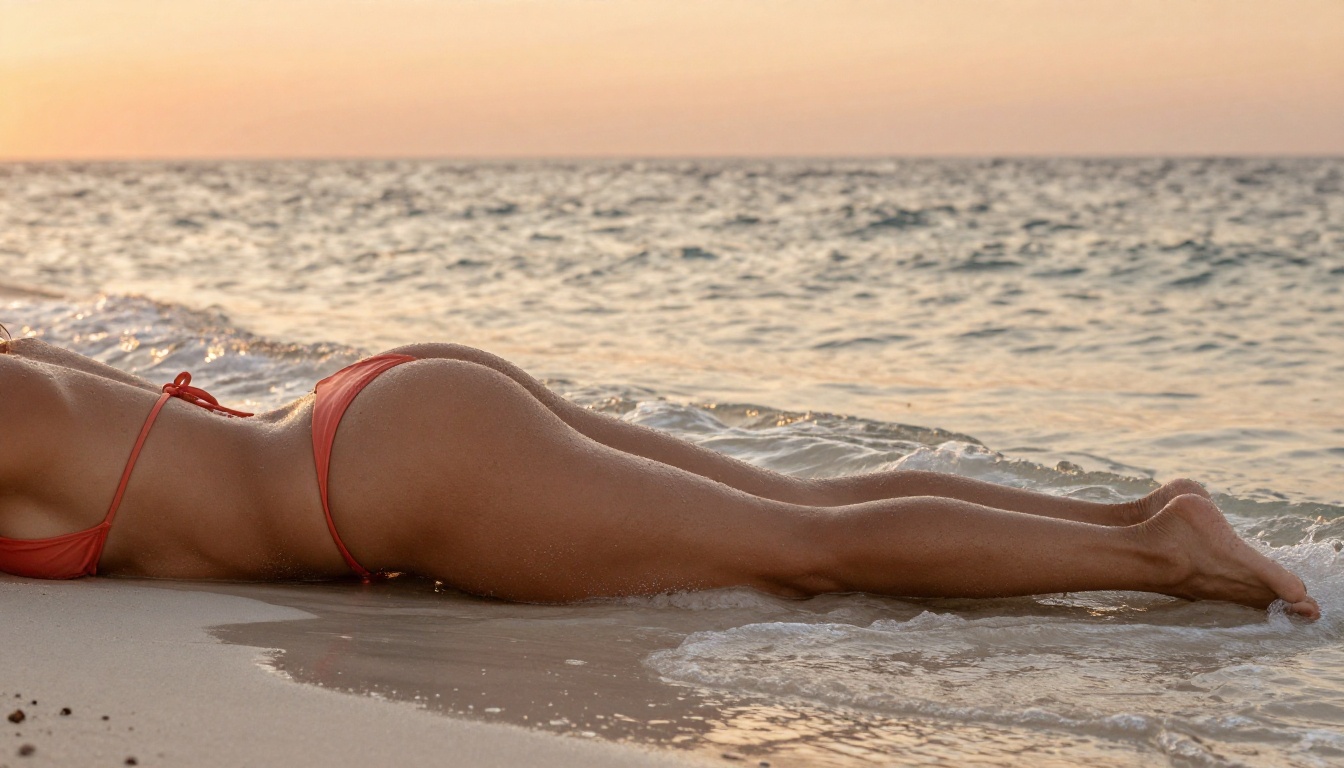
Strong example: "Athletic woman with sun-kissed skin sitting at the edge of a rooftop infinity pool, legs in water, late afternoon, slow camera tilt upward from feet to face, warm golden hour light from the left, relaxed and confident, intimate vacation setting, photorealistic, 1080p"
Weak example: "Beautiful woman at pool, cinematic"
The output quality difference between those two prompts is not subtle.
Lighting Is the Biggest Variable
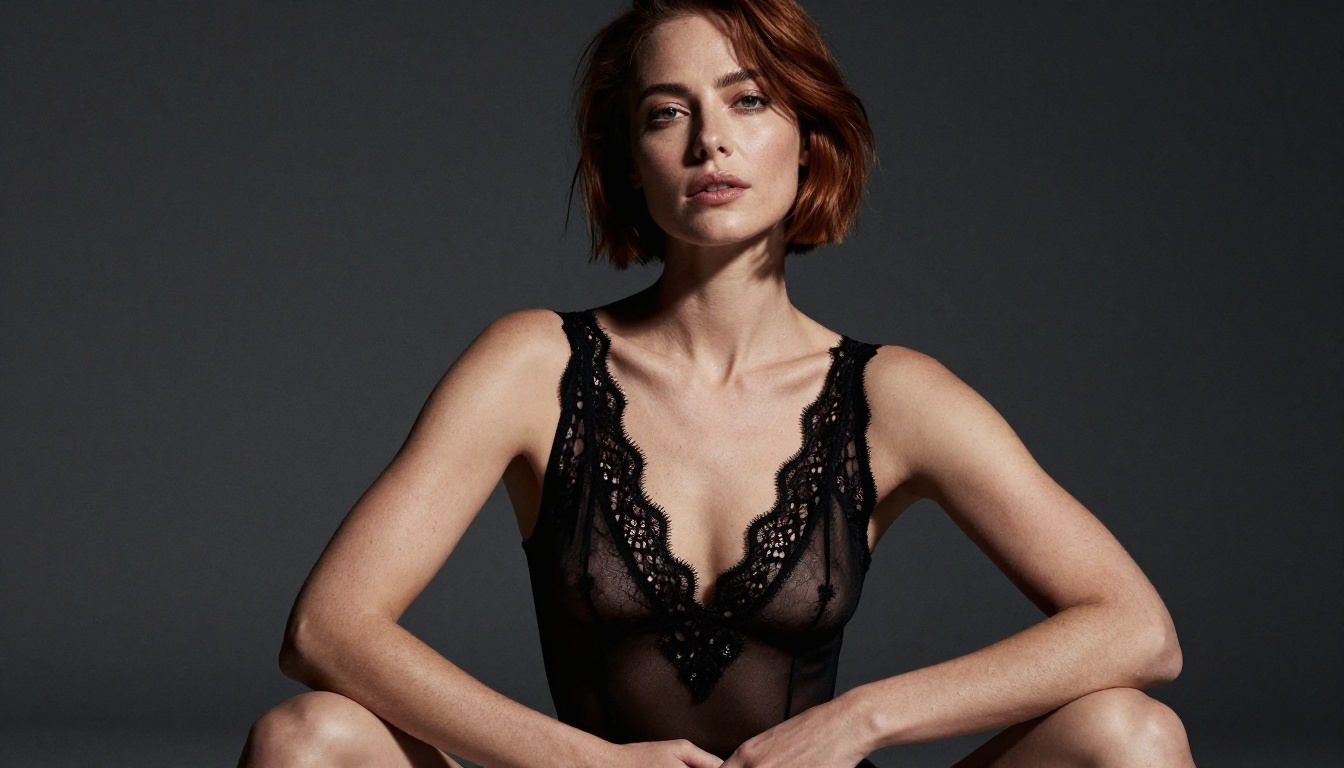
Lighting is the single most powerful quality lever in Seedance 2.5 output. The model has learned to render light physics with accuracy, which means your lighting description directly controls how skin, fabric, and surfaces are rendered.
- "Soft diffuse morning light": gentle shadows, warm skin tone rendering
- "Hard studio strobe": crisp edge definition, dramatic contrast
- "Backlit golden hour": rim lighting, atmospheric warmth
- "Ambient room lighting": the weakest instruction, leaves the model guessing
Specific beats vague at every step.
Common Prompt Mistakes and Fixes
| Mistake | Fix |
|---|
| "A woman" with no description | Add hair color, skin tone, build, clothing |
| No camera direction | Specify "slow dolly-in", "static shot", or "gentle orbit" |
| No lighting info | Describe direction, quality, and color temperature |
| Stacked conflicting styles | Pick one aesthetic register and commit to it |
| Missing environment | Describe floor, walls, background elements, light sources |
Output Consistency at Volume
For creators running high-volume generation, Seedance 2.5 maintains quality consistency across sessions. Some models show significant variance for similar prompts across runs. Seedance 2.5 tends toward predictable output, which matters when building a content library or producing clips to maintain a specific visual identity.
Seedance 2.5 Lite exists as a free alternative, but its cap at 720p and 10 seconds means it is a different tool for a different use case. For native Full HD without upscaling, the full Seedance 2.5 model is the correct choice.
Earlier-generation options like Seedance 1.5 Pro and Seedance 1 Pro remain available but lack the native resolution improvements and uncensored policy updates introduced in the 2.5 generation. For any serious production work where quality and content freedom both matter, there is no reason to run an older generation model.
The free-tier Seedance 2.0 Fast is worth trying for quick concept tests, but again, the native Full HD output without upscaling is unique to Seedance 2.5.
Start Creating on PicassoIA
The fastest path to experiencing native Full HD uncensored video generation is PicassoIA. The platform gives direct access to Seedance 2.5 with no additional content filtering on top, which is exactly what the uncensored use case requires.
A recommended starting workflow for the best results:
- Generate your source image in Seedream 4.5 for compositional control at native 4K
- Refine with PicassoIA Image Editor Pro if the composition needs adjustment
- Feed the image into Seedance 2.5 with a structured motion prompt
- Export the native 1080p MP4 with synchronized audio
For motion variety, Wan 2.7 I2V adds a strong image-to-video alternative path at 1080p. Pixverse v5.6 brings cinematic motion through a different model architecture, worth running in parallel when you want output variety.
The full catalog at picassoia.com/en/all-models includes over 87 video generation models and 91 image models. Everything accessible from a single account, with no additional setup.
Native Full HD is not a checkbox to tick in a spec sheet. It is a visible, measurable difference in every pixel of output. Seedance 2.5 delivers it without requiring a second pipeline to get there. That is the entire point, and it is enough of a reason to make it your default video model for any mature or high-quality production work.


