When ByteDance pushed Seedance 2.5 live, there was no formal announcement, no detailed changelog, and no comparison post from the team. Creators started noticing differences in output quality, generation speed, and how the model handled complex prompts, but sorting fact from assumption has been messy. This article cuts through the noise and lays out what actually shifted between Seedance 2.0 and 2.5 based on real output comparisons, technical breakdowns, and hands-on testing across both models on the same prompts.
What Changed at a Glance
Before getting into the specifics, here is a fast reference table showing the headline differences between the two versions.
| Feature | Seedance 2.0 | Seedance 2.5 |
|---|
| Max resolution | 1080p | Up to 4K (30s clips) |
| Max clip length | 10 seconds | 30 seconds |
| Native audio | Yes | Yes, with improved sync |
| Motion coherence | Good | Significantly better |
| Prompt adherence | Moderate | High |
| Temporal consistency | Acceptable | Strong |
| Generation speed | Standard | Faster on equivalent prompts |
| Budget variant | Seedance 2.0 Mini | Seedance 2.5 Lite |
The jump from 2.0 to 2.5 is not a minor tune-up. ByteDance retrained the diffusion backbone, revised the audio conditioning module, and extended clip capacity from 10 to 30 seconds. Each of those changes ripples through the output in ways that matter for different use cases.
💡 Both models are available on PicassoIA. You can run Seedance 2.5 for full-resolution output, or try Seedance 2.5 Lite for free, unlimited generations up to 10 seconds.
Resolution and Output Quality
From 1080p to Native 4K
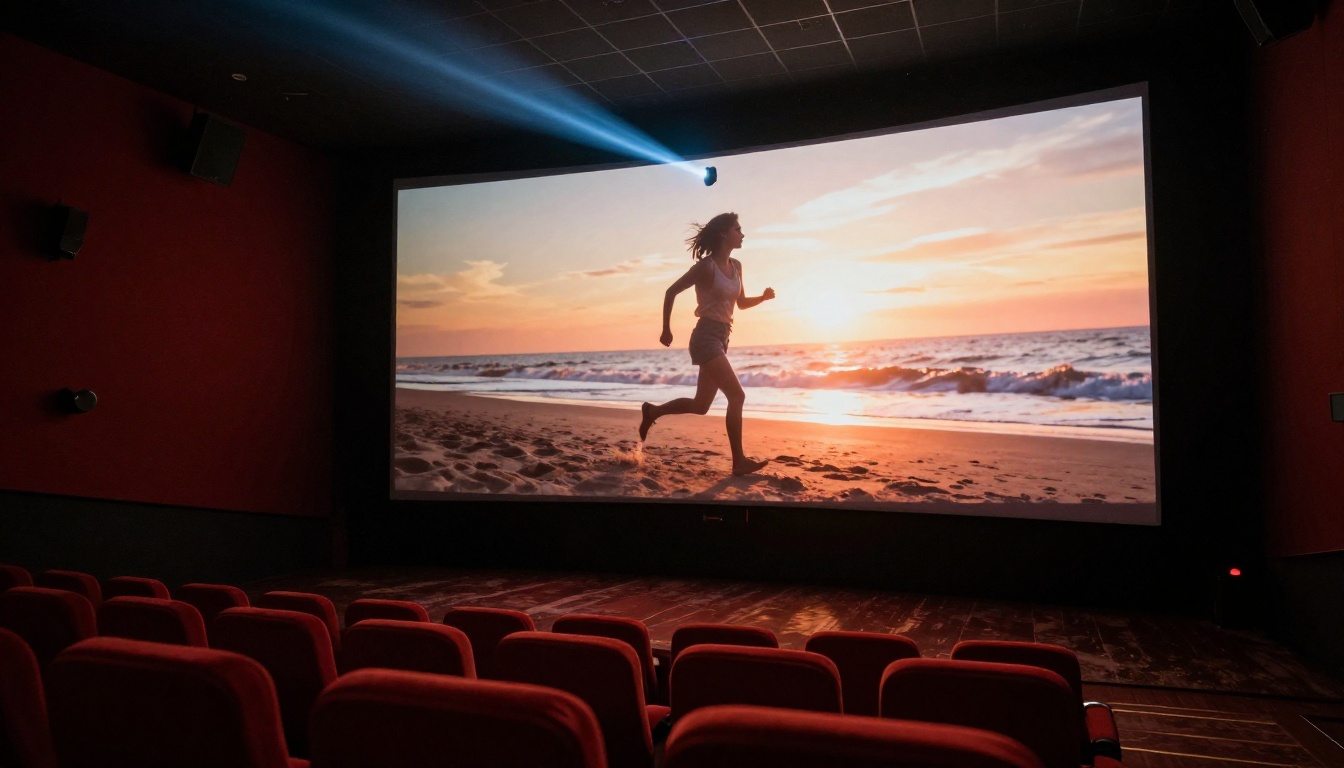
Seedance 2.0 tops out at 1080p. That was competitive when it launched, but the field has moved fast. Seedance 2.5 now outputs up to 4K for clips up to 30 seconds, which is the single biggest visual upgrade in this version. At 4K, fine textures, fabric weave, and skin detail become visible in ways that 1080p simply cannot reproduce.
The resolution increase is not just pixel count. The 2.5 architecture uses a higher-resolution latent space during denoising, which means finer edge definition and less of the soft, painterly quality that 2.0 sometimes produced in complex scenes. Hair strands, background architecture, and water surfaces all benefit from this architectural change.
For shorter clips under 10 seconds, the Seedance 2.0 Fast variant remains a practical option. It sacrifices some resolution ceiling for dramatically faster generation, which makes sense in iteration-heavy workflows where you are testing prompt variations before committing to a full render.
Color and Contrast Rendering
One area where 2.5 is noticeably different is color grading behavior. Seedance 2.0 had a tendency to slightly desaturate outdoor scenes with strong backlighting, producing a washed-out look that required post-processing correction. Seedance 2.5 holds contrast and saturation in high-dynamic-range scenarios significantly better.
Sunset scenes, shots with windows casting strong directional light into dark interiors, and footage involving fire or studio lighting all show more accurate tone mapping in 2.5. The model appears to have been trained on a wider range of lighting conditions, and it shows clearly in the output. Shadows hold detail without crushing to black, and highlights preserve texture rather than blowing out to white.
Motion Fidelity in Practice
Character Movement Coherence
This is where the gap between Seedance 2.0 and 2.5 becomes immediately obvious to anyone watching outputs side by side. In 2.0, characters performing complex movements such as dancing, running on uneven ground, or gesturing while speaking frequently showed limb distortion or unnatural joint bending around the midpoint of the clip.
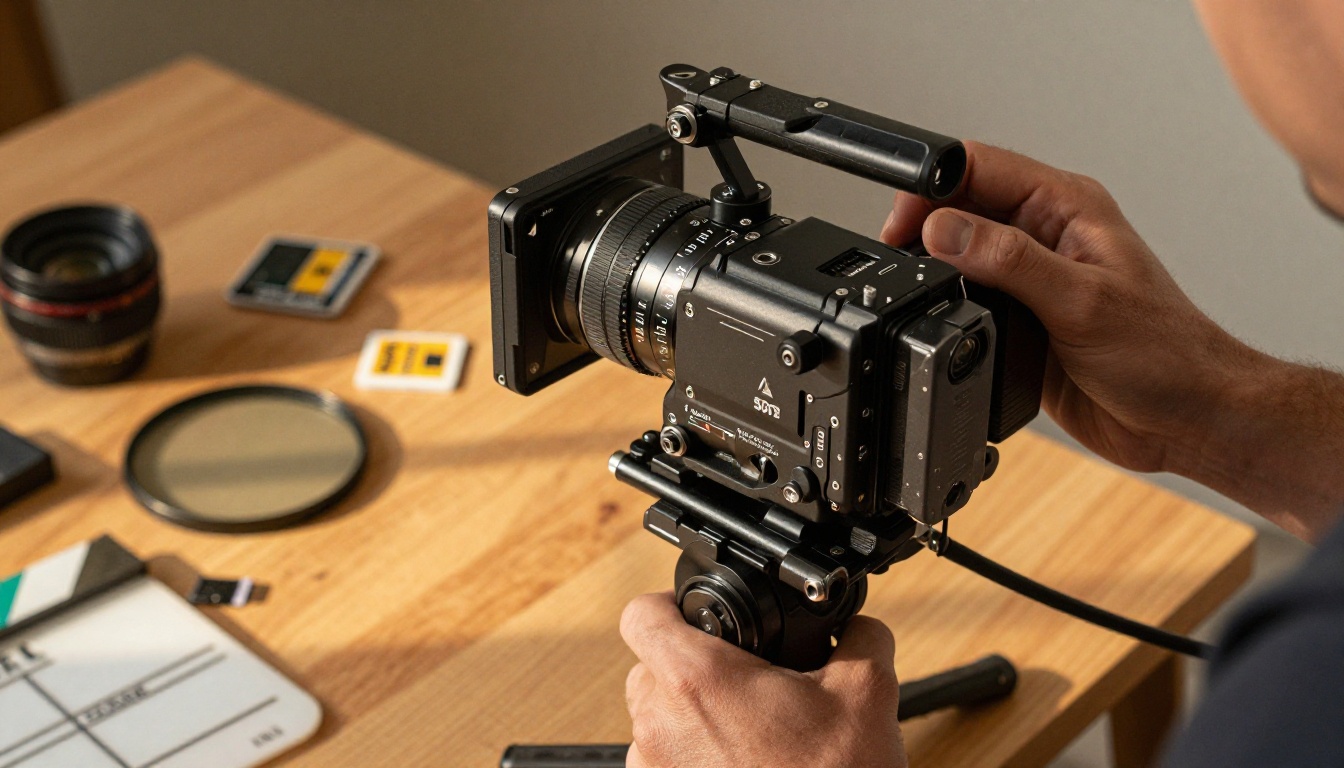
Seedance 2.5 handles these cases with far greater anatomical accuracy. Fingers stay the correct number and proportion through a full hand movement. Knees bend at realistic angles during walking and running sequences. Clothing moves with the body rather than lagging or clipping through surfaces.
The improvement is clearest in these scenarios:
- Dance sequences: 2.5 maintains rhythm and body proportions through fast movements without limb distortion
- Crowd scenes: Multiple characters stay anatomically consistent rather than merging into each other at frame edges
- Hand-held objects: Items like cups, phones, and bags remain stable and properly held through the full clip
- Facial expressions: Lip and cheek movement stays proportionate over the entire clip length, with no identity drift
This matters particularly if you are generating content that involves people as the primary subject. Social media content, brand videos, and storytelling clips all require this level of character fidelity to look professional rather than like an AI artifact.
Camera Motion Handling
Seedance 2.0 interpreted camera movement instructions correctly most of the time, but it had a notable weakness: when combining a camera movement with a moving subject, it would occasionally prioritize one and drift on the other. A "slow dolly toward a walking person" would sometimes produce a stationary camera with the person walking, or a panning camera with a stationary person.
Seedance 2.5 resolves this in most cases. The model appears to apply camera and subject motion as separate conditioning signals rather than blending them into a single instruction. This produces results much closer to what you specify in the prompt. Dolly shots, pan-and-track combinations, and crane-style overhead movements all parse more reliably with the updated architecture.
💡 Prompt tip: For complex camera movements in 2.5, write the camera behavior and the subject behavior as separate sentence structures rather than a single compound instruction. This consistently produces better alignment between prompt and output.
Audio Sync
How 2.0 Handled Sound
Seedance 2.0 was one of the first models in its class to include native audio, meaning it generated synchronized ambient sound and music alongside the video without requiring a separate audio pipeline. The feature worked, but it had visible limitations. Audio transitions at the start and end of clips sounded abrupt. Ambient sound sometimes did not match the visual environment, producing outdoor wind noise in an indoor setting or urban street sounds under a nature scene.
The audio conditioning in 2.0 was also loosely coupled to the video content, meaning the model could generate a beach scene with appropriate music but with ambient sounds like waves and seagulls that were poorly timed or mixed too high relative to the music layer.
What 2.5 Does Differently
Seedance 2.5 tightens the relationship between visual content and audio generation substantially. The audio conditioning model now receives direct feedback from the video diffusion process at intermediate denoising steps rather than only at the final output stage. In practice, this produces several improvements you can hear immediately:
- Ambient sounds match the environment more accurately across scene changes
- Music transitions are smoother when prompts include mood or genre instructions
- Speech-adjacent content such as crowd noise aligns better with the visual activity level on screen
- Clip start and end fade cleanly without the sharp audio artifact that 2.0 sometimes produced
For creators building content where audio is part of the final deliverable rather than something to be replaced in post, this improvement alone may justify switching from 2.0. The Seedance 2.0 Mini variant had even weaker audio performance than standard 2.0, making 2.5 the clear upgrade path for audio-forward projects.
Speed and Inference Time
Fast Variants Side by Side
ByteDance offers faster variants of both generations. Seedance 2.0 Fast uses a distilled version of the 2.0 architecture to cut inference time roughly in half compared to the standard 2.0 model, with a corresponding reduction in output detail.
Seedance 2.5 Lite takes a different approach. Rather than distillation, it restricts maximum clip length to 10 seconds and reduces maximum resolution, but keeps more of the 2.5 motion coherence and audio improvements intact. The result is a faster variant that produces qualitatively better output than 2.0 Fast, particularly for character-heavy scenes.

For reference, approximate generation times on comparable hardware:
| Model | 5-second clip | 10-second clip | 30-second clip |
|---|
| Seedance 2.0 | ~45s | ~90s | N/A |
| Seedance 2.0 Fast | ~25s | ~50s | N/A |
| Seedance 2.5 | ~55s | ~110s | ~280s |
| Seedance 2.5 Lite | ~20s | ~45s | N/A |
These are indicative figures and vary with prompt complexity, resolution settings, and queue conditions on any given platform.
Generation Queue Behavior
On shared inference infrastructure like PicassoIA, the 30-second clip capacity of Seedance 2.5 creates different queue dynamics than 2.0. A single 30-second 4K generation consumes considerably more GPU-time than a 10-second 1080p clip. This means:
- Batch workflows are more efficient with Seedance 2.5 Lite if you need volume over clip length
- Single high-quality clips benefit from full Seedance 2.5 where the longer generation time is acceptable
- Iteration speed during prompt development is better served by 2.5 Lite or 2.0 Fast
The right choice depends on your pipeline, not on which model is "better" in the abstract.
Prompt Adherence
Following Complex Instructions
Seedance 2.0 was solid on simple, single-subject prompts. A woman walking through a forest. A car driving down a mountain road. These generated reliably and with good fidelity to the instruction.
Where 2.0 showed strain was in prompts that combined multiple instructions. "A man in a blue suit walking through a crowded market while a child follows him" would often lose the child after a few frames, or shift the suit color partway through the clip. The model weighted the primary subject heavily and allowed secondary elements to drift.
Seedance 2.5 handles multi-element prompts with notably higher consistency. Secondary subjects hold their position and appearance through longer sequences. Specified colors, textures, and accessories persist from the first frame to the last without degradation.
Multi-Subject Scenes
For creators building narrative content, product demonstrations, or documentary-style videos, multi-subject handling is critical. Seedance 2.5 shows meaningful improvement in:
- Two or more characters maintaining distinct identities across the full clip without merging
- Background consistency: crowds do not morph or shift behavior mid-clip
- Object placement: props stay in the same position relative to the scene unless the prompt specifies movement
- Lighting direction: a specified side-lit scene does not drift to front-lit as the clip progresses
These improvements make 2.5 the more practical model for anything beyond simple single-subject clips, and for any creator who has experienced the frustration of watching a carefully specified scene fall apart after the first two seconds.
Temporal Consistency
Object Persistence
Temporal consistency refers to how stable the visual content is from frame to frame. In lower-quality video diffusion models, you see flickering, objects that change shape or color slightly each frame, and scenes that drift toward a different composition over time.
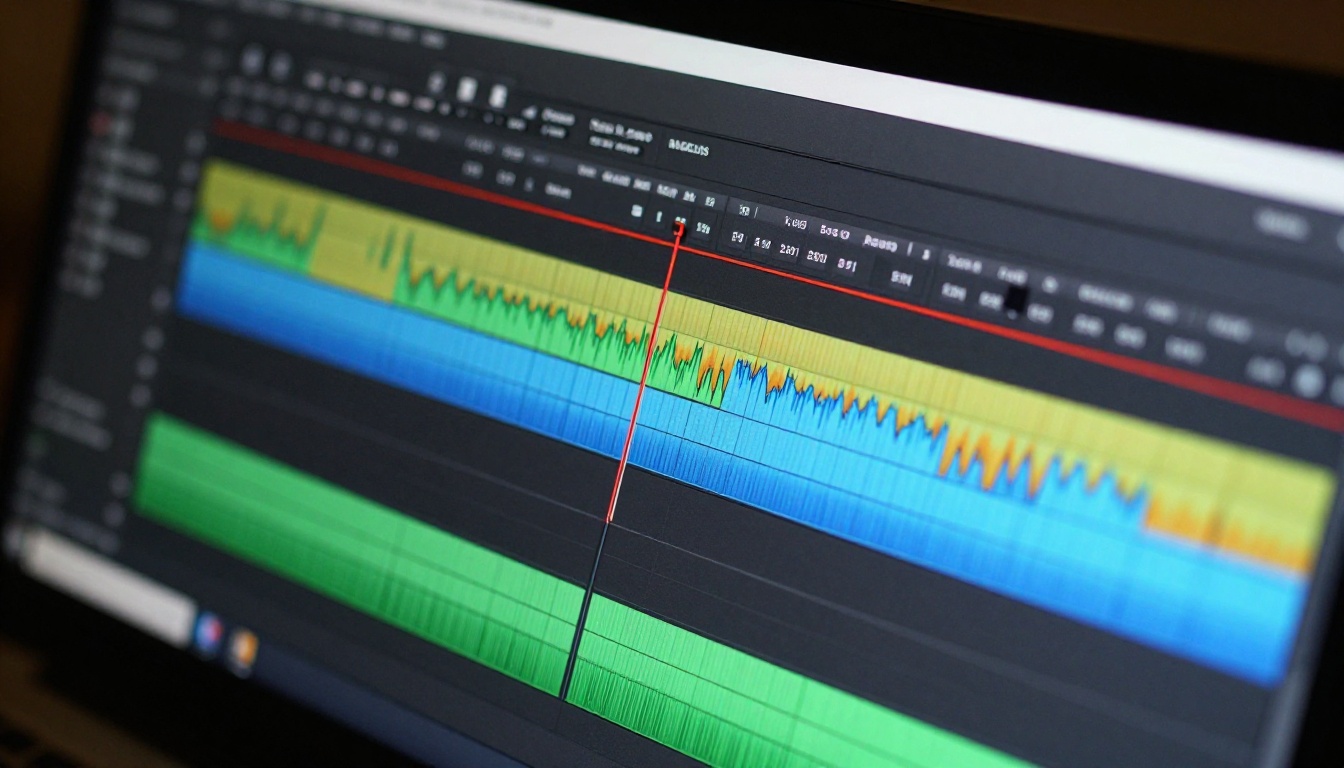
Seedance 2.0 had moderate temporal consistency. Short clips under 5 seconds were clean. Longer clips approaching the 10-second limit sometimes showed accumulated drift, where the scene at second 9 had subtly shifted from the scene at second 1 in ways that were hard to pinpoint but visually noticeable.
Seedance 2.5 uses attention mechanisms that span a longer temporal window during generation, which produces significantly more stable output over longer clips. A 20-second clip from 2.5 holds its composition, lighting, and character appearance with a stability that was architecturally impossible in 2.0.
Scene Stability
The practical benefit of improved temporal consistency shows up most clearly in:
- Slow-motion-style clips: Objects do not jitter or flicker when movement is minimal
- Static backgrounds: A building, skyline, or interior holds its geometry throughout without warping
- Lighting transitions: A gradual sunrise or sunset develops smoothly rather than in visible discrete steps
- Extended character shots: A person standing and speaking over 15 seconds does not accumulate identity drift in their face or clothing
For professional-quality output, this is one of the most important improvements in 2.5. It reduces the rate at which clips need to be retried due to mid-clip visual corruption, which saves real time and generation credits in production workflows.
Which Version Should You Use
When 2.0 Still Makes Sense
Seedance 2.0 remains a capable model and the better choice in specific scenarios:
- Short clips under 5 seconds: The quality gap narrows considerably at short lengths where temporal drift is not an issue
- High-volume workflows: If you are generating dozens of clips per day, 2.0's faster inference adds up to real time savings
- Simple single-subject prompts: The overhead of 2.5 is not always justified for straightforward generation tasks
- Testing and iteration: Use Seedance 2.0 Fast or Seedance 2.5 Lite to validate prompts before committing to full renders

When 2.5 Is Worth It
Use Seedance 2.5 when any of these apply:
- Resolution matters: Anything destined for large screens, presentations, or 4K display requires 2.5's output ceiling
- Audio is part of the deliverable: The improved sync makes 2.5 the default for audio-forward content that will not be scored in post
- Clips run longer than 10 seconds: Seedance 2.0 cannot produce these at all
- Multi-subject scenes are required: Character interaction, crowd scenes, and narrative sequences
- Temporal stability is critical: Product videos, brand content, and anything with a static background that must hold across the full clip
The default recommendation for most creators is Seedance 2.5 Lite for prototyping and full Seedance 2.5 for final output. The Lite variant preserves most of the motion and audio improvements from 2.5 while cutting generation cost significantly.
Try Both on PicassoIA
Both Seedance 2.5 and Seedance 2.5 Lite are available on PicassoIA without any setup. Here is a straightforward way to run your own comparison:
- Pick one of your standard prompts: Use something you have generated before with Seedance 2.0 so you have a baseline to compare against
- Run it through Seedance 2.5 Lite first: This costs less and gives you a fast read on whether the motion and audio improvements are visible in your specific content category
- If the output is significantly better, run it through full Seedance 2.5: The resolution and temporal stability gap between Lite and full 2.5 is most visible on content with fine surface detail or clips longer than 8 seconds
- Review side by side: Download both clips and watch them back to back at full screen. The differences in motion coherence and audio sync become much clearer in full-screen playback than in small preview windows
PicassoIA also gives you access to the broader AI video model landscape alongside the full Seedance lineup. Kling v3, Veo 3, LTX 2.3 Pro, Wan 2.7 T2V, and Pixverse v6 are all available to run comparisons against, which gives you real data for your specific use case rather than relying on benchmarks built around someone else's prompts.
If your current workflow still runs on Seedance 2.0 or Seedance 1.5 Pro, the upgrade to 2.5 is substantial enough to warrant at least a test. Start with Seedance 2.5 Lite, run your standard prompts through it, and compare the output against what you are currently getting. The motion fidelity difference alone tends to make the case clearly within the first few generations.

The full Seedance lineup on PicassoIA, from Seedance 1 Pro through Seedance 2.0 to Seedance 2.5, lets you run the entire generation history in one place. That makes it straightforward to pick the right tool for each project rather than being locked into a single model regardless of what the job actually requires.