The landscape of AI art creation has undergone a dramatic transformation with the introduction of models designed specifically for accessibility. While previous tools often required technical proficiency or artistic training, new approaches focus on lowering the barriers to entry. Bytedance's Seedream 3 emerges as a particularly noteworthy example of this trend, offering a compelling blend of sophisticated capabilities and user-friendly design.
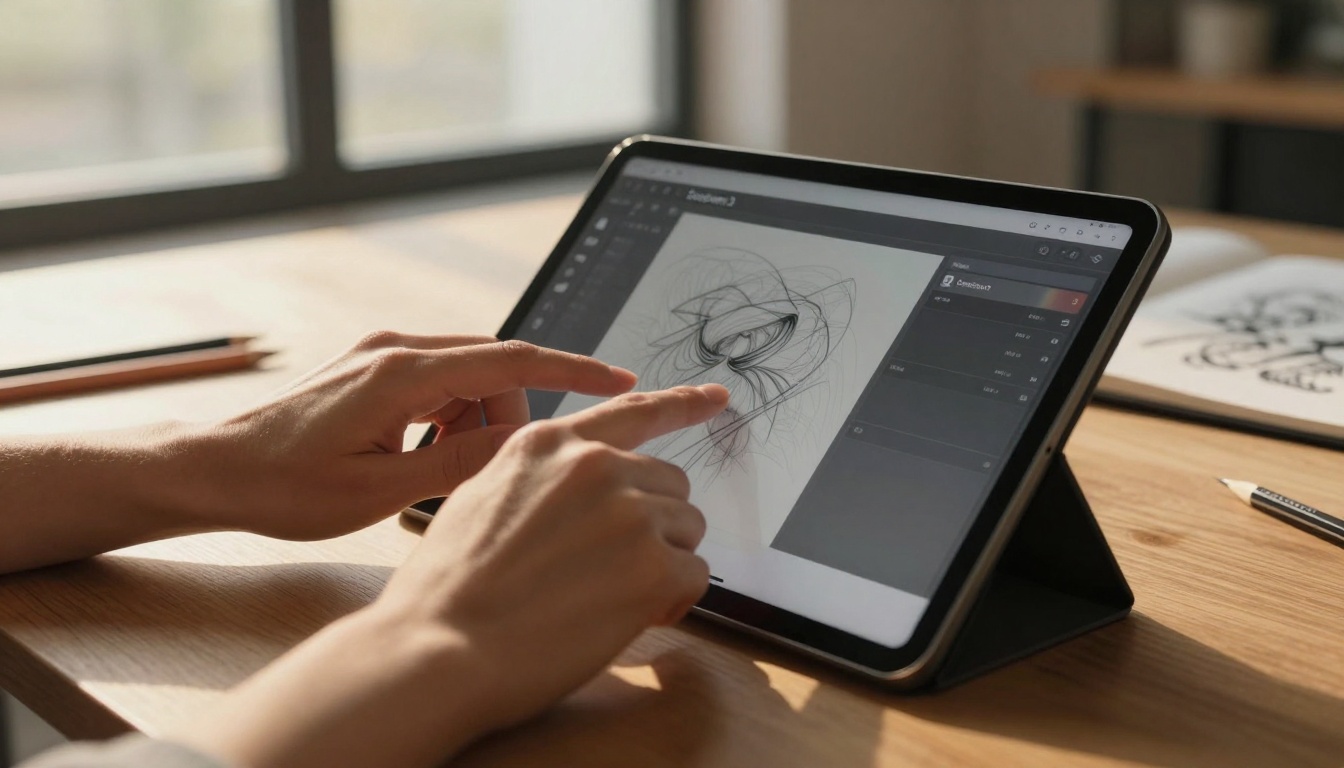
Why Seedream 3 Stands Out for Beginners
Most AI art models present a steep learning curve that discourages newcomers. Complex parameter adjustments, technical terminology, and unpredictable results often create frustrating experiences for those without prior knowledge. Seedream 3 addresses these pain points directly through several key design decisions:
- Simplified Interface: The model prioritizes clarity over complexity, presenting creative controls in intuitive visual formats
- Predictable Results: Unlike some models that produce wildly varying outputs, Seedream 3 maintains consistency that helps beginners understand cause and effect
- Immediate Feedback: Users see real-time previews of how parameter adjustments affect their artwork
- Educational Resources: Built-in guidance helps users understand artistic concepts rather than just technical parameters
💡 The fundamental shift in Seedream 3's design philosophy focuses on what beginners can do rather than what they can't. This positive framing transforms the creative experience from intimidating to empowering.
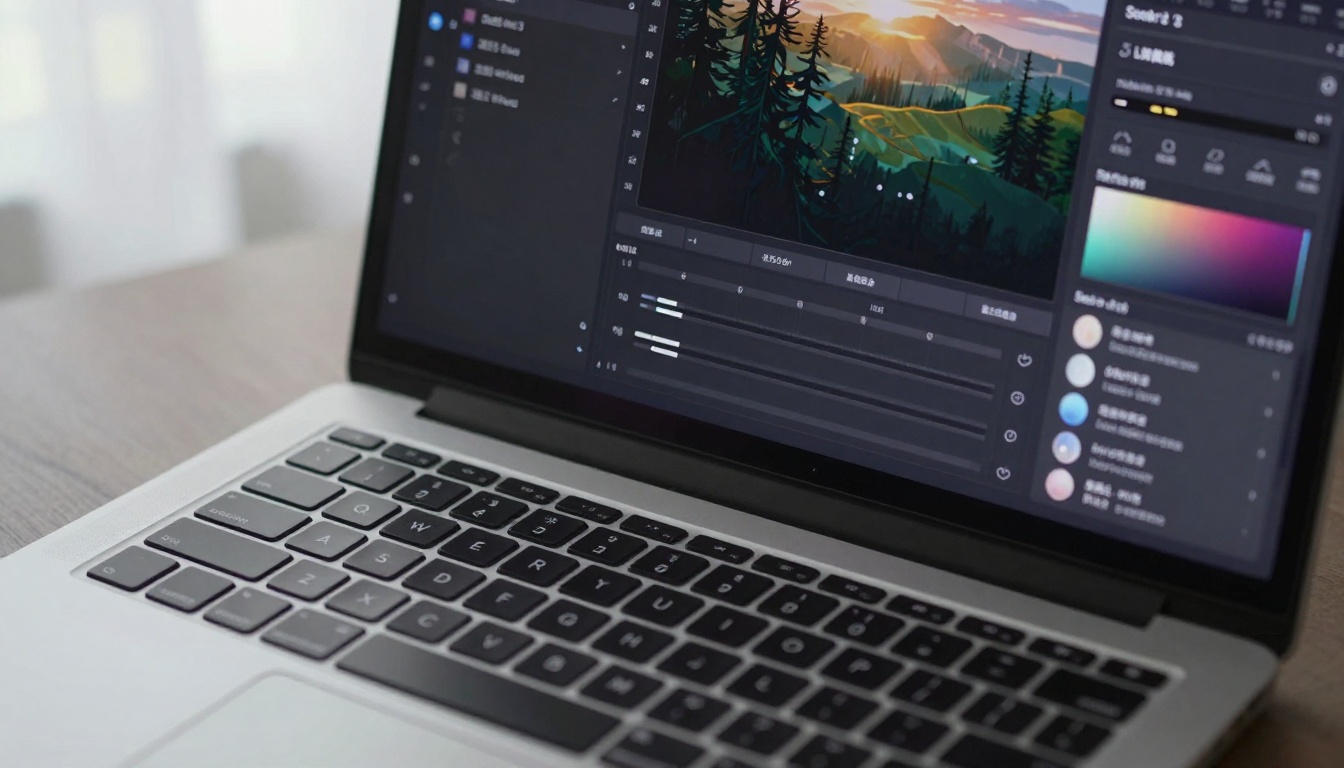
Core Features That Matter for New Users
When evaluating AI art tools for beginners, certain features make significantly more impact than others. Seedream 3 concentrates on the elements that provide the most value to those starting their creative journey.
Style Transfer Made Simple
One of the most powerful yet confusing aspects of AI art involves transferring artistic styles from one image to another. Seedream 3 simplifies this process with:
| Feature | Beginner Benefit | Traditional Complexity |
|---|
| Style Intensity Slider | Single control for dramatic effect | Multiple parameter adjustments |
| Style Library | Curated collection of proven styles | Requires understanding of technical style definitions |
| Live Preview | Immediate visual feedback | Trial-and-error experimentation |
| Style Blending | Mix styles with intuitive controls | Complex mathematical operations |
The style transfer functionality demonstrates how Seedream 3 transforms advanced capabilities into accessible features. Beginners can achieve professional-looking results without understanding the underlying technical processes.
Consistent Output Quality
Unpredictable results represent one of the biggest frustrations for AI art newcomers. Seedream 3 addresses this through:
- Stable generation algorithms that produce consistent quality across different prompts
- Predictable behavior where similar inputs yield similar outputs
- Quality thresholds that maintain minimum standards regardless of prompt complexity
- Error reduction through intelligent input interpretation
How Seedream 3 Compares to Other Models
Understanding where Seedream 3 fits within the broader AI art ecosystem helps beginners make informed choices about which tools serve their needs best.
Accessibility vs. Complexity Spectrum
Different AI art models occupy various positions on the accessibility spectrum:
- Specialist Models (High complexity, low accessibility): Tools like some advanced implementations of Stable Diffusion or SDXL offer extensive control but require significant technical knowledge
- Balanced Models (Moderate complexity, moderate accessibility): Options like Flux models provide good control with reasonable learning curves
- Beginner-Focused Models (Low complexity, high accessibility): Seedream 3 and similar tools prioritize ease of use over exhaustive control options
Performance Characteristics for Beginners
| Model Type | Learning Time | Result Quality | Creative Control | Best For |
|---|
| Specialist Models | Weeks to months | Exceptional | Extensive | Professional artists, technical experts |
| Balanced Models | Days to weeks | Very good | Substantial | Intermediate users, serious hobbyists |
| Beginner Models | Hours to days | Good to very good | Focused | Newcomers, casual creators, educators |
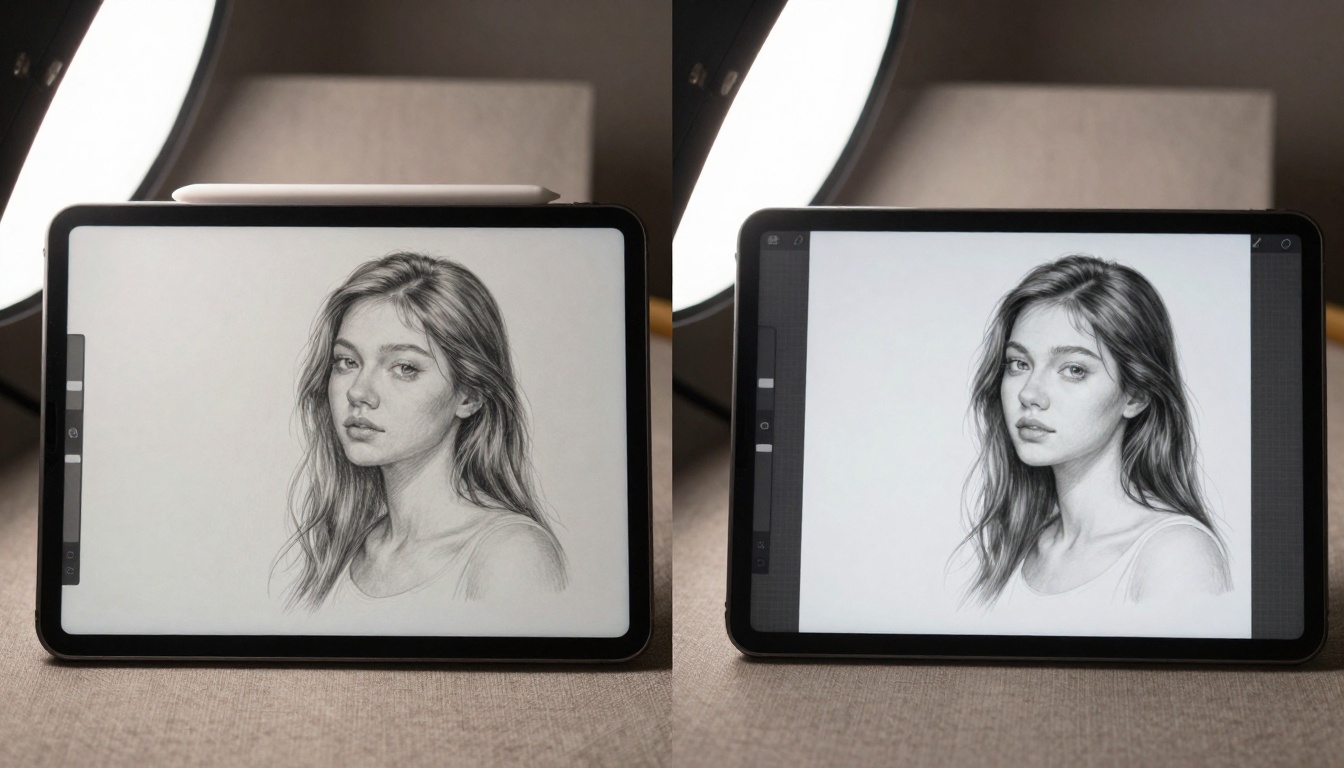
Practical Applications for Different Skill Levels
Seedream 3 serves various creative needs across different experience levels, demonstrating its versatility beyond just absolute beginners.
Art Education and Classroom Use
Educational institutions increasingly incorporate AI art tools into their curricula. Seedream 3's approachable design makes it particularly suitable for:
- Art fundamentals courses where students explore color theory, composition, and style
- Digital media classes introducing technology-assisted creativity
- Interdisciplinary projects combining artistic expression with other subjects
- Special education programs where accessibility features provide important accommodations
The model's predictable behavior and clear feedback loops create effective learning environments where students can focus on artistic concepts rather than technical troubleshooting.
Professional Workflow Integration
While designed for beginners, Seedream 3 also serves professional contexts through specific applications:
- Concept development where speed and iteration matter more than final polish
- Style exploration testing different artistic approaches quickly
- Client presentations creating visual mockups without extensive production time
- Creative brainstorming generating diverse ideas during early project phases
Professionals appreciate the model's efficiency for tasks where sophisticated control isn't the primary requirement.
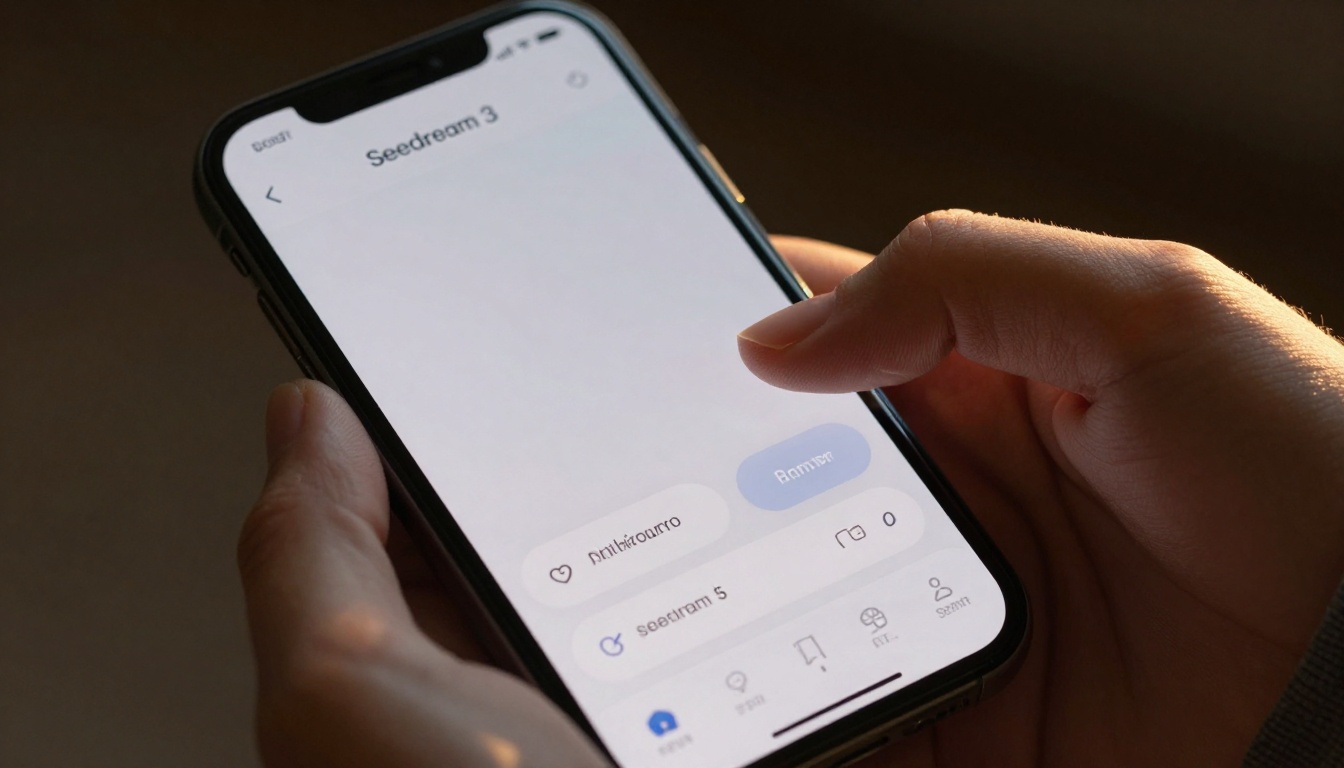
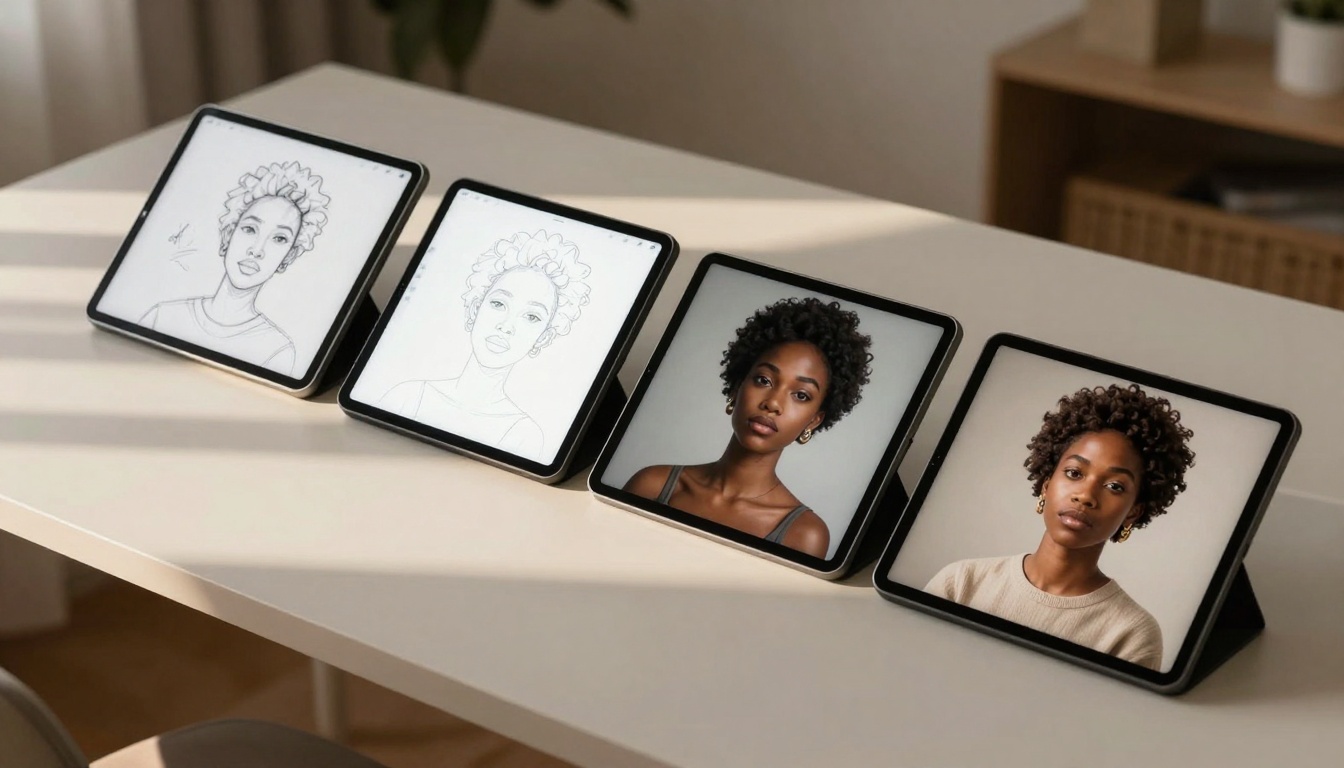
Modern creative tools must function across different devices and contexts. Seedream 3's mobile implementation deserves particular attention for how it maintains core functionality while adapting to touch interfaces.
Touch-Optimized Interface Design
The mobile version demonstrates thoughtful adaptation through:
- Larger touch targets for precise control on smaller screens
- Simplified workflows that reduce steps compared to desktop versions
- Context-aware defaults that adjust parameters based on typical mobile use cases
- Battery-efficient processing that balances quality with device limitations
These design decisions reflect an understanding that mobile creators often work in different contexts than desktop users, with different priorities and constraints.
Cross-Platform Consistency
Maintaining feature parity and similar experiences across platforms represents a significant challenge that Seedream 3 addresses effectively:
- Unified creative vocabulary where terms and concepts remain consistent
- Synced preferences and styles that travel with users between devices
- Cloud-based project management enabling seamless workflow transitions
- Adaptive interface scaling that preserves functionality across screen sizes
This consistency reduces the learning burden for users who work across multiple devices, allowing them to focus on creation rather than platform-specific nuances.
Artistic Range and Creative Possibilities
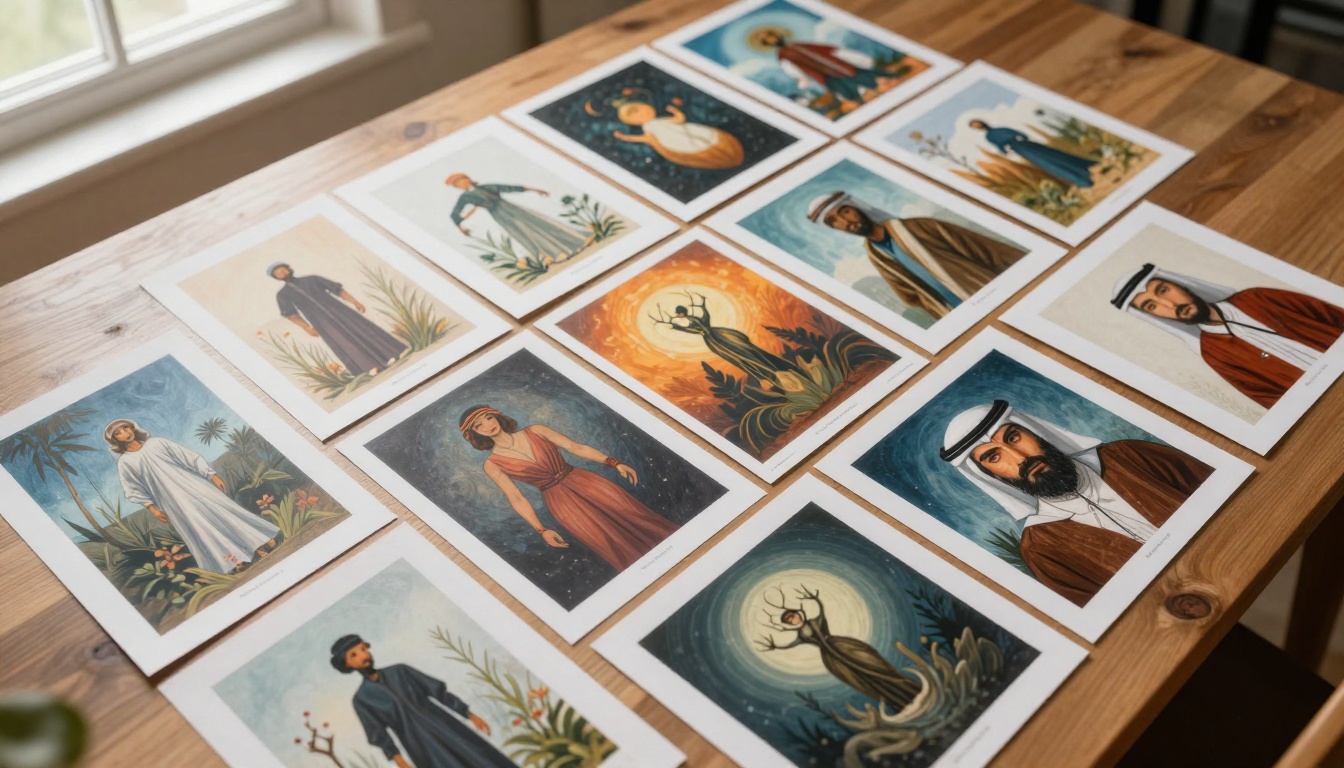
Despite its beginner focus, Seedream 3 offers substantial creative range that grows with user skill. The model's capabilities extend beyond simple image generation to encompass various artistic expressions.
Style Diversity and Adaptation
The model supports numerous artistic styles through:
- Traditional art forms including painting, drawing, and printmaking techniques
- Digital art styles ranging from pixel art to vector illustration
- Photographic approaches including various lighting conditions and compositions
- Experimental techniques that blend multiple artistic traditions
This diversity ensures beginners can explore different creative directions without switching tools, building comprehensive artistic understanding within a single environment.
Subject Matter Flexibility
Seedream 3 handles diverse subjects with consistent quality:
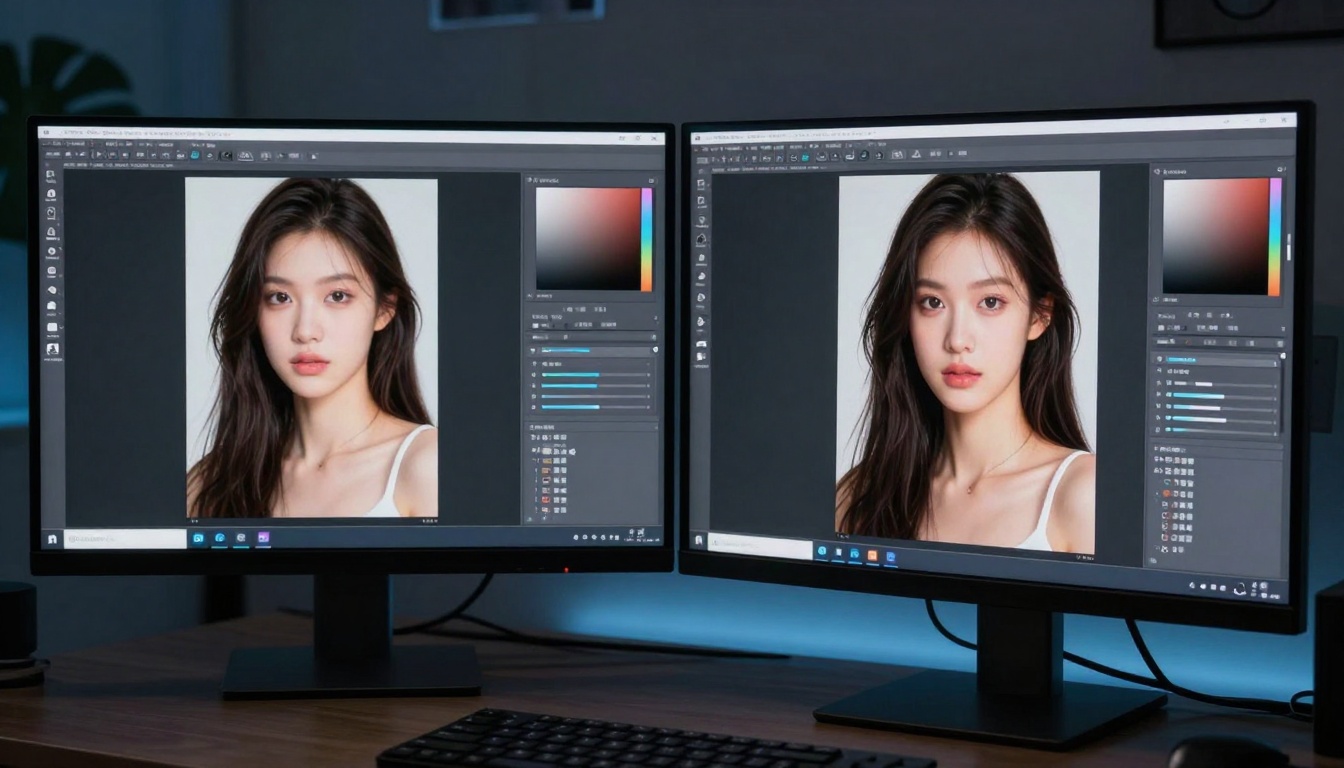
- Portrait and character creation with attention to facial features and expressions
- Landscape and environment design capturing natural and architectural elements
- Abstract and conceptual art exploring non-representational forms
- Technical and scientific visualization representing complex information visually
The model's ability to maintain quality across different subject matters provides beginners with a reliable foundation for varied creative projects.
Learning Resources and Community Support
Accessible tools require accessible learning materials. Seedream 3's ecosystem includes resources designed specifically for beginners rather than assuming prior knowledge.
Built-In Educational Content
The model incorporates learning directly into the creative experience through:
- Interactive tutorials that guide users through specific techniques
- Example galleries showing what's possible with different approaches
- Parameter explanations describing what each control actually affects
- Creative challenges providing structured practice opportunities
This integrated approach reduces the need for external research, keeping beginners focused within the creative environment.
Community Features for Skill Development
Social and collaborative elements enhance the learning experience:
- Shared style libraries where users can access creations from others
- Collaborative projects enabling group creativity and peer learning
- Feedback mechanisms providing constructive input on artistic work
- Skill progression tracking visualizing improvement over time
These community features create supportive environments where beginners can learn from both the tool and each other.
Technical Considerations for Different Users
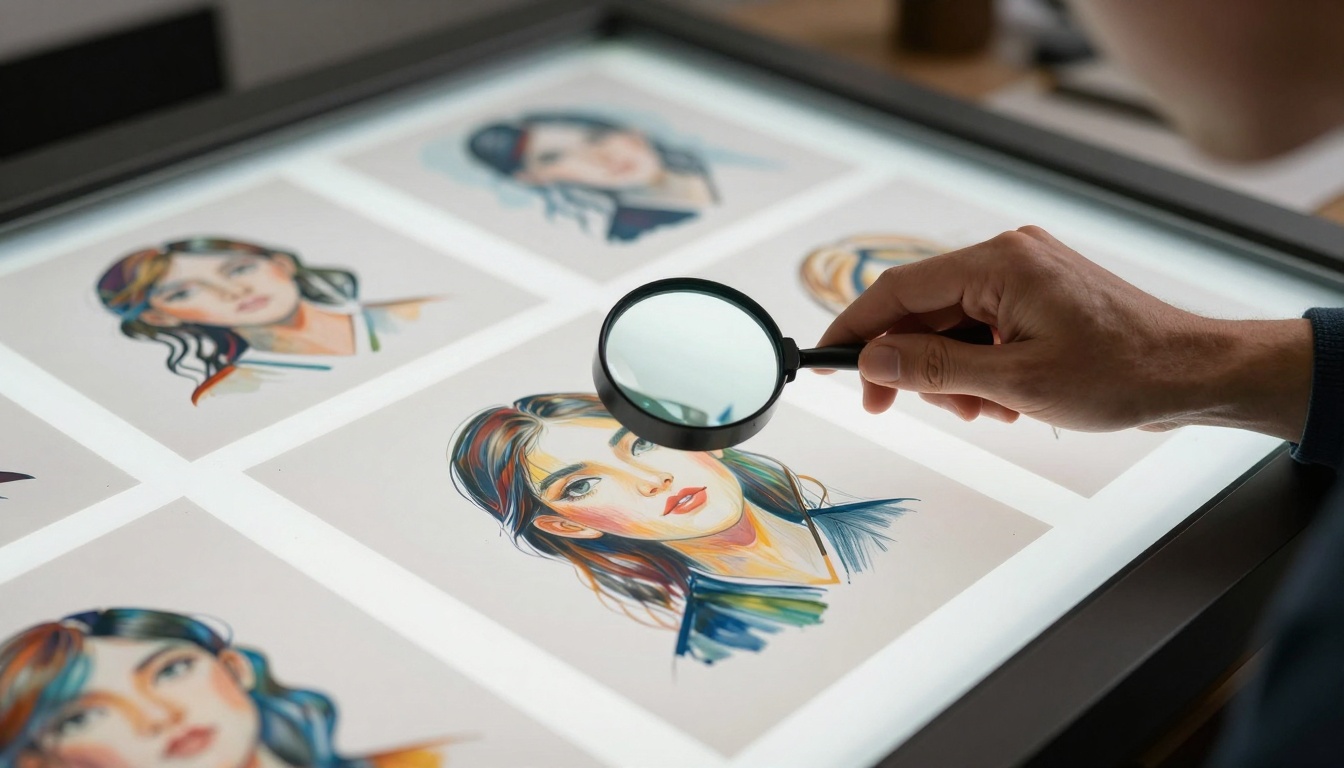
While Seedream 3 simplifies the user experience, understanding some technical aspects helps beginners make informed decisions about their creative setup.
Hardware Requirements and Performance
The model balances quality with accessibility through reasonable technical requirements:
- Moderate system specifications that work with common consumer hardware
- Efficient processing algorithms that reduce generation times
- Adaptive quality settings that adjust based on available resources
- Cloud processing options for devices with limited local capabilities
These technical decisions ensure the tool remains accessible to users with varying hardware configurations rather than requiring specialized equipment.
Output Formats and Integration
Creative work often involves moving between different tools and platforms. Seedream 3 supports this through:
- Standard file formats compatible with common creative software
- Layered output options preserving editing flexibility
- Metadata inclusion maintaining information about creation parameters
- API accessibility enabling integration with other tools and workflows
These integration features help beginners incorporate AI art into broader creative processes rather than treating it as an isolated activity.
Future Developments and Evolving Capabilities
AI art tools continue evolving rapidly, with Seedream 3 positioned to incorporate advances while maintaining accessibility.
Planned Feature Enhancements
Upcoming developments focus on enhancing rather than complicating the creative experience:
- Improved style understanding for more nuanced artistic expression
- Enhanced mobile capabilities taking advantage of device-specific features
- Collaborative creation tools enabling real-time shared creativity
- Educational content expansion covering more artistic techniques and concepts
These planned enhancements demonstrate commitment to the beginner-focused philosophy while expanding creative possibilities.
Industry Trends and Seedream 3's Position
The broader AI art industry trends toward greater accessibility align with Seedream 3's development direction:
- Simplified interfaces becoming standard across consumer-focused tools
- Educational integration treating learning as core functionality rather than add-on
- Cross-platform consistency ensuring seamless creative experiences
- Community building recognizing social aspects of creative development
Seedream 3's approach reflects these broader trends while maintaining specific focus on beginner needs.
Creating Your First AI Art with Seedream 3
The most effective way to understand Seedream 3's beginner-friendly approach involves direct experience. The platform's design encourages experimentation rather than perfection, making initial attempts rewarding rather than frustrating.
Starting with Simple Prompts
Beginners achieve best results by starting simple and building complexity gradually:
- Basic subject descriptions focusing on single elements rather than complex scenes
- Clear style references using familiar artistic terms rather than technical jargon
- Moderate parameter adjustments making small changes to understand effects
- Iterative refinement building upon successful results rather than starting over
This approach aligns with how people naturally learn creative skills, building confidence through achievable successes.
Learning Through Exploration
Seedream 3's design encourages discovery through:
- Safe experimentation where unsuccessful attempts provide learning value
- Visible cause-and-effect showing how changes affect results
- Gradual complexity introduction adding features as skills develop
- Creative milestone recognition acknowledging progress and achievement
This exploration-focused approach transforms the learning process from structured instruction to self-directed discovery.
The experience of creating with Seedream 3 demonstrates how thoughtful design can make sophisticated technology accessible. The model's balance of capability and simplicity provides beginners with genuine creative agency rather than simplified imitation of professional tools.
Consider experimenting with Seedream 3's capabilities on Picasso IA to experience how accessible AI art creation can transform your creative expression. The platform's combination of powerful technology and thoughtful design creates opportunities for artistic exploration regardless of prior experience or technical background.


