If you've spent hours searching for the right AI image generator that delivers professional results without the technical headache, your search ends here. Seedream 4.5 from Bytedance transforms complex creative visions into stunning visual reality with startling simplicity.
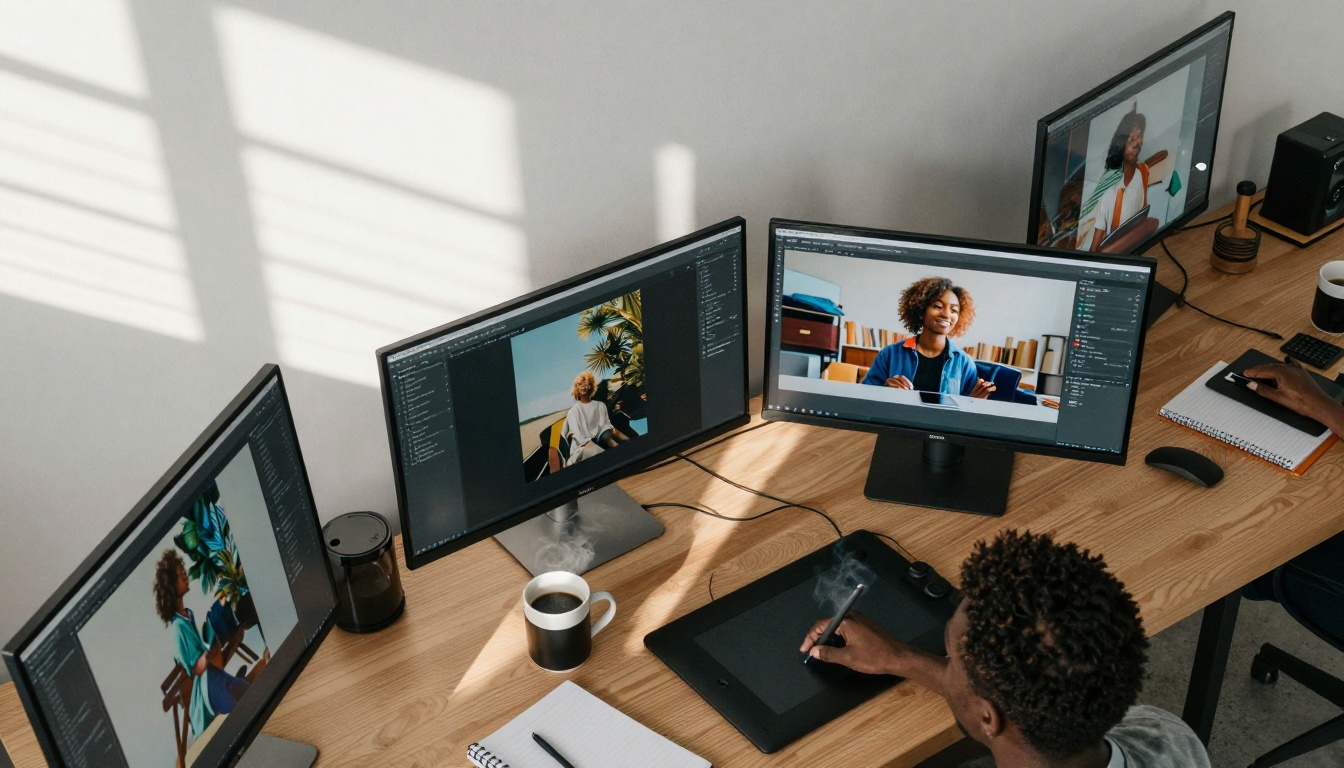
💡 What artists notice first: The interface disappears. You're left with pure creative flow, where ideas become images in seconds, not hours.
Why Seedream 4.5 changes everything
The photography industry spends millions annually on stock images, model shoots, and location scouting. Creative agencies allocate weeks to concept development and asset creation. Independent artists struggle with limited budgets and technical barriers. Seedream 4.5 addresses every one of these pain points.
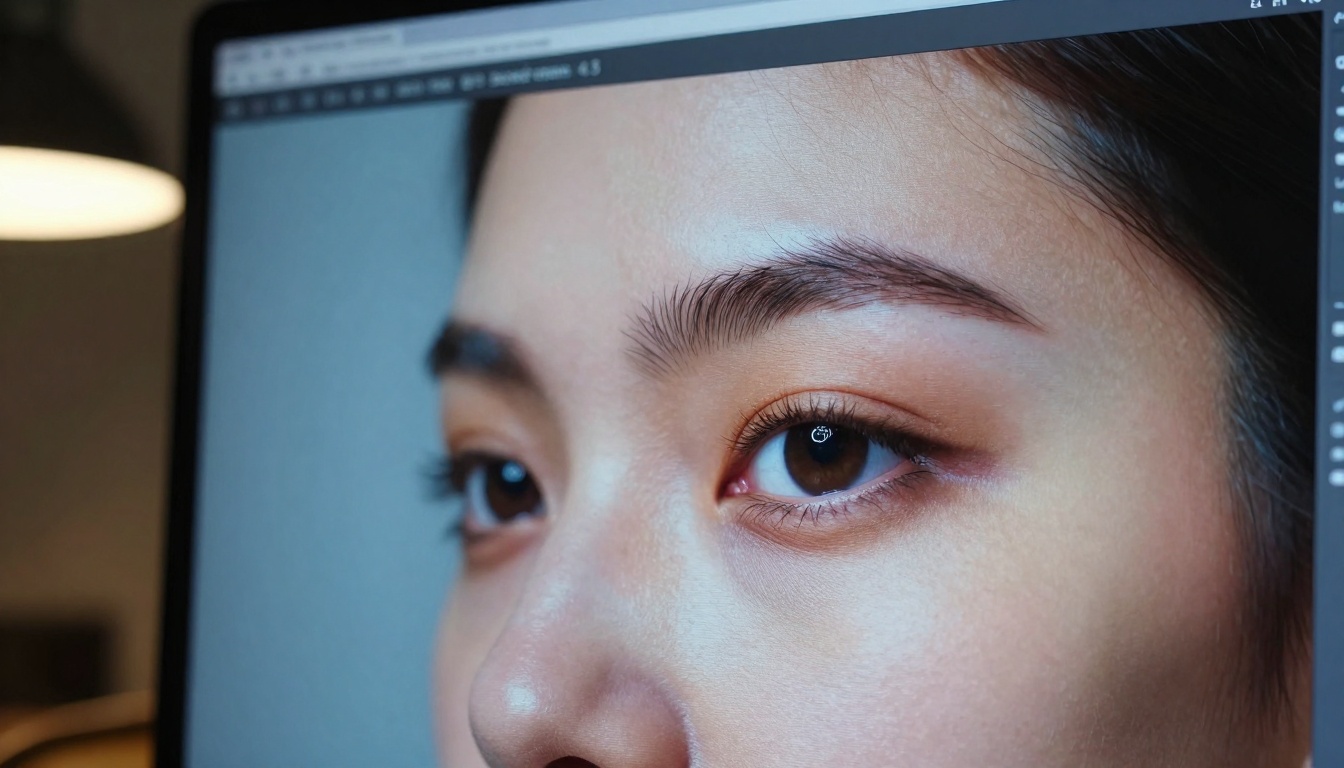
Photorealistic quality at 4K resolution means your generated images work for print, web, and commercial applications without pixelation or artificial artifacts. The model understands subtle details most AI tools miss: proper lighting direction, natural skin texture, realistic material surfaces, and authentic environmental context.
Consider these common scenarios where Seedream 4.5 outperforms alternatives:
| Task | Traditional Approach | With Seedream 4.5 |
|---|
| Product mockup | 3D modeling (2-3 days) | Generate variations in 5 minutes |
| Character design | Multiple sketching sessions | Create 15 variations simultaneously |
| Background scene | Location scouting + photoshoot | Generate perfect environment instantly |
| Concept art | Multiple illustrator iterations | Visualize ideas in real-time |
The time savings aren't marginal - they're transformative. What used to take weeks now happens in hours. Budgets that stretched thin across multiple creative professionals now focus on refinement rather than creation.
Technical capabilities that matter
Seedream 4.5 isn't just another text-to-image model. Its architecture delivers specific advantages creative professionals need:
- 2K/4K resolution support - Commercial-ready quality from the start
- Custom dimensions - Generate exactly the size you need (1024-4096px)
- Multiple aspect ratios - 1:1 for social, 16:9 for video, 21:9 for cinematic
- Batch generation - Create up to 15 related images in one operation
- Image-to-image transformation - Use reference photos as starting points
The 4K advantage matters more than you think. When you're creating marketing materials, website backgrounds, or print collateral, resolution limitations create artificial ceilings on your work's potential. Seedream 4.5 removes those ceilings entirely.
💡 Pro tip: Start with 2K for rapid iteration, then generate final versions at 4K. The model maintains consistency across resolutions.
How prompt engineering works differently here
Most AI image tools require elaborate prompt formulas with weighted terms, negative prompts, and style modifiers. Seedream 4.5 operates on natural language. Describe what you see in your mind, and the model interprets it with surprising accuracy.
Effective prompt structure follows this pattern:
- Main subject with specific details
- Environment and lighting conditions
- Composition and camera perspective
- Style and mood descriptors
Instead of: (photorealistic:1.2) portrait of woman with (detailed eyes:1.3), studio lighting, 85mm, f/1.8 --ar 3:2 --no blurry, deformed
Try: A professional portrait of a thoughtful woman with expressive green eyes, soft studio lighting creating catchlights, shot with an 85mm lens at f/1.8 for creamy background blur, natural skin texture visible
The model understands photographic terminology, artistic concepts, and compositional language. You're communicating with a creative partner, not programming a machine.
Sequential generation for storytelling
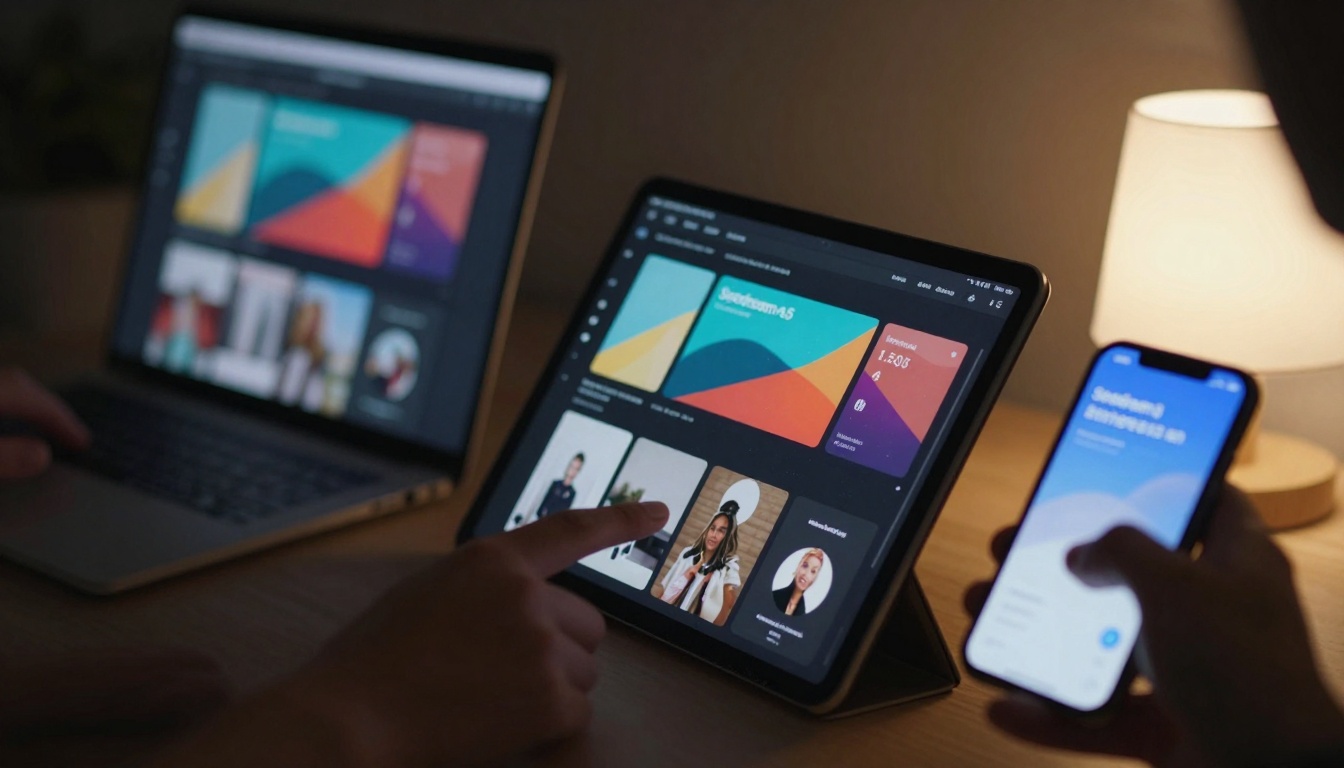
Where Seedream 4.5 truly distinguishes itself is sequential image generation. Activate sequential_image_generation='auto' and provide a narrative prompt, and the model creates a series of related images that tell a visual story.
Use cases for sequential generation:
- Storyboarding - Generate scene progression for films or animations
- Character development - Show the same character in different settings
- Product evolution - Demonstrate features or variations
- Educational sequences - Create step-by-step visual explanations
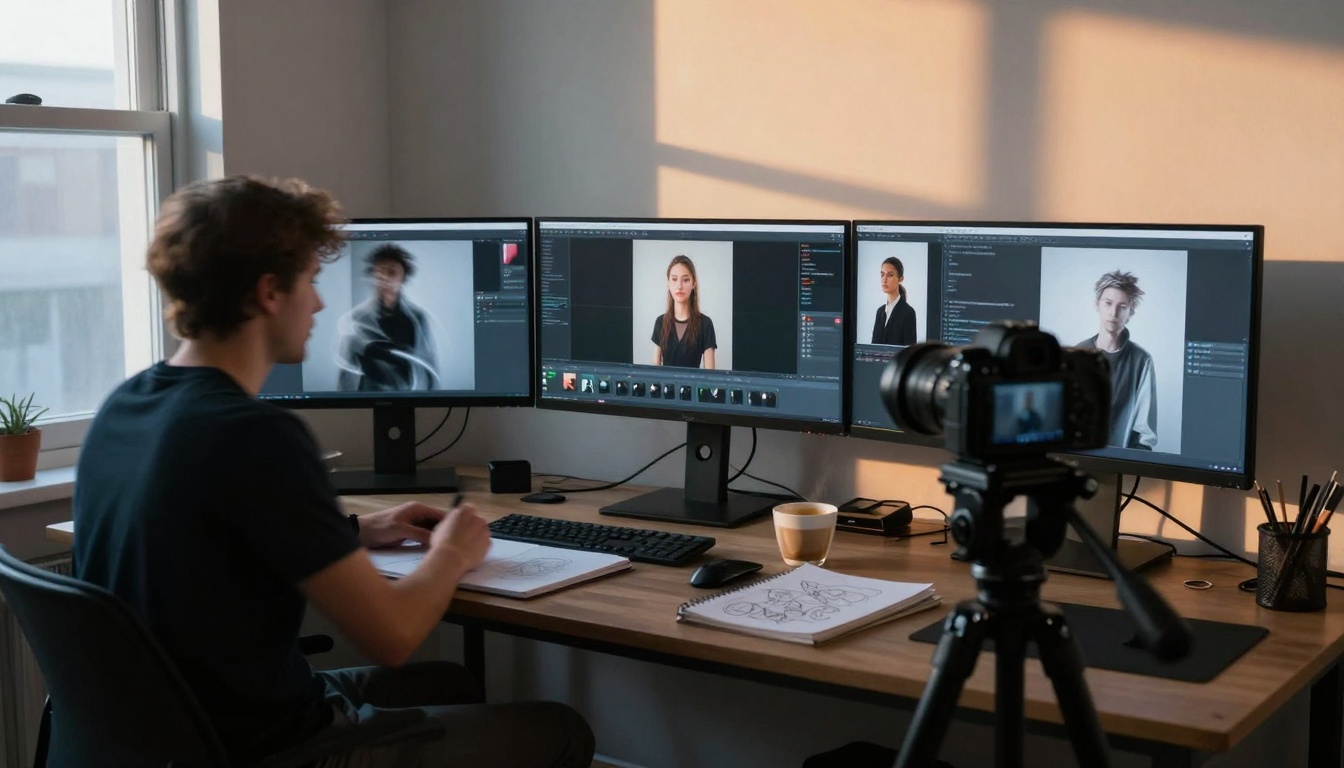
The model intelligently maintains consistency across generated images while introducing natural variation. Characters keep similar facial features, environments maintain lighting coherence, and color palettes stay harmonious.
How to use Seedream 4.5 on PicassoIA
The Seedream 4.5 model on PicassoIA provides the most accessible interface for both beginners and professionals. Here's exactly how to get started:
Step 1: Access the model
Navigate directly to the Seedream 4.5 page on PicassoIA. No account required for basic usage.
Step 2: Configure your settings
Start with these recommended configurations:
- Size:
2K for testing, 4K for final output
- Aspect ratio:
16:9 for most applications
- Max images:
4 for reasonable variation
- Sequential generation:
disabled for single images, auto for stories
Step 3: Craft your prompt
Use the natural language approach described earlier. Be descriptive but concise. Include:
- Subject details (appearance, clothing, expression)
- Environment (location, time of day, weather)
- Technical specs (camera, lens, lighting)
- Style direction (mood, color palette, texture)
Step 4: Generate and refine
Click generate and review your first results. Seedream 4.5 typically produces usable images on the first attempt, but you can:
- Adjust specific elements in your prompt
- Change aspect ratio for different compositions
- Increase max_images for more variations
- Use image_input to guide with references
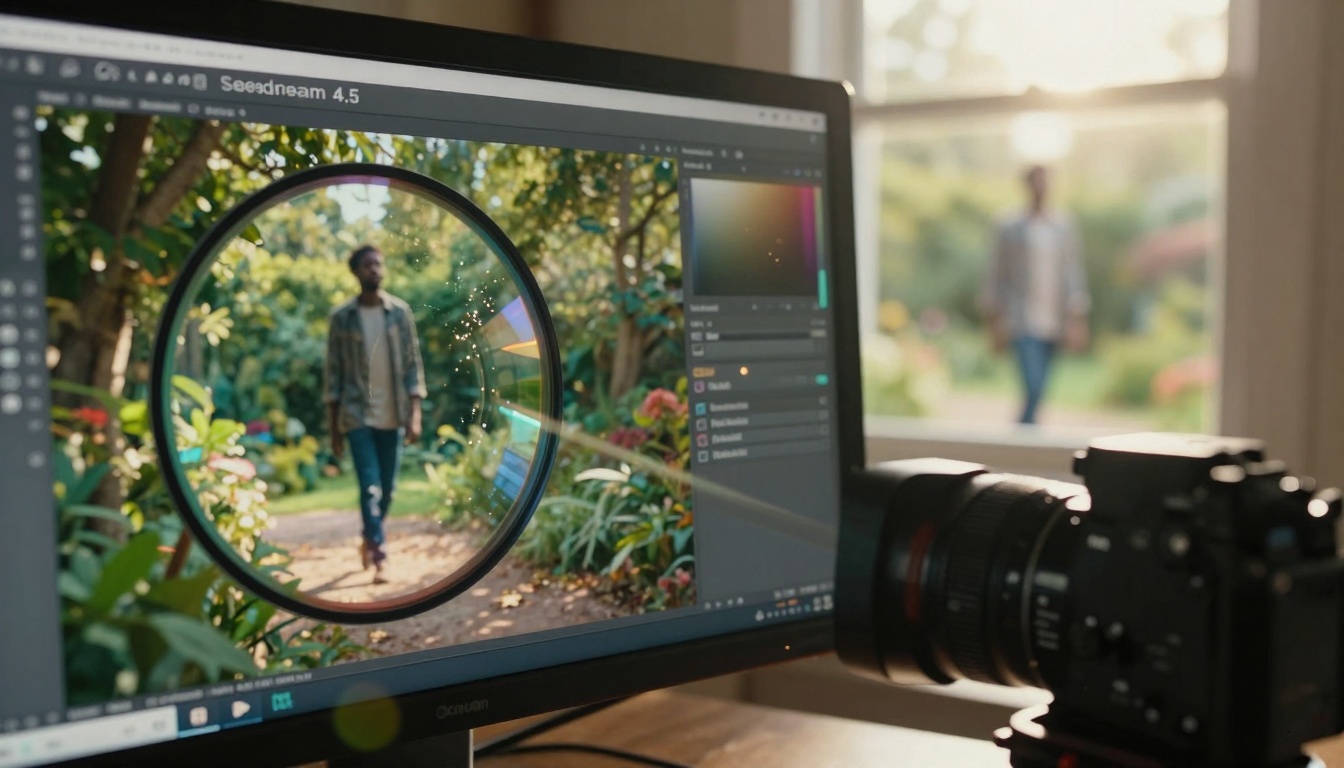
Advanced technique: Combine image-to-image with text prompts. Upload a reference photo, then describe the changes you want. The model preserves composition while altering style, subjects, or environment.
Comparison with other image models
Seedream 4.5 occupies a unique position in the AI image generation landscape:
| Model | Best For | Resolution | Speed | Learning Curve |
|---|
| Seedream 4.5 | Commercial work, storytelling | 4K native | Fast | Minimal |
| Flux models | Artistic styles, abstract concepts | 2K | Medium | Moderate |
| GPT Image 1.5 | Conceptual accuracy, text understanding | 2K | Slow | Low |
| SDXL | Community models, custom workflows | 1K | Variable | High |
Seedream's advantage: It delivers professional-grade results without requiring technical expertise. The 4K resolution support alone justifies its position for commercial applications.
Real-world applications that deliver ROI
Creative professionals across industries report specific benefits:
Marketing agencies generate campaign visuals 80% faster while maintaining brand consistency. Product designers create photorealistic mockups before physical prototypes exist. Authors and publishers develop book covers that previously required commissioning illustrators. Social media managers produce daily content without stock photo subscriptions.
The financial mathematics become compelling quickly. A single photoshoot costs $2,000-$10,000. Monthly stock subscriptions run $200-$500. Hiring illustrators charges $100-$500 per image. Seedream 4.5 generates unlimited images for the cost of platform access.
Time recovery matters equally. Creative directors reclaim hours previously spent directing photoshoots, reviewing stock libraries, or providing feedback to illustrators. That recovered time translates directly to increased output, more client projects, or improved work-life balance.
Common mistakes and how to avoid them
New users sometimes stumble on predictable issues:
Mistake 1: Overly complex prompts with contradictory elements
Solution: Start simple, then add details incrementally
Mistake 2: Expecting perfect results on first generation
Solution: Generate 3-5 variations, then refine based on best elements
Mistake 3: Ignoring aspect ratio for intended use
Solution: Match aspect ratio to final medium (16:9 for video, 1:1 for Instagram)
Mistake 4: Underutilizing sequential generation
Solution: When creating multiple related images, enable sequential_image_generation='auto'
The learning curve lasts approximately 30 minutes. Within that time, most users produce their first professional-quality image. By the second hour, they're generating complete sets for projects.
What Bytedance got right
Bytedance's engineering team focused on user experience rather than technical炫耀. The decisions that make Seedream 4.5 accessible:
- Natural language processing that understands creative intent
- Sensible defaults that work for most use cases
- Progressive disclosure of advanced features
- Consistent output quality across different prompt styles
- Practical resolution options for real-world applications
The competitor landscape focuses on technical benchmarks. Seedream 4.5 focuses on practical outcomes. This orientation explains its rapid adoption among creative professionals who care about results, not specifications.
Try creating your first image today
The barrier to entry has never been lower. Visit the Seedream 4.5 page on PicassoIA and enter your first prompt. Start with something simple: A serene mountain landscape at sunrise, mist in the valleys, golden light on peaks, photographic style.
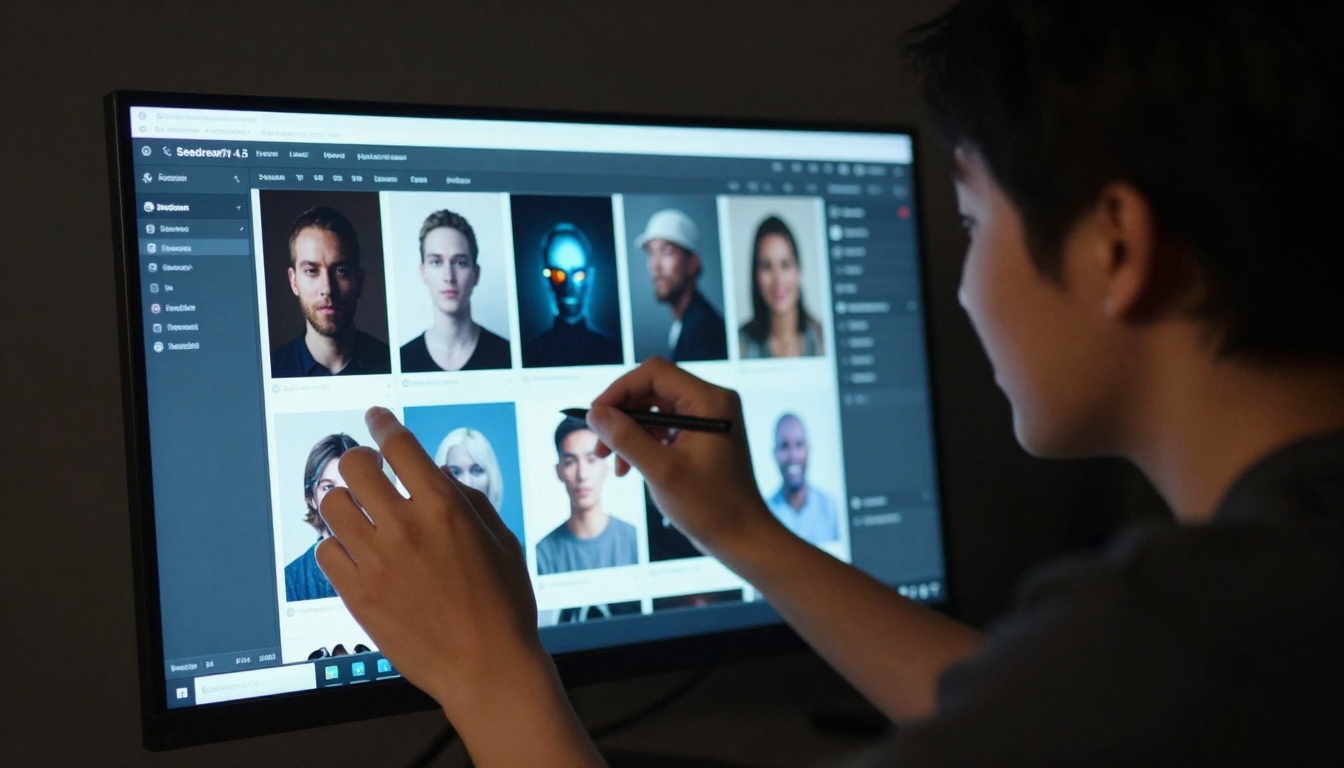
Within 60 seconds, you'll have a professional-quality image. Compare it to what you'd achieve with other tools in the same timeframe. Notice the detail level, the natural lighting, the compositional balance.
Then push further. Generate a character portrait. Create a product visualization. Build a story sequence. Each experiment reveals more of the model's capabilities and your own creative potential.
The most significant shift happens when you stop thinking about technical parameters and start focusing on creative vision. Seedream 4.5 handles the translation seamlessly. Your job becomes imagining what's possible, not engineering how to achieve it.
That's the real revolution - not just better AI image generation, but fundamentally changed creative workflows. The hours you save, the budgets you preserve, the ideas you can finally visualize. Those practical benefits accumulate into professional transformation.
Your creative tools should amplify your capabilities, not complicate your process. Seedream 4.5 delivers on that principle with remarkable consistency. The proof waits at your keyboard - one prompt away from becoming your next great visual.


