If you want one model that drops the usual limits, start with Seedream 4.5. This ByteDance model accepts NSFW prompts, generates very realistic content, edits your own images, and returns a finished result in under three seconds, offering exceptional performance for unrestricted work on PicassoIA.
AI image generation has moved fast, yet most platforms still wrap your prompts in heavy filters that block anything remotely mature. For artists, photographers, and creators who want real creative freedom, that ceiling gets old quickly. Seedream 4.5 takes the opposite stance, with photorealistic results, fast generation, and support for suggestive, glamour, and artistic content.
This page walks through what the model does, how to set resolution and aspect ratio, how its image editing and batch modes work, and the prompting habits that return tasteful, professional results.
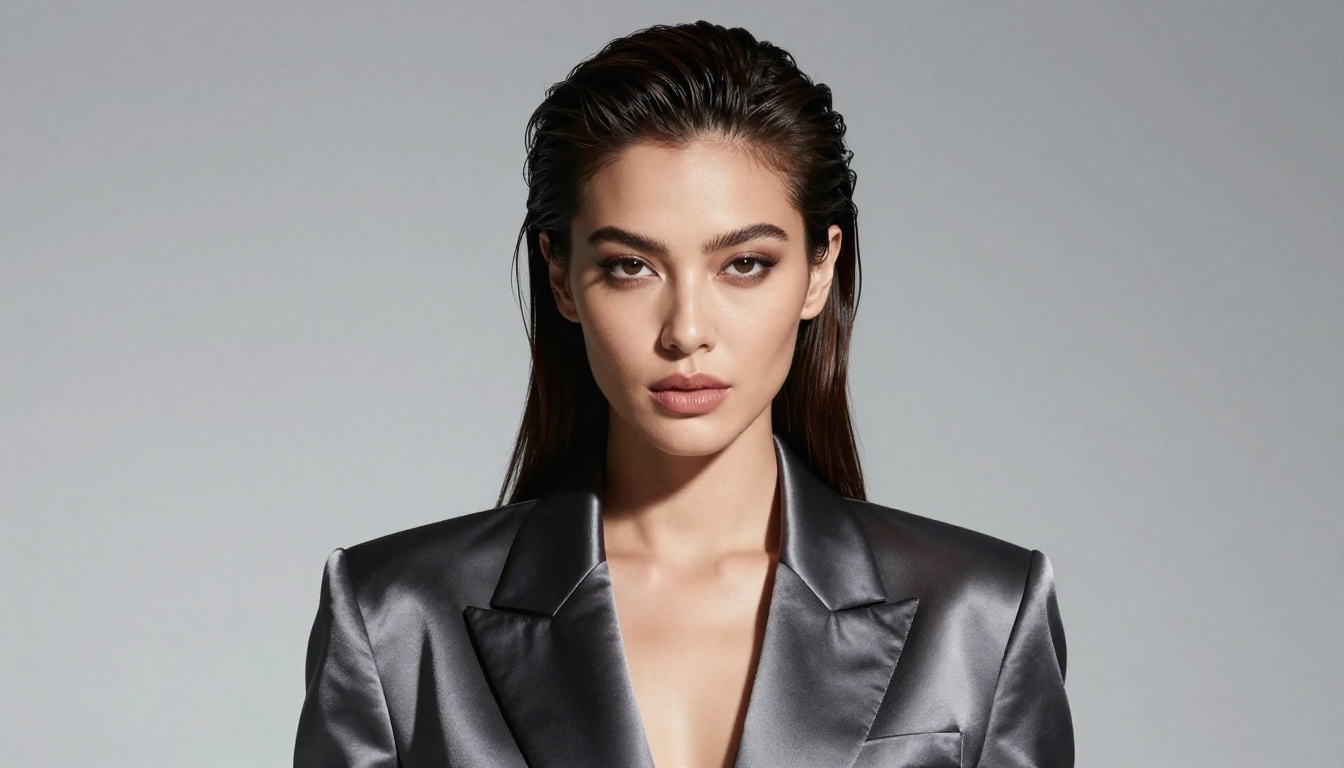
Why Seedream 4.5 for Mature Content
When it comes to generating mature or artistic imagery, most platforms either block your prompt outright or censor the output. Seedream 4.5 was built differently. It reads skin, fabric, and lighting with striking realism, holds the original composition when you edit, and returns each image in under three seconds. That mix of speed and fidelity is what puts it at the top for adult friendly creation.
| Feature | Seedream 4.5 |
|---|
| NSFW prompts | Supported |
| Generation speed | Under three seconds |
| Output resolution | 2K, 4K, custom |
| Image editing | Up to fourteen references |
| Batch mode | Up to fifteen related images |
ByteDance has since released a newer generation, Seedream 5.0, and PicassoIA already runs the Seedream 5 Lite version of it. The newer line pushes sharper detail, but it does not allow NSFW or mature prompts. For unrestricted, adult friendly work, Seedream 4.5 stays the model to reach for.
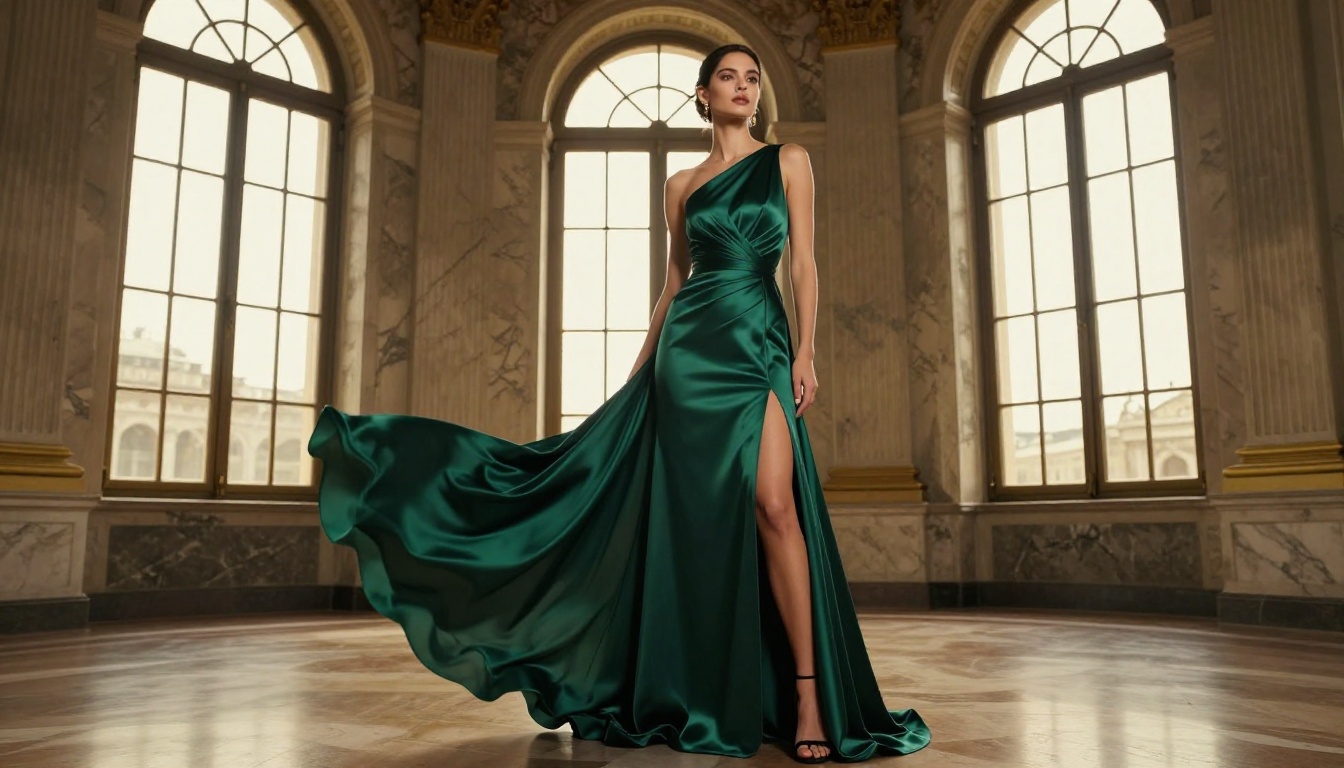
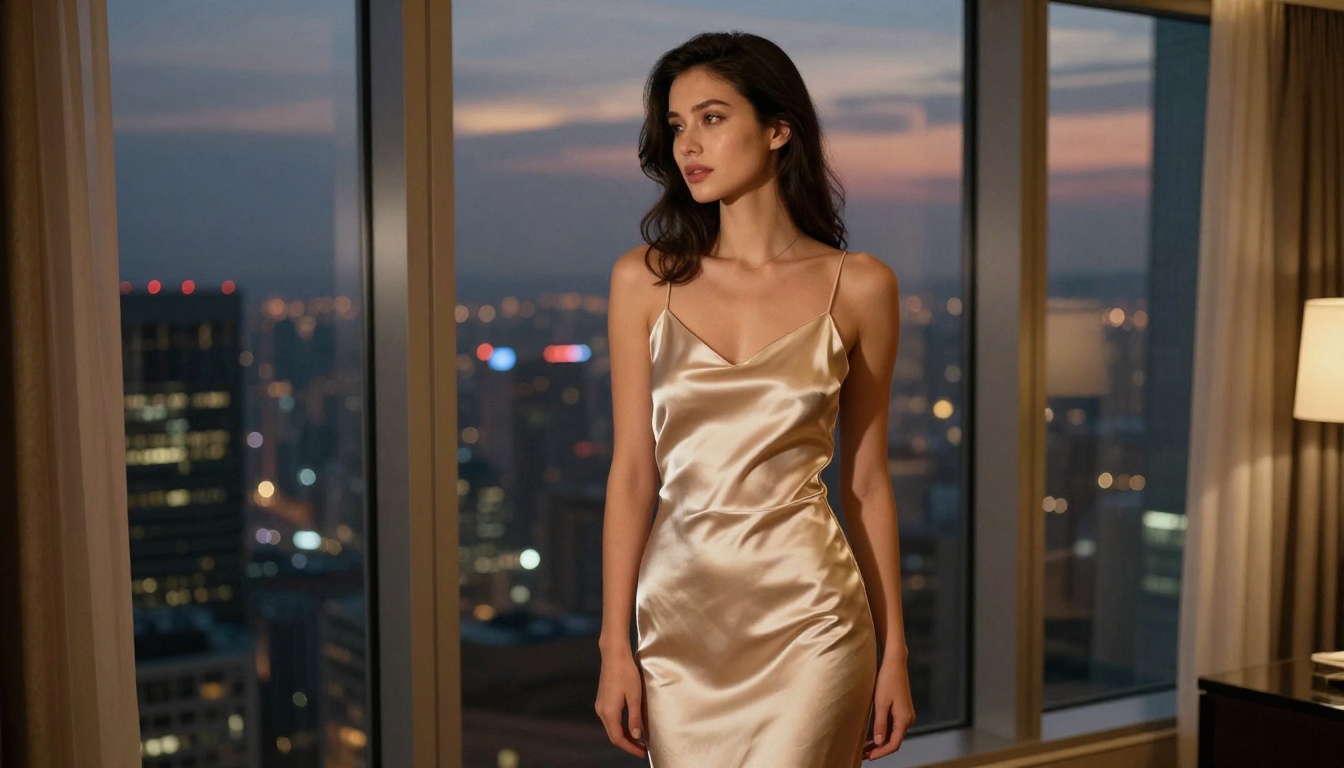
What sets it apart is how it reads subtle direction. Mention soft window light, a specific pose, or an editorial mood, and the output reflects it with tasteful quality. The model handles a wide range of styles well:
- Editorial and fashion photography
- Glamour and boudoir portraits
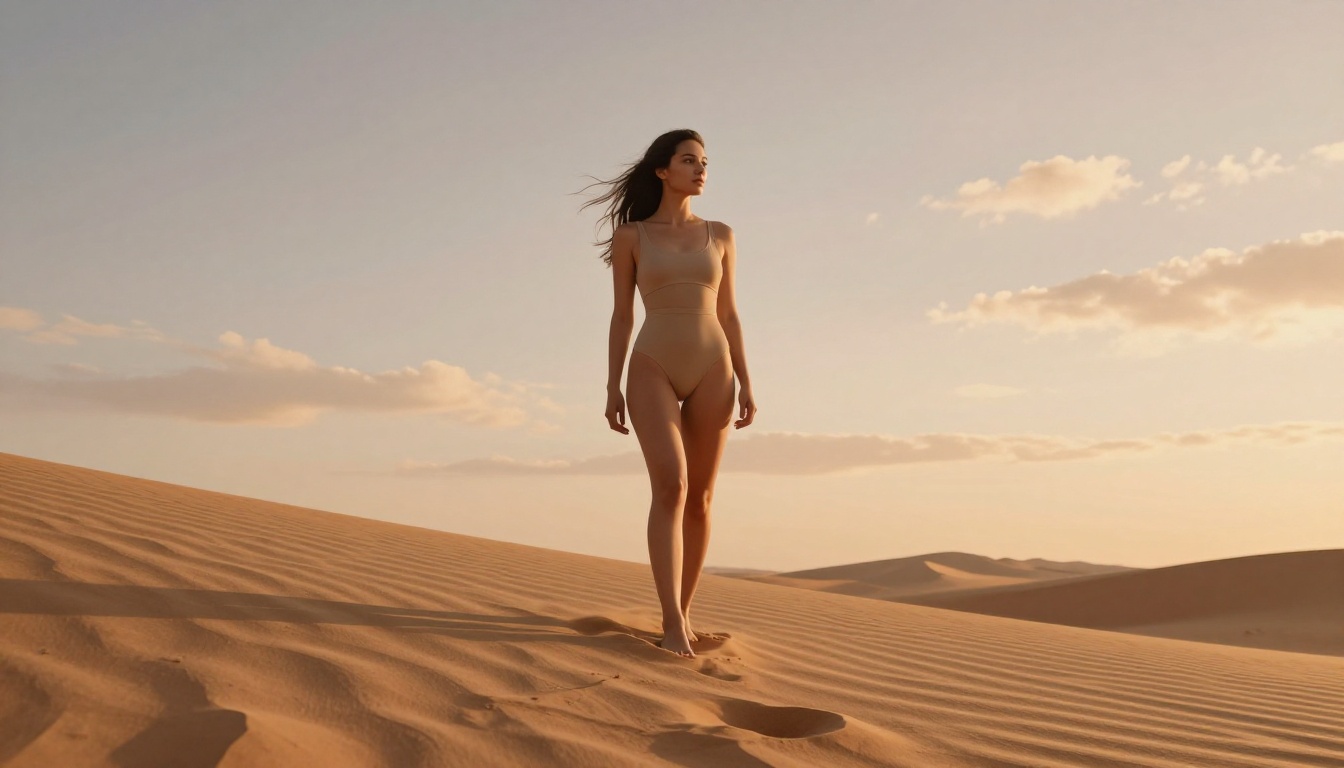
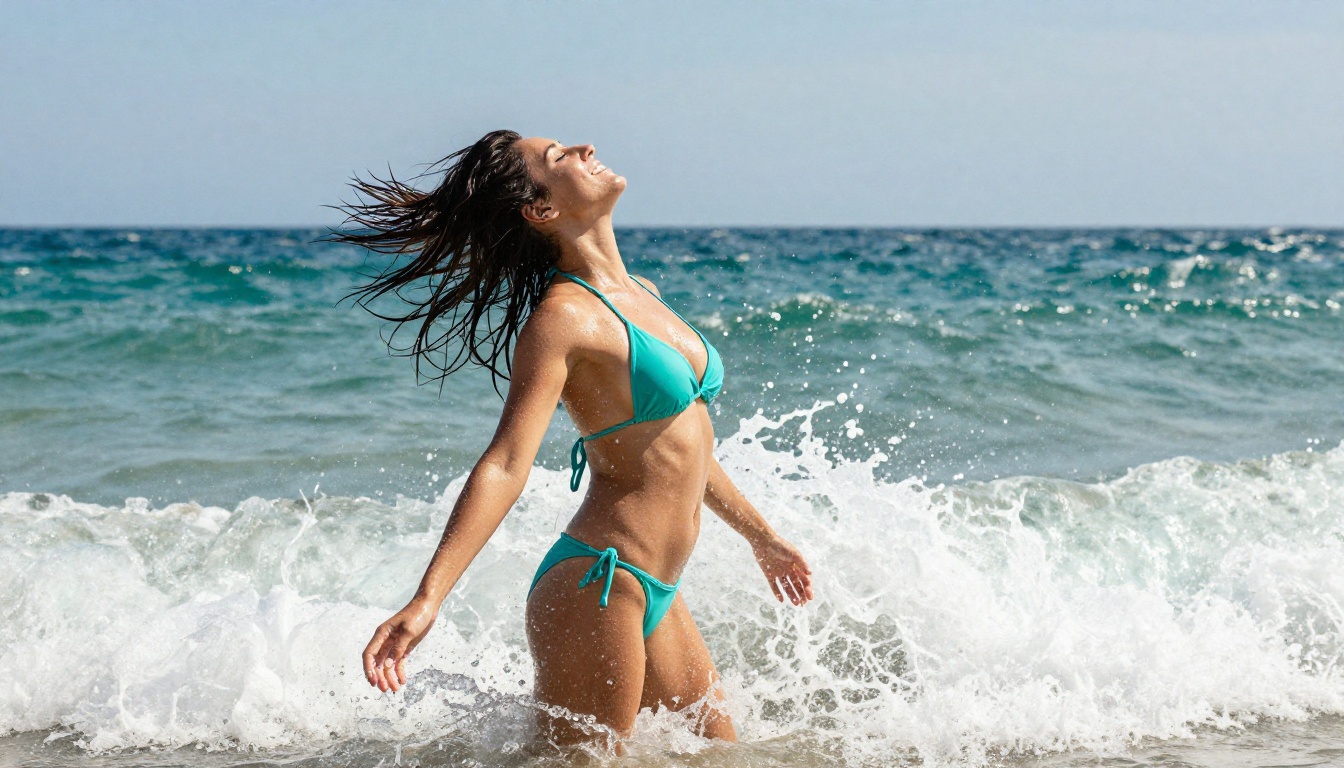
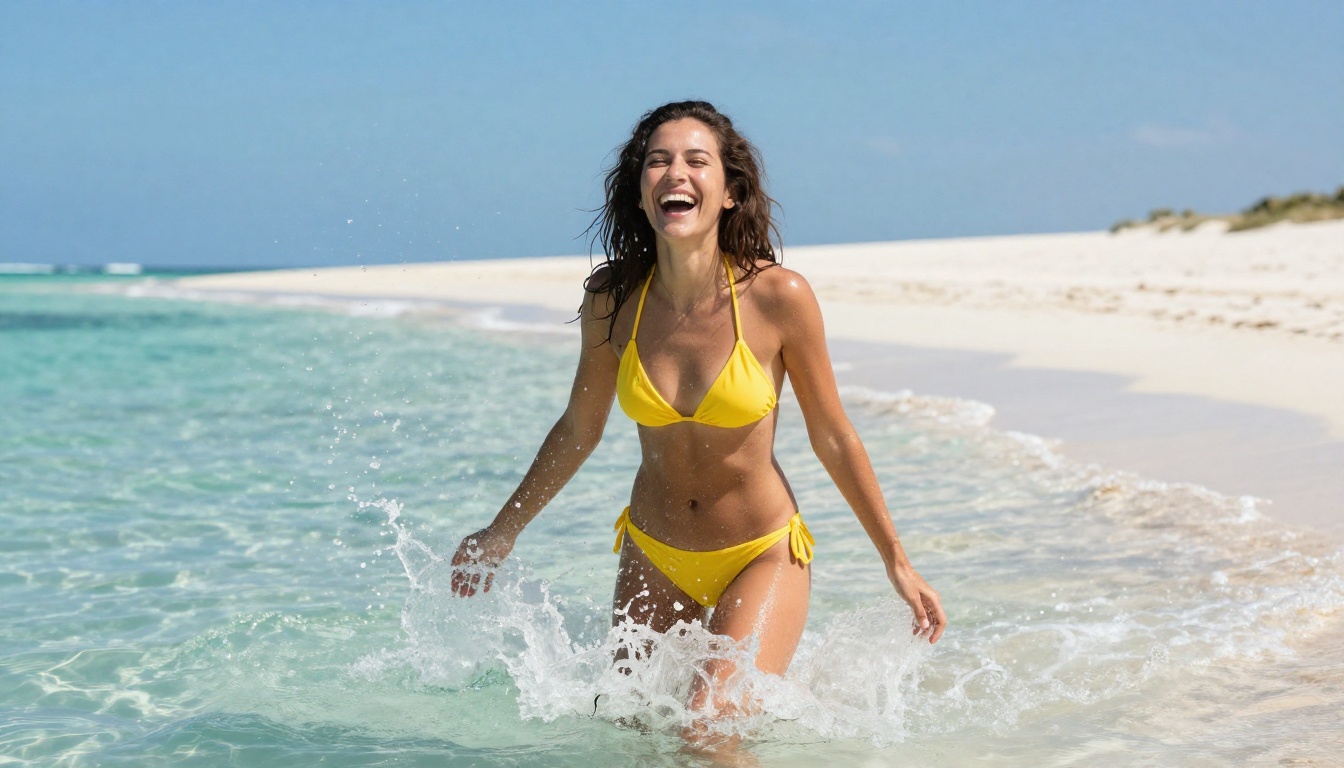
- Swimwear and beachwear looks
- Fine art and studio portraiture
- Photoreal skin, hair, and fabric textures
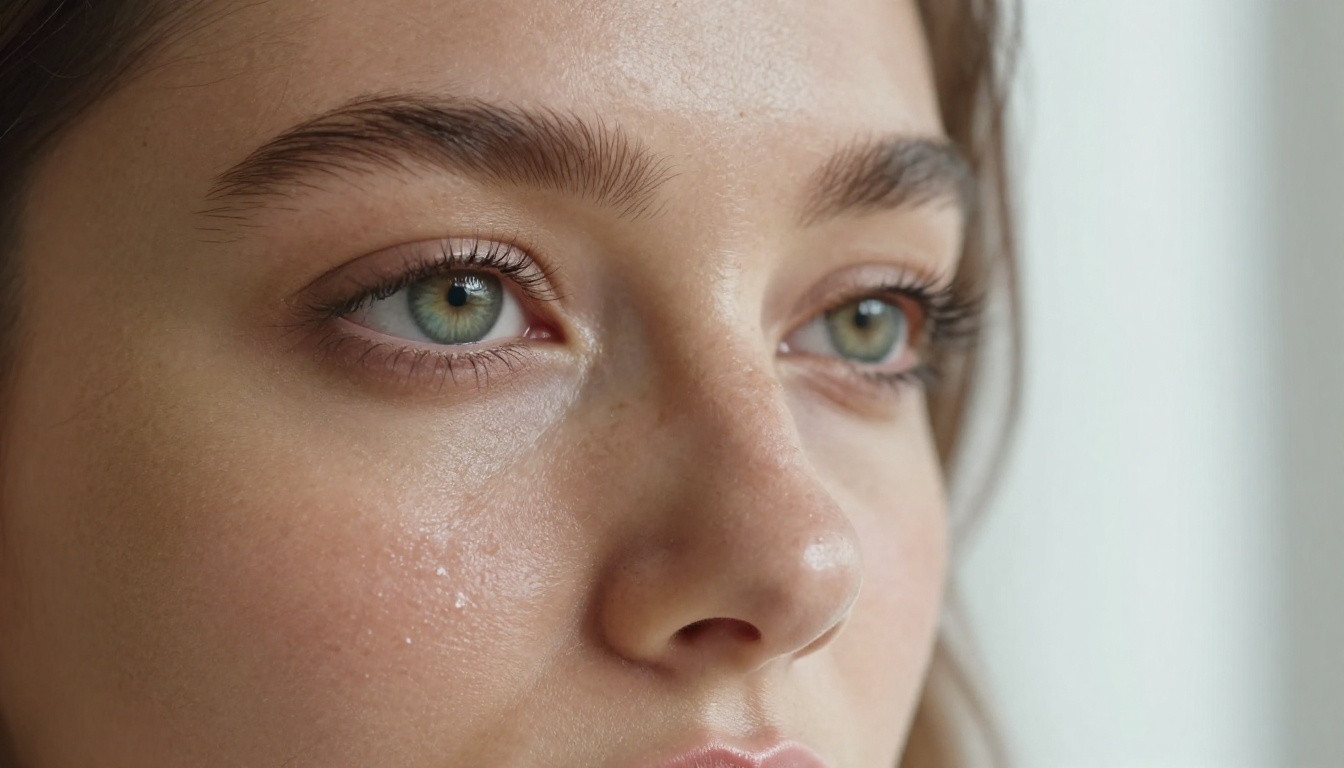
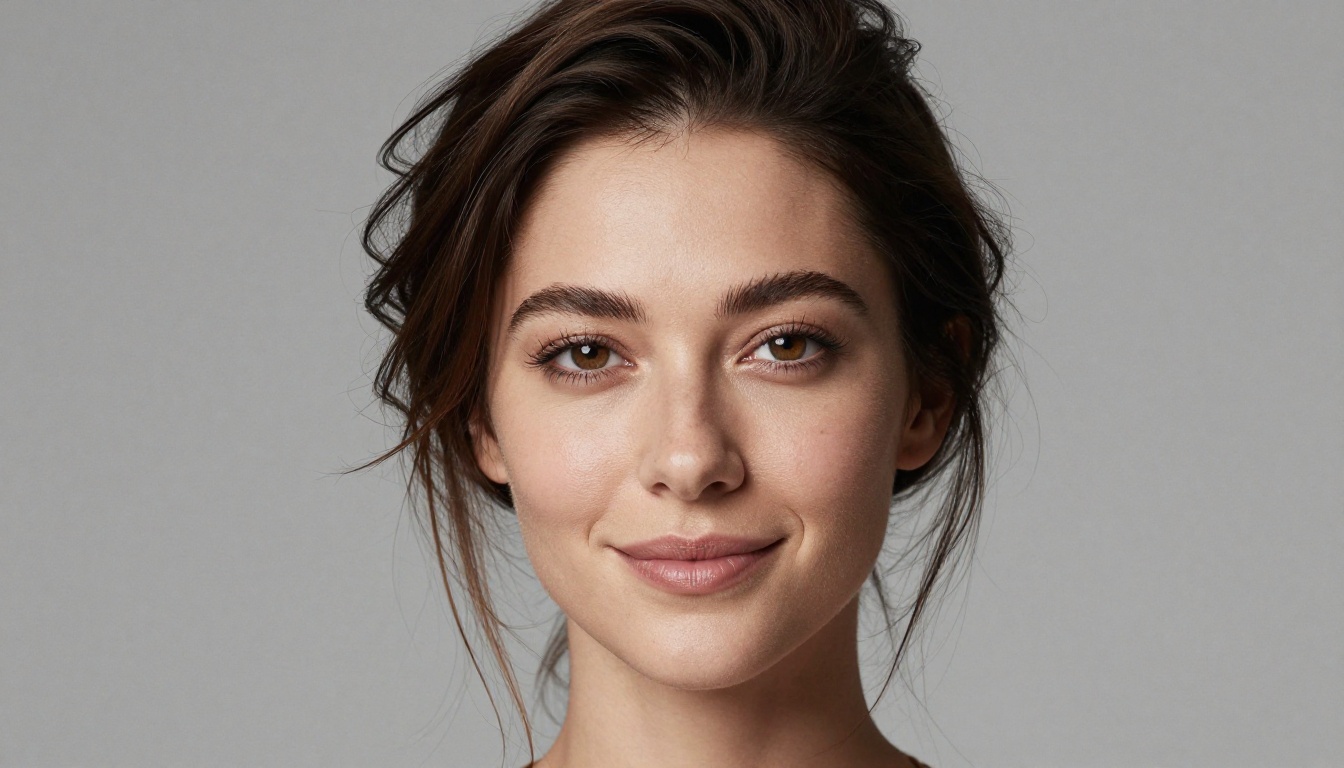
Resolution Options and Quality
Seedream 4.5 gives you flexible resolution settings for different uses. Three configurations fit most needs.
2K (2048px) is the sweet spot between quality and speed. It suits social posts, web graphics, and fast iterations, staying crisp while rendering quickly.
4K (4096px) delivers maximum detail for print, large displays, and portfolios. The extra pixels capture textures and nuance that lower settings miss.
Custom dimensions let you set an exact width and height from 1024 to 4096 pixels, handy for specific layouts or unusual ratios.
The difference shows at full size or in print. For most web and social work, 2K is plenty. Save 4K for projects where every texture counts.
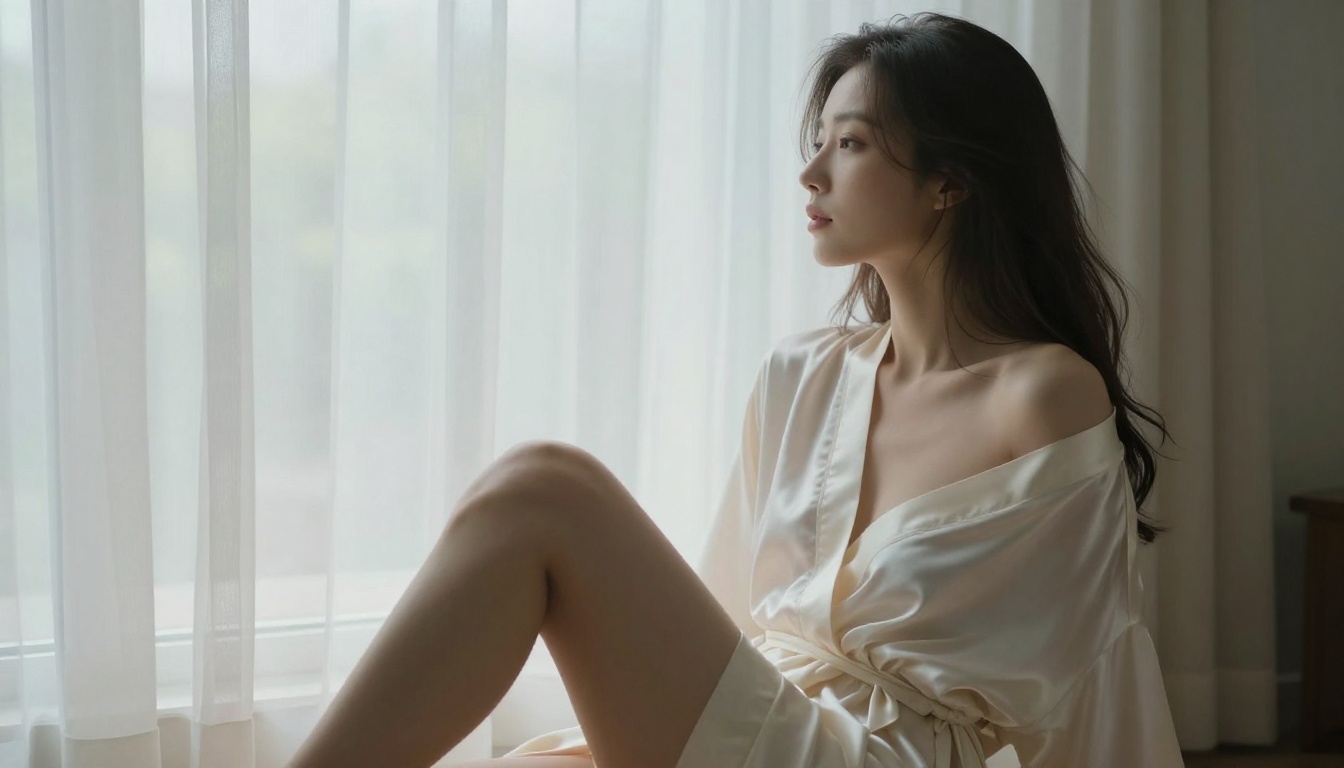
Aspect Ratio Control
Different placements call for different shapes, and Seedream 4.5 spans the full range.
- 1:1 for profile images and square posts
- 16:9 for widescreen banners and slides
- 9:16 for stories and mobile feeds
- 4:3 and 3:4 for classic photography framing
- 3:2 and 2:3 for natural camera ratios
- 21:9 for wide cinematic scenes
The match input image option reads the ratio from your reference, so image to image edits keep their original proportions. Portrait shapes suit fashion and glamour, landscape ratios fit environmental scenes, and square formats balance social posts.
Text to Image Generation
Creating images from a text prompt is the core of Seedream 4.5. The model reads natural language and turns it into a finished frame. Effective prompts balance specificity with room to breathe: describe the subject, the lighting, the composition, and the style, and the model fills in the rest.
For mature content, artistic and photography language beats explicit wording every time. References to editorial, boudoir, or fashion styling keep the output refined while still attractive and suggestive.
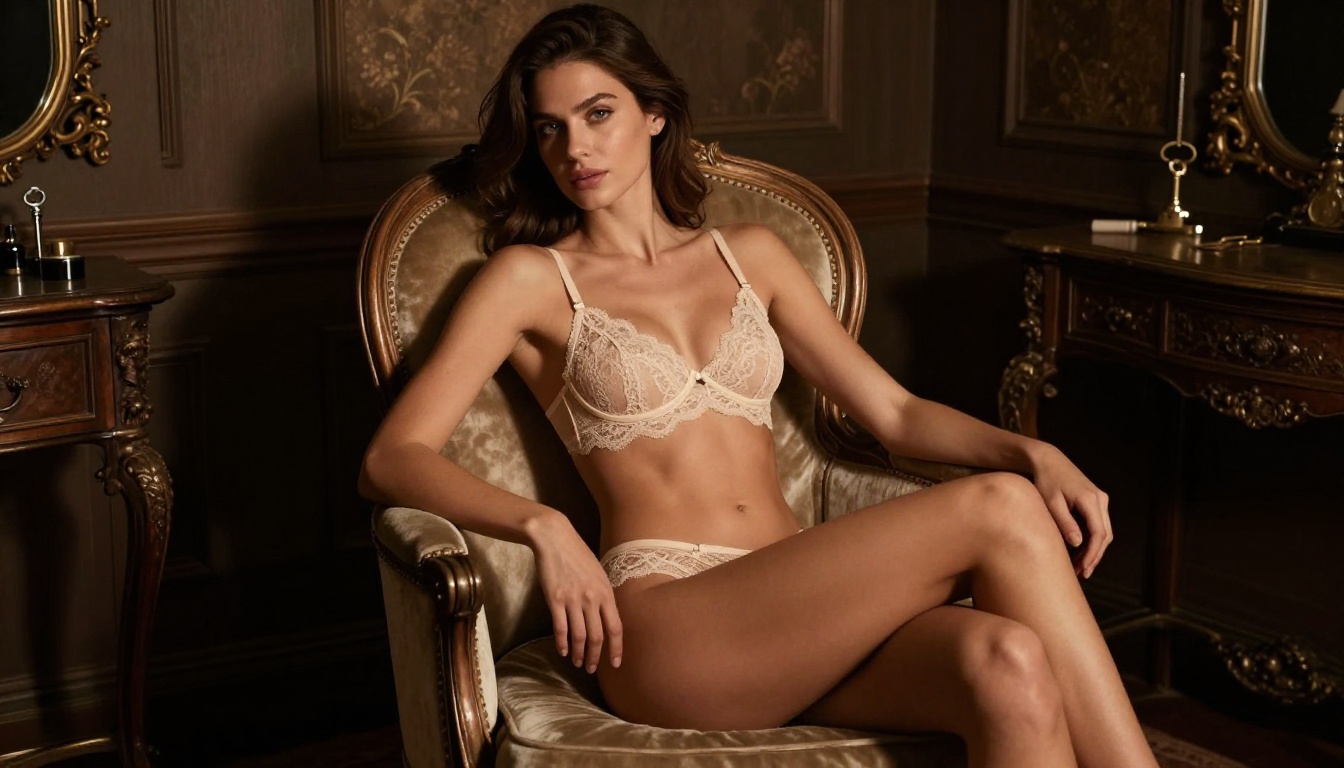
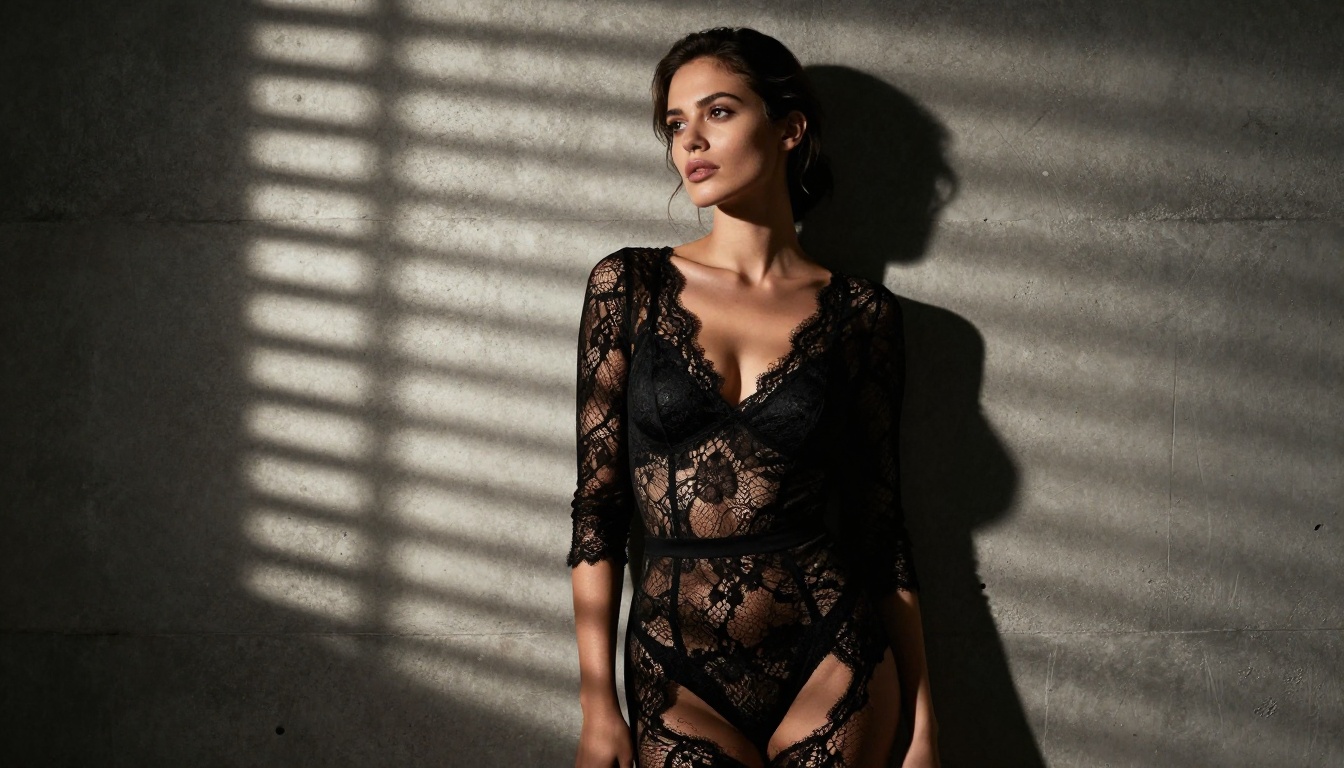
Image to Image Capabilities
Seedream 4.5 is not only a text to image model. Drop in one or more reference images, describe the change you want, and it reworks the shot while holding onto the original composition. You can feed it up to fourteen references at once for multi image blends.
Common uses include:
- Restyle an outfit, background, or color palette
- Blend elements from several reference photos
- Refine a generated frame toward a final look
- Keep a consistent subject across variations
The strength of the edit follows your prompt. A light prompt stays close to the original, while a detailed one pushes the result further from the source.

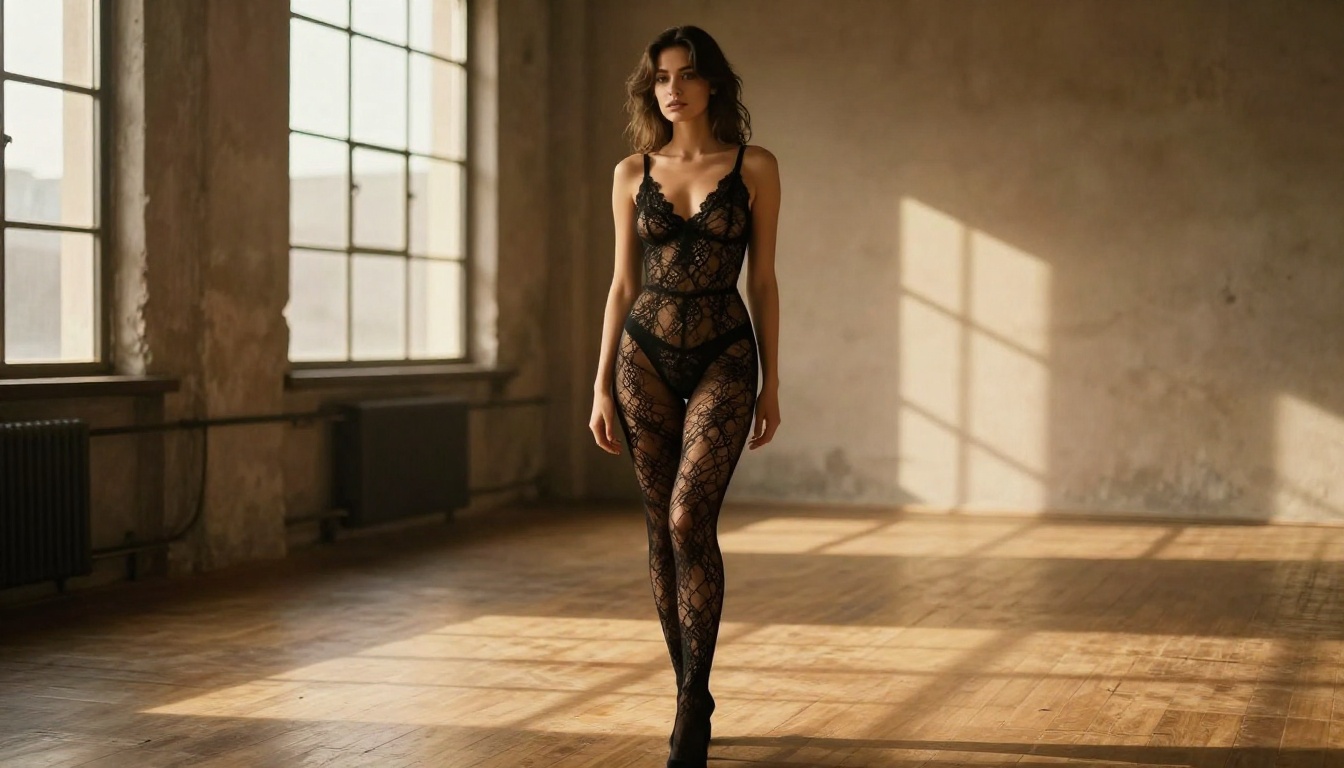
Sequential Image Generation
Seedream 4.5 can also return several related images in one run. With its auto mode, the model produces up to fifteen frames that hold thematic coherence, which helps when you need visual consistency across outputs.
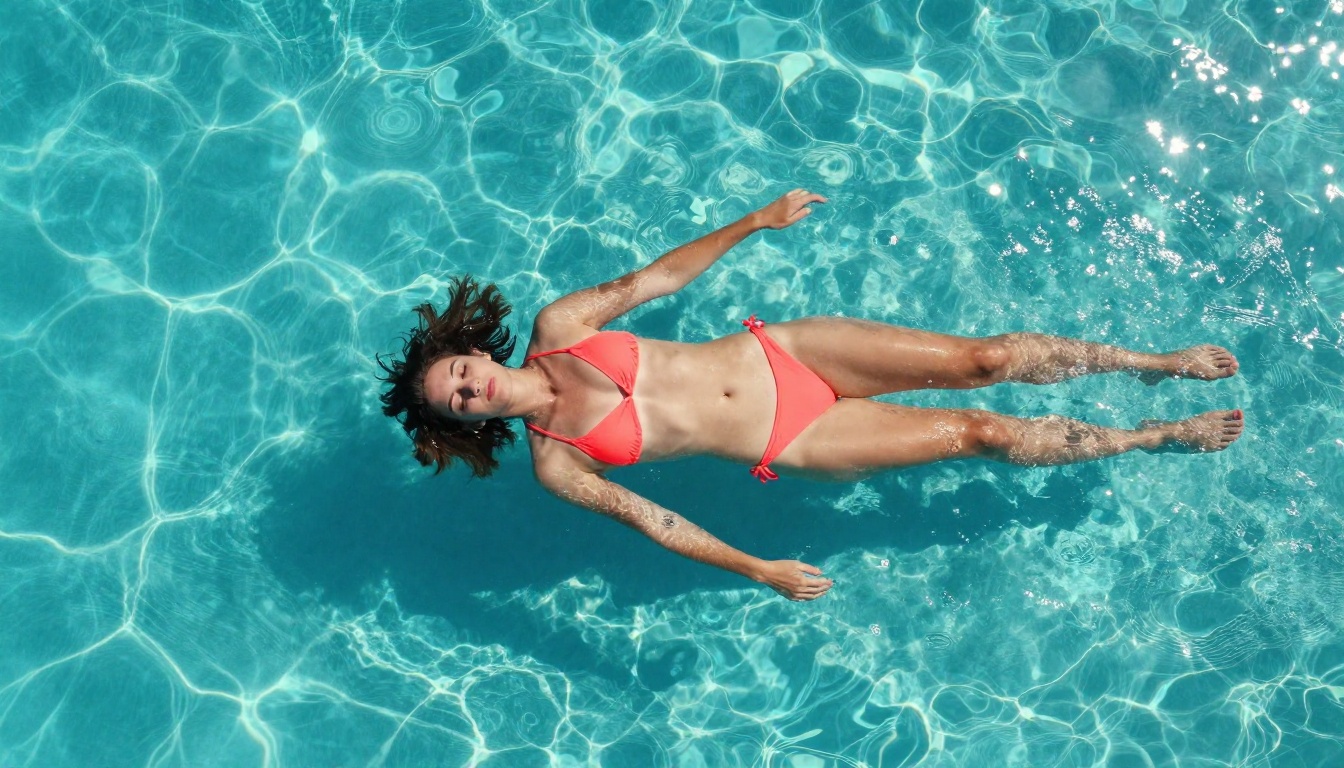
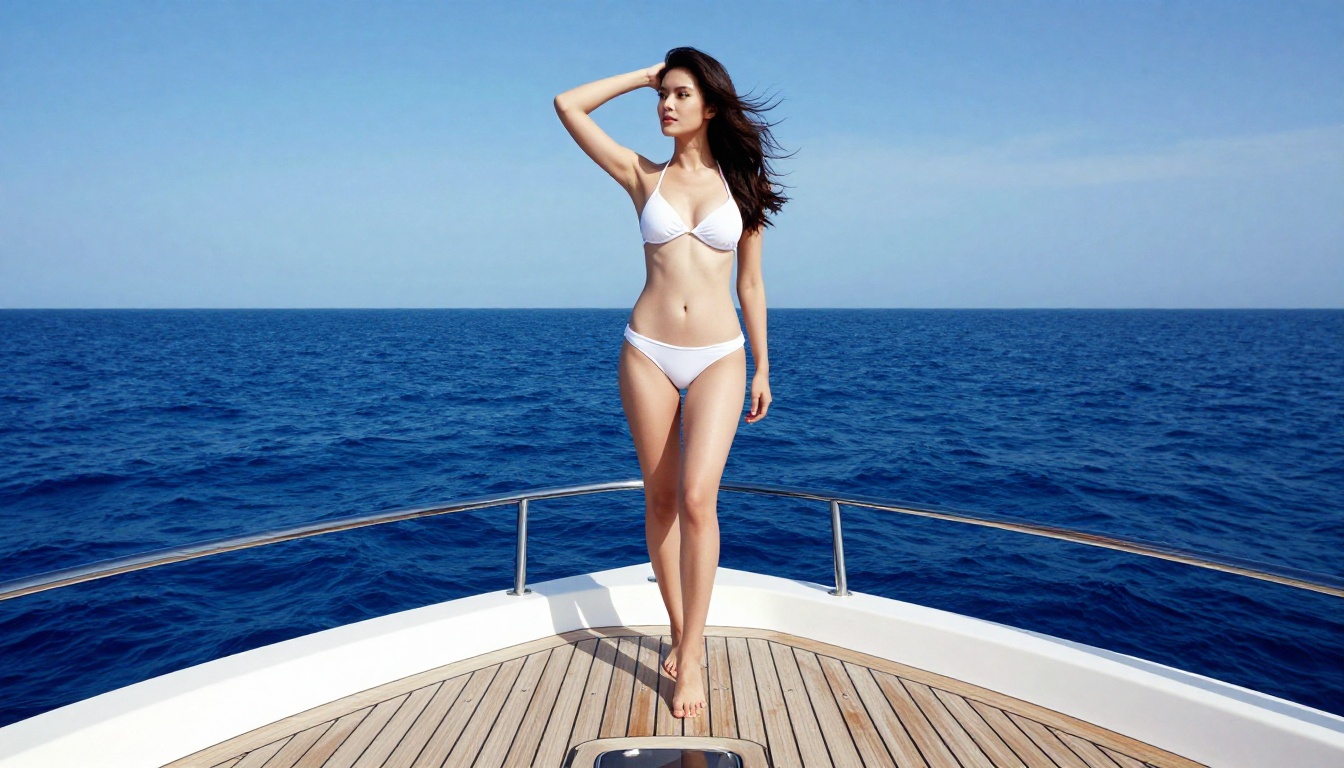
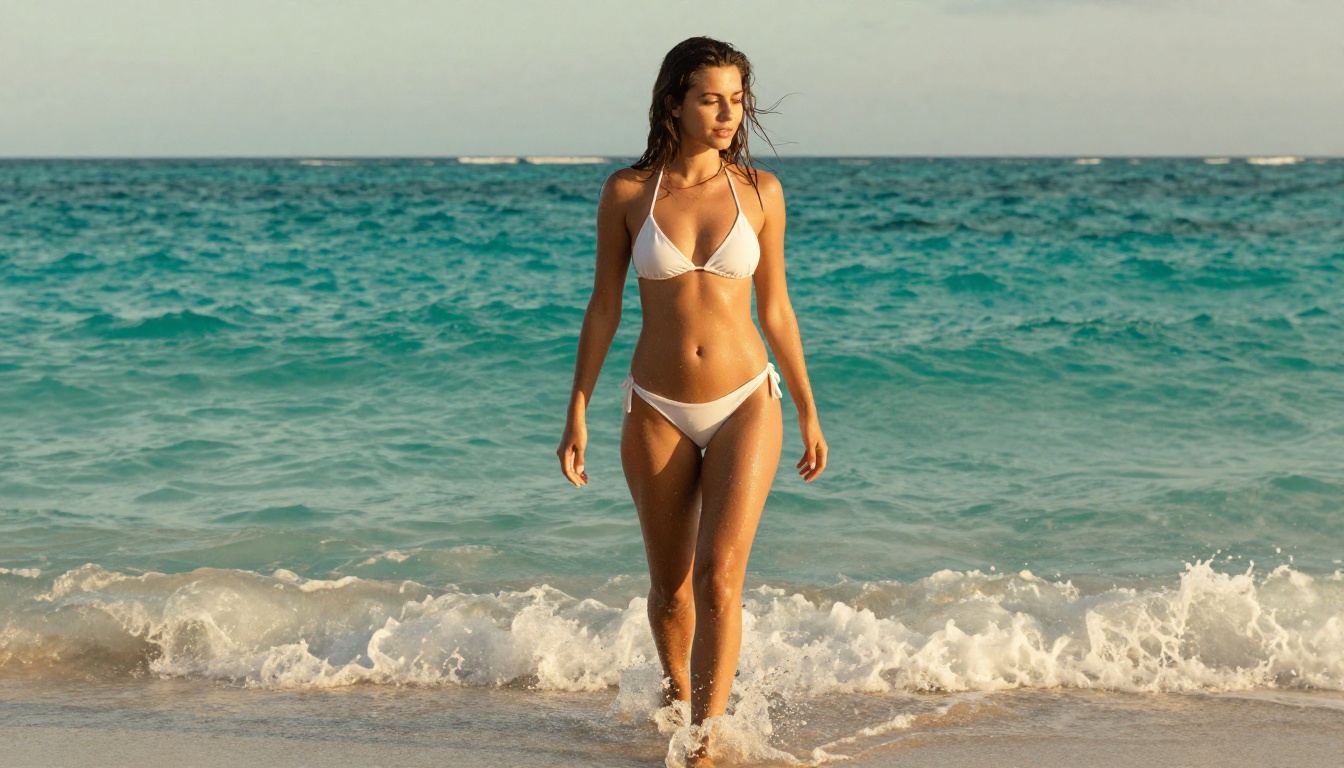
Use it for pose and expression variations of the same subject, for a short scene progression, or for style variation across lighting and color. The model decides whether to return a batch or a single strong frame, and the max images setting caps how many it produces.
Working with Custom Dimensions
When standard sizes do not fit, the custom option gives pixel level control. Choose custom, then set exact width and height between 1024 and 4096 pixels. Larger sizes take a little longer to render, so balance detail against turnaround. A simple flow: draft at 2K to lock the prompt, then re-render the winner at 4K or a custom size for the final file.

Bring Your Stills to Life
A finished frame does not have to stay still. After you generate a shot on PicassoIA, you can animate it into a short five second clip, then post it straight to social. Motion adds a layer a static image cannot match.
Each clip below started as a single Seedream still, then moved with a short motion prompt. Pair a strong frame with a simple description of the action, and you get something ready for reels or ads.
Prompting Tips for Better Results
Good prompts make the model shine. A few habits help.
Start with a clear subject. Open with who or what is in frame before you add detail. A confident woman in elegant swimwear gives the model a solid anchor.
Layer in light and setting. Name the lighting and the place. Soft window light, golden hour, or a moody studio each set a different tone.
Speak in photography terms. Shallow depth of field, rim light, bokeh, and 85mm read clearly to the model and steer the look you want.
Change one thing at a time. When you refine, adjust a single element per run. It is the fastest way to see what actually moved the result.
For mature content, artistic and editorial wording keeps the output tasteful while still attractive.

How to Use Seedream 4.5 on PicassoIA
PicassoIA runs Seedream 4.5 straight from the browser. No setup or API work required.
Open the Model Page
Visit the Seedream 4.5 page on PicassoIA. Every control sits in one clean layout.
Enter Your Prompt
Type your description in the prompt field. This drives the whole run, so spend a moment making it specific.
Set Resolution
Pick 2K, 4K, or custom dimensions. Most people start at 2K for fast iterations and move to 4K for final files.
Choose an Aspect Ratio
Match the ratio to your placement. Social posts suit 1:1 or 9:16, while portfolios often use 3:2 or 16:9.
Add Reference Images (Optional)
For image editing, upload your reference photos. The model accepts up to fourteen at once.
Turn On Batch Mode (Optional)
Enable the auto or sequential mode for several related outputs, and set max images to the number you want.
Generate and Download
Click generate and the result lands in seconds. Save it to your device or use it straight away in your project.
Best Practices for Mature Content
Creative freedom works best with a little discipline.
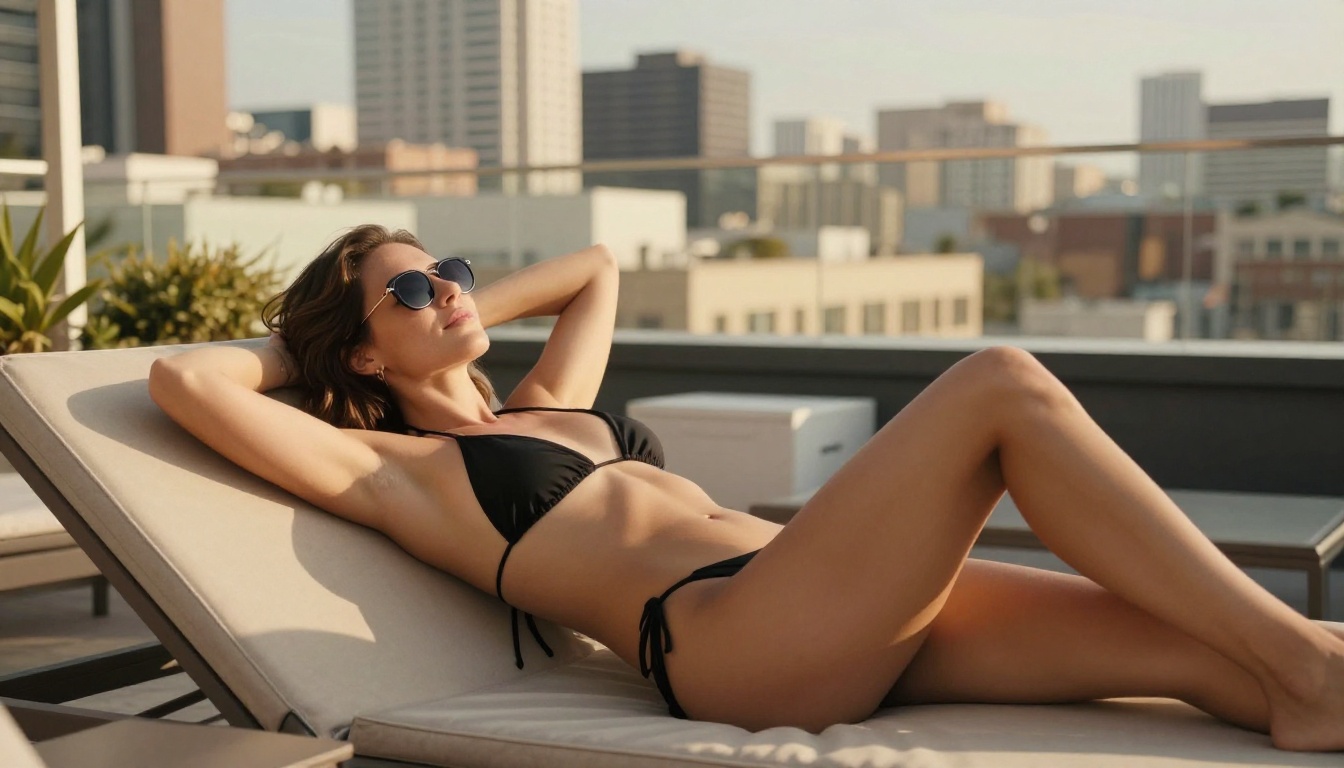
Treat it like real photography. Think about composition, light, and styling the way a photographer would.
Use tasteful language. Glamour, boudoir, and editorial references produce attractive, suggestive results without crossing into explicit territory.
Stay within the rules. Make sure your work fits local law and platform terms. Open models still come with responsibility.
Iterate for quality. First attempts are rarely the best. Re-run, adjust, and refine until the shot earns its place.

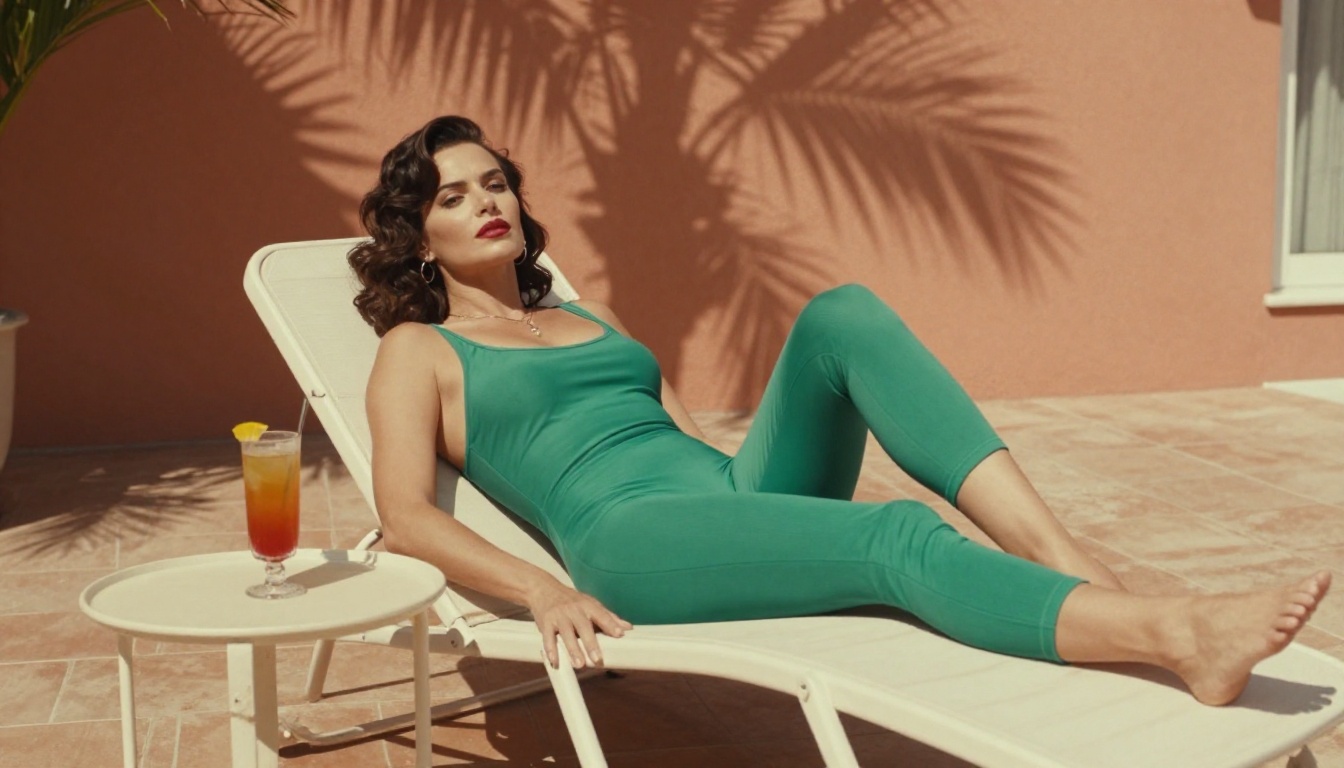
Seedream 4.5 sits at the center of a wider toolkit. When you want unlimited NSFW editing, PicassoIA Image Editor Pro reworks photos with no per edit cap and returns most edits in about a second. For open source realism you can also reach for Qwen Image 2. Both pair naturally with Seedream, yet its realism, speed, and NSFW support keep 4.5 as the main draw.
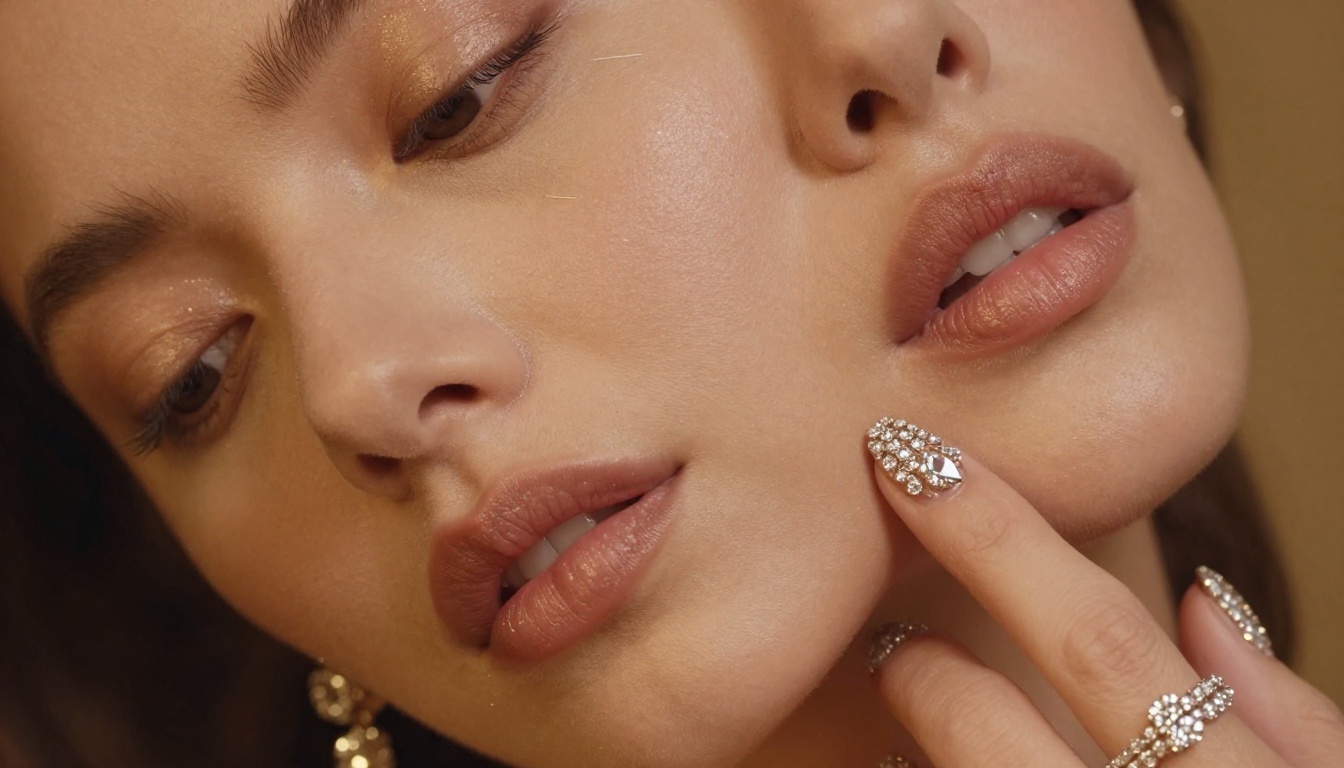
Privacy and Ownership
When the content is personal, ownership matters. Images you create stay private and are not posted publicly unless you choose to share them. The outputs belong to you, free to use commercially or keep to yourself, with no licensing fees attached. Because the model is open source, you are never locked to a single platform.
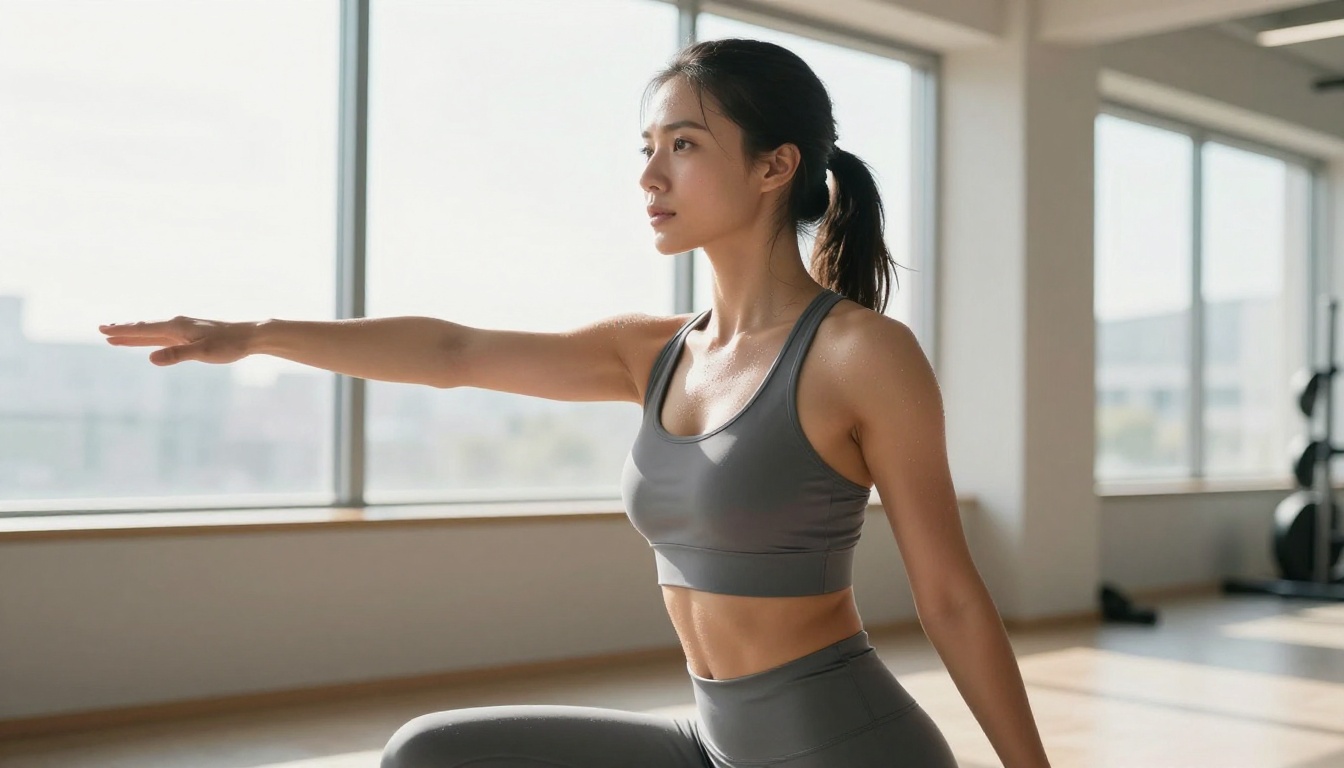
Common Issues and Fixes
Even strong tools hit snags. Here is how to clear the usual ones.
Output missing the mark? Add detail. The model rewards specific notes on light, framing, and style.
Image looks soft? Step up to a higher resolution and add quality cues like realistic skin texture or professional photography.
Edit ignoring your reference? Strengthen the text prompt and balance it against the source so the model knows what to keep and what to change.
Results feel inconsistent? Reuse the same wording and a fixed seed across runs to hold the style steady.
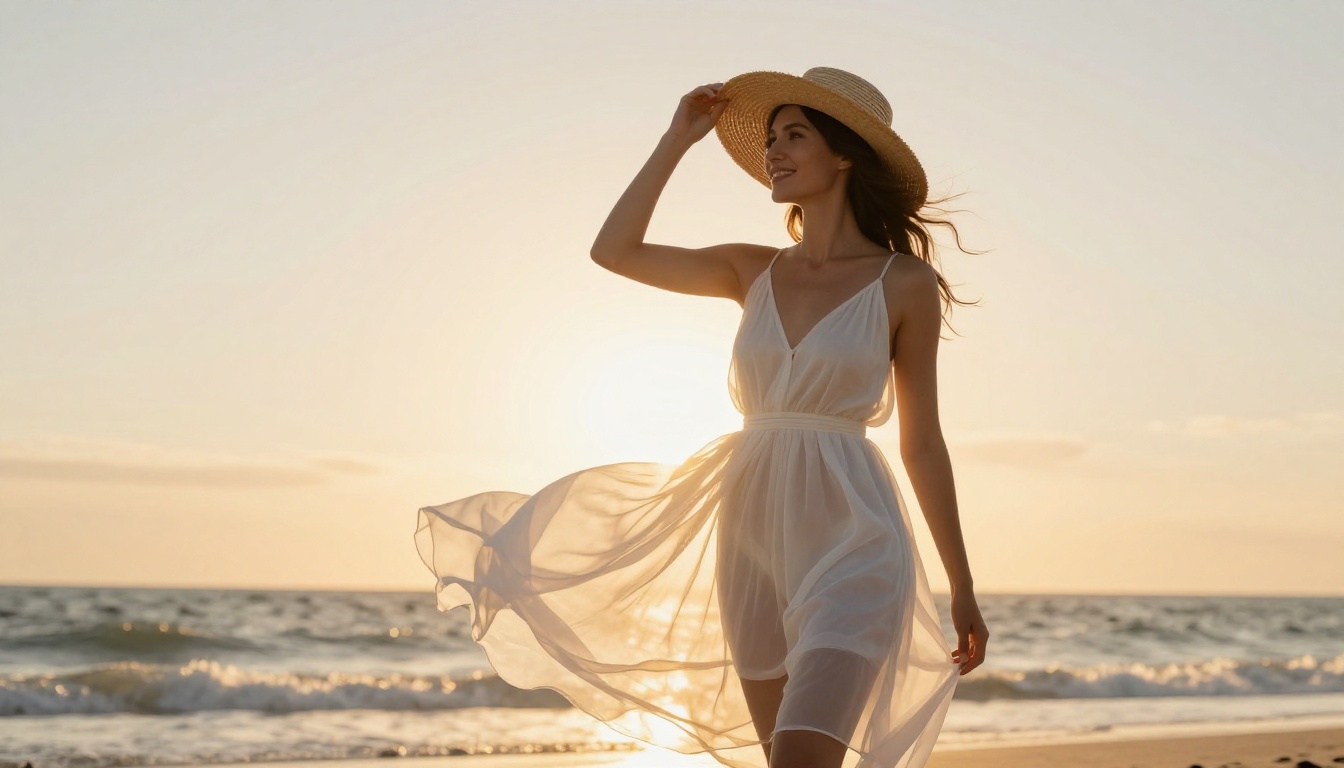
Start Creating Without Limits
One model, no filter standing between you and the shot you have in mind. Open Seedream 4.5 on PicassoIA, write a clear prompt, and generate your first unrestricted image in seconds. When you want more, browse PicassoIA all models for the full set of NSFW friendly tools.


