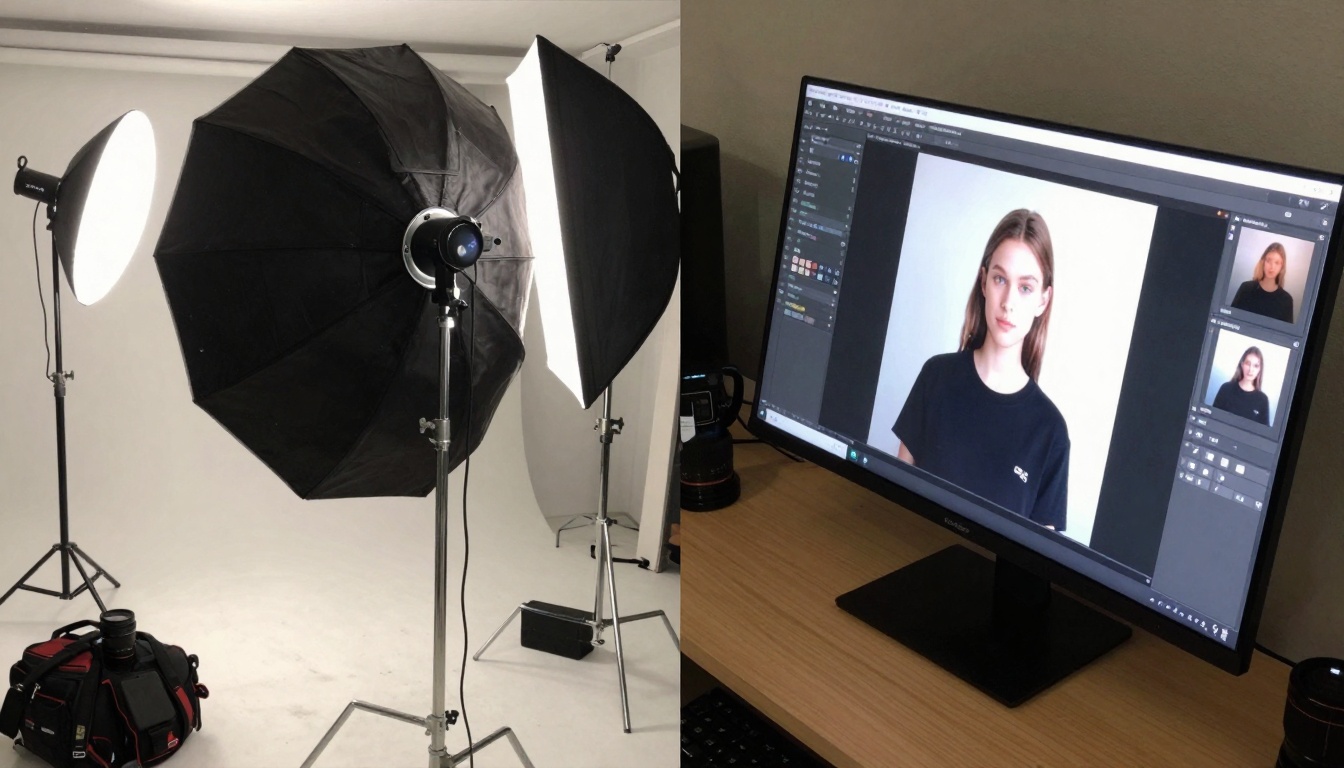
The gap between creative ideas and finished visuals has traditionally been measured in days, sometimes weeks. Photoshoots require scheduling, equipment, models, and post-production. Digital artists need hours of rendering time. Marketers wait for designers to turn concepts into campaign assets. Seedream 4.5 collapses this timeline to seconds while maintaining professional quality standards.
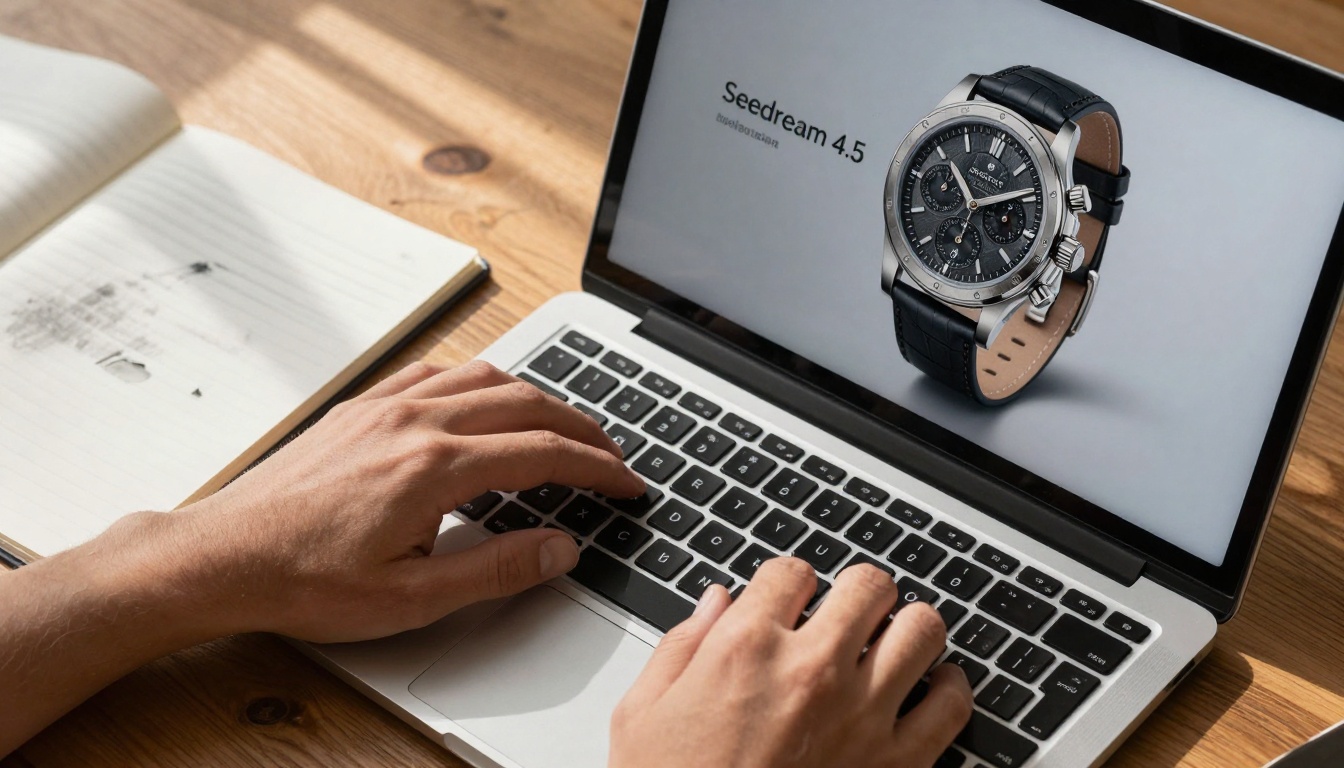
Above: The transformation from text input to polished output happens in real-time with Seedream 4.5
What Seedream 4.5 actually delivers
Most text-to-image models promise photorealistic results but deliver inconsistent quality. Seedream 4.5 stands out for its reliable output consistency across different subject categories. The model handles:
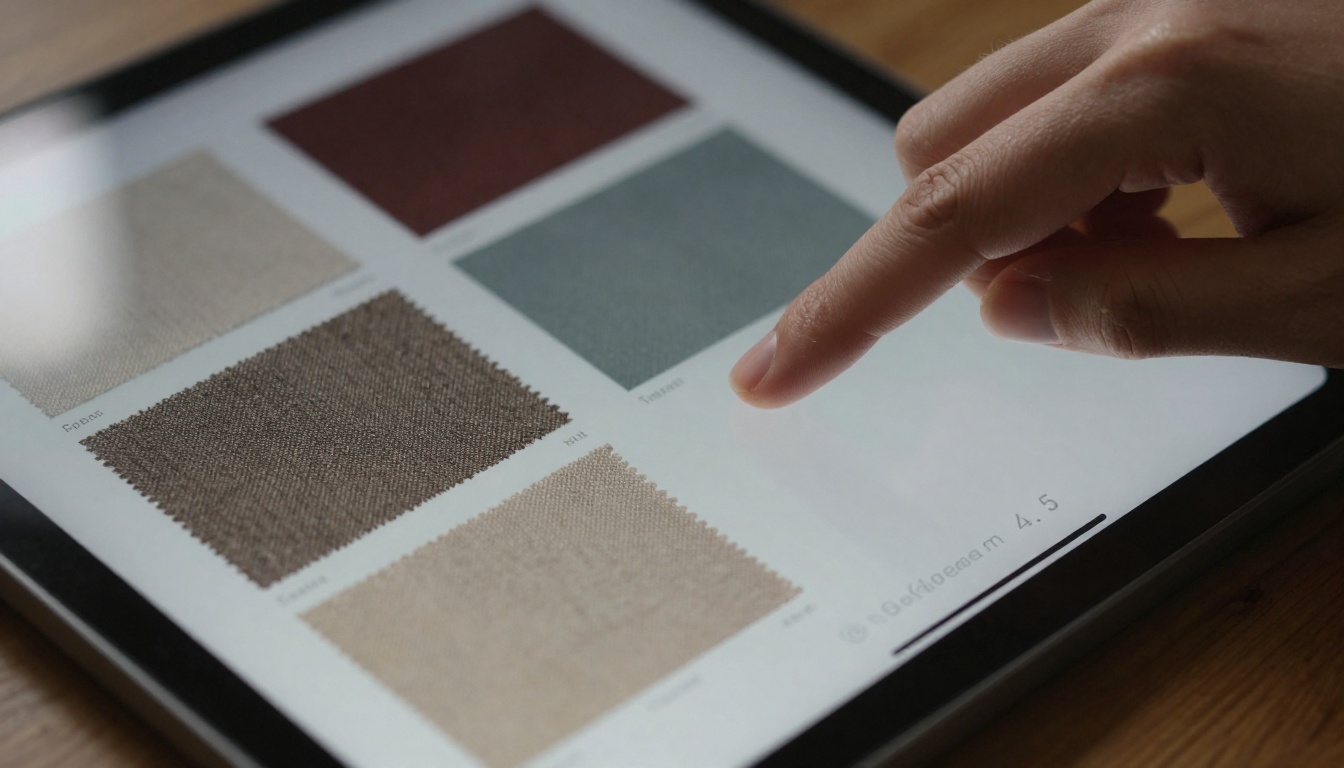
- Product photography with accurate material textures
- Architectural visualization with proper perspective and lighting
- Portrait photography with natural skin tones and expressions
- Landscape scenes with realistic atmospheric perspective
💡 Key Insight: Seedream 4.5's training data includes professional photography standards, not just internet-scraped images. This foundation shows in output quality.
The model's architecture prioritizes compositional integrity over artistic interpretation. When you describe "a woman sitting at a café table with morning light," you get a photographically plausible scene, not an artistic rendering.
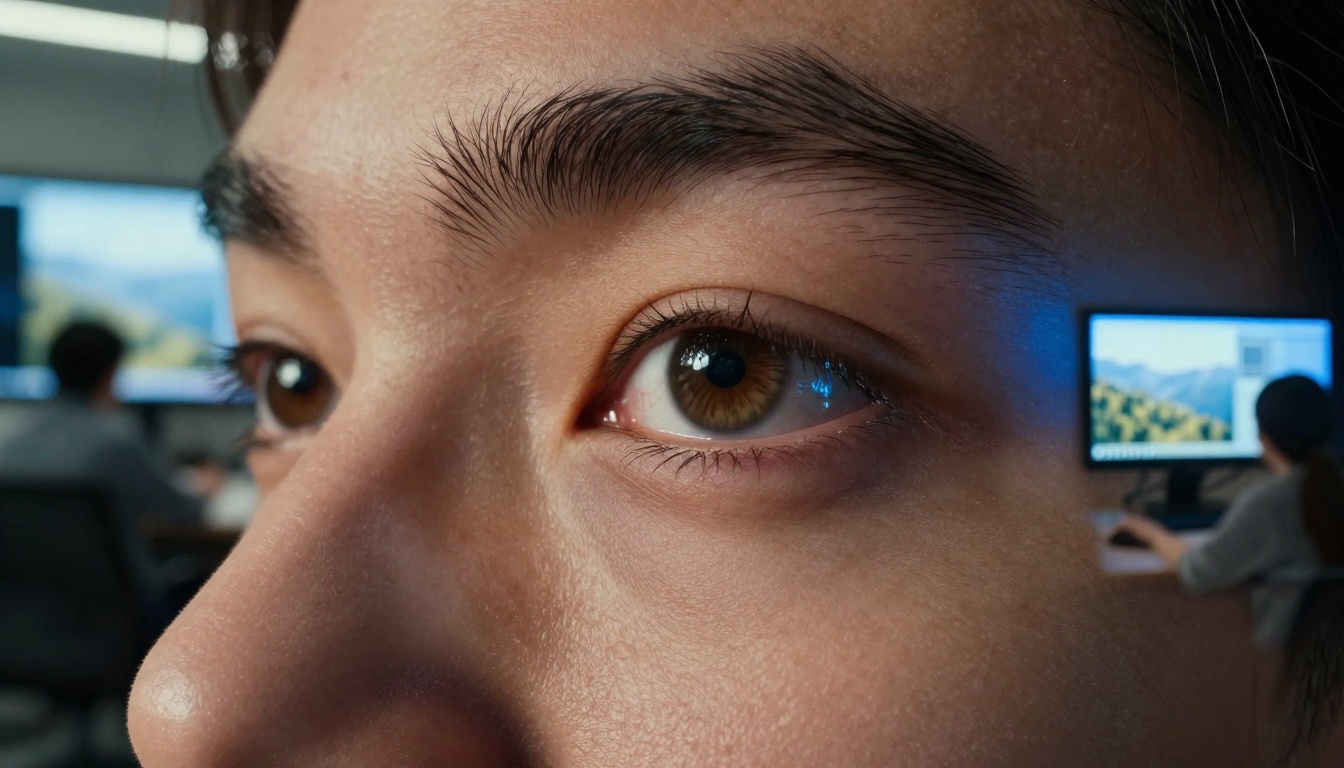
Speed versus quality tradeoffs
Traditional wisdom suggests faster generation means compromised quality. Seedream 4.5 challenges this assumption with a balanced architecture that maintains detail fidelity while optimizing processing speed.
| Aspect | Seedream 4.5 | Traditional Workflow | Other AI Models |
|---|
| Generation Time | 2-5 seconds | 2-5 days | 10-30 seconds |
| Revision Cycles | Instant | 1-2 days each | 10-15 seconds each |
| Quality Consistency | High | Variable | Medium |
| Cost Per Image | Minimal | $500-$5,000+ | Low-Medium |
The speed advantage becomes exponential when considering iterative workflows. Designers can test 20 variations in the time it takes to render one traditional concept.
💡 Practical Application: Marketing teams use Seedream 4.5 for A/B testing visual concepts before committing to expensive photo shoots.
Real-world applications that work
Marketing and advertising
Campaign visual development traditionally consumes 40% of project timelines. Seedream 4.5 reduces this to immediate concept validation.
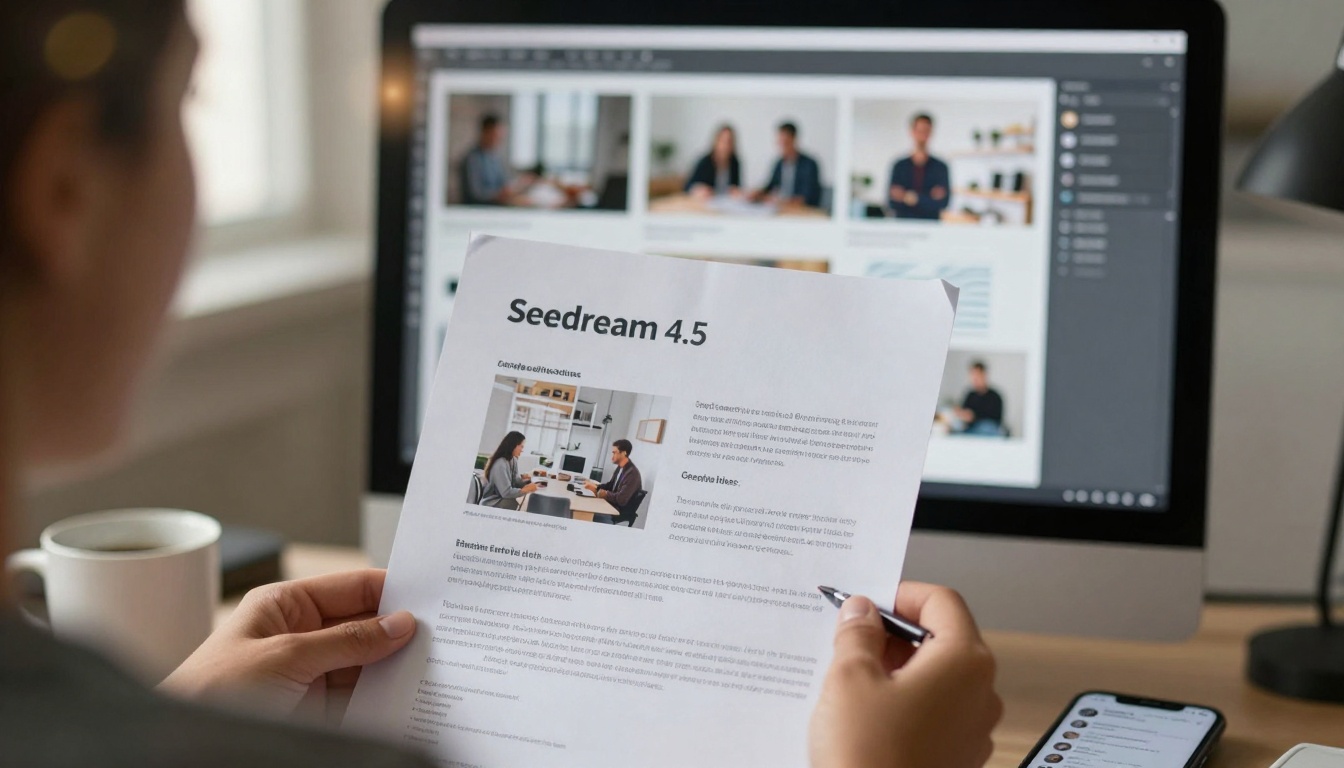
Specific use cases:
- Social media content generation for daily posts
- Product mockups for e-commerce without physical samples
- Brand concept testing with stakeholder feedback loops
- Event promotion visuals created to match venue aesthetics
Design and prototyping
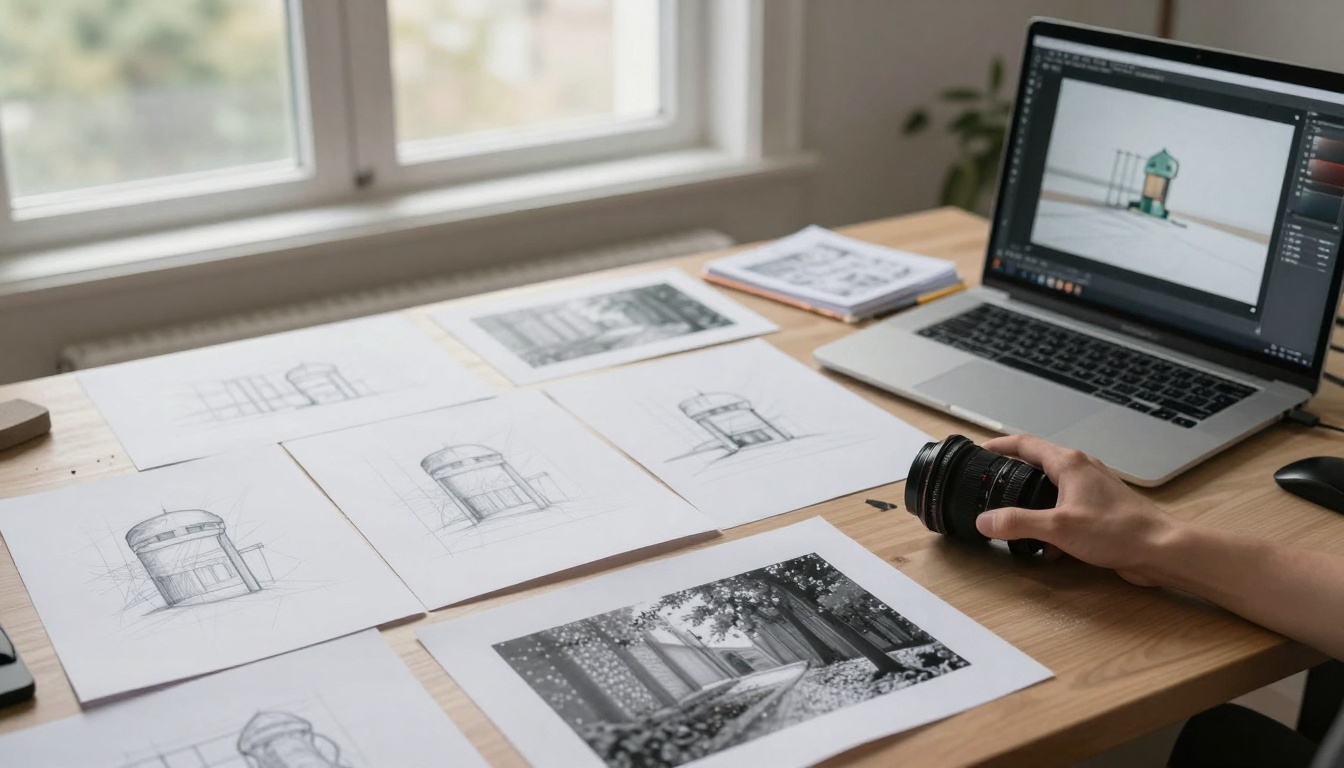
Industrial designers and architects benefit from instant visualization of concepts that previously required 3D modeling expertise.
Workflow improvements:
- Furniture design visualization with accurate material representation
- Architectural concepts shown in realistic environmental contexts
- Packaging design mockups with proper lighting and reflections
- Fashion design concepts on diverse body types
Content creation
Bloggers, educators, and publishers generate custom illustrations without stock photo limitations or licensing costs.

Prompting techniques for better results
Seedream 4.5 responds to photographic terminology rather than artistic descriptors. Effective prompts include:
Instead of: "Beautiful sunset over mountains"
Use: "Photorealistic landscape photography of mountain range at golden hour, volumetric light through atmospheric haze, 35mm lens, f/8 aperture, Kodak Portra 400 film simulation"
Core prompting elements:
- Subject specification with clear positioning
- Lighting description (direction, quality, color temperature)
- Camera technicals (lens, aperture, focal length)
- Environmental context (location, weather, time of day)
- Style reference (photographic style, film stock)
💡 Pro Tip: Reference specific photographic styles like "editorial fashion photography," "product still life," or "documentary photojournalism" for consistent genre adherence.
Comparing Seedream with other models
Seedream 4.5 occupies a specific niche between artistic generation and photographic reproduction.
Comparison with popular alternatives:
Flux models (like Flux-2-pro) excel at artistic interpretation but sometimes sacrifice photographic realism.
GPT Image 1.5 (GPT Image 1.5) offers strong compositional understanding but can produce overly stylized results.
P-image (p-image) provides fast generation but with more variable quality consistency.
Seedream 4.5's advantage lies in its purpose-built architecture for professional visual content rather than general artistic creation.
Common mistakes to avoid
Over-specification
Providing excessive detail can confuse the model rather than improve results. Focus on essential photographic elements:
Problem: "A woman with brown hair, blue eyes, wearing a red dress, standing by a window, with morning light, holding a coffee cup, in a modern apartment, with wooden floors..."
Solution: "Editorial portrait photography of woman by window with morning side lighting"
Ignoring photographic constraints
AI models don't understand physical impossibility. Requesting "ultra-wide angle with shallow depth of field" creates conflicting optical parameters.
Style mixing
Combining incompatible styles ("cinematic lighting with flat product photography aesthetic") produces confused results.
How to use Seedream 4.5 on PicassoIA
The Seedream 4.5 model on PicassoIA provides direct access with optimized parameters for professional workflows.
Step-by-step implementation:
-
Access the model through the PicassoIA platform interface
-
Configure basic parameters:
- Aspect ratio matching your output requirements
- Quality setting based on intended use (web vs print)
- Style reference if working within specific genres
-
Input your prompt using photographic terminology
-
Generate initial results and assess composition/lighting
-
Iterate with adjustments based on specific needs
-
Download or integrate results into your workflow
Advanced techniques:
- Batch processing multiple variations for A/B testing
- Style consistency across campaign assets
- Parameter tuning for specific output characteristics
Integration considerations:
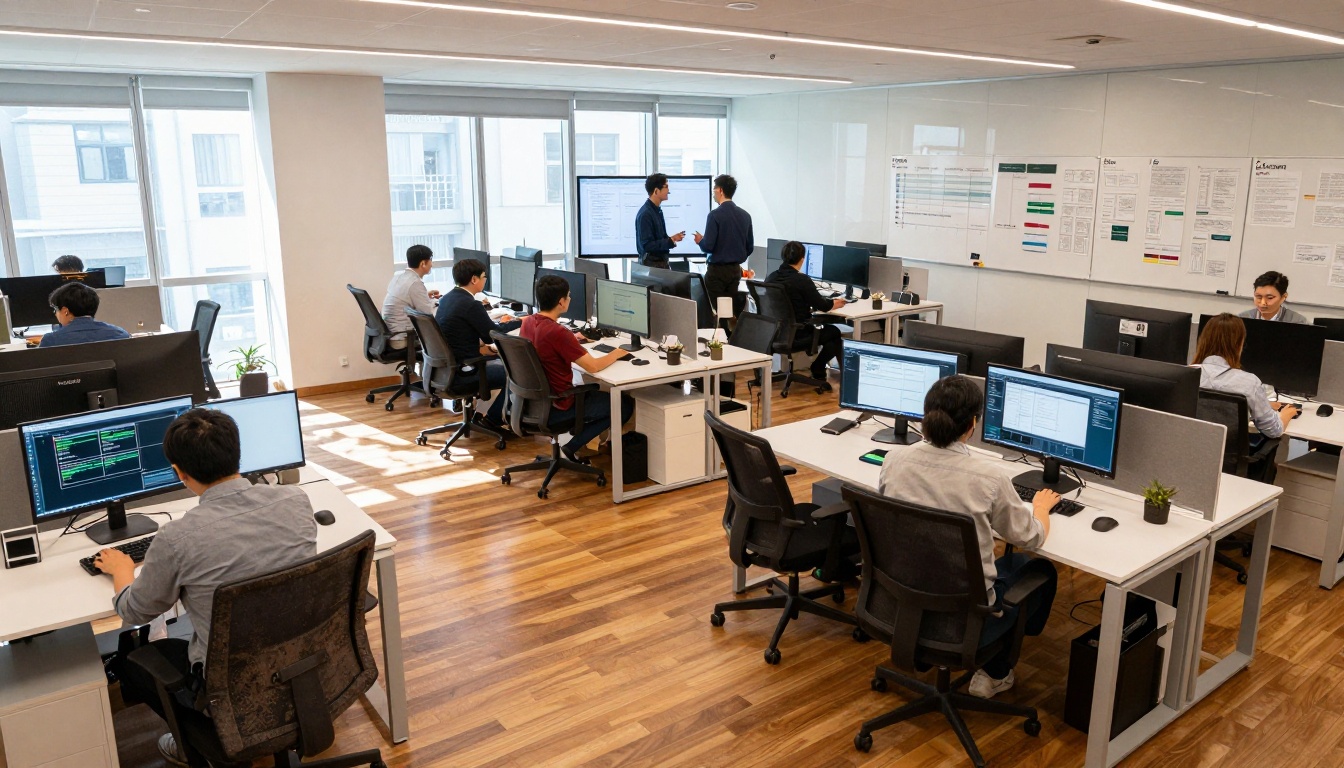
API access allows direct workflow integration for automated content pipelines. Team collaboration features enable simultaneous review and approval processes. Version control maintains consistency across campaign assets.
💡 Workflow Optimization: Establish a prompt library with proven templates for recurring project types to maintain brand consistency.
Creating your own visual content
The barrier between idea and execution has effectively disappeared. Professional-grade visuals no longer require professional budgets or timelines.
Starting points for different roles:
Marketers: Begin with campaign concept testing using 5-10 variations of key visual themes.
Designers: Prototype product concepts with accurate material representation before 3D modeling.
Content Creators: Generate custom illustrations that match article tone and audience expectations.
Educators: Create visual aids that enhance learning materials without stock photo limitations.
Next steps for implementation:
- Test with current projects to establish baseline quality expectations
- Develop prompt templates for your most common visual needs
- Integrate into existing workflows at the concept development stage
- Measure efficiency gains against traditional methods
- Scale adoption across teams with proven use cases
The transformation from creative brief to polished visual now happens at the speed of thought. Professional results arrive before meetings conclude, campaigns launch before trends shift, and concepts materialize before inspiration fades.
Visual content creation has entered a new phase where the only limit is creative imagination, not technical constraint or budgetary limitation. The tools exist, the quality standards meet professional requirements, and the speed enables real-time creative collaboration.


