The rumors have been building across AI art forums and private Discord servers for weeks: Seedream 4, ByteDance's most capable image generation model, appears to be operating with significantly looser NSFW content restrictions than its direct competitors. For anyone who has typed a creative prompt and watched it disappear behind a content policy wall, this development deserves a close look.
Reports from developers in early access, beta testers, and community members who've run side-by-side comparisons all point to the same finding: Seedream 4 is producing images that models like DALL-E 3, Midjourney, and Adobe Firefly would refuse outright. Not extreme content, but suggestive glamour, revealing swimwear, implied nudity, and artistic body-focused photography that have historically triggered instant rejections elsewhere.
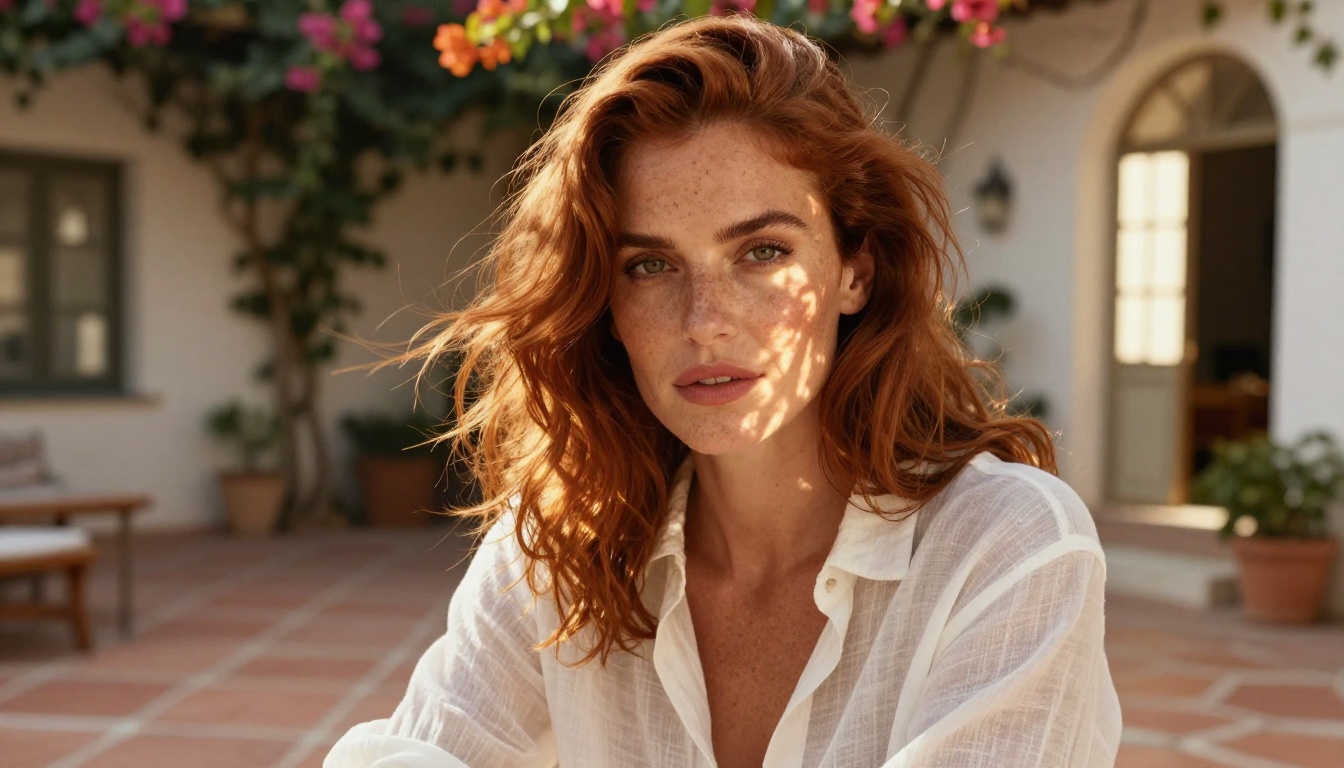
What the Seedream 4 Rumors Actually Say
The most credible reports are not claiming that Seedream 4 has removed all content restrictions. What they are saying is more specific: the model's sensitivity threshold has shifted significantly toward permissive, allowing a class of prompts that previously sat in a grey zone to now go through without error.
Where the Reports Are Coming From
The earliest accounts appeared in developer communities testing the model through the BytePlus API, ByteDance's enterprise-facing infrastructure. Users noticed that prompts containing terms like "sheer fabric," "lingerie," "topless," and "nude silhouette" were being processed without refusal messages.
This was quickly replicated by independent testers using PicassoIA's Seedream 4 implementation, where the same patterns held up across hundreds of test generations. The results were documented, compared, and shared widely in creator communities.
What "Looser" Means in Practice
Looser NSFW rules in this context means the model will process:
- Implied nudity: Silhouettes, strategic framing, and artistic compositions that suggest nudity without explicit depiction
- Revealing clothing: Bikinis, lingerie, sheer fabrics, and low-cut styles that are routinely blocked on other platforms
- Suggestive poses: Body language and positioning that is adult in tone but not pornographic
- Glamour photography: The kind of content that appears in mainstream fashion and lifestyle publications
What it does not mean: fully explicit sexual content, graphic depictions, or hardcore material. The model is moving toward a magazine-style standard rather than eliminating restrictions entirely.
💡 Worth knowing: The distinction between "suggestive" and "explicit" is where the practical utility lives for most creators. Glamour photographers, adult lifestyle brands, and artistic portrait creators all operate in this exact space.

Why ByteDance Is Rethinking Content Rules
Understanding why this is happening requires context about where ByteDance sits in the global AI market.
ByteDance operates from a position that includes strong demand from Southeast Asian markets, where content norms around the human body are considerably more relaxed than in North American tech-company defaults. The company also faces direct pressure from a growing roster of open-source and specialized NSFW-capable models that are pulling professional creators away from closed-source options.
The commercial case for looser restrictions is strong. Adult content platforms, photography communities, fashion brands, and adult entertainment businesses represent substantial paying customers. By positioning Seedream 4 with more permissive defaults, ByteDance captures a segment of professional demand that has been completely unserved by the major closed-source model providers.
There's also a technical argument. Over-filtering produces models that are genuinely less useful for legitimate creative work. A model that refuses to generate a woman in a bikini is a model that photographers, brand designers, and content creators simply cannot use professionally.
How Seedream 4 Stacks Up Against Competing Models
Here's a direct comparison of how the major models handle NSFW-adjacent creative content:
| Model | Implied Nudity | Revealing Clothing | Suggestive Poses | Max Resolution |
|---|
| Seedream 4 | Allowed | Allowed | Allowed | 4K |
| Seedream 5 Pro | Partial | Allowed | Allowed | 2K |
| Flux Dev | With settings | Allowed | Allowed | 1MP |
| DALL-E 3 | Blocked | Often blocked | Often blocked | 1024px |
| Midjourney | Partial | Allowed | Allowed | 2048px |
The standout in this table is Seedream 4's combination of permissive content handling and 4K resolution output. Most models that allow adult-adjacent content do so at lower resolutions or require complex workarounds. Getting a 4K suggestive glamour image in a single generation is genuinely new territory.
The Gap Between "Loose Rules" and No Rules
This is a distinction that matters, and it's worth being direct about.
Seedream 4 is not uncensored in the absolute sense. Prompts for explicit sexual content, content involving minors, non-consensual scenarios, and graphic violence will still be rejected. The model operates with what could be called an adult magazine standard: content that could appear in mainstream adult lifestyle publications is acceptable; content requiring age-gating on a dedicated adult platform is not.
This is the sweet spot for most professional creators:
- Fashion photographers need body-positive, revealing work
- Adult lifestyle brands need glamour without explicit content
- Portrait artists need artistic freedom with the human form
- Content platforms need suggestive but not pornographic visuals
The rumored shift is not about creating a free-for-all. It's about removing the overly conservative filters that have made AI image generation frustrating for professionals doing entirely legitimate work.
💡 Practical tip: When working in this content range, specificity in your prompt actually helps. Describe the artistic intent alongside the visual description, such as "editorial," "glamour," or "portraiture." Models respond better to context-rich prompts that signal professional creative intent.
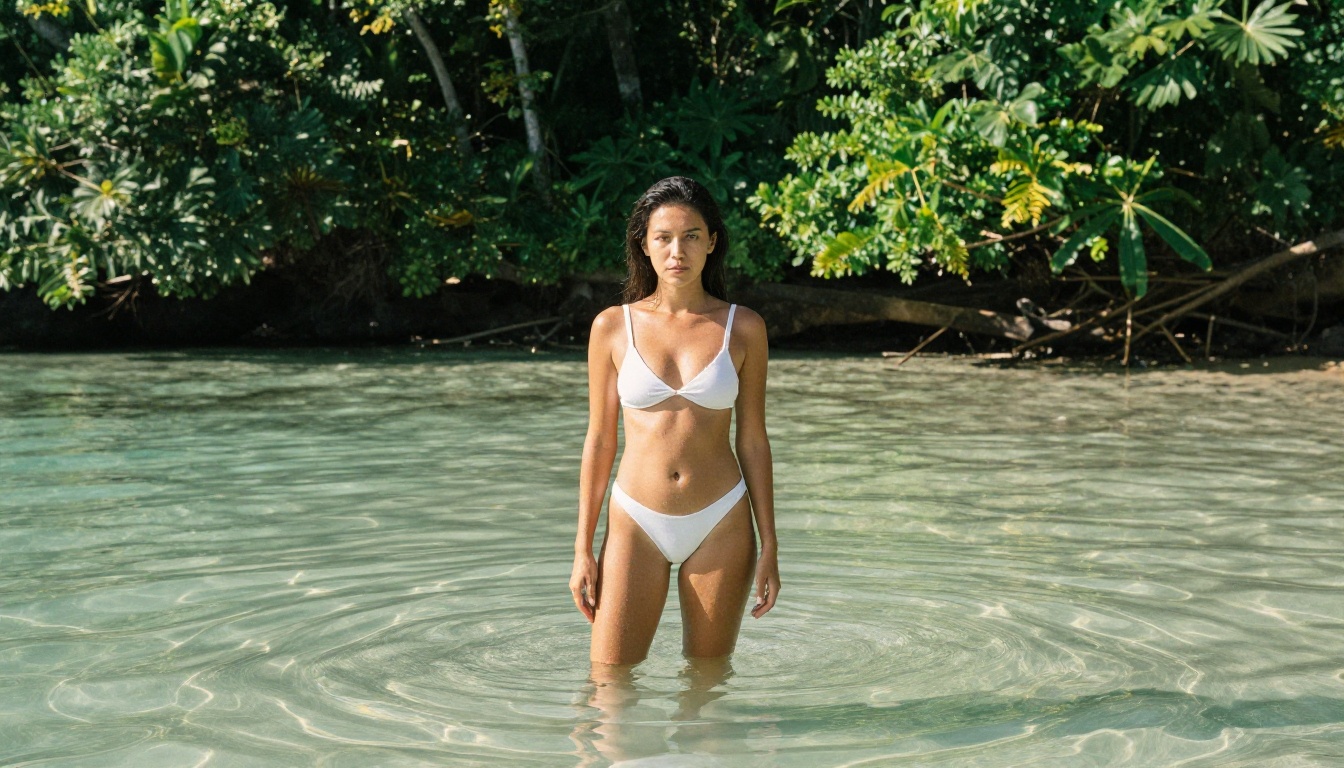
How to Use Seedream 4 on PicassoIA
Seedream 4 is available directly on PicassoIA without any API setup, account configuration, or credit card required to start. Here's how to get results immediately.
Step 1: Open the Model Page
Go directly to the Seedream 4 page on PicassoIA. You'll see the generation interface with the prompt box, resolution selector, and aspect ratio controls ready to use.
Step 2: Write a Detailed Prompt
Seedream 4 responds well to specificity. Rather than a short description, write a full visual brief covering:
- Subject description: person, pose, expression
- Setting and background: location, environment, props
- Lighting conditions: golden hour, soft diffused, studio strobe
- Camera perspective: close-up, medium, wide, low angle
- Style notes: editorial, glamour, natural, artistic
Example: "A woman with flowing dark hair in a white satin slip dress sitting on the edge of a stone fountain in a Roman courtyard at dusk, soft warm lantern light from above, 85mm portrait lens, shallow depth of field, photorealistic, editorial photography style"
Step 3: Select Resolution and Aspect Ratio
Seedream 4 offers three resolution tiers:
- 1K for fast drafts and concept testing
- 2K for web use and social media delivery
- 4K for print, large display, and professional client delivery
For lifestyle and editorial photography, the 16:9 aspect ratio works well. Use 3:4 or 9:16 for portrait-oriented content intended for mobile platforms.

Step 4: Refine with Single-Sentence Edits
One of Seedream 4's standout features is single-sentence image editing. If your first result is close but not quite right, type one short modification instruction, such as "softer lighting," "move the subject to the right," or "add more depth in the background," and get a revised version without starting from scratch.
This makes iterating on complex or suggestive compositions significantly faster than regenerating from a new prompt each time.
Step 5: Add Reference Images for Consistency
For projects requiring consistent subjects or styles across multiple images, use Seedream 4's reference image input. Supply up to 10 reference photos and the model anchors its output to the visual characteristics you've provided. Particularly valuable for:
- Character consistency across a series
- Matching a specific mood board or aesthetic
- Carrying over lighting and environment references
Best Models for Adult AI Art on PicassoIA
Seedream 4 is the strongest option for adult-adjacent creative work right now, but PicassoIA's catalog includes several other models worth knowing depending on your specific needs.
Seedream 5 Pro for Fast 2K Series Work
Seedream 5 Pro is the current generation successor, optimized for speed and multi-reference generation. It tops out at 2K but processes faster and accepts up to 10 reference images in a single run. If you're producing a series of consistent images at volume, 5 Pro is the better workflow tool.
Flux Dev for Photorealistic Skin Detail
Flux Dev is a 12-billion parameter model with strong photorealism, particularly for facial detail and skin texture. It includes an image-to-image mode, 11 aspect ratios, and adjustable inference steps. For work where skin and hair texture fidelity is the priority, Flux Dev holds its own.
💡 Model selection tip: Use Seedream 4 for 4K final outputs with permissive content. Use Seedream 5 Pro for fast series generation at 2K. Use Flux Dev when maximum detail in facial and skin texture is the priority.
You can browse the full catalog at picassoia.com/en/all-models.

Getting Sharp Results at 4K
Generating at 4K does not automatically guarantee a sharp result. Prompt quality, resolution selection, and post-processing all contribute. Here's how to get the most from Seedream 4's resolution ceiling.
Write for Resolution
At 4K, your prompt needs texture-level detail to avoid a "sharp but generic" result. Include specifics like:
- Skin: "fine skin texture, visible pores, natural highlights"
- Fabric: "silk weave detail, natural drape, light catching the surface"
- Lighting: "soft directional light from upper left, catching fine detail in shadows"
The more detail you feed into the prompt, the more detail the model has reason to generate.
Push Further with PicassoIA Upscaling Tools
If you've generated a strong image at 2K and want to push it to print quality, PicassoIA's super-resolution models can take it further:
For adult-adjacent content, the Clarity Pro Upscaler and Crystal Upscaler are particularly strong, adding realistic detail to skin, hair, and fabric rather than simply increasing pixel count.
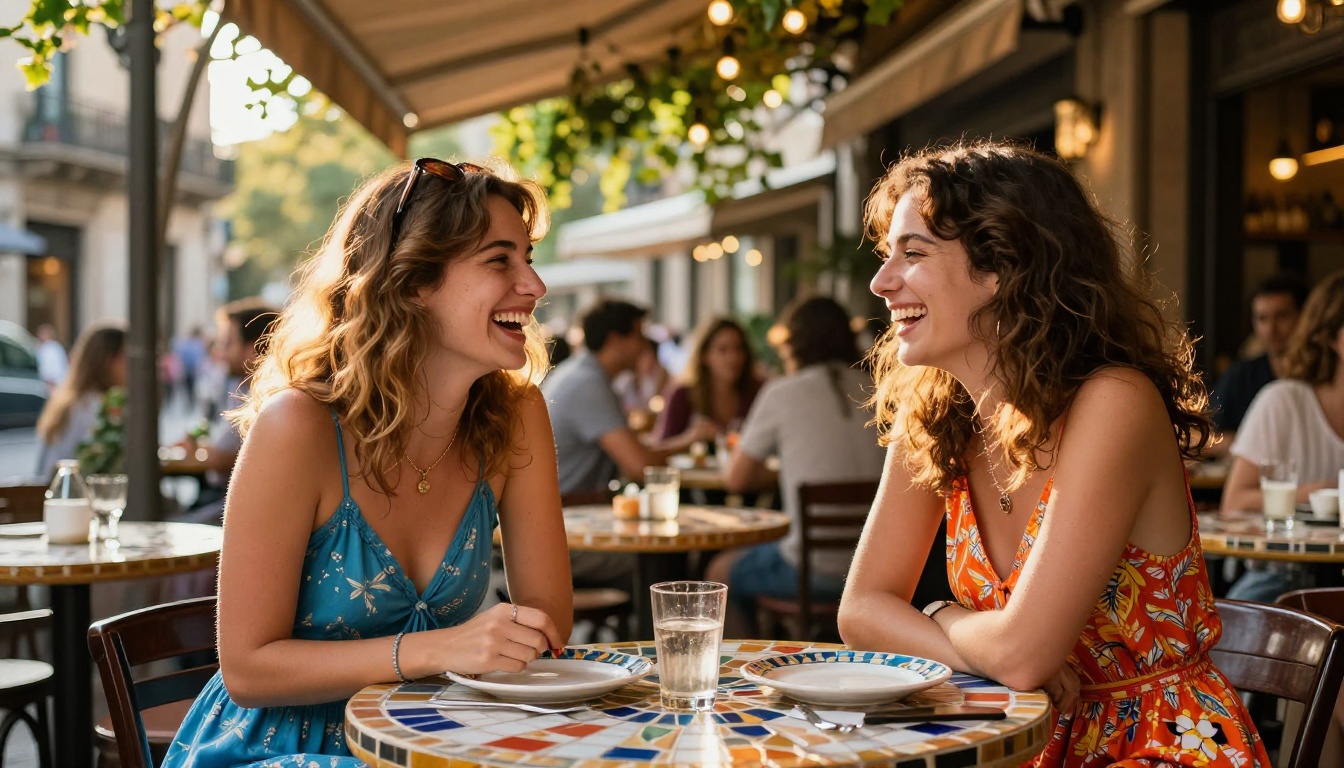
What Comes After Seedream 4
The NSFW rumor cycle around Seedream 4 is already pointing to what comes next. Seedream 5 Pro is live on PicassoIA right now and represents ByteDance's current public-facing capability, generating sharp 1K and 2K images, supporting up to 10 reference images, and maintaining the prompt responsiveness characteristics that made Seedream 4 notable.
The trajectory ByteDance appears to be on is gradual normalization of content standards, aligning with what photography platforms, stock image sites, and adult lifestyle brands actually need from a professional AI image generation tool. If Seedream 4's NSFW flexibility carries into Seedream 5 and future iterations, it signals that ByteDance has made a strategic call to serve the professional creator market in a way no major closed-source model provider has done so far.
For creators, the practical implication is straightforward: this is a good time to be running Seedream 4 for projects that have consistently hit content walls elsewhere.

Try It Now
The fastest way to see what the Seedream 4 NSFW rule shift actually means in practice is to run a generation yourself. Open Seedream 4 on PicassoIA, write the detailed prompt describing the image you've been unable to generate elsewhere, set it to 4K, and see the result.
For series work, move to Seedream 5 Pro once you've established your prompt style. For maximum skin and texture fidelity, pair your result with Clarity Pro Upscaler or Topaz Image Upscale to reach print quality without regenerating from scratch.
For the full catalog of over 91 text-to-image models and hundreds of additional AI tools, visit picassoia.com/en/all-models. The shift in content rules is worth testing directly, and the tools to do it are already live and free to use.


