Seedream 4.5 represents a significant step forward in AI image generation, particularly for creators who need unrestricted access to adult-themed content generation. Built by ByteDance, this text-to-image model delivers professional-quality outputs at 2K and 4K resolutions, making it an excellent choice for artists, photographers, and content creators working in mature markets.
Unlike many commercial AI platforms that impose heavy content filters, Seedream 4.5 provides the creative freedom professionals need. Whether you're producing editorial fashion photography, artistic portraits, or commercial visuals, this model handles sophisticated prompts with impressive photorealistic results.
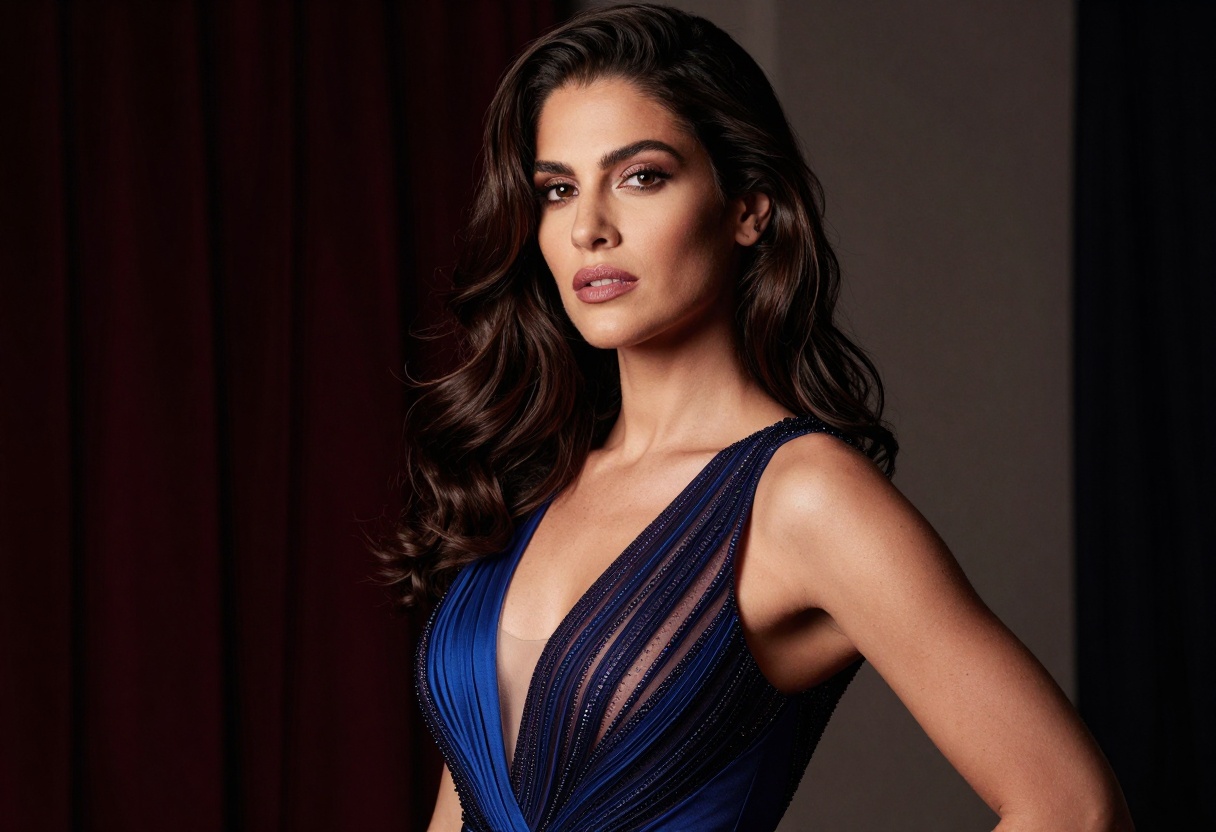
What Makes Seedream 4.5 Different
The model stands out for its high-resolution capabilities and flexible input options. You can generate single images from text descriptions, upload reference photos for image-to-image transformations, or create series of related visuals in a single run.
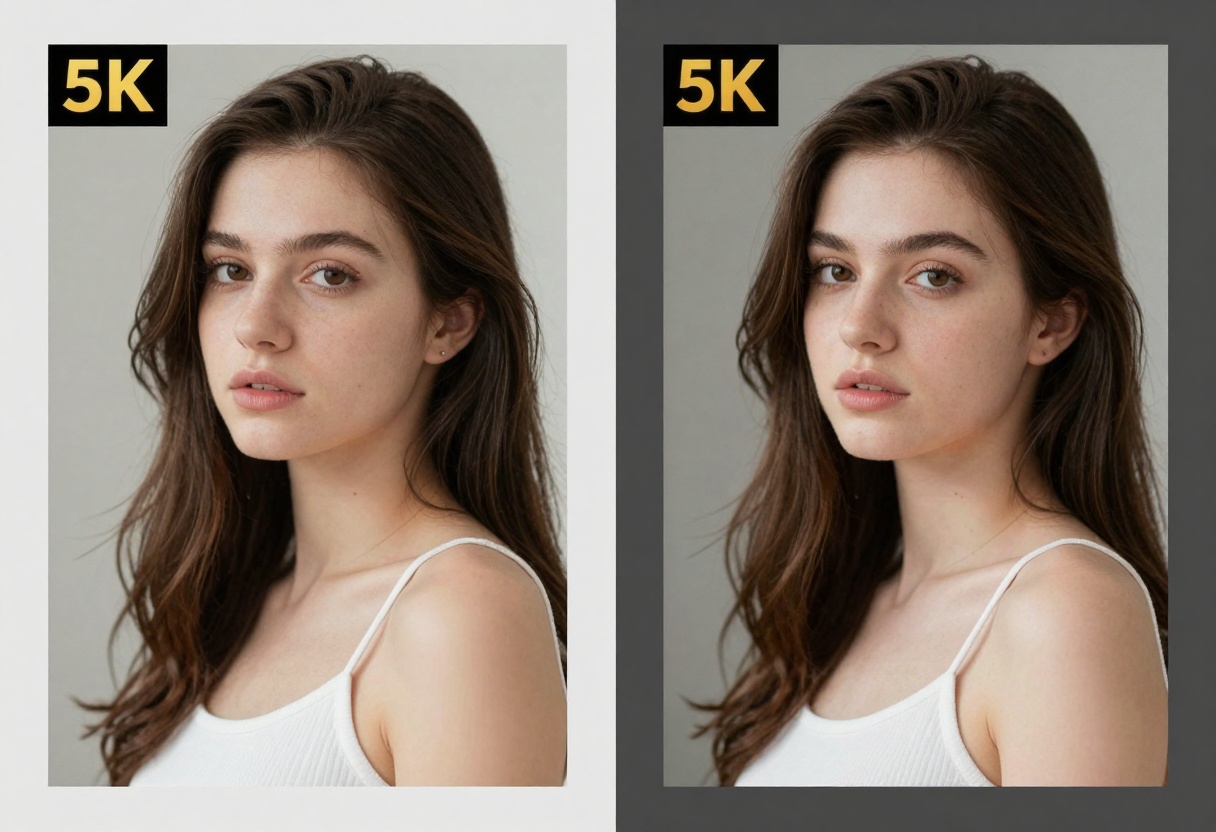
Seedream 4.5 supports resolutions up to 4K (4096 pixels), giving you publication-ready images without the need for separate upscaling tools. The model also handles custom dimensions between 1024 and 4096 pixels, allowing precise control over your output size.
Technical Capabilities
The model processes both text prompts and image inputs with equal proficiency. When you provide reference images, Seedream 4.5 can automatically match the aspect ratio, making it seamless to maintain consistency across projects.
Key features include:
- Text-to-image generation with detailed prompt understanding
- Image-to-image transformation using reference photos
- Multiple image generation (up to 15 images per run)
- Custom resolution control with 2K, 4K, or specific pixel dimensions
- Aspect ratio options from 1:1 to 21:9, plus automatic matching
- Sequential generation mode for creating related scenes or variations
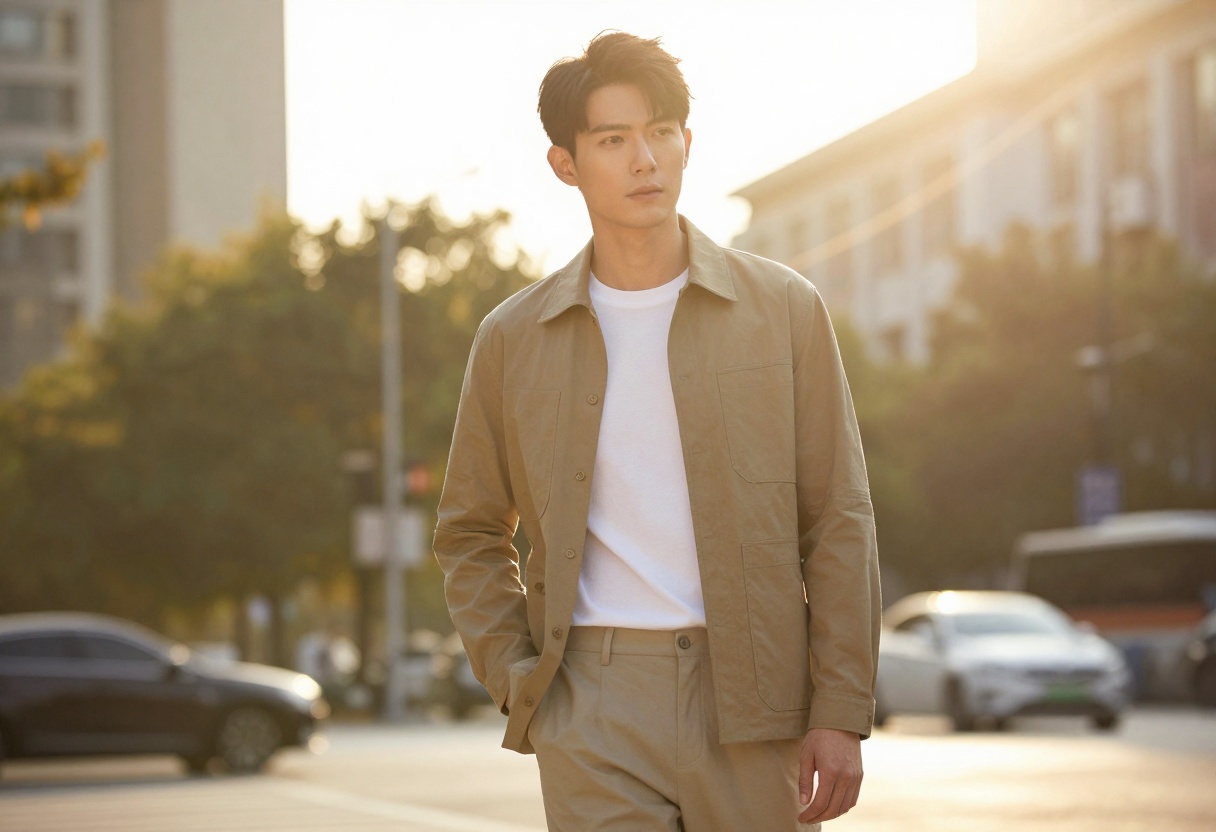
Creating Adult Content with Seedream 4.5
For creators working in adult markets, the absence of restrictive content filters makes Seedream 4.5 particularly valuable. The model processes mature prompts without refusing generation or producing sanitized results.
This doesn't mean the model lacks quality control. The outputs maintain professional standards with attention to composition, lighting, and photorealistic details. You get the creative freedom you need while still producing work that meets commercial quality expectations.
Practical Applications
Fashion and editorial photography benefits from the model's ability to generate high-resolution portraits with sophisticated styling. You can specify lighting conditions, wardrobe details, and compositional elements with precision.
Commercial content creation becomes more efficient when you need variations of a concept. The sequential generation mode lets you produce multiple related images that maintain visual consistency, perfect for creating collections or series.
Artistic projects gain flexibility through the image-to-image capabilities. Start with a rough sketch or reference photo, then let Seedream 4.5 interpret it in different styles or enhance specific elements.

Prompt Writing for Better Results
The quality of your outputs depends heavily on how you structure your prompts. Seedream 4.5 responds well to specific, descriptive language that includes details about composition, lighting, and style.
Start with the main subject, then add context about the setting and atmosphere. Include technical photography terms when you want specific aesthetic qualities.
Effective prompt structure:
- Main subject and action (who/what is in the frame)
- Setting and environment details
- Lighting description (natural, studio, dramatic, etc.)
- Style references (fashion photography, editorial, artistic, etc.)
- Technical specifications (shallow depth of field, composition type)
For example, instead of "woman in dress," try "confident woman in elegant evening gown, dramatic side lighting, sophisticated fashion photography style, cinematic composition, luxurious atmosphere."
Resolution and Aspect Ratio Settings
Choosing the right resolution depends on your intended use. The 2K setting (2048 pixels) works well for web content and social media, while 4K (4096 pixels) gives you flexibility for print work or large displays.
Custom dimensions let you optimize for specific platforms or formats. If you're creating vertical content for mobile viewing, you might use 1080 x 1920 pixels. For widescreen presentations, try 3840 x 2160 pixels.
The aspect ratio options cover most common formats. Here's when to use each:
| Aspect Ratio | Best For |
|---|
| 1:1 | Social media posts, profile images |
| 4:3 / 3:4 | Traditional photography, portrait orientation |
| 16:9 / 9:16 | Video thumbnails, mobile content |
| 3:2 / 2:3 | DSLR standard, classic photography |
| 21:9 | Cinematic wide shots, banner images |
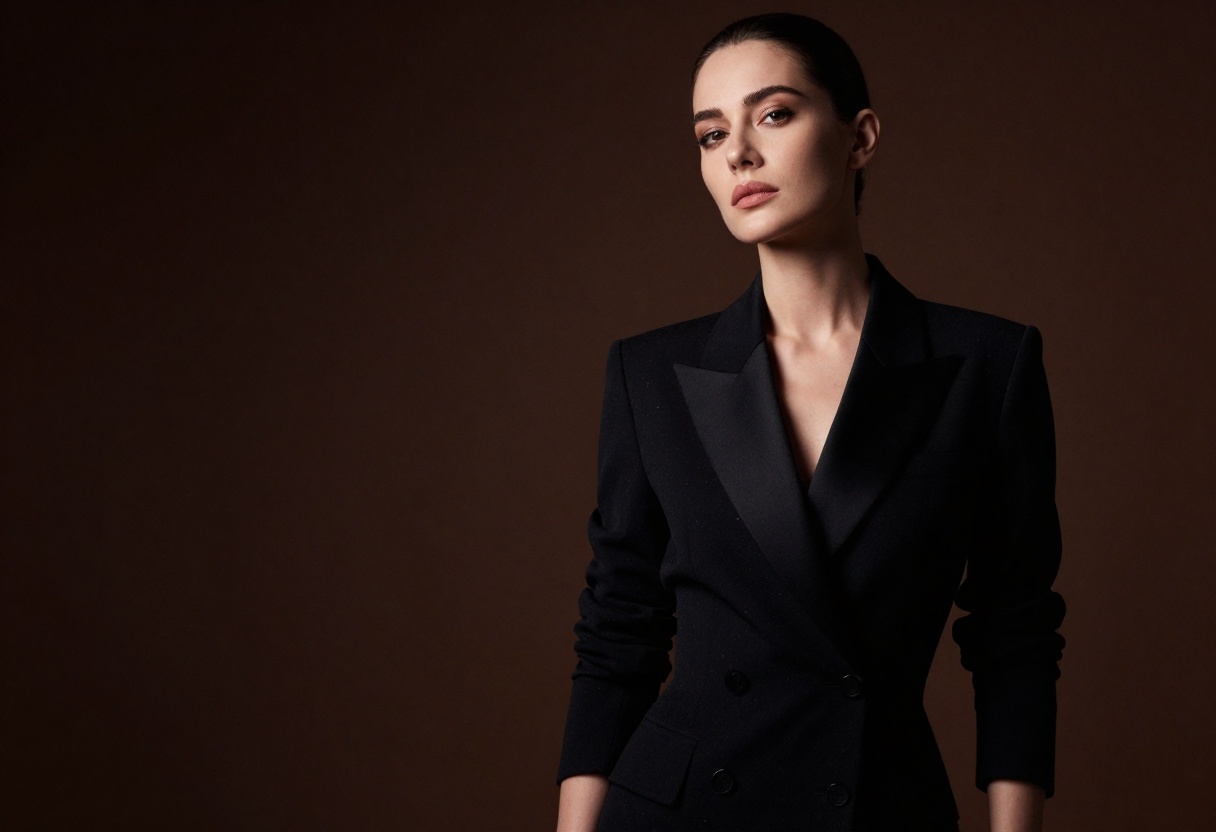
Working with Reference Images
The image-to-image feature opens up interesting possibilities. You can upload existing photos and use them as starting points for new creations, maintaining the composition while changing style, lighting, or specific elements.
This works particularly well when you have a concept sketch or mood board reference. Upload the image, then describe how you want Seedream 4.5 to interpret it. The model understands both the visual information from your reference and the text description you provide.
You can upload multiple reference images (up to 14) when you need to combine elements from different sources. This is useful for creating composite scenes or when you want to reference multiple style examples.
Tips for Better Image-to-Image Results
Keep your reference images at reasonable resolution. While the model accepts various sizes, clearer references generally produce better results.
Your text prompt should complement rather than contradict the reference image. If your reference shows outdoor lighting, don't ask for studio conditions unless you specifically want that transformation.
When using multiple references, describe how they should relate to each other in your prompt. This helps the model understand your intent rather than randomly combining elements.
Sequential Generation Mode
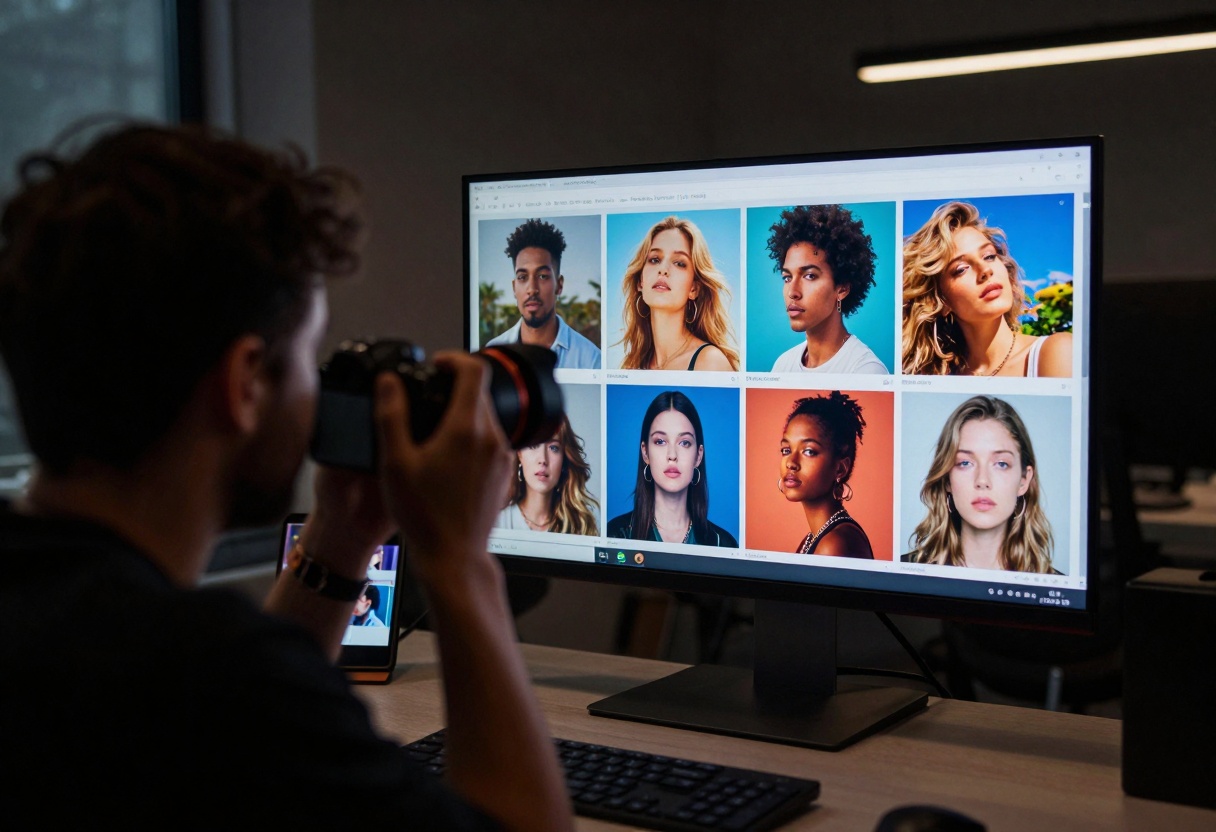
The sequential generation feature sets Seedream 4.5 apart from basic text-to-image models. When enabled, the model can create multiple related images that share visual consistency.
This works well for storyboarding, where you need to show progression or different scenes from the same narrative. The model maintains character appearance, lighting style, and overall aesthetic across the sequence.
Character variations benefit from this feature too. Generate multiple poses, expressions, or outfit changes for the same character without losing visual identity.
For product photography, sequential mode lets you create a complete campaign set with consistent styling. Each image can show different angles or contexts while maintaining brand coherence.
The model decides automatically how many images to generate based on your prompt and the max_images setting. You can request up to 15 images total (including any input references), giving you substantial output from a single generation run.

Comparing Seedream 4.5 to Other Models
If you've used other open-source text-to-image models, you'll notice Seedream 4.5 handles complex prompts more reliably. The model interprets compositional instructions well and maintains photorealistic quality even with challenging lighting scenarios.
The high-resolution outputs mean you don't need separate upscaling steps. Many models require post-processing to reach publication quality, but Seedream 4.5 delivers print-ready results directly.
Speed vs. quality tradeoffs are favorable here. While some ultra-fast models sacrifice detail for speed, Seedream 4.5 finds a reasonable balance. Generation times remain practical for professional workflows without compromising on output quality.
When to Choose Seedream 4.5
This model excels when you need professional-quality adult content without restrictions. If you're working in fashion, editorial, or commercial photography with mature themes, the lack of content filters is essential.
The high-resolution capabilities make it suitable for print work and large format displays. You're not limited to web-resolution outputs that need upscaling later.
Multi-image generation saves time when you need variations or series. Creating a complete campaign set becomes more efficient when you can generate related images in one pass.
Using Seedream 4.5 on PicassoIA
PicassoIA provides straightforward access to Seedream 4.5 without requiring API configuration or technical setup. The web interface makes it easy to experiment with different settings and see results immediately.
Getting Started
Visit the Seedream 4.5 model page on PicassoIA. You'll see the input form with all available parameters clearly labeled.
Required parameter:
- Prompt: Your text description of the desired image
Optional parameters to adjust:
- Size: Choose 2K, 4K, or custom dimensions
- Width/Height: Specify exact pixels when using custom size
- Aspect Ratio: Select from preset ratios or match input image
- Max Images: Set how many images to generate (1-15)
- Image Input: Upload reference photos if desired
- Sequential Generation: Enable for related multi-image output
Step-by-Step Tutorial
Step 1: Navigate to the Model
Go to the Seedream 4.5 page on PicassoIA. The interface shows all available parameters with their descriptions.
Step 2: Write Your Prompt
Enter a detailed description of what you want to create. Include information about the subject, setting, lighting, style, and any specific technical details.
Example prompt: "Professional portrait of confident woman in elegant business attire, natural window lighting from side creating soft shadows, modern office setting, shallow depth of field, corporate photography style, photorealistic, 8k quality"
Step 3: Select Resolution
Choose your desired output size. For web use, 2K works well. For print or large displays, select 4K. If you need specific dimensions, choose "custom" and enter exact pixel values.
Step 4: Set Aspect Ratio
Pick the ratio that fits your needs. For social media squares, use 1:1. For traditional photography, 3:2 or 4:3 work well. For mobile content, try 9:16.
If you upload a reference image, you can select "match_input_image" to automatically use the same proportions.
Step 5: Configure Optional Settings
If you want multiple variations, enable sequential generation and set max_images to your desired count.
Upload reference images if you're doing image-to-image transformation. You can include up to 14 reference photos.
Step 6: Generate
Click the generate button and wait for processing. Generation time varies based on resolution and whether you're creating multiple images.
Step 7: Download Results
Once complete, you'll see your generated images. Download the ones you want to keep. Each image is saved at the resolution you specified.
Other PicassoIA Models for Adult Content
PicassoIA hosts several open-source models that support unrestricted content creation. If Seedream 4.5 doesn't fit your specific needs, these alternatives might work better.
p-image-edit excels at transforming existing images. Upload photos and describe the changes you want. This works well when you have source material that needs modification rather than starting from scratch.
wan-2.2-image focuses on cinematic, realistic outputs. If you need photographic quality with dramatic lighting, this model delivers impressive results.
Wan 2.2 I2v Fast converts static images to short video animations. This opens up possibilities for creating dynamic content from your AI-generated stills.
All three models process adult content without restrictions, giving you the creative freedom you need for professional work.
Practical Workflow Tips
When working with Seedream 4.5 regularly, developing efficient workflows saves time and improves consistency.
Keep a prompt library. Save descriptions that produce good results. You can modify these templates for future projects rather than starting from scratch each time.
Test at lower resolution first. If you're experimenting with a new concept, generate a 2K version before committing to 4K output. This lets you iterate faster.
Use reference images strategically. When you have a specific look in mind, providing visual references helps the model understand your intent more precisely than text alone.
Batch similar generations together. If you need multiple variations of the same concept, use sequential generation mode rather than making separate requests.
Organize your outputs systematically. High-resolution images create large files quickly. Establish a naming and storage system before you accumulate too many results.
Common Challenges and Solutions
Prompt doesn't match output: Add more specific details about composition and style. Generic descriptions often produce generic results.
Inconsistent quality across sequences: When using sequential generation, include style consistency instructions in your prompt. Phrases like "maintaining photographic style" or "consistent lighting throughout" help.
Unwanted elements appear: Use negative prompting techniques by explicitly stating what you don't want. While Seedream 4.5's interface might not have a dedicated negative prompt field, you can include "without X" or "avoiding Y" in your main prompt.
Reference image not interpreted correctly: Make sure your text prompt complements rather than contradicts the reference. Also check that your reference image has sufficient resolution and clarity.
File sizes too large: If 4K files are unwieldy for your workflow, consider generating at 2K for preview and only creating 4K versions of your final selections.
Privacy and Content Considerations
When working with adult-themed AI generation, understanding content policies matters. PicassoIA's open-source models operate without the heavy restrictions found on commercial platforms, but that doesn't mean anything goes.
The models process your prompts to generate images based on patterns learned from training data. They don't create content by accessing or storing personal photos. Your generations are your own work, though you should be aware of platform-specific usage policies for wherever you plan to publish.
For commercial use, verify that your intended application aligns with the terms of service for both the model and the platform you're using. Most open-source models permit commercial use, but specific restrictions may apply depending on jurisdiction or platform.
For personal projects, you have substantial creative freedom. The lack of content filters means you can generate the specific aesthetic you need without worrying about overly cautious AI refusing your prompts.
Final Thoughts
Seedream 4.5 fills an important gap in the AI image generation space. Creators working with adult themes often find commercial platforms too restrictive for professional work. This model provides the quality and flexibility needed without imposing arbitrary content limitations.
The high-resolution capabilities eliminate the need for separate upscaling workflows. When your output is already at publication quality, you save time and maintain better image fidelity.
Multi-image generation makes campaign creation more efficient. Whether you're producing editorial spreads, commercial photography sets, or artistic series, being able to generate related images with visual consistency streamlines your workflow.
The model works particularly well through PicassoIA's interface, which removes the technical barriers of API integration. You can focus on creativity rather than configuration.
For professionals in fashion, editorial, commercial photography, or artistic fields that require unrestricted creative expression, Seedream 4.5 represents a practical tool that respects both your creative vision and technical requirements.
Ready to start creating? Visit Seedream 4.5 on PicassoIA and experiment with your first generation. The combination of high resolution, flexible inputs, and freedom from restrictive filters makes it a valuable addition to any professional creative workflow.


