Seedream 4.5 transforms text descriptions into photorealistic images with unprecedented control over lighting, composition, and material rendering. This comprehensive guide covers everything from basic prompting strategies to advanced workflow integration, showing how artists, designers, and creators can leverage this AI image generation tool for professional results. Learn parameter optimization, industry applications, cost considerations, and step-by-step instructions for using Seedream 4.5 on the PicassoIA platform.
The landscape of digital art creation has shifted dramatically in recent years, and at the forefront of this transformation stands Seedream 4.5, a text-to-image generation model that's redefining what's possible for artists, designers, and creators. If you've been curious about AI art but overwhelmed by technical jargon or uncertain where to begin, this breakdown cuts through the noise to show you exactly what Seedream 4.5 offers and how it fits into your creative workflow.
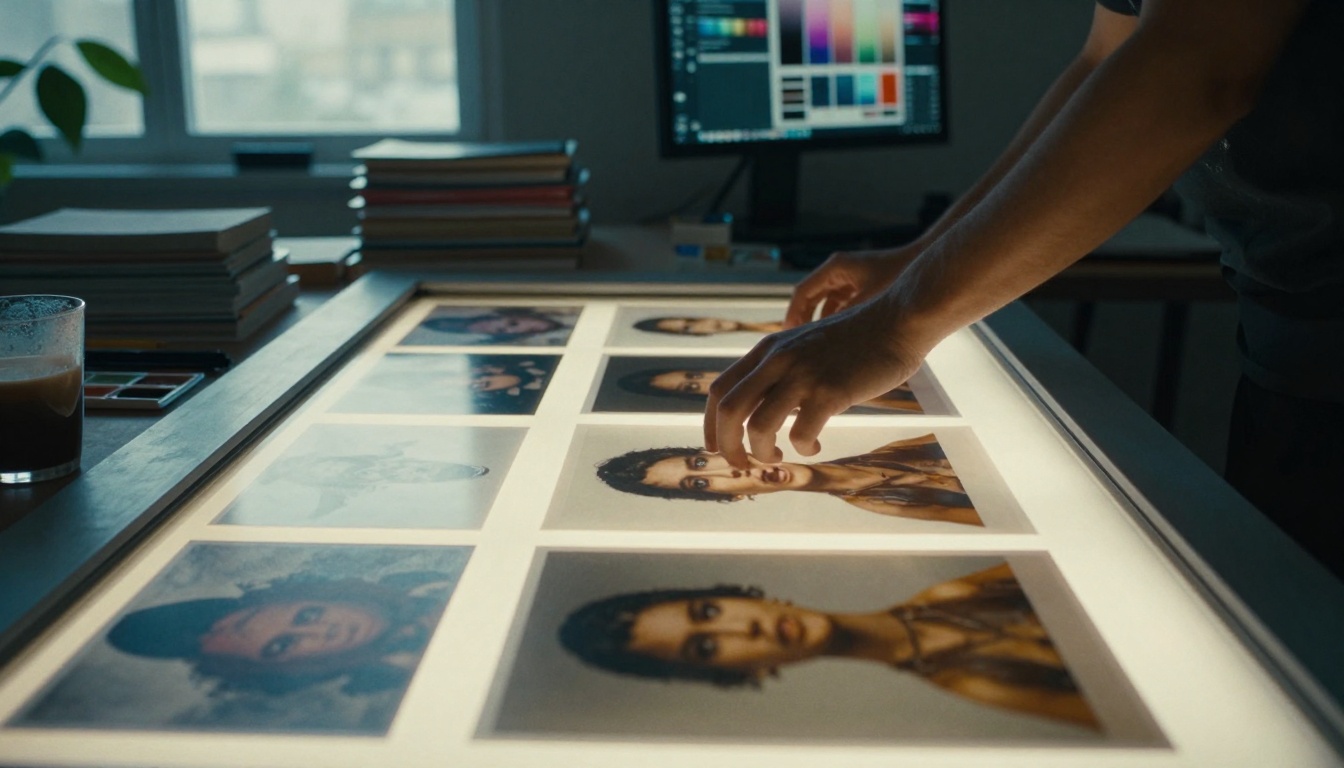
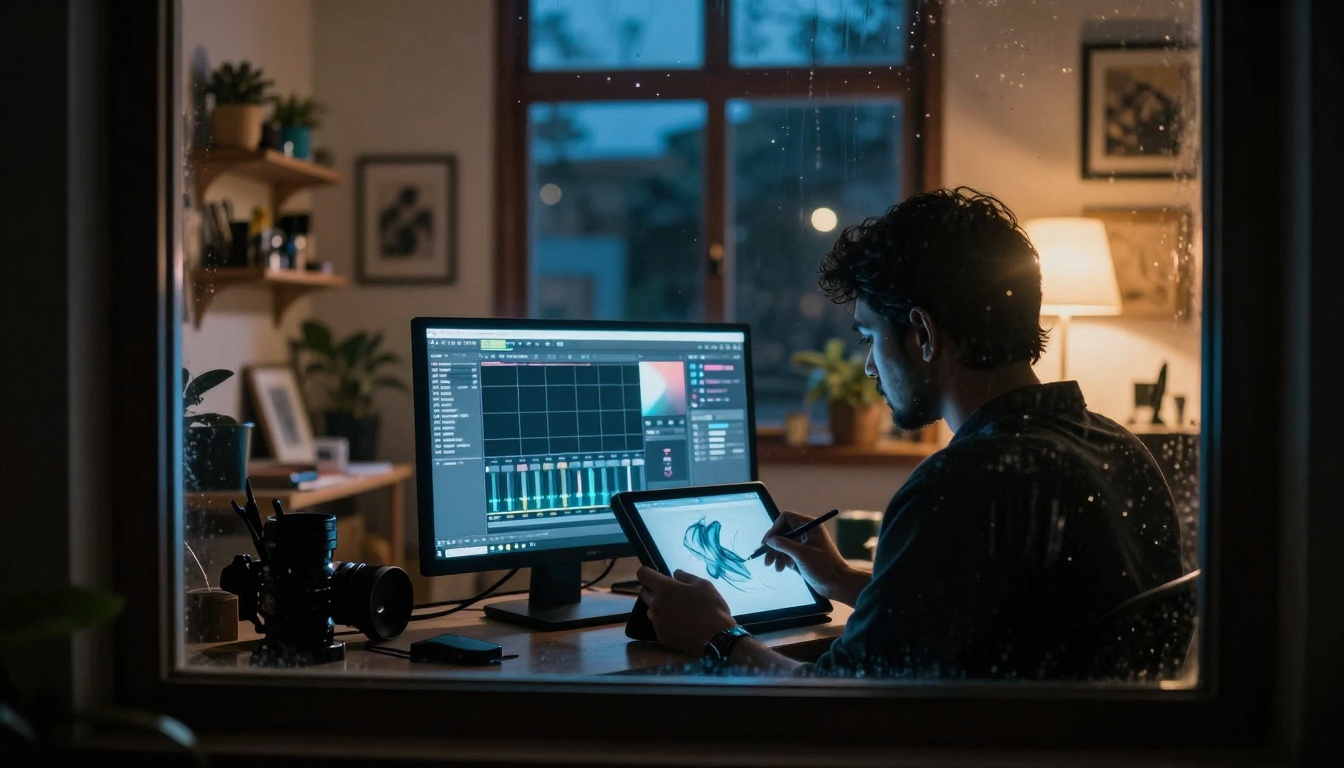
Low-angle perspective of an artist's workspace showing the integration of digital and traditional tools
What Makes Seedream 4.5 Different
Unlike earlier AI image generators that struggled with consistency or produced surreal, dream-like results, Seedream 4.5 delivers photorealistic outputs with remarkable coherence. The model understands spatial relationships, lighting conditions, and material textures in ways that previous versions couldn't manage. When you describe a scene, Seedream 4.5 doesn't just generate random elements—it builds a coherent visual narrative.
Key differentiators include:
Resolution capabilities: Native 1024×1024 outputs with option for upscaling
Style consistency: Maintains artistic style across multiple generations
Prompt understanding: Interprets complex descriptions with nuance
Lighting control: Responds to specific lighting direction requests
Material rendering: Distinguishes between metal, fabric, glass, skin
💡 Pro Tip: Seedream 4.5 excels at environmental storytelling. Instead of just describing subjects, include atmospheric details like "morning fog diffusing sunlight" or "rain droplets on window glass" for more immersive results.
Understanding the Technical Foundation
Seedream 4.5 builds on a diffusion model architecture but introduces several optimizations that distinguish it from competitors like Flux or Stable Diffusion. The model processes text inputs through a transformer that maps language to visual concepts, then generates images through a progressive denoising process that starts with random noise and gradually refines it into coherent imagery.
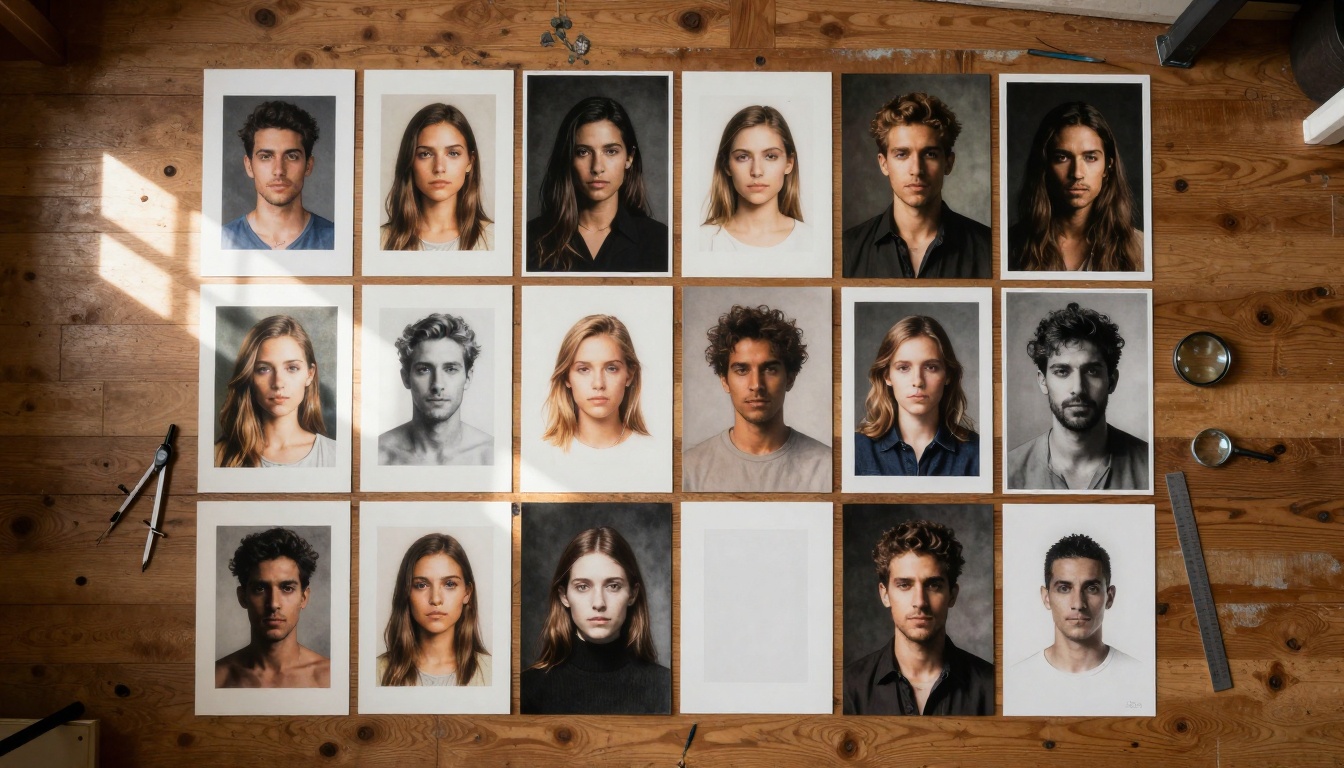
Aerial view showing different portrait lighting techniques achievable with Seedream 4.5
The technical stack matters because it determines:
Aspect
Seedream 4.5
Comparable Models
Inference Speed
~3-5 seconds
5-10 seconds
Memory Footprint
Optimized for consumer GPUs
Often requires enterprise hardware
Training Data
Licensed commercial dataset
Mixed sources with copyright concerns
Output Consistency
High across generations
Variable depending on parameters
This efficiency means you can iterate quickly without waiting minutes between generations—crucial when developing concepts or exploring variations.
Core Parameters That Matter Most
Every AI image generator has adjustable settings, but Seedream 4.5's parameters work differently than you might expect. Understanding these can dramatically improve your results.
Style Weight Controls
The style parameter isn't just a slider from "realistic" to "artistic." It's a multidimensional control that affects:
Seedream 4.5 has exceptional composition understanding. When you specify "rule of thirds" or "golden ratio," the model actually arranges elements accordingly. This goes beyond simple positional commands—it understands visual weight, negative space, and leading lines.
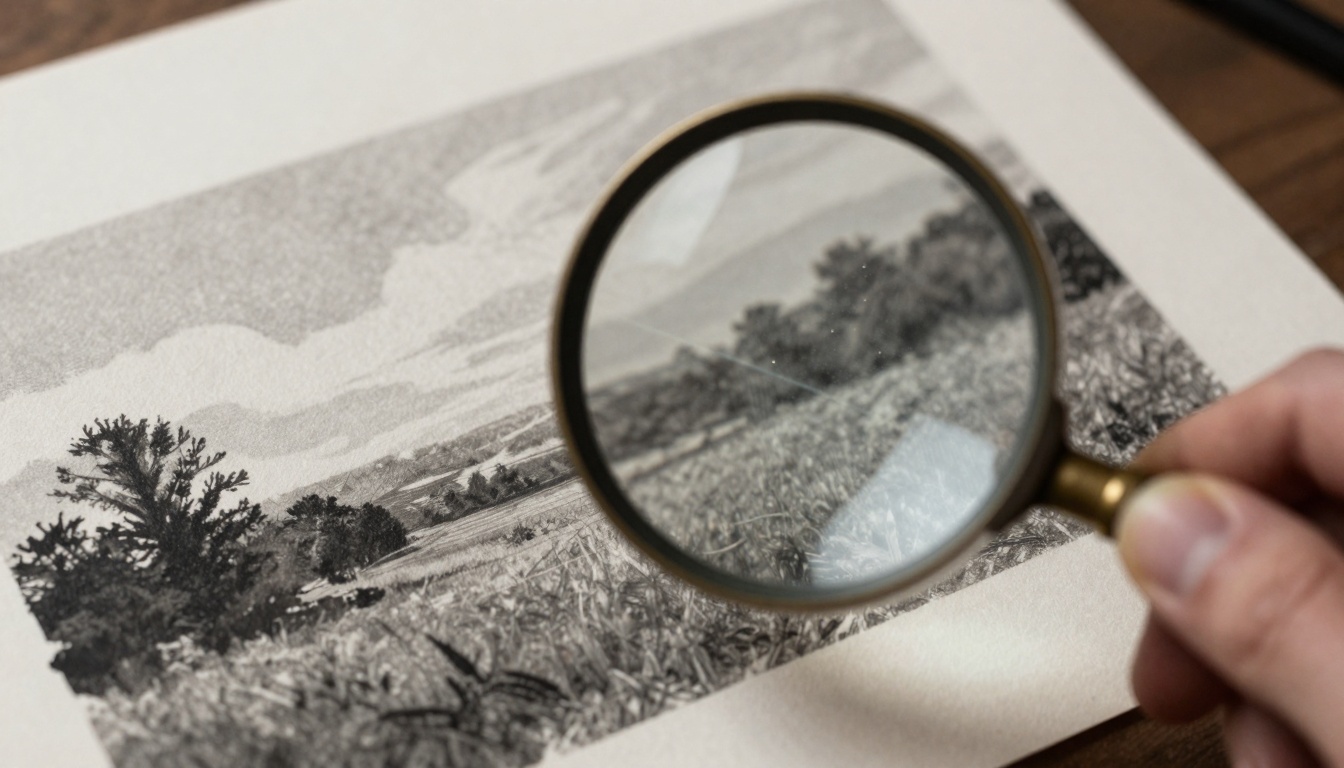
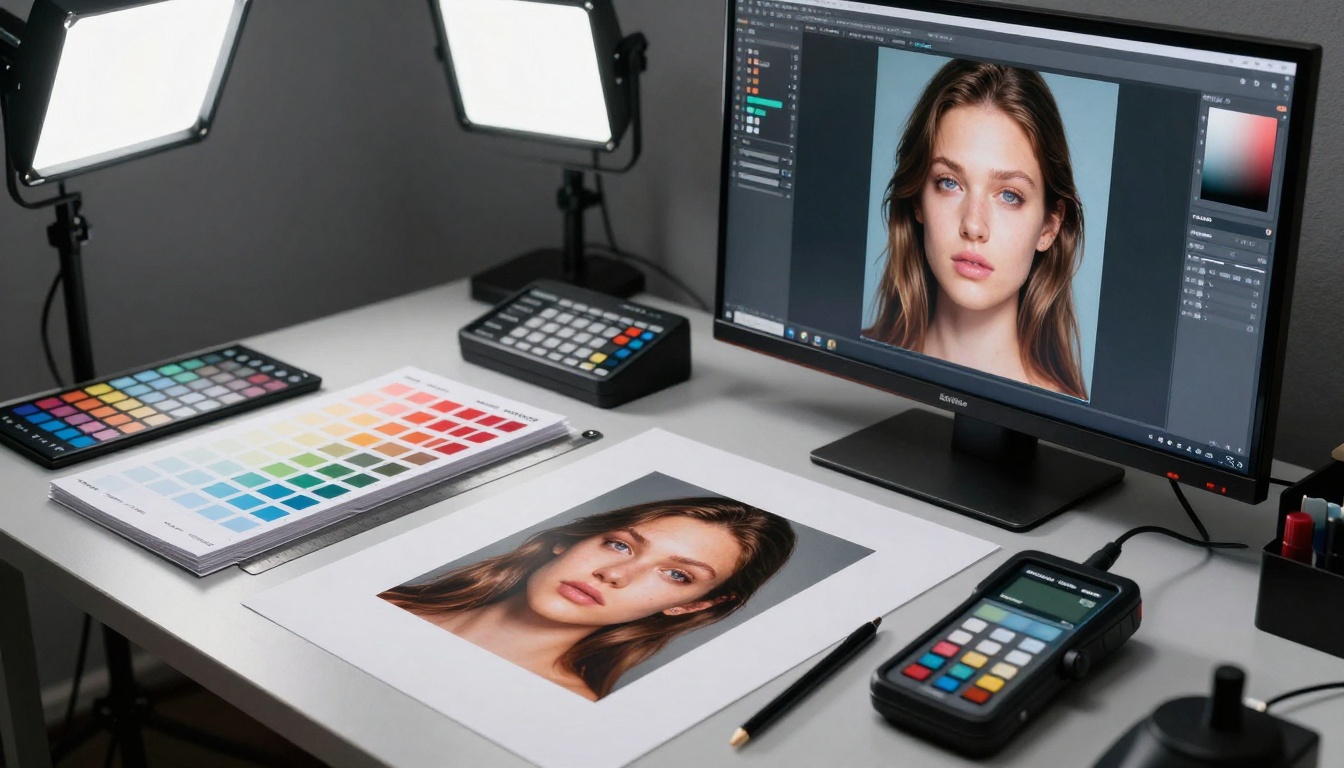
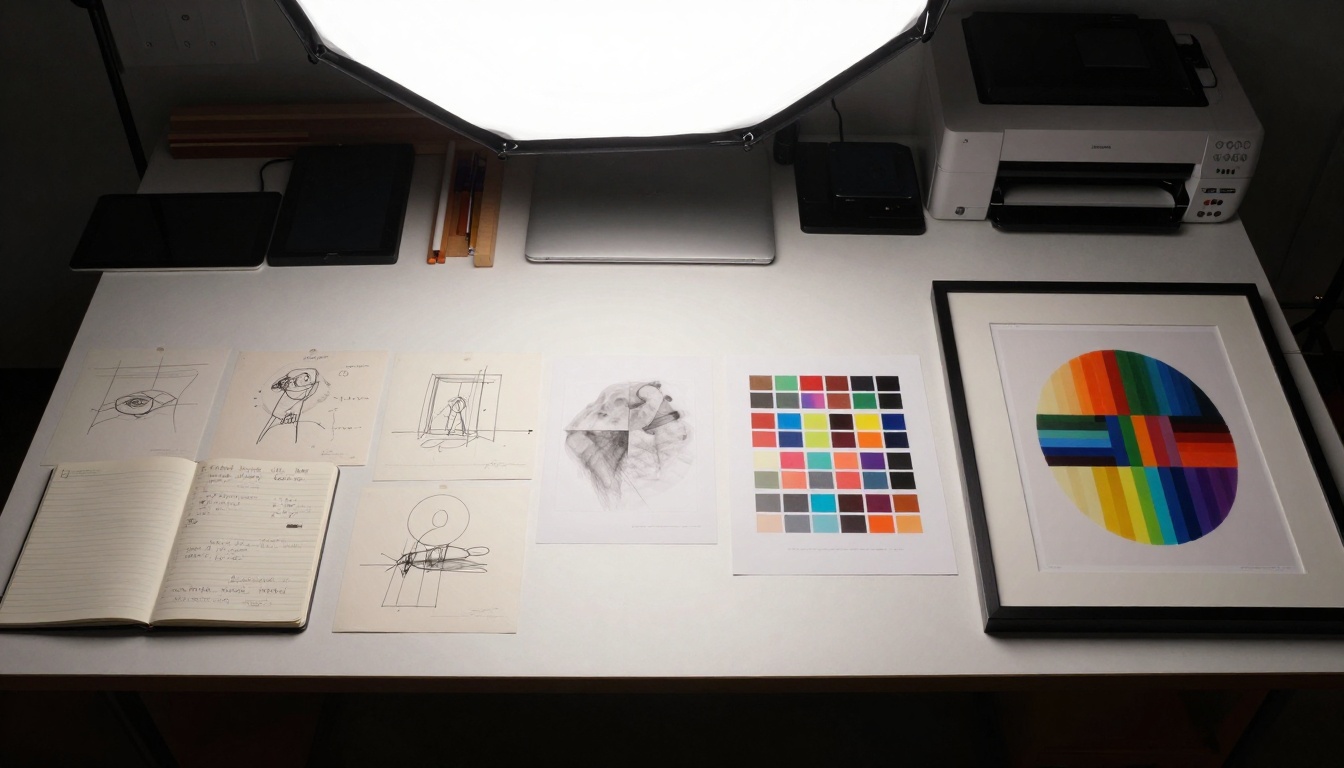
Macro examination of print detail showing texture fidelity and color accuracy
Lighting Parameters You Should Adjust
Most users overlook lighting controls, but they're where Seedream 4.5 truly shines. You can specify:
Light direction: "45-degree angle from upper left"
Light quality: "hard directional" vs "soft diffused"
Color temperature: "warm 3200K" vs "cool 6500K"
Shadow intensity: "deep dramatic shadows" vs "open shadows with detail"
💡 Lighting Experiment: Try generating the same subject with identical prompts but varying only the lighting description. The differences will show you exactly how much control you have.
Practical Applications Across Industries
Seedream 4.5 isn't just for digital artists. Its capabilities have real-world applications across multiple fields:
Concept Art and Previsualization
Film and game studios use Seedream 4.5 for rapid concept iteration. Instead of waiting days for concept artists to produce variations, directors can generate dozens of environmental options in minutes. The photorealism means these concepts can be presented to stakeholders without the "sketchy" feel of traditional concept art.
Product Visualization
E-commerce and manufacturing benefit from material-accurate renders. Describe a product with specific materials ("brushed aluminum," "matte plastic," "woven fabric") and Seedream 4.5 generates photorealistic product shots without physical photography. This is particularly valuable for products still in development.
Architectural Visualization
While specialized tools like DALL-E 3 exist for architecture, Seedream 4.5's strength is interior atmosphere. Describe room dimensions, materials, lighting conditions, and even time of day, and get renders that feel inhabited rather than sterile.
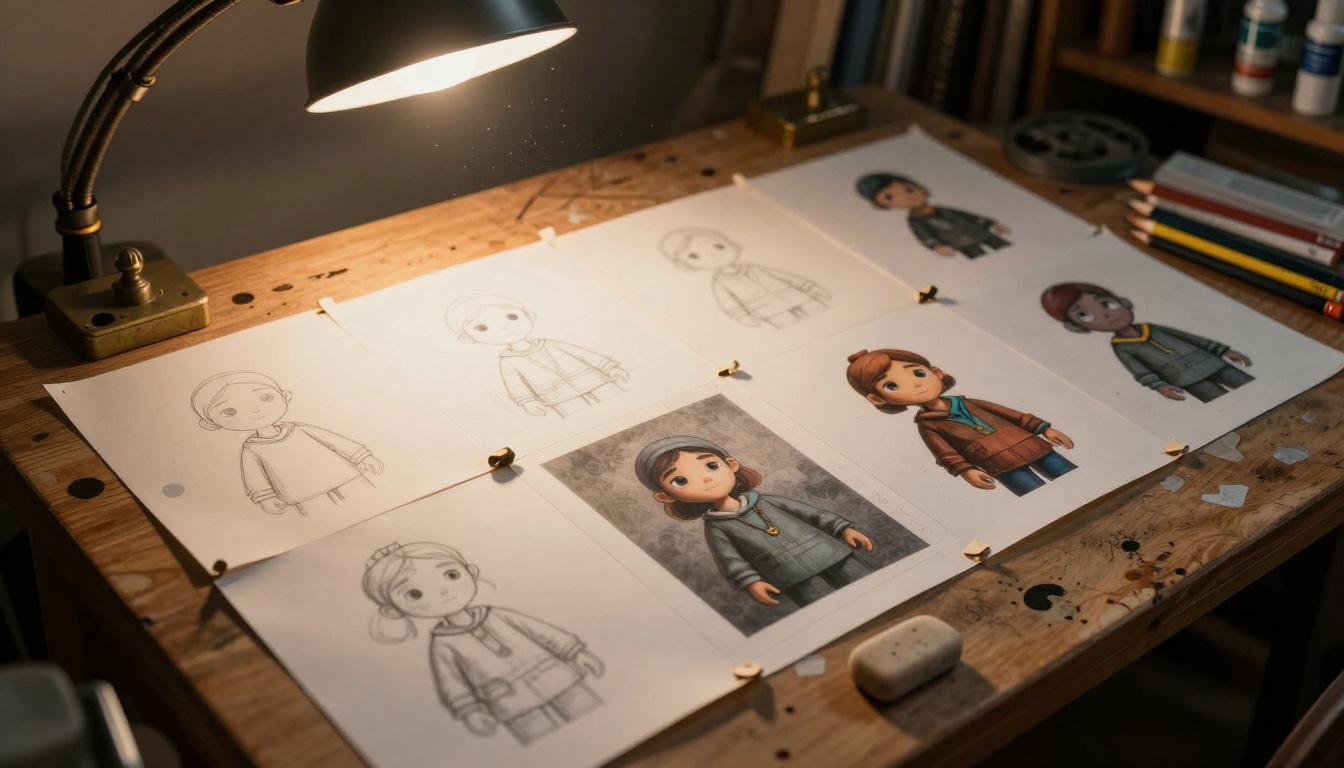
Dutch angle showing character design progression from sketch to final render
Educational and Training Materials
Medical institutions, engineering firms, and educational publishers use Seedream 4.5 for custom illustration generation. Need a diagram of cellular processes? A visualization of mechanical systems? A historical scene reconstruction? The model generates accurate, copyright-free imagery tailored to specific educational contexts.
How to Use Seedream 4.5 on PicassoIA: Step-by-Step
Since Seedream 4.5 is available on PicassoIA, here's exactly how to access and use it effectively:
Click "Try Model" to open the generation interface
The platform provides credits for initial testing—use them to experiment
Step 2: Crafting Your First Prompt
Start simple but specific. Instead of "a landscape," try:
"A mountain landscape at sunset, with long shadows cast across a meadow,
volumetric light through pine trees, mist in the valleys, photorealistic,
shot with 85mm lens at f/8, golden hour lighting"
Notice the specific elements:
Subject + environment
Lighting conditions
Camera/lens simulation
Time of day
Style directive
Step 3: Adjusting Critical Parameters
On PicassoIA's interface, you'll find these essential controls:
Style Strength: Start at 0.7 for balanced results
Guidance Scale: 7.5 works well for most prompts
Steps: 25-30 steps provide optimal quality/speed balance
Seed: Leave blank for random variations, or set for consistency
Step 4: Iterative Refinement
Generate, evaluate, adjust. The process looks like this:
But be careful: Overly specific references can constrain creativity. Use them as starting points, not rigid templates.
Negative Prompting
Tell the model what not to include. Common useful negatives:
"no text, no logos, no watermarks"
"no unrealistic proportions"
"no blurry areas, no artifacts"
"no excessive saturation"
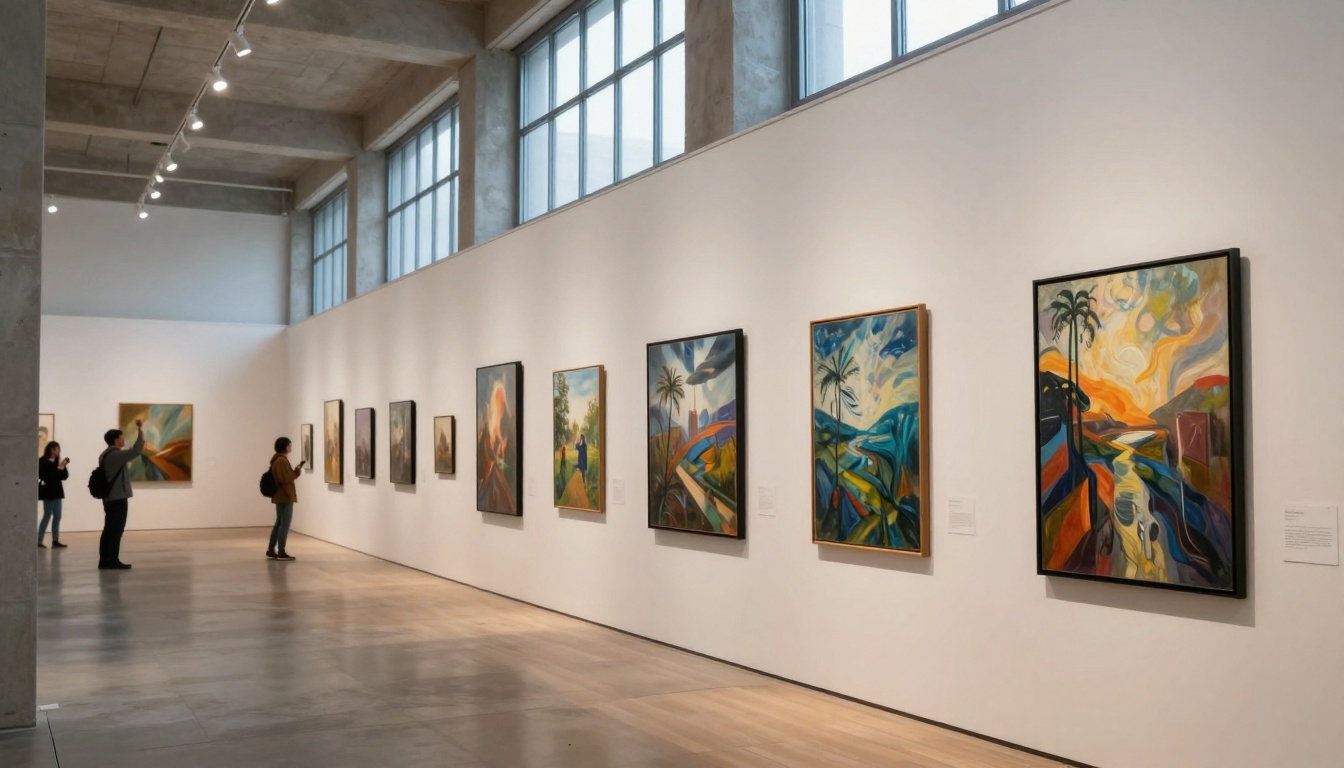
Gallery exhibition showing diverse artistic styles achievable with Seedream 4.5
Common Mistakes and How to Avoid Them
Even experienced users make these errors with Seedream 4.5:
Overcomplicating Prompts
Mistake: "A beautiful, stunning, amazing, incredible landscape with majestic mountains and glorious sky..."
Problem: Adjectives don't improve results—specifics do.
Fix: "Mountain landscape with stratified rock layers visible, cirrus clouds in blue sky, alpine meadow in foreground."
Ignoring Aspect Ratio
Mistake: Using square (1:1) for everything.
Problem: Different subjects need different compositions.
Fix: Portraits (3:4), landscapes (16:9), social media (9:16).
Not Using Reference Images
Mistake: Purely text-based prompting.
Problem: Some concepts are visual, not verbal.
Fix: Upload reference images for style, color, or composition guidance.
Skipping the Iteration Process
Mistake: Expecting perfect results first try.
Problem: AI generation is iterative refinement.
Fix: Budget time for 3-5 generations per concept.
Workflow Integration Strategies
Seedream 4.5 shouldn't exist in isolation. Integrate it into existing workflows:
With Traditional Digital Art
Generate base images with Seedream 4.5
Import into Photoshop/Procreate
Paint over areas needing refinement
Use as underpainting for traditional media
Combine multiple generations into composites
With 3D Rendering
Use Seedream 4.5 for concept development
Create texture references from generated images
Generate environment backplates for 3D scenes
Create material studies for shader development
With Video Production
Generate still frames for storyboards
Create background plates for green screen
Develop character/environment concepts
Generate title card and graphic elements
Precision color matching process ensuring print fidelity
Cost Considerations and Value Proposition
On PicassoIA, Seedream 4.5 operates on a credit-based system. Understanding the economics helps plan projects:
Typical costs per image:
Standard generation: 1-2 credits
High-resolution output: 3-4 credits
Batch generations: Volume discounts apply
Compare with alternatives:
Traditional photography: $500-$5000 per shoot
3D rendering: $200-$2000 per image
Commissioned illustration: $100-$1000 per piece
Stock photography: $10-$100 per image (limited rights)
Value emerges when:
You need custom imagery not available elsewhere
Iteration speed matters for concept development
Copyright ownership is essential for commercial use
Scale requirements demand hundreds of variations
Ethical Considerations and Best Practices
As with any powerful tool, responsible use matters:
Copyright and Ownership
Generated images: Typically belong to the creator
Training data: Seedream 4.5 uses licensed datasets
Commercial use: Check PicassoIA's terms for specific projects
Derivative works: Your modifications create new copyright
Representation and Bias
AI models inherit biases from training data. Be aware that:
Diversity: May require explicit prompting
Cultural accuracy: Research before generating culturally specific content
Stereotypes: Avoid reinforcing harmful visual tropes
Transparency with Clients/Audiences
When using AI-generated content commercially:
Disclose appropriately: Not necessarily every image, but when relevant
Educate stakeholders: Help them understand the tool's role
Maintain quality standards: AI assists, doesn't replace judgment
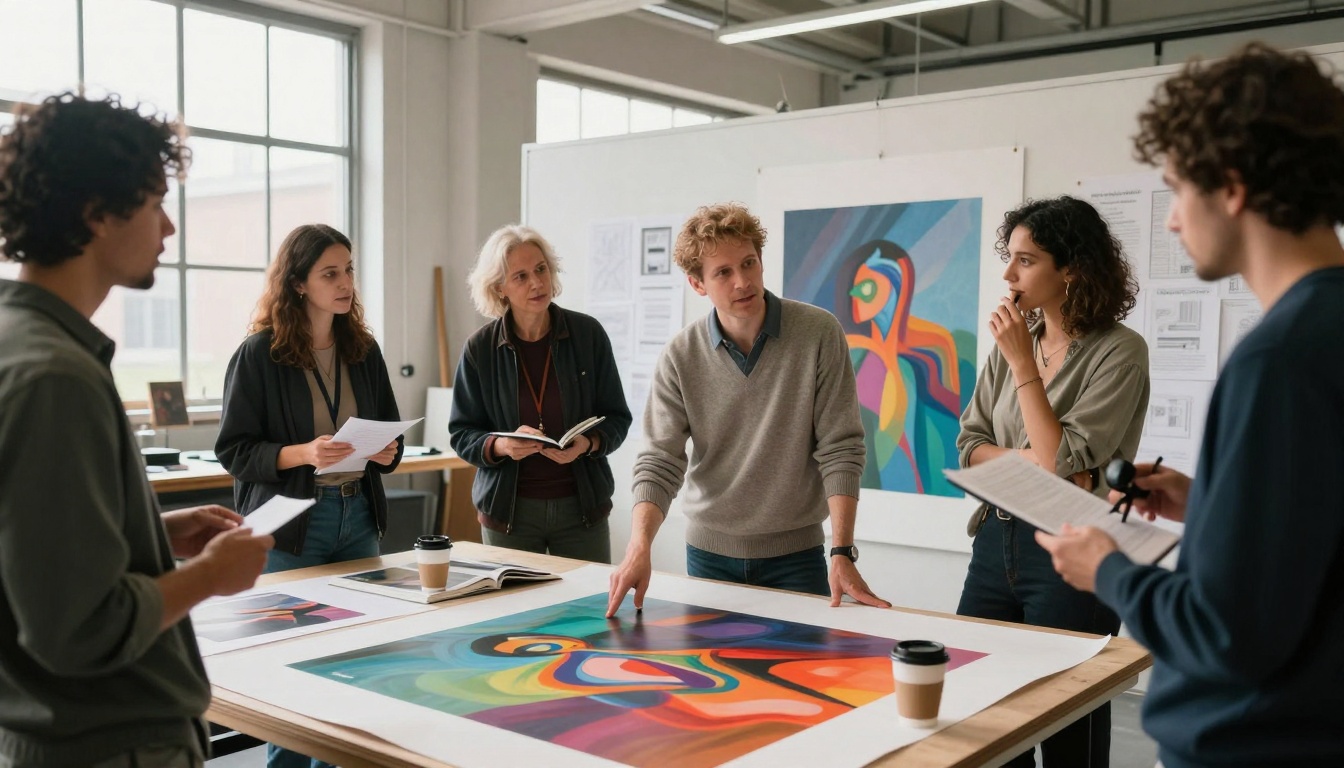
Collaborative artist session discussing AI-generated works
Future Developments and What's Next
Seedream 4.5 represents current capabilities, but the field evolves rapidly. Watch for:
Upcoming Features
Video generation: Text-to-video capabilities expanding
3D asset creation: From images to 3D models
Style transfer: Apply learned styles to new content
Interactive editing: Direct manipulation of generated elements
Integration Advances
API improvements: More control parameters exposed
Plugin ecosystems: Direct integration with creative software
Workflow automation: Batch processing and conditional generation
Collaborative features: Multi-user prompt development
Quality Improvements
Resolution increases: Beyond 4K becoming standard
Consistency enhancements: Character/object persistence across generations
Understanding depth: Better spatial and relational comprehension
Material accuracy: Physically-based rendering quality
Start with these beginner prompts to build confidence:
"A ceramic mug on wooden table, morning light through window, condensation on surface, shallow depth of field"
"Architect reading blueprints at drafting table, desk lamp illumination, pencils and rulers scattered"
"Close-up of autumn leaves on forest floor, dew droplets, soft morning light filtering through trees"
Complete creative workflow from concept to final framed artwork
Your Next Steps with AI Art Creation
Seedream 4.5 removes technical barriers that once prevented non-artists from creating visual content while providing professional artists with unprecedented iteration speed. The tool doesn't replace creativity—it amplifies it. Your visual imagination, refined through practice with the platform's capabilities, becomes the limiting factor rather than technical skill.
The most successful users approach Seedream 4.5 as a collaborative partner rather than a magic button. They bring specific visions, iterate based on results, and integrate outputs into larger creative workflows. They understand both the model's strengths (photorealism, lighting control, material accuracy) and its current limitations (perfect consistency across complex scenes, extremely niche subject matter).
What separates casual experimentation from professional application is intentionality. Every parameter adjustment, every prompt refinement, every output evaluation moves toward a specific visual goal. Whether you're developing concepts for clients, creating assets for projects, or exploring personal artistic directions, Seedream 4.5 provides a canvas limited only by how clearly you can describe what you want to see.
The invitation stands: your ideas, translated through this tool's capabilities, can become visual reality faster than ever before. What will you create first?