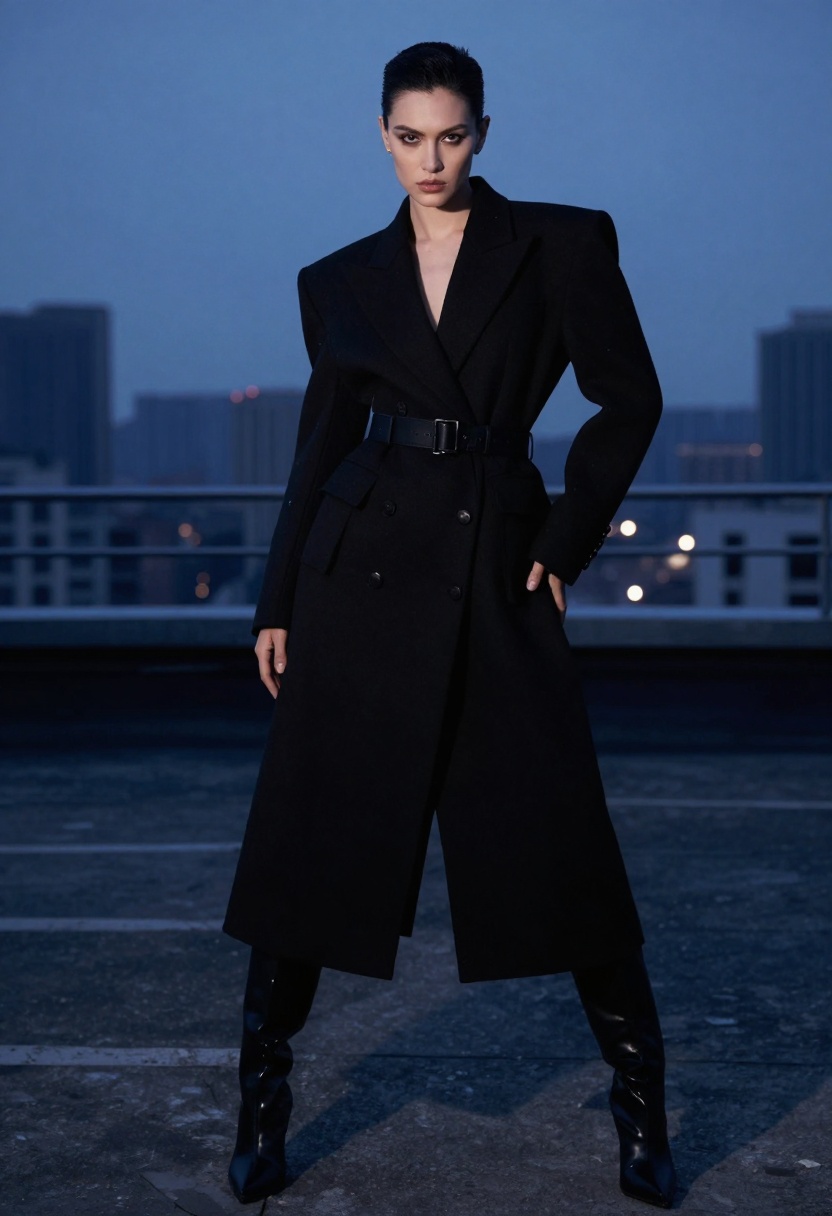
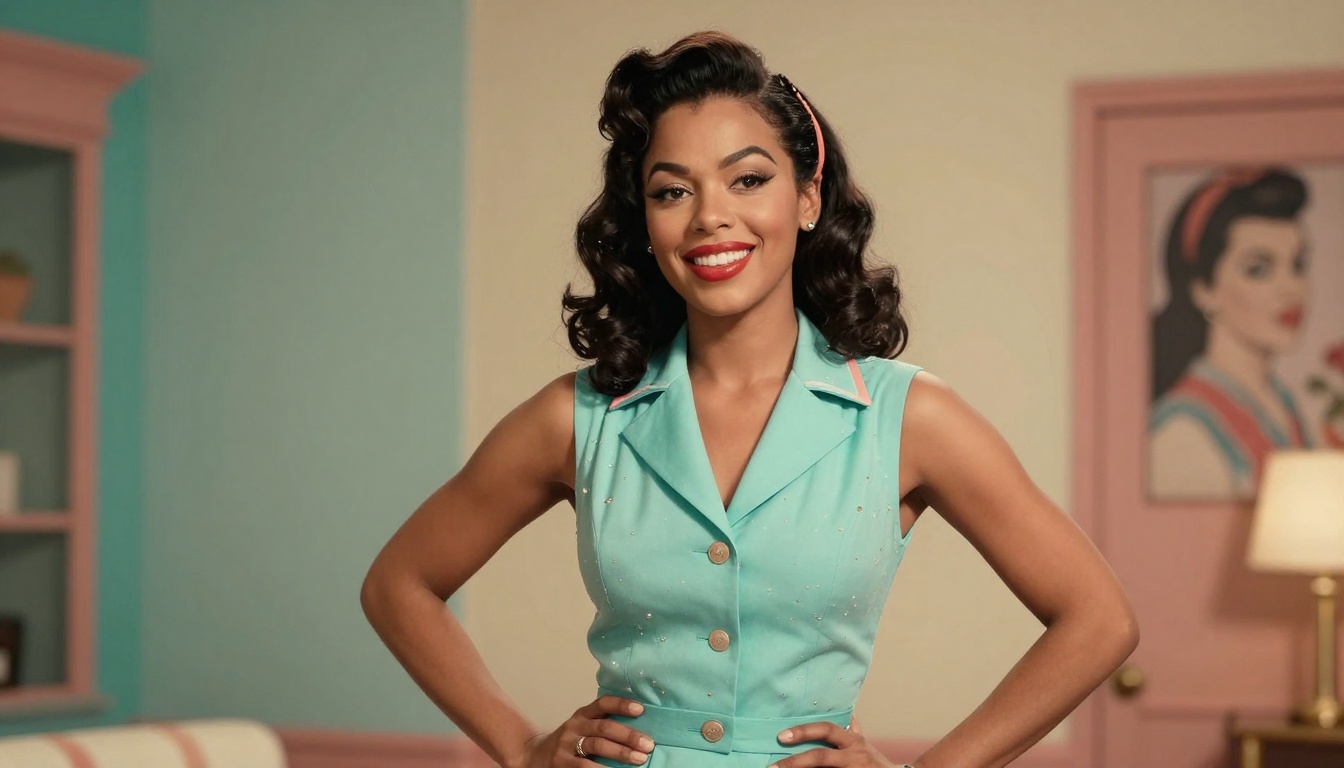
Seedream 4.5 NSFW: Creating Adult Content Without Limits
Seedream 4.5 stands out as one of the few AI image generators that allows creators to produce adult content without restrictive filters. This powerful text-to-image model supports 2K and 4K resolutions, custom dimensions, and multi-image generation, making it the go-to choice for artists and creators working in adult entertainment, fantasy art, and mature-themed creative projects.
The AI art generation landscape has been dominated by restrictive content policies that limit creative expression, particularly when it comes to adult and mature content. Most major platforms aggressively filter NSFW content, leaving artists and creators searching for alternatives that respect their creative freedom.
Seedream 4.5 changes this equation by offering an open-source approach to AI image generation. Available on PicassoIA, this model doesn't impose arbitrary content restrictions while delivering professional-quality results at 2K and 4K resolutions.
Why NSFW Content Creators Need Unrestricted AI Tools
The adult content industry, fantasy artists, and mature-themed creators face unique challenges in the AI generation space. Traditional platforms either ban this content outright or apply overly broad filters that interfere with legitimate artistic expression.
Content restrictions affect several creative communities:
Adult entertainment producers who need custom visuals for promotional materials
Fantasy and sci-fi artists working with mature themes
Seedream 4.5 addresses these needs by treating creators as responsible adults capable of making their own content decisions. The model focuses on quality output rather than moral policing, which means you can create the art you envision without worrying about arbitrary censorship.
Seedream 4.5 Technical Capabilities
This text-to-image model stands out not just for its content policy but also for its technical prowess. Understanding what Seedream 4.5 can do helps you make better use of its capabilities.
Resolution Options
The model supports three resolution modes:
2K Resolution (2048px) - Default setting that balances quality with generation speed
4K Resolution (4096px) - Maximum quality for professional work
Custom Dimensions - Specify exact width and height between 1024-4096 pixels
Higher resolutions mean more detail and better quality for professional applications, though they take slightly longer to generate.
Aspect Ratio Flexibility
Choose from eight preset ratios or automatically match input images:
Square (1:1) for social media posts
Standard photo ratios (4:3, 3:4, 3:2, 2:3)
Widescreen formats (16:9, 9:16)
Ultrawide (21:9) for cinematic compositions
This flexibility means you can create content optimized for specific platforms or display formats without needing post-processing.
Multi-Image Generation for Sequential Content
One of Seedream 4.5's unique features is sequential image generation. When enabled, the model can produce up to 15 related images in a single run, perfect for:
Creating character sheets with multiple poses
Generating story sequences or comic panels
Producing variation sets for the same scene
Building reference libraries for consistent characters
The model intelligently decides whether to generate multiple images based on your prompt context, or you can specify exactly how many variations you want.
Text-to-Image and Image-to-Image Workflows
Seedream 4.5 supports both creation modes depending on your needs.
Text-to-Image Creation
Start from scratch with just a text prompt. This mode works best when you have a clear vision but no existing reference material. The model interprets your description and generates imagery that matches your specifications.
Effective prompt structure:
Subject description (who or what)
Setting and environment
Lighting and mood
Style references (photography, digital art, illustration)
Technical details (composition, perspective)
Image-to-Image Transformation
Upload reference images to guide generation. This approach gives you more control over composition, pose, and overall structure. You can input up to 14 reference images, and Seedream 4.5 will use them collectively to inform the output.
This works particularly well for:
Style transfer from photographs to artistic renderings
Character consistency across multiple generations
Refining AI outputs by using them as references for new generations
Adapting existing artwork to new contexts
Prompt Writing Strategies for NSFW Content
Getting quality results from AI generation requires understanding how to communicate effectively with the model. NSFW content adds extra considerations since you need to be explicit about what you want without triggering unintended interpretations.
Be Specific About Anatomy and Poses
Generic descriptions lead to generic results. Instead of "attractive person," describe:
Backlighting produces silhouettes and ethereal effects
Colored gels establish specific moods (warm for passion, cool for sophistication)
Reference Artistic Styles
Mentioning artistic movements or photographer names helps guide aesthetic direction:
"Pin-up art" for vintage Americana style
"Film noir photography" for high-contrast drama
"Fantasy illustration" for otherworldly beauty
"Fashion editorial" for haute couture sophistication
Comparing Open-Source Models for Adult Content
While Seedream 4.5 is powerful, it's worth knowing about other uncensored models available on PicassoIA:
Model
Strengths
Best For
Seedream 4.5
High resolution, multi-image, flexible ratios
Professional adult content production
p-image-edit
Fast image editing and transformation
Refining and modifying existing images
wan-2.2-image
Cinematic realism
Photorealistic adult imagery
Each model serves different creative needs. Seedream 4.5 excels at generating new content from prompts, while p-image-edit shines when you need to modify existing images. Wan-2.2 produces exceptionally realistic results if photographic quality is your priority.
Ethical Considerations and Responsible Use
Creating adult content with AI comes with responsibilities. While Seedream 4.5 doesn't impose content restrictions, users should still follow ethical guidelines:
Always verify age appropriateness when creating content featuring human-like figures. AI-generated content should never depict minors in any context that could be considered inappropriate.
Respect consent in likeness even with AI-generated faces. Don't create content that mimics real individuals without permission, as this can constitute harassment or defamation.
Consider your distribution channels and their policies. While you can create any content, platforms hosting that content have their own terms of service. Familiarize yourself with distribution requirements before investing time in creation.
Disclosure practices matter for commercial use. Many jurisdictions require disclosure when content is AI-generated, especially in advertising contexts.
Optimizing Generation Settings for Quality
Getting the best results from Seedream 4.5 means understanding how different settings interact.
When to Use 4K Resolution
Use 4K (4096px) when:
Creating content for print or large displays
You need maximum detail for close-up viewing
The image will be cropped or edited extensively
Professional commercial applications require highest quality
Stick with 2K (2048px) when:
Generating content primarily for web display
Speed is more important than maximum detail
You're creating multiple variations to choose from
File size needs to be manageable
Custom Dimensions Strategy
Custom sizing works best when you need specific outputs for particular platforms:
Instagram Stories: 1080 x 1920 (9:16 ratio)
YouTube Thumbnails: 1280 x 720 (16:9 ratio)
Website Headers: Match your site's exact dimensions
Print Work: Calculate based on DPI requirements
Setting exact dimensions eliminates the need for cropping or stretching, preserving image quality.
Common Challenges and Solutions
Even experienced creators encounter obstacles when generating AI art. Here's how to overcome typical issues:
Problem: Generated images don't match the vision in your prompt
Solution: Break your prompt into distinct sections (subject, setting, lighting, style) and be more specific in each area. Try generating with a reference image to give the model clearer guidance.
Problem: Inconsistent results across multiple generations
Solution: Use the sequential generation feature with max_images set to your desired quantity. This keeps related images more cohesive than separate generation runs.
Problem: Anatomy looks off or proportions seem wrong
Solution: Add reference images showing correct anatomy or use specific technical terms like "correct human proportions" or "anatomically accurate" in your prompt.
Problem: Colors are dull or lighting lacks impact
Solution: Explicitly describe color palettes ("vibrant coral and turquoise," "rich jewel tones") and lighting setups ("Rembrandt lighting," "golden hour backlight").
How to Use Seedream 4.5 on PicassoIA
Ready to start creating? Here's the complete process for using Seedream 4.5 on PicassoIA's platform.
Step 1: Access Seedream 4.5
Navigate to the Seedream 4.5 model page on PicassoIA. This page contains all the controls and settings you need.
Step 2: Write Your Prompt
In the Prompt field (required), enter a detailed description of the image you want to generate. This is the most important input, so invest time crafting a prompt that captures your vision.
Example prompt structure:
[Subject description], [pose and positioning], [clothing or lack thereof],
[setting and environment], [lighting type and direction], [mood and atmosphere],
[artistic style], [technical specifications like 'photorealistic' or 'illustrated']
Step 3: Configure Resolution
Choose your Size setting:
Select "2K" for standard high-quality output (2048px)
Select "4K" for maximum resolution (4096px)
Select "custom" if you need specific dimensions
If using custom, set Width and Height values between 1024-4096 pixels.
Step 4: Set Aspect Ratio
Choose your Aspect Ratio from the dropdown (only applies when not using custom size):
Use "match_input_image" if you're doing image-to-image generation
Select specific ratios (1:1, 16:9, 9:16, etc.) based on your intended use
Step 5: Add Reference Images (Optional)
If doing image-to-image generation, upload your reference images in the Image Input field. You can provide 1-14 images that will guide the generation.
The model will generate multiple related images up to your specified maximum.
Step 7: Generate and Download
Click the generate button and wait for processing. Generation time depends on resolution and whether you're creating multiple images. Once complete, you can download your results.
Alternative Models on PicassoIA
If Seedream 4.5 doesn't fit your specific needs, these other models support NSFW content:
p-image-edit excels at editing existing images. Use this when you need to modify, refine, or transform images you've already created. It processes quickly (about one second) and can handle multiple input images for complex edits.
wan-2.2-image produces highly realistic imagery with cinematic quality. This model shines for photorealistic adult content where you want images that could pass for photographs.
All three models are available through PicassoIA's interface without API coding required.
The Future of Uncensored AI Art
The tension between creative freedom and content moderation will continue shaping AI image generation. Open-source models like Seedream 4.5 demonstrate that technical excellence doesn't require censorship.
As these models evolve, we'll likely see:
Even higher resolution outputs (8K and beyond)
Better consistency across sequential generations
More precise control over specific anatomical features
Improved understanding of artistic style references
Faster generation times even at maximum quality
For creators working in adult content, fantasy art, or any mature-themed creative field, having access to powerful, unrestricted tools isn't just convenient—it's essential for artistic freedom.
Seedream 4.5 on PicassoIA represents this philosophy: sophisticated AI technology available to creators without paternalistic content filtering. Whether you're producing adult entertainment, exploring artistic nudity, creating fantasy illustrations, or any other legitimate creative endeavor involving mature themes, this model gives you the technical capabilities you need.
The choice of what to create should remain with the artist. Seedream 4.5 respects that principle while delivering professional-quality results.