If you've been watching the AI image generation space, you already know that quality used to cost a premium. Paying fractions of a cent per image sounds attractive until you realize the results look like they were generated in 2022. Seedream 5.0 Lite breaks that pattern. ByteDance's compact model delivers output that holds up against tools costing 3-5x more per generation, making it one of the most interesting releases in the affordable AI space this year.
This article covers everything about Seedream 5.0 Lite: what it is, how it compares to heavier models, where it struggles, and how to get the best results without burning through your API budget.
What Is Seedream 5.0 Lite?
ByteDance's budget-first text-to-image model

Seedream 5.0 Lite is a text-to-image model from ByteDance, the same company behind TikTok, CapCut, and the broader Seedream model family. It's the "lite" variant of their flagship Seedream 5.0, built specifically for speed and cost-efficiency without sacrificing the core visual quality that the Seedream series became known for.
Where most model families treat their lite variants as afterthoughts, Seedream 5.0 Lite was clearly built with purpose. ByteDance trained it on a refined subset of the data pipeline that powers the full model, then optimized aggressively for inference speed. The result is a model that runs faster and cheaper per call, while preserving the photorealistic textures, accurate anatomy, and natural color grading that made earlier Seedream versions popular.
💡 Worth knowing: Seedream 5.0 Lite sits in the same ByteDance model family as Seedream 4.5, Seedream 4, and Seedream 3. Each generation improved quality; the Lite variants prioritize throughput.
Lite vs. Full — what's actually different
The full Seedream 5.0 model uses a larger parameter count, more inference steps by default, and produces consistently sharper detail in complex scenes with multiple subjects or intricate backgrounds. The Lite variant reduces that parameter footprint meaningfully, cutting computation time per image from roughly 8-12 seconds down to 2-4 seconds depending on resolution.
The practical quality gap between Lite and Full is smaller than you'd expect from the price difference. For single-subject shots, portraits, product-style photography, and flat-background compositions, the outputs are nearly indistinguishable. The gap widens when you push toward highly detailed environments with lots of overlapping elements, text rendering, or precise anatomical complexity.
The Real Cost of AI Image Generation
Seedream 5.0 Lite pricing

Most AI image models charge per second of compute time or per image generated. Seedream 5.0 Lite pricing via API sits at the lowest tier of current commercial models, typically under $0.005 per image at standard resolution. That's not a typo. Sub-half-a-cent per image puts it in the same conversation as open-source Stable Diffusion pipelines, except you're using a commercially supported, actively maintained model from one of the world's largest AI companies.
Here's how that stacks up against the field:
| Model | Approx. cost per image | Speed (seconds) |
|---|
| Seedream 5.0 Lite | ~$0.003-0.005 | 2-4s |
| Seedream 5.0 Full | ~$0.010-0.015 | 8-12s |
| Seedream 4.5 | ~$0.008-0.012 | 5-8s |
| Flux Schnell | ~$0.003 | 1-2s |
| Flux Dev | ~$0.025-0.035 | 10-15s |
| SDXL Turbo | ~$0.002-0.004 | 1-2s |
| DALL-E 3 | ~$0.040 | 5-10s |
At this pricing point, generating 1,000 images costs under $5. That number genuinely changes how you can use AI image generation, from one-off creative tools to batch-scale content pipelines.
Cost per image vs. competitors
The comparison that matters most isn't the raw price per image. It's the quality-to-cost ratio. SDXL Turbo is similarly cheap, but its output quality plateaued with the SDXL architecture. Flux Schnell is faster and similarly priced, but uses a different aesthetic approach that leans more stylized. Seedream 5.0 Lite aims squarely at photorealism, which is the output type most in-demand for commercial use cases.
If your workflow needs 500+ images per day for social media content, blog visuals, product mockups, or marketing assets, Seedream 5.0 Lite is worth serious consideration.
What the Output Actually Looks Like
Portrait and people generation

Seedream 5.0 Lite handles human subjects well. Faces are consistently coherent, skin tones render naturally, and hair texture holds up under close inspection. This is a notable achievement for a lite-tier model because human anatomy has historically been where budget models fell apart first, with broken fingers, misaligned eyes, and uncanny skin texture.
ByteDance appears to have specifically prioritized face and figure quality in the training pipeline, possibly because their CapCut user base generates enormous amounts of portrait-adjacent content. The result is that portrait prompts work reliably from the first try without needing negative prompts as crutches.
💡 Prompt tip: For portraits with Seedream 5.0 Lite, adding lighting direction to your prompt (e.g., "soft window light from the left, 85mm f/1.8") dramatically improves output consistency. The model responds well to photography-style language.
Landscapes and scenes

Wider scenes with complex environments show the model's limits more clearly. When a prompt asks for a busy street at night with multiple pedestrians, vehicle traffic, and storefronts with readable signage, Seedream 5.0 Lite will produce something visually acceptable but not exceptional. The full Seedream 5.0 handles these scenes with noticeably more precision.
That said, for simpler outdoor scenes such as forests, beaches, mountains, and architectural exteriors, the Lite version holds its own. Natural textures like foliage, water surfaces, and stone render with convincing detail.
Where it falls short
Be honest with your expectations. Seedream 5.0 Lite is not the right tool for:
- Fine text rendering: Any prompt requiring readable text in the image will disappoint. This is a known limitation across almost all diffusion-based models, and Lite doesn't solve it.
- Complex multi-subject scenes: Three or more distinct human subjects in a single frame often results in one or more figures degrading in quality.
- Hyper-detailed product shots: If a product label needs to be pixel-perfect, use a more capable model or take a real photograph.
- Unusual aspect ratios: Like most models, performance is optimized for standard ratios. Very wide or very tall crops can introduce artifacts.
Seedream 5.0 Lite vs. the Competition
vs. Flux Schnell

Flux Schnell is the obvious comparison point at the budget end of the market. Both models are fast and cheap. The difference is in what they produce.
Flux Schnell, developed by Black Forest Labs, has a distinctive aesthetic that often skews toward high-contrast, graphic-novel-adjacent stylization. It's beautiful, but it's not trying to be photorealistic by default. Seedream 5.0 Lite is specifically trained for photorealism. If your use case is editorial photography, lifestyle content, or realistic product visualization, Seedream Lite is the better choice. If you want expressive, styled imagery with more artistic interpretation, Flux Schnell has the edge.
Both models are available on PicassoIA where you can run them side by side to compare outputs for your specific prompt style before committing to a workflow.
vs. SDXL Turbo
SDXL Turbo occupies a similar price bracket but represents an older architectural generation. The SDXL family, while still capable, shows its age in 2027, particularly in face rendering, anatomical accuracy, and the range of photorealistic styles it can produce. Seedream 5.0 Lite was trained more recently with updated techniques, and that difference is visible in the output.
SDXL Turbo wins on raw speed for very quick previews. Seedream Lite wins on output quality at similar cost. For production use, Seedream Lite is the stronger long-term pick.
Best Use Cases for Seedream 5.0 Lite
Content creators on a budget

Social media creators, bloggers, newsletter writers, and YouTube thumbnail designers are the sweet spot audience for this model. These users need volume: multiple images per day, varied styles, quick turnaround, but without the budget to use premium models for every single asset.
Seedream 5.0 Lite hits the quality threshold for:
- Blog post header images
- Social media lifestyle visuals
- Newsletter illustrations
- YouTube thumbnail backgrounds
- Product mood boards
- Presentation slide visuals
For any of these applications, the difference between Lite and Full quality is unlikely to matter to the end audience. What matters is that you can produce 50 usable images for the cost of a single coffee.
Developers building at scale
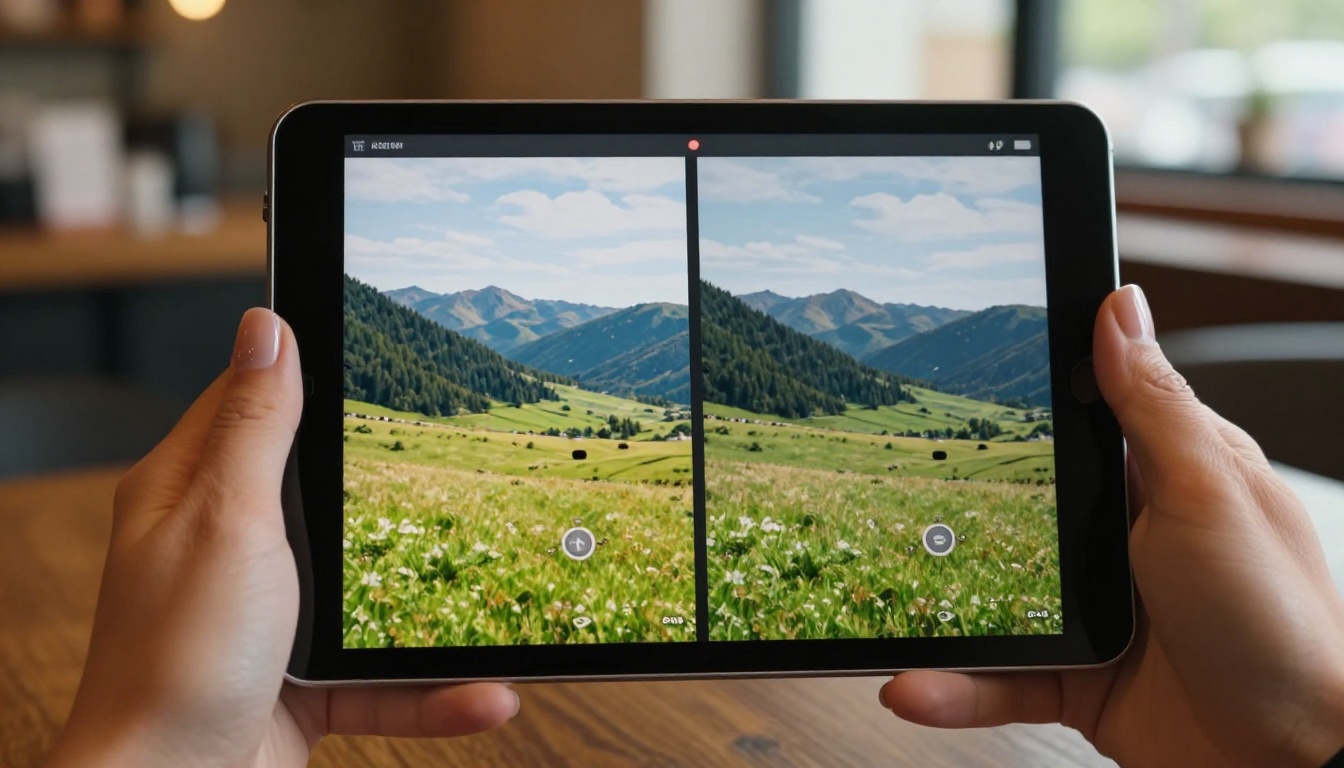
The more significant use case is at the API level. Developers building SaaS products, content platforms, or media generation pipelines need predictable, low-cost image generation that won't blow up their unit economics.
Seedream 5.0 Lite makes batch generation viable at scale. Consider a product that auto-generates blog headers for user-submitted articles: at $0.005 per image, generating 100,000 images per month costs $500. That's a manageable infrastructure line item for a growing product. At $0.04 per image, the same volume costs $4,000.
The model's API is consistent and predictable, which matters more to developers than any single image quality benchmark. Reliability, latency, and cost at scale are what drive adoption in production systems.
How to Use Seedream 5.0 Lite on PicassoIA
PicassoIA gives you direct access to Seedream 5.0 Lite through a clean interface that doesn't require API keys or local setup. Here's how to get started and get the most out of it.
Step 1: Access the model

Navigate to the Seedream 5.0 Lite model page on PicassoIA. The interface shows a prompt input, aspect ratio selector, and optional advanced settings. No account setup is required to try it, though creating a free account gives you higher generation limits.
The model loads fast. Unlike some platforms that queue generations for minutes, PicassoIA runs Seedream Lite at its native 2-4 second inference speed with minimal overhead.
Step 2: Writing effective prompts
Seedream 5.0 Lite responds well to structured prompts that include:
- Subject description: Who or what is in the image, with relevant details (age, clothing, expression, pose)
- Environment: Location, setting, time of day
- Lighting: Direction and quality of light (golden hour, overcast, studio flash)
- Camera language: Lens, aperture, perspective ("85mm f/1.8", "aerial shot", "close-up")
- Mood/texture: Film stock emulation, color palette, atmosphere
Example prompt:
"A woman in her 30s with short dark hair wearing a linen blazer, sitting at a marble cafe table, morning light from the left through large windows, 50mm f/2.0 lens, warm color palette, Kodak Portra 400 grain, photorealistic"
That prompt structure gets consistent, high-quality results from Seedream Lite on the first try.
Parameter tips for better results

| Parameter | Recommendation |
|---|
| Aspect ratio | 16:9 for horizontal content, 9:16 for social/mobile |
| Steps | Default steps work well; increasing steps improves detail but adds time |
| Seed | Set a specific seed when you want reproducible results for iteration |
| Negative prompts | Use sparingly: "blurry, watermark, text, deformed" covers most issues |
💡 Pro tip: If you're generating multiple variations of the same subject, keep your core prompt fixed and only vary the lighting or camera angle descriptor. This gives you a cohesive set of images that work together as a visual series.
You can also use PicassoIA's Super Resolution tools to upscale Seedream Lite outputs after generation, getting near-full-model quality at Lite pricing.
Start Creating with Seedream 5.0 Lite
Seedream 5.0 Lite is a genuinely practical choice for anyone generating images at volume. It won't replace a full-scale model for the most demanding tasks, but for everything from blog visuals to API-driven content pipelines, the quality-to-cost ratio is hard to argue with. ByteDance built something that works.
The fastest way to form your own opinion is to run a few prompts yourself. PicassoIA gives you access to Seedream 5.0 Lite directly in your browser, alongside the full Seedream 4.5 and Seedream 4 models if you want to compare outputs across generations.
Take your best prompt, run it across two or three Seedream variants, and see where the quality difference actually matters for your workflow. You might find that Lite is everything you need. Or you might decide the upgrade is worth it for specific use cases. Either way, you'll know exactly what you're paying for, and you'll have spent less than a dollar finding out.


