Seedream 5.0 Pro puts a new ceiling on what AI character art can look like in 2027. The level of detail, the convincing skin texture, the natural rendering of fabric and light, the accurate anatomy from a single text prompt: it is a real step forward from previous generations of text-to-image models. But if you have been testing it for character art without restrictions, you have probably hit the wall that frustrates a large number of creators. Certain prompts get softened, blocked, or returned as sanitized versions of what you asked for. The gap between what the model can technically produce and what it will actually output is where most creators lose time.
This article covers exactly that gap. It explains what Seedream 5.0 Pro does well, where its restrictions limit creative work, and which models on PicassoIA give you unrestricted, photorealistic character art without fighting content filters. You will also find a step-by-step tutorial for using Seedream 4.5 on PicassoIA, the most capable uncensored AI character generator available right now, along with prompt strategies that work across the entire model catalog.
What Seedream 5.0 Pro Actually Does
Seedream 5.0 Pro is ByteDance's high-fidelity text-to-image model, trained for photorealistic output across a wide range of subjects. Character art is where it performs best. The model understands pose, expression, lighting conditions, clothing materials, and facial anatomy at a level that places it near the top of publicly available models in 2027.
Character Art Quality in 2027
The baseline quality from Seedream 5.0 Pro is genuinely impressive. Portraits come out with realistic skin texture, accurate catchlights in the eyes, and natural depth of field that mimics real camera optics. When you prompt for specific lighting setups, directional morning window light, split studio lighting, or golden hour backlight, the model interprets these conditions correctly. That is not something all text-to-image models handle reliably.
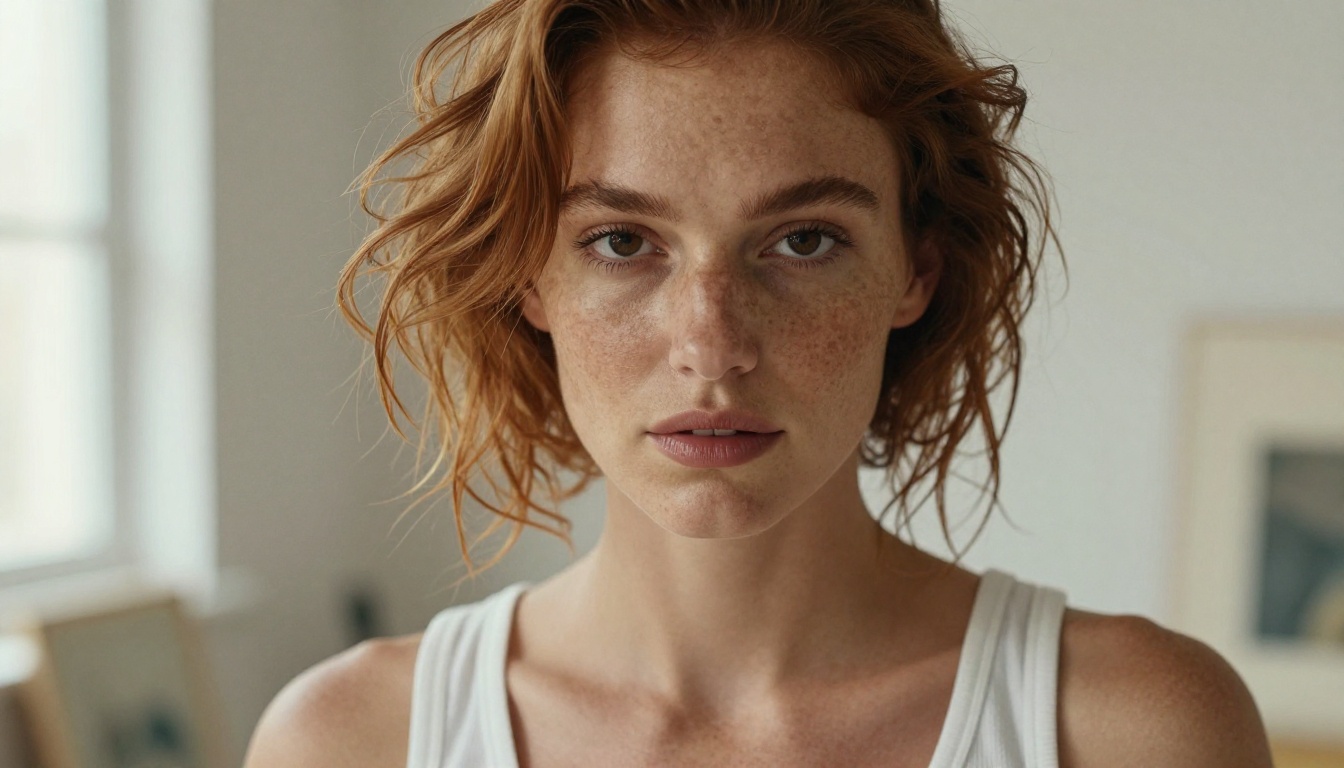
For character design specifically, the model handles clothing materials with notable accuracy. Silk reads like silk, linen like linen. The spatial logic for layered clothing elements, a jacket over a shirt, a scarf around a neck, is generally sound. Where older models collapsed these layers into muddled textures, Seedream 5.0 Pro keeps them visually distinct with proper light interaction on each surface.
Speed and Output Fidelity
Generation time is fast. Most outputs arrive in 2 to 4 seconds at standard resolution. At higher resolutions, quality holds without the tiling artifacts that affect models optimized purely for throughput. This makes iteration practical: you can test 20 prompt variations in the time other models take to produce 5. For character design workflows where rapid visual prototyping matters, that speed difference is significant.
The Uncensored Gap: Why Restrictions Frustrate Creators
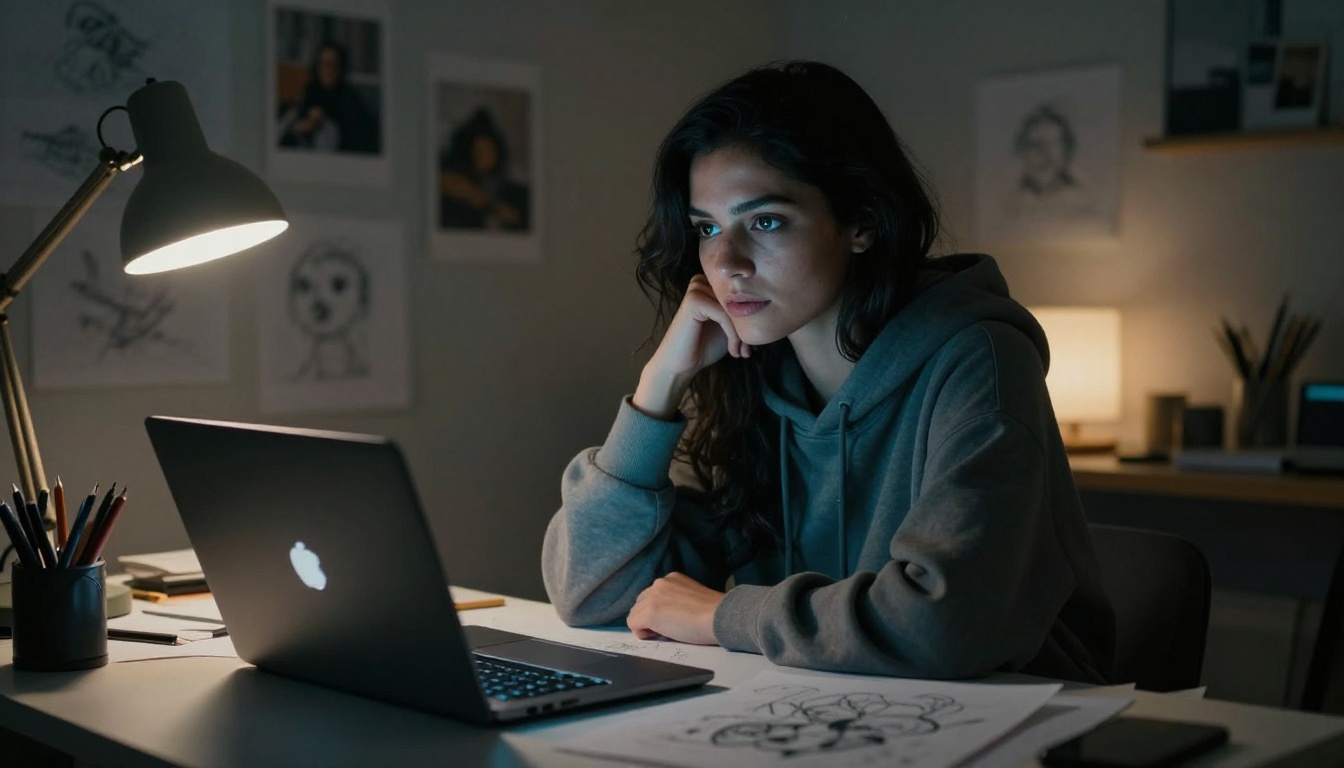
Here is where things get complicated. Seedream 5.0 Pro includes content filters that restrict certain categories of output. This is not unique to ByteDance. Most hosted text-to-image models apply restrictions to limit legal exposure. The result is that adult and mature character art, even when produced for entirely legal creative purposes, gets blocked or softened into unusable outputs.
What Most Models Block
Content restrictions vary by platform, but commonly include:
- Suggestive poses or clothing: swimwear, lingerie, sheer fabric, open necklines
- Implied nudity: even in clearly artistic or tasteful contexts
- Mature body language: even when paired with neutral, professional-sounding prompts
- Realistic depictions of physical intimacy: at any level of explicitness
For fashion AI creators, portrait artists, adult content producers, and character designers working in legal creative spaces, these restrictions produce constant friction. You rephrase the prompt, the output still gets sanitized. You use indirect language, and the model returns something so conservative it is no longer useful for your project.
Where Character Art Gets Complicated
Fashion and glamour photography, artistic portraiture, and character design for mature creative projects all occupy zones that overly cautious filters handle badly. A swimwear editorial is not explicit by any reasonable standard. A boudoir portrait is standard commercial photography with a multi-billion dollar industry behind it. Artistic representations of the human form in natural states have centuries of cultural precedent across painting, sculpture, and photography.
The filters on most hosted models were not designed with these creative contexts in mind. They catch broad categories and block everything in them. The practical result is that any character art involving bare skin, swimwear, or mature themes gets rejected regardless of artistic intent or legal status.
💡 The most effective solution is not to fight the filter. It is to use a platform that gives you models without one.
Best Models for Uncensored Character Art on PicassoIA
PicassoIA hosts a curated lineup of AI image generation models selected specifically for creative freedom. These are tested, working options that produce realistic character art without the restrictions that interrupt serious creative workflows.
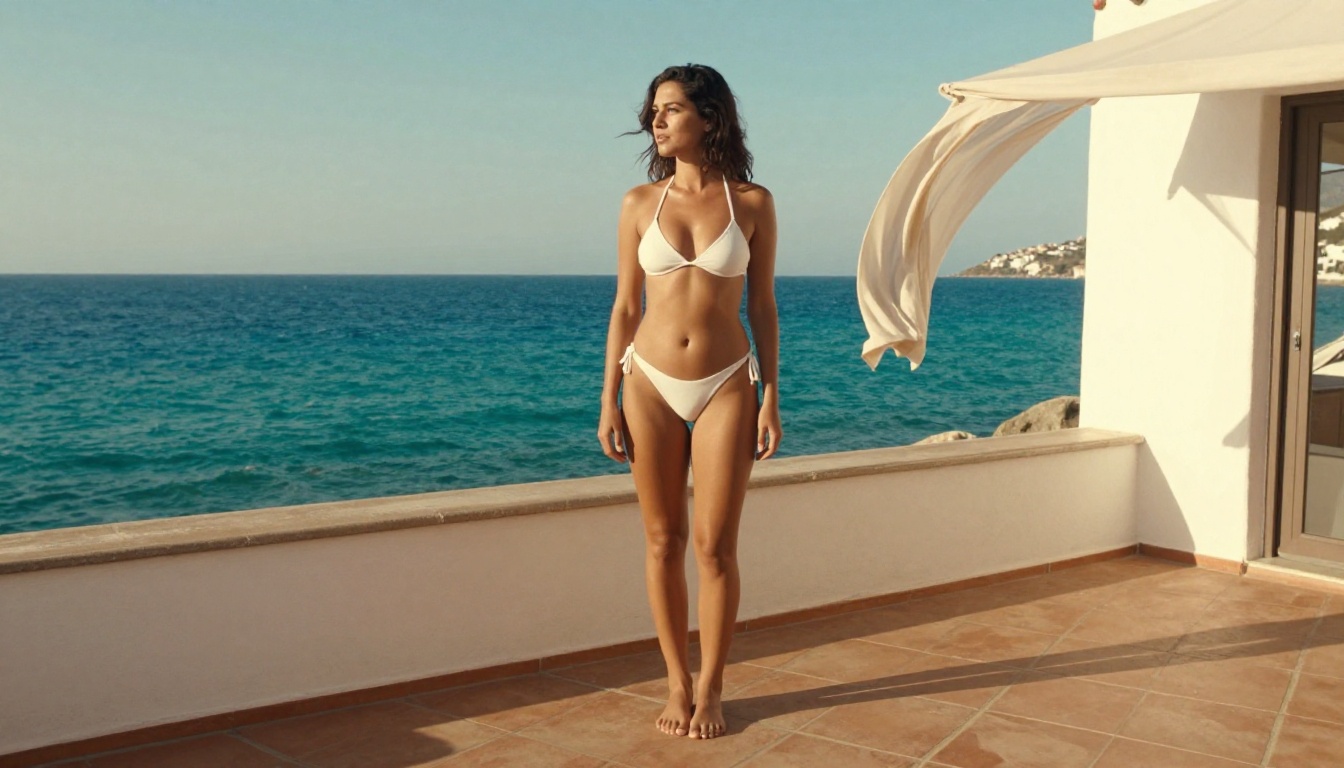
Seedream 4.5: The Top Pick for Unrestricted Results
Seedream 4.5 is the strongest all-around choice for uncensored character art right now. It accepts adult content, supports image editing on top of text-to-image generation, and delivers results in under 3 seconds. The image quality for character art is comparable to Seedream 5.0 Pro in most use cases, with the critical difference that it does not block the outputs you actually need.
One point worth stating clearly: Seedream 5 Lite does not support NSFW content. If you are running Seedream 5 Lite and wondering why your adult character prompts keep getting sanitized, that is why. The Lite version applies significantly stricter filters than 4.5. For unrestricted character art generation, Seedream 4.5 is the correct version to use.
PicassoIA Image Editor Pro: Unlimited and Fast
PicassoIA Image Editor Pro is an image-to-image model with one defining advantage: unlimited generations on Elite and Infinite plans. If you are doing production-volume character art, the math is meaningful. Generating 1,000 images with per-output billing can cost around $100. With PicassoIA Image Editor Pro, the same volume is included in your subscription at no extra cost. It accepts NSFW content, runs in under 1 second, and offers a free 3-generation trial requiring no credit card.
Other Reliable Uncensored AI Models
| Model | Type | Speed | Main Strength |
|---|
| Qwen Image 2 | Text-to-Image + Edit | Fast | Open source, very detailed realism |
| Grok Imagine Image | Image-to-Image | Fast | Realistic style transfer |
| Recraft V4 | Text-to-Image | Medium | Very realistic text-to-image output |
| P-Image | Text-to-Image | Under 1s | NSFW, extremely fast |
| Wan 2.2 Image | Text-to-Image | Fast | Highly realistic, no content filters |
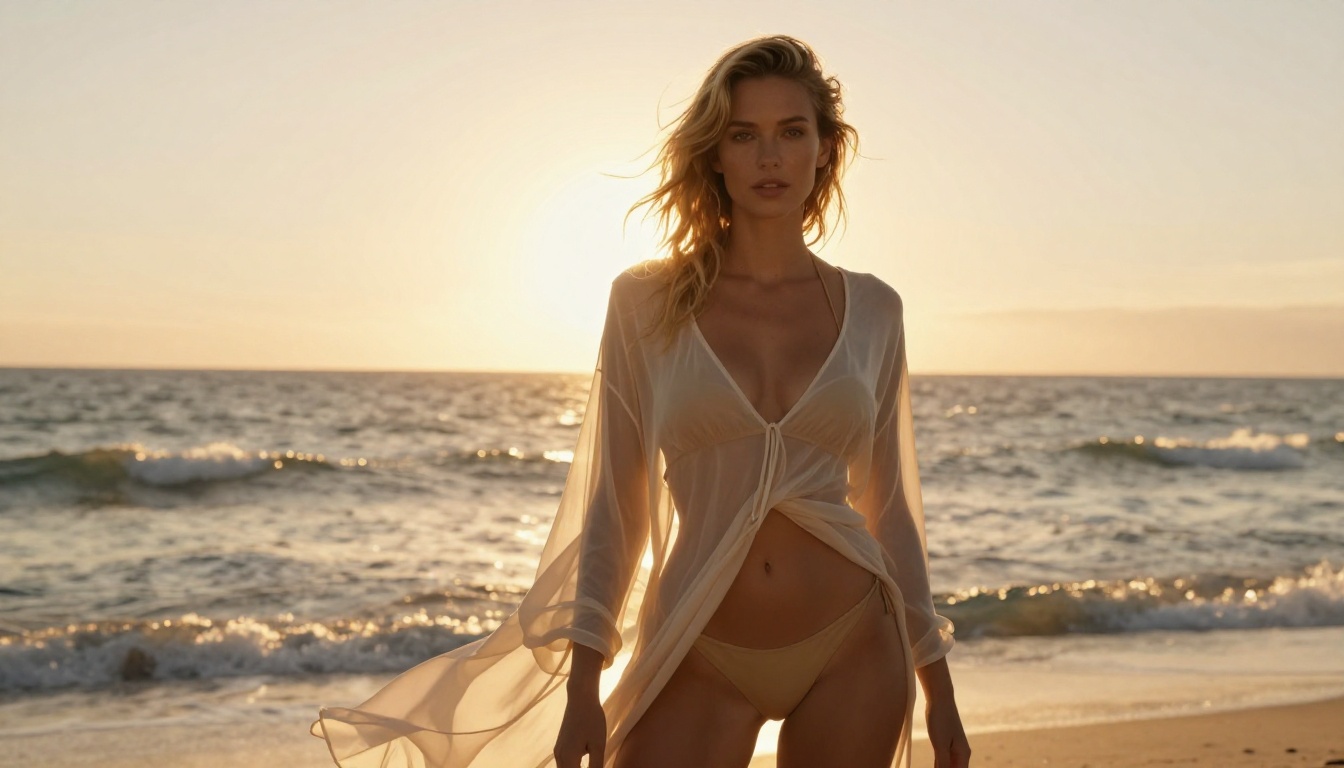
How to Use Seedream 4.5 on PicassoIA
Seedream 4.5 on PicassoIA gives you the full generation workflow without content restrictions blocking your character art. Here is how to use it from the start.
Step-by-Step Setup
- Navigate to picassoia.com/en/collection/text-to-image/bytedance-seedream-45
- No installation needed. The interface runs directly in your browser, and a free trial requires no credit card.
- Select your output dimensions. 1:1 works well for character portraits. 16:9 suits editorial scenes and wider compositions. 2:3 gives you a natural portrait orientation.
- Type your prompt in the text field. Seedream 4.5 handles natural language descriptions well. You do not need special tags or technical formatting.
- Click generate. Results appear in 2 to 3 seconds.
- Use the edit function to refine specific areas. You can adjust hair, clothing, accessories, or background without regenerating the full image.
Prompt Structure That Works
The prompts that produce the best character art from Seedream 4.5 follow a consistent structure:
[Subject + physical description] + [clothing/state] + [environment] + [lighting] + [camera/lens] + [film stock]
Example: "A confident woman with straight black hair, wearing a semi-sheer white blouse partially unbuttoned, seated in a warmly lit photo studio, soft window light from the left side, 85mm f/1.4 lens creating background bokeh, Kodak Portra 400 film tones, photorealistic"
This structure gives the model enough information to make meaningful decisions about composition, color science, and depth of field. Filling in all five components consistently produces better outputs than any single clever phrase.
Settings That Matter
- Aspect ratio: Match your intended output format. Portraits at 2:3 or 1:1 feel natural. Scene compositions need 16:9.
- Seed: Save seeds from outputs you want to iterate on. Pin the seed and adjust only the prompt to get controlled variations on the same base result.
- Edit mode: After generating a base image, use edit mode for targeted changes. Adjust hair color, clothing fit, or add accessories without starting from scratch.
- Prompt length: Medium-length prompts at 40 to 80 words tend to outperform both very short and very long inputs. The model responds to organized description, not exhaustive keyword lists.
💡 Tip: Seedream 4.5 responds reliably to camera angle instructions. Low-angle, eye-level, and aerial shots all produce noticeably different compositions from the same subject description.
Prompt Craft for Character Art That Lands
Whether you use Seedream 4.5, P-Image, or Qwen Image 2, your prompt quality is the primary variable in output quality. These AI character generators respond to specificity. Vague inputs produce generic results, regardless of how capable the underlying model is.
Building a Strong Character Prompt
A strong character art prompt has five components:
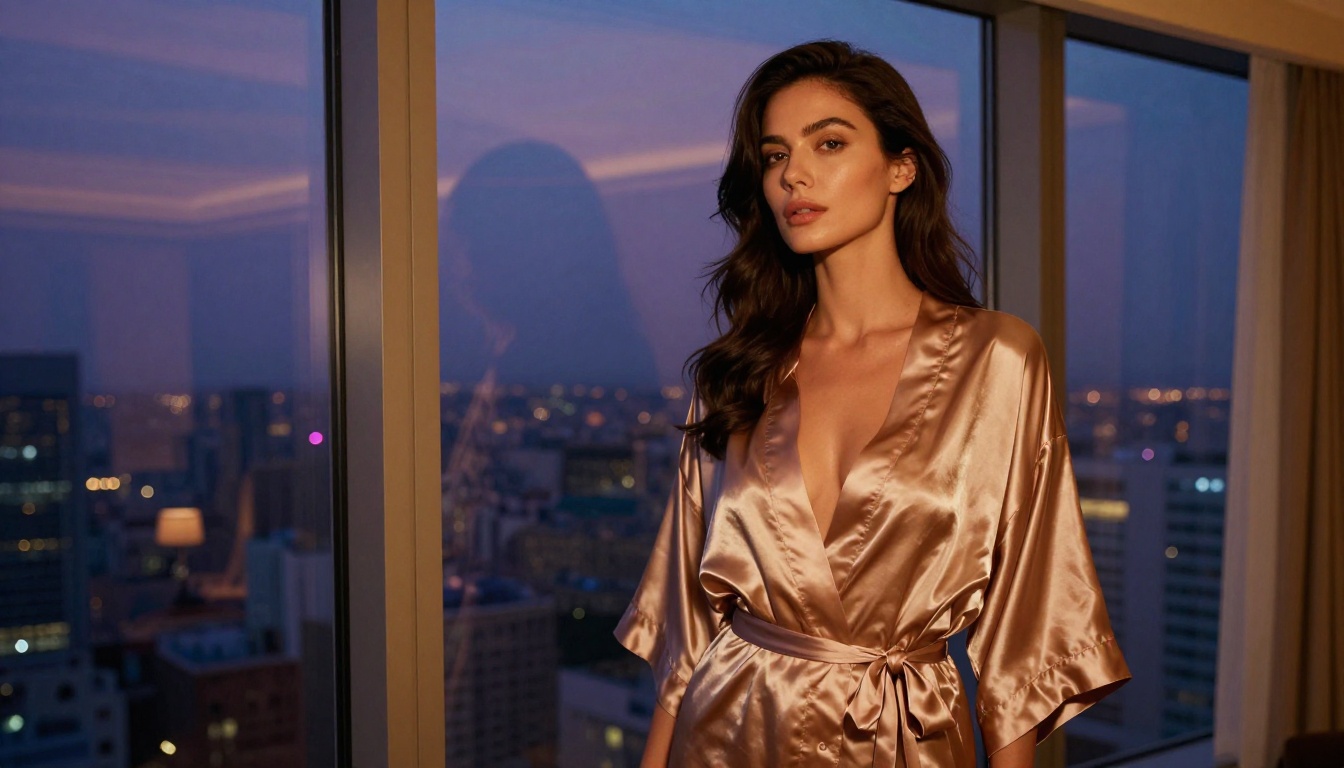
- Physical description: Be specific. "Dark wavy hair past shoulder length, olive skin with natural sun texture, sharp jawline, dark brown eyes" creates clear constraints. "Attractive woman" does not give the model anything useful to work with.
- Clothing or state of dress: Fabric type, cut, and color all matter. "Ivory silk blouse with three open buttons" gives the model precise material and form. "White shirt" is too ambiguous to produce consistent results.
- Environment: Location, atmosphere, and what sits behind the character. A precise setting provides lighting and mood context. "Sunlit Mediterranean terrace overlooking turquoise water" outperforms "outdoor setting" significantly.
- Light source and direction: This is the single highest-leverage element in any photorealistic AI portrait prompt. "Soft morning light from the left" produces completely different output than "dramatic split studio lighting." Name your light source and direction every time, without exception.
- Technical photography specs: Focal length (85mm for portraits, 35mm for environmental), aperture notation (f/1.4 for shallow depth of field, f/8 for sharpness throughout the frame), and a film stock name for color science (Kodak Portra 400, Fujifilm Pro 400H).
Common Mistakes to Avoid
- Vague subject descriptions: Generic inputs return generic outputs. Add distinguishing physical details to every character prompt.
- No lighting specification: The most common reason AI portrait output looks flat. Even a single lighting sentence changes the result dramatically.
- Too many competing elements: One strong scene outperforms five ideas compressed into one prompt. If you want multiple looks, generate them separately.
- Forgetting camera angle: Low-angle, eye-level, and aerial shots read very differently. Stating the angle gives you compositional control at no cost.
Model Comparison: Speed, Quality, Restrictions
For creators working at volume, the comparison between unrestricted AI image generation models comes down to three factors: speed, quality ceiling, and how reliably the model accepts mature character art prompts without sanitizing them.
| Model | Platform | Speed | NSFW | Best Use Case |
|---|
| Seedream 4.5 ⭐ | PicassoIA | Under 3s | Yes | Portrait creation and image editing |
| PicassoIA Image Editor Pro | PicassoIA | Under 1s | Yes | High-volume unlimited output |
| Qwen Image 2 | PicassoIA | Fast | Yes | Detailed realistic edits |
| Grok Imagine Image | PicassoIA | Fast | Yes | Style and outfit transfer |
| Recraft V4 | PicassoIA | Medium | Yes | High-fidelity text-to-image |
| P-Image | PicassoIA | Under 1s | Yes | Fast iteration workflows |
| Seedream 5 Lite | Various | Fast | No | Non-adult content only |
| Seedream 5.0 Pro | Various | 2-4s | Restricted | General character art without mature themes |
The pattern is consistent: for unrestricted character art at production scale, PicassoIA-hosted models outperform the restricted versions of the same architectures. The combination of no content filters, fast generation speeds, and flexible subscription pricing makes PicassoIA the practical choice for serious character art creators who need reliable adult AI content without constant prompt battles.
What Creators Are Actually Making
Looking at active use cases gives a clearer picture of the creative range these unrestricted AI image generation tools make possible.
Fashion and Glamour Editorial
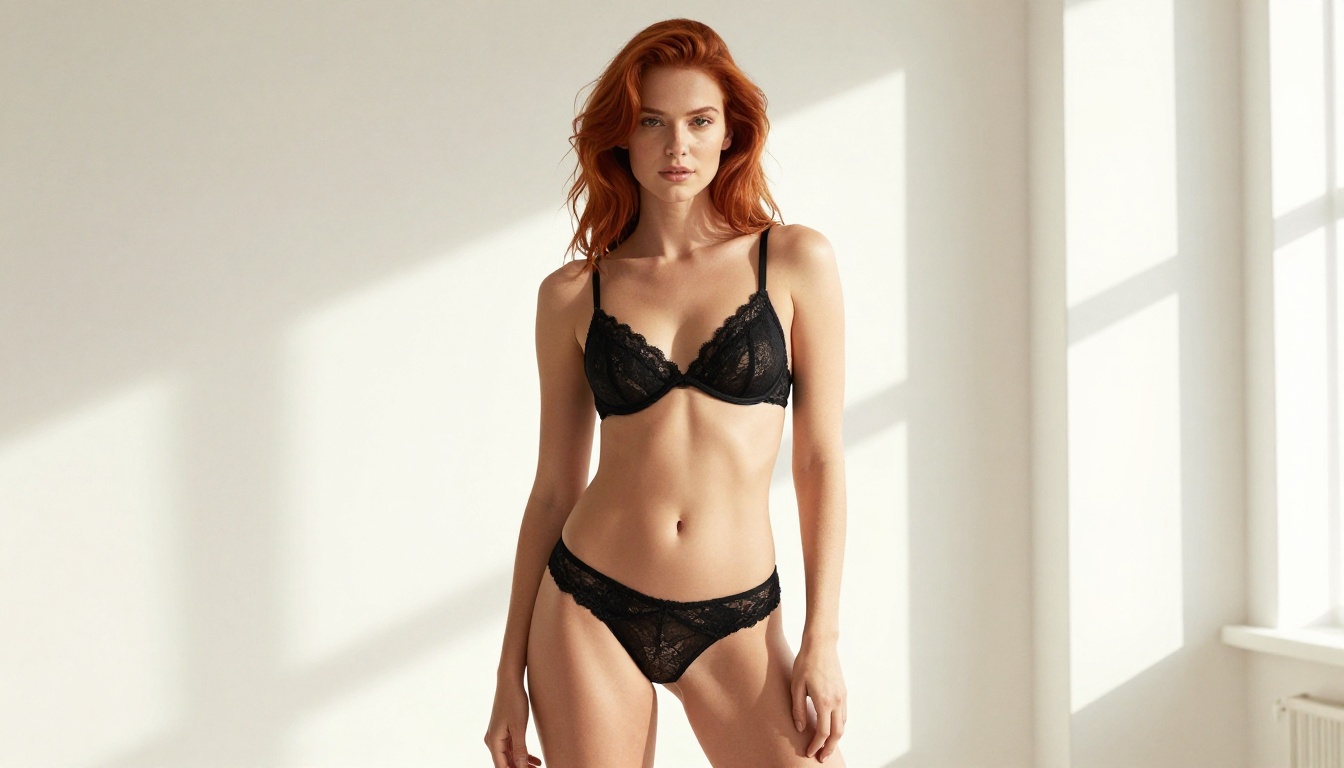
Fashion AI is one of the highest-volume applications. Designers and photographers use Seedream 4.5 and Recraft V4 to prototype editorial shots, campaign imagery, and product mockups at speed. A swimwear brand can generate 50 editorial-quality looks in an afternoon rather than spending significant budget on a location shoot. The AI outputs serve as reference for real shoots or as final assets for digital campaigns, both at professional quality.
Artistic Portrait Work
Portrait artists use unrestricted AI character generators as reference-image tools. Instead of hiring models for every lighting concept, they use Qwen Image 2 or P-Image to visualize lighting setups, color palettes, and pose compositions before committing to a real shoot. The fast turnaround means you can iterate on creative direction in real time during client discussions, then finalize the concept before booking talent or locations.
Multi-Character and Scene Work
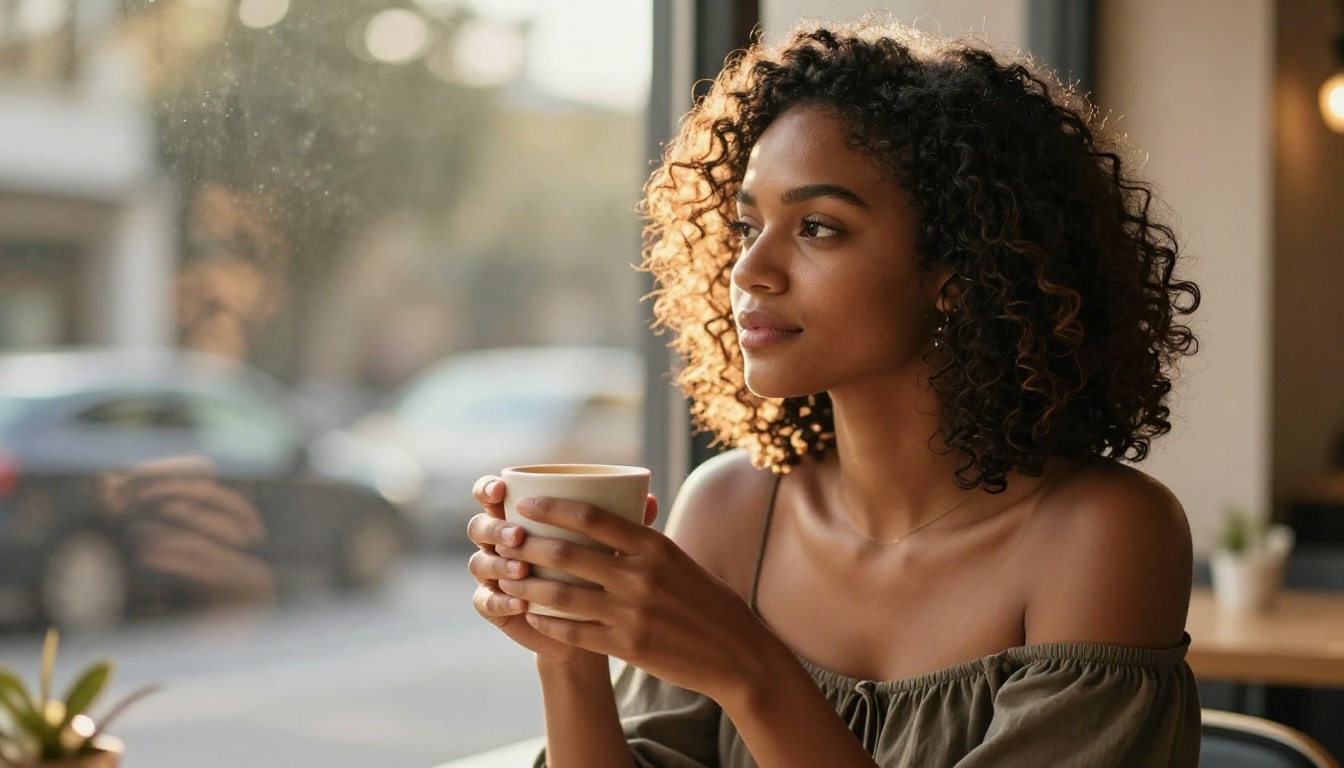
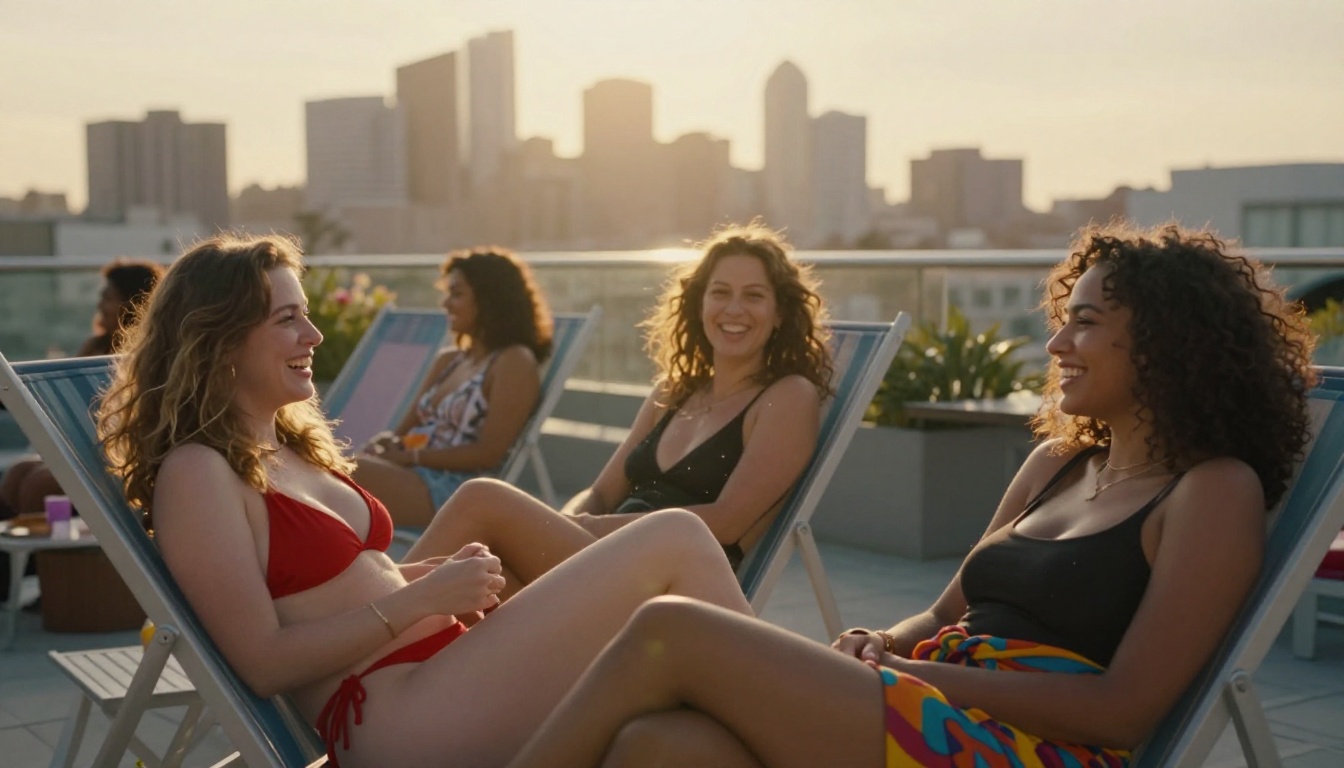
Beyond solo portraits, creators build character art in fuller contexts: rooftop gatherings, poolside scenes, travel editorial. Grok Imagine Image and Wan 2.2 Image handle multi-figure compositions and environment integration well, producing images where light reads consistently across all elements in the frame. For content creators who need variety across a catalog of images, this consistency matters.
Generate Without Restrictions
Seedream 5.0 Pro is a technically impressive model with genuine advances in photorealistic AI image generation and character art quality. But for creative work that requires output the model will not produce due to content filtering, the practical answer is to use a platform that does not apply those restrictions.
Seedream 4.5 on PicassoIA is the fastest, most capable option for unrestricted character art in 2027. It delivers under-3-second generation, accepts the full range of mature and adult character art prompts, and includes image editing so you can refine outputs without full regeneration. PicassoIA Image Editor Pro is the right choice for high-volume production where unlimited outputs matter more than per-generation cost. And for video, audio, and additional text-to-image options, the full model catalog is at picassoia.com/en/all-models.
Pick a model, write a specific prompt, and generate something worth keeping.


