Seedream 5 Lite ships with one of the most aggressive NSFW filters in AI image generation. This breakdown details exactly what it blocks, how it works at the technical level, what passes and what fails in real creative use, and which models on PicassoIA give you the freedom you actually need.
If you've spent any time prompting Seedream 5 Lite and hitting constant refusals, you already know the answer is "very strict." But knowing that doesn't help you plan your workflow, understand what the filter actually targets, or figure out where to go when you need more creative range. This article gives you the full picture: what Seedream 5 Lite's NSFW filter actually blocks, how it compares to other models in the same family, what passes and what doesn't, and which alternatives on PicassoIA are built for the work that Lite's moderation walls off.
What Seedream 5 Lite Actually Blocks
Seedream 5 Lite deploys one of the most conservative content moderation systems in its model class. The filter isn't a single check. It runs on two separate layers that independently evaluate both your input and the generated output, catching problematic content at multiple points in the pipeline.
The Core Targets
The moderation system is specifically tuned to block:
Explicit sexual content of any kind, including nudity, implied nudity, and poses described with direct adult terminology
Graphic violence, including gore, bodily harm, and trauma-related visual descriptions
Hate speech triggers, particularly prompts combining demographic descriptors with degrading language
Any sexualized content involving minors, which is treated with zero tolerance and results in immediate termination of the request
That last category is universal across responsible AI deployment and non-negotiable. The problem for creative professionals isn't that these categories exist. It's that the filter's calibration is broad enough to catch a wide range of legitimate creative work as collateral.
False Positives That Frustrate Creators
The false positive rate on Seedream 5 Lite is genuinely high. Fashion photography descriptions, classical artistic references, editorial portrait prompts, and even academic anatomical descriptions can trigger a refusal.
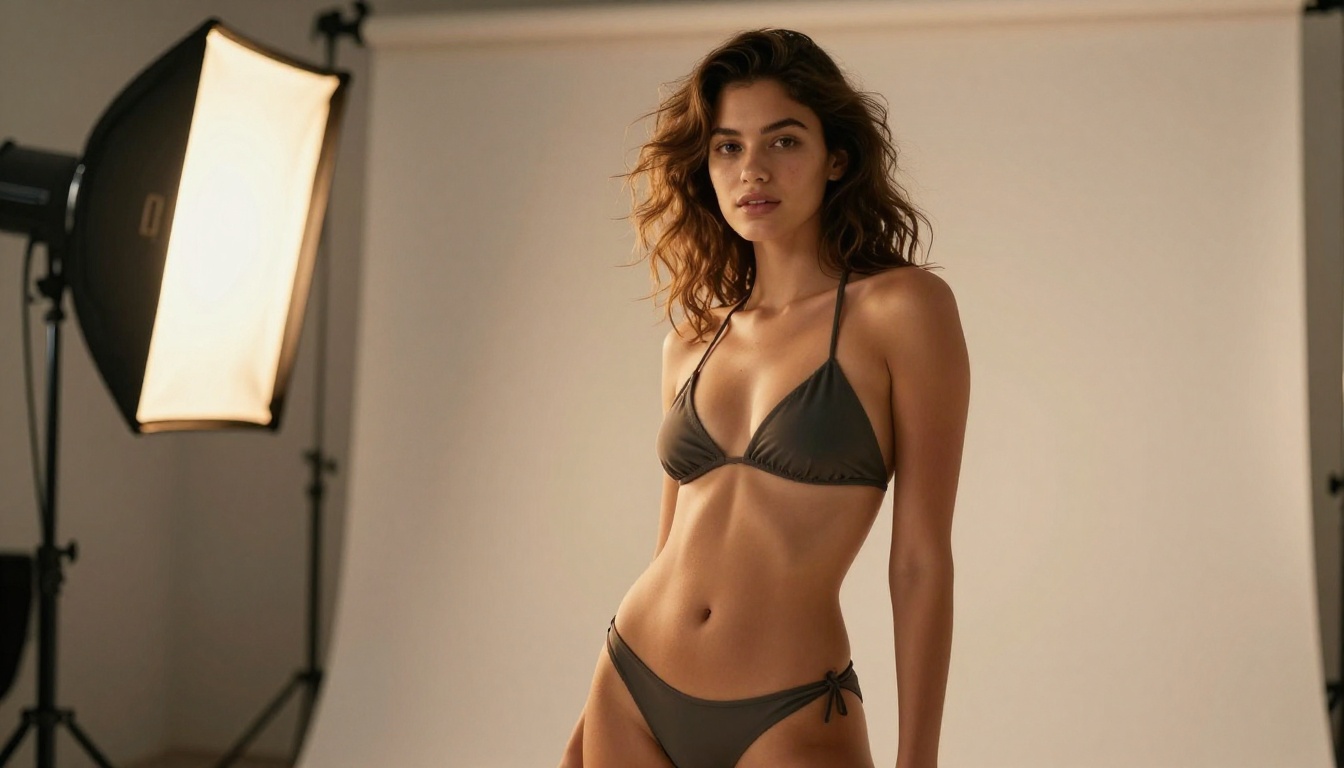
Prompts describing bikini photography, life-drawing references, renaissance figurative art with nude subjects, or boudoir editorial work frequently fail, not because they're requesting anything harmful, but because the model's classifier reads certain terms as categorical flags regardless of the surrounding context.
💡 Worth knowing: Terms like "bare," "revealing," "sensual," "intimate," and "exposed" often function as compound triggers. Each word individually might pass. Together in a single prompt, they stack into a flag even when the creative intent is clearly editorial or artistic.
This is the practical ceiling for Seedream 5 Lite. The model produces excellent photorealistic imagery in the right conditions, but the guard rail is positioned so far into conservative territory that professional creative work regularly runs into it.
How the Filter Works
Knowing how the moderation system actually operates helps you set realistic expectations and decide whether this model is suited to your workflow, rather than wasting time fighting a system that's working exactly as intended.
Prompt-Level Scanning
The first filter layer runs on your text input before any image generation begins. A text classifier trained on flagged content categories evaluates your prompt and assigns it a score. If that score exceeds the policy threshold, the request is rejected at the API level before any compute resources are used on generation.
This makes the first layer fast and cheap to run. The downside is that classifiers trained on categorical signals tend to generalize poorly. Words carry their weight in isolation rather than in context. "Bare skin in natural sunlight" reads identically to a less benign construction of the same terms. The model doesn't infer intent from surrounding description.
Output-Level Review
Even when a prompt clears the first layer, there's a second review that evaluates the generated image before returning it to the user. This uses a vision classifier to inspect the actual output for policy violations.
The output layer catches cases where creative prompt engineering produces results that clear the text filter but arrive at the same destination visually. It's more contextually accurate than the text layer, but it introduces additional latency on borderline generations and can reject outputs that would have been approved under a more generous policy.
The combination of text and vision filtering makes Seedream 5 Lite one of the most conservative models in production use. For general commercial applications at scale, that's a meaningful advantage. For creative professionals who need expressive range, it's a structural limitation.
Seedream 5 Lite vs Seedream 5 Pro
Not all Seedream 5 variants operate under the same moderation thresholds. Seedream 5 Pro applies different calibration, and the differences have practical implications for creative work.
Where the Two Diverge
Feature
Seedream 5 Lite
Seedream 5 Pro
Text filter sensitivity
Very high
Moderate
Output review layers
Dual-layer
Single-layer
Artistic nudity support
Blocked
Limited support
Fashion and glamour
Often blocked
Mostly passes
Generation speed
Faster
Slower
Recommended for NSFW
No
Limited
The Lite version prioritizes speed and broad deployment safety. To run at high volume across diverse user bases, the moderation has to be calibrated conservatively, because the cost of a false negative in mass deployment is significantly higher than the cost of a false positive. Creators bear that asymmetry.
Seedream 5 Pro uses more nuanced moderation calibration suited to professional use cases where context carries more interpretive weight. Artistic framing, editorial context, and compositional specifics do more work in the Pro tier than they do in Lite.
Is Pro Worth It for NSFW?
For NSFW-primary creative work, no. Seedream 5 Pro is better than Lite for moderate adult-adjacent content, but it still blocks the majority of explicit and near-explicit prompts. Spending more on a Pro tier that still walls off most of your target output doesn't make sense when models specifically suited to this work are available at comparable cost points.
The better approach is to use the right model for the use case rather than pushing a restricted model past its design intent.
Real Tests: What Passes, What Fails
Here's a practical breakdown of prompt types that creative professionals actually use and how Seedream 5 Lite handles them.
Phrases That Trigger It
The following prompt elements consistently result in rejection on Seedream 5 Lite, even when embedded in clearly artistic or commercial framing:
"Nude" or "naked" in any context
"Seductive" or "seductively posed"
"Revealing outfit" combined with any body-area descriptor
"Intimate moment" between subjects
"Undressing" or any clothing-removal action description
"Adult content" as a modifier, even when paired with artistic intent language
Explicit body part references combined with "exposed," "bare," or "uncovered"
The filter reads these as absolute categorical signals rather than elements in a larger creative description. Adding "editorial," "artistic," or "tasteful" to the prompt does not offset them.
Artistic Content Results
Passes consistently:
Standard fashion photography with clothed subjects in commercial settings
Swimwear and beachwear in recreational outdoor contexts
Fitness and athletic content in standard sportswear
Beauty and portrait photography without suggestive staging
Passes inconsistently (results vary by prompt structure):
Bikini photography with specific composition and framing language
Lingerie described in strictly commercial or editorial terms
Body-positive imagery with careful framing
Rarely or never passes:
Topless subjects even with fine art framing
Classical figurative art with nude subjects
Any prompt describing a "sensual" or "erotic" visual result
Boudoir photography with any body-revealing description
💡 Bottom line: Seedream 5 Lite handles PG-13 commercial work well. For anything beyond that, the model becomes an obstacle rather than a tool.
The Best Alternatives on PicassoIA
If your creative work includes adult-themed, suggestive, glamour, or artistically explicit content, the answer isn't to rewrite your prompts to fight Seedream 5 Lite's filter. It's to use models built for the creative territory you're working in. PicassoIA offers several.
Seedream 4.5 for Adult Content
Seedream 4.5 is the top recommendation for NSFW and adult-adjacent creative work on PicassoIA. It's the same model family as Seedream 5 Lite but with substantially more relaxed content moderation. The difference in day-to-day use is significant.
No aggressive prompt-level blocking for artistic, glamour, or adult content
Full support for editorial, boudoir, and tasteful NSFW photography without constant refusals
Context-aware generation where artistic framing actually matters
Strong output quality that holds up under detailed compositional prompts
Fast generation without the additional latency from dual-layer output review
For anyone regularly producing fashion, boudoir, artistic nude, glamour, or adult content work, Seedream 4.5 is the clear first choice on this platform. It reads creative intent without penalizing you for describing subjects the way any photographer or art director would.
PicassoIA Image Editor Pro
The PicassoIA Image Editor Pro is the second major component in a professional NSFW workflow on PicassoIA. It offers unlimited generations with no per-run caps, which matters when you're doing the kind of iterative refinement that creative work actually requires.
Key advantages for professional use:
Unlimited generations per session with no throttling
Inpainting for surgical fixes to specific areas of a generated image
Outpainting to extend compositions beyond their original framing
Style and detail adjustments without re-prompting from scratch
Works directly alongside Seedream 4.5 outputs in the same pipeline
The combination of Seedream 4.5 for generation and Image Editor Pro for refinement is significantly more efficient than re-prompting a filtered model repeatedly hoping to clear moderation on each attempt.
Other Strong Models
Several other models on PicassoIA work well for creative work in this range:
Flux Krea Dev: Strong photorealistic output with less aggressive moderation than Seedream 5 Lite. Good for portrait and editorial work.
Flux Redux Dev: Best for generating style-consistent variations from a reference image, ideal when you have an approved base and need iterations.
Seedream 5 Pro: Better for moderate adult-adjacent content than Lite, but still not optimized for full NSFW creative work.
The complete catalog is at picassoia.com/en/all-models, with 91 text-to-image models and clear category labels for finding the right tool.
How to Use Seedream 4.5 on PicassoIA
Since Seedream 4.5 is the recommended model for creative work that Seedream 5 Lite blocks, here's how to use it effectively on PicassoIA.
Access the Model
Go directly to the Seedream 4.5 model page. The generation interface loads with a prompt field, parameter sliders, and aspect ratio controls. No account setup is required to generate. Saving outputs to your library requires a free account.
Write Effective Prompts
Seedream 4.5 responds well to structured, descriptive prompts that specify the subject, setting, lighting, and camera characteristics. Use this format:
Confident young woman in a stylish bikini, photographed at golden hour on a white sand beach, warm sunset light from the right creating natural skin glow, 85mm f/1.8 portrait lens with ocean bokeh, editorial fashion photography, photorealistic 8K RAW
This structure gives the model clear intent, technical context, and stylistic direction. It produces consistent results without requiring multiple retries.
Set Parameters for Best Results
Parameter
Recommended Setting
Purpose
Guidance Scale
7.0 to 8.5
Keeps output close to prompt without oversaturation
Steps
30 to 40
Sufficient detail without unnecessary compute
Seed
Fixed value
Reproducible results across iterations
Aspect Ratio
16:9 or 9:16
Match your intended output format
Refine with Image Editor Pro
Once you have a generation worth developing, bring it into PicassoIA Image Editor Pro for refinement. Inpainting fixes specific areas, outpainting extends the frame, and super resolution upscales final outputs to print-ready resolution.
Flux Schnell LoRA is worth keeping in your toolkit for fast early-stage iteration when you're building out a concept and don't need final-quality outputs yet.
A Complete NSFW Prompt Workflow
For a repeatable creative pipeline, follow this sequence:
Draft your prompt in the structured format above, using Seedream 4.5 as your primary model
Generate three to five variations by changing the seed while keeping everything else fixed
Pick the strongest base, then open it in Image Editor Pro
Inpaint problem areas (hands, faces, clothing details) directly on the canvas
Upscale with super resolution before final export for print or commercial use
This workflow removes the constant interruption loop that happens when you're working with a filtered model and produces higher-quality final outputs in fewer total iterations.
Start Creating Without Walls
Seedream 5 Lite's NSFW filter is strict by design. It's built for broad deployment where false negatives carry real risk, and the conservative calibration reflects that. If you're a creative professional whose work regularly involves adult-adjacent or explicit content, the filter isn't a bug. It's a fundamental incompatibility between the model's deployment context and your creative needs.
The practical solution is straightforward: use Seedream 4.5 for NSFW and adult content, bring PicassoIA Image Editor Pro in for iteration and refinement, and use Flux Krea Dev or Flux Redux Dev when your specific output calls for them.
The full model catalog at picassoia.com/en/all-models gives you 91 text-to-image options with clear category structure. PicassoIA also supports 87 text-to-video models, face swap, super resolution, AI music generation, and voice synthesis, so whatever your creative direction, the tools are there.
Open Seedream 4.5 on PicassoIA, write your prompt without second-guessing every word, and see what happens when the model actually works with you instead of against you.