Seedream 5 Pro for Amazon and Shopify Listings: AI Product Images That Actually Sell
Stop paying for expensive product photoshoots. Seedream 5 Pro generates 2K photorealistic product images for Amazon and Shopify listings in seconds, with clean white backgrounds, lifestyle shots, and studio-quality photos at a fraction of traditional photography costs.
Product images decide your sale before your customer reads a single word of your listing. On Amazon, 7 out of 10 shoppers say product photos are the most influential factor in their purchase decision. On Shopify, stores with professional-quality photography consistently show 30-40% higher conversion rates than those relying on phone snapshots. The problem is that a professional product photoshoot costs anywhere from $500 to $5,000 per session, and most sellers cannot sustain that budget across a growing catalog. That's where Seedream 5 Pro changes the math entirely.
Released by ByteDance's AI research team, Seedream 5 Pro produces 2K resolution images with the textural fidelity and compositional precision that product photography requires. This is not a generic AI image generator. It's a model built for the specific needs of sellers who require images that pass Amazon's strict quality guidelines and convert browsers into buyers on Shopify.
Why Product Images Make or Break Your Sales
The average online shopper spends less than 3 seconds on a product page before deciding to stay or leave. In those three seconds, they see the image before they read your price, your title, or your bullet points. A blurry, low-resolution, or poorly lit image signals poor product quality, regardless of how good the actual item is. The visual judgment is immediate and it's brutal.
Amazon's Image Requirements at a Glance
Amazon enforces some of the strictest product image standards in e-commerce. Violating them means your listing gets suppressed, which effectively removes you from search results. The core requirements:
Main Image: Pure white background (RGB 255, 255, 255), product filling 85% of frame, no text, logos, or watermarks
Minimum Resolution: 1,000 x 1,000 pixels to activate zoom (1,600+ pixels strongly recommended)
File Formats: JPEG, PNG, GIF, or TIFF only
Prohibited Elements: Lifestyle settings in the main slot, colored backgrounds, props implying scale, multi-pack imagery in a single-unit listing
💡 Seller Tip: Amazon's zoom feature activates at 1,000px minimum, but zoom quality degrades noticeably below 1,600px. At Seedream 5 Pro's native 2K output (2,048px), zoomed images reveal stitching, label text, and surface texture with full clarity — exactly the detail that builds buyer confidence before purchase.
Shopify Listings and the Visual Trust Factor
Shopify gives you considerably more creative latitude than Amazon, but that freedom introduces its own challenge: you need to tell a visual story, not just show a product. Shoppers on Shopify are buying into a brand, an aesthetic, a feeling. The image needs to place the product in their life, not in a sterile studio.
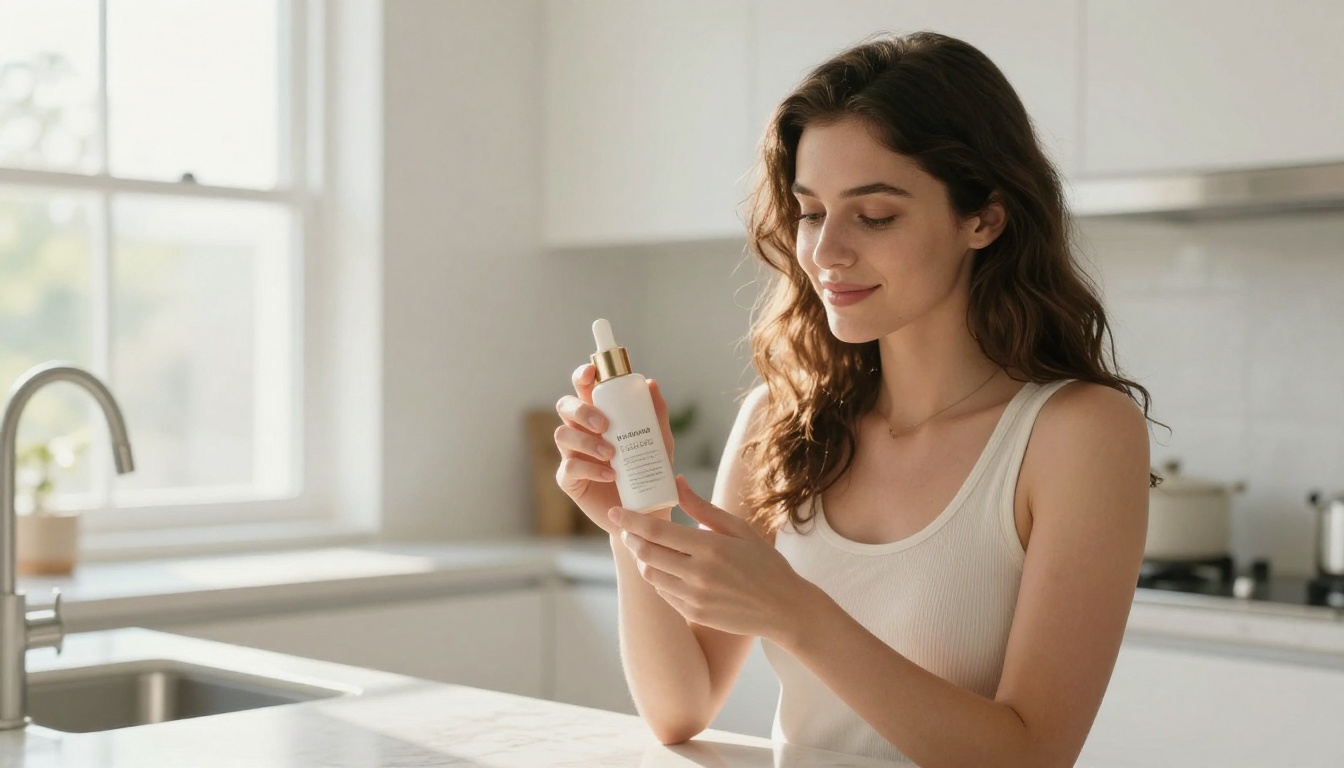
This is where AI-generated lifestyle photography earns its worth. A scented candle on a bedside table with warm morning light. A supplement bottle beside gym equipment, mid-workout. A skincare serum on a marble bathroom countertop. These scenarios used to require full production crews. Now they require a well-crafted prompt.
What Seedream 5 Pro Actually Does
Seedream 5 Pro is a text-to-image model trained on an extensively curated dataset with a strong emphasis on photorealistic output, precise text rendering, and high-fidelity spatial composition. What distinguishes it from general-purpose AI image generators is its handling of fine-grained detail at high resolutions — a capability that product photography demands more than any other use case.
The 2K Resolution Difference
Most AI image models generate at 512x512 or 1024x1024 pixels. At those sizes, results are adequate for social media, but for product listings, compression artifacts and texture loss become visible when shoppers use Amazon's zoom feature. Seedream 5 Pro outputs at 2K natively:
Resolution
Zoom Quality
Label Clarity
Surface Texture
512px (entry-level AI)
Poor
Blurry
Lost
1,024px (mid-range)
Fair
Readable
Partial
2,048px (Seedream 5 Pro)
Excellent
Sharp
Fully preserved
That extra resolution is not just about file size. It preserves the micro-details that signal product quality to buyers: the weave of a fabric, the grain of leather, the brushed finish of a kitchen appliance, the embossed text on a premium label.
Prompt Accuracy That Matters
Earlier versions like Seedream 3 and Seedream 4 were strong performers for their era, but they occasionally struggled with precise spatial placement — a bottle floating slightly above its surface, a background drifting from white toward cream. Seedream 5 Pro corrects these issues with an improved instruction-following architecture that translates your prompt into exactly the output you need.
For sellers running batch image production across many SKUs, this accuracy is not a convenience. It's the difference between viable AI automation and manual correction overhead that erases your time savings.
How to Use Seedream 5 Pro on PicassoIA
PicassoIA hosts Seedream 5 Pro with no API setup, no local installation, and no technical overhead. Open the model in your browser, write a prompt, and receive 2K product images in seconds.
Step 2: Write a product-specific prompt. The structure that works best for product photography:
[Product description] on [surface type] with [background], [lighting type], [camera angle], photorealistic, 8K, sharp details
Step 3: Select your aspect ratio. For Amazon main images, 1:1 is the standard. For Shopify hero banners, 16:9 gives strong visual presence. For secondary listing images, 4:3 adds variety to your gallery.
Step 4: Generate, evaluate, and download at maximum resolution. Check label legibility, background purity, and shadow consistency before uploading to your listing.
White Background Images for Amazon
The Amazon main image slot requires pure white, no props, product centered and filling the frame. This prompt structure consistently delivers compliant results with Seedream 5 Pro:
💡 Prompt Formula: [Product name, color, material, size] on a pure white background, centered composition, overhead studio softbox lighting, soft even illumination, no harsh shadows, sharp product detail, commercial product photography, Amazon main image standard, photorealistic 8K
For products with reflective surfaces — glass bottles, polished electronics, metallic packaging — add: subtle mirror reflection on surface below product, controlled studio lighting to eliminate glare, neutral white balance
Lifestyle Photos for Shopify
Shopify lifestyle images are where Seedream 5 Pro proves its versatility. Here are scene formulas across common product categories:
Beauty and Skincare: [Product] on a marble bathroom shelf, morning light from frosted glass window, fresh eucalyptus and ceramic soap dish nearby, spa atmosphere, luxury lifestyle photography
Home Goods and Candles: [Product] on a linen-draped side table, Scandinavian bedroom interior, warm afternoon window light casting gentle shadows
Fitness and Supplements: [Product] beside a yoga mat and water bottle on a wooden gym floor, natural light, clean athletic setting
Electronics and Accessories: [Product] on a minimalist light oak desk beside an open laptop, soft ambient office lighting, professional home office
5 Image Types Every Seller Needs
Amazon allows up to 9 images per listing. Shopify supports as many as your theme handles. Most sellers waste this real estate with near-identical angles. A high-converting listing uses every slot with intention.
Main Listing Images
Your main image must hit Amazon's white background standard or be your cleanest hero shot for Shopify. This image carries the majority of click-through weight. Prioritize product clarity, accurate color representation, and sharp label detail above everything else.
Infographic Style Shots
Infographic images overlay feature callouts directly on the product photo. Seedream 5 Pro renders clean base product images that pair well with design overlays added in tools like Canva. When you need text rendered inside the generated image itself, Recraft v4.1 is a strong complement — it specializes in precise text rendering within imagery for dimension annotations and benefit labels. Ideogram v4 Quality handles text-in-image with exceptional accuracy as well, making it ideal for infographic-style compositions where readable type is part of the output.
Close-Up Detail Images
Buyers want granular reassurance before purchasing. A close-up of stitching, a connector port, label text, or a surface finish tells shoppers more about quality than a full-product shot ever could. Use 1:1 ratio and macro-style prompts:
Extreme close-up macro shot of [specific product detail], sharp focus throughout, studio lighting, no harsh shadows, photorealistic, 8K
Lifestyle Context Shots
These images answer the buyer's internal question: "What would this look like in my life?" Use cinematic aspect ratios, natural prop settings, and include a person when your product benefits from human context. Lifestyle shots consistently rank as the second most important image slot after the main listing image in click-through impact.
Comparison and Scale Images
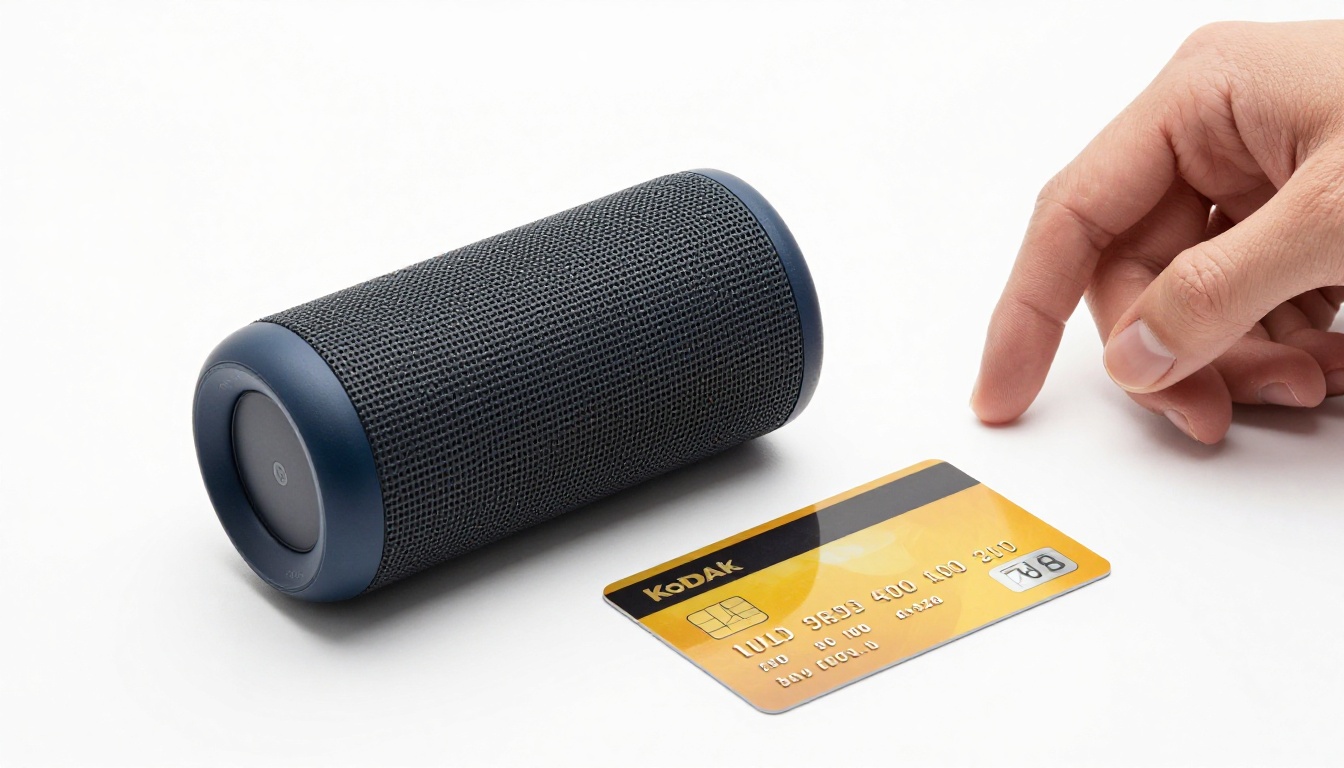
Scale confusion drives Amazon returns. A product that looks large in the listing but arrives small creates the exact mismatch that earns 1-star reviews. Show your product next to a recognizable everyday object — a credit card, a coin, a human hand — to set accurate expectations before purchase.
Seedream 5 Pro vs Other AI Models for Product Photography
Not every AI model handles product photography with the same reliability. Here's how Seedream 5 Pro positions against other models available on PicassoIA:
For core Amazon and Shopify listing photography, Seedream 5 Pro is the most consistent performer at 2K resolution, particularly for the precise background control and spatial accuracy that listing standards demand.
When you need to edit an existing product photo — swapping backgrounds, changing surfaces, or repositioning elements — Flux Kontext Pro is the better choice. It accepts an image as input and rewrites specific elements based on your text prompt, making it ideal for catalog refresh work without full regeneration.
Common Mistakes to Avoid
Even with a model as capable as Seedream 5 Pro, sellers consistently repeat the same errors that produce unusable or policy-violating images.
Prompts That Get Flagged
Describing what you want to avoid as the main focus: Writing "white background with no shadows or reflections" gives the model three competing ideas to process simultaneously. Write what you want: "pure white background, even studio lighting, soft shadow directly below product only."
Using artistic modifiers that conflict with photorealism: Adding "cinematic," "dramatic," or "moody" to product photography prompts steers output toward editorial aesthetics that may fail Amazon's clean-background requirements. Reserve those modifiers for Shopify lifestyle imagery only.
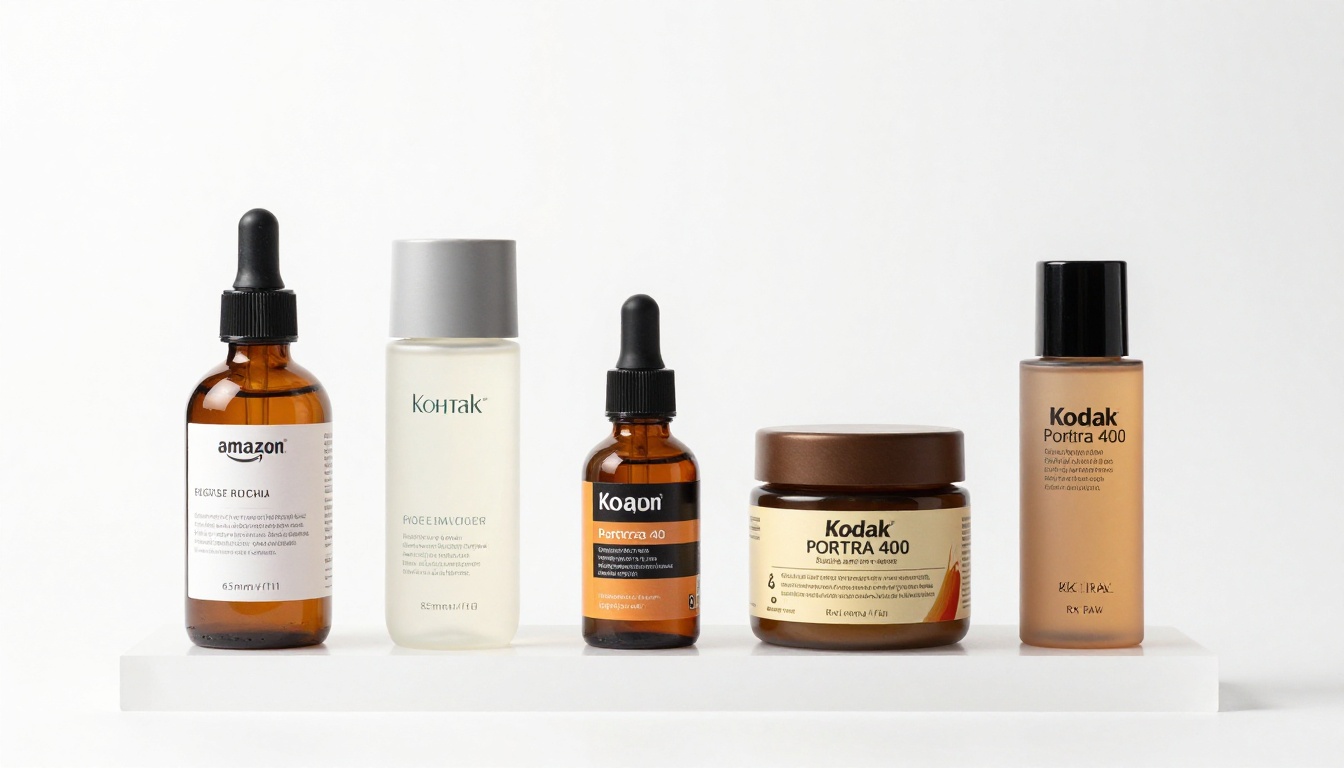
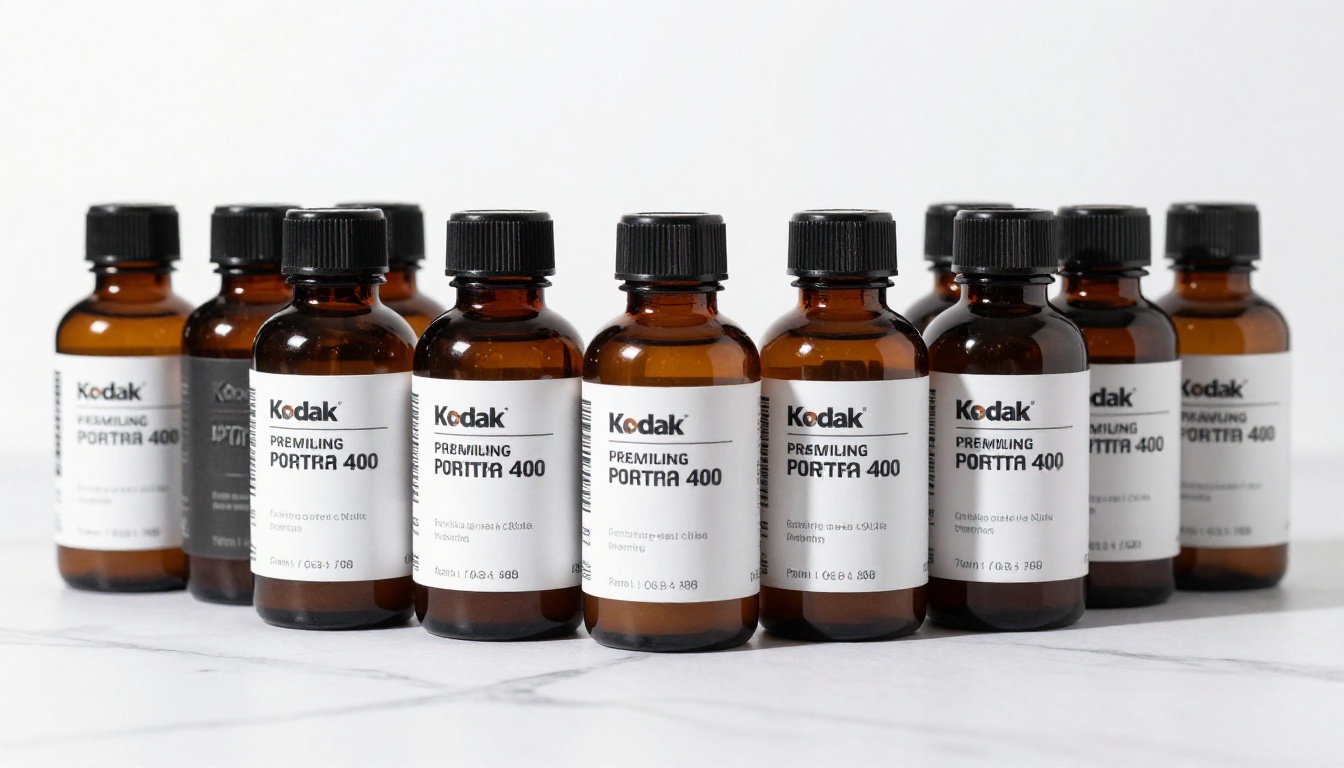
Omitting product specifics: "A bottle on white" produces something generic. "A 100ml amber glass dropper bottle with a matte cream label and brushed silver cap, centered on pure white" produces something that resembles your actual product.
Mixing too many scene elements: Listing five props, three lighting conditions, and two angles in a single prompt dilutes the model's attention. One scene, one hero product, one lighting condition. Iterate from there.
Resolution Pitfalls
Always download at the maximum available resolution and verify pixel dimensions before uploading to your listing. Amazon's zoom functionality requires 1,000px on the shortest side as a minimum, but for acceptable zoom quality at the scale Amazon customers expect, 1,600px is the practical floor. Seedream 5 Pro's 2,048px native output meets this requirement with room to spare.
💡 Quick Verification: Open your downloaded image in any photo viewer and zoom to 100% on the product label. If the text looks soft or smears at full size, it will look worse under Amazon customer zoom. Regenerate before uploading.
The Real Cost Comparison
Traditional product photography represents a significant recurring expense that scales poorly as your catalog grows. Here's what the numbers look like:
Expense
Traditional Photography
AI with Seedream 5 Pro
Photographer (per day)
$1,200 - $2,500
$0
Studio Rental
$300 - $600
$0
Set Dressing and Props
$200 - $500
$0
Retouching (per image)
$50 - $150
$0
Images Per Session
10 - 15
Unlimited
Cost Per Image
$120 - $360
A fraction of a cent
The math compounds with catalog scale. A store with 50 products needs 50 main images, 50 lifestyle shots, and 50 detail close-ups — 150 images total. At traditional photography rates, that's an $18,000 to $54,000 investment. With Seedream 5 Pro, you generate the same volume in hours.
More importantly, iteration is now free. Instead of committing $2,000 to a shoot and living with whatever comes out, you can test five different backgrounds, three lighting styles, and two angles in an afternoon — and run real A/B tests on your listings to see what actually converts.
Start Generating Your Product Images Now
The sellers building AI-powered visual production pipelines today are compounding a cost advantage that compounds with every new product added to their catalog. Every new launch runs faster. Every listing refresh costs less. Every image test becomes something you can run without a studio booking or a photographer's invoice.
Seedream 5 Pro is available on PicassoIA right now, no waitlist, no API credentials, no minimum commitment. Open the model, write your first prompt, and generate a 2K product image in under a minute.
The full catalog at picassoia.com/en/all-models gives you over 91 text-to-image models alongside background removal, super resolution upscaling, and image editing tools — everything your e-commerce visual workflow needs. Seedream 4.5 is there when you want to push resolution even further for premium print assets. Flux Kontext Pro handles edits on existing shots. Recraft v4.1 takes care of your vector infographics and text-heavy product visuals.
Your competitor is already using AI image generation. The only question is whether you're going to catch up, or pull ahead.