Two Seedream 5.0 models, two very different invoices. Seedream 5.0 Pro bills $0.045 or $0.09 per image depending on output size, while Seedream 5.0 Lite sits at roughly $0.035 per image at the official rate. On a single render that gap looks like pocket change. Multiply it by a few thousand product shots and it decides whether a project stays inside budget.
This breakdown puts both models side by side: what each API charges, what the extra money buys, and where you can run them for free, including Seedream 5 Pro and Seedream 5 Lite on PicassoIA.
💡 Price check date: the rates below come from API hosts and comparison sites between April and August 2026. Providers adjust prices often, so confirm the current sheet before you lock a budget.
The Short Answer
If you only have thirty seconds: Pro is the precision tool and Lite is the volume tool. Pro costs more per image, takes longer on average, and rewards you with sharper handling of long prompts, dense layouts, and reference-heavy edits. Lite costs about half as much and finishes faster, which makes it the better engine for drafts, variations, and anything you will render in bulk.
Pick Pro When Quality Decides
Seedream 5.0 Pro reads prompts up to 4,000 characters, although BytePlus recommends staying under 600 English words for the best results. It accepts up to 10 reference images and blends faces, objects, or styles from each one into a single result. One comparison site also reports text rendering in 14 languages and solid handling of dense layouts, which is where cheaper models usually fall apart.
Use it for:
- Packaging and poster mockups where the copy has to be readable
- Brand portraits that need the same face across a whole set
- Hero images for landing pages and print, where one flaw costs more than a few cents
Pick Lite When Volume Decides
Comparison sites describe Seedream 5.0 Lite as the fast tier at about half the price. On PicassoIA it outputs 2K or 3K images, takes 1 to 14 reference photos, and can generate up to 15 related images in one session with sequential generation. That makes it a natural fit for:
- Social media batches in matching aspect ratios
- Concept drafts you plan to throw away
- Product variations across colors, backgrounds, and angles
Here is the quick view before we get into the details:
| Seedream 5.0 Pro | Seedream 5.0 Lite |
|---|
| Price per image | $0.045 (at or below 2.36M pixels), $0.09 (above) | About $0.035 |
| Sizes on PicassoIA | 1K, 2K | 2K, 3K |
| Reference images | Up to 10 | Up to 14 |
| Typical speed | 26 to 80 seconds | 23 to 39 seconds |
| Best for | Text, layouts, precise edits | Drafts, variations, volume |
Pro vs Lite Side by Side
Think of it like a full frame body next to a compact one. Both take excellent photos. One gives you more control when conditions are hard, the other is quicker and cheaper to carry around every day.
Resolution and Output Sizes
PicassoIA exposes a different size menu for each model. Pro offers 1K (about 2 megapixels) and 2K (about 4 megapixels). Lite offers 2K (2048 px) and 3K (3072 px). Some API hosts advertise a 4K tier for Lite, so check what your provider actually exposes before you plan a print job around it.
Both models share nine aspect ratios, including 16:9, 9:16, 1:1, and 21:9, plus an automatic "match input image" option. Both export PNG or JPEG.
💡 Pixels versus control: Lite's 3K option gives you more raw pixels than Pro's 2K. Pro gives you more control over what ends up inside those pixels. Pick based on whether your bottleneck is print size or prompt accuracy.
Reference Images and Prompts
Lite takes 1 to 14 references and Pro takes up to 10, so Lite actually wins on raw reference count. Both models interpret multi-part prompts with built-in reasoning, and Pro adds the long 4,000 character prompt window for scenes where you want to describe lighting, composition, and mood in detail.
If your workflow leans on consistency, count your references first. A character sheet built from 12 reference photos fits Lite and not Pro. A product shot with two references fits either one.
Speed in Practice
Comparison data lists Pro at 26 to 80 seconds per image and Lite at 23 to 39 seconds. PicassoIA's published Lite examples ran between 37 and 71 seconds, with the heaviest 3K comic layout at the top of that range. Seedream 4.5, the older sibling, is the quick one at 9 to 16 seconds.
Speed matters most when you iterate. Ten attempts at 80 seconds each is a long coffee break, and it adds up across a week of client revisions.
What Each API Really Costs

Pro's Two Price Tiers
According to Atlas Cloud's August 2026 breakdown of ByteDance's ModelArk rates, Seedream 5.0 Pro bills $0.045 per image at or below 2.36 million pixels and $0.09 above it. The first reference image is free, and every extra reference adds a flat $0.003.
PicassoIA's own size notes tell you where each setting lands: 1K is about 2 megapixels, which sits under the line, and 2K is about 4 megapixels, which sits over it. Moving from 1K to 2K roughly doubles the price per image.
Reference math: five references at the lower tier cost $0.045 + (4 × $0.003) = $0.057. At the higher tier the same render costs $0.102.
One comparison site lists Pro at $0.0675 per image. That number is simply the midpoint of the two tiers, so treat it as an average and not as a line on a real invoice.
Lite's Flat Rate
Lite lists at $0.035 per image at the official rate, and EvoLink quotes $0.031 per image in its April 2026 pricing breakdown. EvoLink also lists an optional web search add-on for Lite at $0.0069, charged once per request rather than once per image. No separate reference image fee is reported for Lite.
For context, Seedream 4.5 lists at $0.04 per image officially and $0.03 on EvoLink, so Lite is only a few tenths of a cent away from the older model as the budget pick. Seedream 4.5 still earns a look when speed matters: on PicassoIA it outputs 2K or 4K images, takes 1 to 14 reference photos, and can produce up to 15 related images per run.
Official API vs Third Party Hosts
The official route to both models is ByteDance's ModelArk platform on BytePlus. Third party hosts such as Atlas Cloud and EvoLink resell the same models, sometimes at a discount and sometimes with their own billing rules. EvoLink's $0.031 for Lite against the official $0.035 is an 11 percent saving, for example.
Before you pick a host, check four things:
- Tier boundaries. Does the host copy ModelArk's 2.36 million pixel line for Pro, or bill a flat rate?
- Reference image fees. Pro's extra $0.003 per reference is easy to miss on an invoice.
- Rate limits. A low price means little if you are capped at a handful of requests per minute during a batch run.
- Minimum top ups. Some hosts ask for a prepaid balance before the first call.
A Monthly Budget Example
Here is what the three price points look like at different volumes, before any retries:
| Images per month | Pro, lower tier ($0.045) | Pro, upper tier ($0.09) | Lite ($0.035) |
|---|
| 500 | $22.50 | $45.00 | $17.50 |
| 2,000 | $90.00 | $180.00 | $70.00 |
| 10,000 | $450.00 | $900.00 | $350.00 |
💡 The retry rate matters more than the sticker price. Per attempt, Pro at 2K costs about 2.6 times what Lite does ($0.09 against $0.035). But if Lite needs three attempts to produce one usable image and Pro nails it in one, Lite costs $0.105 per keeper and Pro costs $0.09. Those retry counts are a hypothetical, so measure your own on a batch of 20 before you decide.
Free Options That Actually Exist

The API itself is not free. Every host bills per image. What exists are trials, daily credits, and browser tools that let you test without paying.
Free Credits from API Hosts
EvoLink says new accounts receive free credits, enough to test all three Seedream versions before committing budget, with no deposit required. Other hosts run similar trials from time to time. Read the terms: free credits usually expire and sometimes exclude the newest models.
💡 Free is not unlimited. Take a hypothetical $4 trial balance: it buys about 114 Lite images at $0.035 each, or about 44 Pro images at the upper tier of $0.09 each. That is plenty for a 20 image side by side test and not much more, so plan your test prompts before you spend it.
Daily Credits in Dreamina
A comparison site reports that Dreamina and ByteDance's China apps hand out daily credits, while the API and third party hosts charge per image. That is a good way to test prompts, but those credits do not turn into API access, and regional availability varies.
Generating on PicassoIA
PicassoIA lists both Seedream 5 Pro and Seedream 5 Lite as free to try online, with no code and no API setup. For polishing, PicassoIA Image Editor Pro offers unlimited edits with up to three reference images per call, so you can fix a background or change a color without paying for a fresh generation each time.
💡 When the browser beats the API: if you generate a few hundred images by hand each month, a free web tool costs less than any API plan. The API only pays for itself once you automate, schedule, or plug generation into an app.
Which One Fits Your Project
Product Shots and Mockups
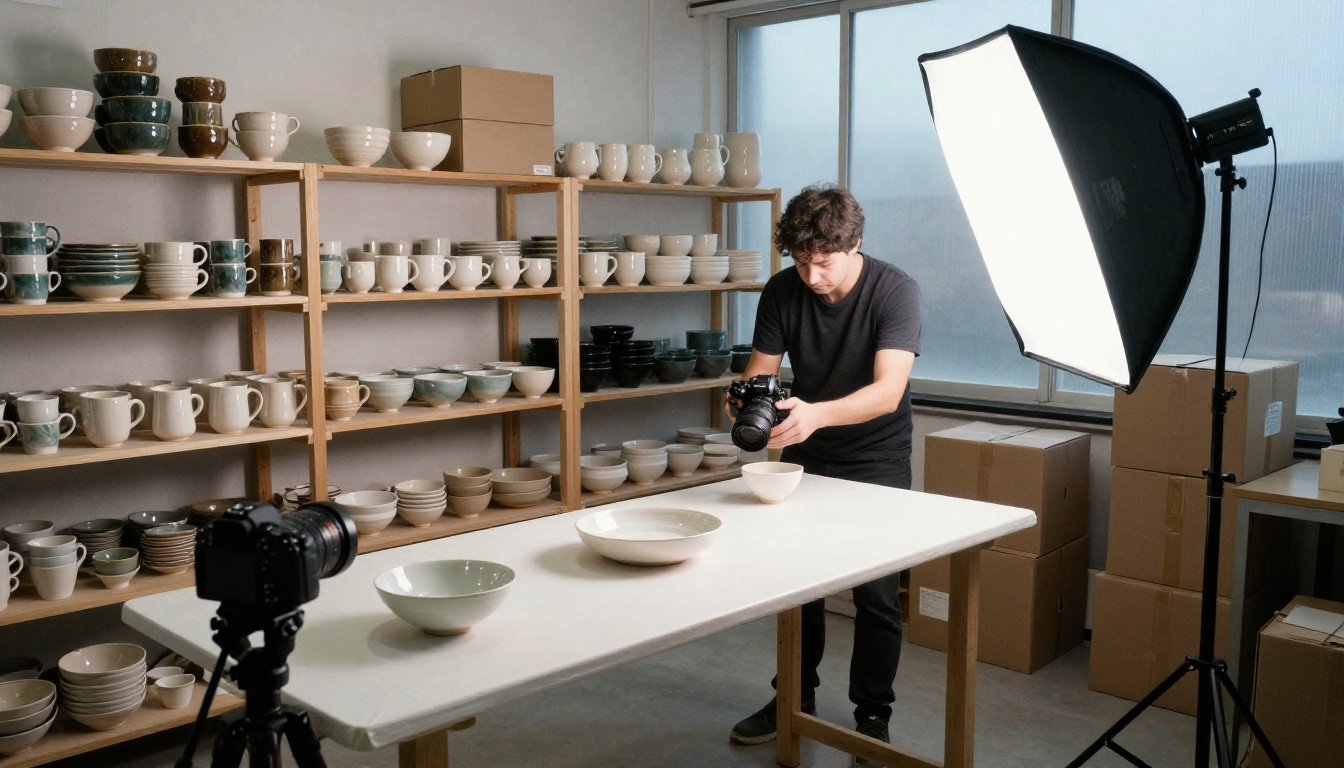
A shop with 300 products and four angles each needs 1,200 images. At Lite's rate that is about $42. Rendering every one on Pro's upper tier would come to $108. The smart split is Lite for drafts and angle tests, then Pro for the hero shot of each product, where text on labels and fine textures need to hold up.
Posters, Packaging, and Text
When the image contains words, spend the extra money. Pro is the model reported to handle multilingual text and dense layouts, so a poster with a headline and four lines of small print belongs there. If the layout is wrong on Lite, you pay for the retry anyway.
Here is a quick pick by job:
| Job | Better pick | Why |
|---|
| Hero product shot | Pro | Fine textures and label text need to hold up |
| 200 social posts in one style | Lite | Lower price, plus up to 15 related images per session |
| Character set from 12 references | Lite | Accepts 14 references, while Pro stops at 10 |
| Poster with a headline and small print | Pro | Reported strength with text and dense layouts |
| Fast idea test | Lite or Seedream 4.5 | Cheapest and fastest options |
Prompt Drafting with a Language Model
Pro rewards long, structured prompts, and writing 300 words of lighting and lens detail by hand gets old fast. A language model can draft them for you. Claude Sonnet 5, Gemini 3.5 Flash, and GPT 5.6 Luna all run on PicassoIA. Give one a short brief, ask for a camera, lens, light direction, and surface texture, and paste the result straight into the prompt box.
How to Use Seedream 5 Pro
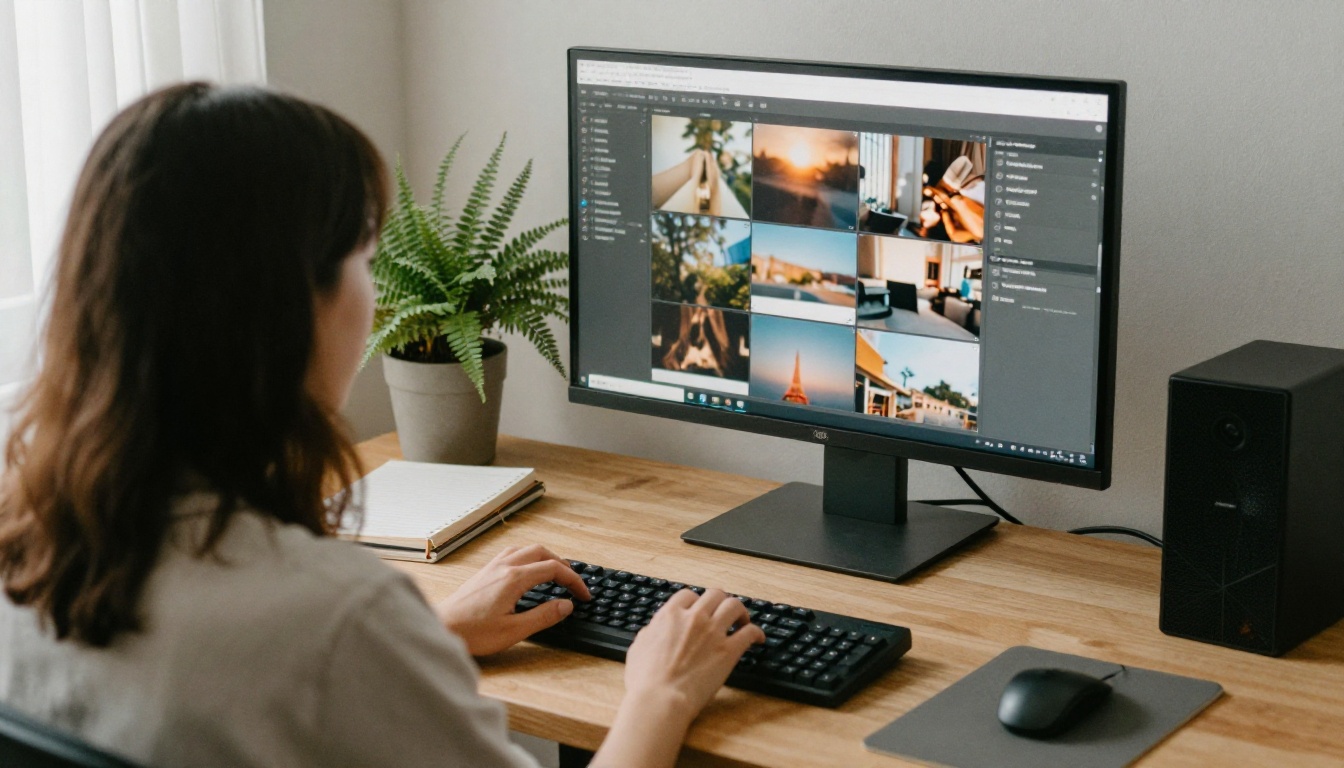
Here is the path from blank page to finished image:
- Open the model page. Go to Seedream 5 Pro on PicassoIA.
- Write the prompt. Stay under 4,000 characters, ideally under 600 words. Describe the subject, the light direction, the lens, and the mood.
- Add references if you have them. Upload up to 10 photos. Address faces, products, or styles you want blended.
- Pick the size. Choose 1K for drafts and 2K for final files.
- Set the aspect ratio and format. Use 16:9 for headers, 9:16 for stories, 1:1 for feeds, or "match input image" when editing. PNG keeps edges clean, JPEG keeps files small.
- Generate and compare. Run the same prompt on Seedream 5 Lite at 2K as a price and quality check.
Two parameter habits save money. First, pick an aspect ratio yourself when you are not uploading a reference, so the framing is predictable and you do not burn a run on a bad crop. Second, when you build a set on Lite, switch sequential generation to auto and set the maximum number of images, because one session can return up to 15 related images instead of 15 separate runs.
💡 Test on Lite first. Dial in composition and wording on the cheaper model, then move the final prompt to Pro. You pay Pro rates once instead of ten times.
3 Mistakes That Waste Credits
- Rendering every draft at the top size. Pro's upper tier costs double the lower one. Draft at 1K, finish at 2K.
- Comparing price per attempt instead of price per keeper. A cheap model that needs four tries is not cheaper than an expensive one that needs one.
- Ignoring the pixel line. A custom 1536 by 1536 square comes to about 2.36 million pixels, right on Pro's billing boundary. Check how your host rounds it before you assume the lower tier.
Run Your Own Test Batch

Spec sheets only go so far. The fastest way to settle Pro versus Lite is to run the same prompt through both and look at the results with your own eyes. Pick one real project, write one detailed prompt, and generate it on Seedream 5 Pro and Seedream 5 Lite side by side. Try Seedream 4.5 too if speed matters more than anything else.
Then count the retries, note which model nailed the text and textures, and polish the winner with PicassoIA Image Editor Pro. Ten minutes of testing on Picasso IA will tell you more about your own cost per usable image than any pricing table. Open the models, paste your prompt, and see which one earns a place in your workflow.


