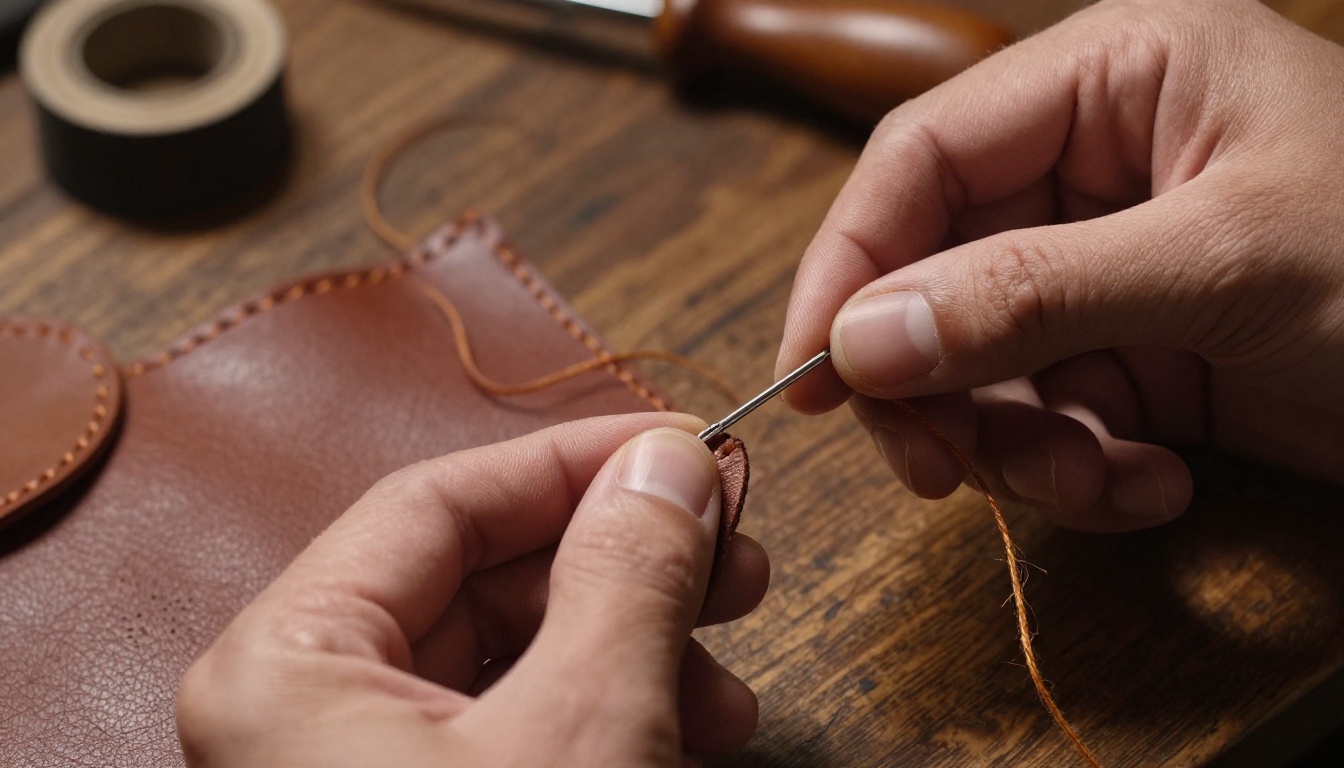
Something about Seedream 5 Pro reveals itself immediately when you place its output alongside images from Seedream 3 or Seedream 4. The difference is not subtle. It is not the kind of thing requiring a trained eye or technical background to see. It shows up in how individual hair strands separate from each other, in the texture of a wool jacket in the background, in whether a city street behind a portrait subject reads as a real place or a blurry suggestion of one. ByteDance did not simply increment a version number with this release. They rebuilt core architectural components, and the outputs reflect that decision in concrete, visible ways that matter for anyone doing serious creative work.
The Resolution Difference Is Not Subtle
What 2K Really Means for Images
Seedream 5 Pro generates at native 2K resolution, approximately 2048 pixels on the long edge. Most prior models in this lineage, including Seedream 4 and Seedream 3, operated at 1024px natively and relied on upscaling pipelines to reach higher dimensions for export. That distinction is significant because upscaling is not the same as genuine resolution.
When a model upscales its own output, it interpolates pixels it never generated. The results look sharper at first glance but under closer examination they show their limitations: skin loses pore structure, fabric blurs into a uniform color block, text elements soften into illegibility. Native 2K eliminates this problem. The fine detail you see is the detail the model actually produced during generation, pixel by pixel, without post-hoc interpolation.
The improvement is most visible in these areas:
- Human skin and hair: subsurface scattering, micro-texture, individual strands that separate rather than clump
- Fabric and material surfaces: weave patterns, leather grain, the way thread catches light at a seam
- Complex backgrounds: architectural facades, dense foliage, crowd scenes that hold structure at depth
- Fine text and typography: letter shapes that remain sharp and legible rather than dissolving into suggestion
💡 For work requiring resolution beyond 2K, pair Seedream 5 Pro with a super-resolution model on PicassoIA to scale output to 4K without introducing artifacts.
Where Older Versions Fall Short
Both Seedream 4 and Seedream 3 share a characteristic failure pattern. Backgrounds past the depth-of-field threshold, anything that is not the primary subject, tend to collapse into a generalized wash. A forest floor becomes a green smear. A city street becomes an indistinct blur of warm and cool tones. A bookshelf becomes a rectangular suggestion rather than individual spines.
This was partly a resolution constraint and partly a training priority. The earlier models were optimized for strong central subjects with acceptable periphery. Seedream 5 Pro was retrained with higher-fidelity requirements across the full frame, and the result is apparent: secondary elements hold their structural integrity significantly further into the scene depth.
Prompt Fidelity Gets a Real Upgrade
Seedream 4 vs 5 Pro: The Gap
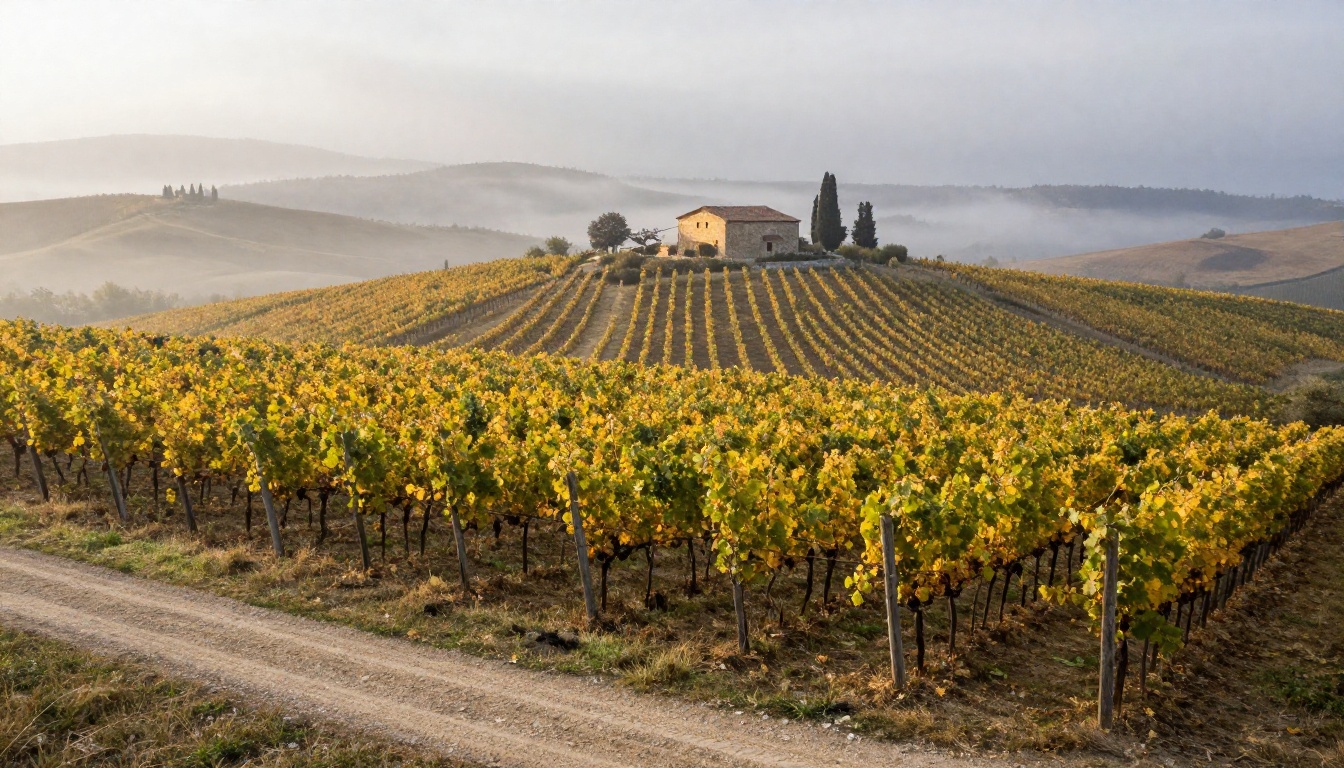
Prompt fidelity, meaning how faithfully a model translates a written description into visual output, was one of the consistent criticisms of the Seedream 3 and 4 generations. They were not incompetent at reading prompts. Subject-level instructions worked reasonably well: "a woman in a red dress on a beach" would produce that. The problems appeared when prompts introduced relational or compositional specificity.
Instructions like "the subject stands in the lower-left third of the frame, facing toward the right edge" would frequently produce center-weighted compositions regardless of what was written. Requests for specific camera angles, aerial or extreme low-angle, were often approximated rather than executed with precision. Specified color palettes would dominate some elements and be entirely ignored in others.
Seedream 5 Pro addresses this through improved cross-attention between the text encoder and the diffusion backbone. In practical terms, the model reads more of your prompt and acts on more of it. Compositional instructions succeed at significantly higher rates. Camera angle prompts are followed with greater literal accuracy.
When Composition Instructions Finally Stick
This is where Seedream 5 Pro separates itself from prior versions in a way that matters for practical creative output. The comparison across the generation line tells the story clearly:
| Instruction | Seedream 3 | Seedream 4 | Seedream 5 Pro |
|---|
| Low-angle shot from below | Often center-framed | Inconsistent | Reliably executed |
| Subject off-center, rule of thirds | Usually centered | Sometimes works | Consistent |
| Specific background color palette | Partially applied | Better but patchy | Followed throughout |
| Negative space in upper frame | Ignored | Approximated | Respected |
| Specific weather and atmospheric detail | Generic output | Moderate accuracy | High accuracy |
This kind of reliability changes how you write prompts. With older versions, you would hedge by repeating compositional instructions multiple times and running several generations hoping one would execute correctly. With Seedream 5 Pro, you write the prompt once, run it, and the model does what you described. That is a meaningful workflow acceleration that compounds across hundreds of generations in a real project.
Speed Without the Trade-off
Generation Times in Practice
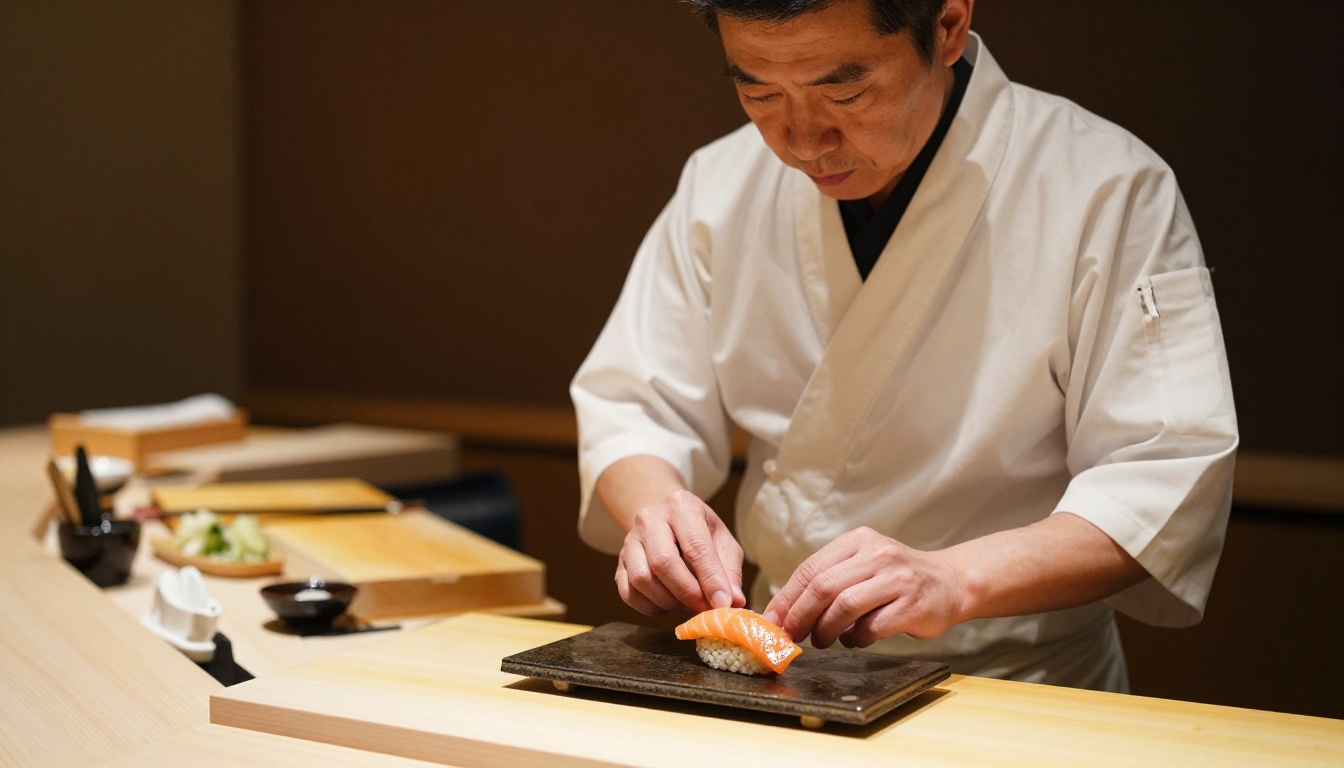
Previous Seedream architectures carried a specific performance penalty: higher-quality outputs required more inference steps, which meant longer waits per generation. Getting the best possible output from Seedream 4 at 2K with upscaling added considerable time to every session.
Seedream 5 Pro closes this gap through optimization at the sampler level. The model reaches its best-quality output at fewer denoising steps than its predecessors needed to reach equivalent results. The practical benefit is less time waiting per generation while receiving better images.
For high-volume creative sessions, this effect compounds significantly. If you are producing 50 images for a project, the per-generation time reduction adds up to a meaningful chunk of your working day. Combined with improved prompt fidelity, which means fewer retry cycles per acceptable output, the total time from brief to finished image drops substantially compared to working with Seedream 4 or Seedream 3.
Color Science That Feels Photographic
Skin Tones and the Realism Problem
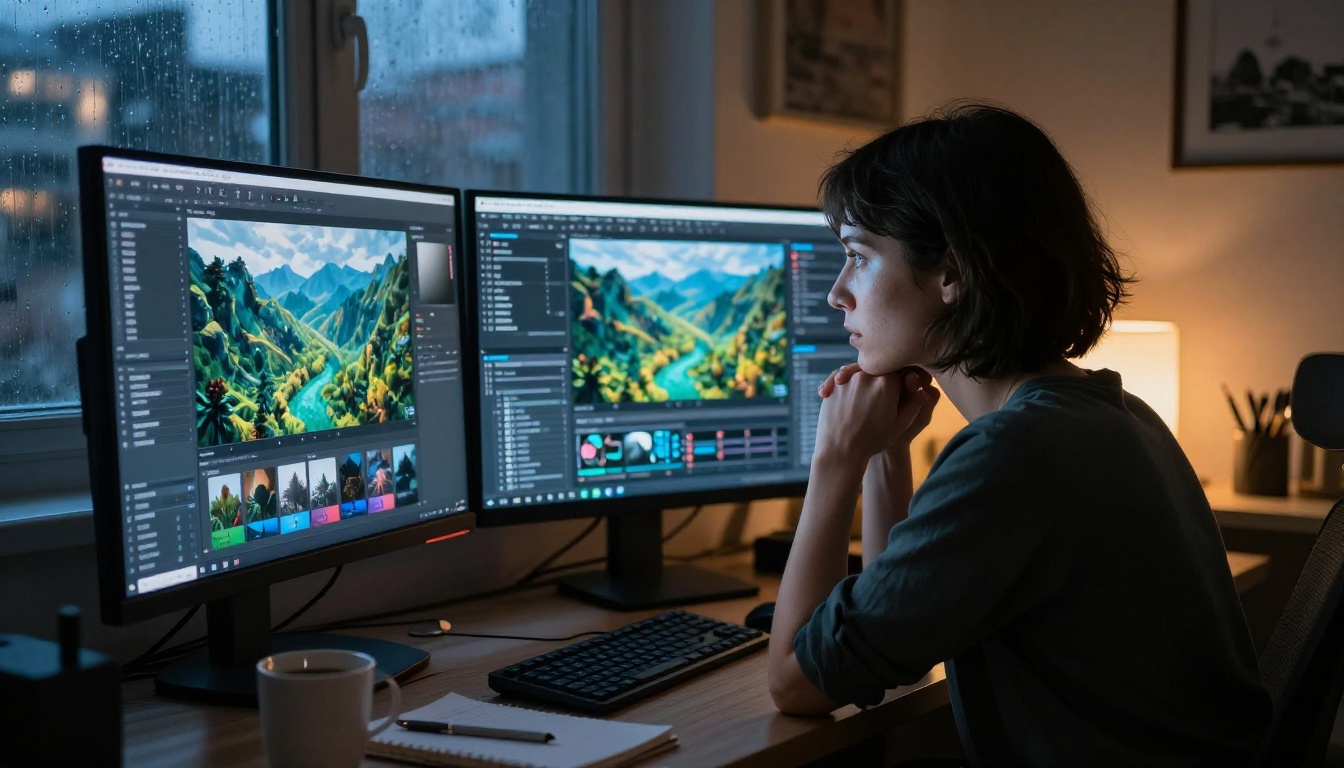
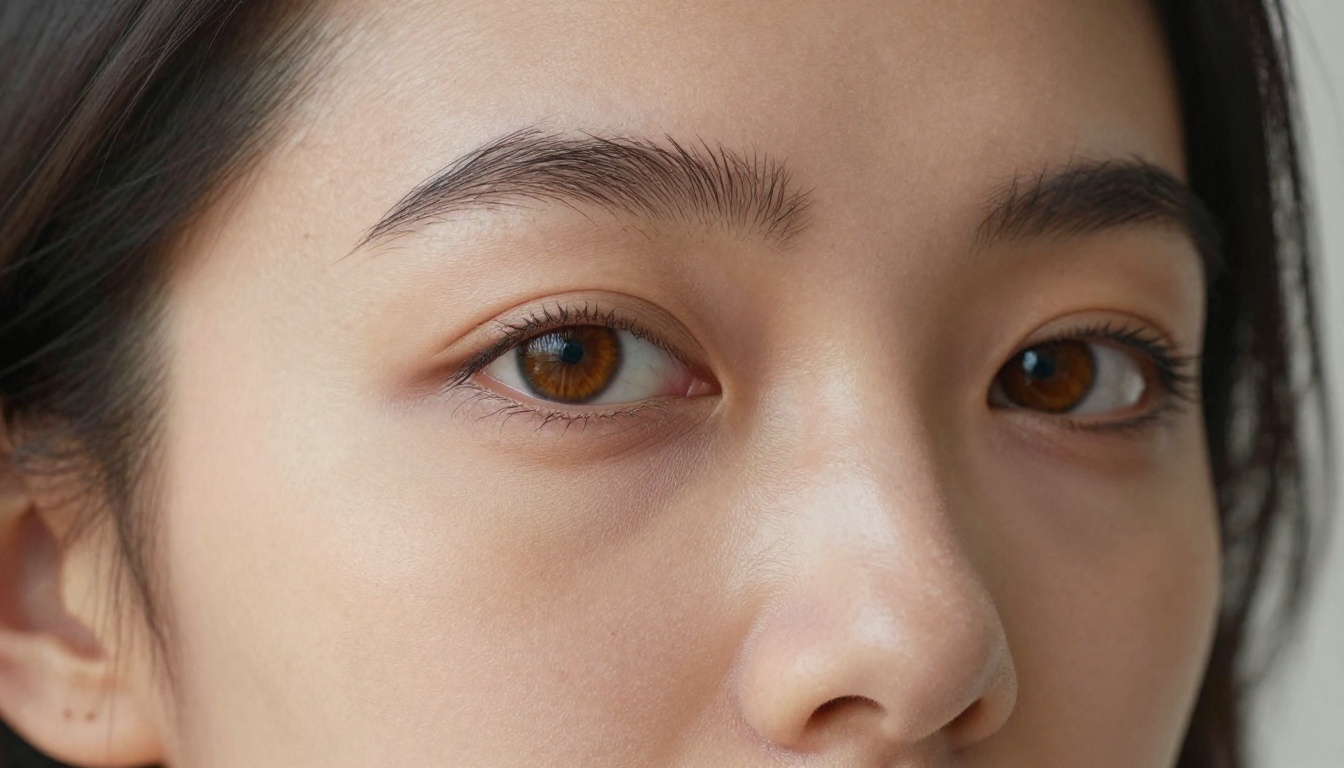
One of the most persistent issues across text-to-image models has been skin tone rendering. The problem is not exposure or saturation in isolation but the relationship between the two: how the model handles the gradual transition from illuminated skin to shadow, and how accurately it replicates subsurface scattering, the biological property where light penetrates skin and reflects back slightly diffused and warmer.
Seedream 3 would frequently produce skin that looked painted or waxy in challenging lighting conditions. Direct sunlight portraits often showed highlight areas that clipped to solid white, erasing the delicate luminosity around the temples, nose bridge, and cheekbones that makes photographic skin feel alive. Shadow transitions would jump too abruptly rather than graduating naturally through the midtones.
Seedream 5 Pro was trained on a significantly broader corpus of photographic reference with emphasis on diverse lighting conditions and diverse skin tones. The output reflects this: highlights no longer clip as aggressively, the subsurface luminosity in transitional zones is preserved, and shadow areas carry detail rather than collapsing to flat dark values.
How Lighting Accuracy Changed
Beyond skin, Seedream 5 Pro shows a broader improvement in how it represents light behavior. Cast shadows fall in directions consistent with described light sources. Specular highlights on surfaces like metal, glass, and wet stone obey physical rules rather than being placed decoratively. Ambient occlusion, the subtle darkening in corners, creases, and contact points, appears organically rather than being absent or artificially heavy.
This is the area that most decisively separates Seedream 5 Pro from prior versions in photorealism work. Older models could produce a technically acceptable image, but something about the lighting always felt slightly off, as though processing had been applied that altered how physics worked in the scene. Seedream 5 Pro produces images where the lighting reads as physically coherent from every angle.
💡 When prompting for specific lighting, describe the source position, color temperature, and spread explicitly. Seedream 5 Pro follows these instructions with high accuracy, and detailed lighting prompts produce dramatically better results than generic descriptions like "natural lighting" or "studio setting."

Using Seedream 5 Pro on PicassoIA
Setting Up Your First Generation
PicassoIA gives you immediate access to Seedream 5 Pro through your browser with no setup, no API configuration, and no local hardware required. The model is ready the moment you open its page.
Here is how to structure your first generation for best results:
- Open the model page: Navigate to Seedream 5 Pro on PicassoIA
- Write a structured prompt: Lead with the subject and action, then add environment, then lighting conditions, then camera details
- Set your aspect ratio: 16:9 is strongest for landscape, editorial, and scene-based images
- Run your first generation: Default settings perform well out of the box, so start clean before adjusting parameters
- Evaluate and refine: Check composition, color accuracy, and fine-detail areas before iterating on the prompt
Tips for Best Results
These practices produce consistent improvements across different prompt types:
- Specify lighting direction precisely: "Volumetric morning light from camera-left at 35 degrees" outperforms "natural lighting" in almost every scenario
- Name the camera lens and aperture: "85mm f/1.8" tells the model about depth-of-field behavior without ambiguity
- Reference film stock or color science: "Kodak Portra 400" or "Fuji PRO 400H" produce distinct, photographic color palettes that feel analog
- Describe surface texture explicitly: "Leather grain showing individual pores under raking tungsten light" is far more specific than "close-up of leather"
- Use negative space deliberately: Describe where you want empty areas in the frame and the model will respect them

Seedream 5 Pro Against the Field
Side-by-Side with Flux and SDXL
The honest comparison acknowledges that different models have different strengths and serve different use cases. Flux 1.1 Pro from Black Forest Labs is the most direct competitor in the photorealism-at-high-resolution space. SDXL remains popular for creative work with LoRA adapters and style flexibility. Flux Schnell leads for raw generation speed in fast-turnaround workflows.
Here is how they compare across professional use cases:
| Capability | Seedream 5 Pro | Flux 1.1 Pro | SDXL | Flux Schnell |
|---|
| Native output resolution | 2K native | Up to 4MP | 1024px | 1024px |
| Photorealism quality | Excellent | Excellent | Good | Good |
| Prompt fidelity | Very high | High | Moderate | Moderate |
| Skin tone accuracy | Very high | High | Moderate | Moderate |
| Background detail preservation | Very high | High | Moderate | Low |
| Generation speed | Fast | Moderate | Fast | Very fast |
| LoRA and style adapter support | Limited | Strong | Very strong | Moderate |
When to Choose Seedream vs Flux
The choice between Seedream 5 Pro and Flux 1.1 Pro depends on what you need most from a given session.
Choose Seedream 5 Pro when:
- Photorealistic portraits with accurate skin tones are the primary deliverable
- You need reliable compositional control from specific, complex prompts
- Background environments must hold fine detail at full frame depth
- You are working in a high-volume session where speed and first-generation success rate matter
Choose Flux 1.1 Pro when:
- Maximum resolution beyond 2K is the priority
- You are working with specific LoRA adapters trained for that architecture
- The project involves complex multi-subject compositions at extreme scale
For most photorealism-forward creative work, Seedream 5 Pro is the stronger starting point. It produces results that require fewer post-generation corrections and fewer retry cycles before reaching a publishable output.
What You Can Actually Build With It
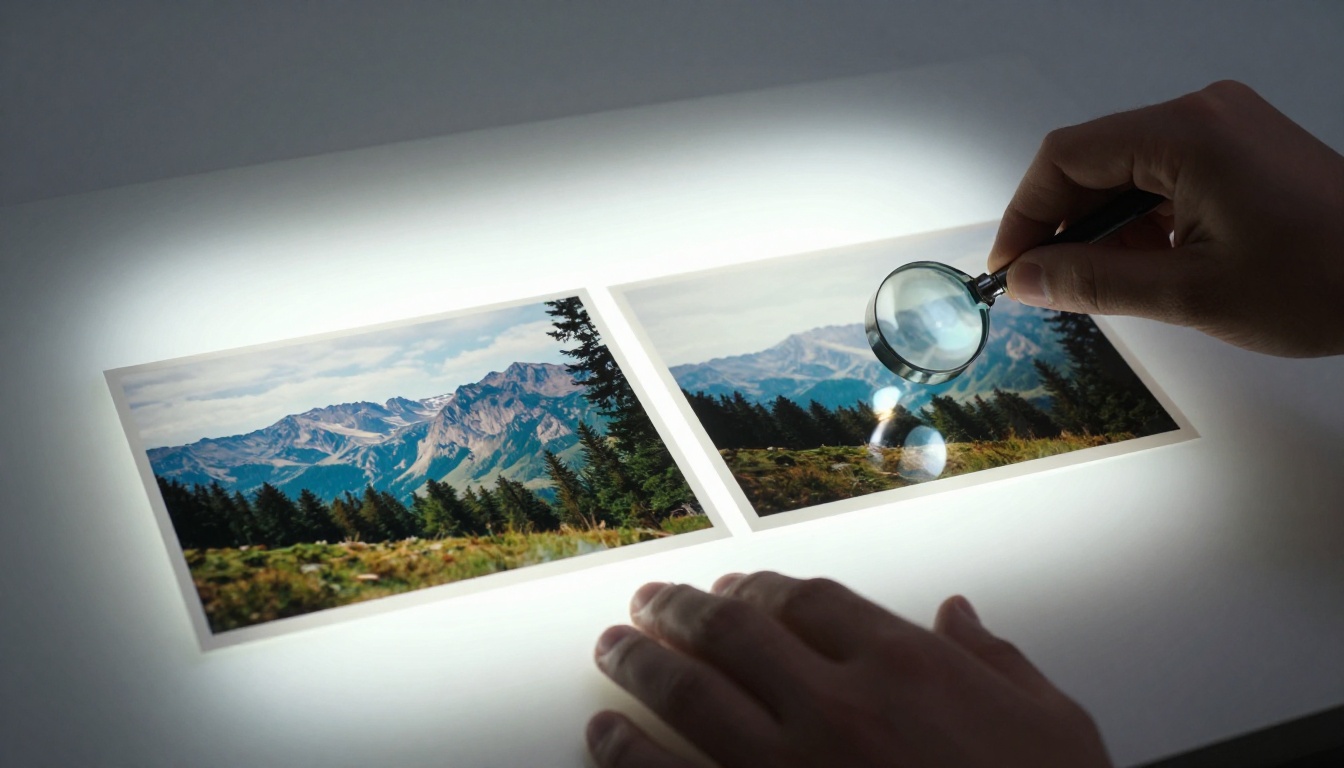
The abstract discussion of resolution and prompt fidelity only becomes meaningful when you run it through actual creative work. Photographers and designers using Seedream 5 Pro for professional-grade editorial content report a consistent pattern: the gap between their prompt vision and the output shrinks significantly compared to previous model generations.
Product photography simulations that previously required three or four iterations to align lighting, background, and subject relationships now arrive in one or two. Portrait references that need to feel genuinely photographic rather than "AI-generated" pass with less post-processing. Environmental mockups for architects and interior designers hold background detail that previously had to be generated separately and composited in.
The model's core strength is coherence. It is not only that individual elements are sharper or more accurate in isolation. It is that they fit together the way a real photograph does: consistent lighting across the frame, physically plausible depth relationships, and a unified color palette that ties every element into the same visual world. This is what was missing in Seedream 3 and Seedream 4 at their quality ceiling, and it is what Seedream 5 Pro delivers consistently.
💡 Push further by running Seedream 5 Pro output through a super-resolution model on PicassoIA to reach true 4K with clean, artifact-free scaling built on a genuine 2K base rather than an upscaled 1024px original.
All 9 images in this article were produced with photorealistic briefs and careful prompt construction. Yours can look just as sharp and just as real. The model is ready for you at PicassoIA. Write your prompt, set your parameters, and run it.