Most AI image generators stumble when asked to do real brand design work. They produce images that look impressive at first glance but fall apart under the scrutiny that brand design demands: text that distorts, colors that drift, and shapes that lose their geometric precision. Seedream 5 Pro from ByteDance takes a different approach. Its 2K output resolution, strong typographic rendering, and precise color fidelity make it one of the more capable AI models for logo and brand graphics available today. If you have been testing text-to-image tools for visual identity work and been disappointed by the results, Seedream 5 Pro deserves a serious look.
What Seedream 5 Pro Actually Does
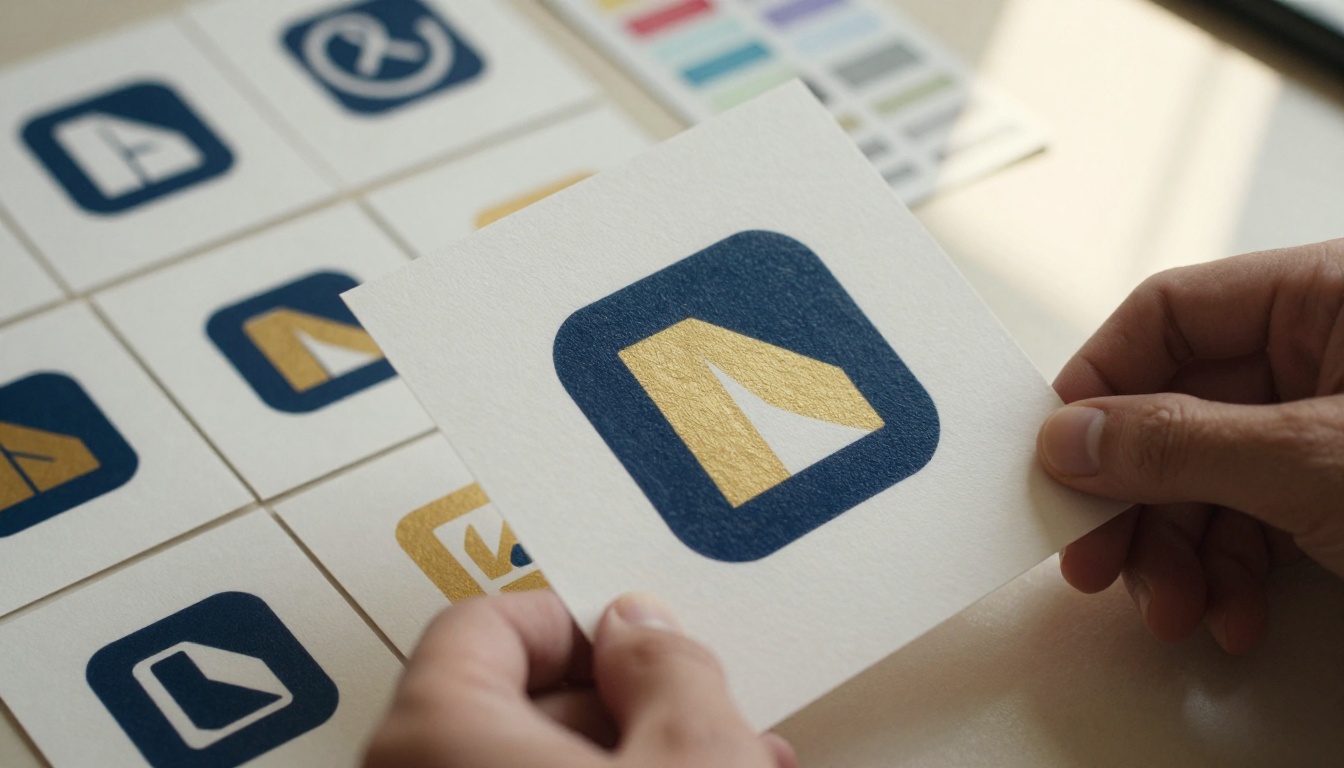
Seedream 5 Pro is a text-to-image model trained to produce sharp, high-resolution images with strong prompt adherence. What separates it from many competing models is not raw visual quality alone, but how well it preserves structural precision. That precision is especially relevant when generating logos, typographic marks, and geometric brand symbols where even small distortions break the entire visual effect.
2K Resolution That Matters for Brand Work
Resolution in AI image generation is often treated as a vanity metric. For brand design work, it is not. A logo generated at 512px is nearly unusable in professional contexts. A 2K output gives you:
- Sufficient detail to evaluate letterform quality at actual use sizes
- Enough resolution for print testing at standard business card and letterhead dimensions
- A workable base for tracing into vector format without upscaling artifacts
Seedream 5 Pro outputs at 2K resolution by default, which means you are not starting from a thumbnail and scaling your way to usability. The base output is already substantial enough to assess brand viability before committing to refinement.
Text Rendering: Where Seedream 5 Pro Pulls Ahead
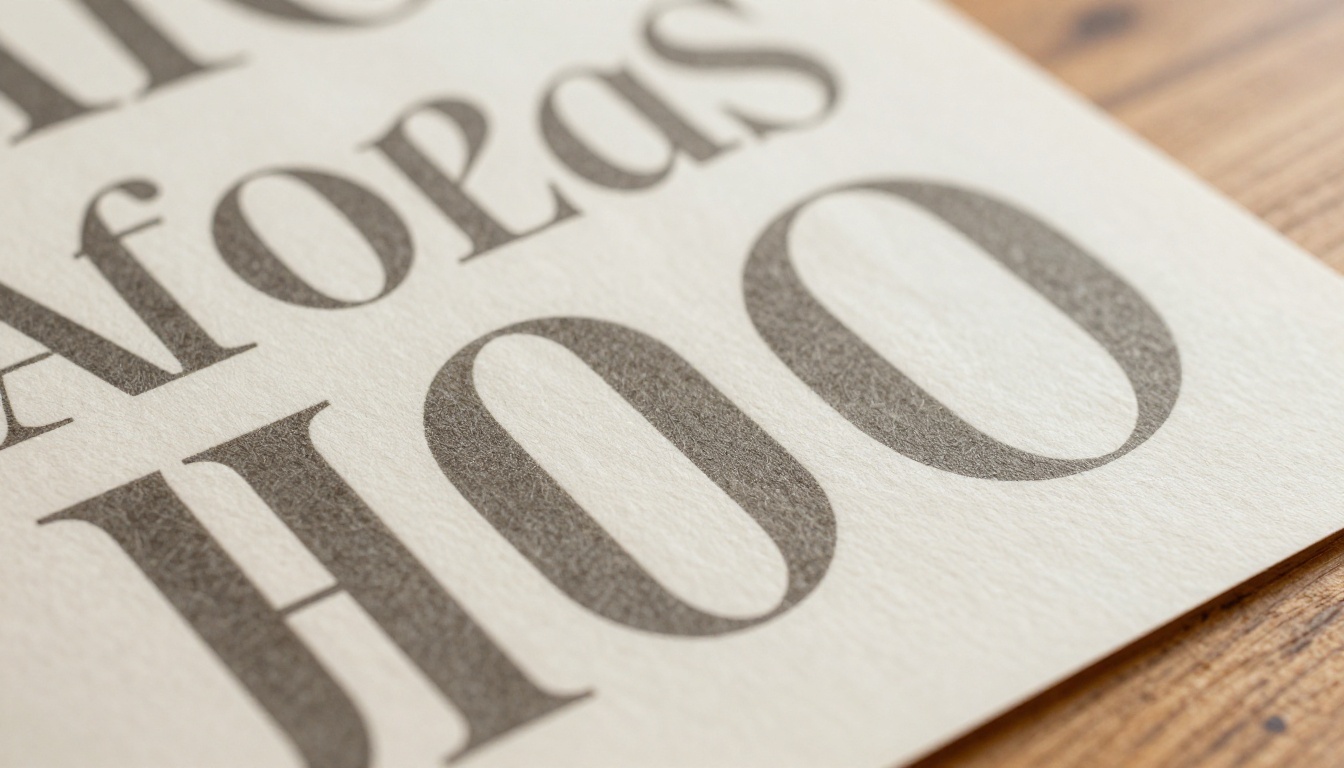
Text rendering is where most AI image models expose their limitations. Generate a wordmark prompt in many models and you get letterforms that look vaguely right but have incorrect letter spacing, fused characters, or entirely fabricated glyphs that resemble the requested font without being readable.
Seedream 5 Pro handles short-form text markedly better than older models. Single words, two-word brand names, and short taglines tend to render with legible letterforms and reasonable spacing. This is not a fully solved problem in AI image generation, but Seedream 5 Pro's performance here is noticeably stronger than Seedream 4.5 and most other general-purpose text-to-image models available today.
💡 Prompt tip: For wordmark generation, specify the font style explicitly ("bold geometric sans-serif", "thin serif letterforms") and keep the brand name to one or two words maximum for the most reliable text output.
Logo Types That Work Well
Not all logo styles are equally suited to AI generation, and knowing where Seedream 5 Pro excels helps you work efficiently rather than fighting the model's tendencies. The three logo categories below represent the strongest use cases for this model in brand design workflows.
Wordmarks and Logotypes
A wordmark logo is built entirely from styled typography: the brand name set in a distinct typeface with specific character modifications. This is arguably the most demanding logo type for AI generation because text rendering quality is everything.
Seedream 5 Pro performs well here when prompts are:
- Specific about font category (geometric sans, slab serif, humanist sans)
- Short on the actual brand text (1-3 words maximum)
- Clear about weight and spacing preferences
- Explicit about color through descriptive terms rather than generic color names
The model tends to produce cleaner wordmark results than icon-heavy compositions because it can concentrate capacity on precise letterform generation without balancing type against illustrative complexity.
Geometric Icon Logos
Icon-based logos (logomarks without text) are where Seedream 5 Pro operates most confidently. Geometric shapes, abstract symbols, and minimal icon systems come through with strong structural integrity. Prompts that ask for:
- Circle-based icon compositions
- Abstract geometric forms (triangles, hexagons, intersecting shapes)
- Negative space logo concepts
- Minimal two-tone icon marks
...all tend to produce usable results on the first or second generation pass, with strong edge definition and color fidelity across the icon boundaries.
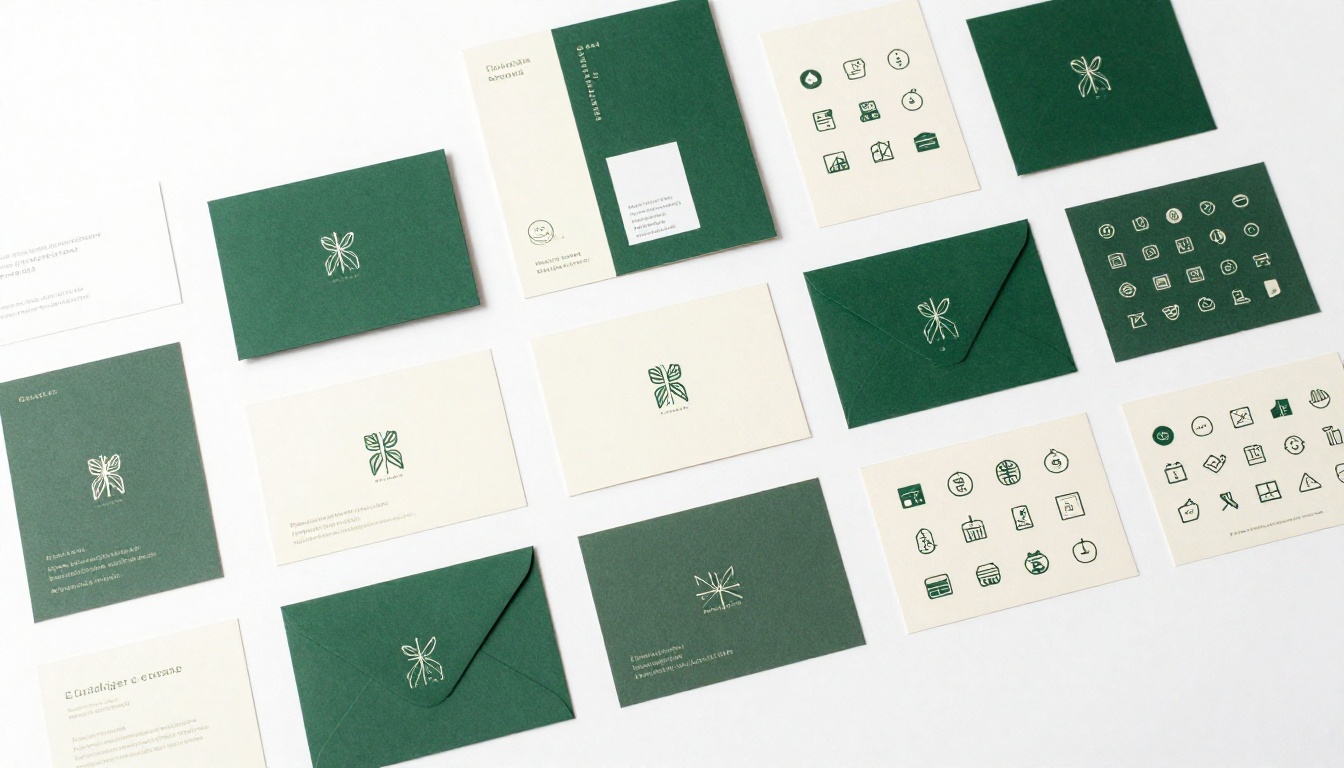
💡 Practical insight: When generating geometric icon logos, add "centered composition, white background, single icon, no text, symmetrical" to your prompt. This prevents the model from adding decorative elements or secondary text that dilutes the logomark.
Lettermarks and Monograms
Lettermarks use one to three initials as the core visual element, sitting between wordmarks and pure icon logos in complexity. Seedream 5 Pro handles them reasonably well when prompted with the specific letters (quoted in the prompt), a clear typographic style, and explicit instructions about whether letters should overlap, interlock, or sit independently.
Be prepared to generate several variations. Lettermarks require precise geometric relationships between characters that the model does not always resolve correctly on the first pass, but the iteration speed is fast and the hit rate is strong enough to make AI-assisted monogram generation genuinely practical.
Brand Graphics Beyond the Logo
A brand identity system is not just a logo. It includes color systems, pattern libraries, typographic hierarchies, and supporting graphic elements. Seedream 5 Pro handles several of these supporting categories effectively.
Social Media Brand Assets
Consistent social media graphics require a visual system: consistent background treatments, typographic placement, icon usage, and color adherence. Seedream 5 Pro can generate:
- Post backgrounds with brand colors and subtle texture for variety
- Banner compositions in horizontal format (specify "16:9 banner format, horizontal composition")
- Story-format graphics prompted with "9:16 vertical composition, full-bleed background"
- Icon and thumbnail concepts for channel art and profile imagery

For consistent brand assets across multiple Seedream 5 Pro generations, prompt discipline is everything. Saving your core brand prompt as a template, including specific color descriptions, style references, and compositional rules, then appending the unique element for each asset type, keeps your outputs visually coherent across the full set.
Patterns, Textures, and Supporting Graphics
Brand patterns and textures work particularly well in Seedream 5 Pro because they benefit from the model's high-resolution output and color accuracy. Use it for:
- Geometric repeat patterns for packaging and stationery backgrounds
- Organic texture fields (linen, concrete, paper grain) for brand photography backdrops
- Color field studies to establish brand atmosphere and tonal direction
- Icon system supporting elements such as rule lines, dividers, and frame graphics

Seedream 5 Pro vs the Field
How does Seedream 5 Pro stack up against the other models available on PicassoIA for brand and logo work? This comparison covers the most relevant options:
The table above makes a useful point: no single model dominates every brand design task. Seedream 5 Pro is the strongest general-purpose choice for logo and brand graphics, but it works best as part of a deliberate multi-model workflow rather than as a standalone solution.
How to Use Seedream 5 Pro on PicassoIA
Seedream 5 Pro is available in PicassoIA's text-to-image collection. Here is how to get the most out of it for brand design work, starting from prompt construction through to color control.
Setting Up a Brand-Ready Prompt
The structure of your prompt matters more than its length. For logo generation, a well-organized prompt follows this pattern:
[Logo type] + [Brand name or initials] + [Style description] + [Color specification] + [Background] + [Compositional constraints]
An example for a wordmark:
"Wordmark logo for a premium coffee brand, bold geometric sans-serif letterforms, deep espresso brown and warm cream color palette, white background, centered composition, no decorative elements, clean and minimal"
An example for a geometric icon:
"Minimal geometric icon logo, interlocking circle and triangle forms, single-color navy blue on white background, symmetrical, centered, no text, brand mark only"
Both prompts are specific, constrained, and short enough that the model does not have to guess at your intent. Each added constraint reduces the probability of unwanted output.
Controlling Colors and Typography
Color control is one area where Seedream 5 Pro responds well to explicit instructions. Instead of saying "blue logo", specify:
- Hue relationships: "warm navy blue with copper accent"
- Value contrast: "dark background, light icon mark"
- Palette size: "two-color design only, no gradients"
For typography control, reference specific font categories rather than font names, which the model may not recognize from training data. Use descriptive terms like:
- "geometric sans-serif with circular O forms"
- "high-contrast didone serif with hairline strokes"
- "rounded grotesque with uniform stroke weight"
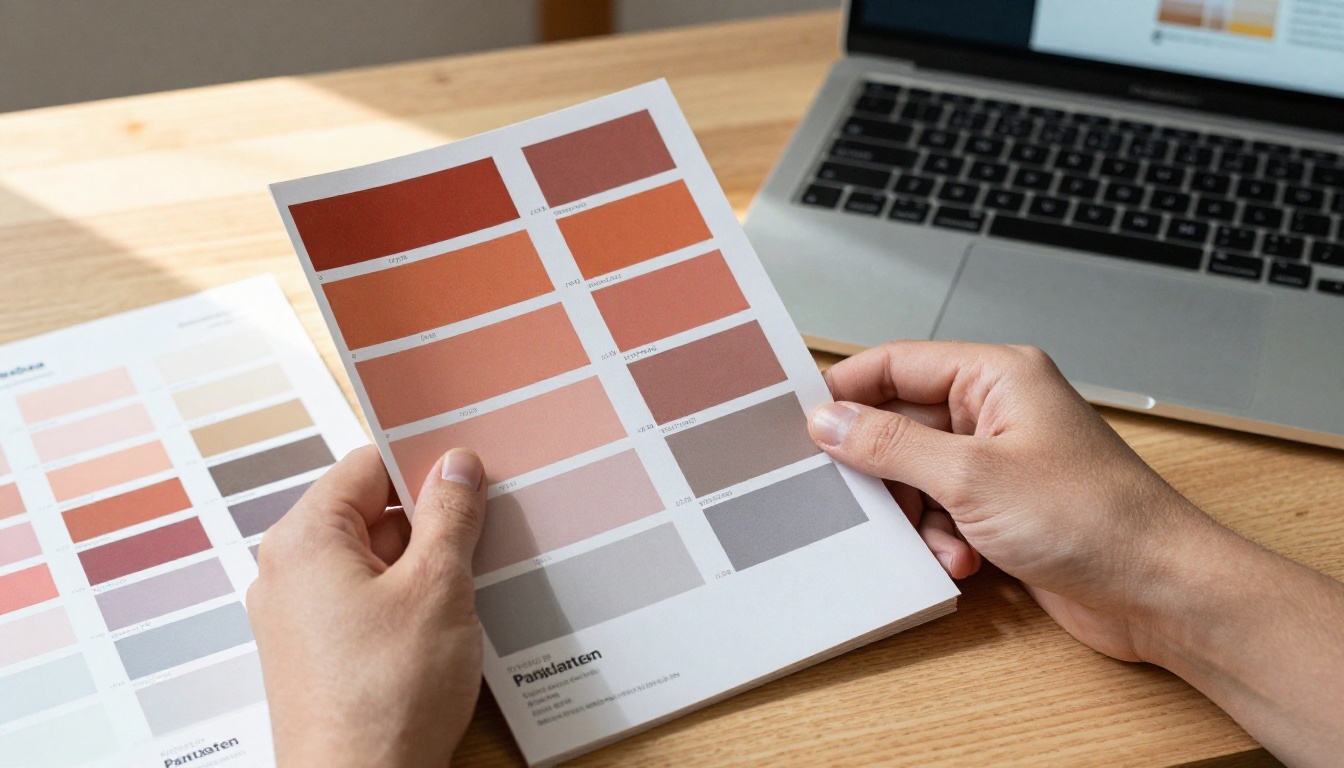
💡 Color consistency tip: When you need color consistency across multiple generated assets, describe your brand colors in terms of warm or cool temperature, saturation level, and relative lightness rather than relying on hex codes. "A muted dusty terracotta, medium saturation, mid-tone" gives more consistent results across separate generation sessions than a hex value alone.
When to Pair Seedream with Other Models
A sophisticated AI brand design workflow uses multiple models for their specific strengths. PicassoIA gives you access to a wide range of tools that complement Seedream 5 Pro's capabilities, and knowing which model to reach for in each situation saves significant time.
Recraft for True SVG Output
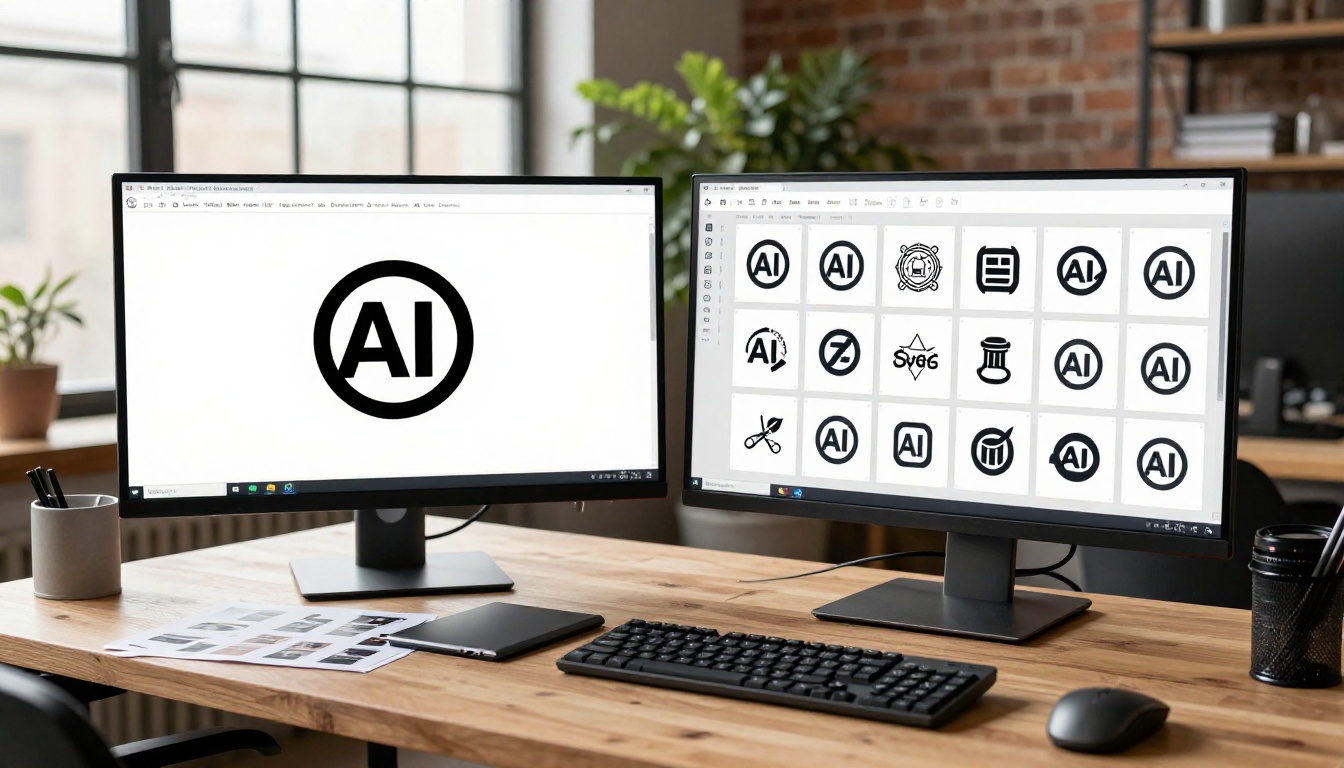
The Recraft v4.1 Pro SVG model generates actual scalable vector graphics, not rasterized images. This is the right choice when you need a logo that scales to any size without quality loss, a print-ready file for large-format applications, or icon systems that need to remain crisp at 16px favicon size.
The workflow that works: Generate the concept in Seedream 5 Pro for visual ideation and color exploration, then recreate or refine in Recraft v4.1 Pro SVG for production-ready vector output. Recraft v4.1 SVG is a cost-effective alternative for simpler shapes.
Ideogram for Text-Heavy Logos
When the logo relies heavily on precise text rendering, particularly for taglines, complex wordmarks, or badge-style logos with multiple text elements, Ideogram v4 Quality has the strongest text generation capabilities of any model on the platform. Use it specifically for text-centric logo challenges where Seedream's rendering falls short.
Ideogram v4 Balanced offers a faster and more economical option when iterating through many text-logo concepts quickly before committing to a final direction.
Flux Redux for Logo Variations
Once you have a strong logo concept from Seedream 5 Pro, Flux Redux Dev can generate visual variations from that base image. This is particularly valuable for producing light and dark mode logo versions, testing the same mark in different color palettes, and generating horizontal, stacked, and icon-only lockup variations from a single source concept.

Building a Full Brand Kit with AI
A brand kit is more than a collection of individual assets. It is a cohesive system where every element relates to every other element through consistent color, typography, form language, and spatial logic. AI generation, used strategically, can build this system faster than traditional design processes without sacrificing the visual coherence that makes a brand identity feel intentional.
From Single Asset to Brand System
Start with the primary logomark as your anchor asset. Generate it in Seedream 5 Pro with maximum precision on color and form. Then use that output as the visual reference for all subsequent brand assets, keeping the same descriptive language in every subsequent prompt.
A practical brand kit generation sequence:
- Primary logo (Seedream 5 Pro)
- Logo color variants: reversed, single-color, grayscale (PicassoIA Image Editor Pro)
- Pattern and texture library (Seedream 5 Pro)
- Social media template set (Seedream 5 Pro)
- Photographic brand imagery mood board (Krea 2 Large)
- Vector production files (Recraft v4.1 Pro SVG)
Each step in this sequence builds on the visual decisions made in the previous one, creating a brand system rather than a collection of unrelated assets.
Generating Your Brand Standards Document
The output of this process is not just a set of image files. It is the raw material for a brand standards document: a reference specifying how brand elements should be used across all touchpoints, from digital to print to environmental applications.
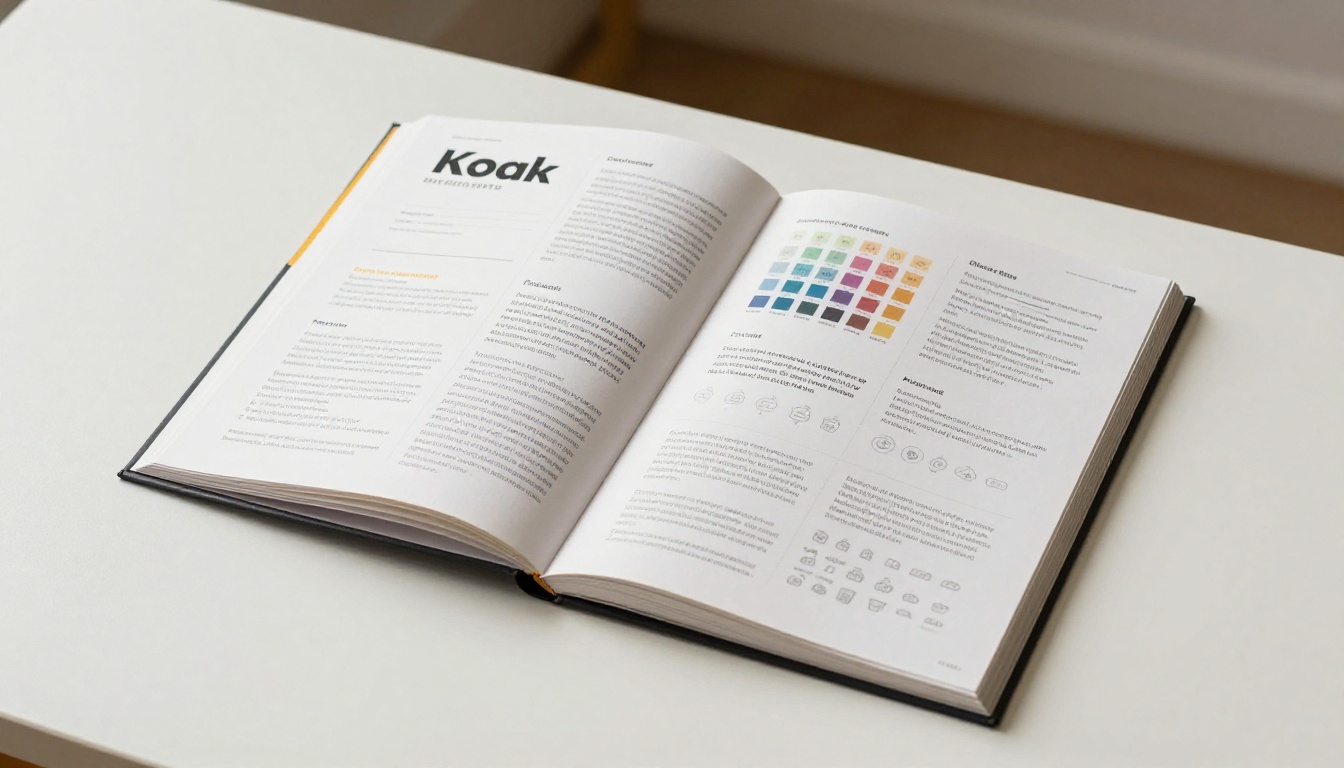
Seedream 5 Pro can also generate brand standards mockup layouts directly: compositions of open booklets showing color chip pages, typography specimen pages, and logo usage rule pages. These are not functional documents, but they serve as powerful visual alignment tools for client presentations before the actual standards document is produced.
💡 Brand consistency tip: Save the exact prompt that produced your strongest logo result. Every brand asset you generate afterward should share the same color descriptions, stylistic qualifiers, and compositional constraints. This is the closest thing to a "style lock" that AI generation currently offers, and it is more effective than trying to match results visually after the fact.
Make Your Brand Real on PicassoIA

Brand design used to require weeks of agency time, substantial budgets, and multiple revision rounds just to arrive at a viable first draft. AI-powered tools have changed that timeline substantially, and Seedream 5 Pro on PicassoIA sits at the center of that shift for logo and brand graphic work.
The model is not a replacement for a trained brand designer's strategic thinking and craft judgment. What it is: a fast, high-resolution ideation and production tool that collapses the gap between concept and visual output, making serious brand design work accessible at a fraction of the traditional time investment.
Whether you are building a logo for a personal project, a startup's first brand identity, or iterating through concepts for a client, Seedream 5 Pro gives you 2K resolution outputs with strong text rendering and precise color fidelity that most AI tools still cannot match for brand-specific work.
Pair it with:
All of these models are available right now at picassoia.com/en/all-models. Start with your brand name, a clear style direction, and a color description. Seedream 5 Pro handles the rest.


