Social media design has a speed problem. Brands and creators need consistent, high-quality visuals daily, but traditional tools require either significant time, significant budget, or both. Seedream 5 Pro for Social Media Graphics addresses that problem directly, offering a text-to-image model that produces photorealistic outputs with a level of prompt adherence that makes it suitable for real production workflows, not just experimentation.
This article covers what Seedream 5 Pro actually does differently for social media graphic production, how to use it effectively, and why content teams running high-volume visual operations are incorporating it into their daily process.

What Seedream 5 Pro Does Differently
Seedream 5 Pro is a ByteDance model that prioritizes prompt adherence, photorealism, and output consistency at scale. While most text-to-image models interpret prompts loosely and add their own interpretation, this model reads instructions closely and follows them.
That distinction changes what you can do with the tool. When you specify a particular lighting direction, camera angle, or compositional constraint, Seedream 5 Pro delivers it. Earlier versions of the model and most competitors tend to give you something adjacent to what you described. This version gives you what you described.
Why Prompt Adherence Matters for Social Content
Social media content operates inside brand guidelines. A post needs a specific color temperature. A product shot needs a specific background. A lifestyle image needs a specific demographic subject in a specific setting. When an AI model treats those constraints loosely, the output requires correction, which eliminates the time savings.
Precise prompt adherence means you write the instruction once and get the result, rather than iterating through five generations trying to nudge the model toward what you already specified. At volume, that difference compounds significantly.
Generation Speed in a Real Workflow
Seedream 5 Pro generates in seconds. For teams producing 20 to 30 posts per week, that speed allows testing at a scale that stock photo libraries or traditional design workflows simply cannot support.
Instead of committing to one visual direction and hoping it performs, you can generate five variations of each concept, post the strongest one, and build data on what your audience actually responds to. That feedback loop accelerates the quality of your visual content over time.
💡 Tip: Treat generation speed as a testing budget. For every piece of content, generate at least three variations before selecting. The marginal time cost is under a minute. The quality improvement is consistent.
The phrase "AI-generated" used to signal lower quality to experienced viewers. That is no longer accurate for outputs from Seedream 5 Pro. The images look like professional photography, not like renders or digital illustrations.

Instagram Post Design
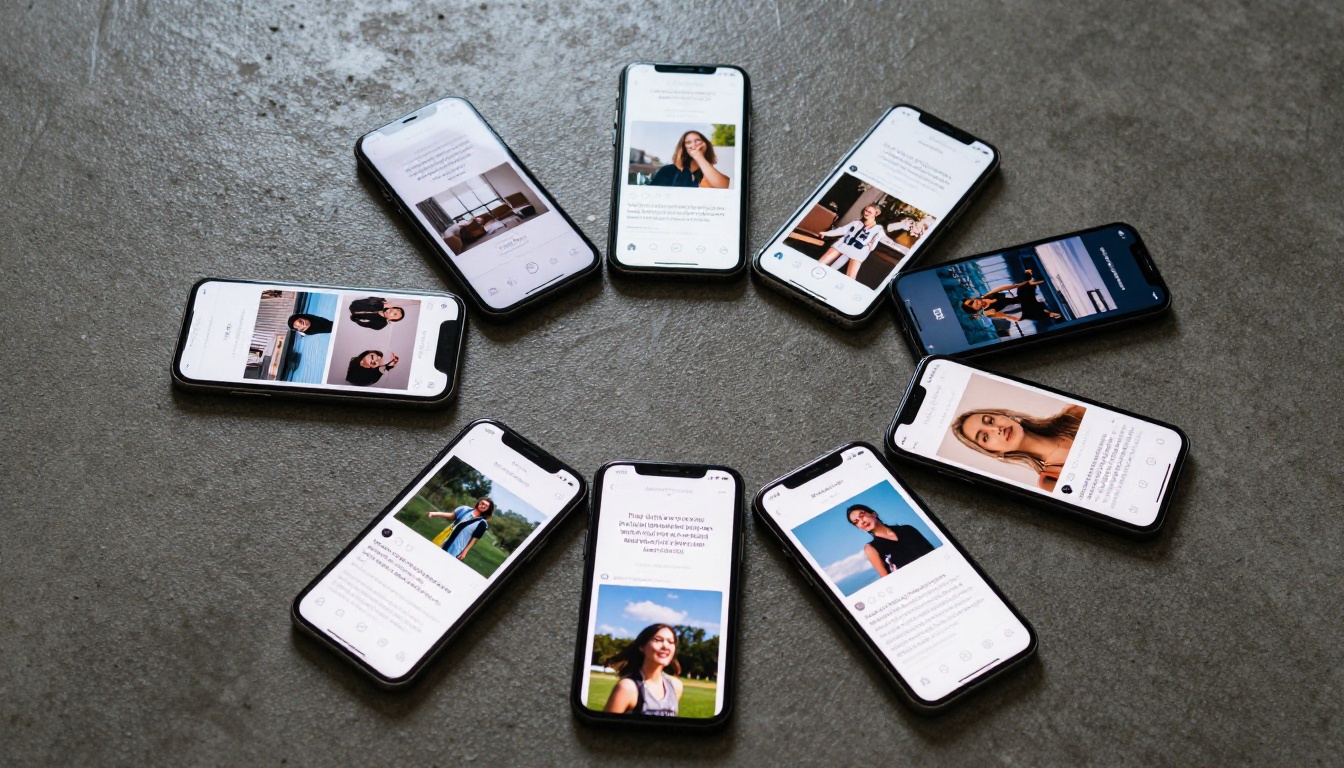
Instagram's visual bar is high. Audiences scroll past thousands of images daily and stop only when something stands out. Seedream 5 Pro handles several post categories exceptionally well:
- Lifestyle photography: People in believable real-world settings with natural body language and realistic skin texture
- Product in context: Products placed in aspirational environments with natural lighting and realistic surface reflections
- Atmospheric and mood-forward images: Specific color temperatures, film grain, golden hour, soft overcast, bright airy interiors
- Texture-dominant backgrounds: Linen, concrete, marble, wood grain for product and quote backgrounds
What makes these posts work on Instagram is the absence of obvious AI tells. No slightly wrong proportions. No plastic skin. No lighting that comes from no visible source. The outputs stand up to close inspection.
LinkedIn Visuals for Professional Brands
LinkedIn's visual culture rewards restraint. Oversaturated lifestyle images look out of place. What works is professional context, real environments, and images that communicate competence rather than aspiration.
Seedream 5 Pro produces this naturally when you prompt for it. Professional workspace compositions, collaborative meeting environments, close-up details of tools in use, and portrait-style images of people at work all generate cleanly. The model does particularly well at avoiding the generic stock photo quality that makes corporate content feel disposable.
For B2B brands, this is the specific advantage: AI-generated images that do not look AI-generated, produced at a pace that matches the publishing demands of a consistent LinkedIn presence.
Twitter/X and Short-Form Content
Twitter and X are text-first, but the images attached to posts drive clicks. For these platforms, the most effective graphics are simple: one strong subject, clean background, immediate visual clarity.
Seedream 5 Pro handles this type of composition better than more complex scenes. The simpler the composition, the more precisely the model executes it. For header images, event promotion graphics, and quote cards with photographic backgrounds, the results are publication-ready without post-processing.
💡 Tip: For Twitter-sized graphics, specify a single foreground subject and a minimal background in your prompt. Seedream 5 Pro's prompt adherence shows most clearly in simple compositions with explicit constraints.
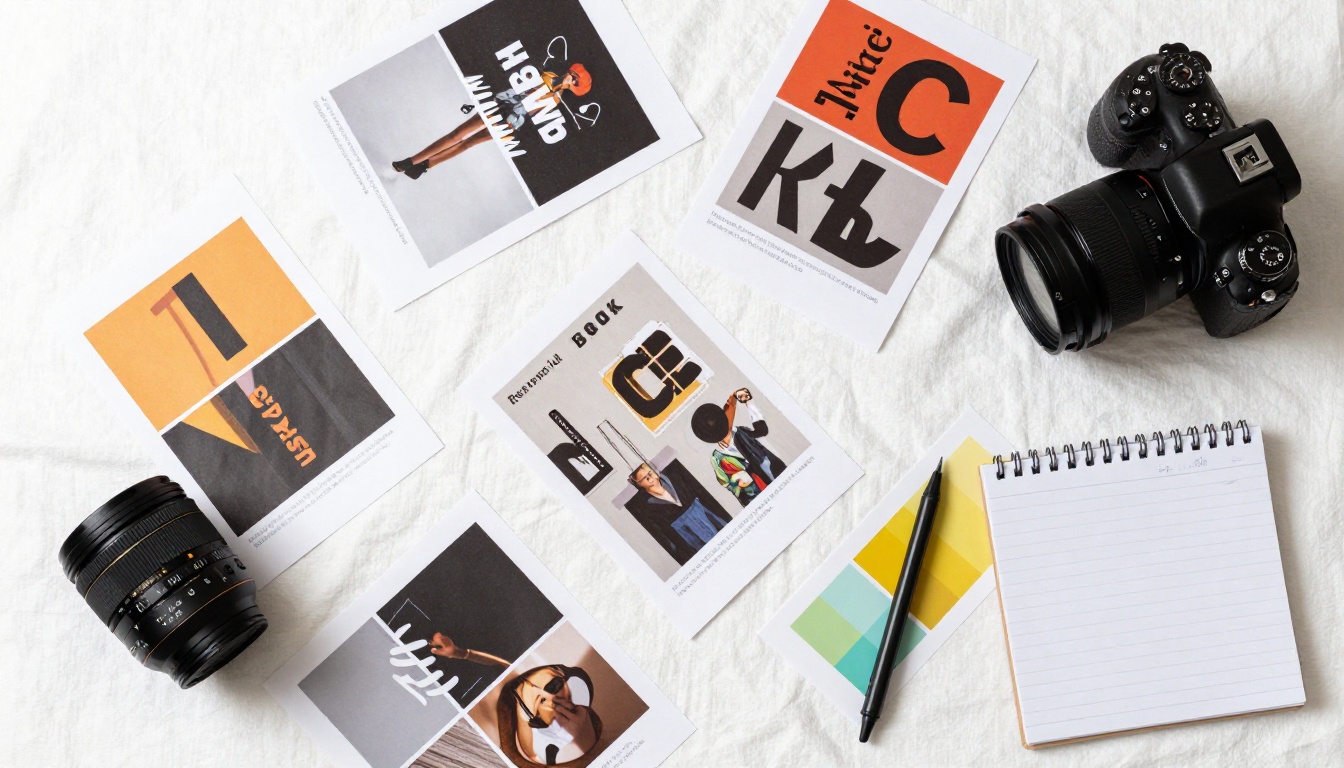
Prompt Strategies That Produce Real Results
The quality gap between different users of Seedream 5 Pro is almost entirely a prompt quality gap. Strong prompts produce strong images. Vague prompts produce mediocre images regardless of the model's capabilities.
Writing Prompts for Social Graphics
Every strong prompt for social media graphics covers the same four areas:
- Subject: What is the main element, what is it doing, and how is it positioned
- Environment: The setting, surfaces, props, and spatial context
- Light: Direction (from the left, overhead, backlit), quality (soft, harsh, golden, cool), and source (window, lamp, natural outdoor)
- Camera: Focal length, aperture for depth of field, shooting angle, and film stock
Here is a direct comparison of prompt quality in practice:
| Prompt Type | Example | Output Quality |
|---|
| Vague | "Person using phone in cafe" | Generic, unpredictable composition |
| Partial | "Young woman using phone in cafe, warm light" | Closer to target, variability |
| Full | "Young woman with natural makeup at outdoor cafe, golden hour backlight, 85mm f/1.8 bokeh, wooden table grain, genuine focused expression" | Precise, production-ready |
The time difference between writing a vague prompt and a full prompt is about 90 seconds. The output quality difference justifies every second of it.
3 Patterns That Produce Weak Output
Pattern 1: Adjective-heavy prompts without specifics. "Beautiful woman in a stunning location" tells the model almost nothing concrete. Replace adjectives with specifics: "35-year-old woman with natural makeup in a sunlit French countryside field, early morning light from the left" gives the model actual instructions.
Pattern 2: Ignoring aspect ratio in the prompt. Social platforms have specific optimal dimensions. Specify the ratio and describe the compositional framing explicitly: "wide horizontal composition for a 16:9 banner" or "square format with subject centered" or "vertical format with subject in upper third."
Pattern 3: Too many competing subjects. Seedream 5 Pro, like all text-to-image models, produces better results with one clear primary subject. Multiple subjects with equal weight in the prompt produce crowded, compositionally weak images. Let one element be primary; let everything else be context.

How to Use Seedream 5 Pro on PicassoIA
PicassoIA provides browser-based access to Seedream 5 Pro without API configuration or local hardware requirements. The full workflow runs in one browser tab.
Step-by-Step Production Process
Step 1: Open Seedream 5 Pro on PicassoIA. No download or installation required.
Step 2: Write your prompt using all four elements: subject, environment, light, and camera specifics. Aim for 40 to 60 words minimum for best results.
Step 3: Set your aspect ratio to match the platform. Instagram feed posts: 1:1. Stories and Reels covers: 9:16. LinkedIn banners and Twitter headers: 16:9. Blog header images: 16:9.
Step 4: Generate three to five variations. Do not evaluate on the first output alone.
Step 5: Select the strongest output. Apply text overlays, crop adjustments, or brand color accents in your design tool before posting.
Settings That Affect Output Quality
Most users leave generation settings at defaults. Adjusting these three significantly improves results:
- Steps: Higher values produce more detail and better prompt adherence. For production-quality social graphics, 30 or more steps is the standard.
- CFG Scale: Controls how strictly the model follows your prompt. The range between 7 and 10 produces the best photorealistic results. Below 7, the model adds its own interpretation. Above 12, results become rigid and sometimes distorted.
- Seed: Set a fixed seed when reproducing a specific composition or maintaining consistency across a series of posts for a brand campaign.

Seedream 5 Pro vs. Other Model Types
Choosing between models is about matching the model's strengths to the task. Here is how Seedream 5 Pro compares for social media work specifically:
| Model Type | Social Media Fit | Photorealism | Prompt Adherence | Speed |
|---|
| Seedream 5 Pro | Excellent | Excellent | Very High | Fast |
| Fast draft models | Prototyping only | Good | Moderate | Very Fast |
| Creative/stylized models | Branded editorial | Variable | Moderate | Moderate |
| Portrait-specialized models | Profile content | Very Good | High | Moderate |
For social media graphics where quality, consistency, and volume all need to coexist, Seedream 5 Pro's combination of accuracy and generation speed is what makes it the practical choice. Models optimized for artistic or stylized output are better suited for editorial or campaign work where deviation from the prompt is intentional.
The Workflow That Saves Time at Scale
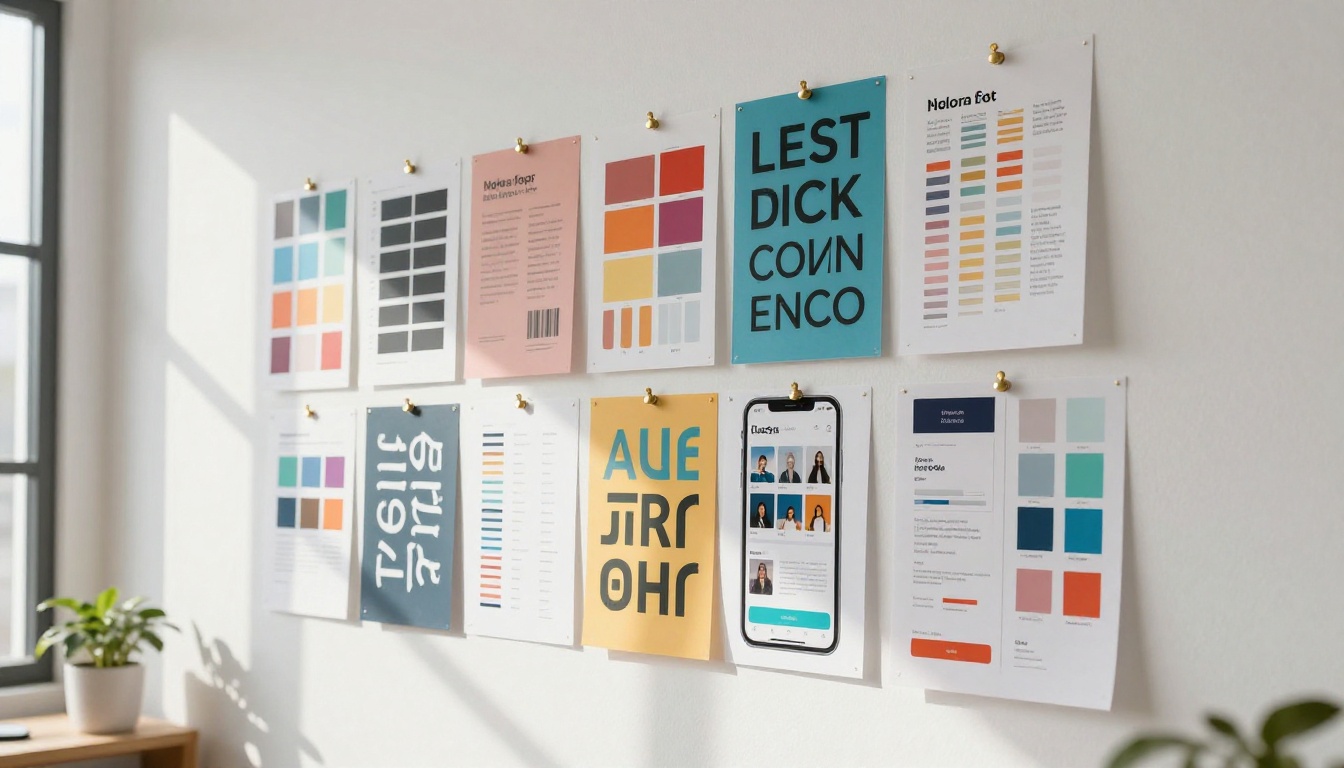
Individual image quality matters. But for most social media operations, the real challenge is volume. Producing 30 posts per month, or 100 posts per month for a larger brand, is where traditional design workflows break down.
Batch Production for Content Calendars
A monthly content calendar for a mid-size brand might require 60 to 80 unique images. That is not feasible with stock photography (cost) or custom design (time). With Seedream 5 Pro on PicassoIA, the same volume is achievable in a single afternoon.
A practical batch workflow looks like this:
- Identify all content slots for the month: product, lifestyle, educational, promotional
- Write prompt templates for each category with fixed visual parameters (lighting, color temperature, composition style)
- Generate three to five variations per slot in a focused session
- Review and select in batches rather than one at a time
- Apply text overlays and brand elements in a final design pass
This workflow brings the variable time cost of image production close to zero. The fixed cost shifts to the initial setup of your prompt templates, which you reuse every month with minor subject adjustments.
Brand Consistency Across Posts
Consistent visual identity separates amateur social content from professional brand accounts. With stock photography, consistency is nearly impossible because the photos come from different photographers with different equipment and styles.
With Seedream 5 Pro, consistency comes from repeating your visual parameters across prompts. Fix the lighting style (warm golden hour, or soft overcast, or bright studio), fix the color temperature (warm, cool, neutral), fix the camera parameters (85mm f/1.8 portrait, or 35mm f/8 wide scene), and every image you generate will share the same visual DNA regardless of subject matter.
💡 Tip: Create a brand prompt prefix containing your fixed visual parameters. Paste it at the beginning of every prompt and add the subject-specific details at the end. Two-thirds of your prompts can be identical from post to post, and your feed will look like it came from one photographer.

Seedream 5 Pro handles image generation. PicassoIA's broader toolkit handles what comes before and after.
Super Resolution for Native Platform Quality
Social platforms compress uploaded images. An image that looks sharp at generation can appear soft after platform compression is applied. Super Resolution on PicassoIA upscales outputs 2x to 4x before upload, giving platforms a high-resolution source file that remains sharp even after compression.
For Instagram in particular, which applies aggressive compression to images not uploaded at sufficiently high resolution, running a Super Resolution pass before posting produces a noticeable quality difference on mobile screens.
Background Removal for Product Content
Product-focused social content often needs clean isolated subject shots for white or branded color backgrounds. PicassoIA's background removal tool works directly with generated images, allowing you to generate a product in a realistic context with Seedream 5 Pro and then strip the background in a single step.
The workflow: generate in context, remove background, drop onto a brand color or template. What would require careful masking work becomes a two-step process.
What Changes When You Build This Into Your Process
The numbers below reflect real-world comparisons, not theoretical projections:
| Metric | Traditional Design Workflow | Seedream 5 Pro Workflow |
|---|
| Images produced per hour | 2 to 4 | 40 to 60 |
| Per-image cost | $5 to $25 (stock license) | Fraction of a cent |
| Visual consistency | Dependent on matching stock | Controllable via prompt |
| Originality | Low (shared stock photo libraries) | High (unique per generation) |
| Time to first usable post | 45 to 90 minutes | Under 5 minutes |
These numbers shift again when you account for testing. The ability to generate five versions of a concept in 90 seconds means you can run visual A/B testing at a scale that would be cost-prohibitive with any other approach. Over time, that testing data shapes a visual strategy that stock photography or one-off custom design cannot support.

Start Creating Your Own Social Graphics
Everything covered in this article is accessible right now on PicassoIA. Seedream 5 Pro is live in the browser, requires no setup, and takes the workflow from prompt to finished post in under five minutes.
Start with one prompt. Use the four-element structure: subject, environment, light, camera. Write at least 40 words. Generate three to five variations and pick the strongest one.
If you need a wider range of models for specific visual styles, PicassoIA has over 90 text-to-image models available at picassoia.com/en/all-models. For portrait-heavy content, there are models built around realistic people. For product photography, models tuned for clean object isolation. For artistic and editorial work, stylized options with distinctive aesthetics.
But for social media graphics where photorealism, speed, and prompt accuracy matter simultaneously, Seedream 5 Pro is the right starting point. The model does what you ask, at the speed you need, with output quality that does not require apology or caveat.
Your next post takes one prompt. Write it.


