If you've spent time working with AI image generators, you've probably heard bold claims about Seedream 5 Pro. "It's indistinguishable from real photography." "It handles any prompt you throw at it." "It's the last model you'll need." These claims spread fast in online communities, but they hide a more specific reality that costs creative professionals real time when they hit the walls nobody warned them about.
This is the breakdown those conversations skip. We went through the documented limitations, cross-referenced them against the model's actual architecture, and catalogued the claim categories that come up most often in professional workflows. If you're picking a model for a project, troubleshooting inconsistent outputs, or trying to understand why your prompts aren't delivering what you pictured, this is the reference you actually need.
The Realism Myth
What photographers notice first
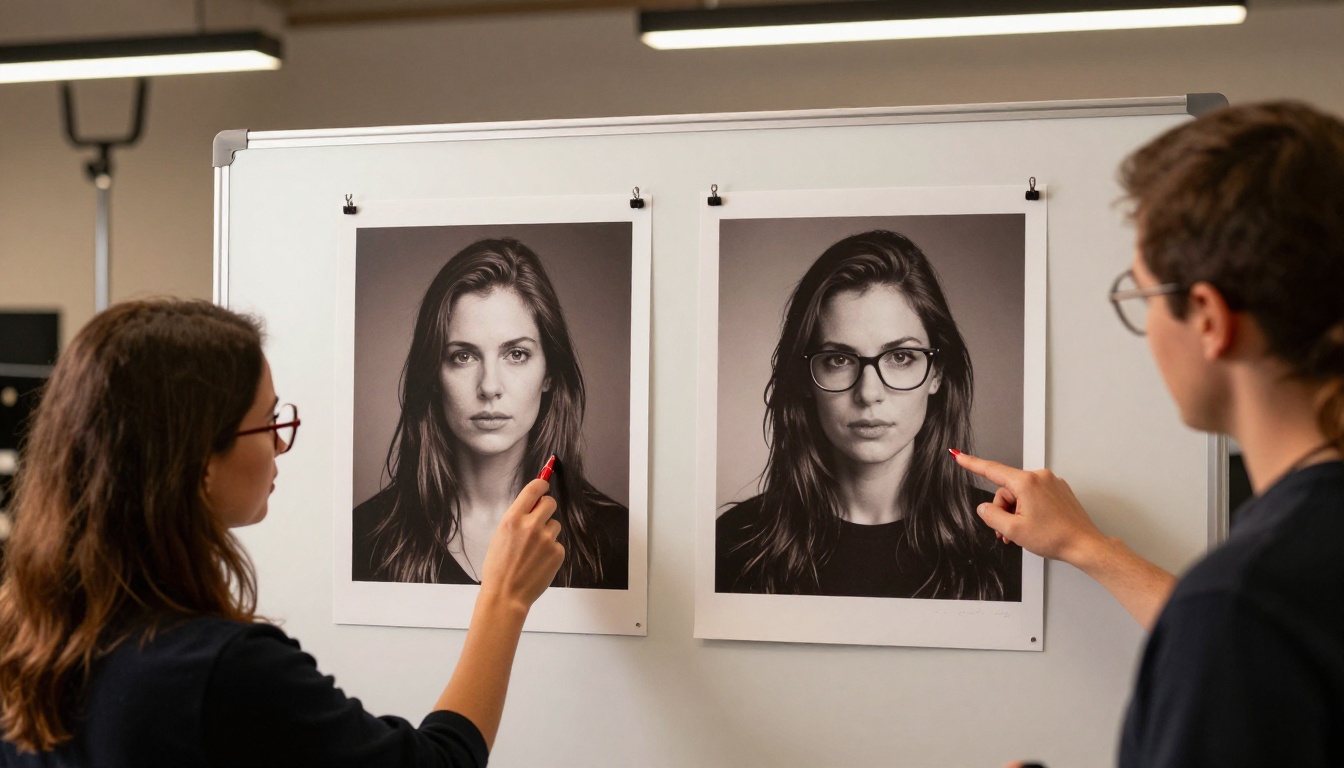
The claim that Seedream 5 Pro produces "photorealistic" results is technically true within specific conditions. For isolated subjects against clean backgrounds, for certain portrait styles, and for environments with minimal complex detail, it performs impressively. But "photorealistic" is a spectrum, and professional photographers spot the tells immediately.
Skin texture in Seedream 5 Pro outputs tends toward a smoothness that doesn't match natural human skin, particularly in extreme close-ups. Pores are either absent or uniformly distributed in a way that reveals the generation process. Hair strands at the edges where they meet light sources often show blending artifacts that catch the eye of anyone trained in photography. And reflections, one of the most technically demanding elements in real photography, frequently don't match the actual light sources visible in the scene.
None of this makes Seedream 5 Pro a bad model. It means the "perfect realism" claim needs a qualification: realistic in general composition, color grading, and scene setup, but not a replacement for actual photography when photographic authenticity is the core requirement.
💡 Worth knowing: For AI photography that pushes closer to the realism edge, Flux Dev tends to handle lighting and shadow rendering with more physical consistency. Neither model is perfect, but the architecture differences show clearly in high-contrast shots.
Hands, feet, and anatomy
Hands remain a persistent challenge across all current diffusion models, and Seedream 5 Pro is no exception. Fingers can merge, bend at impossible angles, or display incorrect counts when the pose is at all complex. Hands in motion, hands holding objects, and hands in unusual orientations show artifacts in a meaningful percentage of generations.
The same limitation extends to feet in complex poses, ears in side-view portraits, and teeth visible in wide open-mouth expressions. For many creative use cases, these are minor inconveniences that a careful composition choice can sidestep. For medical illustration, anatomy reference work, or any scenario where the body part is the focal point, Seedream 5 Pro needs significant post-processing to be usable.
| Anatomy Element | Seedream 5 Pro Reliability | Notes |
|---|
| Face, front view | High | Strong in normal conditions |
| Hands at rest | Medium | Improves with detailed prompting |
| Hands in motion | Low | Merging and extra fingers common |
| Hair at edges | Medium | Blending artifacts in bright light |
| Feet | Low | Complex poses produce artifacts |
| Teeth, wide smile | Medium | Often distorts with open mouth |
Text in Images Doesn't Work
Why letters always break
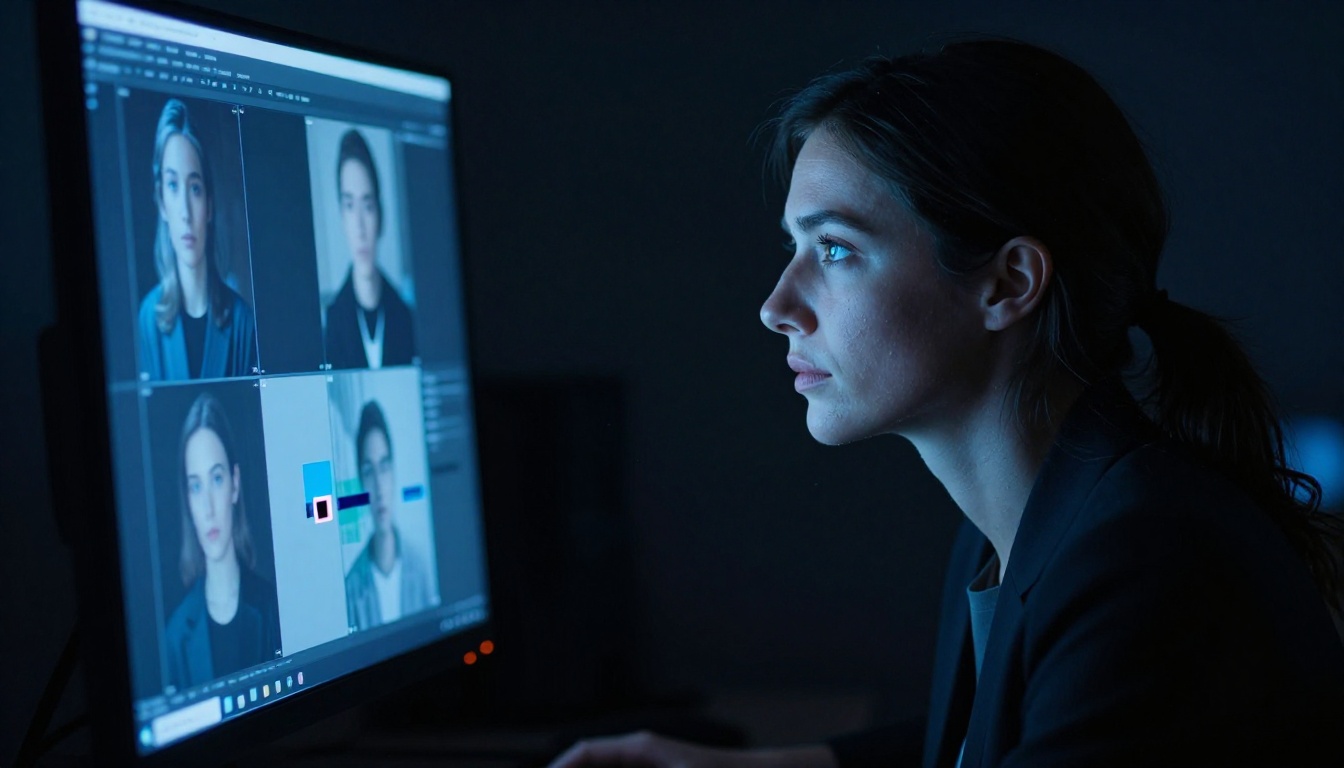
Seedream 5 Pro has no understanding of letterforms in the traditional sense. When you ask it to render specific text in an image, it pattern-matches from training data to produce something that looks like text without accurately representing characters. This works surprisingly well for distant text, small labels, or environmental detail in the background. It fails completely when text needs to be readable.
Neon signs, book covers, product packaging, posters, and any creative asset where specific words need to appear correctly are outside what Seedream 5 Pro can reliably deliver. The model produces plausible-looking text aesthetically while mangling the actual characters, mixing letters from different words, duplicating characters, or producing strings that don't correspond to any real language.
This limitation is fundamental rather than a version-specific bug. All current diffusion models share this architectural constraint to varying degrees. It's the reason text generation requires either specialized models or post-generation compositing rather than a single unified solution.
💡 Practical fix: Generate the visual composition in Seedream 5 Pro without any text elements. Composite typography in a design tool afterward. The model is excellent at creating the background, lighting, and visual mood. The letterforms should come from dedicated type tools.
Logos and brand assets
Even worse than garbled text is inconsistent text: a sign that shows the correct first word and then falls apart by the second, or a logo that renders accurately in one area and breaks at the edges. Seedream 5 Pro cannot accurately reproduce existing brand logos, trademarks, or specific graphic design assets.
When prompted to include a recognizable logo, the model either hallucinates a vaguely similar design, produces an unrecognizable approximation, or doesn't render the element at all. For commercial creative work involving existing brand guidelines, Seedream 5 Pro functions as a visual layer component, not a complete workflow solution on its own.
Character Consistency Fails
Same face, different person

One of the most commercially significant limitations of Seedream 5 Pro is character consistency. If you need a recognizable person or character to appear across multiple images, whether for a campaign, a storyboard, or a product line, the model produces a noticeably different-looking individual in nearly every generation.
This isn't about minor variations in expression or lighting angle. The fundamental facial structure, hair color, and distinguishing features drift significantly across generations even when you use identical prompts. For one-off image creation, this barely matters. For any project requiring visual continuity across a set of images, it becomes a critical problem.
The technical reason is that text-to-image diffusion models don't maintain persistent character state. Each generation is statistically independent. The prompt creates a probabilistic description of features that produces a plausible output, but not the same specific individual twice.
💡 What works instead: For multi-image character work, use Seedream 4 with the reference image input feature. Upload a reference portrait and the model anchors generation to that visual input. It doesn't eliminate drift entirely, but it dramatically reduces it compared to text-only prompting.
Product and commercial brand shots
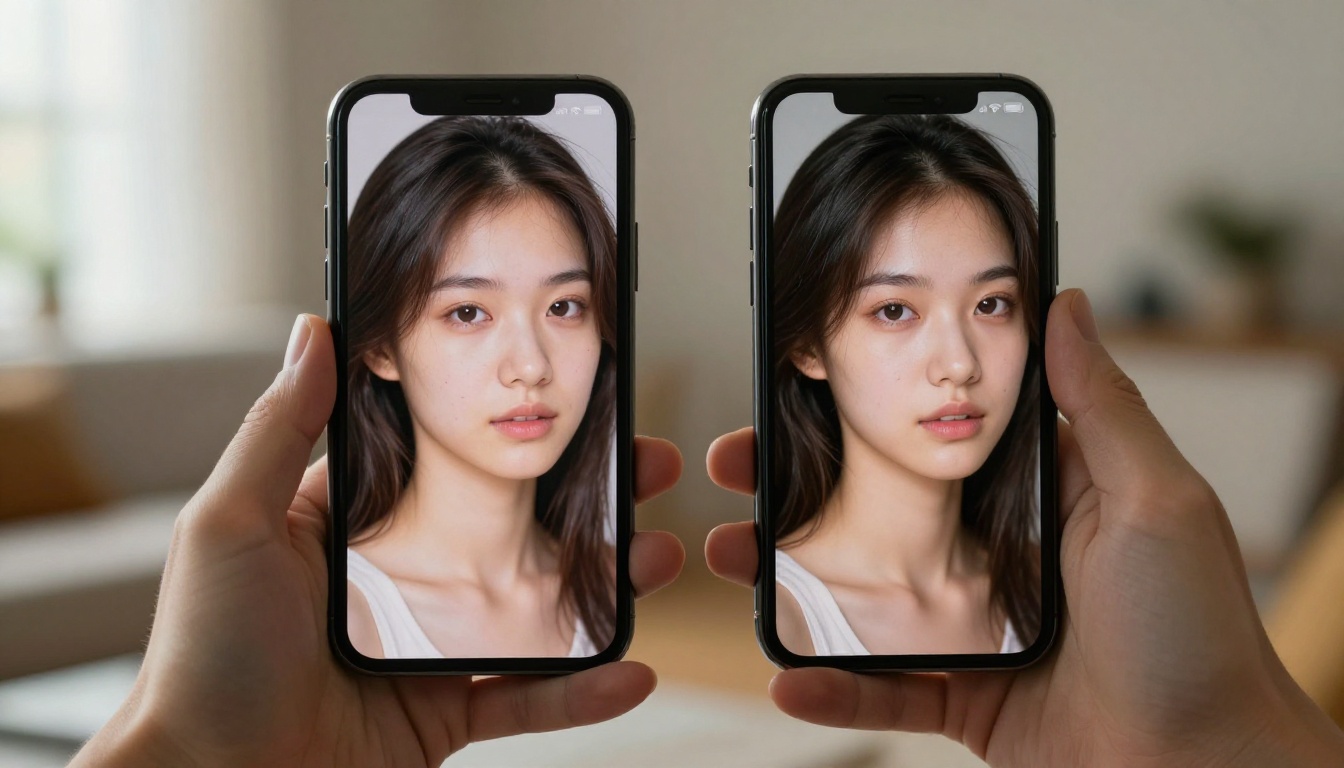
The character consistency issue extends to product photography. If you need a specific product model, a recognizable item, or a proprietary object to appear consistently across multiple generated images, Seedream 5 Pro introduces variation you didn't ask for.
Color values shift between generations. Proportions change. Distinguishing design features disappear or get reinterpreted. For concept work and mood boarding, these variations are acceptable. For client-facing commercial production where specific products need to be accurate and consistent, the workflow requires reference inputs or post-generation correction to reach a usable result.
Complex Scenes Fall Apart
Multiple subjects and crowds
Seedream 5 Pro's output quality degrades as scene complexity increases. Two subjects in close interaction start to show spatial relationship issues: merged limbs, implausible positions, subjects that appear physically disconnected from the shared space. Three or more subjects in a single composition frequently produce the kinds of anatomy errors that are individually manageable but compound into unusable outputs.
The model is optimized around single-subject scenarios and small group compositions in clearly defined spatial relationships. Two people on a park bench in conversation: generally good results. A dinner table with six guests: significantly more artifacts, requiring more iterations and careful prompt engineering to reach anything usable.
Detail-heavy backgrounds
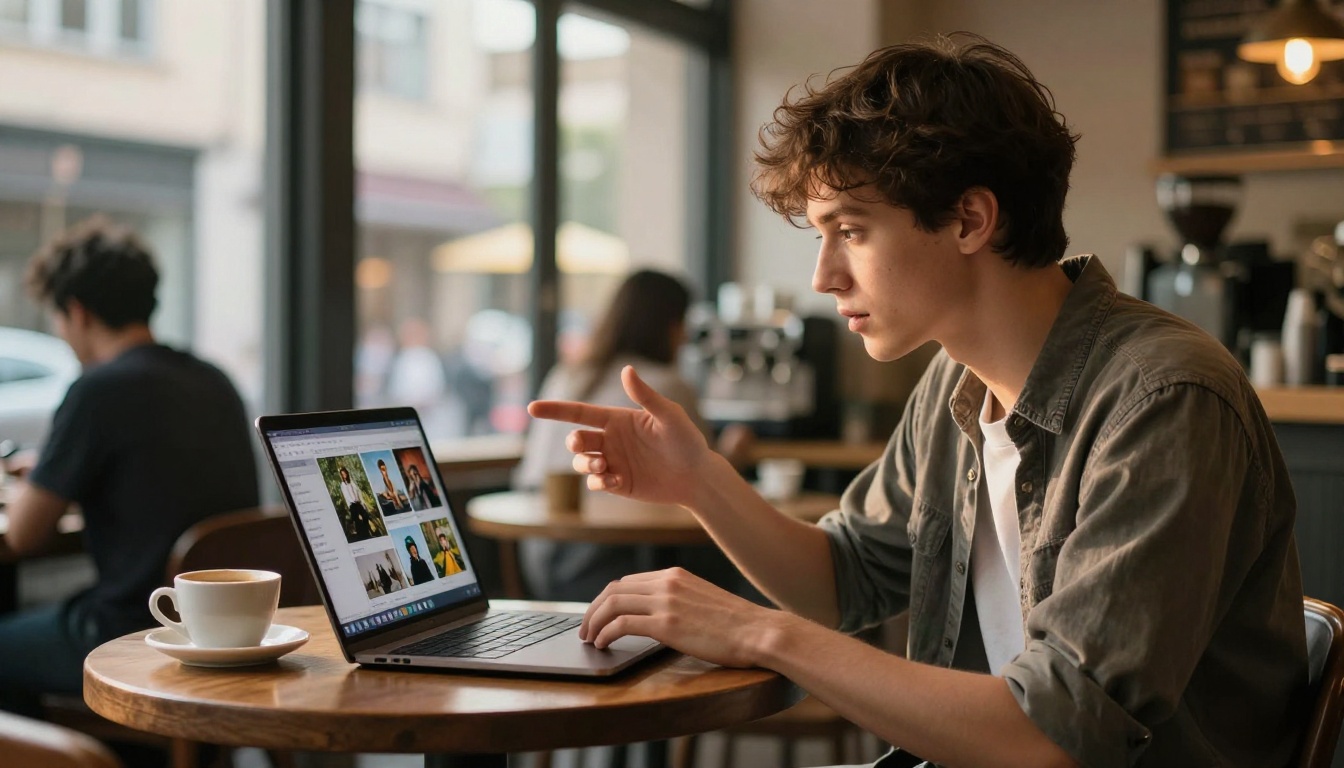
Seedream 5 Pro tends toward visual simplification in complex environmental scenes. A prompt specifying a busy market with specific stall types, varied merchandise, and authentic crowd density typically returns a scene that captures the general atmosphere but lacks the detail described. Individual background elements are represented impressionistically rather than accurately.
This is an inherent trade-off in how diffusion models allocate representational capacity across a scene. The model gives semantically clear foreground subjects more accurate treatment while background complexity gets interpreted loosely. Prompting harder for background specificity can shift attention but doesn't reliably raise the detail ceiling for complex environments.
| Scene Type | Seedream 5 Pro Performance |
|---|
| Single subject, clean background | Excellent |
| Two subjects, simple interaction | Good |
| Three or more subjects | Below average |
| Crowd scenes with architecture | Poor |
| Detailed product with text | Poor |
| Landscape with no subjects | Very good |
| Abstract mood and atmosphere | Excellent |
Where Seedream 5 Pro Wins
Mood and atmosphere
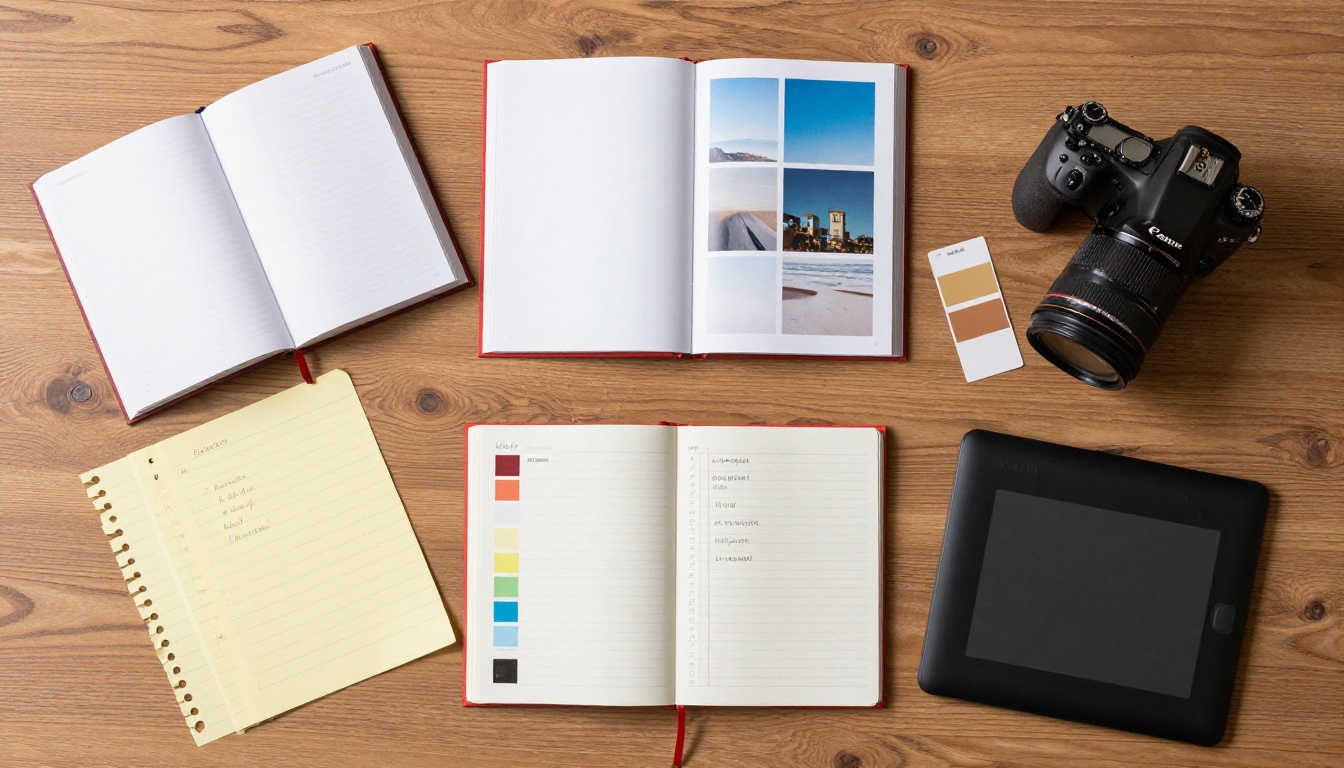
The model genuinely excels at capturing aesthetic style, emotional atmosphere, and visual mood. Abstract scenes, impressionistic environments, dramatic lighting scenarios, and conceptual imagery are areas where Seedream 5 Pro regularly produces strong results with minimal iteration.
If your brief is "create an image that feels like a quiet Sunday morning in a European café" or "capture the tension of a storm approaching a coastal town," Seedream 5 Pro handles these well because the success criteria are aesthetic rather than factually precise. Its strength is in evocative rendering rather than accurate rendering.
💡 Best use case: Mood boards, hero imagery for editorial content, and atmospheric backgrounds where specific accuracy isn't required. These are the scenarios where Seedream 5 Pro's tendencies become advantages rather than limitations.
Landscapes and architecture
Large-scale environmental scenes with natural or architectural subjects play to Seedream 5 Pro's genuine strengths. Forests, mountains, coastlines, urban skylines, and architectural interiors all benefit from the model's ability to create convincing environmental detail without the consistency and precision requirements that cause problems in other scenarios.
Natural textures in these contexts, including stone surfaces, water reflections, foliage density, and weathered materials, often reach a quality level that's genuinely difficult to distinguish from reference photography at a quick glance. These categories represent where Seedream 5 Pro is most accurately described as photorealistic.
Single-subject portraits
For single-subject portrait work in controlled compositions, Seedream 5 Pro competes well with most available alternatives. Skin tones, ambient lighting, depth of field simulation, and overall portrait composition reach a level where the outputs are commercially useful for a wide range of applications.
The key constraint is "single subject in a controlled composition." Once the portrait includes a complex background, another person in close interaction, or a scene that requires environmental specificity, the limitations start appearing.
Better Models for Specific Jobs
For sharper portrait detail

If your core work is portrait generation and you need tighter skin texture accuracy and more physically consistent lighting behavior, Flux Dev is worth testing against your specific prompts. Its 12-billion parameter architecture handles fine detail with more physical accuracy in high-contrast portrait scenarios.
For speed-based iteration where you're testing dozens of directions before committing to a final render, Flux Schnell gets you from prompt to output in seconds. That makes prompt iteration fast enough to test ten variations in the time a slower model produces two.
For consistent character work
When you need a character to appear consistently across multiple images, Seedream 4 with reference image inputs is the cleaner solution. Upload a reference portrait and the model uses it as a visual anchor for subsequent generations. You can generate variations in pose, expression, and environment while maintaining recognizable identity much more reliably than text-only prompting allows.
For projects requiring series consistency across many images, this approach works significantly better than any text-based consistency strategy available in Seedream 5 Pro.
For bigger output files
When you need resolution beyond what generation produces natively, Real ESRGAN scales images up to 4x with detail enhancement rather than simple pixel interpolation. A strong Seedream 5 Pro output at native resolution put through Real ESRGAN frequently produces better results than trying to prompt extreme detail at higher resolution settings, and it's faster.
The face restoration option in Real ESRGAN runs a separate enhancement pass on facial regions specifically, sharpening eyes and skin detail that can soften during the upscale process. For portrait work going to print or large-format display, the two-step approach, generate in Seedream 5 Pro then upscale in Real ESRGAN, reliably produces higher quality than any single-model approach.
How to Use Seedream 5 Pro on PicassoIA
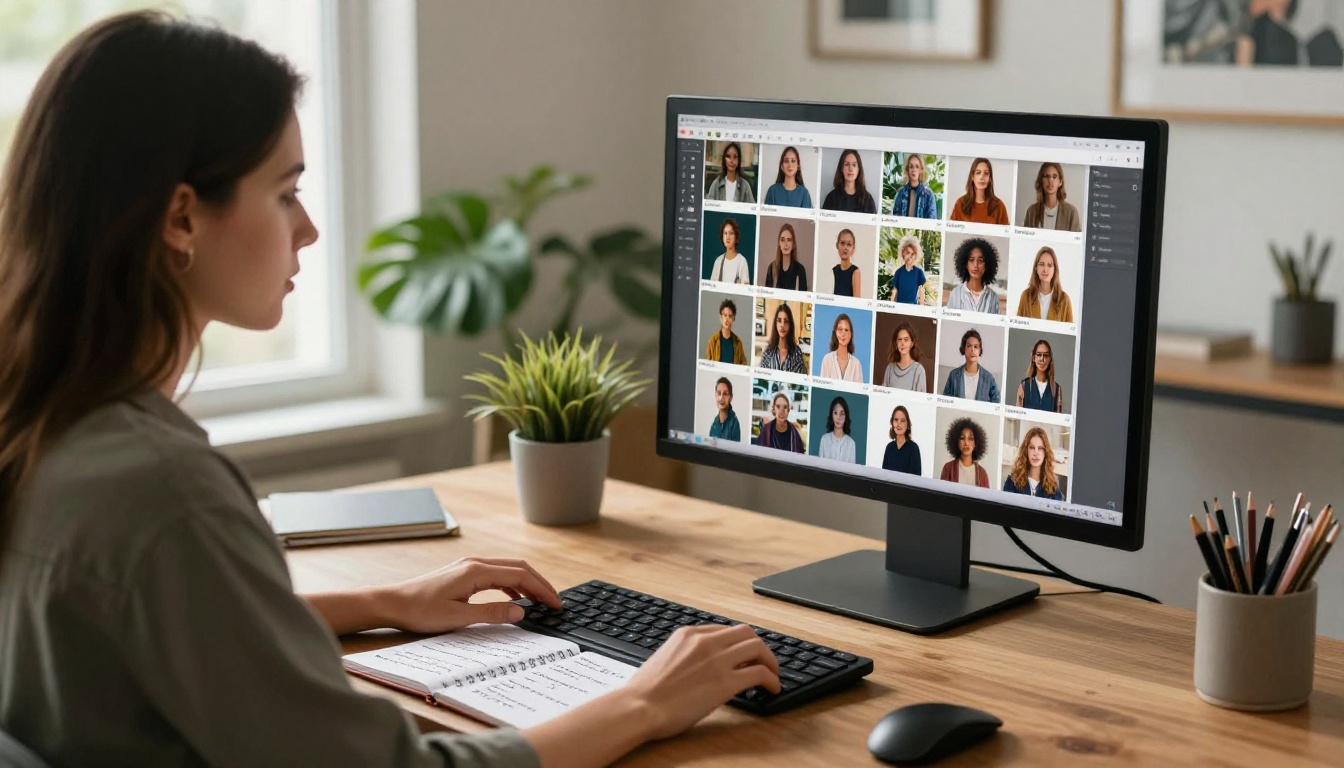
Seedream 5 Pro is available on PicassoIA with no credit caps and no account required. Here's how to get the best results from it:
Step 1: Open the model
Go to Seedream 5 Pro on PicassoIA. The interface loads with a prompt field and configuration controls on the right.
Step 2: Write a specific prompt
Seedream 5 Pro accepts prompts up to 4000 characters, but the model performs best with prompts kept under 600 English words. Describe your subject, environment, lighting conditions, and mood in detail.
Prompts that work well with this model:
- Specific lighting descriptions ("soft morning light from the left window," "overcast diffused daylight")
- Camera-style language ("medium shot," "shallow depth of field," "wide angle")
- Texture and material descriptions ("worn leather," "matte concrete," "brushed metal")
- Mood language that describes atmosphere rather than specific objects
Prompts that don't help:
- Requests for specific readable text appearing in the image
- Multiple named characters who need to stay visually consistent
- Very specific brand logos or trademarks
- Extremely complex multi-subject compositions with precise spatial requirements
Step 3: Add reference images if you have them
Upload up to 10 reference photos using the image input field. This is particularly useful for style matching, where you have a reference shoot and want to generate complementary visuals in the same visual aesthetic. The model blends face, object, or style information from each reference into the output.
Step 4: Set resolution and aspect ratio
Choose 1K for quick drafts or when you'll run a second upscaling pass afterward. Choose 2K when the output is going directly to use. Set aspect ratio to match your target canvas: 16:9 for wide-format content, 9:16 for vertical, 1:1 for square social posts.
Step 5: Iterate on specific variables
If the first output is close but not right, adjust one specific part of your prompt rather than rewriting from scratch. Dial in one variable at a time: lighting first, then composition, then subject detail. Seedream 5 Pro responds well to incremental prompt refinement.
💡 Resolution tip: Generate at 2K in Seedream 5 Pro, then run the best output through Real ESRGAN at 2x scale. The two-step approach produces sharper final files than generating at maximum resolution directly, and it's faster overall.
Start Creating Without the Myths
The most accurate takeaway here is that Seedream 5 Pro is a strong model within specific task categories, and a frustrating one outside them. It's not the last model you'll need. It's one well-positioned tool in a set that should include dedicated alternatives for text work, character consistency, and high-resolution output.
The practical approach is to match the model to the task. When the task fits Seedream 5 Pro's strengths: atmosphere, landscape, and single-subject portrait work, it delivers genuinely competitive results. When the task requires something it can't do reliably, such as readable text, multi-image character consistency, or complex crowd scenes, switching to a better-matched model is faster than trying to prompt around the limitation.
PicassoIA has over 91 text-to-image models in its catalog, each optimized differently. From Seedream 3 for native high-resolution output, to Flux Dev for maximum portrait fidelity, to Flux Schnell for fast iteration at no cost. Browse the full range at picassoia.com/en/all-models and test a few against your specific brief. The model that actually fits your work is better than the model with the loudest claims.


