The first question most creators ask about Seedream 5.0 Pro is whether it generates adult content. The second question, once they find out it does, is where exactly the line sits. Both questions have concrete answers that most platform comparisons skip past entirely. This article puts those answers on the table directly, including what the model blocks, why Seedream 4.5 often matters more for NSFW work, and how to set up a real workflow on PicassoIA if mature image generation is what you came for.
The Real Limits of Seedream 5 Pro
Seedream 5 Pro produces sharp 2K images from text prompts or up to ten reference photos. It handles glamour photography, fashion editorial, boudoir-adjacent content, and artistic portraiture at a quality level that rivals professional studio shots. The resolution advantage at 2K makes skin texture, fabric detail, and lighting gradients render with a sharpness that lower-resolution models cannot match.
The built-in safety checker processes every generation before the image is returned to you. This operates in two stages: prompt analysis and output review. A prompt flagged at the first stage never generates an image. A prompt that passes but produces a result crossing the explicit threshold gets caught at the second stage.
Neither stage is opaque. The boundaries become clear quickly from the type of prompt language that succeeds versus the type that gets rejected, and experienced creators know how to work within them effectively.

What the Model Comfortably Generates
Seedream 5 Pro handles these content categories without difficulty under standard settings:
- Swimwear and bikini photography at any level of detail or skin exposure typical in fashion magazines
- Lingerie and sheer fabric in editorial or boudoir framing, including visible skin through translucent material
- Artistic nude silhouettes where the form is visible but explicit anatomy is not the focus
- High-fashion decolletage and bare shoulder or back photography at any coverage level
- Boudoir glamour poses including reclining figures, bare legs, and intimate bedroom settings
- Fine art body studies framed in the tradition of classical or contemporary art photography
The model generates all of these at 2K resolution with photorealistic quality that makes the output professionally usable. Lighting instructions, lens specifications, film grain references, and compositional directions all translate into the final image with high fidelity.
What Gets Blocked
Explicit anatomical detail in sexual context, depictions of sexual acts, pornographic framing, and any content involving minors get blocked. These restrictions apply universally and do not have an override within Seedream 5 Pro's current parameters on PicassoIA.
The practical takeaway: Seedream 5 Pro is a capable tool for suggestive, glamorous, and mature imagery that stays on the artistic side of explicit. Creators doing fashion photography references, boudoir mood boards, or mature editorial content will find it sufficient for most professional work. Creators needing full artistic latitude will want to look at Seedream 4.5 instead.
Prompt Strategy for Passing the Filter
The safety checker responds to language, not just intent. Two prompts describing the same scene can produce different outcomes depending on word choice. The filter is trained to recognize certain terms and phrase patterns, not to evaluate artistic merit directly.
Photography language consistently outperforms explicit description. Writing "sheer ivory silk draped across a bare shoulder, natural morning light from a high window, 85mm portrait lens, Kodak Portra 400 film grain" produces a materially different safety response than writing the same scene in clinical anatomical terms.
💡 Craft prompts like a photographer giving direction on set. Describe the fabric, the light source, the lens choice, and the mood. Avoid explicit anatomical terms. The filter treats professional creative direction differently from explicit content requests, and the results reflect that consistently.

Style references also help. "In the style of Irving Penn portraiture" or "referencing Helmut Newton editorial photography" situates the request within a recognized fine art tradition. The model understands these references and tends to generate within the artistic conventions they imply, producing results that align with the aesthetic context rather than triggering safety responses.
Avoid stacking explicit terms even when the intention is artistic. Three clinical anatomical references in one prompt, regardless of the surrounding artistic context, tend to trigger the checker. One carefully placed reference in an otherwise atmospheric, lighting-focused prompt usually passes without issue.
Prompt structures that work well:
- "A strikingly beautiful woman with luminous skin, wearing sheer white linen, standing on a sun-drenched terrace overlooking the ocean, soft directional light from the right, 85mm portrait lens, Kodak Portra 400 film grain, photorealistic"
- "Intimate boudoir portrait, warm amber chandelier light, silk robe draped loosely, one bare shoulder visible, shot on Leica M11 with Noctilux 50mm f/1.0, extreme shallow depth of field, Kodak Portra 400, photorealistic RAW photography"
- "Artistic silhouette of a woman standing before floor-to-ceiling windows at dusk, form visible against amber city glow, sheer fabric draping, fine art photography style, Sony A7R V, 50mm f/1.8, Fuji Velvia tone"
These formats produce consistent passes on Seedream 5 Pro and give you photorealistic output that serves real creative workflows.
Seedream 4.5: The Model That Changes the Equation
Seedream 4.5 is not a downgrade from Seedream 5 Pro. It is a different model with different capabilities, and for NSFW creative work specifically, it offers something Seedream 5 Pro does not.
The disable_safety_checker parameter, when set to true, relaxes content moderation to block only illegal material (specifically CSAM). Everything else, including artistic nudity, mature boudoir content, and adult creative work between legal-age subjects, becomes accessible without workaround prompting.
| Feature | Seedream 4.5 | Seedream 5 Pro |
|---|
| Max Resolution | 4K (4096px) | 2K |
| Safety Checker Toggle | Yes (disable_safety_checker) | No |
| Multi-image Reference Input | Up to 14 images | Up to 10 images |
| Batch Generation | Up to 15 images per run | Single output |
| Best NSFW Application | Fine art and mature content | Glamour and fashion |
| Prompt Length | Thousands of characters | Up to 4000 characters |
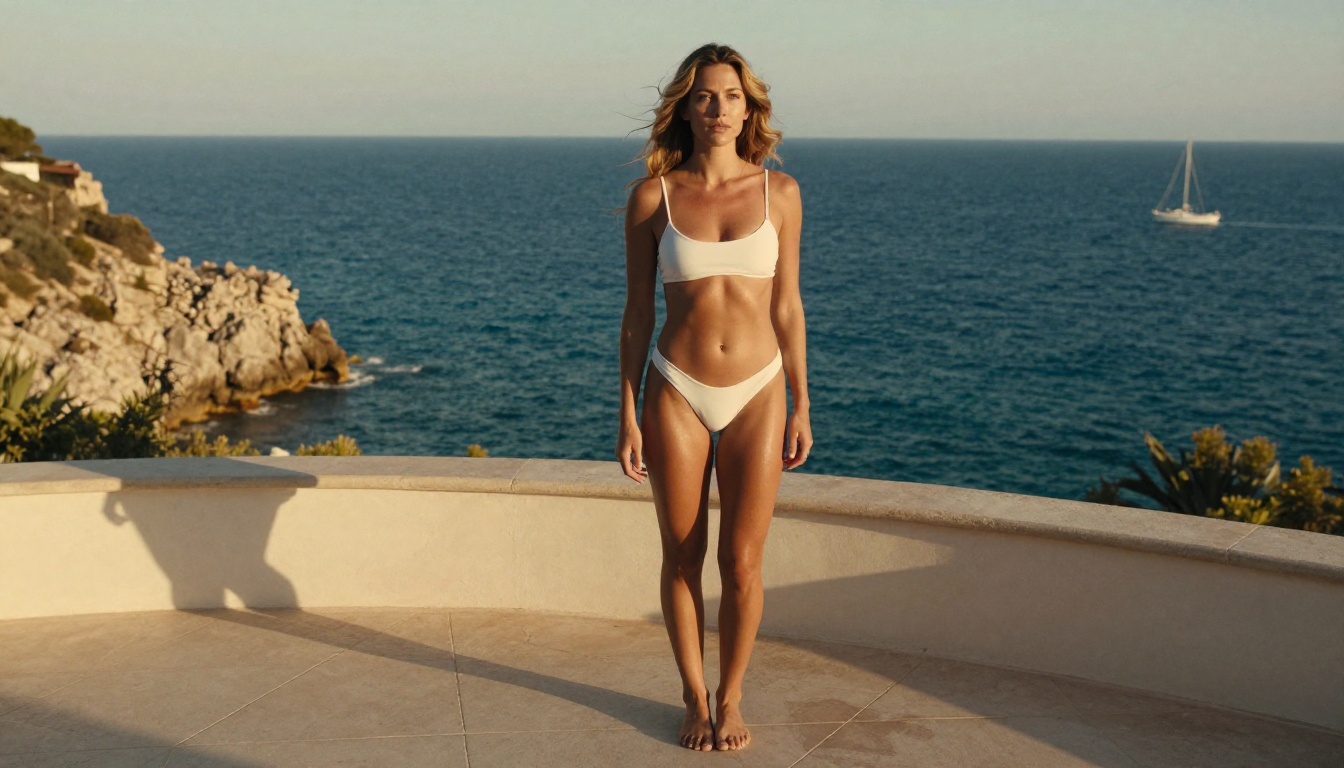
The resolution advantage at 4K matters significantly for mature creative work. Skin texture, fabric weave, hair strand detail, and lighting gradients all render at a level of specificity at 4096 pixels that 2K cannot replicate. For print-format boudoir photography or large-canvas fine art output, this difference is the deciding factor between a result that holds up in print and one that does not.
The multi-image reference input at up to 14 images also opens capabilities that Seedream 5 Pro cannot match. You can feed a face reference, a lighting reference, a pose reference, and a costume reference simultaneously, and the model synthesizes all four into one coherent output. Consistent character identity across a multi-image shoot becomes achievable without inpainting or manual compositing between sessions.
When to Choose Each Model
Use Seedream 5 Pro when:
- Your output stays within fashion, glamour, and suggestive boudoir content
- 2K resolution is sufficient for the intended use
- You want the newest architecture with automatic quality controls
- Client deliverables require conservative content standards
Use Seedream 4.5 when:
- Your project requires artistic nudity or mature content beyond the suggestive tier
- 4K resolution matters for print, canvas, or large-format digital display
- You need to batch-generate up to 15 related images in a single run
- Multiple reference images are part of your workflow for character consistency
How to Use Seedream 4.5 on PicassoIA
The workflow is straightforward. From prompt to 4K image takes between 15 and 60 seconds depending on complexity and server load.
Step 1: Open the model. Navigate to Seedream 4.5 on PicassoIA. No registration wall blocks your first generation.
Step 2: Write a detailed prompt. The model responds to long, specific prompts. Aim for 100 to 200 words describing subject, environment, lighting, camera lens, film stock, and mood. Vague prompts produce generic results. Specific prompts produce images that match your creative vision with consistency across runs.
Step 3: Select your resolution. For mature creative work requiring maximum detail, select 4K. For quick drafts or web-only output, 2K generates faster without sacrificing quality for digital display.
Step 4: Toggle the safety parameter if needed. To access artistic mature content beyond the default filter, set disable_safety_checker to true. The model will still block CSAM and illegal content at all times. All legal adult creative work between adult subjects becomes accessible with this setting active.
Step 5: Add reference images. Upload up to 14 reference images if you have them. Label each one in your prompt as "image 1," "image 2," and so on. The model reads these labels and incorporates each reference selectively, giving you control over which elements come from which source.
Step 6: Lock a seed for reproducible results. Any image you want to recreate with variations can be reproduced by noting the seed number from the first generation and entering it on subsequent runs. This makes iterative refinement predictable and efficient.

5 Content Types and What Each Model Allows
| Content Category | Seedream 5 Pro | Seedream 4.5 (default) | Seedream 4.5 (toggle on) |
|---|
| Swimwear and bikini | Passes | Passes | Passes |
| Sheer fashion and lingerie | Usually passes | Usually passes | Passes |
| Boudoir with implied nudity | Sometimes filtered | Sometimes filtered | Passes |
| Artistic nude (non-explicit) | Usually blocked | Usually blocked | Passes |
| Explicit sexual content | Always blocked | Always blocked | Always blocked |
Results vary with prompt phrasing. CSAM is blocked at all times across all settings and models, regardless of any parameter configuration.
The gap between "sometimes filtered" and "Passes" in the middle tiers represents the practical value of the toggle. Sheer fabric over bare skin, artistic reclining poses, and fine art implied nudity all move from unreliable to consistent once the checker is relaxed. This is the difference between a creative tool that occasionally works for your use case and one that works every time.
For most commercial glamour and fashion work, Seedream 5 Pro with good prompt strategy covers everything in the first two rows without any additional configuration. For fine art boudoir and mature editorial work where consistency matters, Seedream 4.5 with the toggle is the right choice.
PicassoIA Image Editor Pro for Unlimited Refinement
Generation is only one half of a mature content workflow. The other half is post-generation editing, and this is where PicassoIA Image Editor Pro changes how efficiently you can work.
The model accepts up to three reference images and edits them based on plain language instructions. The defining feature is that it is unlimited: no per-edit cap, no daily quota, no credit drain on iterations. If you want to try forty variations of the same base image, the model runs all forty without restriction.
For mature content workflows, specific use cases include:
- Changing fabric type or coverage on a generated figure ("replace the top with sheer black silk")
- Adjusting lighting to create more dramatic shadow on skin or add warmth to a scene
- Replacing or modifying background elements without touching the subject
- Applying a style reference to a generated image ("match the lighting tone from image 2")
- Retouching specific details like hair, jewelry, or makeup while the body remains unchanged
- Repositioning or removing props that do not match the intended mood
Editing time runs under three seconds for most modifications. The quality remains production-ready at output, making it viable for client delivery without additional post-processing.
💡 Recommended workflow: Generate the base image at 4K with Seedream 4.5, then pass the result to PicassoIA Image Editor Pro for unlimited refinement iterations. This two-step approach gives you the highest source resolution combined with the fastest editing loop available on the platform.

PicassoIA's platform extends well beyond the Seedream family. Several additional capabilities integrate naturally with a mature content creation workflow.
Super Resolution upscales a 2K Seedream 5 Pro output to 4K or 8K without visible interpolation artifacts. If you generated a successful image at 2K and need it at print dimensions, this is the step that gets you there without re-running the generation from scratch.
Face Swap AI lets you apply a specific face to a generated figure while preserving the body, lighting, and background. For creators building consistent personas across multiple images, this replaces the need to achieve exact facial consistency through prompt engineering alone, which can be unreliable across sessions.
Inpainting targets specific areas of a generated image for modification while leaving the rest untouched. A misshapen hand, an unwanted background object, or a fabric detail that does not match the scene can all be fixed without regenerating the entire image. This is particularly valuable in mature content work where the overall composition is strong but one element needs correction.
Outpainting extends the canvas beyond the original frame. A tight portrait becomes a three-quarter body shot. A close-up becomes a full room scene. The extension blends seamlessly with the original generation, maintaining consistent lighting, color grading, and detail level throughout the expanded area.
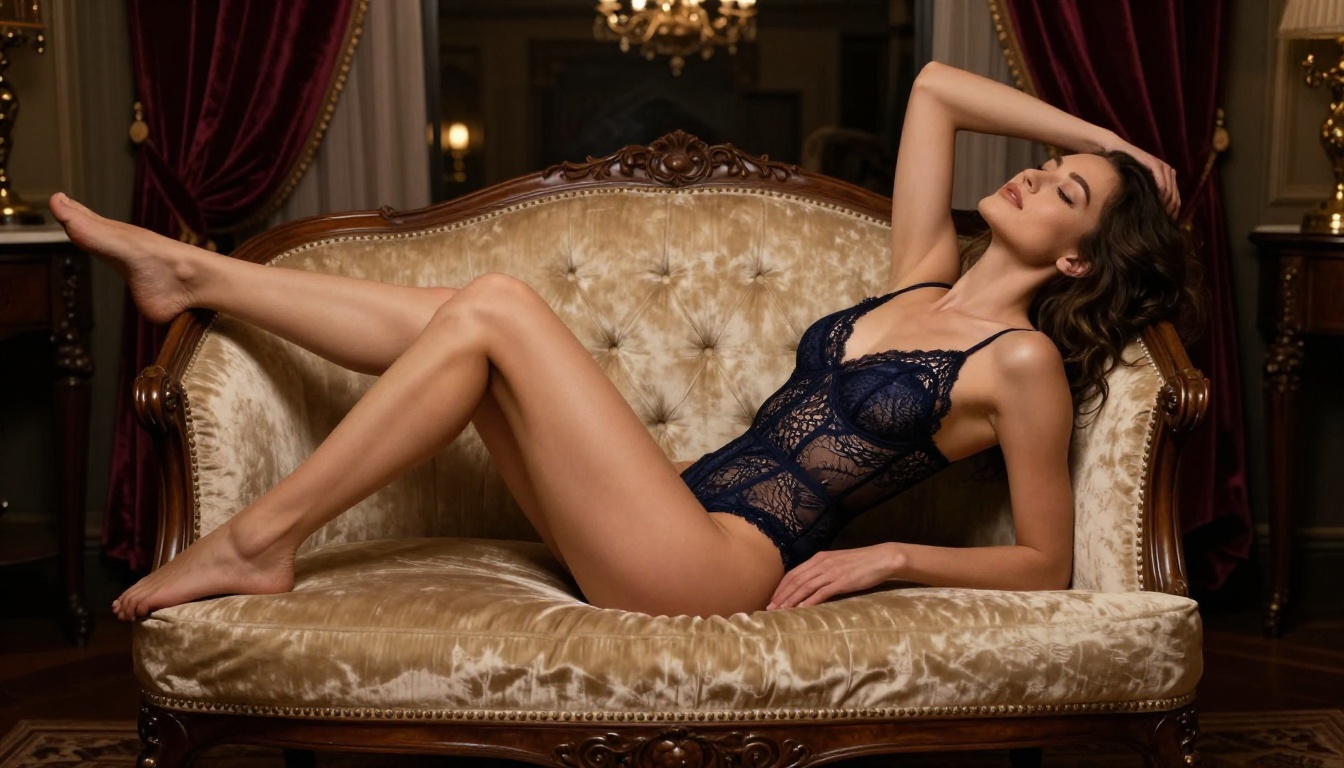
Each of these tools runs on PicassoIA without switching platforms or managing separate API accounts. The full catalog, including 91 text-to-image models and additional tools across video, audio, and image processing categories, lives at picassoia.com/en/all-models. New models are added regularly as the major AI labs release updates.
Other models on PicassoIA worth trying for mature content:
- Reve 2.1: Strong at editing and generating precise, detailed images from text with clean composition
- PicassoIA Image Editor Pro: Unlimited edits, multi-image input, production-ready output in seconds
What to Try First
If you arrived here wanting to know whether Seedream 5.0 Pro handles NSFW content, the answer is: yes, up to the suggestive and glamour tier, and no for explicit material. For the majority of creators doing fashion, boudoir, and mature editorial work, Seedream 5 Pro covers everything needed without any additional setup.
If you need more latitude, Seedream 4.5 with disable_safety_checker enabled is the correct model. It produces 4K output, accepts 14 reference images, and handles artistic nudity in a legal-adult context without restricting your creative vision beyond what the law requires.
Both models are accessible on PicassoIA right now. Start with Seedream 5 Pro to see where its defaults land for your specific use case. If the results match your creative needs, you have a fast 2K workflow ready to go. If you need to push further, switch to Seedream 4.5 and activate the safety parameter. The platform handles both without any configuration beyond choosing the right model for the job.
Add PicassoIA Image Editor Pro to your stack for unlimited post-generation iteration and the workflow becomes genuinely professional-grade, covering everything from initial concept to final delivery without leaving the platform.