The AI image generation landscape just leveled up. Seedream 5 Pro by ByteDance is one of the most capable text-to-image models available today, producing sharp, photorealistic 2K images that rival professional photography. If you have ever typed a sentence and wanted it to become a stunning visual, this model is your shortcut. And with PicassoIA giving you direct access to it in your browser, there is no setup required, no waiting lists, no GPU rentals.
This article covers everything from what makes Seedream 5 Pro technically exceptional to the exact process of using it on PicassoIA, writing prompts that produce jaw-dropping results, and seeing how it compares to the competition. By the time you finish reading, you will have everything you need to start producing professional-quality imagery today.
What Is Seedream 5 Pro
Seedream 5 Pro is ByteDance's flagship text-to-image model, built on a diffusion-transformer architecture that pushes resolution and prompt adherence well beyond what earlier models achieved. Unlike many competitors that peak at 1024x1024 pixels, Seedream 5 Pro outputs true 2K images packed with fine-grain detail.

ByteDance's Flagship Image Model
ByteDance released Seedream 5 Pro as the top tier of its image generation lineup, sitting above Seedream 5 Lite and several previous generations including Seedream 4.5, Seedream 4, and the original Seedream 3. What separates the Pro tier from everything below it:
- 2K output resolution with crisp edge detail across the entire frame
- Multi-language prompt support, including non-Latin scripts
- Precise layout reasoning: the model accurately interprets spatial instructions like "on the left" or "in the foreground"
- Consistent human anatomy: hands, eyes, and facial structures render correctly across generations
- Photorealistic textures: fabric weave, skin pores, water droplets, and foliage appear with authentic depth
How It Differs from Previous Generations
Each version of Seedream improved on a specific weakness. Seedream 3 established baseline photorealism. Seedream 4 and Seedream 4.5 improved face and hand anatomy. Seedream 5 Pro closes the gap between AI output and studio photography entirely.
💡 Pro Tip: If you need fast results and do not require maximum detail, Seedream 5 Lite is a solid alternative. For anything production-grade, always use the Pro version.
Why the Resolution Gap Matters
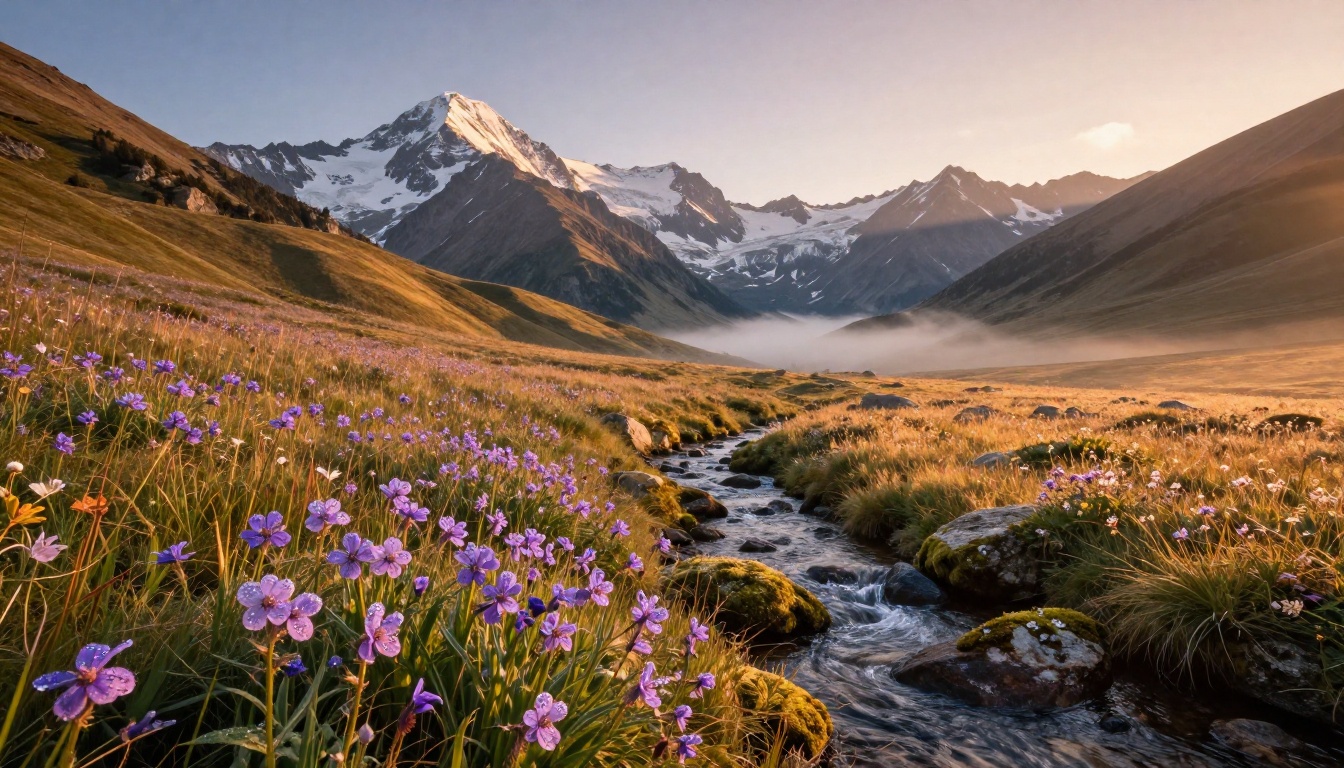
Resolution is not just about file size. At 2K, the fine textures that separate AI images from real photography finally hold up: individual strands of hair, the grain of aged wood, micro-bubbles in coffee foam. These details collapse at lower resolutions. Every pixel in a Seedream 5 Pro output carries detail that would be noise at 512px.
2K Output Without Hardware Costs
Running a model like Seedream 5 Pro locally requires a high-VRAM GPU, significant setup time, and ongoing maintenance. PicassoIA abstracts all of that. You write a prompt, the cloud infrastructure runs the model, and you download a 2K image in under a minute. That is the value proposition: professional output with zero infrastructure overhead.
For context, the VRAM requirements to run Seedream 5 Pro locally would make it inaccessible to most independent creators. On PicassoIA, the hardware cost is covered by the platform, and you get access to the same compute that powers production pipelines.
Prompt Adherence at Scale
One of the most common frustrations with text-to-image AI is prompt drift, where the model ignores part of your description and substitutes its own interpretation. Seedream 5 Pro's layout reasoning dramatically reduces this. Descriptors like "soft backlight from the left" or "foreground bokeh with sharp subject" translate into the image with fidelity that older models could not reliably achieve.
💡 Pro Tip: Use directional light descriptors in every prompt. Seedream 5 Pro reads them accurately. "Volumetric morning light from the left" produces noticeably different images than "harsh noon sunlight from above."
How to Use Seedream 5 Pro
The workflow is straightforward, but knowing where to focus your attention makes a significant difference in output quality.
Step 1: Open the Model
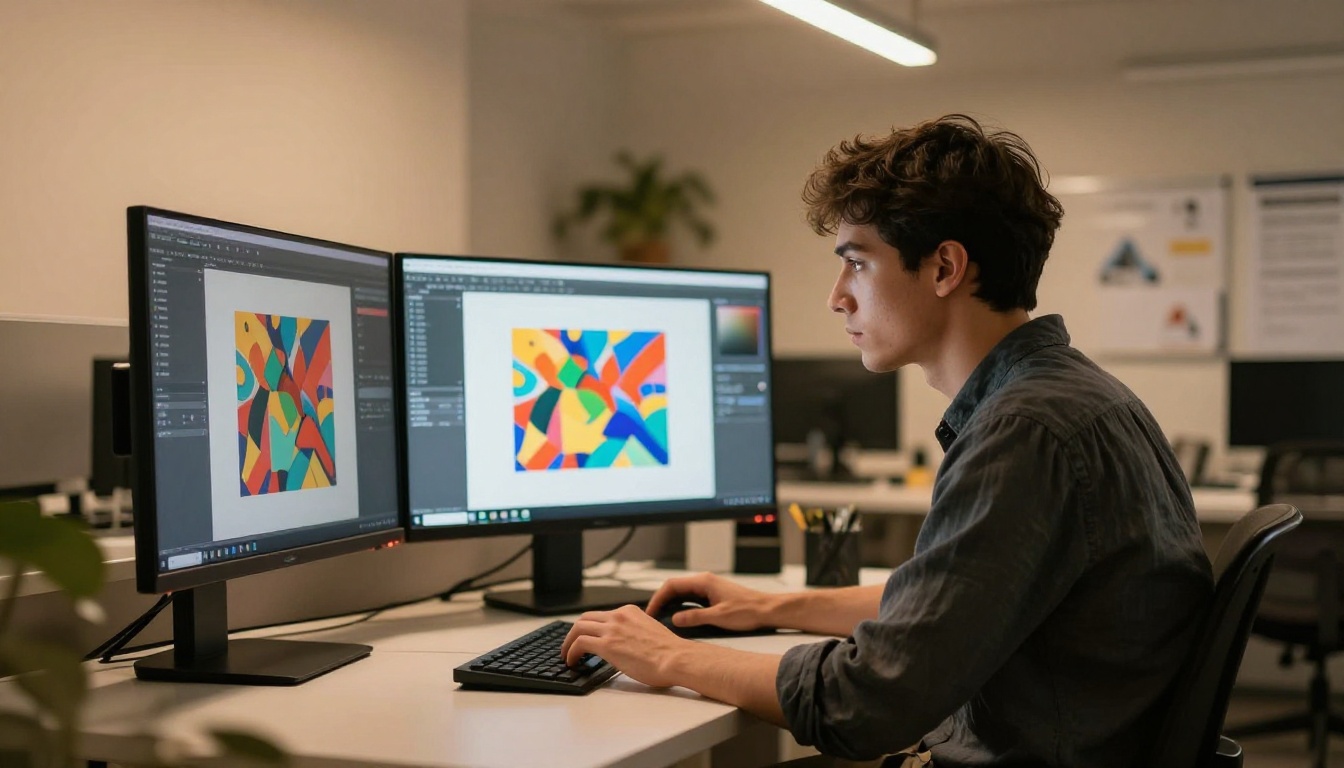
Navigate directly to Seedream 5 Pro on PicassoIA. No account is needed for basic access, though logging in unlocks higher resolution outputs and generation history. The interface loads a clean prompt field with a generate button. Nothing else to configure before your first image.
Step 2: Write a Detailed Prompt
This is where most people underinvest. A vague prompt produces a generic image. A structured prompt produces something specific. The model responds best to prompts organized in this sequence:
- Subject with action or pose
- Environment or background context
- Lighting conditions, direction, and color temperature
- Camera perspective and lens type
- Texture/Atmosphere modifiers
- Style suffix:
photorealistic, RAW 8K, Kodak Portra 400 film grain, no CGI
Step 3: Dial In the Settings
PicassoIA exposes several generation parameters directly in the interface:
| Setting | What It Controls | Recommended Value |
|---|
| Aspect Ratio | Image dimensions | 16:9 wide, 1:1 for square social |
| Inference Steps | Quality vs. speed | 30-40 for best output |
| CFG Scale | Prompt adherence | 7.0-8.5 for photorealism |
| Seed | Reproducibility | Fix seed to iterate on good results |
| Prompt Upsampling | AI expands short prompts | On for brief inputs |
Step 4: Generate and Refine
Hit generate. If the first result is close but not perfect, change one variable and regenerate. Do not adjust everything at once or you lose track of what was working. Fix the seed when a composition is good and you want to refine only the lighting or color. Iteration with a fixed seed produces dramatically cleaner improvements than starting fresh each time.
💡 Pro Tip: Save the seed number of every image you like. It lets you reproduce similar results with minor prompt edits rather than rebuilding from scratch.
Prompt Tips That Actually Work

Most people write AI image prompts the same way they write a Google search. That approach produces mediocre results. Seedream 5 Pro responds to photographic vocabulary, not keyword strings.
The Anatomy of a Strong Prompt
Think of your prompt as a cinematographer's brief. Every element should have a reason:
Weak prompt: beautiful woman in a park
Strong prompt: Young woman with dark curly hair sitting on a wooden park bench, reading a paperback book, warm late-afternoon sunlight filtering through oak leaves casting dappled shadows across her linen dress, photographed from a low angle with a 50mm f/1.8 lens, shallow depth of field with bokeh foreground leaves, Kodak Portra 400 film grain, photorealistic RAW 8K, no CGI
The difference in output quality between these two prompts is substantial. The second gives the model subject, pose, location detail, lighting source, lens, depth of field, film stock, and style guard in a single structured input.
5 Mistakes to Avoid
| Mistake | Why It Hurts | Fix |
|---|
| No lighting descriptor | Model defaults to flat, unrealistic light | Always specify direction and quality |
| Stacking too many subjects | Model gets confused about focal point | One primary subject per prompt |
| Forgetting lens type | Perspective comes out generic | Add lens mm value and f-stop |
| Abstract adjectives only | "Beautiful" and "amazing" add nothing | Replace with specific visual descriptors |
| No negative modifiers | CGI artifacts creep in | End with no CGI, no illustration |
Photographic Terms That Trigger Quality
These terms are deeply embedded in Seedream 5 Pro's training data and reliably improve output:
- Lighting:
volumetric light, God rays, rim light, catchlights, practical light
- Depth:
bokeh, shallow depth of field, ambient occlusion, film grain
- Film stocks:
Kodak Portra 400, Fujifilm Velvia, 35mm film
- Perspective:
low-angle, aerial, macro, wide-angle, telephoto
Seedream 5 Pro vs the Competition
Not every project calls for maximum resolution and photorealistic accuracy. Here is how Seedream 5 Pro stacks up against the closest alternatives on PicassoIA.
Pro vs Seedream 4.5
| Feature | Seedream 5 Pro | Seedream 4.5 |
|---|
| Max Resolution | 2K | Up to 4K |
| Face Anatomy Accuracy | Excellent | Good |
| Multi-language Prompts | Yes | Limited |
| Inference Speed | Fast | Moderate |
| Prompt Adherence | Very High | High |
| Best For | Photorealistic production | High-res artistic output |
Both are strong ByteDance models. For commercial production output where consistency matters more than raw megapixels, Seedream 5 Pro edges ahead.
Pro vs Flux and Stable Diffusion
| Feature | Seedream 5 Pro | Flux Redux Dev | Stable Diffusion 3 |
|---|
| Output Style | Photorealistic | Mixed/Creative | Versatile |
| Prompt Adherence | Very High | High | Moderate |
| Human Anatomy | Excellent | Very Good | Good |
| Speed | Fast | Moderate | Fast |
| Best Use | Photography, commercial | Style variations | Artistic exploration |
Flux Redux Dev excels at stylistic variations from reference images. Stable Diffusion 3 offers broader flexibility across artistic styles. Seedream 5 Pro wins decisively in the photorealistic accuracy category.
💡 Pro Tip: For product photography or editorial images that must look like real camera shots, Seedream 5 Pro is consistently the right choice. For abstract or stylized outputs, try Flux Redux Dev.
Real-World Use Cases

Content Creators and Social Media
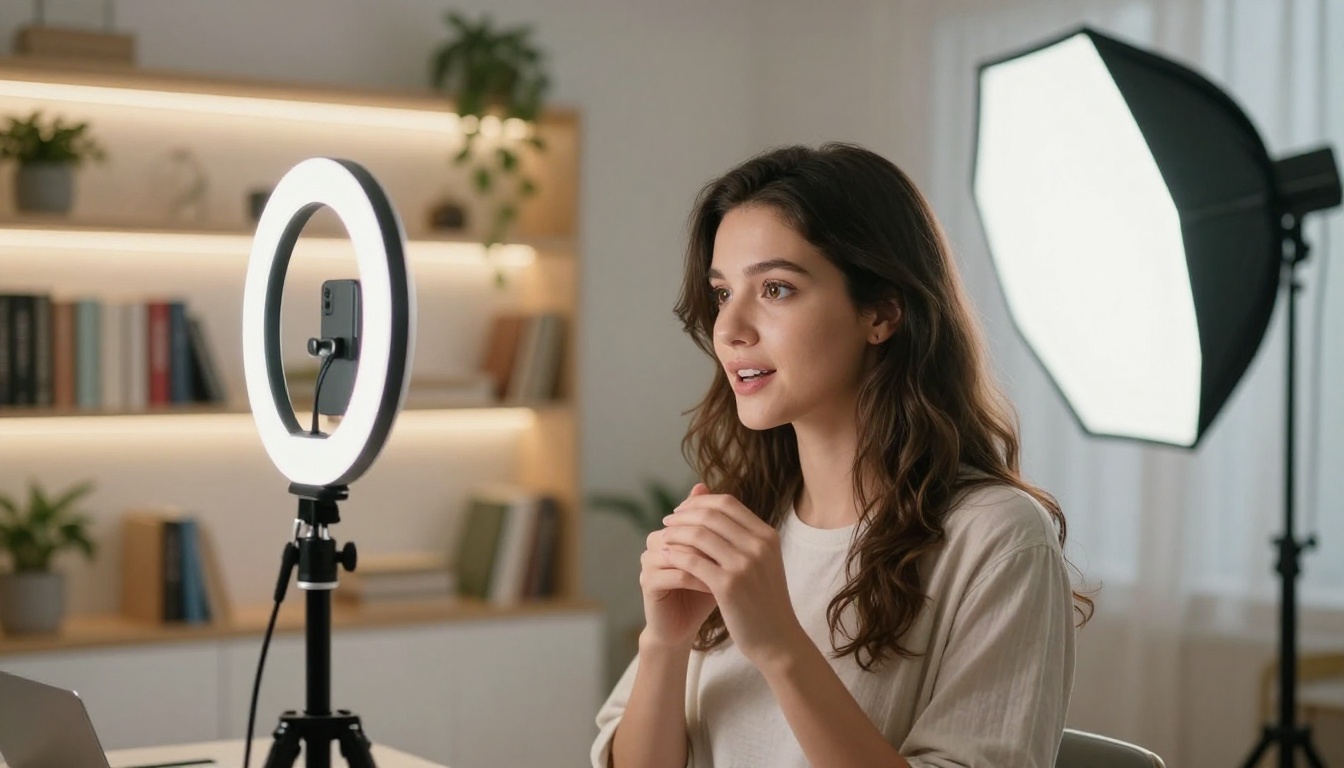
Content creators working across Instagram, YouTube, or TikTok need high-volume, high-quality visuals at a pace that traditional photography cannot match. Seedream 5 Pro fills that gap. A creator can produce 20 to 30 photorealistic images in the time it takes to set up a single photo shoot.
Common creator workflows:
- Generating lifestyle imagery for carousel posts
- Creating backdrop visuals for YouTube thumbnails
- Producing mockup photography for product promotions
- Building visual moodboards for brand pitches
- Generating varied background images for content series
Product Photography Without a Studio
Seedream 5 Pro can generate photorealistic product context shots without requiring a physical environment. For e-commerce brands testing new colorways, seasonal staging, or lifestyle photography, this cuts production timelines from weeks to hours.
The most effective approach: describe the product in isolation first to confirm the visual, then regenerate it within a rich environmental context. A skincare bottle photographed against marble with morning window light costs nothing to iterate and nothing to reshoot.
Marketing and Campaign Concepting
Agency teams use Seedream 5 Pro to rapidly concept and present visual ideas to clients before committing production budgets. Instead of shooting five different campaign directions, a creative team can generate visual mock-ups of all five in an afternoon.
| Industry | Seedream 5 Pro Application |
|---|
| Fashion | Editorial look generation, campaign moodboards |
| Real Estate | Interior and exterior lifestyle photography |
| Food and Beverage | Plating photography, packaging mock-ups |
| Travel | Destination photography for content marketing |
| Technology | Device photography in context, UI mockups |
Seedream 5 Pro handles the heavy lifting of image creation, but several complementary tools on PicassoIA extend what you can do with the output:
- SDXL Lightning 4Step: When you need rapid iteration and speed matters more than maximum detail, this model generates results in four steps with solid quality.
- RealVisXL v3.0 Turbo: Strong for photorealistic human portraits with fine artistic detail. Pairs well with Seedream 5 Pro for face-focused workflows.
- Super Resolution: Push any Seedream 5 Pro 2K output to 4K for large-format print without quality loss.
- Background Removal: Strip backgrounds from Seedream 5 Pro outputs and composite into new environments directly within PicassoIA.
- AI Image Restoration: Recover fine detail if a generation has minor artifacts or noise in specific regions.
Create Your First AI Image Now

There has never been a faster path from an idea to a professional-quality image. Seedream 5 Pro on PicassoIA removes every barrier that used to stand between a creative vision and a polished visual output.
Write a prompt about the image you have been imagining. Adjust the lighting descriptor. Fix the seed on a composition you like. Within minutes, you will have a 2K photorealistic image that would cost hundreds of dollars to produce in a traditional photo studio.
PicassoIA's library includes over 90 text-to-image models across every style and use case. Once you have worked with Seedream 5 Pro, the entire catalog is open to you. Every model, every style, all from the same interface.
Try it now at picassoia.com/en/all-models and produce your first 2K AI image in under a minute.


