Seedream 5 Pro is ByteDance's latest text-to-image model, built specifically for sharp 2K outputs with noticeably better text accuracy than most alternatives on the market right now. If you have spent time battling garbled letters on AI-generated posters or found that your flyer backgrounds lose detail at print size, this is the model that changes that equation. The combination of high native resolution, improved typography rendering, and strong photographic fidelity makes it a practical tool for anyone producing event posters, promotional flyers, marketing collateral, and visual assets that need to hold up in print.

What Makes Seedream 5 Pro Stand Out
Most AI image models were built for web display. Push them to print and the resolution cracks appear fast. At anything bigger than A4 you start seeing soft edges, compression artifacts, and text that was never really legible to begin with. Seedream 5 Pro addresses this at the architecture level by generating natively at higher resolutions without the aliasing penalty that comes with upscaled outputs.
The 2K ceiling also means you have room to crop and recompose without degrading the final asset. Crop a header for Instagram, pull the center third for a web banner, then use the full frame for the printed A2 version, all from a single generation. That flexibility cuts production time for anyone running multi-channel campaigns.
2K Resolution That Holds for Print
Standard AI image models top out at 1024x1024 or 1024x576 for widescreen formats. At those dimensions, printing at any reasonable DPI above 150 means visible pixel noise. Seedream 5 Pro generates at native 2K, which gives you a working canvas around 2048x1152 for 16:9 ratios. That is workable at 150 DPI for A2 print without any additional upscaling.
For large-format work such as trade show banners, conference backdrops, or outdoor advertising mock-ups, you will still want to pair the output with a super-resolution tool. But the starting point is dramatically better than what you get from most models, which means the upscaler has less work to do and the result preserves more of the original image character.
💡 Print tip: For anything going to a professional printer at A2 or larger, generate with Seedream 5 Pro first, then run it through Clarity Pro Upscaler or Image Upscale by Topaz Labs to reach true 300 DPI without softening.
Text Rendering That Actually Works
Typography in AI-generated images has been a known weakness across the board. Words get phonetically approximated, letters get rotated, and anything longer than four characters becomes unreliable. Seedream 5 Pro has significantly improved this by training on structured data that emphasizes legible text relationships.
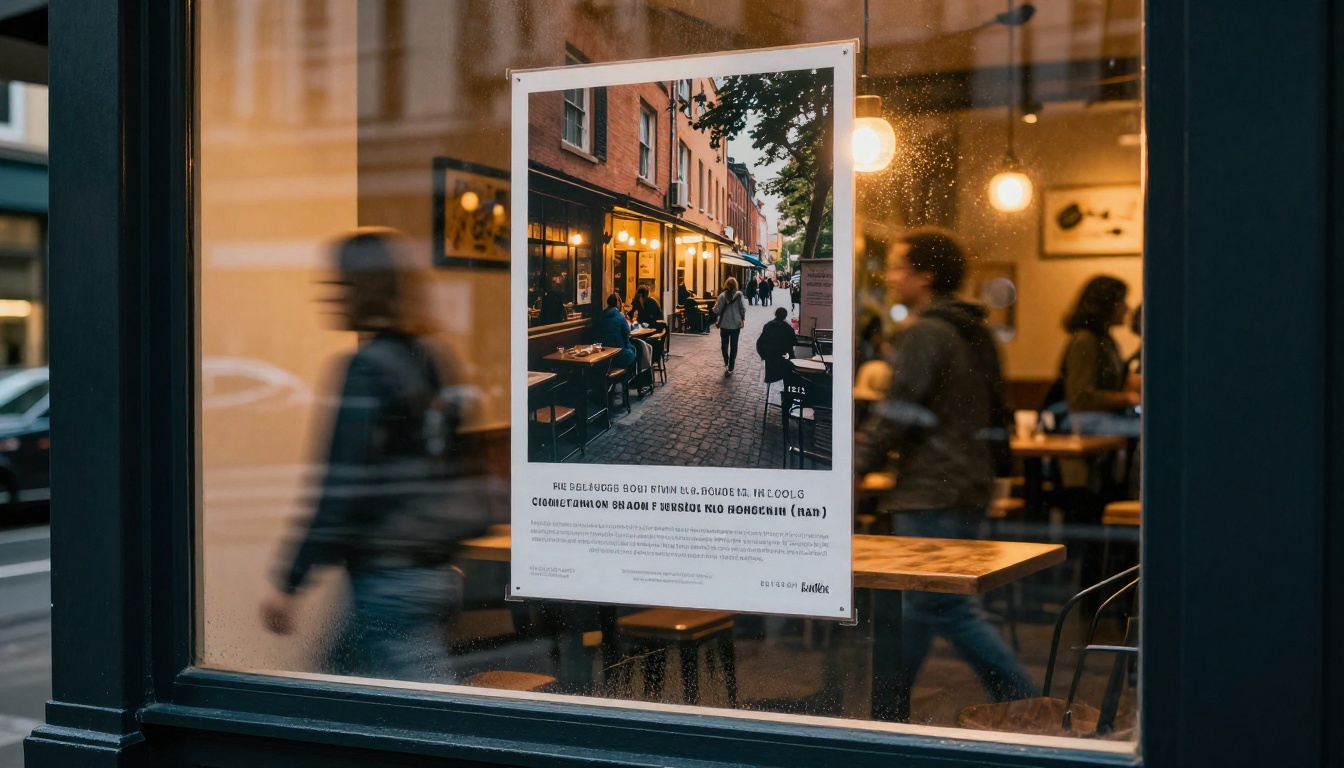
In practice, short phrases of up to five or six words render with high accuracy when placed in quotes in the prompt and when the prompt gives them enough spatial context. A prompt like "A bold concert poster with the title "SUMMER SESSIONS" printed in large white sans-serif text over a warm sunset photograph" produces legible results far more consistently than older models. It is not perfect for body copy, but for headline-length text, it is the current best option on PicassoIA before you move to external text compositing.
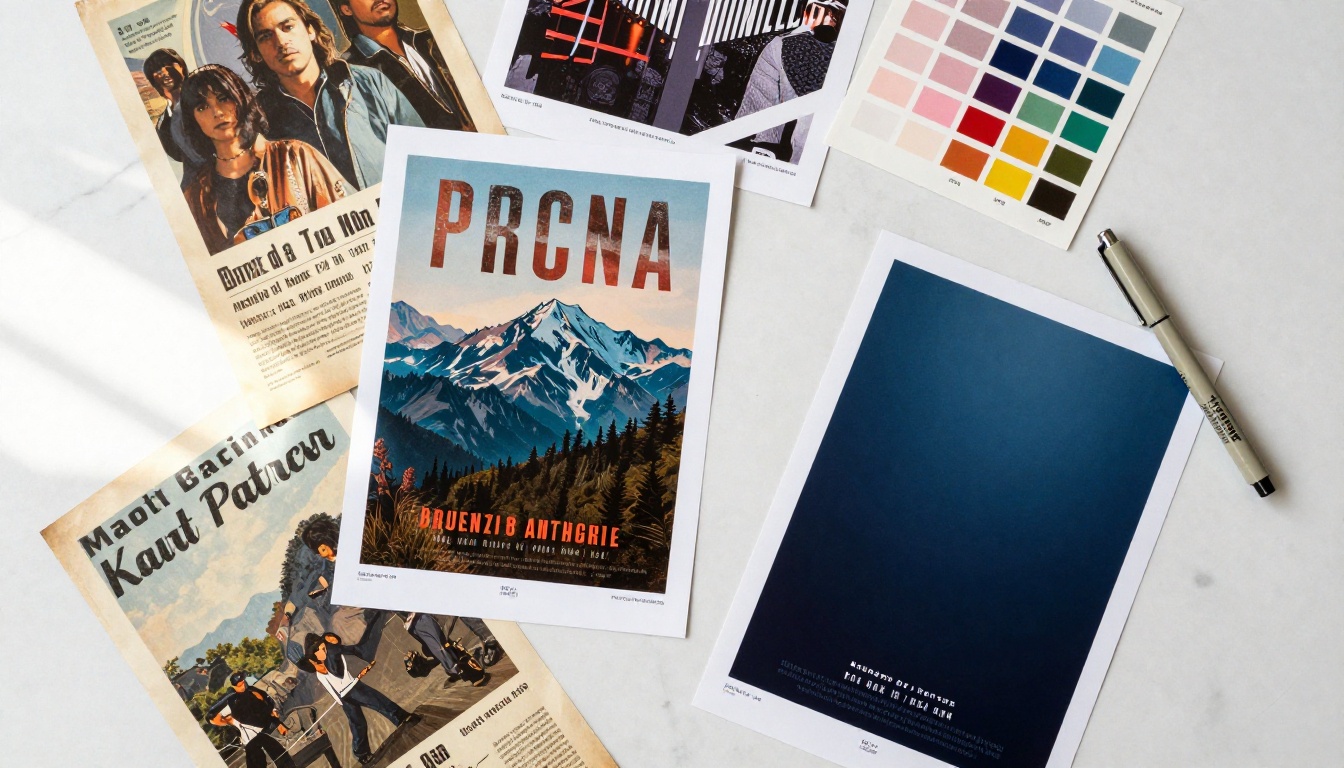
Types of Designs It Handles Well
The range of poster and flyer types that Seedream 5 Pro handles well is wider than you might expect. The model was not trained specifically for graphic design output, but its high resolution, photographic realism, and text accuracy happen to align closely with what the poster production workflow needs.
Event and Concert Posters
This is where the model shines most visibly. Event posters need dramatic photographic backgrounds, bold visual hierarchy, and at least some readable text. Seedream 5 Pro delivers all three with a single prompt when you structure it correctly.
A typical event poster prompt might describe: the genre or atmosphere (festival, jazz night, corporate conference), the visual background (sunset cityscape, dark forest clearing, luxury ballroom), the main headline in quotes, and the mood or color treatment (warm amber tones, high contrast black and white). The model reads these as connected instructions rather than isolated tags, which is why the results feel cohesive rather than randomly assembled.
For multi-date event series, you can establish a visual identity with a strong base prompt and iterate by changing only the date text and one or two atmospheric descriptors. The result is a consistent series that looks designed rather than generated.
Business Promotional Flyers
Corporate and commercial flyers have a different set of requirements: clean backgrounds, legible hierarchy, and the kind of polished neutrality that works across printed and digital contexts. Seedream 5 Pro handles this well because its photographic realism lends itself to the professional stock photography aesthetic that most businesses actually want.
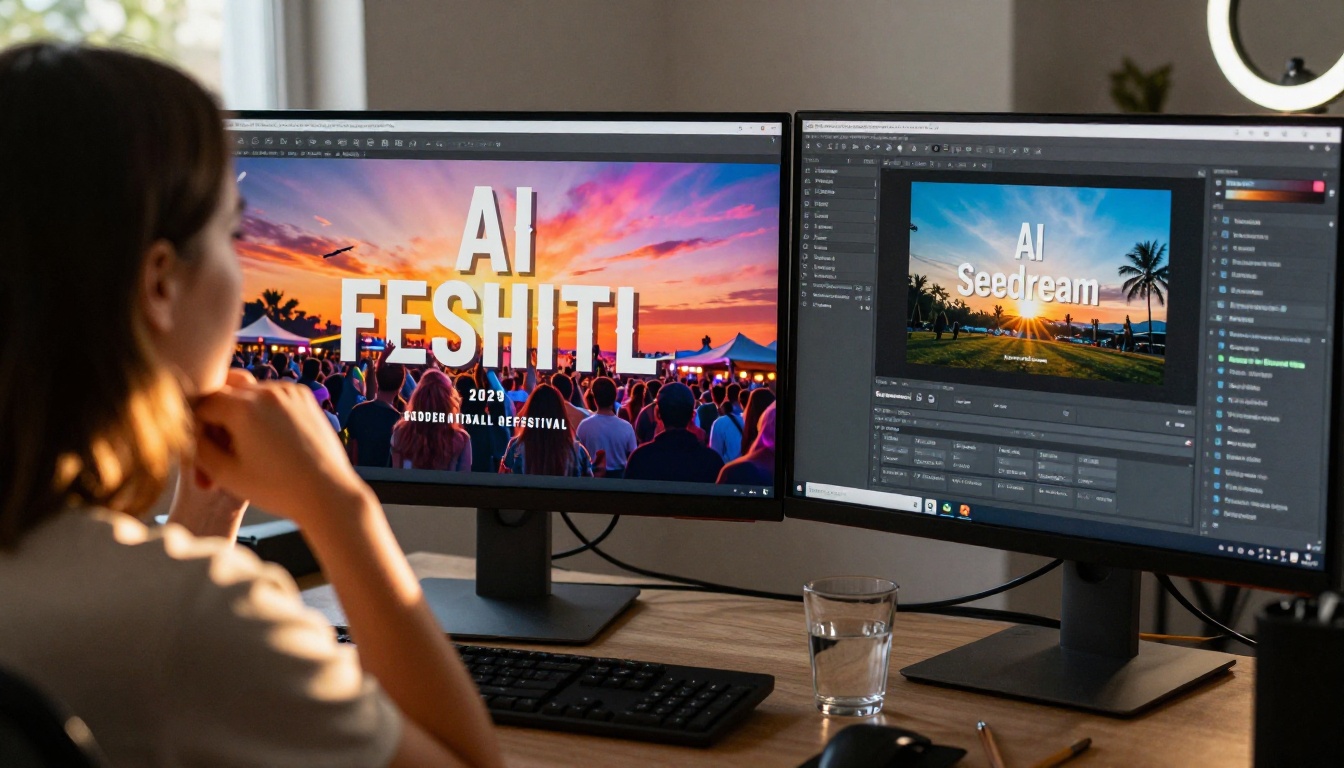
Instead of defaulting to abstract art or illustration styles, which is where most models drift when given a "flyer" prompt, you can describe a real-world setting: a conference table, a retail product shot, a service environment. The model produces something that looks like a professional photograph rather than a generated asset. That distinction matters enormously for business materials where credibility is part of the message.
Social Media vs. Print Formats
Not every flyer is going to a printer. A significant proportion of the design workload today is digital-first: Instagram carousels, Facebook event headers, LinkedIn announcements, email banners. These have different aspect ratio requirements, different resolution tolerances, and different visual conventions.
Seedream 5 Pro supports multiple output ratios. On PicassoIA, you can generate at 16:9 for landscape banners, 9:16 for Stories and Reels covers, 1:1 for feed posts, and other ratios in between. The model maintains quality and composition coherence across these formats, so you are not just cropping a landscape image for portrait. You are generating intentionally for the frame.
Using Seedream 5 Pro on PicassoIA
The model is available directly in the PicassoIA text-to-image collection. You do not need an account upgrade or API access to use it. Just open the model page and start generating.
Step 1: Access the Model
Go to Seedream 5 Pro on PicassoIA. The interface shows the prompt input, aspect ratio selector, and generation parameters. For poster work, set your aspect ratio before writing your prompt so the model generates with the correct composition in mind.
If you are producing event posters for standard printed formats, 4:3 or 16:9 work well for landscape orientations. For portrait-format A4 or A3 posters, select 3:4 or 2:3. For social media use 1:1 or 9:16.
Step 2: Build a Poster Prompt
Prompt structure for poster generation with Seedream 5 Pro follows a consistent pattern that produces reliable results:
- Set the format: "A vertical event poster" or "A wide-format promotional flyer"
- Describe the background or scene: What the viewer sees as the primary visual
- Add the headline in quotes: "SUMMER SOUND FESTIVAL" or "OPEN HOUSE WEEKEND"
- Specify typography style: bold sans-serif, large white text, centered alignment
- Set the mood and color: warm amber, cinematic contrast, desaturated blues
Do not stack too many competing visual ideas in one prompt. The model handles complexity, but coherence suffers when you ask for a beach scene, a city skyline, mountains, and a concert stage in the same frame. Pick one location and commit to it.
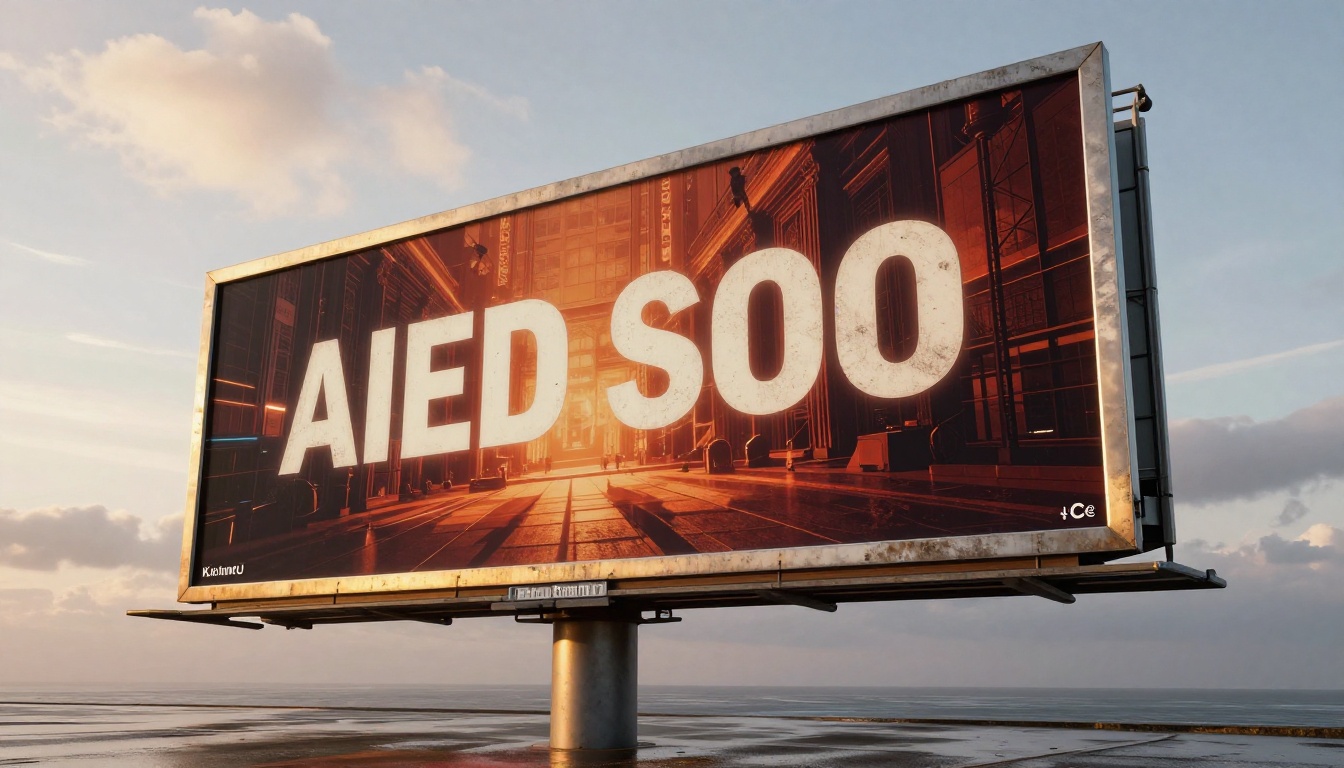
Step 3: Refine for Print Output
Once you have a base generation you like, consider these refinements before finalizing:
- Add "photorealistic, 8K, RAW photography style" to push the image quality ceiling
- Specify "sharp typography, legible text, clean layout" to reinforce text clarity
- Add aspect ratio tags at the end:
--ar 16:9 --style raw for better composition adherence
- If the background is too busy for text overlay, add "smooth gradient background, minimal texture in lower third"
The goal is a file that your designer, printer, or client can work with directly without needing to reprompt from scratch.
Prompt Patterns That Produce Results
After working through dozens of poster and flyer generations, certain prompt patterns consistently outperform others. These are not secret formulas. They are structural habits that help the model understand what you actually want.
The "Headline + Scene" Formula
This is the most reliable structure for event and promotional posters:
Pattern: [Poster format] + [Visual scene description] + [Headline in quotes] + [Typography description] + [Mood/color]
Example prompt:
A tall portrait event poster showing a dramatic sunset over a mountain ridge with a crowd silhouette in the foreground, large bold white text "ALTITUDE FESTIVAL" at the top, supporting text "August 2026" below in smaller serif font, high contrast, cinematic warm tones, photorealistic --ar 3:4 --style raw
This structure works because it gives the model a spatial order to follow: the scene fills the frame, the headline sits on top, the secondary text sits below it. The model is not guessing at layout.
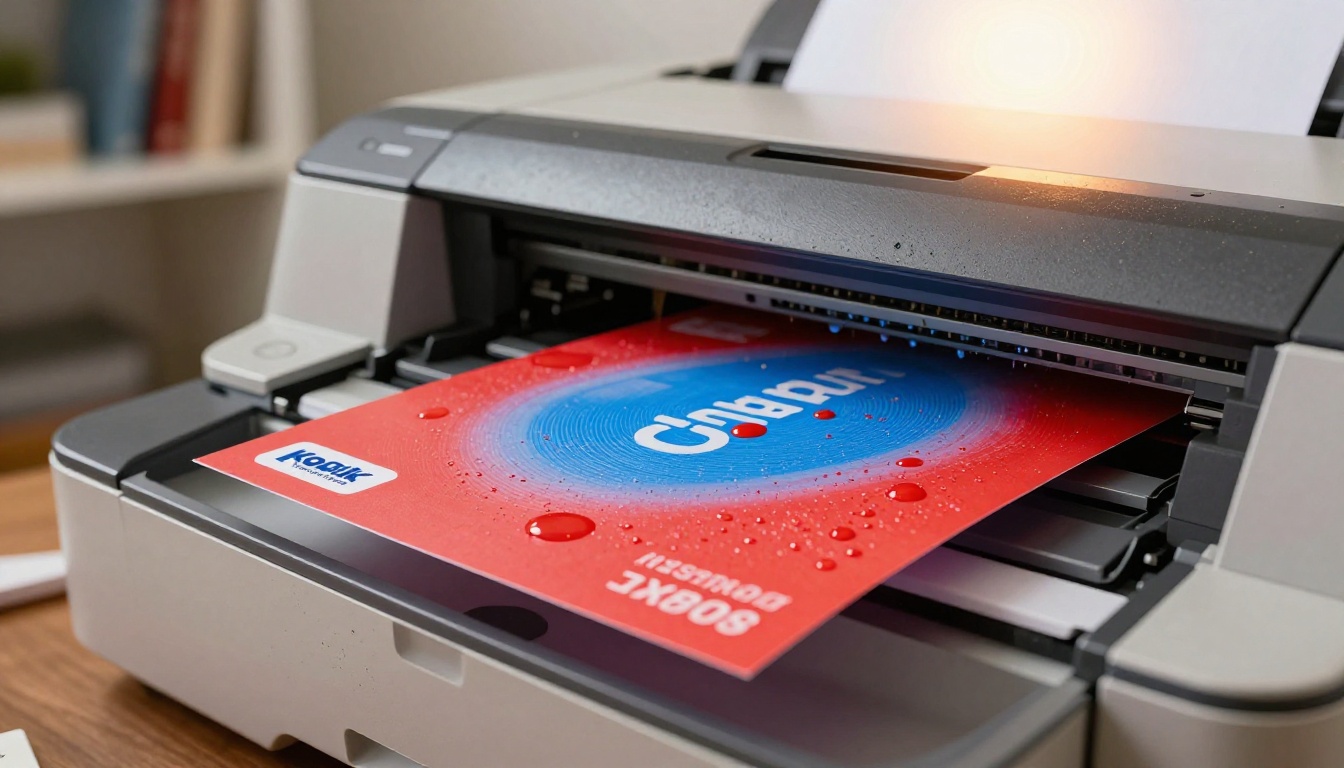
💡 Text tip: Put ALL text that should appear in the image inside double quotes. "FESTIVAL NAME" works far better than FESTIVAL NAME written without quotes. The quotes signal that this is a text string to render, not a concept to interpret.
What to Avoid in Poster Prompts
Do not use:
- Vague style tags like "stylish", "creative", "unique" — these give the model nothing concrete to work with
- Multiple conflicting color palettes — pick warm or cool, not both at once
- More than two pieces of text — headline plus one supporting line is the limit before accuracy breaks down
- Abstract concepts as the primary subject — "freedom" or "innovation" produces weak results; ground it in a real scene
Do use:
- Specific locations or settings as backgrounds
- Named font styles (sans-serif, serif, bold, condensed)
- Specific color references (Pantone 185 red, navy blue, off-white)
- Camera and lighting descriptors for photorealistic quality
How It Compares to Other Models
No single model wins every scenario. Here is how Seedream 5 Pro stacks up against the other text-to-image options on PicassoIA for poster and flyer work specifically.
vs. P Image Ideogram for Text-Heavy Designs
P Image Ideogram is the strongest model on PicassoIA when pure text accuracy is the priority. If you are generating a flyer where the text content is the product — where the headline, date, venue, and supporting copy all need to be readable and correctly spelled — Ideogram is the right tool.
Where Seedream 5 Pro wins is in the visual quality of the photographic background elements. Ideogram tends toward a cleaner, more graphic-design-native look. Seedream produces richer, more photorealistic imagery that sits in a different visual register, closer to editorial photography than to commercial illustration.
vs. Reve 2.1 for Visual Storytelling
Reve 2.1 is a strong model for images with cinematic emotional quality. For posters that need a specific feeling such as melancholy, celebration, or tension, it produces outputs with more expressive character than Seedream's more technically precise approach.
The tradeoff is control. Reve 2.1 interprets prompts more loosely, which can produce unexpectedly beautiful results but also means less predictability for structured poster layouts. For workflows where you need consistent, spec-compliant outputs across a series of marketing materials, Seedream 5 Pro is the more reliable choice.
Generating the base image is step one. Depending on your output requirements, there are several PicassoIA tools that extend what Seedream 5 Pro can do on its own.
Upscaling for Large-Format Print
The 2K native output from Seedream 5 Pro is excellent for most digital and mid-format print applications. For large-format printing such as trade show banners, building wraps, conference signage, or anything printed at A1 or larger, you need more pixels.
PicassoIA's super-resolution tools handle this without visible degradation:
- Clarity Pro Upscaler: Adds photorealistic detail during upscaling, ideal for poster backgrounds with natural textures like sky, foliage, or architectural surfaces
- Image Upscale by Topaz Labs: Upscales up to 6x with exceptional edge sharpness, the best option when you need hard lines like building facades, product shots, or geometric patterns to remain crisp at large output sizes
The workflow is simple: generate with Seedream 5 Pro, download the result, upload to whichever super-resolution model fits the use case, download the upscaled version. Total time under three minutes per image.
Background Removal for Layered Comps
Not every poster workflow starts and ends with a single AI-generated image. Many professional workflows layer elements: a hero image over a solid color background, a product cutout on a gradient, or a figure isolated against a custom texture. For these cases, Remove Background by Bria handles the isolation step.
Generate your subject with Seedream 5 Pro focused on the foreground element you need, then pass it through Remove Background. The resulting cutout integrates with your design software without the halo artifacts that plague lower-quality removal tools.
💡 For best isolation results, prompt Seedream 5 Pro to generate the subject against a simple, contrasting background: "against a flat grey studio backdrop" or "against a plain white background". The removal tool has less to reconcile and the edge quality is cleaner.
From the Model to Your Final File
The practical workflow for poster and flyer production with Seedream 5 Pro on PicassoIA follows this sequence:
- Define your format and ratio before you write the first prompt
- Write a structured prompt using the Headline + Scene pattern
- Generate three to five variations using different seeds or minor prompt adjustments
- Select the strongest base and run it through a super-resolution model if the output format requires it
- Apply background removal if the image needs to be composited into a larger design
- Bring the final asset into your design software for any text compositing, color grading, or layout adjustments that the AI output needs
The last step matters because AI-generated text, even at Seedream 5 Pro's accuracy level, is not production typography. For final print work, you will always want to add real, software-rendered text over the AI background. Think of the model output as a photographic background generator, not a standalone typographic solution.
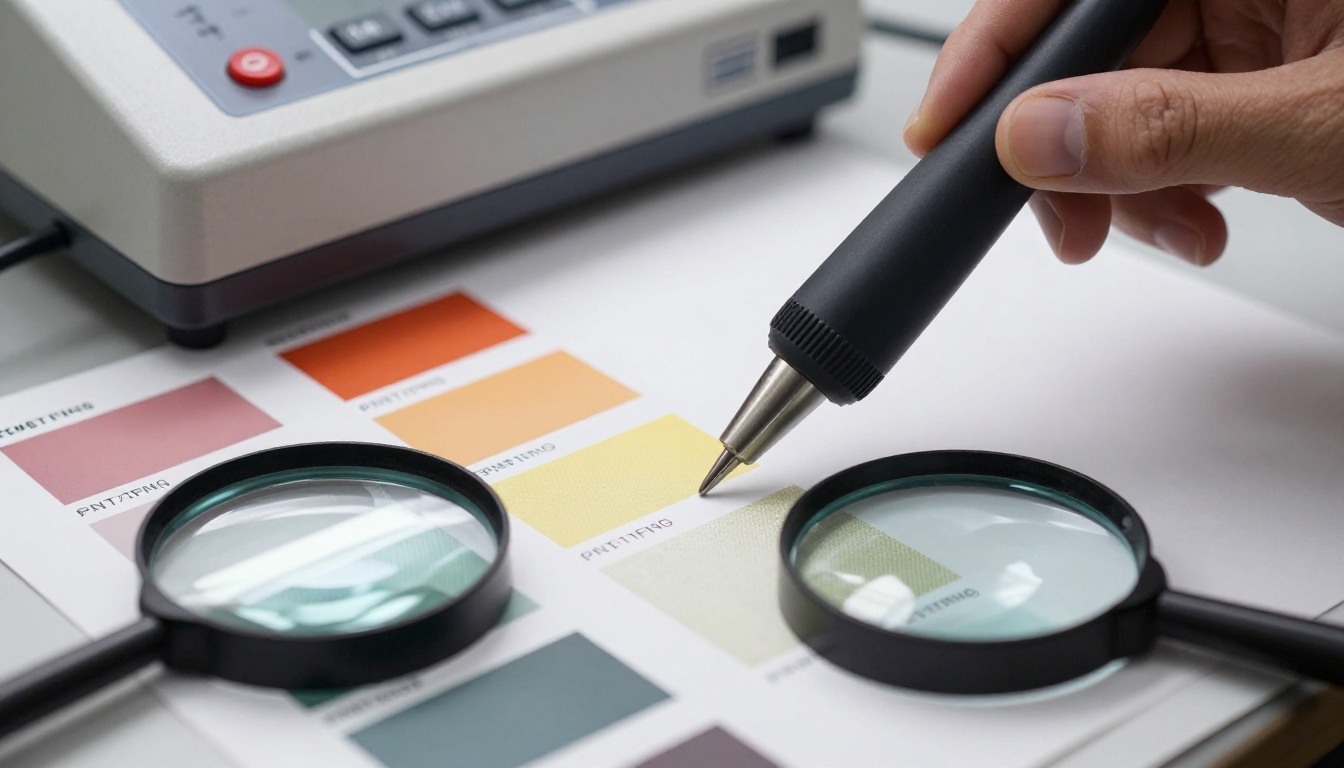
The CMYK shift is also worth noting. AI models generate in RGB color space. If your print vendor requires CMYK files, convert them in Photoshop or Illustrator and soft-proof before sending to print. Reds and oranges are the most common casualties in RGB-to-CMYK conversion, so check those tones specifically before signing off on a proof.
Another consideration is safe zone margins. When the AI-generated image goes into a template with bleeds, ensure the primary visual elements sit at least 5mm from the trim edge. Seedream 5 Pro often places dramatic elements right at the frame edges, which looks strong as a digital asset but can create problems at the cutting stage. If needed, use PicassoIA's outpainting capability to extend the canvas before sending to print.
Put It to Work Now
Seedream 5 Pro is live on PicassoIA and ready to use. You do not need a print production background or prior AI image experience to produce something that looks professionally designed within a few attempts. The model rewards specific, structured prompts and produces weak results when given vague ones. That is the same discipline that separates a strong creative brief from a poor one in any design workflow.
Start with a single event poster. Define the setting, write a five-word headline in quotes, specify the color mood, and generate. From there, iterate. Change the headline, adjust the lighting direction, try a 9:16 crop for a Stories version of the same design. Within twenty minutes you will have a visual system that holds together across both print and digital formats.
For larger production volumes, the batch consistency of Seedream 5 Pro makes it well-suited to campaign workflows where you need ten or twenty variations with a shared visual identity. Once you have your base prompt dialed in, you are generating at a pace that no traditional stock photography subscription can match, at higher resolution and with complete creative control.
PicassoIA's text-to-image collection has over 90 models available for comparison once you have your base workflow established. For print-quality poster and flyer production at 2K resolution, Seedream 5 Pro is where that workflow starts.


