If you've been eyeing Seedream 5 Pro on PicassoIA and wondering whether the credit cost makes sense for what you actually create, you're asking the right question. This is one of the most capable text-to-image models on the platform right now, producing sharp 2K-resolution images that hold up to genuine professional scrutiny. But "capable" doesn't mean "cost-effective for every use case," and the credit math needs to work before you commit to running it at scale.
This breakdown covers how PicassoIA's credit system operates, what Seedream 5 Pro specifically costs relative to other models, when that cost is fully justified, and when a lighter model does the job at a fraction of the price. No filler, just the numbers and the reasoning behind them.
What Seedream 5 Pro Actually Is

Seedream 5 Pro is a text-to-image model built by ByteDance. It sits at the premium end of PicassoIA's image generation lineup, targeting users who need results that read like actual photography rather than AI output. The "Pro" label reflects a genuine jump in output fidelity over lighter variants, primarily in resolution, texture rendering, and prompt adherence accuracy.
ByteDance Built It for Precision
ByteDance developed Seedream 5 Pro to compete at the top tier of photorealistic image generation. Where most standard models top out at 1080p-equivalent outputs, Seedream 5 Pro pushes to native 2K resolution. That means more pixels, sharper edges, finer detail in skin and fabric texture, and images that hold their quality when scaled or cropped heavily.
For anyone producing content professionally, whether for editorial publishing, product mockups, or visual campaigns that require real polish, that resolution difference is tangible and verifiable. You can see it in a side-by-side comparison within seconds.
The model also handles prompt precision unusually well. Tell it the lighting direction, camera angle, lens specification, and subject details, and it renders each of those variables accurately rather than averaging them into generic output. That prompt responsiveness is a significant part of what the higher credit cost actually buys.
Why 2K Resolution Changes the Output

Resolution isn't just a number. At 2K, you get enough pixel density to crop aggressively and still deliver a clean, printable image. Skin pores, individual hair strands, fabric weave, and architectural surface grain all render with a clarity that lower-resolution models cannot replicate at the same output size.
The practical impact shows up most in portrait and product work. A face generated at 2K holds its detail when zoomed in for a tight editorial crop. A landscape scene retains fine vegetation and surface detail across the entire frame. A product image maintains material texture and reflective quality at any zoom level your client needs.
That fidelity is what justifies the higher credit cost compared to faster, lighter models on PicassoIA's catalog of more than 200 text-to-image options.
How PicassoIA Credits Work

PicassoIA runs on a credit-based system, which is the standard approach across most professional AI generation platforms. Rather than paying monthly for unlimited use of a single model, you purchase credits and spend them across whichever models fit each task. This gives you the flexibility to mix expensive and cheaper models depending on what each specific output requires.
The tradeoff is that you need to pay attention to consumption. Credits deplete faster with premium models, and if you're running Seedream 5 Pro for every single generation including quick drafts and tests, you'll burn through your balance rapidly.
Credits vs. Subscriptions
PicassoIA offers both subscription plans and one-time credit purchases. Subscription tiers bundle a monthly credit allowance at a reduced per-credit rate. For users generating dozens or hundreds of images per week on a regular schedule, a subscription is almost always more cost-effective than buying credit packs individually each time.
For occasional users or people evaluating models before committing, individual credit packs offer a more sensible starting point. You pay once, spend at your own pace, and aren't locked into a monthly billing cycle if your generation needs are sporadic or project-based.
The practical approach for most people: start with a credit pack, evaluate which models you actually use most, then move to a subscription at the tier that matches your real monthly volume.
💡 Tip: If you're evaluating Seedream 5 Pro to decide whether it belongs in your regular workflow, start with a smaller credit pack. Run the specific prompt types you use most often, and compare the output against what a lighter model produces on the same prompts. That direct comparison gives you the answer no article can.
Credits Per Generation at a Glance
The credit cost per generation on PicassoIA varies by model, with higher-fidelity and more computationally intensive models consuming more credits per run. Seedream 5 Pro, operating at native 2K resolution, sits in the premium consumption tier.
Here's how model tiers generally compare across the PicassoIA catalog:
| Model Tier | Resolution | Credit Cost | Ideal Use Case |
|---|
| Fast and Lite models | 720p-1080p | Low | Drafting, iteration, high-volume runs |
| Standard models | 1080p | Medium | Everyday content, social media |
| Pro models (Seedream 5 Pro) | 2K | Higher | Client work, editorial, print |
| Super Resolution add-on | 2x-4x upscale | Additional | Large format, billboard output |
The positioning is clear: if you need the output to hold up at full size, in print, or under close inspection, you're in Seedream 5 Pro territory. If you're drafting layouts or producing content that only ever appears at phone-screen size, a lighter model does the same job at a fraction of the credit spend.
The Real Cost of Seedream 5 Pro

The honest reality: Seedream 5 Pro costs more per generation than most models on PicassoIA. That cost reflects the computational intensity of rendering 2K images with the level of texture and lighting accuracy this model delivers. Expecting premium output at lite-model prices isn't realistic, and the credit differential is real and intentional.
What matters is whether the per-image value justifies the credit spend. For most professional contexts, it does. For casual personal use, it might not. The good news is you can test that calculation yourself before committing.
What Credit Packs Actually Get You
PicassoIA's credit pricing follows the standard bulk-discount structure: larger packs cost less per credit than smaller ones. If you commit to a meaningful purchase, the effective cost per Seedream 5 Pro generation drops considerably compared to buying the minimum each time.
The practical budgeting approach for a real project: if you need 20 final-quality images for a client campaign, calculate the credit cost for 30 to 35 generations. That buffer accounts for the iterations and refinements you'll run before each final image is locked in. No generation workflow goes from prompt to polished in a single run, especially at 2K resolution where you're making specific decisions about detail, lighting, and composition.
💡 Tip: Batch your generation sessions strategically. Running Seedream 5 Pro in focused creative bursts rather than scattered one-off generations helps you maintain prompt consistency and spend credits more deliberately.
Free Tier and First-Use Access
New users on PicassoIA receive trial credits when signing up. This is enough to run several Seedream 5 Pro generations before spending anything, which is the most useful way to evaluate the model for your specific needs.
Use those trial credits with intention. Pick four or five prompts that represent your typical work: a portrait, a product shot, a landscape, a concept image. Run them through Seedream 5 Pro and compare the output against Reve 2.1 or another mid-tier model. The comparison tells you directly whether the quality difference justifies the credit difference for your specific output needs.
When Lower Credit Costs Make More Sense
Not every generation needs to be at 2K. If you're in the concept phase of a project, testing whether a particular visual direction works before investing in final production, Nano Banana 2 Lite or Reve 2.1 handles that work at substantially lower credit cost.
A professional production workflow on PicassoIA often looks like this: draft with a lighter model, refine the prompt until the composition and concept are exactly right, then switch to Seedream 5 Pro for the final high-resolution generation. This approach gives you the output quality you need while spending premium credits only on the images that actually need them.
Seedream 5 Pro vs. Other Models on PicassoIA
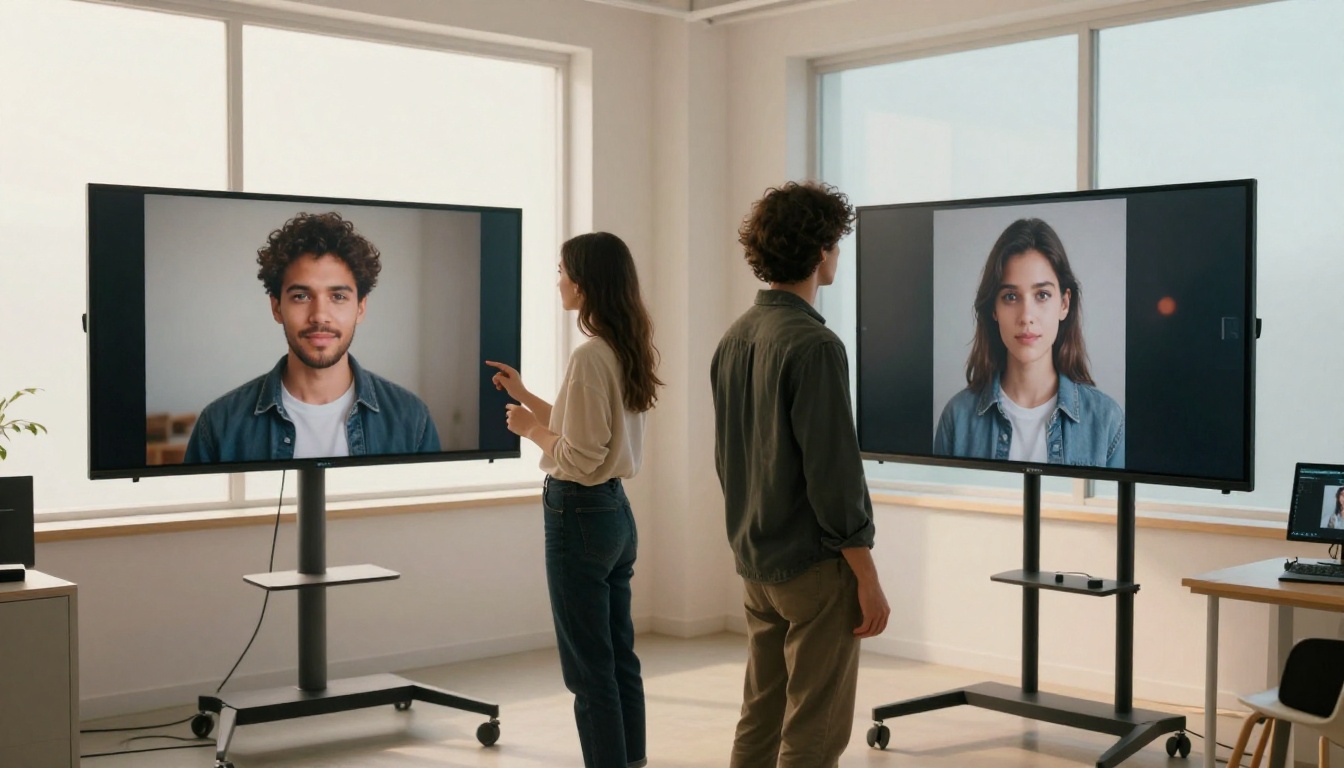
PicassoIA hosts more than 200 text-to-image models. Seedream 5 Pro isn't the only capable option at the premium end, and it's worth knowing precisely where it outperforms alternatives versus where a cheaper model handles the job just as well.
Against Reve 2.1
Reve 2.1 is a strong mid-tier performer capable of producing high-quality images at a lower credit cost. For users whose primary need is consistent, attractive images without the absolute maximum detail ceiling, Reve 2.1 is a serious and practical option.
Where Seedream 5 Pro pulls ahead: fine texture rendering, photorealistic skin in portraits, and maintaining sharpness across the entire frame rather than just in the focal subject. For close-up work where individual material details carry visual weight, the quality gap between Reve 2.1 and Seedream 5 Pro is visible and meaningful.
Where Reve 2.1 wins: iteration speed and credit efficiency. When you're testing concepts or need high-volume output where individual images don't require studio-grade precision, Reve 2.1's lower cost per generation produces real savings at scale.
The choice between them isn't about which model is superior in absolute terms. It's about what your specific output requires.
Against Nano Banana 2 Lite
Nano Banana 2 Lite from Google sits at the lightweight end of the credit cost spectrum. It's built for generation speed and volume, not peak fidelity. The per-generation cost is notably lower, which makes it the right tool for drafting compositions, testing prompt wording, or producing large batches of lower-stakes assets.
Running Seedream 5 Pro when Nano Banana 2 Lite would fully serve the purpose is simply burning credits unnecessarily. The decision point is straightforward: does this specific image need to look like it came from a professional photographer? If yes, Seedream 5 Pro. If you're drafting or testing, a lighter model handles it well.
Against P-Image Ideogram
P-Image Ideogram is particularly strong for images that incorporate text elements, making it a different-purpose tool rather than a direct competitor. If your image requires clean, readable text rendered within the visual, P-Image Ideogram is the better choice regardless of resolution. If your image is purely photographic without text elements, Seedream 5 Pro produces superior photorealistic output.
When Seedream 5 Pro Is the Right Call

Seedream 5 Pro earns its credit cost in these specific situations:
- Client deliverables where output quality reflects directly on your professional reputation
- Portrait and editorial work requiring photorealistic skin, hair, and clothing texture at full resolution
- Product imagery where surface material detail, lighting nuance, and crisp edges are non-negotiable
- Print and large-format use where the 2K base resolution prevents pixelation at scale
- High-visibility single images such as hero images, campaign anchors, or publication-ready visuals
- Content where AI origin should not be visually detectable, because Seedream 5 Pro's output holds up to close inspection in ways that lighter models do not
How to Use Seedream 5 Pro on PicassoIA

Accessing Seedream 5 Pro on PicassoIA requires no external tools, no API configuration, and no technical setup. It's a direct model page on the platform that you can use immediately after signing in.
Step by Step
- Go to Seedream 5 Pro on PicassoIA.
- Sign in or create your account. New accounts receive trial credits automatically on signup.
- Write your prompt in the text input. Specificity produces better results with this model: describe the lighting direction, camera angle, subject details, and environment explicitly.
- Adjust generation parameters as needed, including aspect ratio and any seed value if you want reproducible results across iterations.
- Run the generation. At 2K resolution, Seedream 5 Pro takes slightly longer than lighter models, which is expected given the output complexity.
- Review and download the image, or continue refining the prompt based on what the output shows.
Tips for Sharper, More Accurate Results
Describe lighting precisely. Seedream 5 Pro renders lighting conditions with unusual accuracy. "Soft north-facing window light" produces a fundamentally different result from "bright light." The specificity in your prompt translates directly into specificity in the output.
Reference photography terminology. Prompting with "85mm lens at f/1.8" produces a distinctive depth-of-field rendering. "Wide-angle shot at f/8" delivers a different result. This model responds well to technical photographic language in a way that many other models do not.
Specify surface textures explicitly. If you want visible fabric weave, say so. If you want skin pores in a portrait, include it in the prompt. The model renders these details reliably when instructed, but it won't infer them without the cue.
Set a seed value when iterating. Locking the seed keeps the core composition stable while you refine other prompt elements. This prevents you from losing a strong base composition while tweaking lighting or detail descriptions.
Draft in a lighter model first. Use P-Image Ideogram or Reve 2.1 to test your concept and refine the prompt structure before switching to Seedream 5 Pro for the final 2K generation. This approach reserves premium credits for final outputs only.
💡 Tip: Long, detailed prompts outperform short ones with Seedream 5 Pro. If your prompt is fewer than 30 words, you're likely leaving image quality on the table. Describe the scene as if briefing a professional photographer on every visible element of the shot.
Is the Credit Cost Worth It?
The answer depends entirely on what you're making and for whom.
For Professionals
If you're billing clients, producing work for publication, or operating in any context where image quality has direct commercial value, Seedream 5 Pro's credit cost is justified. The alternative of producing lower-resolution images that require expensive post-processing, photographer reshoots, or stock photography licensing costs more in total than the credit premium this model carries.
Photographers using it for concept visualization, designers testing layout compositions with photorealistic placeholders, content agencies producing campaigns at scale, and brand managers who need consistent visual quality all find the cost acceptable when measured against what the output delivers and what it replaces in a production budget.
The credit spend is not overhead. It's a production cost that delivers measurable output value.
For Casual Users

For personal projects, social media posts that live entirely on a phone screen, or content where the audience never zooms in, you may not need Seedream 5 Pro. The detail it renders at 2K is real, but a 390px-wide phone display doesn't show it. In those scenarios, a lighter model delivers a visually comparable result at a fraction of the credit cost.
Where casual users should genuinely consider Seedream 5 Pro: profile photos, avatar images, portfolio pieces, or any single image that will receive high visibility and where quality matters more than quantity. One strong image outperforms ten mediocre ones in almost every context where it counts.
The platform's trial credits on signup mean you can run this test yourself at no cost. Generate the same prompt with Seedream 5 Pro and a lighter alternative, compare them at full size, and the answer becomes obvious for your specific use case.
Start Generating Your First 2K Image
Seedream 5 Pro pricing on PicassoIA lands where it belongs: at the premium tier, but within a credit system that lets you control exactly how much you spend and on which specific generations you spend it. The trial credits mean there's no financial risk to testing the model before committing, and the flexible credit packs mean you don't need a subscription to access professional-grade output.
If your work requires images that hold up to close scrutiny, scale to print without degradation, and produce results that read as photography rather than AI output, this model delivers at a level that makes the credit cost rational. If your work doesn't require that ceiling, PicassoIA's catalog has strong, capable options at every price point below it.
The only way to know for certain whether Seedream 5 Pro belongs in your workflow is to run your actual prompts through it. Sign in, use the trial credits, and let the output make the case. You can also browse the full range of available image models at picassoia.com/en/all-models to see every option across all categories before deciding where to spend your credits.


