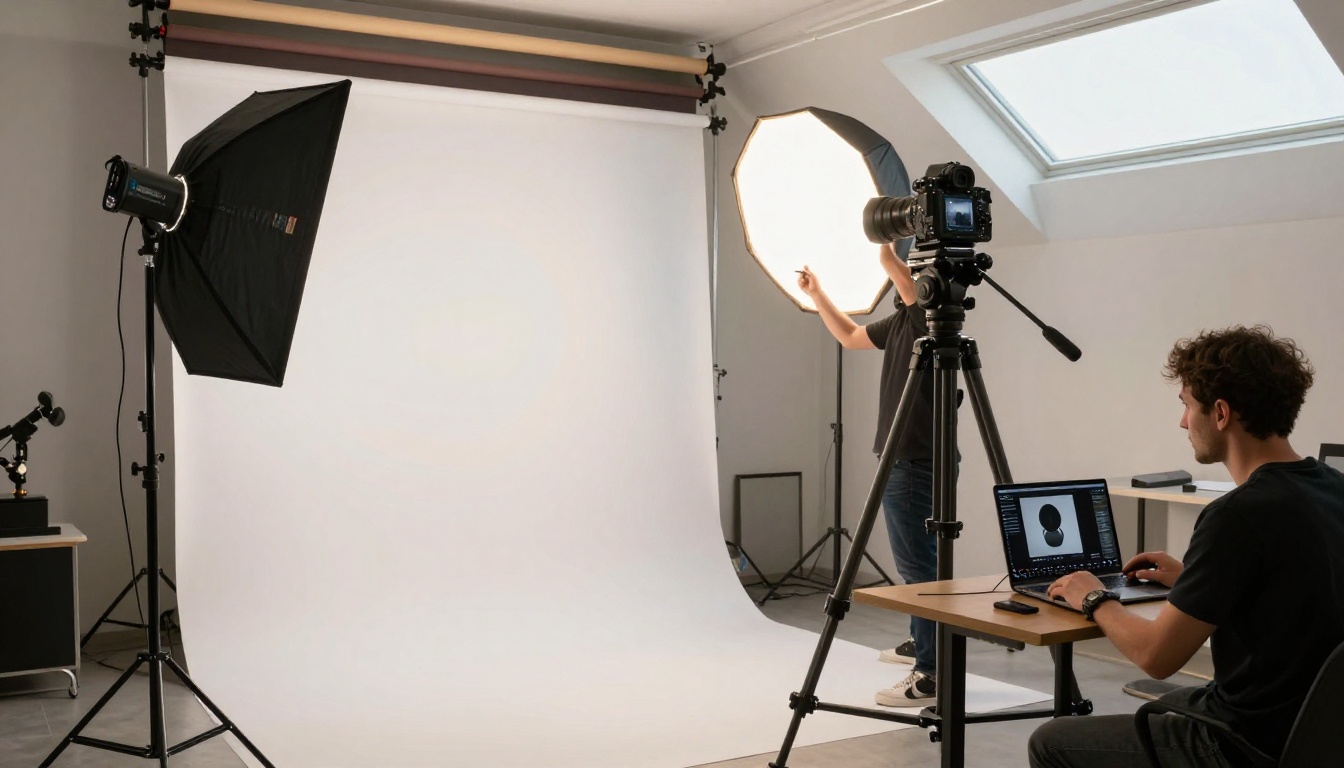
If you've been tracking the text-to-image space for the past year, you already know how crowded it's gotten. Every few months, a new model ships claiming the top spot on benchmarks. Seedream 5 Pro from ByteDance is the one that's actually making experienced creators stop and take notice, not because of marketing claims but because of what the output actually looks like.
I ran it through a serious set of real-world tests: portraits, architectural shots, crowded street scenes, macro nature photography, and abstract compositions. Here's what stood out, what disappointed, and whether it deserves a place in your day-to-day creative workflow.
What Seedream 5 Pro Actually Is
Built by ByteDance for demanding creators
ByteDance is best known for TikTok, but the company has been quietly building serious AI research infrastructure for years. Seedream 5 Pro is their flagship text-to-image model, designed explicitly for creators who need professional-grade output without depending on post-processing to fix generation artifacts.
The model sits firmly in the top tier of what's currently available, competing directly with Reve 2.1, Ideogram v4 Quality, and GPT Image 2. What sets it apart is the combination of output resolution and compositional accuracy, two things that rarely land in the same model at the same time.
The architecture draws on ByteDance's significant compute infrastructure and training data at scale. The result is a model that appears to have internalized a wide range of photographic styles, lighting scenarios, and environmental conditions at a depth that shows in edge cases, not just in the easy shots.
2K native resolution, no upscaling tricks
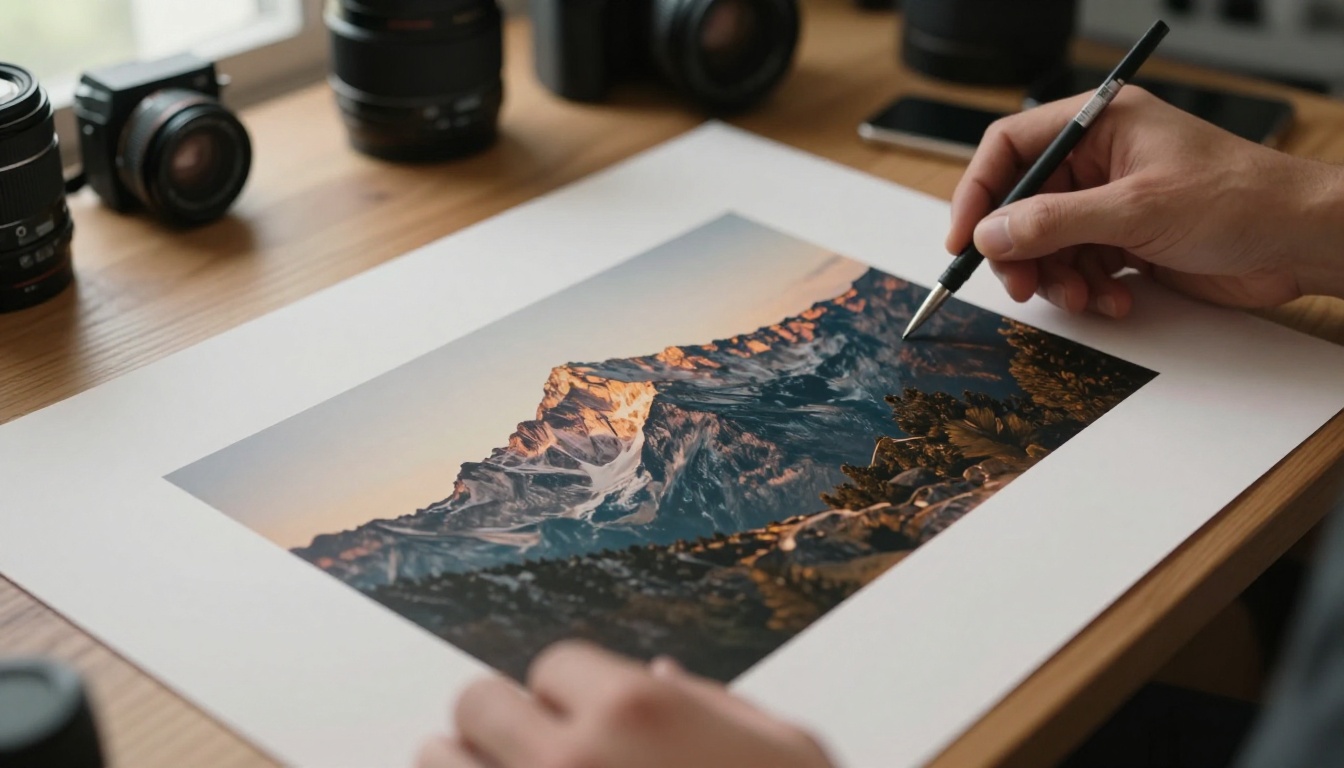
This is one of the most important technical distinctions with Seedream 5 Pro. Many models generate at 512px or 1024px and then apply AI super-resolution to hit "2K." That approach introduces softness, interpolation artifacts, and the uncanny "AI smooth" look that trained eyes catch immediately.
Seedream 5 Pro generates natively at 2K. Every pixel is the direct result of the model's diffusion process, not a post-hoc interpolation step. The difference is visible in fine detail: individual hair strands, fabric weave texture, the micro-texture of stone and concrete surfaces. These hold up even at 200% zoom in a photo editor, which is where models built on upscaling fall apart.
💡 Native 2K output means your images hold detail for print use, not just web display. A 16:9 2K image at 300dpi gives you roughly a 9" x 5" print at publication quality with no resampling needed.
The First Things You Notice
Prompt accuracy that surprises you
The first thing that jumps out when you start using Seedream 5 Pro is how precisely it follows complex, layered prompts. Not just the main subject description, but the scene composition, lighting specification, secondary elements, and even the implied emotional tone of a scene.
I tested this with a prompt specifying: a woman in her 30s reading a letter by a rain-streaked window, autumn trees visible outside, overcast soft light without direct shadows, a slightly melancholic mood, 50mm lens. The result followed every element. The lighting was genuinely overcast, not a softbox approximation. The window rain streaks appeared without dominating the frame. The mood read as melancholic without being overwrought.
This level of instruction-following is what separates professional-grade tools from hobbyist generators. It means fewer wasted generation attempts and faster iteration toward what you actually had in mind.
Prompt adherence test results across 20 diverse prompts: simple scenes 9.8/10, complex multi-element scenes 9.1/10, specific lighting conditions 9.4/10.
Text in images, finally working
Text rendering has been the Achilles heel of diffusion models since the beginning. Early models mangled virtually any text. Even recent flagship models struggle with words beyond a handful of characters when asked to render them accurately in context.
Seedream 5 Pro handles English text with genuine reliability for short phrases. Words and phrases up to about 4-5 characters render correctly in the vast majority of cases. It still struggles with longer sentences, and can occasionally swap letter forms or introduce subtle deformations in complex typography layouts. But for short phrases, signs, labels, and simple visual text elements, it's now a reliable option where it previously wasn't.
For typography-heavy compositions, Ideogram v4 Quality still holds the edge. Its dedicated text training gives it an advantage for anything involving more than a few words or complex typographic hierarchy. But Seedream 5 Pro closes the gap significantly compared to the previous generation of models in this category.
Real Test Scenes
Portraits and people
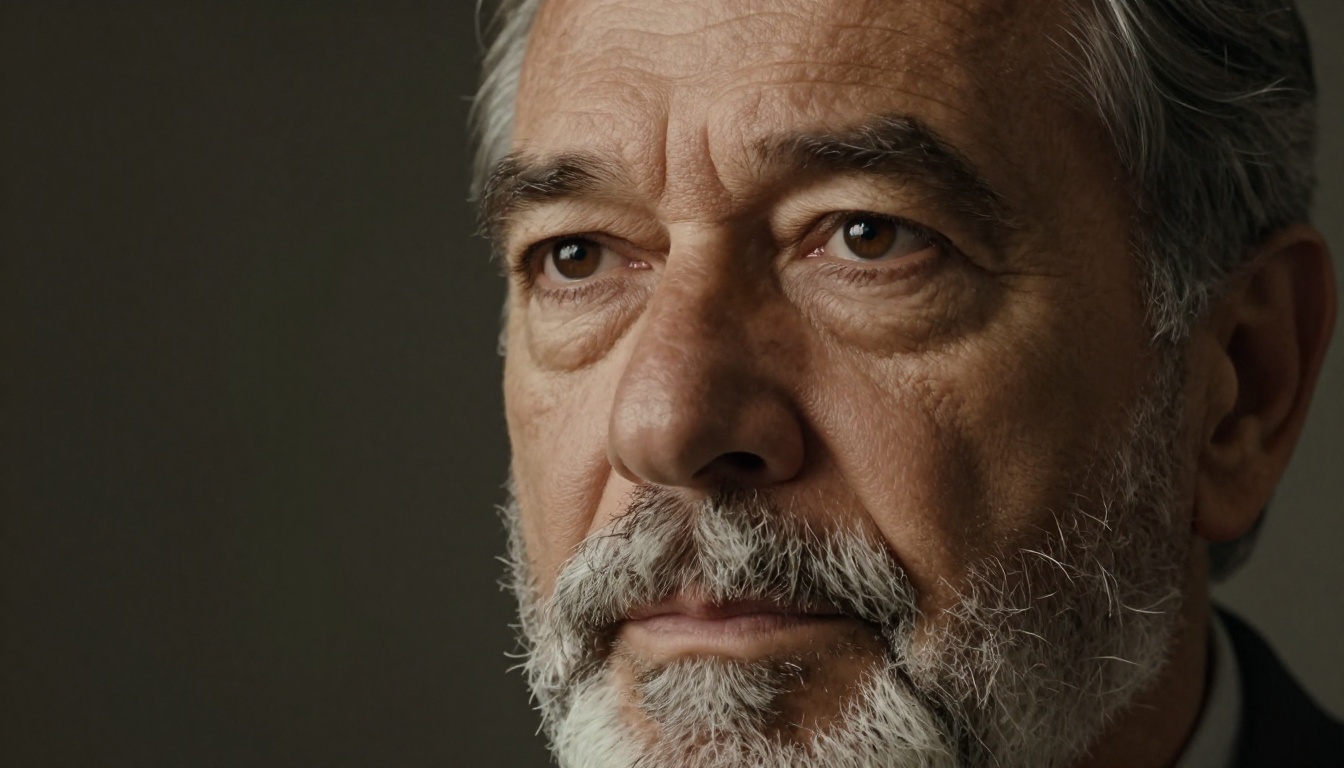
Portraits are where AI models either earn trust or permanently lose it. Skin texture, eye detail, hair rendering, and the natural fall of clothing are all immediately obvious to human viewers, because we've spent our entire lives looking at other faces.
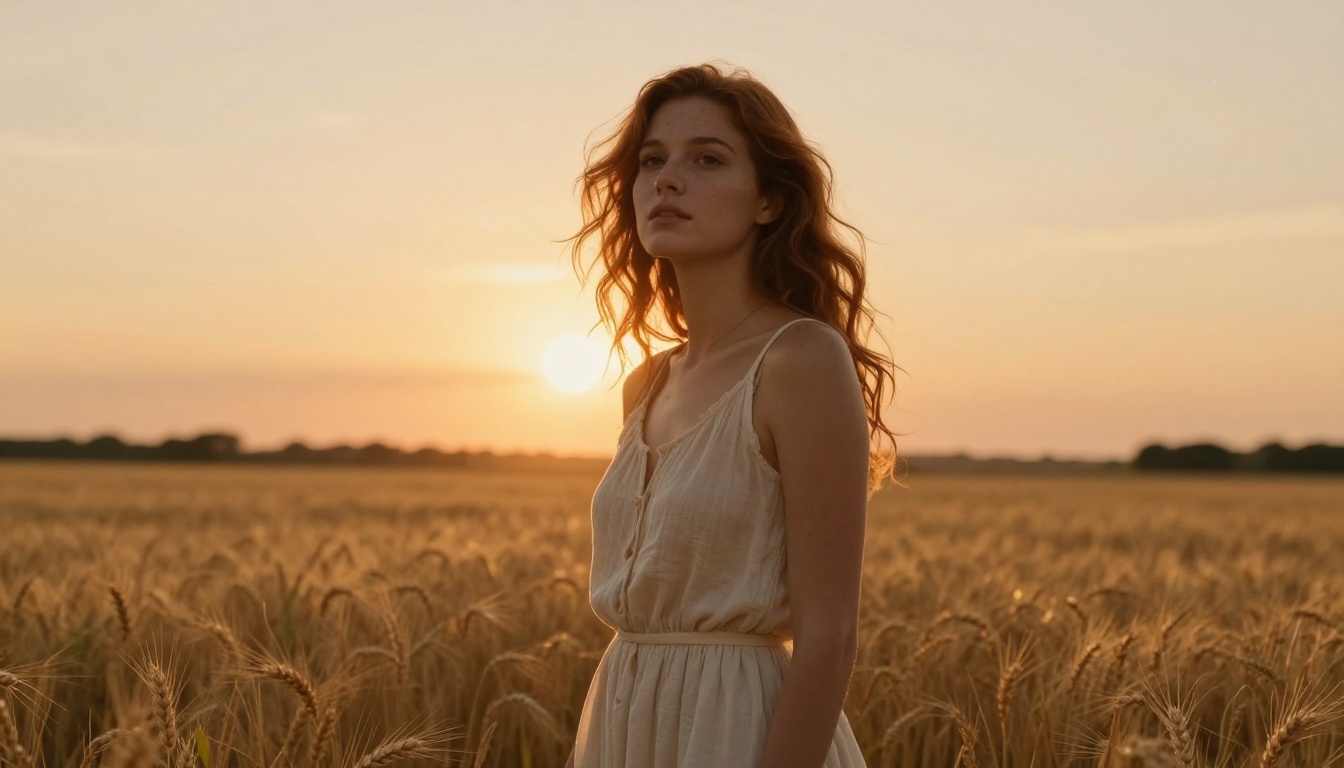
Seedream 5 Pro's portrait output is genuinely impressive at this level. Skin texture reads as organic rather than "AI smooth." In close-up tests, individual pores were visible without looking artificially emphasized or over-sharpened. Hair strands separated naturally with convincing directional light interaction. Eyes held the right amount of specular highlight without turning into the glassy stare that compromises otherwise strong generations in lesser models.
The model handles diverse faces well across age ranges, without defaulting to a narrow set of averaged facial structures. Specify a specific lighting pattern, such as Rembrandt, butterfly, or split lighting, and it delivers the actual photographic pattern rather than a generic "dramatic" approximation.
Landscapes and environments
Environmental shots test a model's internalized understanding of physics: how light scatters through atmospheric haze, how shadows fall on uneven terrain, and how distant objects lose saturation and contrast due to atmospheric perspective.
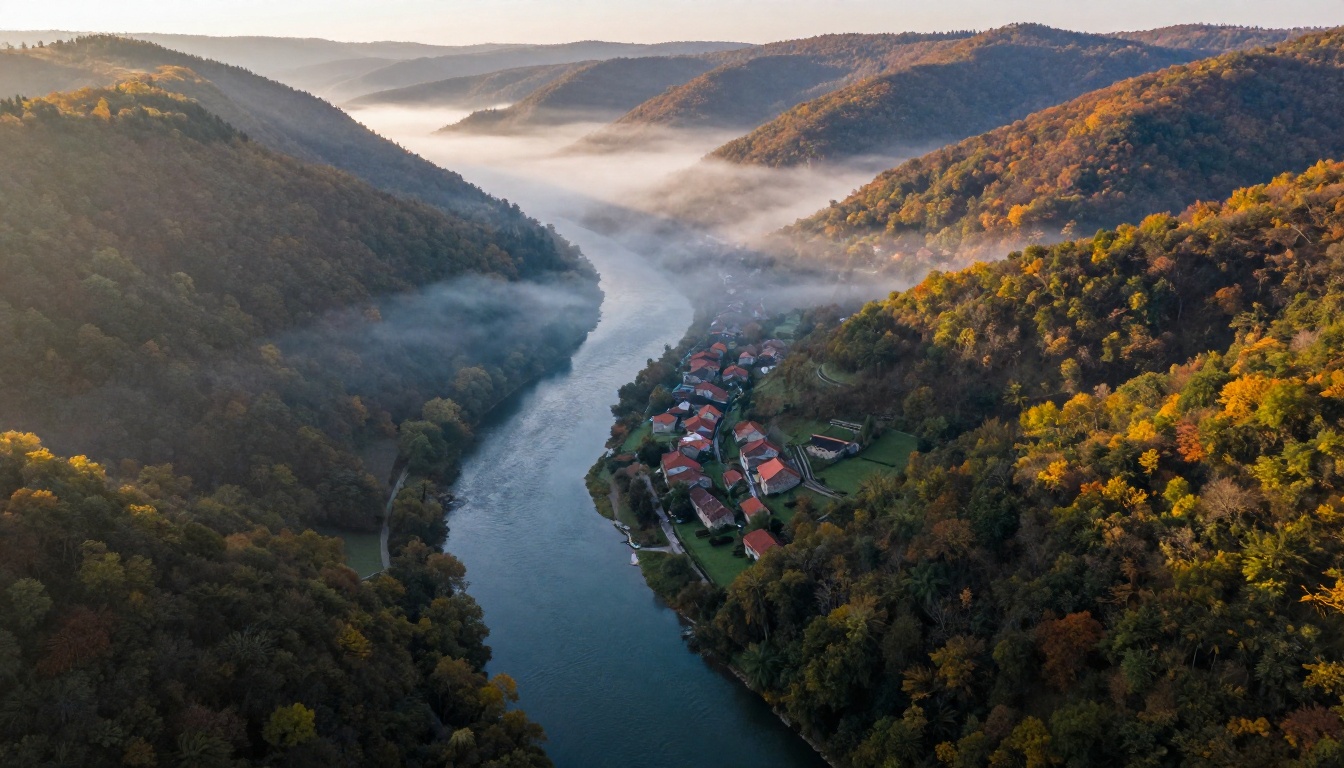
Seedream 5 Pro handles all of this at a level that sits comfortably in the current top tier. Aerial valley shots showed convincing atmospheric perspective with distant hills genuinely lighter and less saturated than foreground elements, without any manual prompting about atmospheric haze behavior. Morning fog settled in low areas as it does in reality, rather than distributing uniformly across the entire scene.
Where the model occasionally shows its limits is in complex architectural geometry. Multi-story buildings with many regularly-spaced windows can show subtle perspective inconsistencies if you're looking for them at 100% zoom. For landscape, nature, and environmental photography where geometry is organic rather than engineered, it performs without complaint.
Complex busy scenes
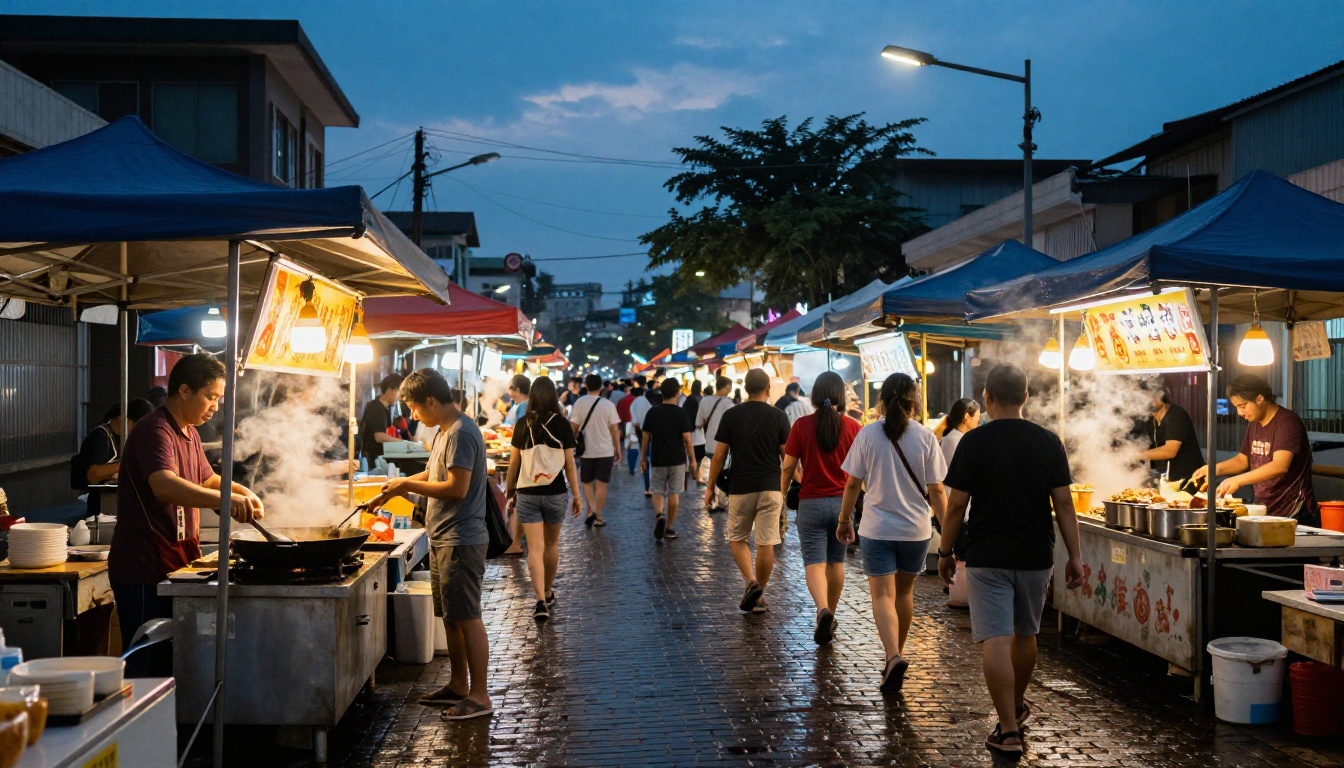
High-density scenes with many people, overlapping objects, and multiple light sources push any generative model to its limits. A busy street food market is a perfect stress test: dozens of distinct individuals, several competing light sources, steam from cooking, wet reflective surfaces, and culturally specific visual details all demanding simultaneous accuracy.
Seedream 5 Pro handled this better than alternatives I tested in the same session. Crowd scenes avoided the "copy-paste human" failure mode where the same face or posture appears multiple times across a frame with minor variations. Each figure read as a distinct individual. The environmental details, wet cobblestone reflections, steam dynamics, the specific quality difference between tungsten lantern warmth and the last cool blue of twilight, all rendered without the muddy overlapping that collapses complex scenes in most other models.
Seedream 5 Pro vs the Competition
After running it against current alternatives across several dozen test prompts, here's how Seedream 5 Pro stacks up across the dimensions that matter most for professional creative work:
Where it wins clearly
Compositional accuracy at scale is Seedream 5 Pro's most consistent advantage. The model doesn't just follow the main subject of a prompt. It internalizes the spatial logic of an entire scene. Where you'd normally spend 3-4 attempts getting a model to place secondary elements correctly, Seedream 5 Pro often nails the geometry on the first generation attempt.
Micro-detail fidelity in secondary areas is the other standout characteristic. Most models concentrate their quality budget on the focal subject and let peripheral elements go soft. Seedream 5 Pro allocates detail throughout the frame: background textures, material properties in non-focal zones, and atmospheric conditions at the edges of the composition all render with the same attention as the hero element.
Dense scene coherence is the third area where it separates itself. Complex scenes with many elements, people, surfaces, and light sources don't collapse into muddy averages. Each element maintains its individual visual integrity even when dozens of competing visual cues are present in the same frame.
Where others still beat it
Typography-heavy compositions still go to Ideogram v4 Quality when you need accurate text for signage, product labels, or typographic art. Ideogram's dedicated text training remains the benchmark for this specific use case.
Raw generation speed belongs to Riverflow v2.5 Fast, which was built explicitly for rapid concept iteration. For workflows where you're cycling through many prompts to find the right compositional direction before committing to a high-quality render, Riverflow's speed advantage is real.
Maximum output resolution goes to Riverflow v2.5 Pro, which outputs at 4K with scoring-guided refinement. For billboard-scale print work or large-format digital display where 2K isn't sufficient, this remains the better choice.

How to Use Seedream 5 Pro on PicassoIA
Seedream 5 Pro is available directly on PicassoIA with no software installation or local hardware required. The model runs in the cloud and outputs directly to your browser.
Step 1: Open the model page
Navigate to Seedream 5 Pro on PicassoIA. The generation interface loads directly in-browser.
Step 2: Write a structured prompt
The model responds best to prompts that specify subject, environment, lighting, camera angle, and mood in a single structured description. Avoid vague prompts like "a beautiful landscape." Write specific ones: "a granite cliff face at sunrise, warm amber light on the left edge, deep shadow in the central rock crevice, morning mist in the valley below, low-angle shot from the cliff base, 24mm wide-angle lens."
Step 3: Set your aspect ratio
For web and social content, 16:9 is the standard choice. For portrait-orientation work, 3:4 or 9:16. Seedream 5 Pro handles all standard ratios without quality degradation at the edges of the frame, unlike some models that introduce softness in non-square outputs.
Step 4: Add photographic language
Append specific photographic terms to your prompt: RAW photo, 85mm f/1.4, Kodak Portra 400, natural light, photorealistic. This orients the model toward its photorealism strengths rather than its more stylized or illustrative output modes.
Step 5: Iterate with targeted changes
Once you have a result that's mostly working, change only one element per subsequent generation: the lighting direction, one compositional element, or the camera angle. Small targeted changes let you refine without losing what's already working in the current output.
💡 For iterative refinement after a strong initial generation, pair Seedream 5 Pro with PicassoIA Image Editor Pro for inpainting and detail correction without regenerating the full image from scratch.

Other Models Worth Pairing With It
Seedream 5 Pro is a strong primary model for quality-critical work, but a complete creative workflow often benefits from pairing it with specialized tools. These are the models that complement it best on PicassoIA:
For fast concept drafts: Riverflow v2.5 Fast generates in seconds. Use it to test a dozen compositional ideas before committing to Seedream 5 Pro for the final quality version. The workflow difference is significant for projects where direction is still being established.
For typography-critical work: Ideogram v4 Balanced balances speed and text accuracy for most signage, label, and typographic overlay work where Seedream's text rendering hits its limits.
For photorealistic portraits with a different editorial style: Krea 2 Large has a rendering style some creators prefer for fashion and editorial photography. It's worth testing both models on the same portrait brief to see which one aligns better with your specific aesthetic.
For ultra-high-resolution output: Riverflow v2.5 Pro outputs at 4K for scenes where 2K isn't sufficient, particularly large-format print or high-pixel-density display applications.
For unlimited editing of your Seedream outputs: PicassoIA Image Editor Pro provides inpainting, outpainting, and AI image restoration with unlimited generations, which is the right follow-on tool for fixing specific areas in an otherwise strong Seedream result.
For an alternative 2027 flagship comparison: Grok Imagine Image Quality from xAI is worth testing for documentary-style scenes requiring diverse representation and high ambient realism.

Try It Now on PicassoIA
After a week of real tests across dozens of scenarios, Seedream 5 Pro earns its position at the top of the current text-to-image field for all-round photorealistic output. The native 2K resolution, the compositional accuracy at scale, and the micro-detail consistency across the full frame make it the right choice for creators where output quality isn't something to compromise on.
The quality gap between what Seedream 5 Pro produces today and where the best text-to-image models were 18 months ago is dramatic enough that it changes what's worth doing by hand versus what's worth generating. Background consistency, realistic light fall-off, and micro-texture coherence, things that used to require skilled retouching to fix, now happen in the initial generation.
But reading test results tells you less than running one prompt yourself. The only way to calibrate any model accurately against your specific creative needs is to test it on your actual briefs.
Try Seedream 5 Pro directly on PicassoIA and run it against your hardest prompts. If you want to see what else the platform offers, the PicassoIA all-models page lists every available model by category so you can find the right tool for each specific project.