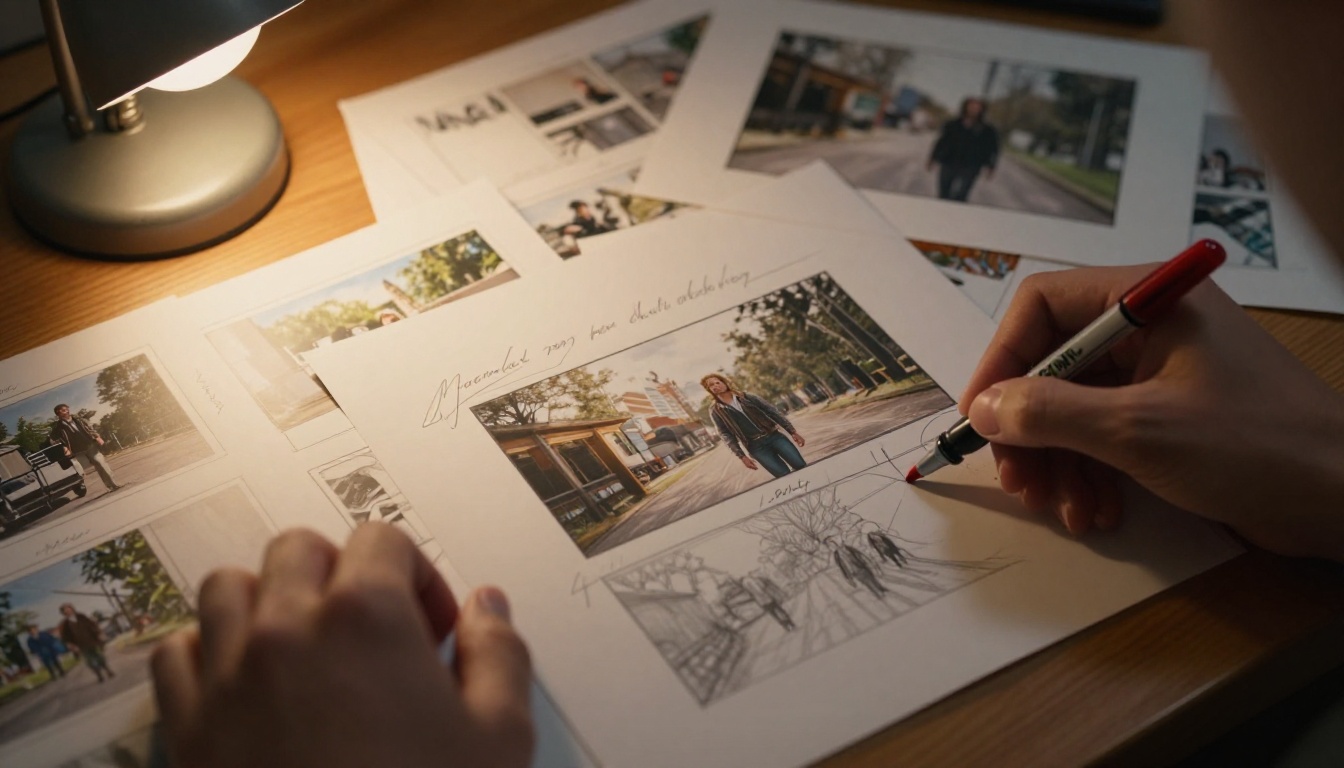
Every great film starts with a frame. Not the first frame that hits the camera, but the first frame imagined in someone's mind, sketched on paper, or in 2027 and beyond, generated instantly by AI. Seedream 5 Pro for video storyboard frames has shifted the entire pre-production workflow. Directors and cinematographers who once spent days manually sketching shot sequences or waiting for concept artists can now iterate through dozens of frame compositions in the time it takes to drink a coffee.
This isn't about replacing creative thinking. It's about removing the bottleneck between the idea in your head and the visual reference in your team's hands. Every person on your crew reads a photorealistic storyboard frame differently than a pencil sketch. Producers understand budget requirements more clearly. Directors of photography plan their lighting rigs more confidently. Location scouts know exactly what architecture and light conditions to search for.
What Seedream 5 Pro Actually Does
Seedream 5 Pro is ByteDance's flagship text-to-image model, sitting at the top of their Seedream model family that stretches back through Seedream 4.5, Seedream 4, and Seedream 3. Each generation brought measurable improvements in prompt adherence, photorealism, and compositional accuracy.
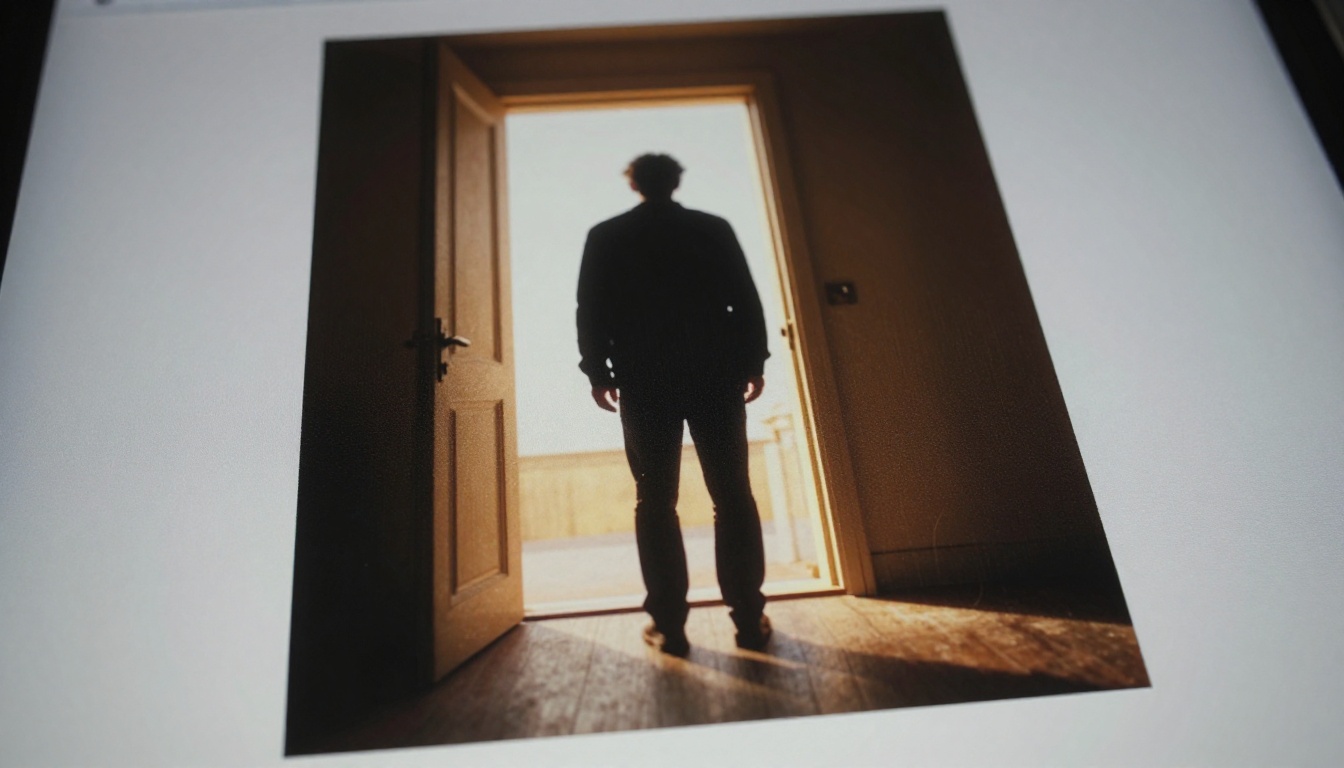
The Pro tier specifically addresses what filmmakers need most from a storyboard tool: precise spatial reasoning and lighting accuracy. When you describe a low-angle establishing shot with the sun at 30 degrees from the left and a figure silhouetted in a doorway, Seedream 5 Pro doesn't approximate it. It renders it with the kind of physical accuracy that makes it genuinely useful for pre-visualizing actual scenes.
Where earlier Seedream versions excelled at standalone image quality, the 5 Pro generation focuses on predictability. That matters enormously in storyboard work, where you need frame 12 to have the same lighting quality as frame 11 even if the subject and angle changed. Consistent output behavior is as valuable as raw image quality in a production context.
Why Storyboards Need This Level of Detail
Traditional storyboard sketches communicate intent. AI-generated frames communicate specifics. A pencil sketch can show "character walks through door." A Seedream 5 Pro frame can show the exact shadow angle, the specific quality of backlight through frosted glass, and the precise depth of field that should match the lens choice on set.
That specificity has real dollar value in production. When your entire crew can see exactly what a shot needs to look like before a single cable gets laid, you eliminate expensive rework and on-set confusion.
The Seedream Model Family at a Glance
How to Use Seedream 5 Pro on PicassoIA
PicassoIA gives you direct access to Seedream 5 Pro alongside its entire model library. Here's the exact workflow for building a storyboard sequence from scratch.
Set Up Your Shot List First
Before opening the model, prepare a numbered shot list. Every storyboard frame should map to a specific shot with defined parameters:
- Shot number and scene reference
- Shot type (wide, medium, close-up, extreme close-up, POV)
- Camera angle (eye level, low angle, high angle, Dutch tilt)
- Lighting description (natural, practical, main light direction)
- Central compositional element (rule of thirds, leading lines, framing within frame)
💡 Tip: Export your shot list as a text file. You'll use each entry as the basis for a Seedream 5 Pro prompt. The more specific your list, the faster your prompting goes.
Write Cinematic Prompts
The difference between a mediocre AI storyboard frame and a genuinely useful one is the prompt. Seedream 5 Pro responds to film-specific language. Use the vocabulary cinematographers actually use.
Weak prompt: "A person standing outside a building at night."
Strong prompt: "Low-angle exterior shot, male figure silhouetted against sodium vapor streetlights at 2 AM, wet cobblestones reflecting amber light, 28mm wide-angle lens, deep focus throughout, rain-soaked jacket texture, fog in the middle distance, Kodak Vision3 500T film stock color grading."
The strong version specifies lens, time of day, light source type, weather condition, texture details, and a specific film stock reference. Seedream 5 Pro uses all of that information. The result is a frame your DP can actually work from.
Cinematic prompt structure:
- Camera angle and lens choice
- Main subject and action
- Environment and setting
- Lighting source and quality
- Atmospheric details
- Film stock or color reference
Use PicassoIA's 16:9 Output
For storyboard frames intended to match standard cinema and video formats, always select the 16:9 aspect ratio in PicassoIA. This gives you frames that match your actual delivery format, whether that's streaming, broadcast, or theatrical widescreen.
Iterate Fast
Generate 3-5 variations of each shot. Seedream 5 Pro's speed means you can run multiple versions in seconds. Keep the ones that hit closest to your intent and discard the rest. The goal isn't the first perfect frame. It's finding the best frame fastest.
💡 Tip: Use Seedream 5 Lite for your first-pass drafts to iterate cheaply, then switch to Seedream 5 Pro for the hero frames that will be presented to the client or shown to the crew.
Build the Sequence
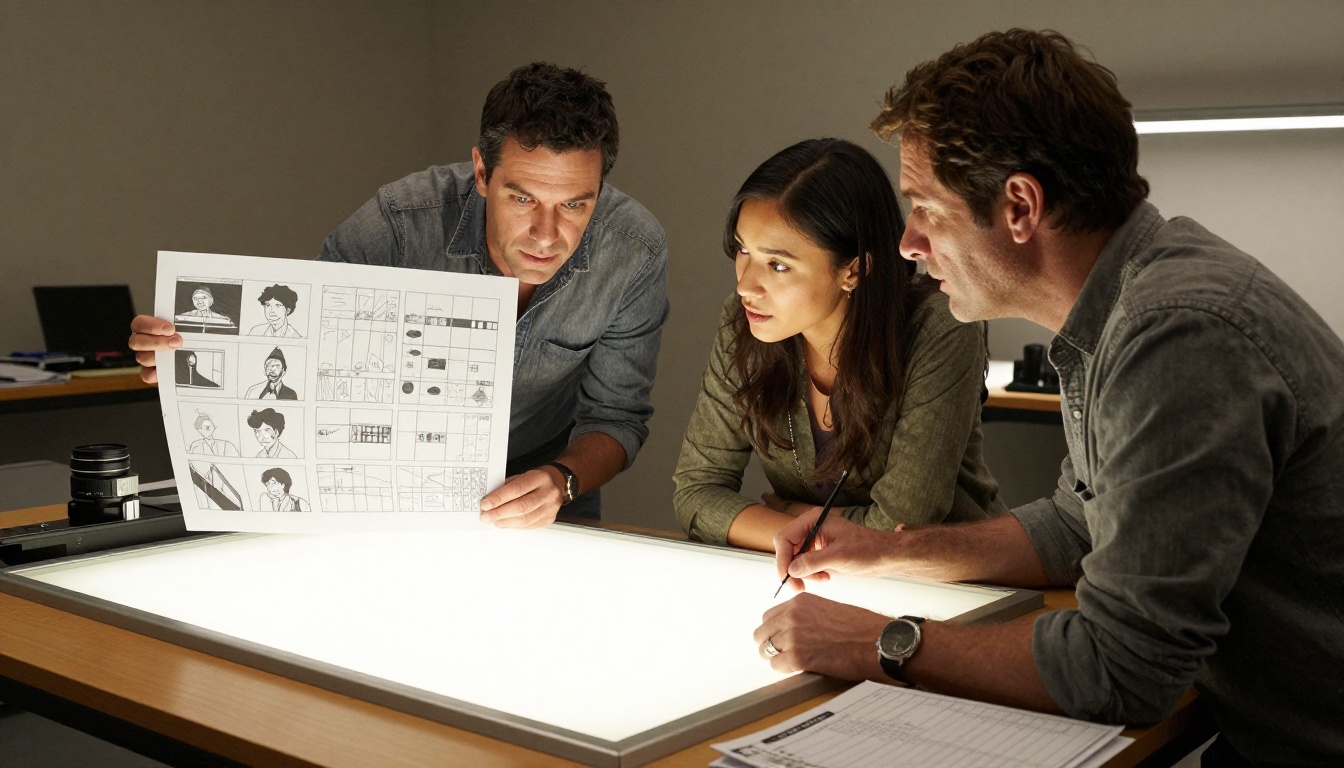
Organize your approved frames in shot order. Print them at consistent size, or lay them out in a presentation. A well-organized AI storyboard from Seedream 5 Pro is genuinely indistinguishable from traditionally hired storyboard art in terms of the information it communicates to a crew.
Number each frame clearly, annotate with the shot code from your original shot list, and add a one-line description of the action. Your finished storyboard document should be self-explanatory to any crew member who picks it up cold.
Shot Types That Work Best
Not every shot type responds the same way to AI generation. Here's what works well and what needs extra care with Seedream 5 Pro prompts.
Establishing Shots
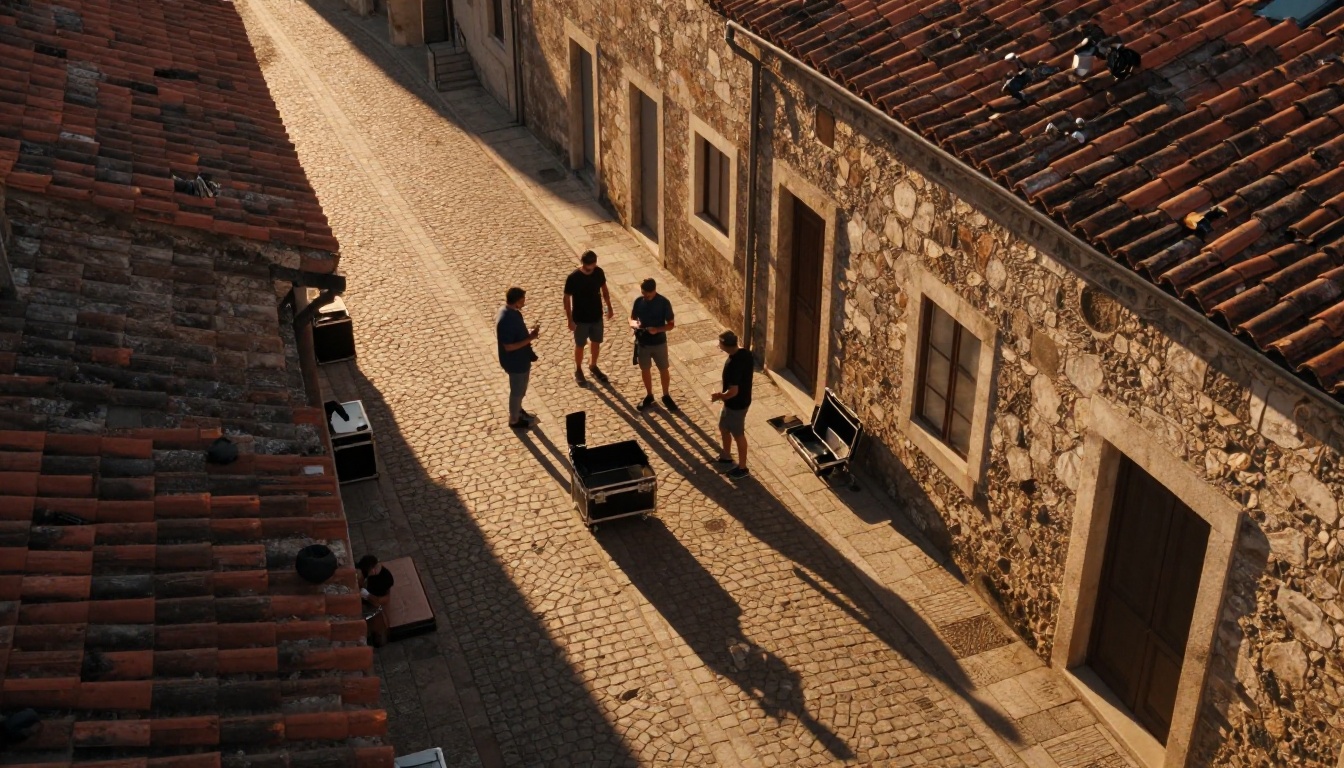
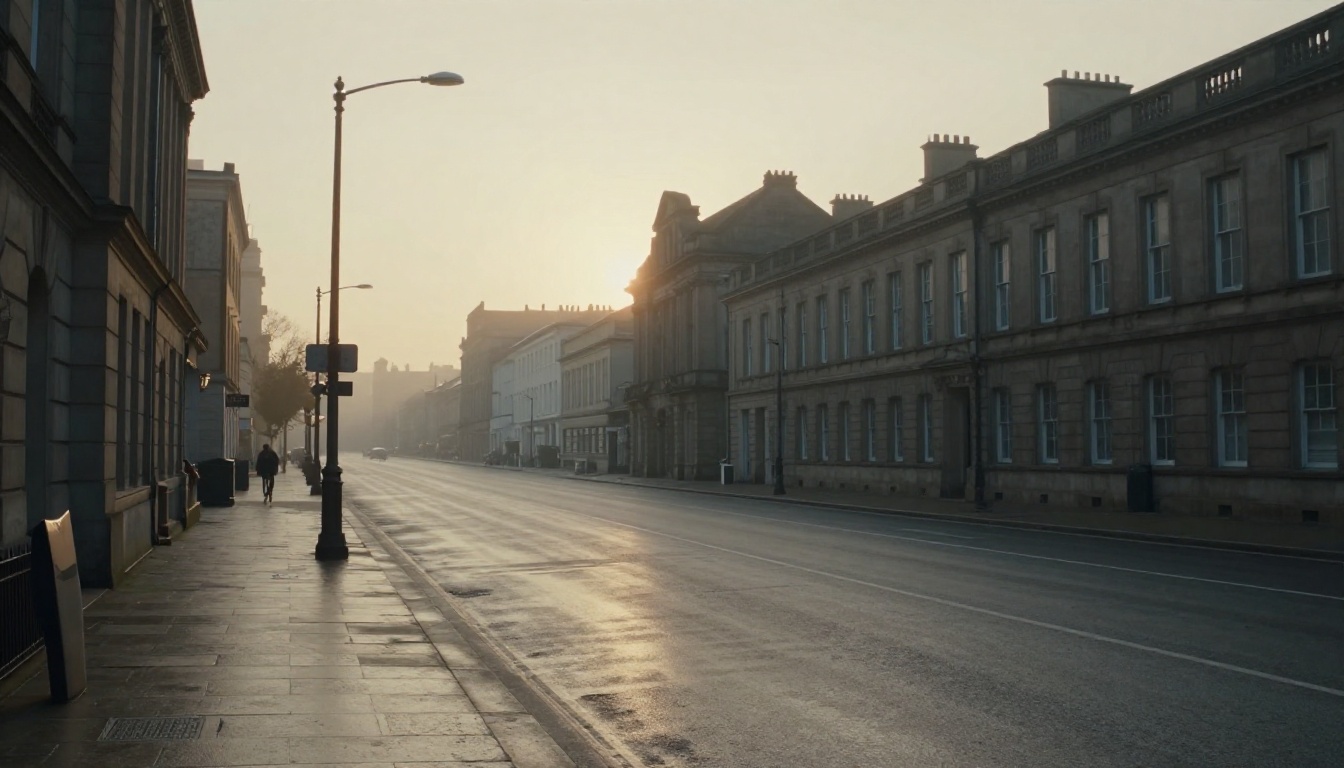
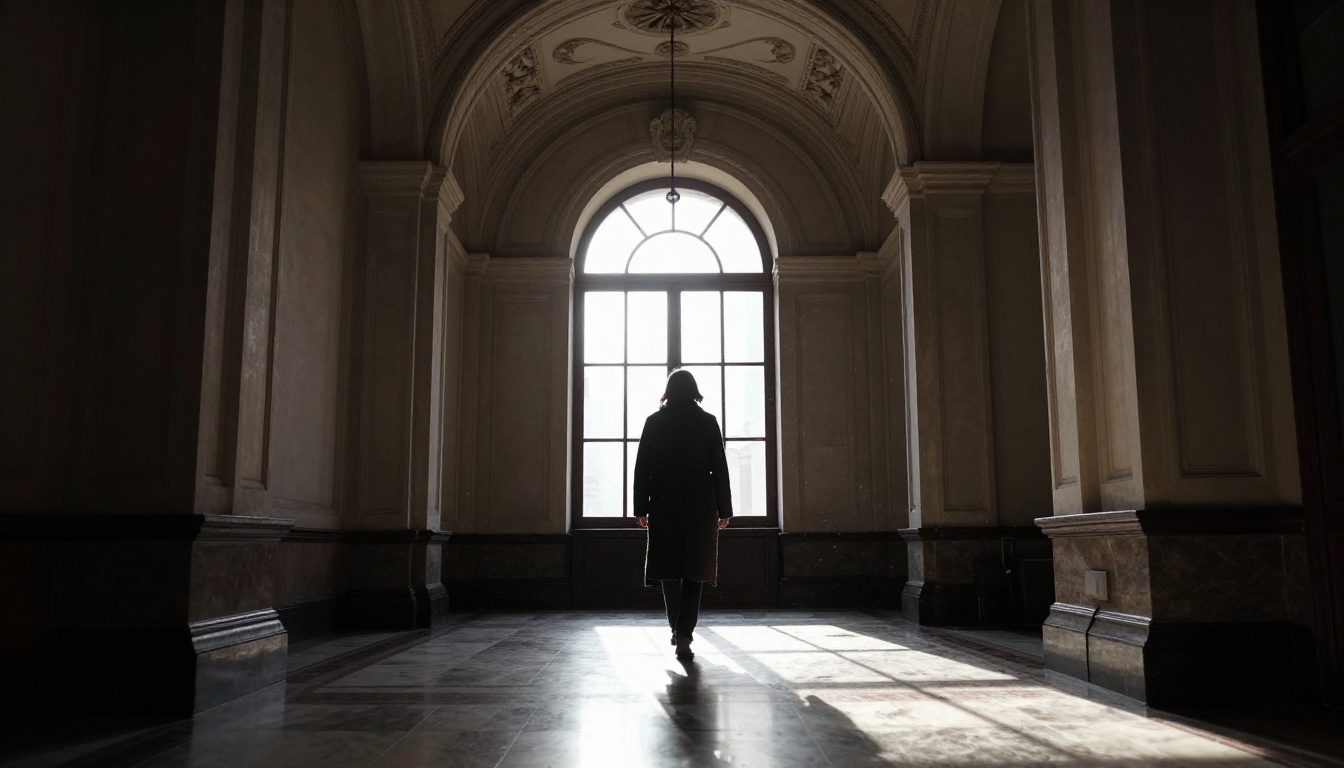
Wide establishing shots are where Seedream 5 Pro shines brightest. Large scenes with environmental storytelling, complex lighting across wide areas, and accurate architectural perspective all render with impressive fidelity. The model handles volumetric light, atmospheric perspective, and depth cueing reliably.
For establishing shots, anchor your prompt with:
- Location type (urban, rural, interior, industrial)
- Time of day and specific light quality
- Atmospheric conditions (clear, hazy, overcast, foggy)
- Scale reference (include a figure or vehicle to establish relative size)
Medium Shots and Two-Shots
Medium shots require the most careful prompting because they live between the environmental richness of wides and the character detail of close-ups. Specify what the frame cuts at (waist-high, knees, chest) and describe the physical relationship between subjects if it's a two-shot.
For two-shots specifically, describe the spatial arrangement: "man left of frame, woman right, 18 inches between them, both facing slightly toward center, eye-level camera." That level of spatial specificity is what separates a usable frame from a generic one.
Close-ups and Extreme Close-ups
For close-up storyboard frames, Seedream 5 Pro delivers exceptional texture detail. Skin, fabric, surfaces, and props all render at a level of realism that communicates exactly how a scene should feel. Use terms like "85mm portrait compression," "shallow depth of field," and specific surface condition descriptions to get the right look.
💡 Tip: For dialogue scenes, generate close-ups of each character from the same scene with consistent lighting direction. This establishes the shot-reverse-shot eyeline for your crew before you ever step on set.
Action Sequence Frames
Conveying motion in a still frame requires specific language. Use terms like:
- "Motion blur on hands/feet"
- "Frozen moment at peak action"
- "Dutch tilt 15 degrees"
- "Handheld camera feel, slight motion blur"
- "Panning shot, subject sharp, background streaked"
Action storyboard frames from Seedream 5 Pro work best when you describe the physics of the moment rather than just the subject. Where is the weight? Where is the force going? What's moving fast versus what's still?
Comparing Models for Storyboard Work
Seedream 5 Pro isn't the only option on PicassoIA for this workflow. Here's how it stacks up against other available models for storyboard-specific generation.
For professional client-facing storyboards, Seedream 5 Pro is the clear choice. For internal working boards during early pre-production, Seedream 4.5 is faster and still delivers excellent results. Qwen Image 2 Pro is worth a look for stylistically distinct visual languages, as its model architecture responds well to artistic direction vocabulary.
Real Production Use Cases
Short Film Pre-Production
For a typical short film with 30-50 shots, a traditional storyboard artist charges anywhere from $800 to $3,000 and needs 3-5 days of turnaround. With Seedream 5 Pro on PicassoIA, a director can generate a full working storyboard in 2-4 hours at a fraction of the cost, then use those frames as reference when briefing a director of photography.
The workflow:
- Write shot list from the script breakdown
- Generate 3 variations per hero shot with Seedream 5 Pro
- Use Seedream 5 Lite for connecting shots and B-roll
- Assemble approved frames into a PDF presentation
- Share with crew before the production meeting
Commercial Video Planning
Agencies use storyboards differently than filmmakers. The visual needs to sell an idea to a client who isn't trained to read traditional sketches. Photorealistic frames from Seedream 5 Pro function as pitch visuals that clients can actually respond to emotionally.
When presenting a TV spot or online campaign, the difference between a sketched storyboard and a photorealistic one is often the difference between a hesitant "I think so" and a confident "yes, let's shoot it." Production agencies report that AI storyboards dramatically reduce client revision cycles because the visual intent is immediately legible.
Documentary Pre-Visualization
Documentary crews can't control their environments, but they can plan their shots for the sequences they know are coming. Scheduled interviews, reenactments, and planned B-roll segments can all be pre-visualized with Seedream 5 Pro frames. These serve as the DP's reference when choosing lens and position for a known environment.
Even uncontrolled documentary situations benefit from having a shot type preference document. Knowing you want handheld close-ups with 35mm in intimate interview situations, versus locked-off wide shots with 70mm compression for environmental sequences, is planning that AI frames can crystallize before the shoot.
Social Content Production
Short-form video creators producing regular content for Instagram Reels, TikTok, or YouTube Shorts benefit from rapid storyboarding to batch-plan shoots. A creator who shoots 10-12 pieces of content in a single shooting day can plan all of them in advance using AI storyboard frames, arriving on set with clear visual intent rather than improvising.
The cost savings here aren't just financial. They're temporal. An hour of planning with Seedream 5 Pro can save three hours of on-set indecision.
Prompt Templates That Get Results
These are production-tested prompt structures for common storyboard frame types. Adapt them to your specific needs.
Exterior Establishing Shot:
[Time of day] exterior wide shot, [location type], [weather condition], [main subject or action] in lower third, shot with [lens]mm lens, [depth of field] focus, [light quality] from [direction], [film stock] color grading, RAW photography --ar 16:9
Interior Character Medium Shot:
[Camera angle] interior medium shot, [character description] [action], [room type] background, [practical light source] as main light from [direction], [secondary light or fill], [fabric/surface texture detail], [lens]mm lens, [depth of field], Kodak Portra 400 --ar 16:9
Close-up Detail Shot:
Extreme close-up of [subject detail], [texture description], [light source and direction], [lens]mm macro, f/[aperture] shallow focus, [film grain type], photojournalistic, RAW --ar 16:9
Action Frame:
[Camera position] [angle] shot, [subject] in motion [action description], [motion blur type], [environment], [light quality], [lens]mm, [film stock], photorealistic --ar 16:9
Use these as starting points, then add specificity where your scene demands it.
5 Pro Tips for Better Frames
1. Reference real film stocks. Specify Kodak Vision3, Fuji Eterna, or Kodak Portra in your prompts. Seedream 5 Pro understands film stock color profiles and applies them accurately. This gives your storyboard frames a consistent visual language across the whole board.
2. Describe the lens before the subject. Start your prompt with the lens choice and perspective, then add the subject. "28mm low-angle" before "figure walking toward camera" produces better spatial accuracy than the reverse.
3. Use time of day as a lighting shorthand. "Golden hour," "overcast noon," "magic hour sunset," and "practical interior night" are rich descriptions that Seedream 5 Pro interprets accurately into specific lighting conditions without needing to spell out every parameter.
4. Add a texture anchor. Describe one specific texture in your frame: wet asphalt, aged brick, linen fabric, polished concrete. That texture detail pulls the rest of the frame into higher realism because the model uses it as a calibration reference for overall image fidelity.
5. Iterate on small changes. Change one variable at a time when iterating: camera angle, then light direction, then subject position. Making all three changes at once makes it impossible to identify what's producing the best results.
💡 Batch approach: Generate all your establishing shots first, then all your close-ups. Working in shot-type batches keeps your prompting consistent and your output coherent as a sequence.
From Storyboard to Animatic
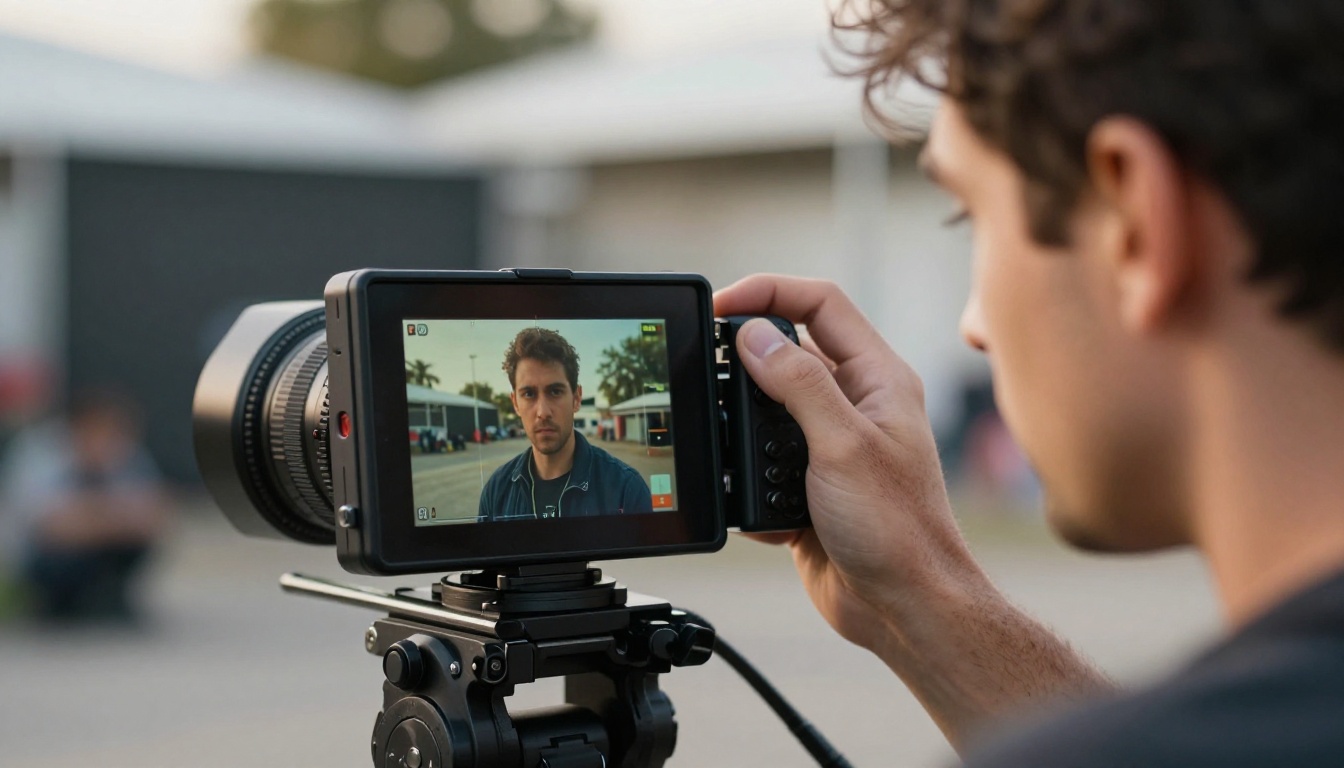
Once your storyboard frames are locked, PicassoIA's broader toolset lets you extend the workflow. The frames you created with Seedream 5 Pro can become the starting point for animated pre-visualizations using Seedance 2.5, ByteDance's text-to-video model.
An animatic is a rough motion version of your storyboard where each frame is given basic movement and duration. With Seedance 2.5, you can use your completed Seedream 5 Pro frames directly as input images and generate short motion clips from them. The result is a moving storyboard that communicates timing and pacing to your crew in a way that static frames can't.
Additional tools available through PicassoIA for post-storyboard work:
- Super Resolution to upscale storyboard frames for large-format printing
- Object Replacement to swap elements in approved frames during client revision
- Qwen Image 2 Pro for stylistic variations on approved shots
The storyboard isn't an endpoint. It's the first step in a visual development pipeline that runs entirely on AI.
Start Generating Now
PicassoIA is the fastest way to access Seedream 5 Pro alongside the entire lineup of ByteDance, Qwen, and other top-tier image generation models. No production budget required. No design background needed.
Pick one scene. Write five shots. Describe the lighting with specificity. Generate the frames. The difference between what you imagined and what you get on screen is almost always the pre-production work that either happened or didn't. With Seedream 5 Pro, that work takes hours, not weeks.
The entire Seedream model family plus hundreds of other AI tools are available right now at picassoia.com/en/all-models. Your first storyboard frame is one prompt away.


