If you've been running AI image generation seriously for more than a week, you already know the frustration: different models produce wildly different results from the same prompt. Two models dominating the conversation right now are ByteDance's Seedream 5 Pro and Google's Nano Banana Pro. Both promise sharp, detailed output. Both have vocal fans. But do they actually hold up when tested against the same real-world prompts?
We ran a structured head-to-head with identical inputs across three categories: portraits, landscapes, and product shots. No cherry-picking. No favorable angles. Just the raw output compared side by side so you can make an informed choice.
Two Models, One Job
Before getting into results, it's worth understanding what each model is actually optimized for, because they come from different schools of thought on what "quality" even means in AI image generation.
What Seedream 5 Pro Does
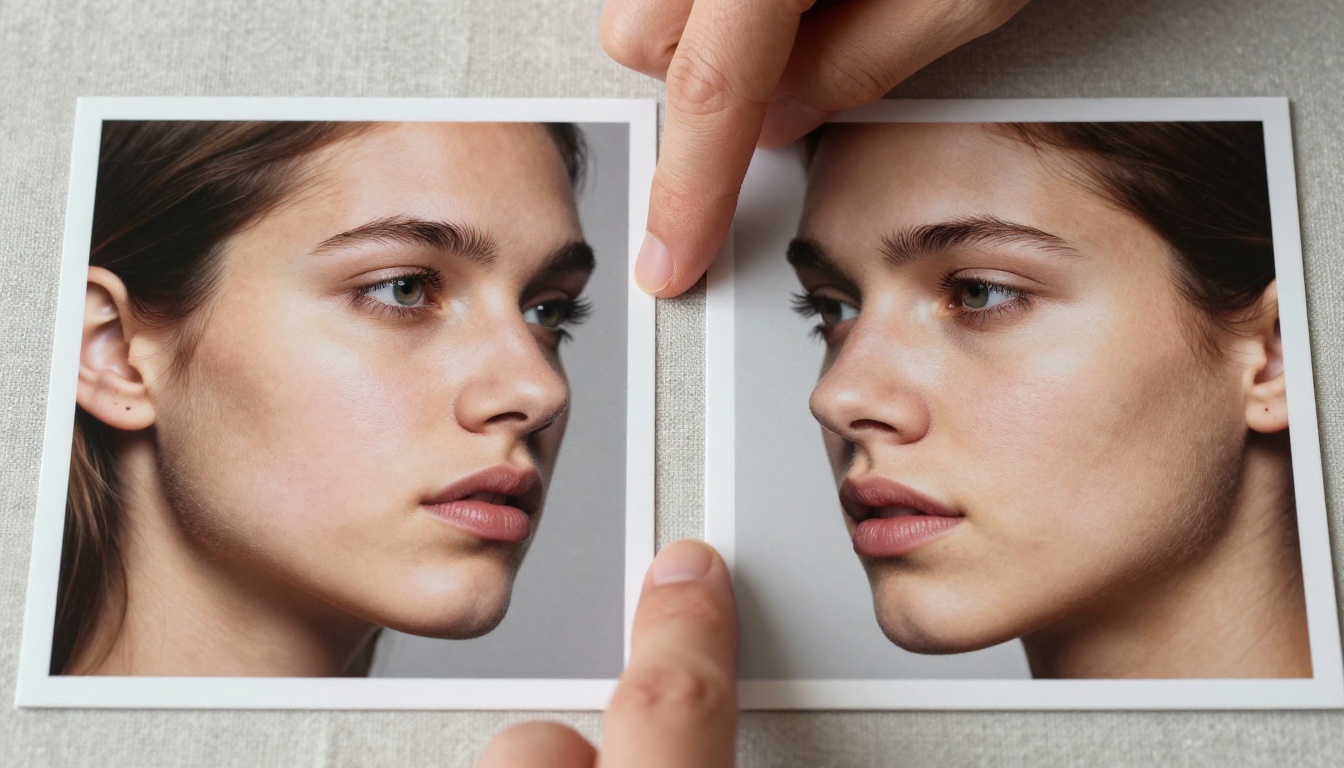
Seedream 5 Pro is ByteDance's flagship text-to-image model, built for 2K native resolution output. The architecture prioritizes fine-grain texture rendering, particularly in human subjects. Skin pores, fabric weave, hair strands rendered as individual filaments, and material surface microdetail are where Seedream 5 Pro consistently pulls ahead of competitors.
The model has a particular strength with prompt adherence at complex instruction sets. When you write a 100-word prompt with 12 specific attributes, Seedream 5 Pro tends to honor most of them. It's less likely to average your instructions into a generic-looking output.
It also ships with a stronger natural lighting engine than most models at its tier. Directional light, volumetric haze, and rim lighting descriptions tend to translate faithfully into the generated image.
What you give up: generation speed. Seedream 5 Pro is not fast. Complex prompts with high-fidelity detail instructions can take noticeably longer to resolve than lighter models. If you're running high-volume generation at speed, that cost adds up.
Earlier generations in the line, including Seedream 4.5, Seedream 4, and Seedream 3, each made significant jumps in texture quality. Version 5 Pro extends that trajectory with native 2K output.
What Nano Banana Pro Brings
Google's Nano Banana Pro was designed with a different priority: speed at scale without sacrificing structural coherence. Where Seedream 5 Pro leans into micro-texture, Nano Banana Pro focuses on macro composition, color palette accuracy, and overall scene organization.

The model handles complex scene composition reliably. Multiple subjects in defined spatial relationships, foreground-midground-background separation, and environmental storytelling are Nano Banana Pro's strongest cards. If your prompt describes a scene with three distinct elements each doing something specific, Nano Banana Pro tends to place them correctly in frame.
Color science is notably clean. Nano Banana Pro reproduces hue relationships from training data with high fidelity. If you specify "warm amber afternoon light with cool blue shadow fills," you generally get exactly that color relationship rather than a loose creative interpretation of it.
The downside shows up in close-up detail work. At 100% crop on a portrait, Nano Banana Pro produces smoother, sometimes slightly polished skin rendering compared to Seedream 5 Pro's organic texture. For work where the final output is examined at full resolution, this difference becomes visible.
Lighter versions of the model family, including Nano Banana 2 and Nano Banana 2 Lite, offer faster outputs with reduced detail fidelity. The Pro tier is where the model earns serious use in production contexts.
The Prompts We Actually Used
We kept prompts identical across both models. No tuning for one model or the other. Each prompt was written to test a specific capability dimension.
Portraits and People
Portrait prompts were the most revealing. We used three: a simple single-subject close-up, a multi-subject environmental portrait, and a high-detail skin texture close-up with specific lighting instructions.
Simple close-up: Both models handled this well. At thumbnail size, outputs looked nearly identical. At 100% zoom, Seedream 5 Pro showed visibly more pore-level detail and natural skin variation. Nano Banana Pro output was smooth and clean but felt slightly processed.
Multi-subject environmental portrait: Nano Banana Pro handled the spatial relationships between subjects more accurately. Seedream 5 Pro occasionally merged or repositioned subjects in ways that didn't match the prompt's stated arrangement.
High-detail skin texture: Seedream 5 Pro won this category clearly. The 2K native output showed individual hair follicles, realistic subsurface scattering in skin highlights, and accurate contact shadows at fabric edges. Nano Banana Pro's output at the same scale was impressive but comparably smoother.
💡 Tip: For portrait work where the image will be printed large or viewed at high zoom, Seedream 5 Pro's texture detail is the practical choice. For web-sized portrait content at speed, Nano Banana Pro delivers consistent, clean results faster.
Landscapes and Scenery
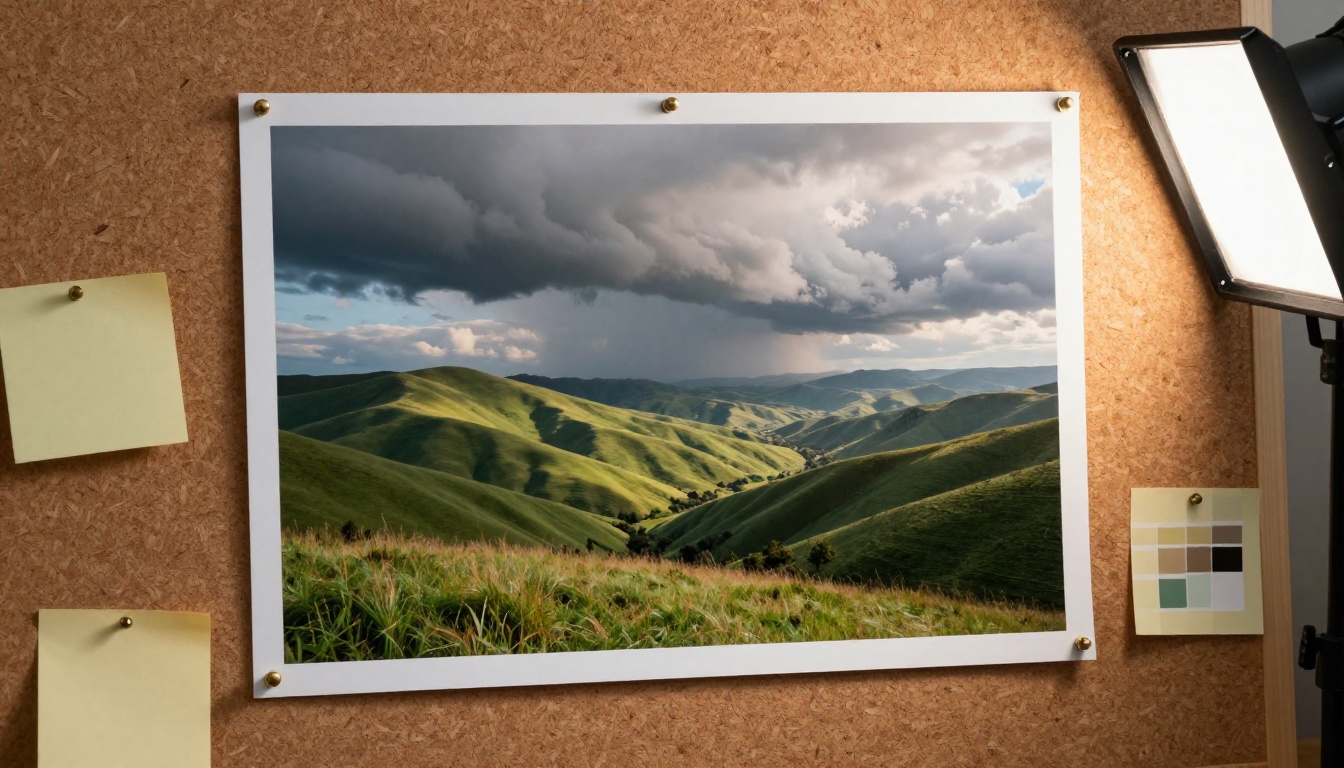
Landscape prompts inverted the advantage. Nano Banana Pro excelled at scene-scale organization: horizon lines placed accurately, cloud formations that matched the described drama, foreground elements in correct proportion to background depth.

We tested a coastal sunrise prompt, a mountain valley mid-afternoon light prompt, and a dense forest low-angle prompt. Across all three, Nano Banana Pro produced more compositionally accurate results. The scale relationships between geological features and sky were better controlled.
Seedream 5 Pro produced more texture-rich foreground detail: individual rock grain, blade-level grass differentiation, and water surface microtexture at close range. But it occasionally got the macro composition wrong, misplacing horizon lines or scaling elements inconsistently.
For AI image generation projects that rely on landscape stock imagery, environmental concept work, or background plates, Nano Banana Pro is more reliable out of the box.
Product and Object Shots
This was the closest test category. Both models produced commercially viable results from clean product shot prompts.
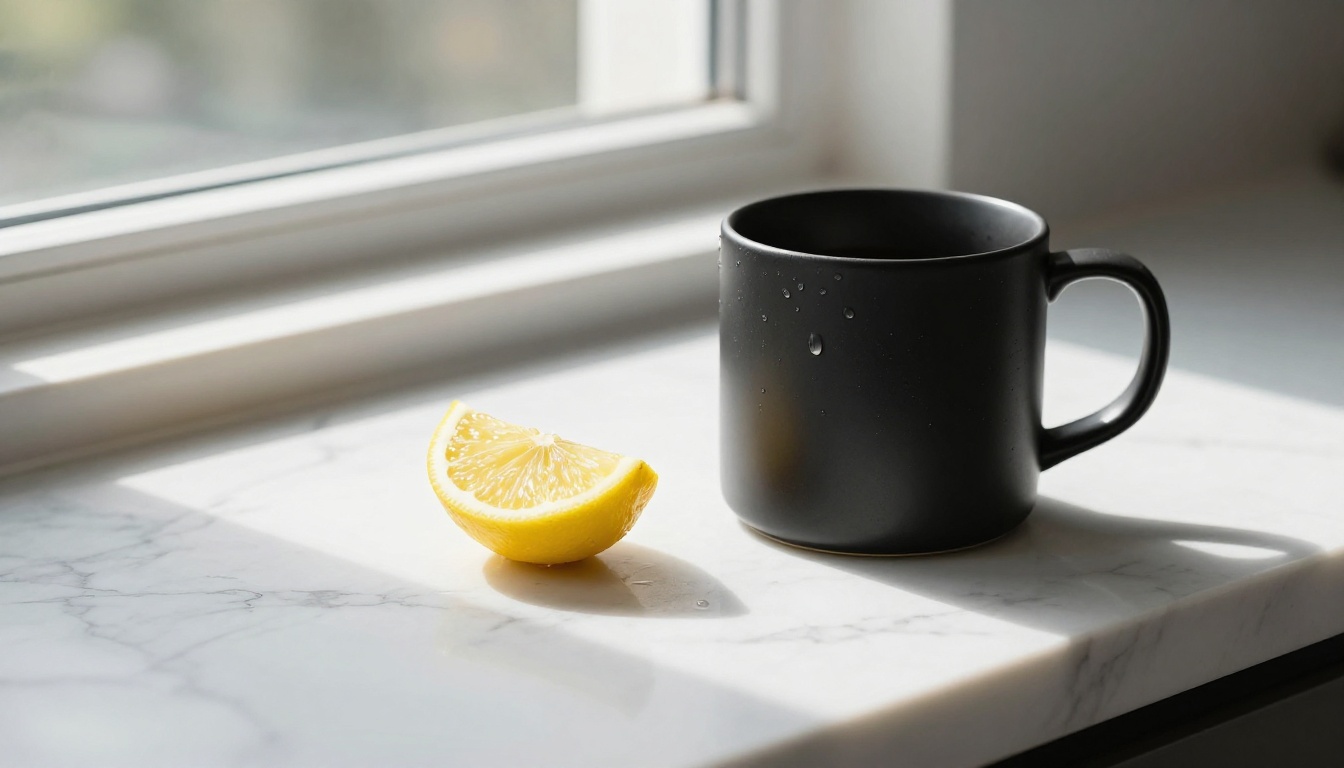
Where differences appeared: surface material rendering. Seedream 5 Pro reproduced matte, satin, and glossy surface distinctions more accurately. A matte black ceramic mug looked visibly different from a polished chrome one, with correct light behavior on each material type. Nano Banana Pro had a slight tendency to add specular highlights to surfaces that weren't described as reflective.
Shadow behavior also differed. Seedream 5 Pro produced contact shadows with physically accurate softness gradients. Nano Banana Pro shadows were consistent but occasionally felt slightly detached from the object base.
For product imagery that needs to sell specific material qualities, Seedream 5 Pro's surface rendering gives it the edge.
Quality Side by Side
Sharpness and 2K Detail
Seedream 5 Pro is the clear winner for sharpness at native resolution. The 2K output contains genuine detail information rather than upscaled interpolation. At 400% crop on a portrait, you see real texture variation rather than the smooth gradients that indicate AI-blended regions.
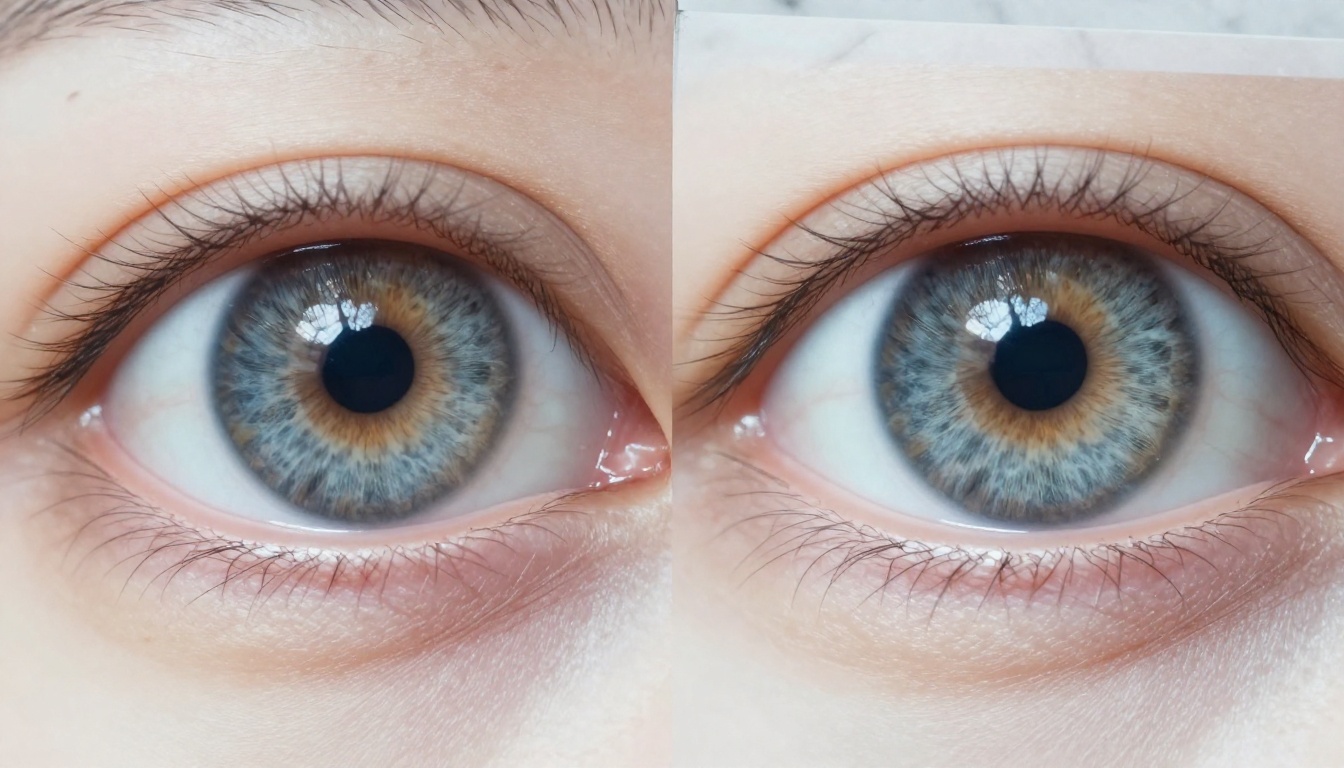
Nano Banana Pro's output sharpness is strong for composition-level viewing, but aggressive zoom reveals smoother underlying detail. This is not a flaw for most use cases. Most images are never examined at 400% crop. But for print applications, high-resolution stock licensing, or any use where the image is scrutinized closely, Seedream 5 Pro's native resolution advantage is real and measurable.
Color Fidelity
Both models are strong on color, but in different ways.
Seedream 5 Pro produces warmer default toning with a slight Kodachrome-adjacent bias. Natural subjects, particularly skin tones and organic materials, benefit from this. The warmth is calibrated and doesn't read as color grading, it reads as correct light capture.
Nano Banana Pro defaults to a cooler, more neutral palette. Color relationships between prompt-specified hues reproduce accurately and predictably. If you specify a precise color temperature or hue relationship, Nano Banana Pro honors it more literally.
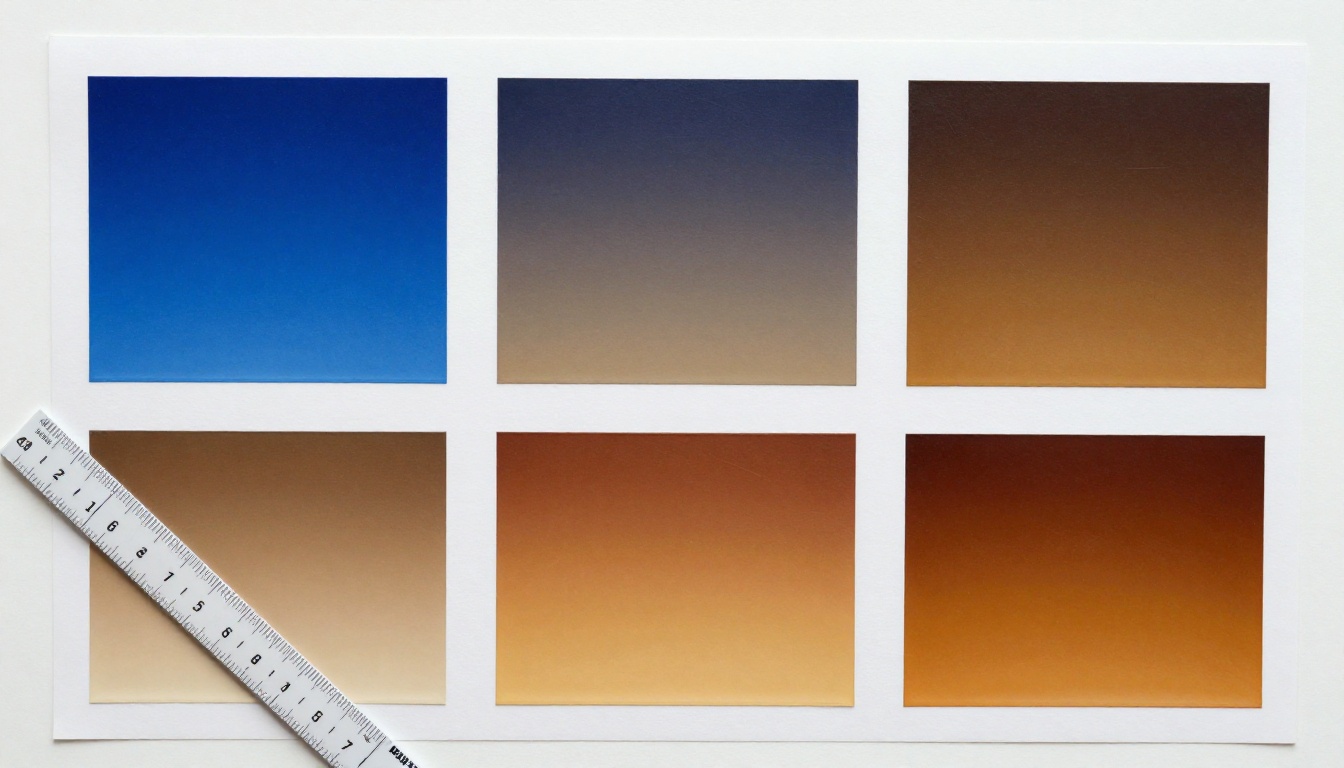
💡 Tip: Nano Banana Pro is better for design work where exact color relationships matter. Seedream 5 Pro is better for naturalistic photography-adjacent content where warmth and organic color variation add to the overall realism.
Prompt Accuracy
Seedream 5 Pro honors compositional specifics in multi-attribute prompts with high fidelity. Subject pose, object placement, lighting direction, and camera angle specifications all translate reliably into the output.
Nano Banana Pro interprets prompts more loosely in some cases, sometimes replacing a specified element with a visually similar but not identical one. It also occasionally fills in scene details not mentioned in the prompt but contextually appropriate to the setting, which can be either a feature or a problem depending on your workflow.
Speed in Practice
This is where Nano Banana Pro wins, and it's not close.
Seedream 5 Pro outputs at 2K with full texture detail take meaningful processing time on complex prompts. For a single deliberate generation, this is acceptable. For iterative prompt refinement across 15 to 20 variations, the wait accumulates quickly.
Nano Banana Pro generates at noticeably faster rates. For iterative creative workflows where you're dialing in a result through successive prompt adjustments, the speed difference materially affects your working rhythm. Faster feedback loops mean more experiments per hour and faster creative convergence.
If speed is a workflow requirement, Nano Banana 2 Lite is worth trying as an even lighter option for rapid iteration, with final quality rendering done in Nano Banana Pro once the prompt direction is confirmed.
Where Each Model Wins
Seedream 5 Pro Best Use Cases
- Print-format portrait photography where viewing distance is close and texture detail is visible
- Product photography with specific material surface requirements (matte, satin, leather, ceramic)
- Editorial AI images where prompt precision and specific lighting descriptions must be honored
- High-resolution stock image creation that will be sold, licensed, or reproduced at large size
- Character and face studies requiring fine detail close-up rendering

Nano Banana Pro Best Use Cases
- Landscape and environmental composition with multi-element scene structure
- High-volume content generation where speed is a production constraint
- Design-adjacent work requiring precise, predictable color reproduction
- Iterative prompt refinement workflows where fast feedback loops save time
- Background plates and environmental storytelling for visual production pipelines
How to Use Seedream 5 Pro on PicassoIA
Since Seedream 5 Pro is available directly on PicassoIA, here's the practical workflow for getting the best results from it.
Pick Your Model
Open PicassoIA and navigate to the Seedream 5 Pro model page. The model is listed under text-to-image. No setup or configuration required beyond selecting it from the catalog.
If you want a faster iteration path before committing to full-detail renders, Seedream 4.5 offers quicker preliminary rounds with the same core architecture.
Write a Strong Prompt
Seedream 5 Pro rewards longer, more specific prompts. The model's prompt adherence is strong enough that the extra description investment pays off in output accuracy. Structure your prompts with:
- Subject description: Who or what is in the frame, exact state or action
- Environment details: Location, materials, surrounding context
- Lighting specification: Direction, quality (hard or soft), color temperature, and intensity
- Camera parameters: Lens length, aperture, shooting angle, and distance
- Texture notes: Surface materials, fabric type, atmospheric particles
Example strong prompt:
"A woman in her late 20s with dark brown hair in a loose bun, wearing a rust-colored linen jacket, sitting at an outdoor café table. Afternoon light from the upper-left at 45 degrees, warm and slightly overcast creating soft even shadows. Circular marble café table, iron chair legs, potted rosemary plant in the background. 85mm f/2.0 lens, eye-level camera angle. Skin texture visible, slight wind movement in jacket collar. RAW photography, Kodak Portra 400."
Fine-Tune the Output
If the first result doesn't land where you want it:
- Too smooth in texture: Add explicit texture language, for example "visible skin pores, fabric thread weave, individual hair strand separation."
- Lighting not matching: Specify the light source position using clock positions, for example "light from 2 o'clock position at a 40-degree downward angle."
- Colors too warm: Seedream 5 Pro defaults warm. Add "neutral color temperature" or "cool daylight" to counterbalance it.
- Composition off: Specify subject placement explicitly, for example "subject positioned in left third of frame, background occupying right two-thirds."
💡 Tip: PicassoIA lets you run both Seedream 5 Pro and Nano Banana Pro on the same prompt in sequence. Running your prompt through both and picking the better output often surfaces the right result faster than iterating one model repeatedly.
Time to Try Both
The honest answer to "which model is better" is that both are genuinely good, and neither is always the right call. Seedream 5 Pro wins on texture detail and prompt precision, particularly for close-up human subjects and product photography with specific surface requirements. Nano Banana Pro wins on scene composition, color predictability, and generation speed for high-volume workflows.

Both are accessible directly on PicassoIA without any additional setup or configuration. The platform carries the full Seedream lineage, including Seedream 3, Seedream 4, Seedream 4.5, and Seedream 5 Lite alongside the full Nano Banana family, so you can move between model versions as your project needs shift.
The best way to resolve the debate for your specific workflow is to run both against your actual prompts. Take one of your typical production prompts and generate it through Seedream 5 Pro and Nano Banana Pro at the same settings. The difference will be immediately obvious at the detail level you care about, and you'll have a concrete answer for your specific use case rather than a general recommendation.
PicassoIA gives you access to both without separate accounts, API keys, or platform switching. Visit picassoia.com/en/all-models to see everything available across the full model catalog and start generating.


