If you're trying to figure out whether Seedream 5.0 Pro or Seedream 5 Lite allows NSFW image generation, the answer is clear: Seedream 5.0 Pro supports adult content while Seedream 5 Lite actively blocks it. But knowing which version to pick, what the content limits actually look like in practice, and which platform gives you the most freedom for unrestricted creative work — that takes a bit more unpacking. Here's everything you need to make the right call.
Two Models, One Critical Difference
ByteDance released Seedream 5 as a dual-tier offering. On paper, both versions share the same core architecture and produce sharp, photorealistic images at up to 2K resolution. The gap between them isn't about image quality or speed — it's about who gets to decide what you can create.
Seedream 5 Lite was designed for wide distribution. It needed to work inside consumer apps, third-party integrations, and API products where adult content creates legal or platform policy friction. ByteDance solved this by building a strict content moderation filter directly into Lite's inference pipeline. The result is a fast, efficient model that reliably refuses anything remotely suggestive.
Seedream 5.0 Pro takes a different approach. It still has content guardrails, but they're positioned much further along the content spectrum. On platforms like PicassoIA, this translates to meaningful NSFW capability — swimwear photography, glamour portraits, artistic implied nudity, and intimate lifestyle scenes all generate without refusals.
How the Filter Actually Works
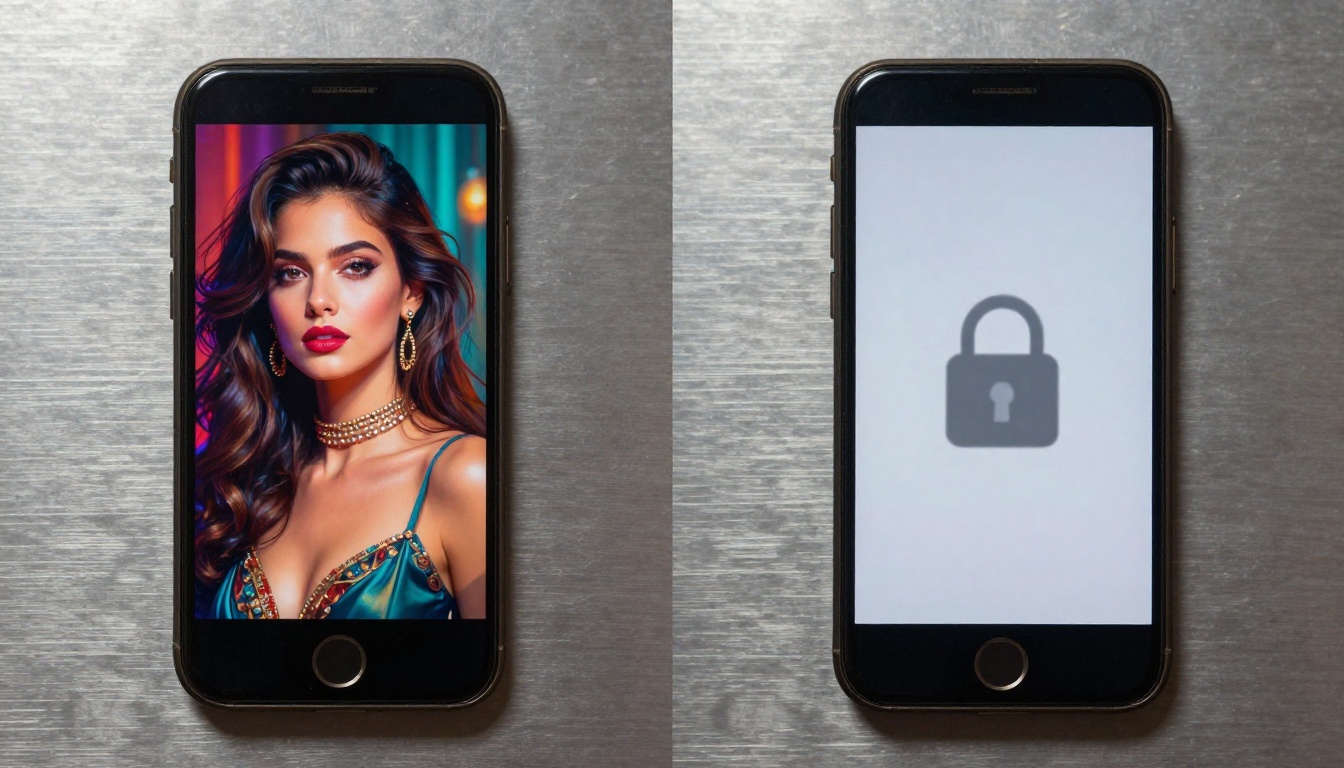
Seedream 5 Lite's content filter operates at the prompt parsing stage. Before any image generation begins, the model runs your text through a classifier that flags terms and semantic patterns associated with adult content. If the classifier scores above a threshold, the generation stops immediately and returns a refusal message. There's no degraded output, no blurring — just a hard stop.
This is different from older NSFW filtering approaches where the model would generate the image and then apply a post-processing check. Lite's approach means you get near-instant refusals and there's nothing to work around at the generation level. Prompt engineering tricks that work on older models simply don't apply here.
Seedream 5.0 Pro's filter uses the same base architecture but with a higher threshold. The classifier is still there, but it takes a more permissive stance on content that falls into the "suggestive but not explicit" range. The practical result: Pro generates what Lite refuses, without you having to change your approach significantly.
What Lite Blocks vs. What Pro Allows
To make this concrete, here's how the two models respond to common NSFW-adjacent prompts:
| Prompt Type | Seedream 5 Lite | Seedream 5.0 Pro |
|---|
| Woman in a bikini | Blocked | Allowed |
| Glamour portrait, lingerie | Blocked | Allowed |
| Artistic nude (implied) | Blocked | Allowed |
| Intimate couple scene | Blocked | Allowed |
| Explicit sexual content | Blocked | Blocked |
| Professional headshot | Allowed | Allowed |
| Fashion editorial | Allowed | Allowed |
| Swimwear catalog photo | Blocked | Allowed |
The upper limit is the same for both: explicit sexual content gets blocked across the board. What Pro gives you is everything in the wide middle ground that Lite refuses.
Seedream 5 Lite: When It's the Right Call
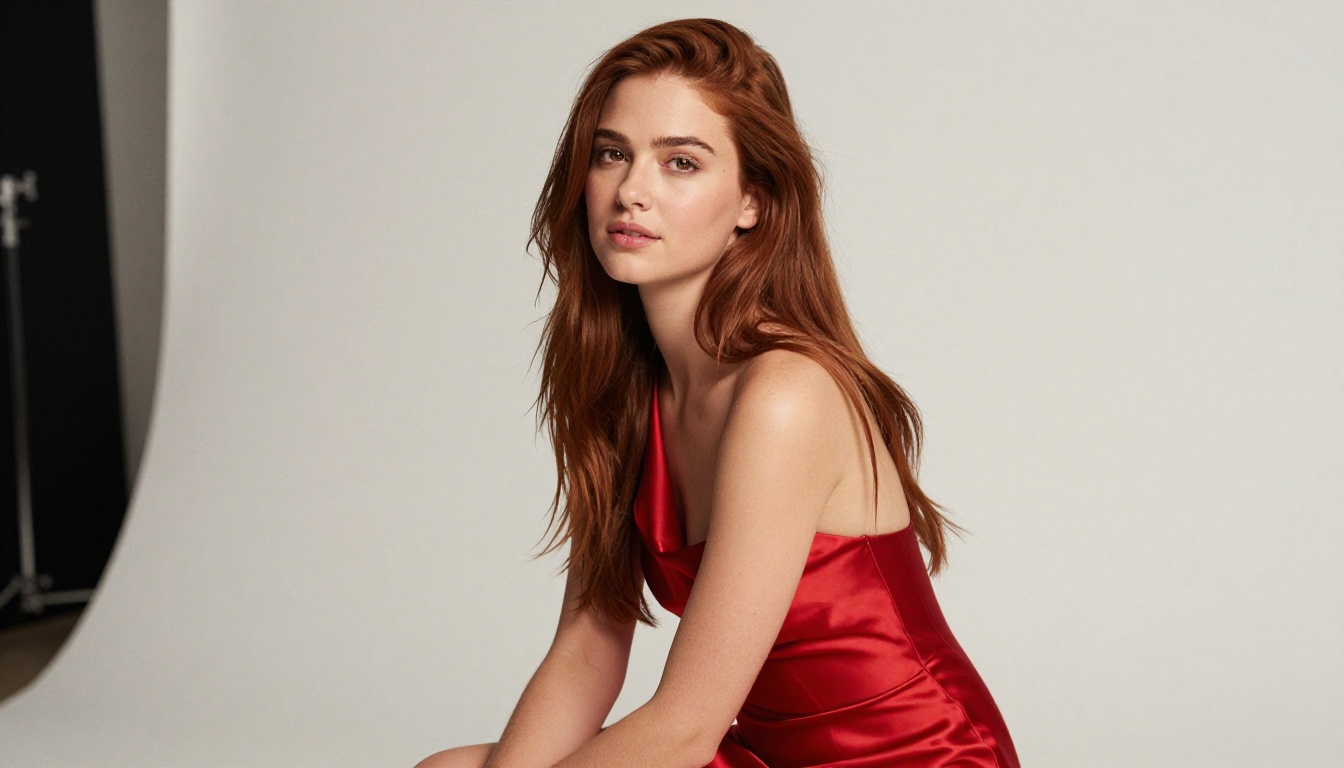
Despite its content restrictions, Seedream 5 Lite is genuinely useful for a specific type of creative work. If your output needs to stay safe for commercial use — product photography, editorial content, marketing visuals, social media assets — Lite delivers faster generation times (roughly 2 to 4 seconds) and very reliable results within those parameters.
The 2K resolution output is identical to Pro in terms of sharpness and detail. For portrait photography, fashion shoots, and lifestyle content that stays within brand-safe boundaries, Lite is a capable model. The issue is simply that its definition of "brand-safe" extends into territory that many creators consider entirely reasonable.
If you're building a workflow where NSFW capability is needed even occasionally, Lite becomes frustrating quickly. The refusals happen without warning and with no room to negotiate via prompt adjustments. For this reason, most creators who need any NSFW output should skip Lite entirely and work with Pro or — better yet — with models that have a longer track record of NSFW support on PicassoIA.
Seedream 5.0 Pro: What You Can Build With It
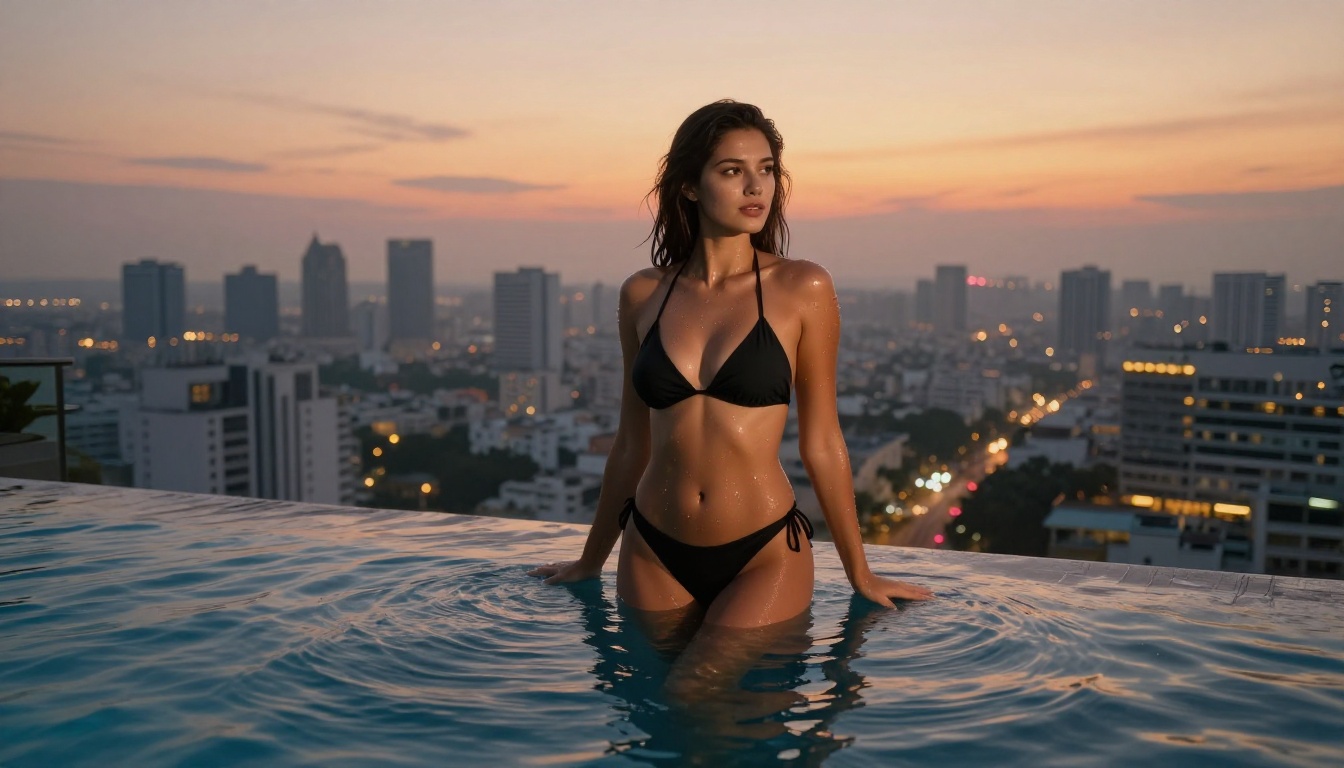
On PicassoIA, Seedream 5.0 Pro opens up a substantial range of creative possibilities. The model's photorealism is one of its strongest selling points — at 2K resolution, skin texture, fabric draping, and environmental lighting all render with the kind of detail that used to require specialized fine-tuned NSFW models.
Typical use cases where Pro performs well:
- Glamour and boudoir photography with realistic fabric textures and natural skin tones
- Swimwear and athletic wear lifestyle photography for content creators and brands operating in adult markets
- Artistic portraiture with implied nudity framed in fine-art or editorial photography styles
- Fantasy and cosplay content where character costumes are revealing but not explicit
- Intimate lifestyle photography for couples content or romantic editorial work
The image editing capability in Pro is worth noting separately. Unlike Lite, Pro allows you to feed in a reference image and modify it — changing clothing, adjusting lighting, or extending the composition. This img2img functionality makes it a more versatile tool for creators who work with existing photo assets.
Speed in Real Conditions
Seedream 5.0 Pro generates in roughly 3 to 6 seconds at 2K resolution. That's slightly slower than Lite (2 to 4 seconds), but the difference is minimal in practice. For batch workflows, both are fast enough that generation speed won't be your bottleneck — prompt quality and output selection will be.
💡 Seedream 5.0 Pro's anatomy quality has improved significantly over previous versions. Hands, fingers, and proportions are much more accurate out of the box without needing ControlNet references.

The NSFW Answer Most People Miss: Start with Seedream 4.5
Here's the nuance that most comparison articles skip: if NSFW generation is your primary goal, Seedream 4.5 is a better starting point than either version of Seedream 5.
Seedream 4.5 has been available on PicassoIA for longer, its NSFW behavior is well-documented, and it generates in under 3 seconds — faster than Pro at higher complexity prompts. It also supports image editing natively, combining the text-to-image and img2img capabilities in a single model.
Why 4.5 Outperforms 5 for NSFW Work
The version number is misleading here. Seedream 5.0 Pro is a better model for general-purpose photorealism and commercial-quality output. But for NSFW content specifically:
- Seedream 4.5 has a longer track record on PicassoIA with established, predictable prompt responses
- It generates in under 3 seconds consistently, vs. 3-6 for Pro
- Its content policy on PicassoIA is more permissive for adult content in practice
- The image editing capability is more mature and better integrated into its generation pipeline
The practical advice: if you're starting an NSFW creative workflow on PicassoIA, open Seedream 4.5 first. Use Seedream 5.0 Pro when you specifically need 2K resolution fidelity or its improved anatomy accuracy for complex poses.
💡 Important note: the newer Seedream 5 Lite does not support NSFW. Moving to a newer version number without checking content policy is a common mistake that leads to constant refusals and wasted time.

Best NSFW Models on PicassoIA Right Now
PicassoIA hosts a catalog of models specifically configured to support adult content generation. Here's the complete ranked list, ordered by overall performance and value:
Image Generation
-
Seedream 4.5 ⭐ — The top recommendation for NSFW image work. Accepts adult content, supports image editing, and generates ultra-realistic results in under 3 seconds. The combination of speed and NSFW support makes it the most practical model for high-volume creative work. (Note: Seedream 5 Lite does not allow NSFW.)
-
PicassoIA Image Editor Pro — Image-to-image model with unlimited generations on Elite and Infinite subscription plans. Results arrive in under 1 second. For context: generating 1,000 images on models like Nano Banana 2 costs roughly $100 in credits. With Image Editor Pro on an Elite plan, that same 1,000 images is included in your subscription at no additional cost. Accepts NSFW content. Offers a 3-generation free trial with no credit card required.
-
Qwen Image 2 — Open-source model that handles both creation and editing in seconds. Very detailed realism with no content restrictions. A strong alternative when you need open-source flexibility alongside NSFW support.
-
Grok Imagine Image — Specializes in realistic image-to-image transformation. Particularly effective at converting clothed photos to swimwear or bikini format in a realistic way.
-
Recraft V4 — Text-to-image only (no image editing), but produces very realistic NSFW results from prompt. Reliable for content that needs consistent stylistic quality.
-
P-Image — The fastest option in the catalog. Generates NSFW images in under 1 second, making it the best choice when generation speed is the priority over maximum detail.
-
prunaai-wan-2.2-image — Realistic image generation from text descriptions with no content filters. Well-suited for detailed prompts that require consistent output across multiple generations.

Video Generation
For creators extending image work into motion content, these models support NSFW inputs:
-
Wan 2.2 I2v Fast — Converts static images to smooth, natural video animations. Works directly from NSFW source images and preserves subject detail well in motion.
-
PicassoIA Video — Unlimited video generation from text prompts at up to 720p, 5 seconds per clip. No per-clip cost ceiling on Elite plans. The go-to option for high-volume video content.
-
P-Video — Text, image, or audio-to-video at up to 1080p. Safety filter is off by default, with draft mode available for instant low-resolution previews before committing to a full render. Supports durations from 1 to 10 seconds.
-
Grok Imagine Video — Clips up to 15 seconds from text, image, or existing video. Outputs at 720p or 480p with no watermarks. Image-to-video mode auto-matches the source photo's aspect ratio.
-
LTX 2.3 Pro — The highest-fidelity option in the catalog. Exports at up to 4K, 50fps with five generation modes including retake (replace a specific segment without re-rendering everything) and extend (append footage to the start or end of a clip).
💡 Unlike most mainstream AI platforms, PicassoIA gives creators full creative freedom with uncensored, high-performance models. All models above support adult content generation.
Using Seedream on PicassoIA: Step-by-Step
Both Seedream 4.5 and Seedream 5.0 Pro are accessible directly on PicassoIA without API setup or technical configuration. Here's how to work with either one:
Getting to Your First Image
- Open Seedream 4.5 or Seedream 5.0 Pro on PicassoIA
- Enter your prompt in the text input field
- Select resolution: 2K for detailed outputs where image quality matters, standard for speed
- Click Generate — results arrive in 2 to 6 seconds depending on the model and prompt complexity
- Download the image directly, or pass it into an image editing model or video generation tool for further work
Writing Prompts That Work
The difference between a weak NSFW result and a strong one almost always comes down to prompt specificity. These patterns consistently improve output quality with Seedream models:
- Describe clothing with material and fit: "white silk robe loosely draped over one shoulder" beats "sexy dress" every time
- Include photographic context: add terms like "85mm f/1.4", "Rembrandt lighting from camera-left", "Kodak Portra 400 color rendering"
- Specify body position precisely: "reclining at 45 degrees toward camera, weight on right elbow" gives the model a clear geometric target
- Set the environment in full detail: lighting type, room features, time of day, weather conditions outside the window
- Add texture references: "polished hardwood floor", "raw silk fabric", "brushed aluminum surfaces" — these ground the realism
- Mention camera distance: "close-up from shoulder height", "three-quarter shot at eye level", "aerial view looking down at 30 degrees"
💡 Avoid vague descriptors like "sensual" or "provocative" without additional context. These terms produce inconsistent outputs because they mean different things across models. Specific physical descriptions always outperform abstract quality labels.

Combining Image and Video Workflows
One of the more powerful workflows on PicassoIA is using Seedream to generate a high-quality source image, then passing that image to a video model to create motion content. Here's how that pipeline works:
- Generate your image with Seedream 4.5 or Seedream 5.0 Pro
- Copy the generated image URL
- Open P-Video or Wan 2.2 I2v Fast
- Paste the image as the source frame
- Write a motion prompt describing how the subject moves over 5 seconds
- Generate the clip
This approach gives you full creative control over the starting frame — which is harder to achieve with pure text-to-video — and lets you use Seedream's photorealism as the visual foundation for your video content. The Grok Imagine Video model is also worth testing here; it auto-matches the source image's aspect ratio and supports clips up to 15 seconds with no watermarks.

The Models Worth Your Credits
Before committing to any single model, it's worth understanding where the real cost differences sit in an NSFW workflow. Seedream 4.5 and Seedream 5.0 Pro are credit-based on PicassoIA — each generation costs a set amount. If you're generating at volume, those credits add up fast.
This is where PicassoIA Image Editor Pro changes the math entirely. On an Elite or Infinite plan, Image Editor Pro includes unlimited generations. That means 100 images, 500 images, or 1,000 images all cost the same: the flat subscription price. For creators doing high-volume NSFW content production, this is often the most economical path after you've used the credit-based models to establish your style and prompt patterns.
P-Image is the other efficiency play — under 1 second per generation means you can iterate through prompt variations at a pace that's impossible with slower models. Use P-Image for rapid iteration, Seedream 4.5 for final quality outputs, and Image Editor Pro when you need unlimited volume.
Stop Guessing, Start Generating
The Seedream 5.0 Pro vs Seedream 5 Lite NSFW question has a direct answer: Pro allows it, Lite blocks it. But the better question is which tool actually fits your workflow. For most creators doing NSFW content generation, Seedream 4.5 remains the most reliable starting point — faster, more permissive, and with a more predictable output profile for adult content prompts.
The full catalog on PicassoIA goes well beyond any single model. Whether you're doing static image work with PicassoIA Image Editor Pro for unlimited generations, animating results with P-Video, or producing high-volume clips with PicassoIA Video, the platform gives you every tool in one place without content restrictions slowing down your creative work.
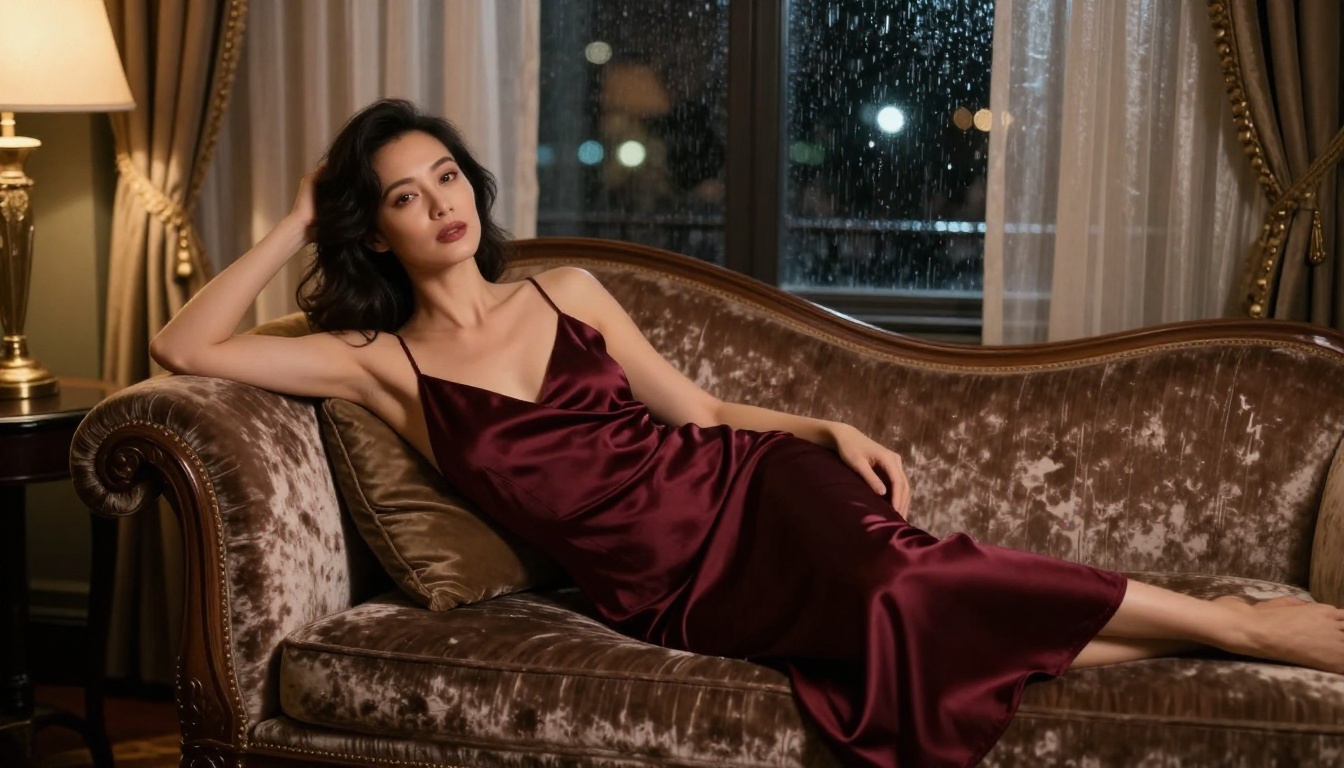
Image Editor Pro includes a free trial of 3 generations — no credit card required. That's enough to test the quality against your specific prompts before deciding on a plan. If you're ready to work at scale, the Elite subscription removes generation limits entirely across the most popular models, including the NSFW-capable ones listed above.
👉 See every available model, including the full NSFW catalog, at picassoia.com/en/all-models.


