Both models come from ByteDance, both carry the Seedream 5 name, and both generate strikingly realistic images. But if you've tried running them side by side, you already know they're not the same thing. The Pro variant chases resolution and texture depth; the Lite variant chases speed. Choosing between them isn't about which is better in the abstract. It's about what your project actually demands.
This breakdown covers what separates them technically, where each one wins, how to write prompts that get the best from both, and how to start generating with Seedream 5 Pro directly on PicassoIA today.
What Sets These Two Models Apart
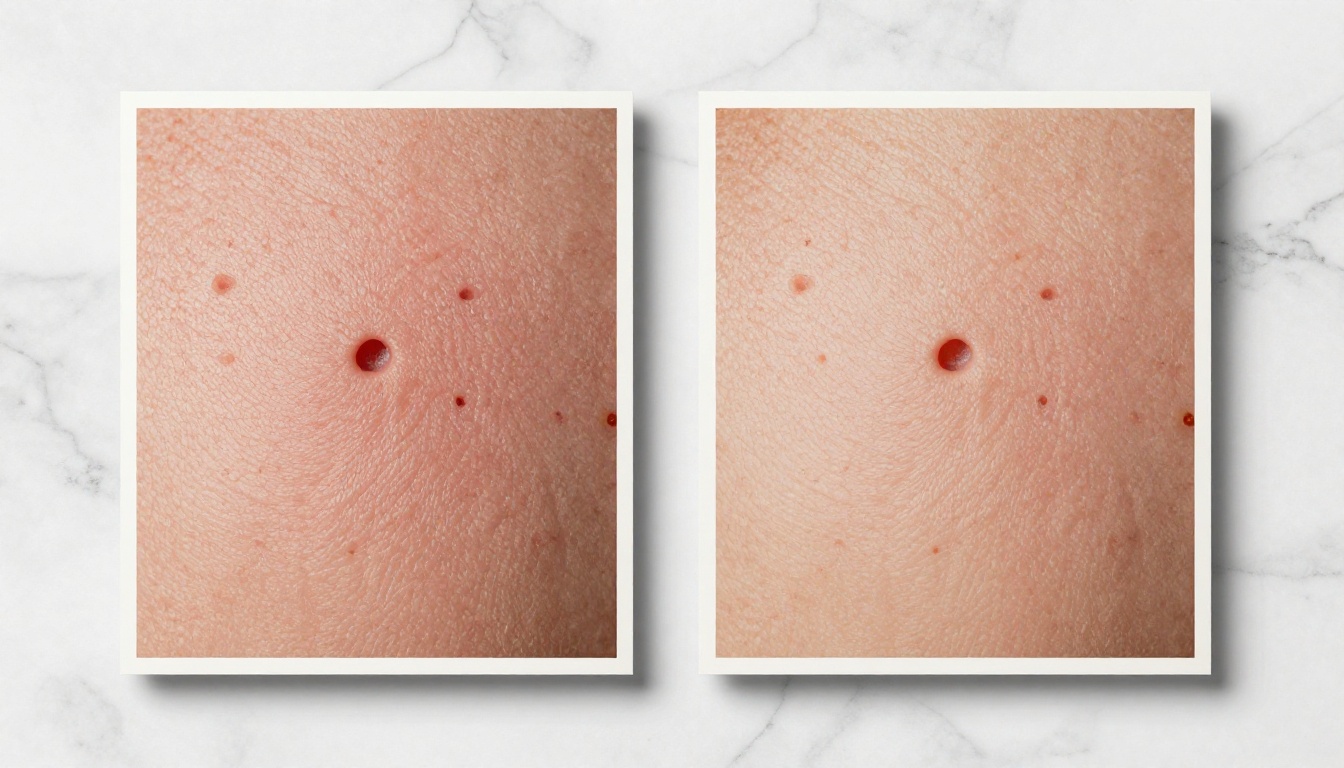
The Seedream model family from ByteDance has evolved with a clear philosophy: Pro versions maximize output fidelity, Lite versions maximize throughput. With Seedream 5, that split is wider and more deliberate than any previous generation.
Both models are built on the same core architecture, which means prompt behavior is consistent between them. The differences show up in how much compute gets allocated per image and how aggressively the model resolves fine detail during inference.
The Pro Promise: Sharp 2K at a Cost
Seedream 5 Pro is built for maximum image fidelity. It outputs images at 2K resolution with noticeably better handling of fine textures, facial details, fabric weaves, and background depth. If you're creating portfolio work, print content, or assets where every pixel matters, Pro is the baseline you want.
The catch is inference time. Pro takes roughly 2 to 3 times longer to generate an image than Lite. At scale, that difference adds up fast, and at 25 to 40 seconds per generation, it feels slow when you're in rapid ideation mode.
The Lite Promise: Speed Without Sacrifice
Seedream 5 Lite exists to give you 80% of Pro's quality at roughly 3x the speed. For rapid iteration, prototype work, or batch processing where you're generating dozens of variations before narrowing down to a final pick, Lite keeps your workflow from stalling.
At 8 to 14 seconds per generation, Lite lets you test 5 to 6 prompt variations in the time Pro takes to complete one. For exploratory composition work, that throughput advantage completely changes how you can approach a project.
💡 Quick Rule: If you're generating 1 to 5 final assets, use Pro. If you're generating 20+ drafts to narrow down later, start with Lite.
Image Quality Head to Head

Photorealism and Detail
This is where the gap between the two models is most visible. Seedream 5 Pro produces images where you can clearly see:
- Individual hair strands rather than a blended mass with generic texture
- Skin pore texture at portrait distances, including natural variations in tone
- Fabric weave patterns on clothing, from denim weave to linen grid
- Depth gradations in backgrounds that feel genuinely three-dimensional
- Surface reflections on materials like glass, metal, and polished stone
Seedream 5 Lite handles all of these reasonably well but softens them. At web display sizes, 1080px wide or smaller, the difference is minor. At print resolution or when zooming in on a crop, Pro's advantage is immediately obvious.
For architectural, nature, landscape, or product photography prompts, Pro consistently produces sharper edge definition and more believable material textures. The difference in material rendering alone, particularly on surfaces like leather, wood grain, or woven fabric, justifies choosing Pro for commercial or portfolio work.
Prompt Adherence
Both models follow detailed prompts accurately. Where Pro shows an edge is in maintaining compositional precision on complex prompts. When your prompt specifies both "a woman in the foreground, sharp" and "a street market in the background, slightly blurred," Pro separates those depth layers more reliably. Lite sometimes softens the foreground too aggressively when the background contains high-detail content.
For simple or medium-complexity prompts, this difference is negligible. The longer and more layered your prompt, the more Pro's inference budget pays off.
Text in Images
Both models struggle with complex text rendering, which is a general limitation of diffusion-based generators. That said, Pro handles short text overlays and signage better than Lite because of its higher native resolution. Short phrases, a name on a storefront or a number on a jersey, come through more legibly.
For any project where text accuracy is critical, pair either model with a post-processing step, or use a model specifically built for text rendering like P Image Ideogram.
💡 Tip: If your prompt includes important text, keep it short (1 to 3 words) and place it in quotes when writing your prompt to improve legibility.
Generation Time Compared
The following benchmarks are approximate, based on typical inference conditions:
| Metric | Seedream 5 Pro | Seedream 5 Lite |
|---|
| Average generation time | 25 to 40 seconds | 8 to 14 seconds |
| Output resolution | Up to 2K | Up to 1K |
| Prompt adherence | Very high | High |
| Fine detail rendering | Excellent | Good |
| Best for batch work | No | Yes |
| Best for final renders | Yes | No |
| Relative cost per image | Higher | Lower |
These are real-world approximations. Actual inference time varies based on server load, prompt complexity, and selected output dimensions.
API and Batch Workflows
If you're building an application or running large batches, Lite's speed advantage becomes significant quickly. At 3x the throughput, you can iterate faster, gather more diverse outputs, and avoid long generation queues. This is particularly relevant for developers testing prompt behavior, content teams building draft libraries, or social media managers producing volume content under deadline.
For API integration, both models accept the same prompt format. Swapping Lite for Pro in your code requires only a model name change when you're ready to move from draft to final output. Building your pipeline around Lite first and graduating to Pro for approved concepts is the most cost-efficient approach.
The other practical consideration for batches: Pro takes 3x longer, which means if you need 30 images, Pro costs you more in both time and compute. Lite gets you 30 drafts in the time Pro generates 10. Use that speed differential strategically.
Cost Per Image
Pricing differs between the two models, and at scale it becomes a real consideration in your workflow planning.
When Pro Is Worth It
Pro justifies its higher cost per generation in these scenarios:
- Print or large-format output: You need genuine detail that holds up at A3, A2, or billboard size
- Client deliverables: Final assets that go directly to a brand, agency, or end customer
- Portfolio work: Your personal showcase where quality reflects your reputation as a creator
- Photography-adjacent prompts: Portraits, architecture, product shots where realism is the entire point
- Licensing or commercial use: Assets that will be sold, published, or distributed professionally
In these cases, generating fewer, higher-quality images beats generating more mediocre ones. The cost difference per image matters less than the cost of rework or client rejection.
When Lite Saves Your Budget
Lite is the right economic choice when:
- Rapid prototyping: You're testing 15 variations of a composition before committing to one
- Draft review cycles: Showing options to a client before final approval
- Social content at scale: Volume matters more than pixel-perfect detail at mobile screen sizes
- Practicing prompt ideas: Iterating fast to see how prompt changes affect output
- Internal presentations: Visuals that won't be printed or published at large sizes
- Automated pipelines: Throughput and cost-per-image are primary constraints
The real budget strategy is using Lite for exploration, then switching to Pro for the final generation once you've locked in your prompt. That approach captures the speed advantage of Lite and the quality ceiling of Pro in the same workflow.
💡 Workflow tip: Write your prompts in Lite. Refine until the composition and mood are exactly right. Run the final version through Pro for full resolution output.
How to Use Seedream 5 Pro on PicassoIA

Seedream 5 Pro is available directly on PicassoIA, no API setup or local installation needed. Here's how to get your first generation:
- Open the model page: Navigate to Seedream 5 Pro on PicassoIA
- Write your prompt: Be specific about subject, lighting, camera perspective, and mood. The more detail you provide, the better Pro's output matches your intent.
- Set your resolution: Select 2K for the full quality benefit. This is what separates Pro from Lite in practice, and skipping it wastes Pro's primary advantage.
- Adjust aspect ratio: Choose 16:9 for widescreen content, 1:1 for social media grids, or 9:16 for stories and vertical formats.
- Generate and review: Pro takes 25 to 40 seconds. Use that time to draft your next prompt variation.
- Iterate on the prompt: If the output isn't right, adjust your prompt. Specificity consistently wins over vague descriptions.
Prompt tips that improve results with Seedream 5 Pro:
- Specify lighting direction: "soft window light from the left" beats "good lighting"
- Name your lens: "85mm f/1.4 portrait lens" tells the model exactly what depth of field and perspective distortion you expect
- Describe texture explicitly: "visible linen fabric weave" or "rough concrete aggregate surface" activates the micro-detail resolution Pro excels at
- Set atmosphere with physical cues: "morning mist at street level" or "warm golden hour glow from upper right" grounds the image in a specific light scenario
- Avoid vague mood words: "cinematic" is vague; "volumetric light rays from a high window cutting through dust" is specific and actionable
Best Use Cases for Each Model
Choose Pro When You Need This
- Creating a hero image for a website, campaign, ad, or presentation
- Generating portfolio pieces or personal creative projects
- Producing print-ready assets at A3 or larger dimensions
- Rendering product shots where surface texture and edge sharpness are critical
- Building editorial photography for articles, reports, and publications
- Any scenario where you'll generate 1 to 5 final images and quality is the primary measure of success
Choose Lite When You Need This
- A/B testing compositions before finalizing a direction
- Mood boarding multiple concepts quickly for client review
- Batch generation where you need 20 or more images in a short window
- Social content at 1080x1080 or smaller where resolution isn't the bottleneck
- Prompt iteration practice without burning through credits at Pro's rate
- Automated pipelines where throughput and cost-per-image are the primary constraints
The practical answer for most creators: start on Lite, ship on Pro. It's the most efficient path from concept to finished output without wasting compute on iterations you'll discard anyway.
Prompt Architecture That Works for Both
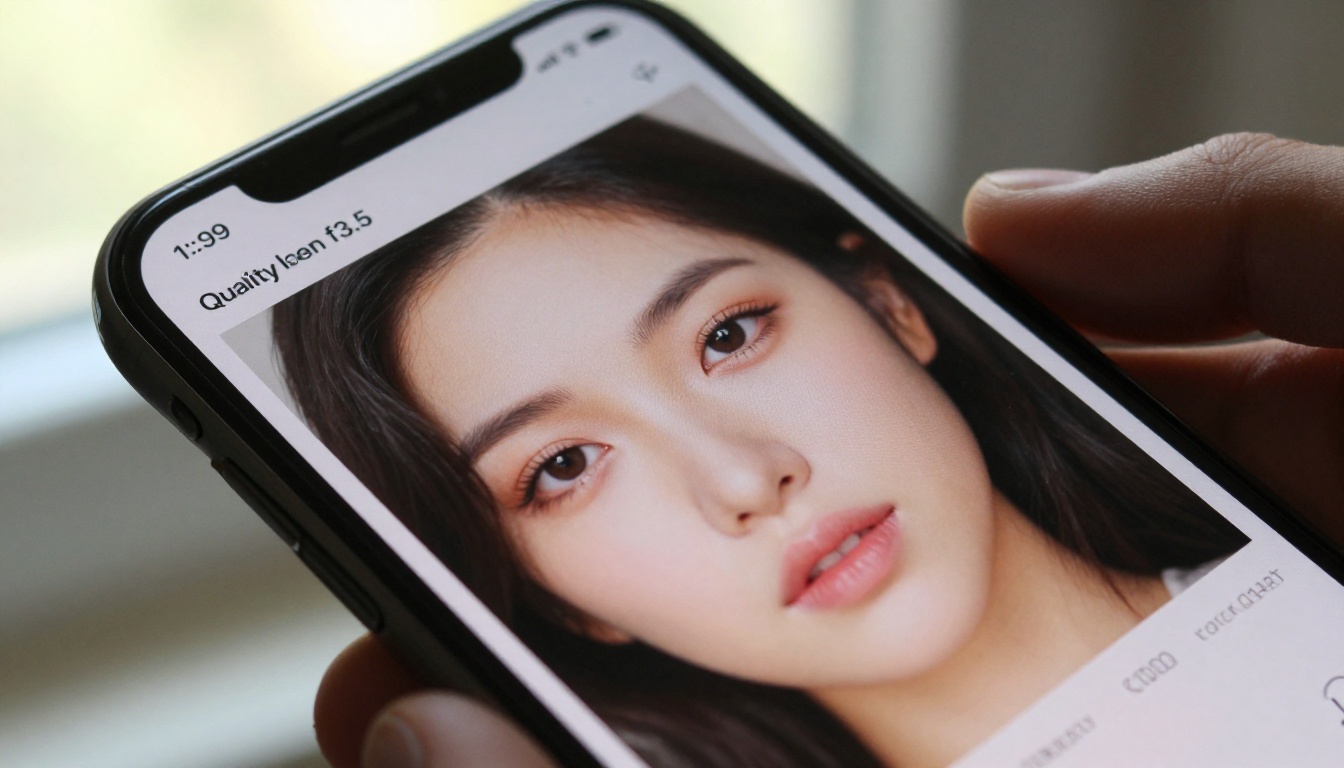
The prompt structure that consistently performs well across the Seedream 5 family follows this pattern:
[Subject + precise action or state] + [Detailed environment or background] + [Lighting direction and quality] + [Camera lens and aperture] + [Texture and atmospheric details]
Example prompt that works on both models:
"Photorealistic portrait of a woman reading near a café window, rain-streaked glass behind her, warm incandescent lamp light from the right softening her face, 85mm f/1.8 portrait prime lens, shallow depth of field, Kodak Portra 400 grain, visible rain droplet texture on glass, natural skin tones, soft background bokeh"
This structure gives both Lite and Pro enough information to produce strong results. On Pro, that structure yields sharper micro-detail on the skin, the glass droplets, and the fabric of the jacket. On Lite, you'll still get a well-composed, believable result that makes a solid draft for client review.
What to avoid in your prompts:
- Stacking conflicting styles ("hyperrealistic AND watercolor AND cinematic")
- Using style words without physical anchors ("dreamy" without specifying what the lighting actually does)
- Omitting the camera perspective entirely (the model will default to a neutral, uninspired position)
- Describing what you don't want without describing what you do want ("no harsh shadows" tells the model less than "soft diffused window light from the left")
Both models respond well to camera language. Treat every prompt like a brief to a photographer: subject, location, light, lens, mood. That mental model produces consistently better outputs than treating the prompt as a list of adjectives.
Other Models Worth Trying
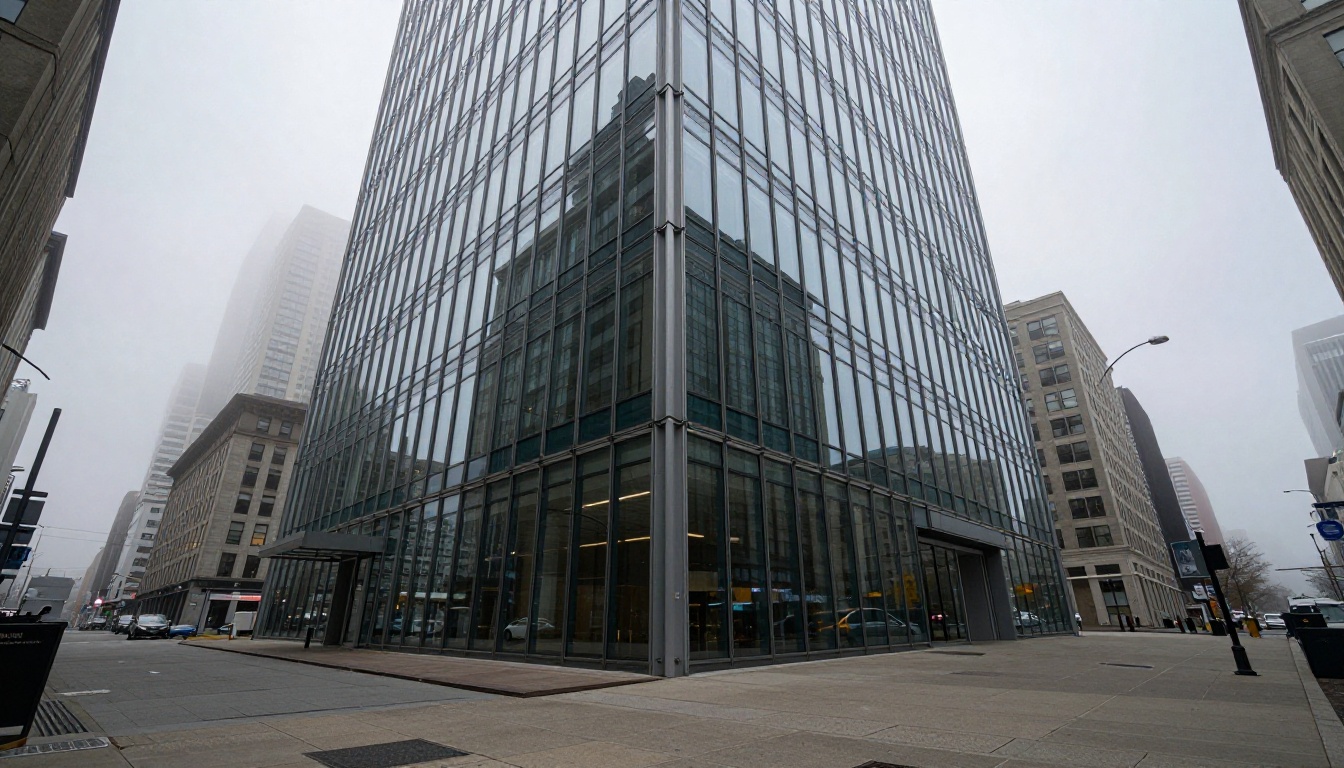
If you're comparing image generation options beyond the Seedream 5 family, a few other models on PicassoIA are worth knowing:
Flux Kontext Fast handles instruction-based modifications, meaning you can describe what to change in an existing image rather than regenerating from scratch. If your workflow involves iterating on uploaded photos, swapping elements, or making targeted edits, Flux Kontext Fast is a natural complement to Seedream 5 Pro for final-stage refinement.
Realistic Vision v5.1 specializes in hyper-realistic human subjects. For portrait work where skin texture and eye detail are the primary focus, it's a strong option and generates at speeds competitive with Seedream 5 Pro.
Seedream 4 is the previous generation from ByteDance. If you have workflows tuned for Seedream 4 prompts, they transfer well to Seedream 5 Lite since the architecture shares similar prompt behavior. Moving to Seedream 5 Pro from Seedream 4 may require slightly more detailed prompts to fully activate its higher resolution output.
Try It for Yourself

The best way to see the real difference between Seedream 5 Pro and Seedream 5 Lite is to run the same prompt through both and compare the output side by side. The quality gap becomes concrete the moment you zoom into a face, a fabric detail, or a textured background element. Reading about resolution is one thing. Seeing your own prompt rendered at 2K versus 1K makes the choice obvious immediately.
PicassoIA gives you direct access to Seedream 5 Pro without any API setup or local installation. Open the model, write your first prompt, and your generation is ready in under a minute. If you want to start with Lite for rapid iteration, build your prompt there first, then bring the final version to Pro for the resolution it deserves.
Beyond Seedream 5, PicassoIA's text-to-image library spans over 90 models across every style and resolution tier. Whether you're working on commercial photography, character design, architectural visualization, or rapid social content, there's a model built for that specific job. Browse the full catalog at picassoia.com/en/all-models and start generating.
The distance between "I want to try AI image generation" and "I have a finished, professional-quality image in hand" has never been smaller. Pick your model, write a detailed prompt, and see what Seedream 5 can produce.


