How to Use Seedream 5 Pro for YouTube Thumbnails: Step by Step
YouTube thumbnails determine whether viewers click or scroll past. This article walks through using Seedream 5 Pro, ByteDance's 2K AI image model on PicassoIA, to build professional thumbnails with proven prompt strategies, composition formats, and an A/B testing workflow that improves CTR video after video.
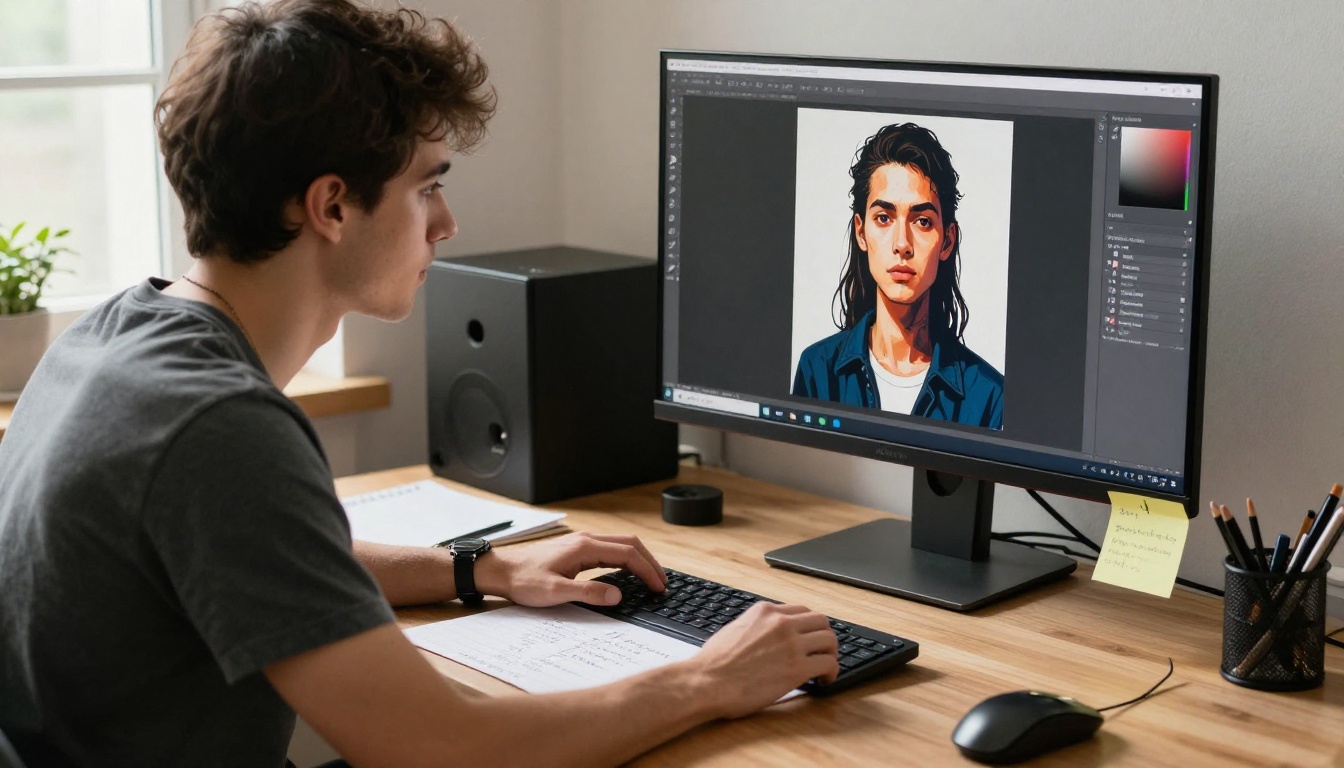
YouTube thumbnails are the highest-leverage creative asset on your channel. Before the algorithm can rank you, before a viewer can subscribe, before a title can sell anything, the thumbnail has to stop a scroll. Most creators underestimate how much that one image controls their entire growth curve. With Seedream 5 Pro available on PicassoIA, generating sharp 2K thumbnails from a text prompt takes minutes, not hours. This article is a practical, step-by-step walkthrough of exactly how to do it.
Why Thumbnails Control Your Channel Growth
The 3-Second Scroll Test
When someone opens YouTube on their phone, they scan at speed. Research from YouTube's own internal studies shows that most viewers decide whether to click a video based on a combination of thumbnail and title, but the thumbnail registers first. A confusing or flat thumbnail means your title never gets read.
The golden rule is simple: if you can't tell what the video is about from the thumbnail in 3 seconds, it fails the test. That's not a soft guideline, it's the physics of how attention works on a content feed.
💡 Tip: Pull up your own channel on a phone screen and hold it at arm's length. If your thumbnail doesn't pop at that distance, it won't survive the scroll.
What Thumbnail CTR Actually Reveals
Click-through rate (CTR) is YouTube's way of telling you whether your thumbnail is doing its job. A CTR above 5-7% on a new video is healthy. Below 2%, something is wrong with your first impression.
The problem for most creators is that improving CTR requires iteration, and iteration requires fast asset creation. That's exactly where Seedream 5 Pro changes the workflow. Instead of spending two hours in Photoshop or waiting days for a designer, you prompt an image in 30 seconds and test it live.
Seedream 5 Pro on PicassoIA
What Makes This Model Different
Seedream 5 Pro is ByteDance's flagship text-to-image model, tuned specifically for generating sharp, high-resolution output at 2K quality. While many image models struggle with fine facial detail, typography rendering, and photorealistic lighting at the same time, Seedream 5 Pro handles all three with consistency.
For YouTube thumbnails, this matters in three concrete ways:
Face detail: Expressions render accurately without the uncanny distortion that plagues other models
Contrast and color: The model naturally produces punchy color that reads well at small sizes
Composition: It understands thumbnail-style framing, putting subjects in strong visual positions without needing complex ControlNet adjustments
Accessing the Model on PicassoIA
Getting started with Seedream 5 Pro takes under a minute:
Set the aspect ratio to 16:9 for standard YouTube thumbnail dimensions
Hit Generate and wait 20-40 seconds
No account setup beyond PicassoIA registration. No API keys. No local GPU required.
Step 1: Define Your Thumbnail Type
Before writing a single prompt, you need to know which thumbnail format you're building. There are three dominant styles on YouTube, and each requires a different prompting approach.
Face-Forward Thumbnails
Face thumbnails perform because humans are wired to look at faces. When a face with a strong expression appears in a feed, the eye goes there first. The best face thumbnails:
Show a single subject with an intense or exaggerated expression
Have the face filling at least 40% of the frame
Use a simple, non-busy background
Often include a mouth-open reaction: surprise, shock, delight, or concern
Prompt pattern for face thumbnails:
Close-up portrait of [subject] with [specific expression],
[background description], dramatic lighting from [direction],
16:9 framing with subject left of center,
photorealistic, 8K, film grain
Scene-Based Thumbnails
These work best for travel, food, tech, or educational content where the environment is the story. The frame is wide, showing a clear situation. The composition usually follows the rule of thirds, with the viewer's eye naturally moving from one focal point to another.
Text-Dominant Thumbnails
Some of the highest-performing thumbnails on YouTube are essentially bold text on a high-contrast background. This is where P Image Ideogram becomes useful alongside Seedream 5 Pro. Ideogram specializes in precise, readable typography inside generated images, which most models don't render perfectly out of the box.
💡 Workflow tip: Use Seedream 5 Pro for your base image, then add text in Canva or Photoshop afterward. This gives you sharper, more consistent lettering.
Step 2: Write Prompts That Work
The quality of your output is 80% prompt quality. Here's how to structure prompts specifically for thumbnail production.
The Anatomy of a Strong Thumbnail Prompt
Every high-converting thumbnail prompt has five components:
Component
What to Include
Example
Subject
Who or what is the focus
"Young man, mid-30s, expressive face"
Expression/Action
What they're doing or feeling
"wide-eyed shocked expression"
Environment
Background context
"clean dark studio background"
Lighting
Direction and quality
"dramatic split lighting from the right"
Technical specs
Camera and style
"85mm f/1.8, 8K, photorealistic"
Pull these together and a weak prompt like "man looking surprised" becomes:
"Young man, mid-30s, wide-eyed shocked expression with mouth slightly open, positioned left of frame, clean dark gradient background, dramatic studio lighting from the right with subtle fill light on the left side of the face, 85mm f/1.8 shallow depth of field, skin texture natural, 8K photorealistic, 16:9 ratio"
That second version will produce something usable 90% of the time. The first will produce random results.
Common Prompt Mistakes
1. Over-describing the background: The background should be simple. Describing five elements behind the subject clutters the composition and splits visual focus.
2. Skipping lighting direction: "Good lighting" means nothing to an AI model. Say "morning light from upper left" or "single softbox from the right."
3. Requesting multiple subjects: Seedream 5 Pro handles single-subject compositions far more reliably. Two or three people in a thumbnail require extra prompt engineering and often result in blended faces.
4. Forgetting the aspect ratio: The 16:9 ratio is not default for most models. Always specify it, or your thumbnail will be cropped badly when uploaded to YouTube.
Step 3: Optimize the Output
Getting a good image on the first generation happens, but it's not the baseline to expect. Here's how to refine effectively.
Resolution and Aspect Ratio
Always output at 2K resolution and 16:9 aspect ratio when generating thumbnails with Seedream 5 Pro. YouTube accepts thumbnails up to 2MB in JPG, PNG, or WebP format, and recommends 1280x720 pixels as the minimum. The 2K output from Seedream 5 Pro gives you room to crop and recompose without losing quality.
If you need higher resolution for cropping flexibility, PicassoIA's Super Resolution tool can upscale your output 2x to 4x while preserving sharpness and texture detail.
Adding Text Overlays
Most thumbnail experts recommend keeping AI-generated text out of the base image and adding it in post-production. This gives you:
Full typographic control (font, weight, tracking, color)
Ability to A/B test different copy without regenerating the image
Consistent branding across your channel
Canva, Adobe Express, and Photoshop all import the 16:9 JPG directly. Add your text layer on top, export at 1280x720, and you're done.
The Iteration Loop
The best creators don't stop at one version. Generate 3-5 variants with different expressions, lighting setups, or background treatments. Then:
Upload two versions to YouTube as your thumbnail
Let it run for 48-72 hours
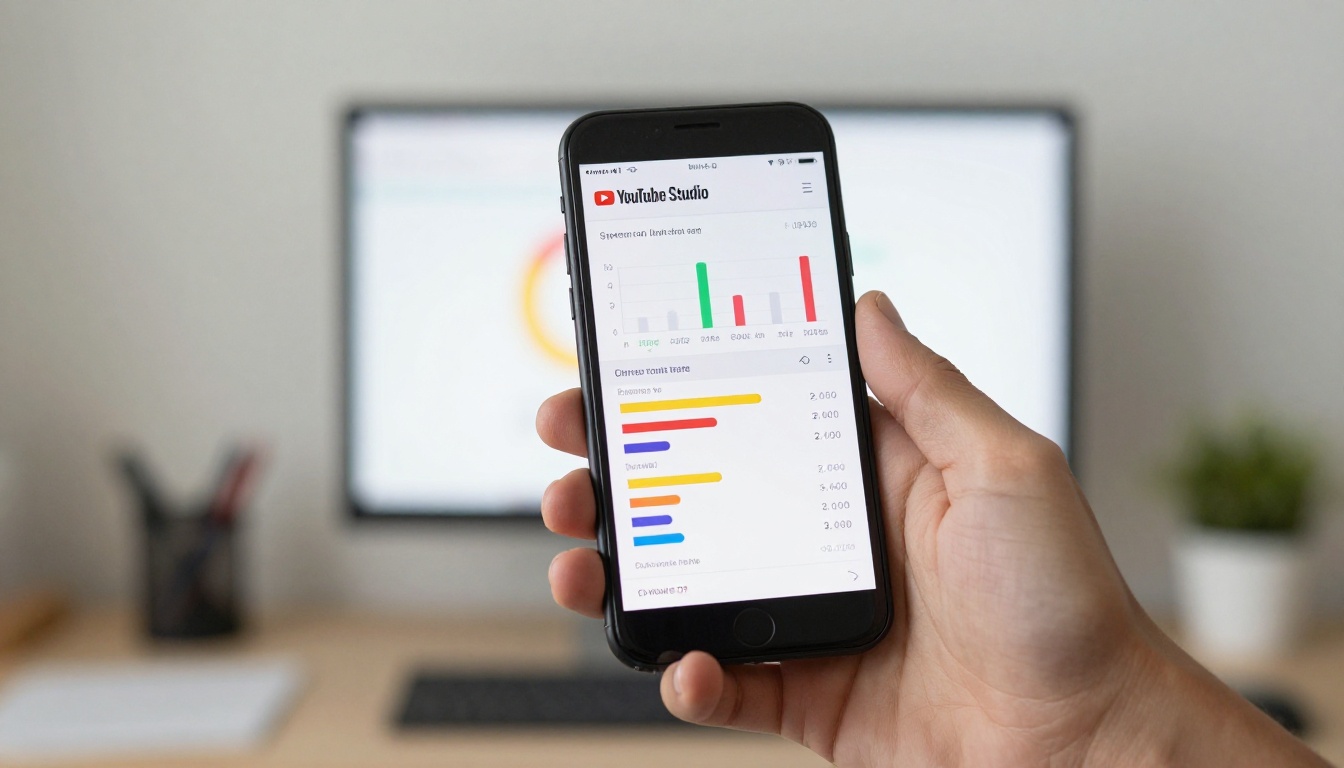
Check YouTube Studio for CTR comparison
Keep the winner
Seedream 5 Pro makes this loop cheap enough to run every single video.
Thumbnail Styles That Drive Clicks
The Curiosity Gap Style
This format is built around visual incompleteness. Something is happening in the frame that the viewer can't fully make sense of without watching the video. Think: a shocked face staring at something off-screen, a dramatic environment with no clear subject, a transformation halfway through.
The prompt approach:
"Person staring off-frame with an expression of disbelief, their eye-line leading the viewer's attention to empty space on the right side of the frame, dramatic warm side-lighting, 8K photorealistic"
💡 CTR note: Thumbnails that create a question in the viewer's mind get higher click-through rates than thumbnails that answer the question visually. Leave something unresolved.
Before and After Thumbnails
Split-frame compositions showing two contrasting states perform well for tutorials, transformations, and comparisons. Seedream 5 Pro can generate the individual frames; you combine them in post.
For the "before" frame, prompt for a flat, dull version of your subject. For the "after," prompt for a vibrant, polished, high-contrast version. The visual contrast between the two tells the video's entire story in a single glance.
High-Drama Face Thumbnails
This is the most proven format on YouTube across every niche from gaming to finance to cooking. The elements are consistent:
Extreme expression: Not mild interest. Shock, excitement, panic, joy.
Close crop: The face takes most of the frame
Clean background: Usually a single color or soft gradient
Directional light: Creates shadow and dimension on the face
With Seedream 5 Pro's face rendering capabilities, you can generate a complete, expressive face in the right framing without needing to photograph a person at all.
Other PicassoIA Tools for Thumbnail Work
Ideogram v4 for Text in Images
When you need typography baked directly into the image, two models on PicassoIA handle this better than Seedream 5 Pro:
Ideogram v4 Quality: Highest accuracy for precise, readable text rendering inside an image. Best for thumbnails where the text is central to the design.
Ideogram v4 Balanced: Faster generation with good text accuracy. Useful when you're generating many variants quickly.
P Image Ideogram: A fine-tuned version combining PicassoIA's image quality stack with Ideogram's text precision.
Use these when the thumbnail text is short and central, for example a single large word or a number that needs to be sharp and correctly spelled.
When to Combine Models
A strong thumbnail workflow often uses two models in sequence:
Generate the photorealistic base image with Seedream 5 Pro
If text is needed, add a separate text element using P Image Ideogram or use a design tool in post
This hybrid approach gives you the best of both: sharp photorealistic imagery with accurate, readable copy.
Thumbnail Psychology in Practice
Color Psychology for CTR
Color choices in thumbnails are not aesthetic, they're strategic. High-click thumbnails lean heavily on:
Color
Psychological Effect
Best For
Red
Urgency, intensity, danger
Controversial topics, warnings
Yellow/Orange
Energy, optimism, curiosity
Entertainment, lifestyle
Blue
Trust, calm, authority
Finance, education, tech
High contrast
Stands out in a busy feed
All niches
When prompting for background and lighting, specify the dominant color temperature. "Warm amber back light" versus "cool blue-tinted studio light" produces dramatically different click psychology.
The Empty Space Rule
One mistake even experienced creators make is filling every pixel of the thumbnail with detail. Empty space around the subject creates visual breathing room and draws the eye directly to the focal point.
"Subject positioned on the left third of the frame, large empty dark space on the right for text overlay, clean composition"
This reserves space for your title text while keeping the image from feeling cluttered.
Measuring What Works
CTR Benchmarks by Niche
Not all CTR numbers are created equal. A 3% CTR in a competitive finance niche can be excellent. A 3% CTR in a gaming niche might signal a thumbnail problem.
Use YouTube Studio's Impressions and CTR metrics together. If impressions are high but CTR is low, the algorithm is showing your video but viewers aren't clicking. That's a thumbnail problem, not a discoverability problem.
Track your own channel average first, then aim to beat it with every new thumbnail iteration using Seedream 5 Pro.
A/B Testing With YouTube's Built-In Tools
YouTube Studio allows you to test multiple thumbnails on the same video and automatically shows the winner. The process:
Generate 2-3 thumbnail variants with Seedream 5 Pro using different expressions, backgrounds, or crops
Upload all variants in YouTube Studio under the thumbnail section
Let YouTube run the test for at least 1,000 impressions per variant
Keep the winner and archive the others for future testing
This data-driven approach removes guesswork from thumbnail decisions entirely.
Start Creating Thumbnails on PicassoIA
The gap between channels that grow and channels that stall is often not the video quality. It is the thumbnail. With Seedream 5 Pro on PicassoIA, you have access to one of the sharpest 2K AI image models available, directly in your browser, without any software to install.
The workflow is straightforward: pick your thumbnail format, build your prompt using the anatomy above, generate 3-5 variants, add text in post, test, and let data pick the winner. Run this process consistently and your CTR will move.
PicassoIA gives you more than just Seedream 5 Pro. With Ideogram v4 Quality for text-forward designs, P Image Ideogram for precision typography, and the full library of models at picassoia.com/en/all-models, there is no thumbnail style you cannot produce. Try your first thumbnail now and see what your channel looks like when every video starts with a professional first impression.