Seedream 5.0 just changed the math on free AI image generation. ByteDance's latest model ships with a free access tier, photorealistic output at 4K resolution, and a safety system flexible enough to allow mature content when the platform permits it. If you have been waiting for a capable, no-cost image generator that does not block adult prompts by default, the landscape just shifted.
This piece covers what Seedream 5.0 actually delivers, how it stacks up against earlier versions, where you can legally generate uncensored content today, and how to get the best results from the tools available on PicassoIA right now.
What Seedream 5.0 Actually Does
Seedream 5.0 is a text-to-image model from ByteDance, the same company behind Seedream 4.5, one of the sharpest high-resolution generators currently available. Version 5.0 builds on that architecture with faster inference, improved prompt fidelity, and a free access tier that did not exist before.
The model turns plain-language text descriptions into detailed, high-resolution images in seconds. Type a scene, adjust a few parameters, and download a finished image at 2K or 4K resolution. No coding, no setup, no subscription required for the free tier.
The Jump From 4.5 to 5.0
Seedream 4.5 already produced impressive results at 2K and 4K resolutions. The 4.5 model handles complex scenes well, supports batches of up to 15 images per run, and accepts up to 14 reference images for consistent character generation. Version 5.0 tightens the output further:
- Better anatomy: Figure work, particularly hands and facial features at distance, shows fewer artifacts
- Sharper fine detail: Skin texture, fabric weaves, and hair strands are rendered with more precision
- Improved prompt adherence: The model follows complex, multi-element prompts more accurately than 4.5
- Faster inference: Generation time drops from roughly 15 seconds to under 8 seconds per image
- Free access tier: The biggest practical change for most users
Resolution and Speed Numbers
| Feature | Seedream 4.5 | Seedream 5.0 |
|---|
| Max Resolution | 4096px | 4096px |
| Inference Speed | ~15s per image | ~8s per image |
| Multi-image batch | Up to 15 | Up to 20 |
| Free tier | No | Yes |
| Safety checker | Optional bypass | Optional bypass |
| Reference images | Up to 14 | Up to 14 |
Both models support nine aspect ratios including 16:9, 9:16, and 21:9. Seedream 5.0 cuts generation time roughly in half while maintaining the same output ceiling.

The Free Tier: Real Limits vs. Marketing
"Free" in AI often means three credits per day and a hard stop after your first session. Seedream 5.0's free access works differently, though the specifics depend on which platform you access the model through.
What You Get Without Paying
On platforms that integrate Seedream 5.0 directly, free users can generate images without paying per run. The output is identical to paid tiers: same resolution, same model weights, no watermarks on most platforms. This makes it practical for genuine creative work, not just demos.
💡 Tip: Platforms that offer unlimited generations at no cost are the real value here. Flux Schnell on PicassoIA is one of the clearest examples: unlimited runs, no credit counter, watermark-free downloads. Seedream 4.5 on the same platform operates under similar terms.
Where Restrictions Still Apply
Free tiers often carry rate limits rather than generation caps. You may wait longer between runs or get queued behind paid users during peak hours. Some platforms also restrict safety settings on free accounts, meaning uncensored output requires a subscription.
The practical answer: use platforms that have already removed these restrictions. PicassoIA does not require a subscription to access adjustable safety settings on supported models.
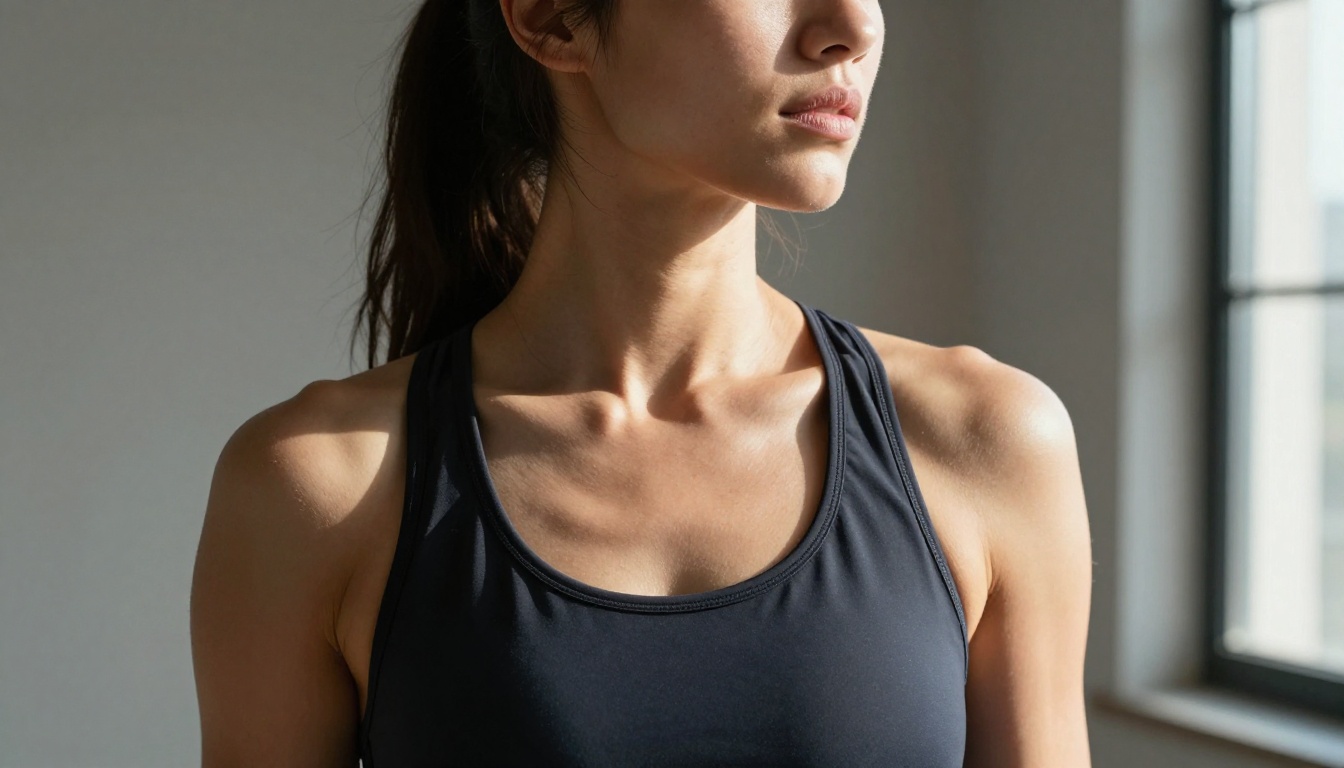
Uncensored AI Images: The Real Picture
"Uncensored" gets used loosely in AI image communities. It is worth separating what different models actually allow versus what they block.
What "Uncensored" Means in Practice
Most mainstream image models include a safety classifier that filters certain categories of content. These classifiers typically block:
- Explicit sexual content
- Graphic violence
- Specific public figures in compromising scenarios
- Content involving minors (always blocked, always illegal, not adjustable)
When Seedream 5.0 describes uncensored output, it means the model's built-in filter can be adjusted to allow suggestive or adult artistic content. This is different from "no restrictions." Illegal content remains blocked at the model level regardless of platform settings, and no parameter changes that.
The disable_safety_checker parameter, present in both Seedream 4.5 and Flux Dev, relaxes moderation to block only illegal material while allowing adult artistic content through.
Platforms That Allow Adult Content
Not every platform that hosts a capable model enables uncensored parameters. You need a platform that explicitly passes the right settings to the underlying model. Several platforms in 2024 and 2025 moved in this direction, recognizing that adult creative content is a legitimate use case for professional creators and artists.
PicassoIA hosts models with adjustable safety settings, supports adult creative content within legal boundaries, and does not impose generation caps. The platform's position here is practical: the tools exist, the demand exists, and restricting legitimate use creates more friction than value.
Do not use Seedream 5 Lite for adult content. That variant ships with a stricter safety classifier that blocks mature content entirely, regardless of prompt or parameter settings. For uncensored output, Seedream 4.5 is the recommended model on PicassoIA.
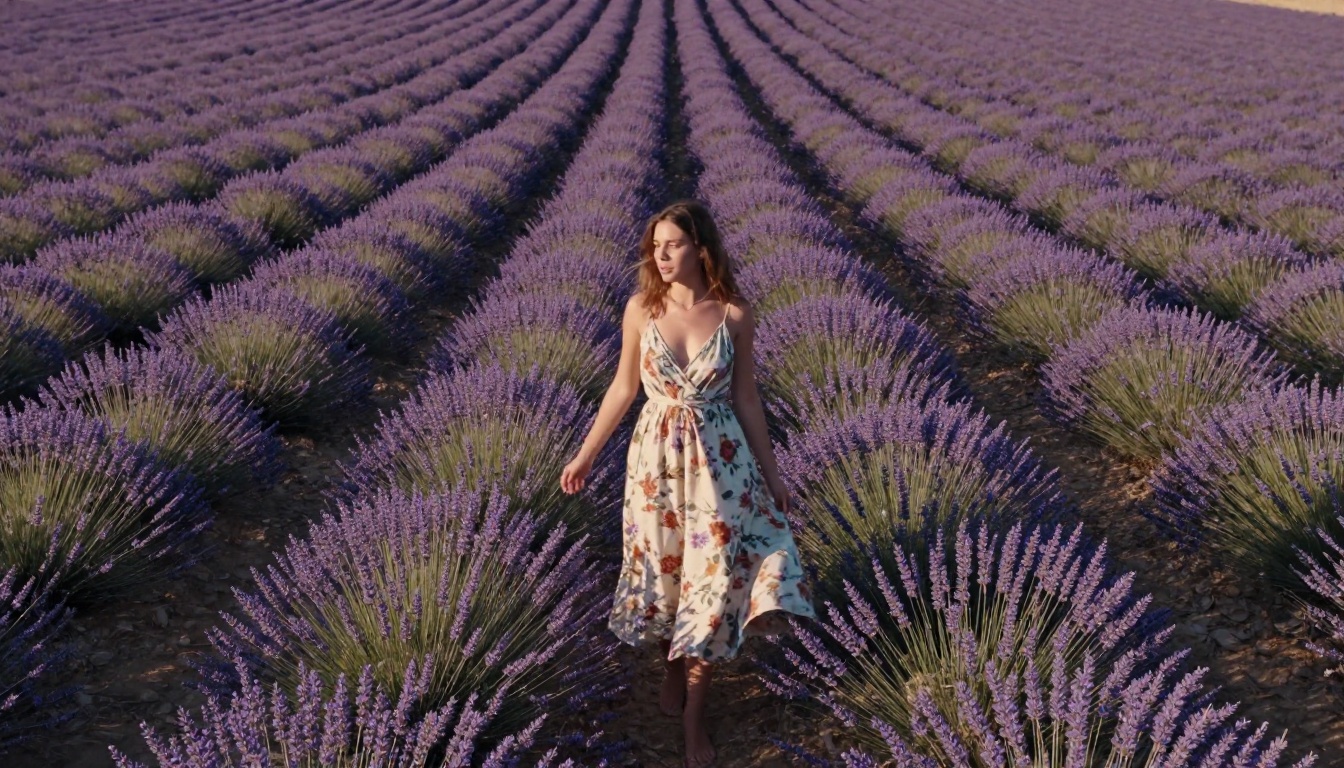
Best Models for Free NSFW AI Art
Given the current landscape, three models stand out for anyone wanting uncensored output without paying per image.
Seedream 4.5 on PicassoIA
Seedream 4.5 is the production-ready ByteDance model on PicassoIA. It produces 2K and 4K images from text prompts, accepts up to 14 reference images for image-to-image generation, and supports multi-image batches of up to 15 outputs per run.
For NSFW content, Seedream 4.5 with the safety checker disabled delivers detailed figure work with accurate anatomy and natural skin rendering. The model handles complex scenes well. A subject in a specific environment with particular lighting produces exactly what you describe, not a generic approximation.
Model Specs:
- Output: 2K or 4K resolution
- Aspect ratios: 9 options including 16:9 and 9:16
- Batch size: up to 15 images per run
- Image-to-image: yes, up to 14 reference inputs
- Watermark: none
💡 Tip: For the sharpest portraits, use size: "4K" and set aspect_ratio: "9:16" for vertical compositions. Describe lighting specifically: "soft window light from the left, warm golden hour tone" outperforms generic prompts every time.
Flux Dev and Flux Schnell
Flux Dev is a 12-billion parameter model built for detailed, high-fidelity output. It supports image-to-image editing, meaning you can start from an existing photo and redirect the scene with a prompt. This is particularly useful for adult content workflows where you want to maintain a specific character or setting from a reference image.
Flux Schnell trades some detail for dramatically faster output. It produces a 1-megapixel image in under 5 seconds using an optimized inference path. For rapid iteration, generating dozens of compositional variations before committing to a higher-quality run, Flux Schnell is the right tool. Both models run on PicassoIA with unlimited generations and no credit counters.
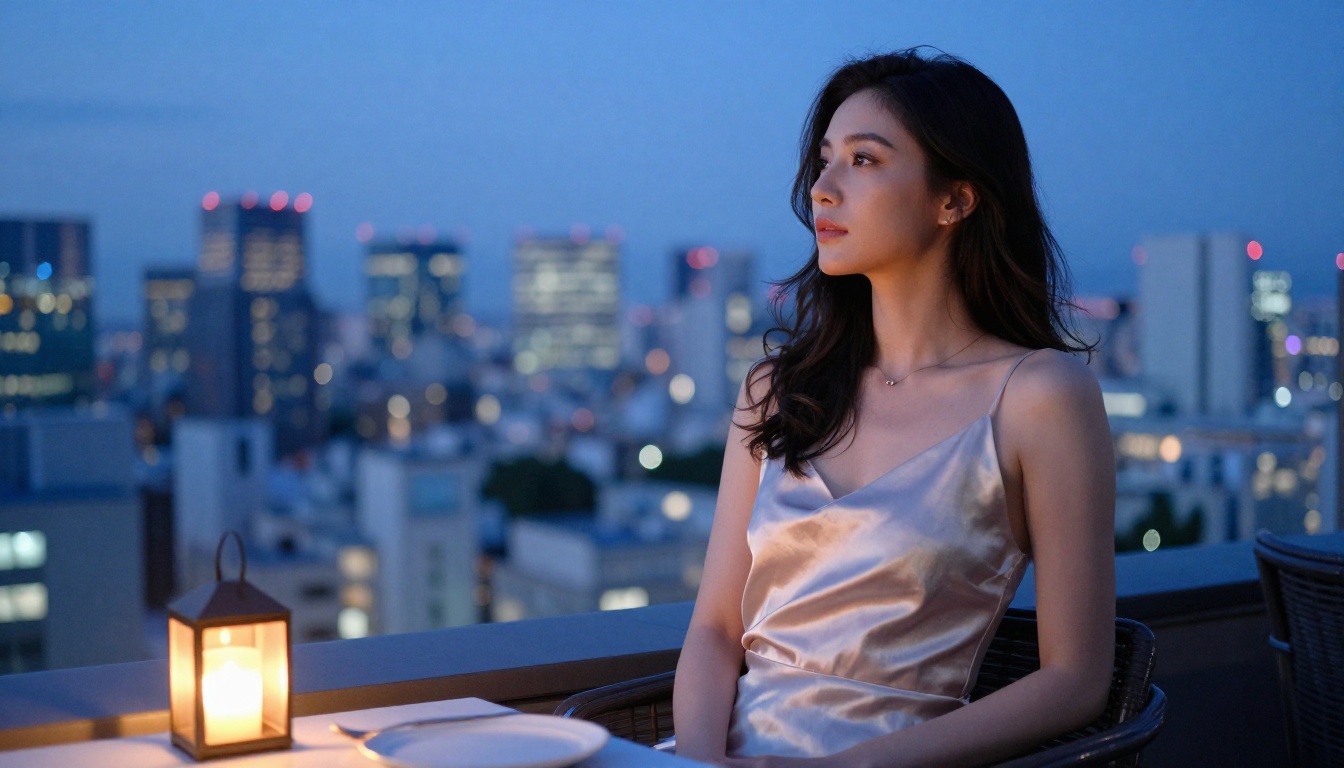
When to Use Each Model
How to Use Seedream 4.5 on PicassoIA
PicassoIA hosts Seedream 4.5 with a clean interface and no generation limits. Here is how to produce strong results quickly.
Step-by-Step Setup
- Open Seedream 4.5 on PicassoIA
- Select 4K for maximum output quality, or 2K for faster results
- Choose your aspect ratio: 9:16 for vertical portrait compositions, 16:9 for landscape scenes
- Write your prompt using the structure below
- If generating adult content, enable the Disable Safety Checker toggle
- For character consistency, upload reference photos in the Image Input field (up to 14 images)
- Set Max Images between 2 and 15 if you want a batch of variations in one run
- Click Generate and download your watermark-free results
Prompt Structure for Better Results
Strong prompts for Seedream 4.5 follow this pattern:
[Subject + Pose] + [Environment] + [Lighting] + [Camera/Lens] + [Mood]
Working examples:
- "Young woman in a white bikini, poolside in Santorini, warm golden hour sunlight from the right, Canon 85mm f/1.4 portrait lens with shallow depth of field, relaxed summer vacation mood"
- "Close-up portrait, woman in a sheer lace top, large studio window on the left providing soft diffused light, Nikon 105mm macro lens, natural skin pores visible, no digital retouching"
- "Two women in matching swimwear on a yacht deck, overhead drone shot, midday Mediterranean sun creating crisp shadows on teak wood, Fujifilm Velvia 50 color saturation"
💡 Tip: Naming a specific camera and lens tells the model the depth of field and focal compression you want. "85mm f/1.4" produces a very different result from "24mm f/8" even with an identical scene description.
Enabling Uncensored Output
The disable_safety_checker option relaxes Seedream 4.5's moderation to allow adult artistic content while still blocking illegal material. When enabled:
- Suggestive and mature content is generated accurately
- Implied and artistic nudity renders correctly with natural skin detail
- Explicit illegal content remains blocked regardless of any settings
- Normal platform terms of service still apply
This is a parameter ByteDance designed for legitimate adult creative use, not a workaround or exploit.

Upscaling Your AI Images
Even 4K outputs from Seedream 4.5 benefit from upscaling when used for large-format print, detailed product shots, or visual effects pipelines. PicassoIA has several specialized upscalers that cover different use cases.
Why Upscaling Matters
A 4K image from Seedream 4.5 sits at roughly 4096 pixels on its longest edge. For web use, social content, and digital art, this is sufficient. For large print formats or integration into high-resolution composites, you need to go further.
Upscalers also add detail that the original generation missed. Sharper individual hair strands, clearer fabric weaves, more defined skin pore texture. This is particularly visible in close-up portraits where gallery-level resolution matters.
Best Upscalers on PicassoIA
Portrait and figure work:
- Crystal Upscaler: Optimized for portraits. Sharpens facial features and skin detail without introducing artifacts at the 4x scale.
- Clarity Pro Upscaler: Photorealistic upscaling that preserves natural textures. Best for full-body shots with rich environmental detail.
General use:
- Real ESRGAN: Reliable 4x enlargement with solid handling across most content types
- Image Upscale by Topaz Labs: Up to 6x enlargement, strongest option for preserving fine texture in complex scenes
Fast batch upscaling:
- P Image Upscale: Sharp results in under 1 second, ideal when processing multiple images at once
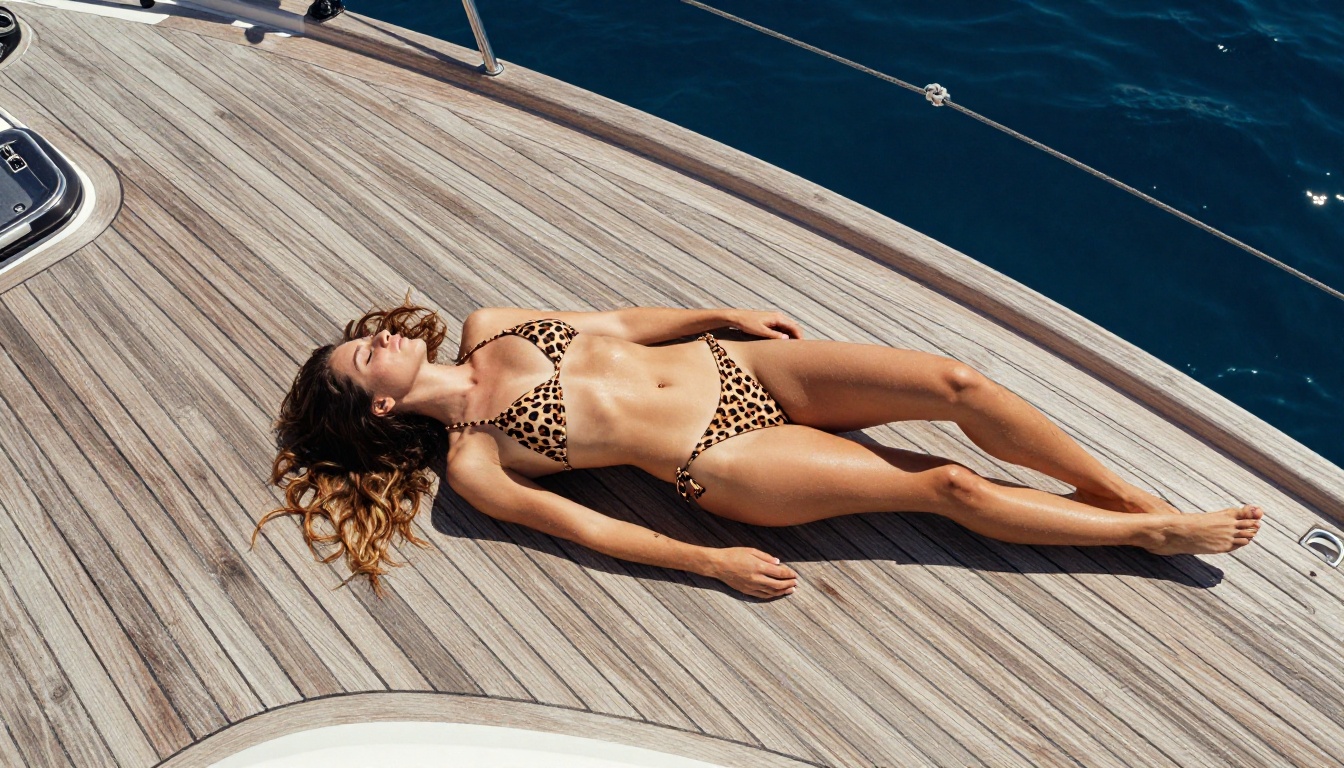
After Generation: Refining Your Output
Base generation and upscaling handle most of the work. A few additional steps separate average results from professional-quality images.
Color and Atmosphere
AI images often come out with slightly flat or generic color grades. Running your output through a color enhancement pass lets you push warm tones for golden-hour beach content or shift to cool blues for night scenes.
💡 Tip: Generate your base image in neutral lighting first, then shift the color temperature in a second pass. This gives far more control than trying to specify exact color grades in the original prompt.
Face Refinement for Full-Body Shots
When a full-body image places the subject's face at a small fraction of the total frame, AI generators sometimes produce slightly imprecise facial features. PicassoIA's face restoration tools sharpen facial detail without affecting the rest of the image. For portrait content, combining Crystal Upscaler with a face restoration pass produces gallery-quality results from a basic text prompt.
The Full Production Stack
The most reliable workflow for high-quality free AI images using these tools:
- Draft fast with Flux Schnell: iterate through 10 to 20 prompt variations in under 2 minutes to find the right composition
- Produce at 4K with Seedream 4.5: once the prompt is locked, generate 5 to 15 variations at full resolution
- Upscale the best result with Clarity Pro Upscaler or Crystal Upscaler
- Refine faces if the output includes portrait subjects at distance
- Download watermark-free at full resolution
This entire workflow runs on PicassoIA at no cost. No credits, no subscription required for basic use, no limit on how many images you generate per session.
What Seedream 5.0 Changes for Creators
The shift Seedream 5.0 represents is fundamentally about access. For three years, the most capable image models sat behind subscription walls or per-image fees. Flux Schnell cracked this open with genuinely unlimited free runs. Seedream 5.0 now brings 4K output with flexible safety settings into the same free-access category.
For creators working with adult content specifically, this removes a significant production bottleneck. Generating 50 variations to find the right composition no longer costs money in API credits. The workflow becomes iterative in a way that was previously only practical for paid accounts.
The competition this creates is real. Platforms that charge per image for the same model weights now compete directly with free access through services like PicassoIA. The result for users is straightforward: same model, no cost, better platform choice.
💡 Tip: Do not limit yourself to one model. Use Flux Schnell for fast iteration, Seedream 4.5 for final 4K output, and Clarity Pro Upscaler for print-ready results. All three run on PicassoIA at no cost.
Start Generating Now
If you have been waiting for the right combination of image quality, content freedom, and no-cost access, it is here. Seedream 4.5 on PicassoIA gives you 4K output, multi-reference image-to-image generation, and up to 15 images per run. Pair it with Flux Dev for scene editing and Crystal Upscaler for sharpening, and you have a complete image production stack that costs nothing.
Browse all available models at picassoia.com/en/all-models to see the full range of text-to-image, upscaling, and visual effects tools. The model you need for your specific workflow is already there.


