The photorealism problem in AI art has finally found a serious answer. Seedream 5.5 arrives with a level of detail in skin texture, fabric drape, and atmospheric lighting that was previously impossible to achieve with text-to-image models. For creators working in NSFW photorealistic content, the gap between what AI produces and what a camera captures has never been this narrow.

This is not a surface-level overview. What follows is a direct breakdown of what Seedream 5.5 does differently, which platform runs it without restrictions, and how to write prompts that produce results with real artistic depth.
What Seedream 5.5 Changes About AI Portraits
The biggest frustration with earlier photorealistic models was the uncanny valley effect. Faces looked right from a distance but fell apart at close range. Skin had a plastic sheen. Eyes lacked natural moisture and reflection. Hair appeared as a single merged mass rather than individual strands.
Seedream 5.5 addresses these problems through a fundamentally improved diffusion process that prioritizes micro-detail. When you prompt for a portrait, the model generates individual pore texture on skin, natural sebaceous highlights on a nose or forehead, and light catching the fine hairs on an arm. These are details that earlier models smoothed over entirely.
Skin That Actually Looks Real
The skin rendering in Seedream 5.5 is its strongest technical achievement. The model differentiates between light-exposed and shadow-covered skin zones naturally. You get warm subsurface scattering on cheekbones, cooler tones in shadow, and the subtle red-pink flush that appears around ears and the bridge of the nose. No other open model has matched this output without post-processing.
For NSFW photorealistic work, this matters enormously. Artistic nude and glamour photography depends on skin being the subject itself. If the model cannot render believable dermis, the whole image fails. Seedream 5.5 solves this at the generation level.

Lighting Without the Plastic Look
Earlier photorealistic models had a persistent problem: they could simulate a light source but failed at how that light interacted with surfaces. The result was images that looked like they had been shot under a ring light even when you prompted for soft window light.
Seedream 5.5 handles bidirectional reflectance more accurately. Specular highlights fall where physics dictates they should. Matte fabrics absorb light while satin and silk reflect it in directional patterns. When you prompt for "morning light from the left through sheer curtains," you get exactly that quality of diffused, warm-edged illumination with the shadows behaving realistically on skin, fabric, and surfaces alike.
Why NSFW Photorealism is Technically Hard
Most image generation models apply soft-filtering to body-related prompts. The filter is not just a content restriction. It often manifests as a stylistic push toward illustration or painterly aesthetics, which destroys photorealism in NSFW outputs. The model retreats from realism when it detects certain prompt types.
Seedream 5.5 in its uncensored configuration does not apply this stylistic dodge. It stays in photorealistic space regardless of the prompt direction. This consistency is what makes it genuinely useful for artistic glamour and boudoir content.
Note: "NSFW" in the context of this article means artistically suggestive content: boudoir photography, glamour portraits, implied nudity with tasteful framing. The focus is on aesthetics and artistic integrity, not explicit content.

The Detail Gap Between Models
| Feature | Seedream 5.5 | Earlier Models |
|---|
| Skin Pore Detail | Visible at full resolution | Smoothed, plastic |
| Subsurface Scattering | Accurate warm-cool transitions | Uniform flat tone |
| Fabric Texture | Weave-level detail on silk and lace | Blurred generic fabric |
| Light Source Direction | Correct shadow geometry | Approximate, often flat |
| Hair Rendering | Individual strand separation | Merged volume blob |
| Eye Wetness | Natural corneal reflection | Dull, flat iris |
| Environment Coherence | Spatially accurate depth | Occasional perspective errors |
The gap is significant. If you have been frustrated by NSFW outputs that look like wax figures or digital paintings, Seedream 5.5 is the reason those results are no longer acceptable.
The Models Worth Using for NSFW Art
Not every model on every platform handles photorealistic NSFW content without restrictions. Here is what actually works in 2027.
Seedream 5 Pro on PicassoIA
Seedream 5 Pro is available on PicassoIA with unlimited generations. It runs the Seedream architecture at its highest resolution tier, producing outputs up to 2K with the full range of photorealistic detail the model is capable of. For NSFW work, this is the first model to try.
Avoid Seedream 5 Lite for NSFW outputs. The Lite variant applies content filtering that blocks adult prompts and pushes results toward softened, stylized aesthetics. Use Seedream 5 Pro for unrestricted photorealistic work.
Flux Pro
Flux Pro delivers exceptional prompt adherence and is particularly strong on compositional control. For boudoir and glamour photography where you need specific poses, lighting setups, and clothing accurately rendered, Flux Pro is a reliable choice. It is less specialized in skin microdetail than Seedream 5.5, but its overall image fidelity is high.
Flux 2 Max
Flux 2 Max outputs at 4MP, making it the best option when you need print-quality resolution from a single generation. The detail in Flux 2 Max outputs at full resolution reveals textures that are invisible at standard web sizes. For professional artistic photography projects requiring large format, this is the practical choice.
Qwen Image 2 Pro
Qwen Image 2 Pro offers free unlimited generation with a different character than the Flux and Seedream lineage. It excels at warm, lifestyle-oriented aesthetics with strong environmental rendering. Beach scenes, vacation settings, and outdoor glamour photography are where this model consistently shines.

Using Seedream 5 Pro on PicassoIA
PicassoIA runs Seedream 5 Pro without generation limits. Here is the workflow for getting photorealistic NSFW outputs.
Step 1: Open the Model
Navigate to Seedream 5 Pro on PicassoIA. No account is required for initial generation. Sign in if you want to save your outputs to a personal gallery.
Step 2: Set Your Aspect Ratio
For portrait and boudoir work, use 9:16 (vertical). For editorial full-body shots or environmental compositions, use 16:9 (horizontal). For square social formats, use 1:1. Aspect ratio affects more than framing: it changes how the model allocates detail budget across the image.
Step 3: Write a Structured Prompt
The prompt structure that consistently produces photorealistic results in Seedream 5.5 follows this pattern:
[Subject + physical description + clothing or state] + [Location + environment detail] + [Lighting type + direction + quality] + [Camera lens + angle + depth of field] + [Film stock or grain type] + [Mood/atmosphere]
Example: "Young woman with auburn hair resting on white linen sheets, wearing a sheer ivory camisole, morning light entering from a bedroom window to the left, soft diffused shadows across the pillow, 85mm f/1.4 shallow depth of field, Kodak Portra 400 grain, intimate and warm"
Step 4: Add Quality Modifiers
Append these terms to any prompt for higher photorealism output from Seedream 5.5:
raw 8K photographyphotorealisticfilm grainnatural lightingno CGI--style raw
Step 5: Generate and Iterate
Run the first generation. Identify which element needs adjustment: skin tone, lighting direction, clothing, or setting. Refine the specific part of the prompt that is not working and regenerate. Seedream 5.5 is highly responsive to targeted prompt changes, so isolating one variable at a time produces faster improvements than rewriting the entire prompt.

Generic prompts produce generic results. The following are specific formulas that consistently produce high-quality photorealistic outputs in NSFW-adjacent styles with Seedream 5.5.
The Boudoir Formula
[Physical type] reclining on [specific furniture], wearing [specific garment], [lighting description from specific direction], [background texture detail], 85mm f/1.8, Kodak Portra 800, intimate atmosphere, raw 8K photography
Result: Soft editorial boudoir images with accurate fabric texture and natural skin rendering. The named lens and film stock force the model into photorealistic space immediately.
The Beach Editorial Formula
[Subject] on [specific beach environment], wearing [minimal swimwear description], [sun angle and direction], [water and sand detail], aerial perspective / low-angle / 35mm, Fuji Velvia 50, raw 8K photography, editorial style
Result: High-contrast beach photography with vivid color and photorealistic environment. Fuji Velvia's color profile pulls out the blues and greens of ocean water beautifully.
The Studio Portrait Formula
[Subject] on [studio setup: seamless paper / simple backdrop], wearing [specific garment], [Rembrandt / split / butterfly lighting from specific side], [lens: 50mm or 85mm], f/1.4 to f/2.8, [black and white or specific film emulation], raw 8K photography
Result: High-fashion studio portraits with precise lighting control. Split lighting from the right side creates the most dramatic skin-shadow gradients.
Tip: Always name the film stock. Kodak Portra 400 gives warm, flattering skin tones. Kodak Ektar 100 produces saturated editorial color. Fuji Pro 400H leans cooler and slightly desaturated. Ilford HP5 simulates black and white with organic grain. The model responds to these names with distinct and consistent aesthetic shifts.
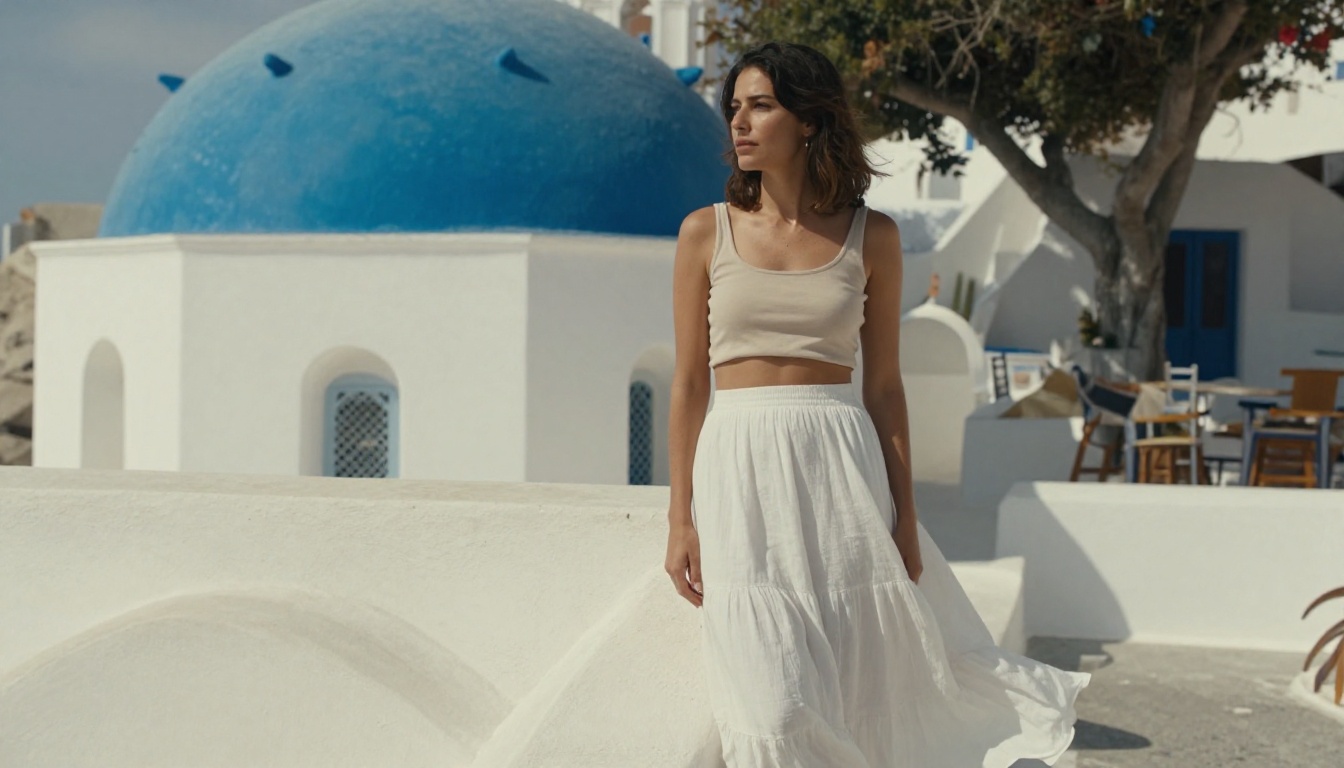
Seedream vs Flux: What the Images Show
Both architectures are capable of photorealistic output, but they produce distinct character in their results. Choosing between them depends on what your image needs most.
| Criteria | Seedream 5 Pro | Flux Pro | Flux 2 Max |
|---|
| Skin Microdetail | Exceptional | Good | Good |
| Prompt Adherence | High | Very High | High |
| Clothing Texture | High | High | Very High |
| Compositional Control | Moderate | Excellent | Good |
| Hair Detail | Very Good | Good | Very Good |
| Color Character | Warm, natural | Neutral, accurate | Neutral, accurate |
| Maximum Resolution | 2K | Standard | 4MP |
| Best For | Portraits, skin focus | Complex compositions | Print-quality output |
The practical takeaway: use Seedream 5 Pro when the image centers on a person, specifically on skin, expression, and body. Use Flux Pro when you need tight control over pose, perspective, or multi-element compositions with specific environmental requirements.
For maximum resolution at any scene type, Flux 2 Max delivers 4MP outputs that hold detail at print scale. No other model on the platform matches its raw output resolution, which matters when the final destination is large-format print or high-DPI display.
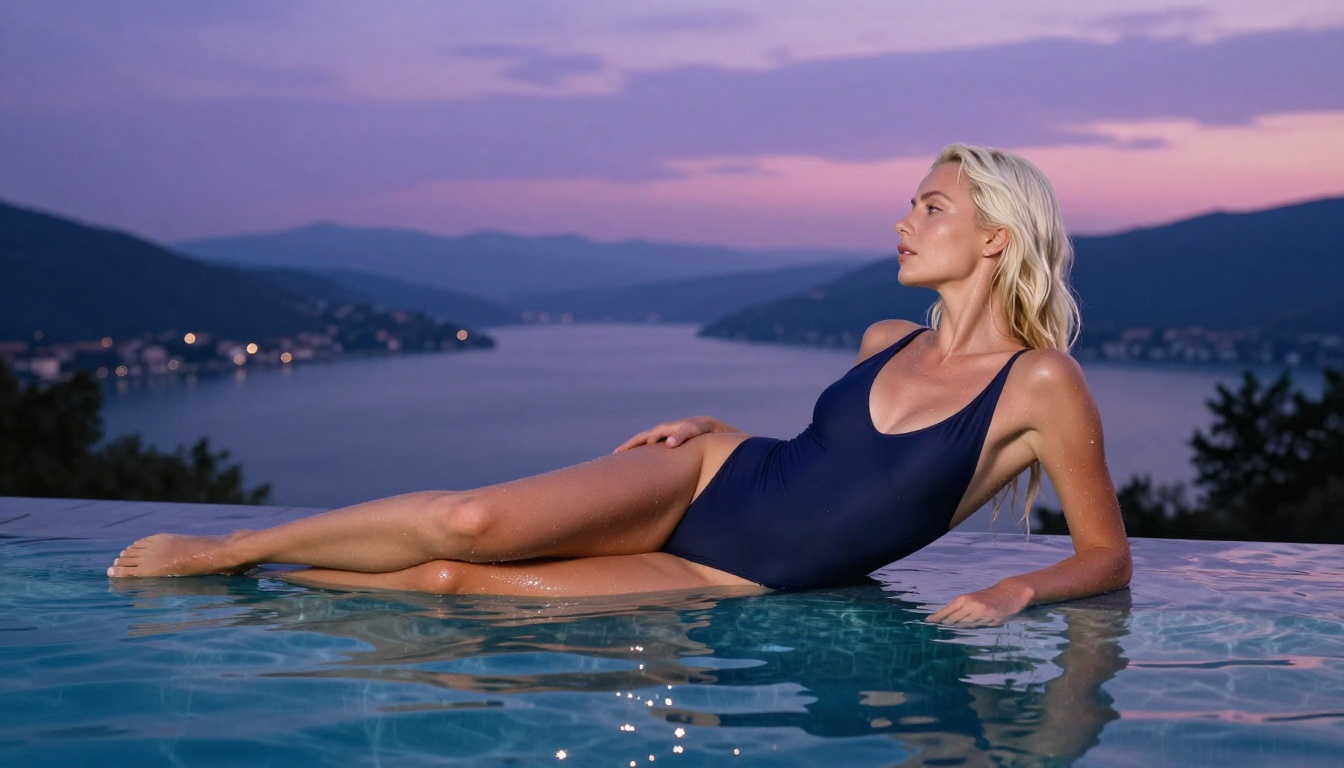
What Destroys Photorealism in Prompts
Most failed photorealistic generations trace back to specific prompt mistakes. These are the patterns that consistently produce poor results with Seedream 5.5 and how to avoid them.
Style Conflicts
Adding terms like "ultra-detailed," "hyperrealistic," or "8K render" alongside photography terms confuses the model. It receives conflicting signals between CGI rendering and film photography. Stick to photography-specific language: film stock, f-stop, lens focal length, natural light. Remove anything that sounds like it belongs in a 3D rendering description.
Vague Lighting
"Good lighting" or "natural light" without direction produces flat, uninspired outputs. Always specify: morning light from the left, window light from behind, golden hour backlight from lower right, overcast north-facing window. Direction matters more than intensity. The model uses light direction to calculate shadow geometry and skin highlight placement.
Over-specifying the Body
Paradoxically, prompting with too many specific body measurements and anatomical terms tends to degrade output quality in Seedream 5.5. The model performs better when you describe the scene and clothing rather than the body itself. Let the model infer the figure from the context. You get more natural and anatomically accurate results this way.
Ignoring Camera Distance
"Close-up," "medium shot," "full-body," and "aerial" produce fundamentally different results. Always specify camera distance and angle. A prompt without this information produces whatever the model defaults to, which is usually a generic mid-distance shot with no compositional intention behind it.
Forgetting the Background
Background vagueness translates directly into background incoherence. "Indoor setting" is not enough. "Parisian apartment with burgundy wallpaper and gilt-framed mirrors" gives the model enough environmental information to produce a spatially consistent and visually interesting background that supports the subject instead of competing with them.
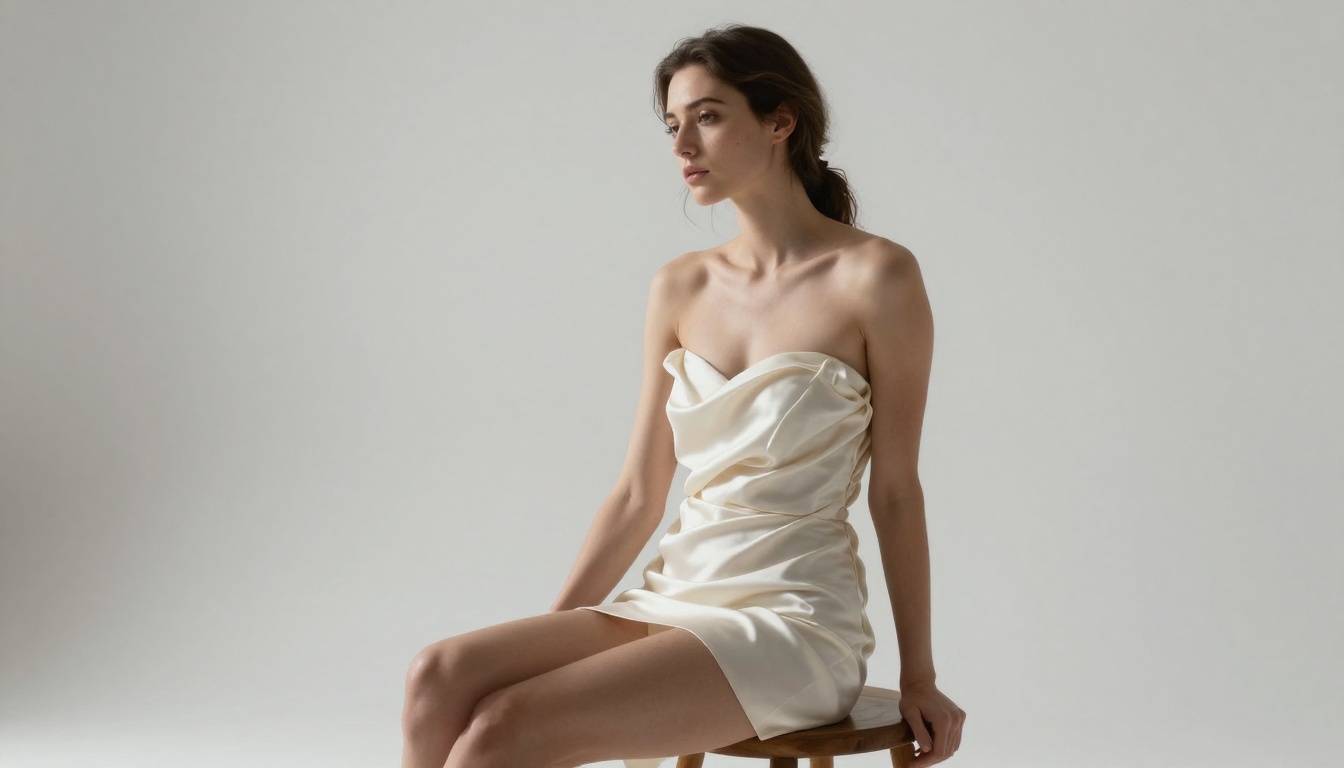
Post-Generation Editing on PicassoIA
After generating with Seedream 5 Pro, the PicassoIA Image Editor provides tools for refining outputs without external software. This is particularly valuable for NSFW photorealistic work where small imperfections in hands, fabric, or background elements need targeted correction.
Inpainting lets you repaint specific areas of the image, such as adjusting a garment, changing the background, or correcting an imperfect hand. You paint a mask over the area and provide a new text description for what should replace it. The model fills the masked region while maintaining visual consistency with the surrounding image.
Outpainting extends the canvas beyond the original borders. If you generated a tight portrait and want to reveal more of the environment, outpainting adds the room, landscape, or background while maintaining visual consistency with the existing image. This is particularly useful when clients request a different crop ratio than what you originally generated.
AI Image Restoration fixes noise, blur, or artifacts that occasionally appear in complex generations. This is particularly useful at the edges of hair and fabric where photorealistic models sometimes introduce fringing or aliasing at boundaries between light and dark regions.
Super Resolution upscales your output to 2x or 4x its original dimensions while preserving and in some cases improving fine detail. For prints or high-resolution display formats, this step turns a standard web-resolution output into a print-ready file without the blurring that simple upscaling produces.
Tip: Run Super Resolution on your best Seedream 5 Pro outputs before delivering them for any commercial or print purpose. The detail preservation at 4x is significant and can make the difference between an image that looks real at viewing distance and one that holds up to close inspection.
What to Check Before You Publish AI Photography
When using Seedream 5.5 outputs for commercial or public-facing projects, a few checks prevent common problems that appear only after you zoom in.
Hand and Finger Count: Photorealistic models still produce occasional hand anatomy errors. Check fingers and thumbs before publishing. If hands are wrong, use inpainting in the PicassoIA editor to fix the specific area without regenerating the entire image.
Background Coherence: Wide-angle shots with complex environments sometimes produce spatial inconsistencies. Check that floors, walls, and furniture align correctly in the depth of the image. Architectural elements in the background should follow consistent perspective lines.
Reflection Accuracy: Mirrors and reflective surfaces in the background sometimes reflect the wrong content or no content at all. Check any chrome, glass, or water surfaces in your image before final use. Inpainting can fix a reflection that does not match the scene.
Watermark Artifacts: Check that no model artifacts create patterns that read as partial watermarks in backgrounds or on skin. This occasionally happens in busy environment prompts where the model struggles to allocate detail across the full scene.
Edge Rendering: At the boundary between hair and background, or at fabric edges against contrasting surfaces, Seedream 5.5 occasionally produces slight fringing. Zoom to 100% before signing off on any output. AI Image Restoration handles most edge cases without affecting the central subject.
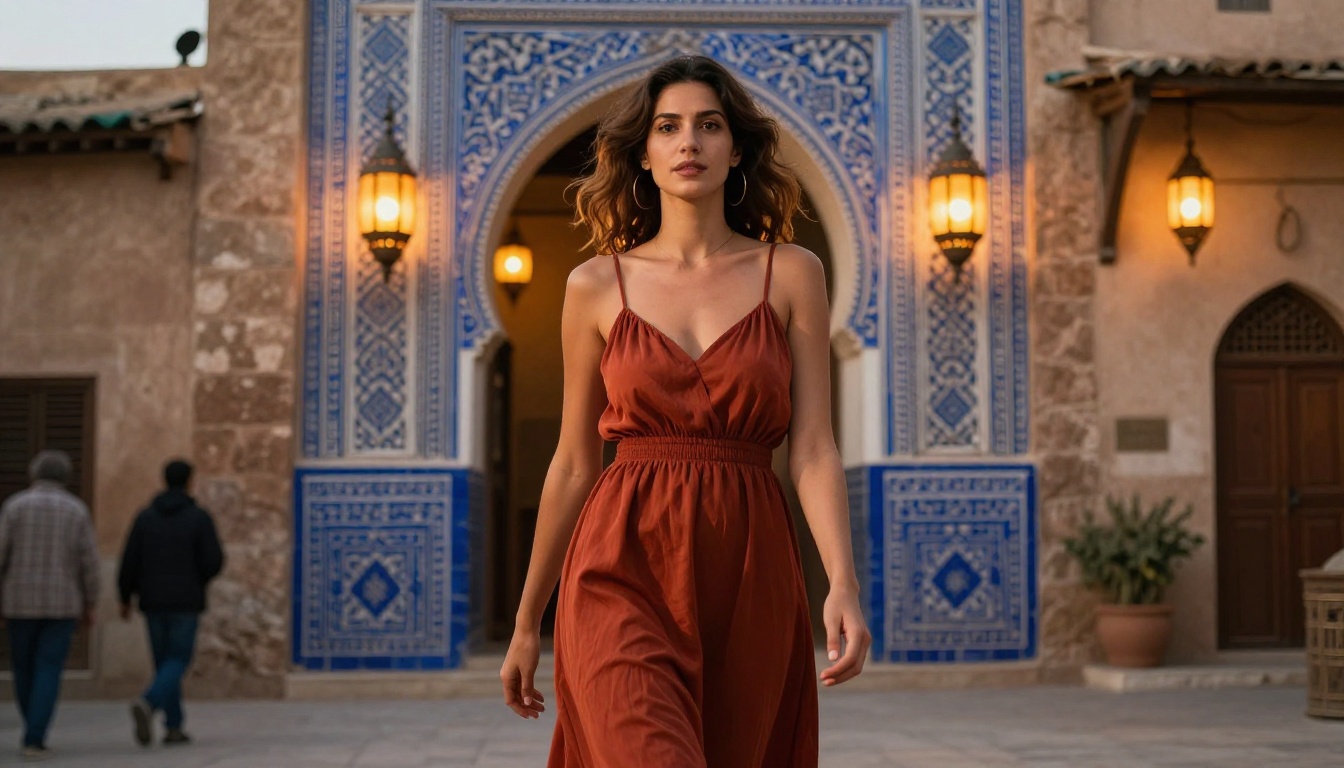
Start Creating on PicassoIA Now
Everything described in this article is available on PicassoIA today. The platform runs Seedream 5 Pro without generation limits, which means you can run the prompt formulas above immediately and iterate without counting credits or waiting on rate limits.
Start with one of the structured formulas from this article. Take a specific scene, apply the lighting formula, name a film stock, and specify the lens. Run it. Then change one element at a time and observe how the output shifts. This is how you build prompt intuition fast without wasting generations on wholesale rewrites.
For those working on glamour, boudoir, or artistic photography projects: Seedream 5 Pro is currently the most capable photorealistic model for human subjects on the platform. Pair it with Flux 2 Max when you need maximum output resolution for print formats, and use Qwen Image 2 Pro for free unlimited generation on lifestyle and outdoor scenes.
The full catalog of text-to-image models, including every model mentioned in this article, is available at picassoia.com/en/all-models. If you need something specialized beyond what Seedream 5.5 provides, something optimized for a specific aesthetic, output type, or creative direction, that is where you find it.
Photorealistic AI photography is no longer a compromise between realism and speed. Seedream 5.5 changed that. The skin looks real. The light behaves correctly. The fabric has texture. The only thing left is to start generating.


