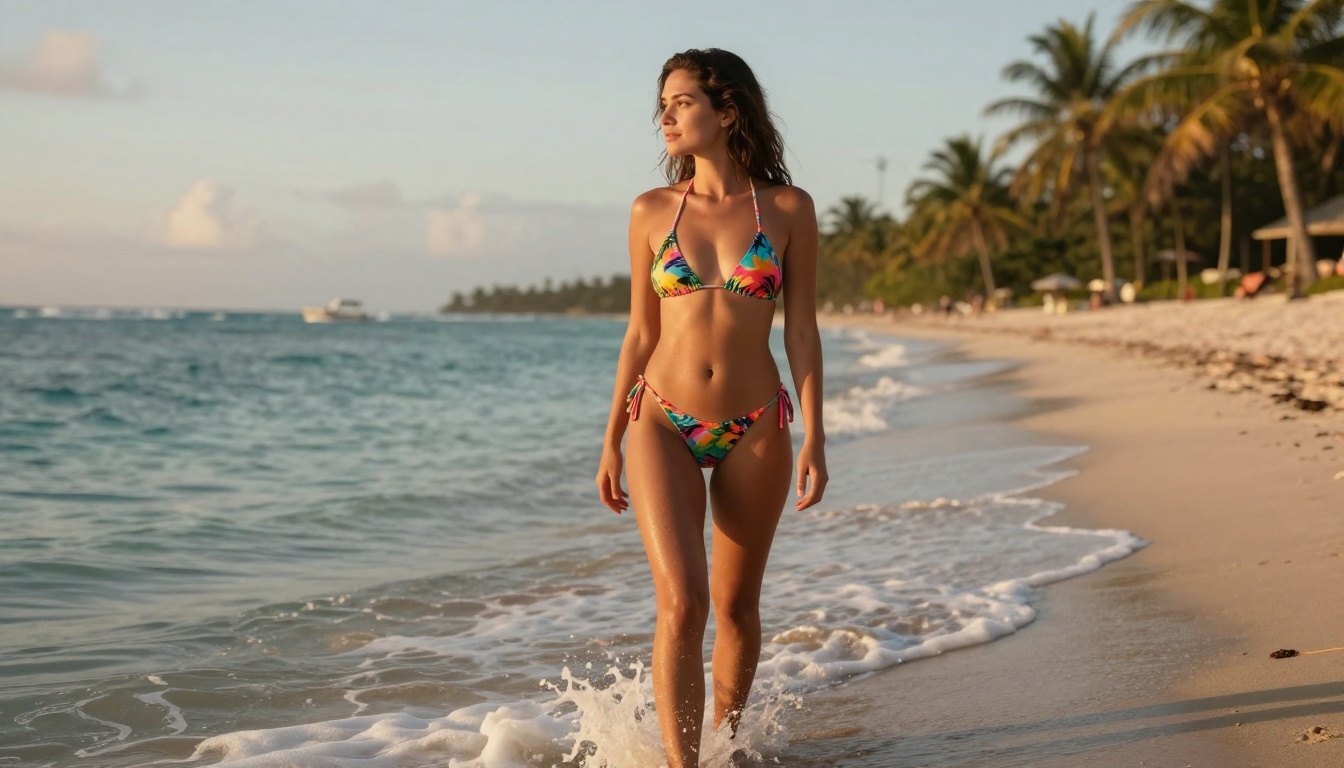
Two models are dominating the conversation about NSFW AI image generation right now: Seedream 4.5 from ByteDance and Flux 2 from Black Forest Labs. Both claim photorealism. Both run on PicassoIA. But they produce very different results when you push them into adult territory. This piece breaks down exactly where each one wins, where it fails, and which one you should actually be using.
What Separates a Good NSFW AI Generator
Not every metric matters equally when you're generating adult content. Resolution and raw sharpness are easy to achieve. What separates a model that produces genuinely impressive results from one that disappoints every third prompt comes down to three things.
Skin Texture and Realism
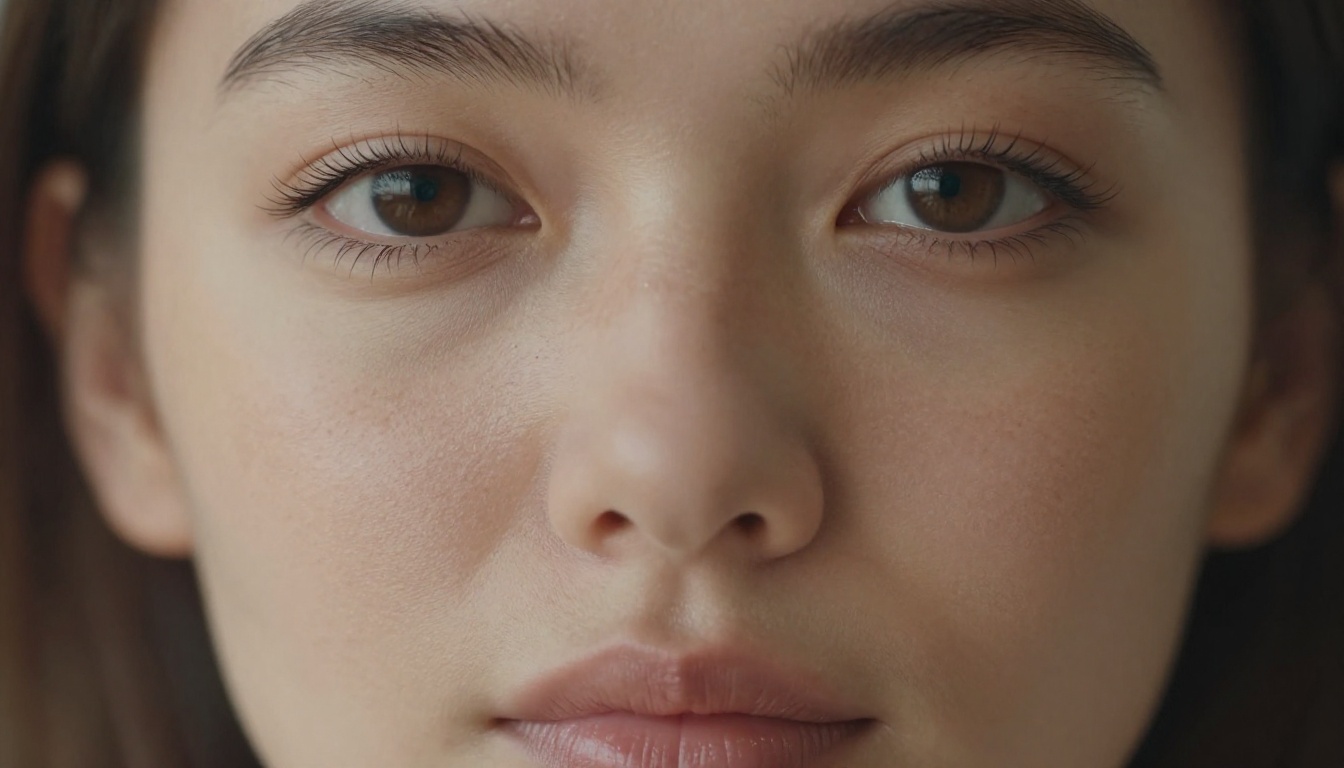
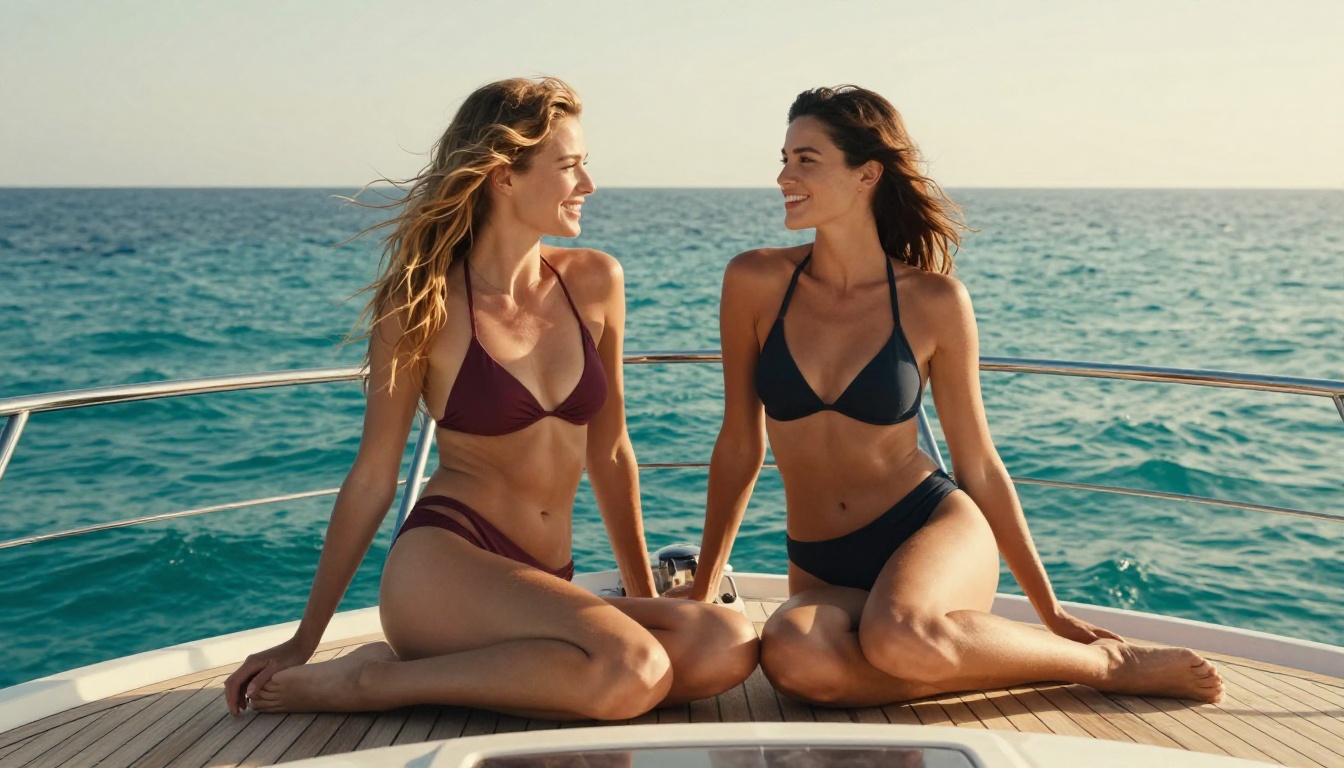
The uncanny valley is a real problem in AI image generation. A model can nail facial features but produce waxy, uniform skin that reads as artificial immediately. The best NSFW models render skin with micro-level variation: subtle pore structure, capillary color shifts beneath translucent skin, the way light scatters differently across a nose bridge versus a cheekbone. Seedream 4.5 consistently produces skin that passes a close inspection. Flux 2 Max is competitive but can occasionally slip into an over-smoothed aesthetic that feels closer to a digital painting than a photograph.
Anatomical Proportions
This is where many AI models expose themselves. Hands are the famous culprit, but for NSFW generation specifically, body proportions and the physical logic of poses matter enormously. A slightly wrong torso length or an anatomically impossible arm position destroys the illusion. Both Seedream 4.5 and Flux 2 Max have gotten dramatically better here compared to earlier generations, but they handle it differently. Seedream tends to default to proportions that read as naturally beautiful rather than idealized to the point of unreality. Flux 2 skews toward a somewhat heightened aesthetic that some users prefer.
Prompt Adherence
When you specify "backless dress, standing at a window, late afternoon light from the right," you want exactly that. Weak prompt adherence means you get something adjacent to your request but not what you asked for. Both models score well here, but Flux 2 tends to interpret prompts more liberally, sometimes substituting elements it prefers. Seedream 4.5 follows detailed prompts with more precision, especially when it comes to lighting direction and wardrobe specifics.
Seedream 4.5: The NSFW Benchmark
Seedream 4.5 is the current top recommendation for adult AI image generation on PicassoIA, and the reasons are specific.
What Seedream 4.5 Does Exceptionally Well
Skin rendering is where Seedream 4.5 makes its clearest argument. The model was trained on datasets that prioritize photographic fidelity over stylization, and it shows. You get the kind of skin output that holds up at 100% zoom without falling apart. No waxy surfaces, no inexplicably perfect skin that reads as digital airbrush.
Lighting sensitivity is the second standout. Ask for golden hour rim lighting from the left, and you get that specific quality of light. The way highlights fall across collarbones, the shadow density in hair, the warm color cast on skin in warm light versus the cool shift in shade: Seedream 4.5 handles all of it with a level of physical plausibility that feels trained rather than guessed.
NSFW content access is also a genuine differentiator. Seedream 4.5 operates without the aggressive filters that cripple many models on mainstream platforms. You can generate suggestive and adult-oriented content without constantly fighting content restriction systems.
Where Seedream 4.5 Has Limits
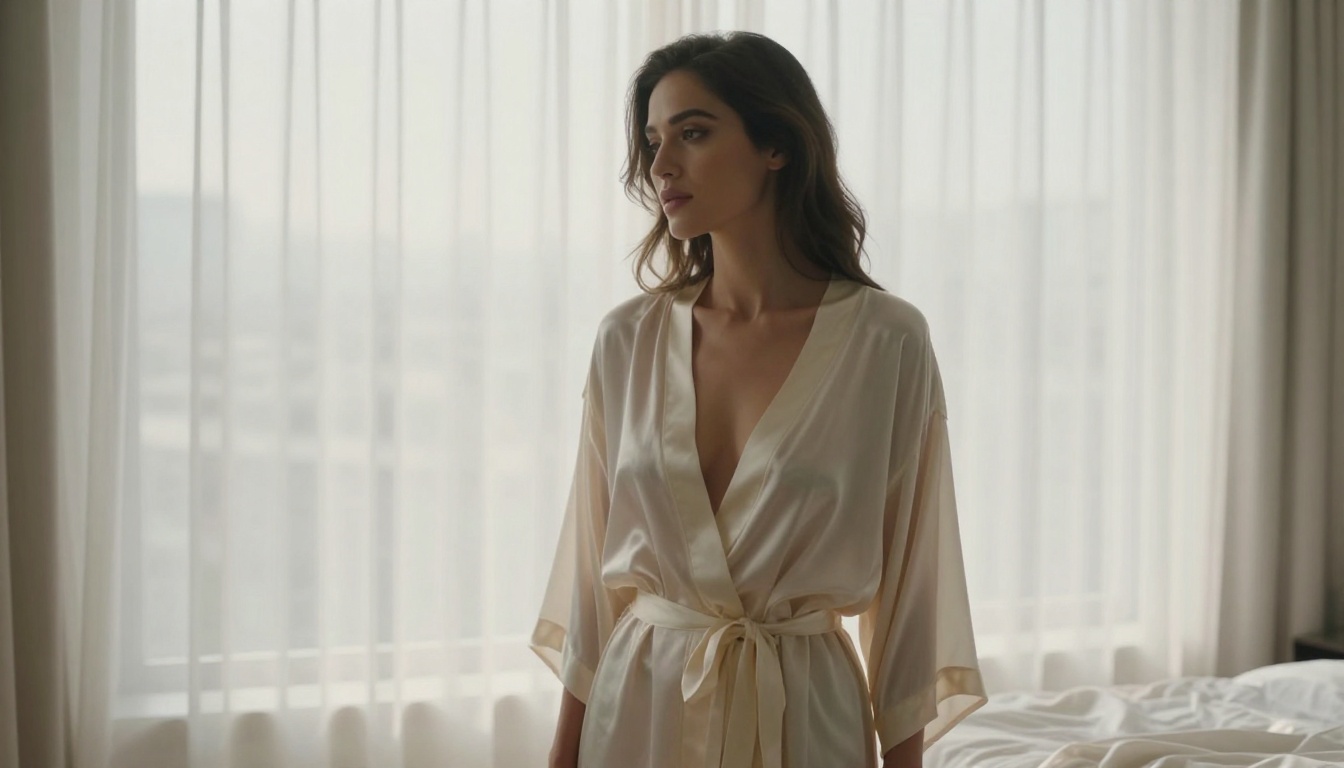
Seedream 4.5 can sometimes produce outputs that look slightly "too perfect" in a way that circles back around to feeling artificial. At the extreme end of its output distribution, skin can look almost lacquered rather than organic. The fix is simple: add grain and texture qualifiers to your prompts. "Film grain, Kodak Portra 400, authentic skin texture" consistently pulls it back into photographic territory.
The model also tends to default to certain composition preferences: centered framing, medium shot distance. Pushing it toward unusual angles (extreme low angle, aerial overhead) requires more prompt effort than it should.
💡 Tip: Add "35mm film grain, slight color cast, authentic skin pores, non-idealized" to any Seedream 4.5 NSFW prompt to avoid the over-polished look and push toward genuine photographic texture.
Flux 2: Power and Style
Black Forest Labs released Flux 2 as a major jump from the already-capable Flux.1 series. On PicassoIA, you have access to multiple variants: Flux 2 Max (flagship quality), Flux 2 Klein 9B (faster, efficient), and the Flux 2 Klein 4B (optimized for speed).
What Flux 2 Max Gets Right
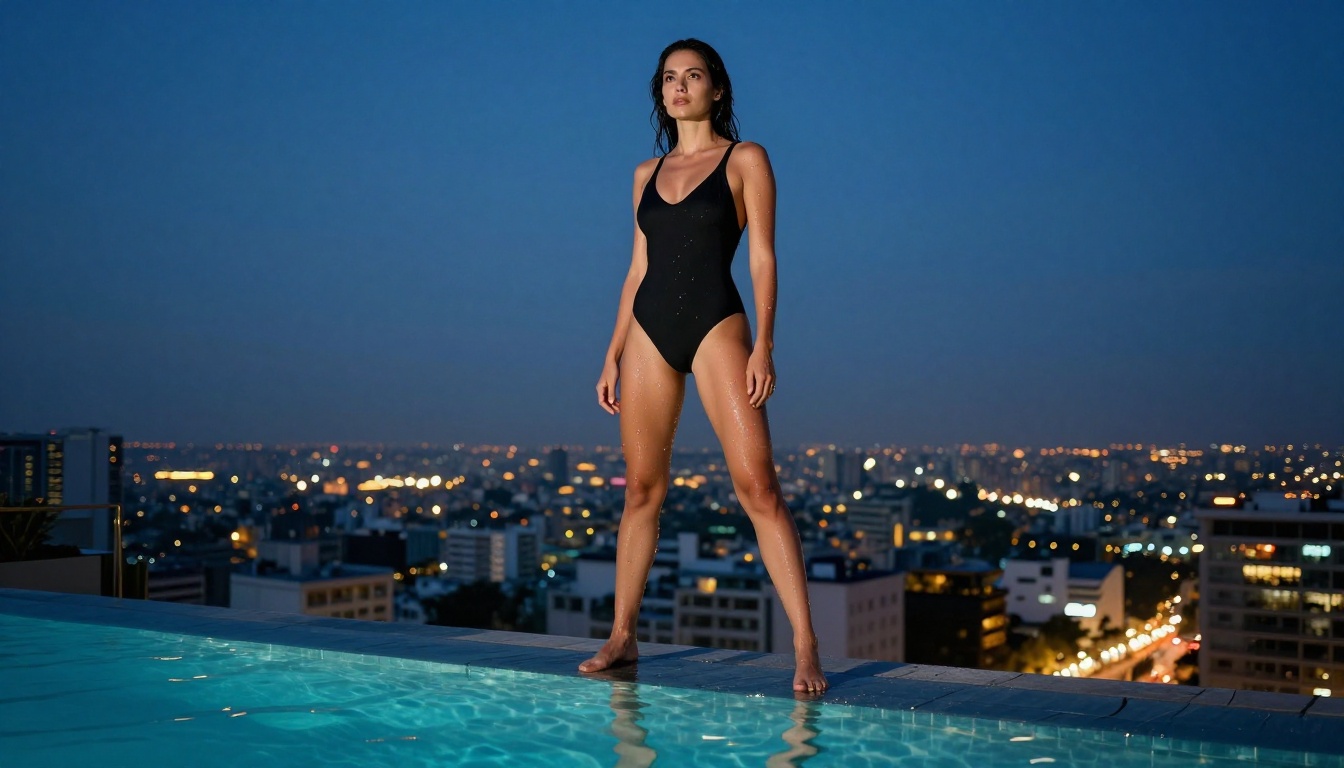
Compositional sophistication is where Flux 2 Max genuinely shines. It tends to produce more naturally dynamic compositions, placing subjects in slightly more interesting spatial relationships to backgrounds and light sources. Where Seedream defaults to safe framing, Flux 2 Max will sometimes surprise you with an output that looks like it was framed by a photographer rather than generated.
Stylistic range is also broader. Flux 2 responds well to stylistic modifiers and can shift between very different aesthetics while maintaining quality. If you want cinematic, it commits to it. If you want editorial fashion, it reads the assignment.
Detail density at the full resolution output is exceptional. Fine fabric textures, hair strand separation, environmental details in the background: Flux 2 Max produces images where the detail rewards close inspection.
Flux 2 Klein 9B for Speed
Flux 2 Klein 9B runs at a fraction of the compute cost of Flux 2 Max while retaining most of the quality. For iterative prompting, where you're refining a composition through multiple generations, Klein 9B is the practical choice. The quality gap between Klein 9B and Max is noticeable on close inspection but much less obvious at normal viewing distances.
💡 Workflow tip: Use Flux 2 Klein 9B for your first 5-10 iterations to nail composition and lighting, then switch to Flux 2 Max for your final high-quality render.
Where Flux 2 Struggles for NSFW Content
The most significant issue with Flux 2 for NSFW use cases is content policy sensitivity. Flux 2 is more aggressive about declining adult content requests than Seedream 4.5, particularly on standard deployment endpoints. PicassoIA's deployment has more latitude than most, but you will hit more friction with Flux 2 than with Seedream 4.5 for explicit adult content.
Flux 2 also has a tendency toward stylistic drift: across a long generation session, outputs can start to trend toward a house aesthetic that doesn't match what you specified. Anchoring prompts to specific photographic references (film stock, lens specifications) helps counteract this.
Side-by-Side: The Key Metrics
| Metric | Seedream 4.5 | Flux 2 Max | Flux 2 Klein 9B |
|---|
| Skin Texture Realism | Excellent | Very Good | Good |
| Anatomical Accuracy | Excellent | Very Good | Good |
| Prompt Adherence | Excellent | Good | Good |
| Compositional Variety | Good | Excellent | Good |
| NSFW Accessibility | Excellent | Good | Good |
| Generation Speed | Fast | Slow | Very Fast |
| Detail Density | Very Good | Excellent | Very Good |
| Lighting Accuracy | Excellent | Very Good | Good |
The table tells a clear story: Seedream 4.5 leads on the attributes that matter most for NSFW realism. Flux 2 Max competes hard on visual quality but falls behind on content access. Klein 9B is the efficiency leader.
How to Use Seedream 4.5 on PicassoIA
PicassoIA runs Seedream 4.5 with full access. Here's the workflow that produces the best results.
Step 1: Build Your Prompt Layers
Don't write a single long sentence. Layer your prompt in sections:
- Subject: "Beautiful woman, mid-20s, natural skin texture, athletic build"
- Wardrobe/State: "in a sheer silk slip dress, off-shoulder"
- Environment: "inside a minimalist luxury apartment at golden hour"
- Lighting: "warm volumetric light from upper left, soft shadows on right side"
- Camera/Lens: "85mm f/1.4 portrait lens, slight depth of field, subject sharp"
- Film/Quality: "Kodak Portra 400 film grain, photorealistic, 8K RAW photography"
- Negatives: "no CGI, no illustration, no digital art, no cartoon"
Step 2: Pick the Right Aspect Ratio
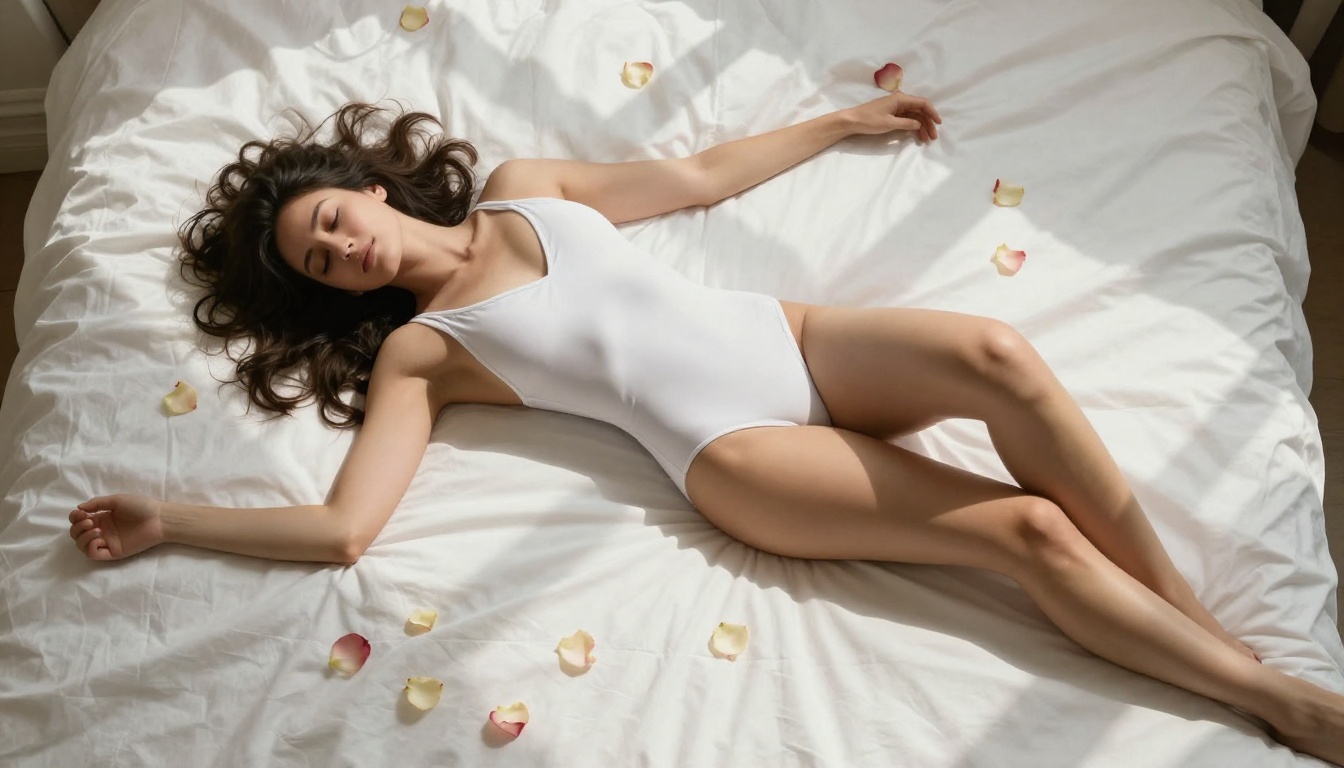
For portraits and boudoir work, 9:16 matches phone screens and creates more immersive vertical compositions. For editorial-style content, 16:9 gives you the cinematic widescreen format. Seedream 4.5 handles both equally well.
Step 3: Iterate with Seed Control
When you hit a generation you like, note the seed number. You can use that seed as a starting point to generate variations on the same subject. This lets you build out a coherent image set with consistent lighting and character without starting from scratch each time.
PicassoIA Image Editor Pro
Beyond pure generation, PicassoIA offers Image Editor Pro for unlimited generations without per-image credit constraints. This is the most practical option for serious NSFW AI art workflows where you're running hundreds of iterations across a project. It removes the friction of credit management entirely and lets you focus on refining your prompts and outputs.
Using Flux 2 for NSFW Content: What Actually Works
If you prefer Flux 2's aesthetic, there are specific approaches that improve content access and output quality.
Prompts That Get Through
Avoid clinical or explicit terminology. Instead, use fashion and editorial photography language:
- Less effective: direct anatomical descriptions
- More effective: "editorial lingerie campaign, fashion photography, suggestive pose, Victoria's Secret aesthetic"
- Most effective on Flux 2: borrow from editorial photography brief language: "intimate portrait session, natural ambient lighting, tasteful glamour"
When to Choose Flux Dev vs Flux Pro
Flux Dev gives you more control through LoRA compatibility and parameter tuning. If you're combining Flux with custom character LoRAs for consistent NSFW character generation, Flux Dev is the right base. Flux Pro is the out-of-the-box quality leader with less customization headroom.
Upscaling Your Best Outputs
Whether you use Seedream 4.5 or Flux 2, upscaling is the step most people skip that produces the biggest quality jump.
Portrait Upscaling
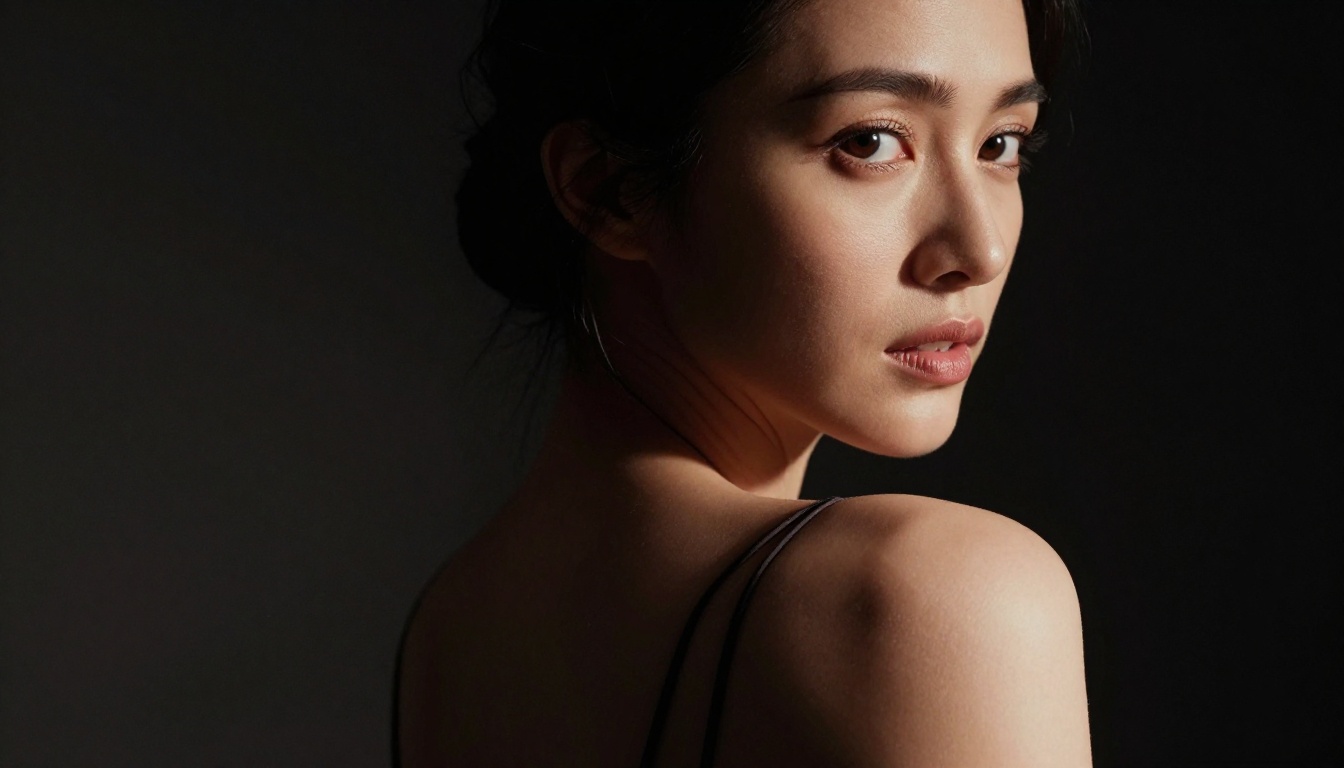
Crystal Upscaler is specifically optimized for portrait work. It adds detail during upscaling rather than just enlarging pixels, which means you get better skin detail, more defined hair, and sharper eyes in the final output. Run your best Seedream or Flux 2 NSFW outputs through Crystal Upscaler before using them for anything.
Speed-First Upscaling
P-Image Upscale processes in under a second and delivers clean 2x-4x enlargement. For iterative workflows where you need to review many outputs at high resolution quickly, P-Image Upscale keeps you moving without the wait time of heavier models. Real ESRGAN remains a strong choice for images with complex textures: fabric, hair, environmental elements.
Seedream 5 Pro: Is It Worth the Upgrade?
While Seedream 4.5 remains the top NSFW recommendation, Seedream 5 Pro is worth understanding. It produces marginally sharper outputs with slightly better compositional awareness. For general photorealistic work, it's a genuine upgrade. For NSFW content specifically, the differences are less pronounced, and Seedream 4.5 remains the community favorite because it has a more developed body of prompt knowledge around it.
A critical note: do not use Seedream 5 Lite for NSFW content. It ships with aggressive content filters that block adult content reliably. If you're working in NSFW territory, Seedream 4.5 or Seedream 5 Pro are the variants to use.

The Verdict
Seedream 4.5 wins for NSFW-specific use cases. The skin rendering, prompt adherence, lighting accuracy, and content accessibility all point to the same conclusion. If your primary goal is generating photorealistic adult content with minimal friction, Seedream 4.5 is the model to use as your primary tool.
Flux 2 Max wins on compositional quality and stylistic range. If you care more about overall image artistry and want a model with broader stylistic range, Flux 2 Max produces outputs with a more distinctly photographic feel.
The practical approach: use Seedream 4.5 as your NSFW workhorse and run your best outputs through Crystal Upscaler for final delivery. When you want a change of aesthetic or when a specific prompt responds better to Flux's interpretation style, Flux 2 Klein 9B is the efficient way to experiment.
Try It Yourself on PicassoIA
Both Seedream 4.5 and Flux 2 are live and ready to generate on PicassoIA right now. The fastest way to build your own opinion is to run the same prompt through both models and compare. What the benchmarks say and what your eye responds to are not always identical, and personal aesthetic preference matters as much as technical performance metrics.
Start with Seedream 4.5 for your first NSFW session, note what you like and what feels off, then take the same prompt to Flux 2 Klein 9B for fast comparison. From there, you'll have a concrete sense of which model fits your workflow and your aesthetic. The full library of AI image models is also available at picassoia.com/en/all-models if you want to see what else is available beyond these two.