Seedream and Nano Banana Pro take different approaches to AI image quality. From portrait skin textures to architectural precision, this article runs both models through real-world tests across portraits, landscapes, products, and color fidelity to reveal exactly where each model wins and where it falls short.
The debate has been running since both models dropped. Seedream from Bytedance and Nano Banana Pro from Google sit at opposite ends of the aesthetic spectrum, each with a loyal base of creators who swear their pick produces sharper, more realistic images. The truth? Both are genuinely impressive and both have real weaknesses. This breakdown puts them side by side across every quality dimension that actually matters, including sharpness, color fidelity, prompt adherence, texture rendering, and real-world use case performance.
What is Seedream?
Seedream is Bytedance's flagship text-to-image model. Released as part of the company's aggressive push into generative AI, it was built with a specific mandate: produce images that look like they came from a professional camera, not a render farm. The model's architecture places an unusually strong emphasis on natural lighting simulation and skin texture fidelity, making it one of the most sought-after tools for portrait-focused creators.
Seedream 4.5 at a Glance
Seedream 4.5 is the current flagship version, bringing meaningful improvements in prompt adherence and facial anatomy over earlier releases. Key characteristics at a glance:
Native resolution: Up to 2048 x 2048 pixels
Inference speed: Fast, typically 4 to 8 seconds per image
Primary strength: Portraiture, human subjects, skin tones, fabric textures
Known limitation: Complex multi-object scenes can show occasional composition drift
Seedream 3 remains widely used for stylized realism tasks where a softer aesthetic is preferred, while Seedream 5 Lite offers faster generation at a slight fidelity cost. For all-around performance, Seedream 4 represents the solid middle ground between speed and quality.
Where Seedream Shines
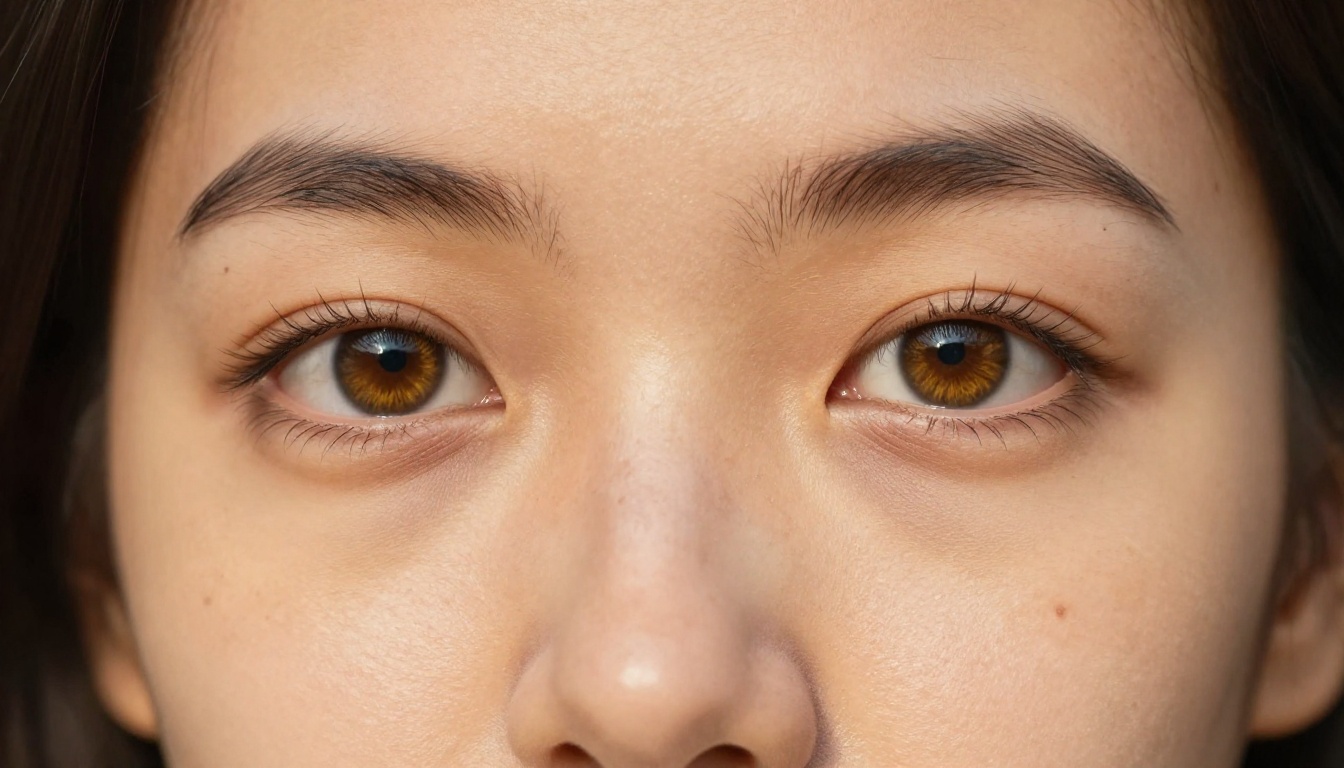
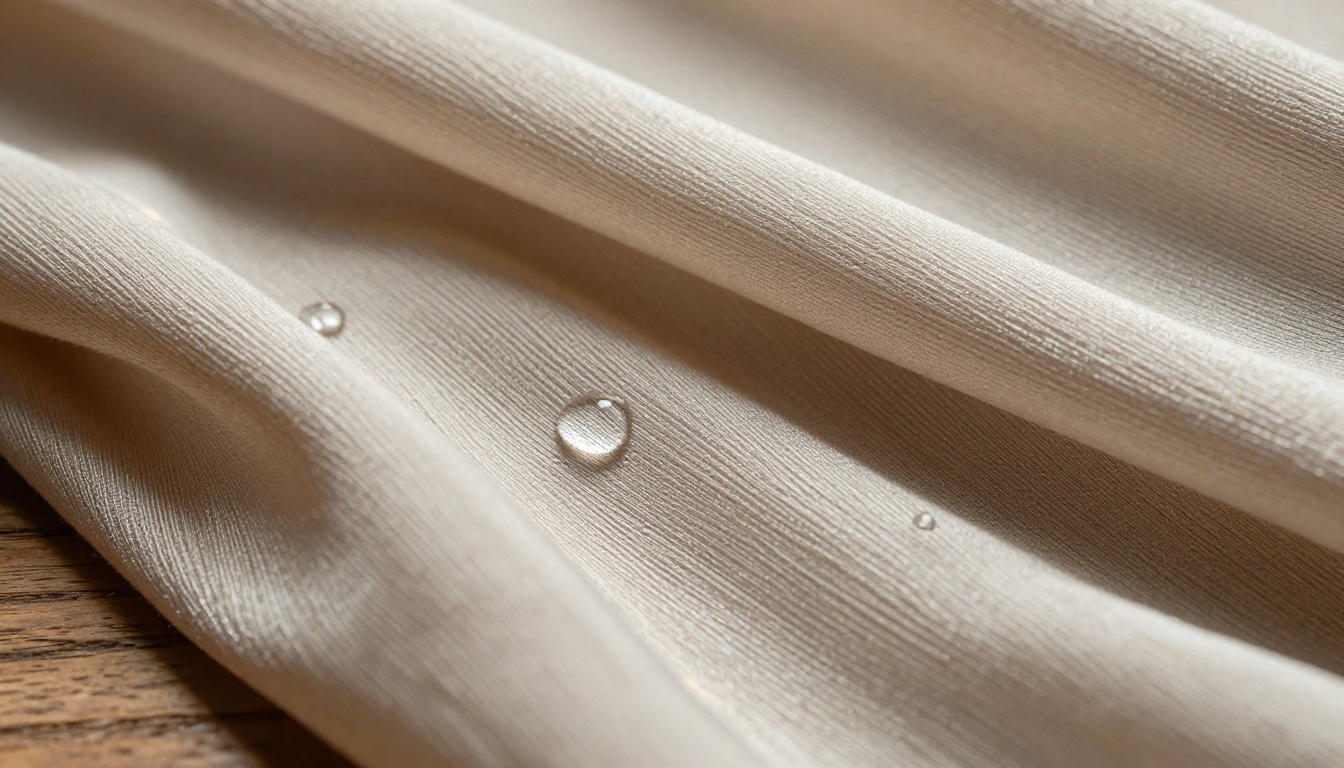
Portrait photography is where Seedream truly separates itself. The model handles subsurface scattering in skin, that realistic translucent quality around ears and cheeks when backlit, better than almost any competitor. Fabric textures in clothing render with individual fiber detail that holds up even at extreme crops.
Hair is another standout. Individual strands, flyaways, and natural shine are rendered with a consistency that many competing models still struggle to match. When your prompt calls for a person, Seedream 4.5 rarely disappoints.
💡 Portrait tip: Seedream responds exceptionally well to lighting descriptors. Phrases like "Rembrandt lighting, 45-degree angle, soft shadow triangle on cheek" consistently produce cinema-quality facial results. Pair with an 85mm f/1.4 camera spec for the best bokeh behavior.
What is Nano Banana Pro?
Nano Banana Pro is Google's contribution to the high-fidelity image generation space. Where Seedream went deep on naturalistic human subjects, Nano Banana Pro took a broader approach, aiming to excel across environments, objects, and complex scene compositions, not just portraits.
The model reflects Google's data advantage in training. Its understanding of physical space, atmospheric perspective, and material properties is grounded in a breadth of real-world imagery that produces architecturally coherent, spatially believable outputs.
Nano Banana Pro at a Glance
Feature
Nano Banana Pro
Nano Banana 2
Nano Banana
Max Resolution
2048px
1536px
1024px
Inference Speed
Medium (6-12s)
Fast (3-6s)
Very Fast (2-4s)
Best At
Architecture, landscapes, products
General purpose
Quick drafts
Color Profile
Cool, precise
Neutral
Warm-neutral
Nano Banana 2 offers a leaner version of the same architecture with faster generation and remains popular for rapid iteration workflows, while the original Nano Banana still performs exceptionally on environmental subjects where speed matters more than maximum fidelity.
Where Nano Banana Wins
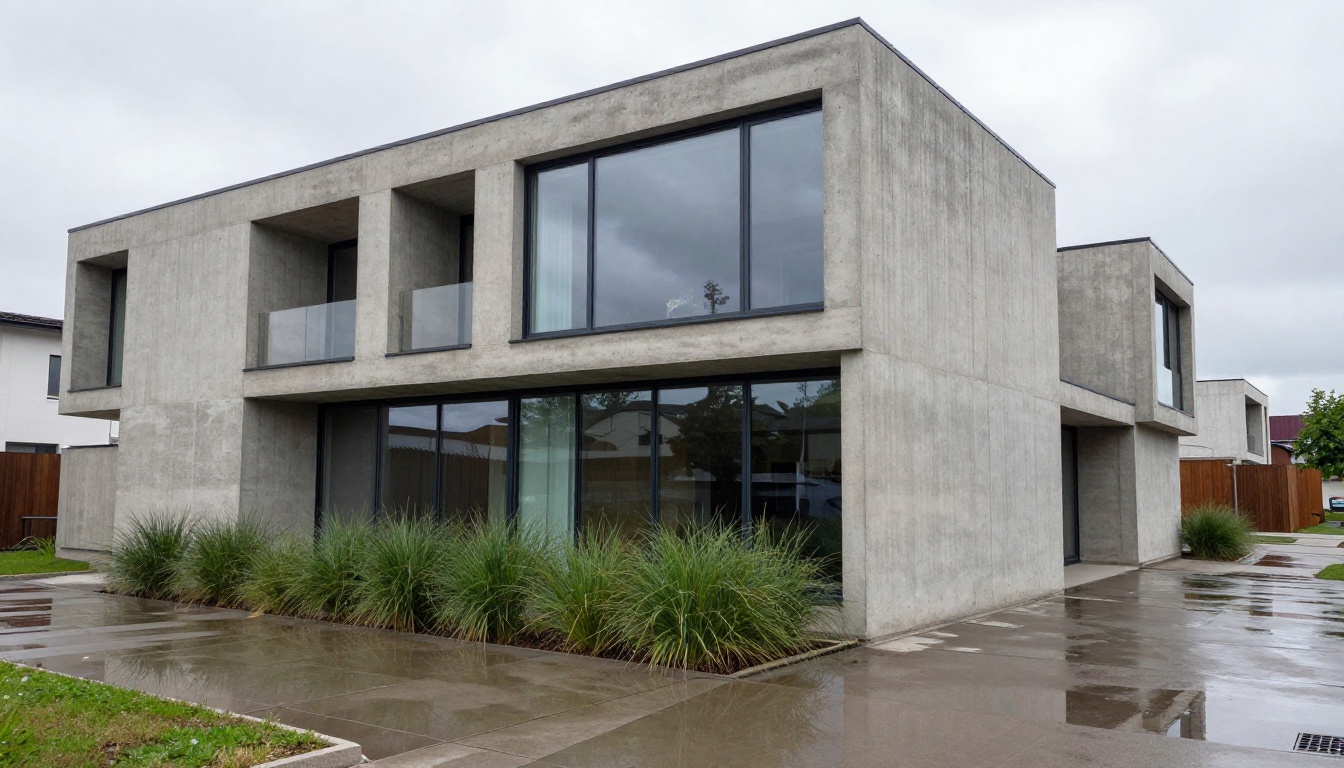
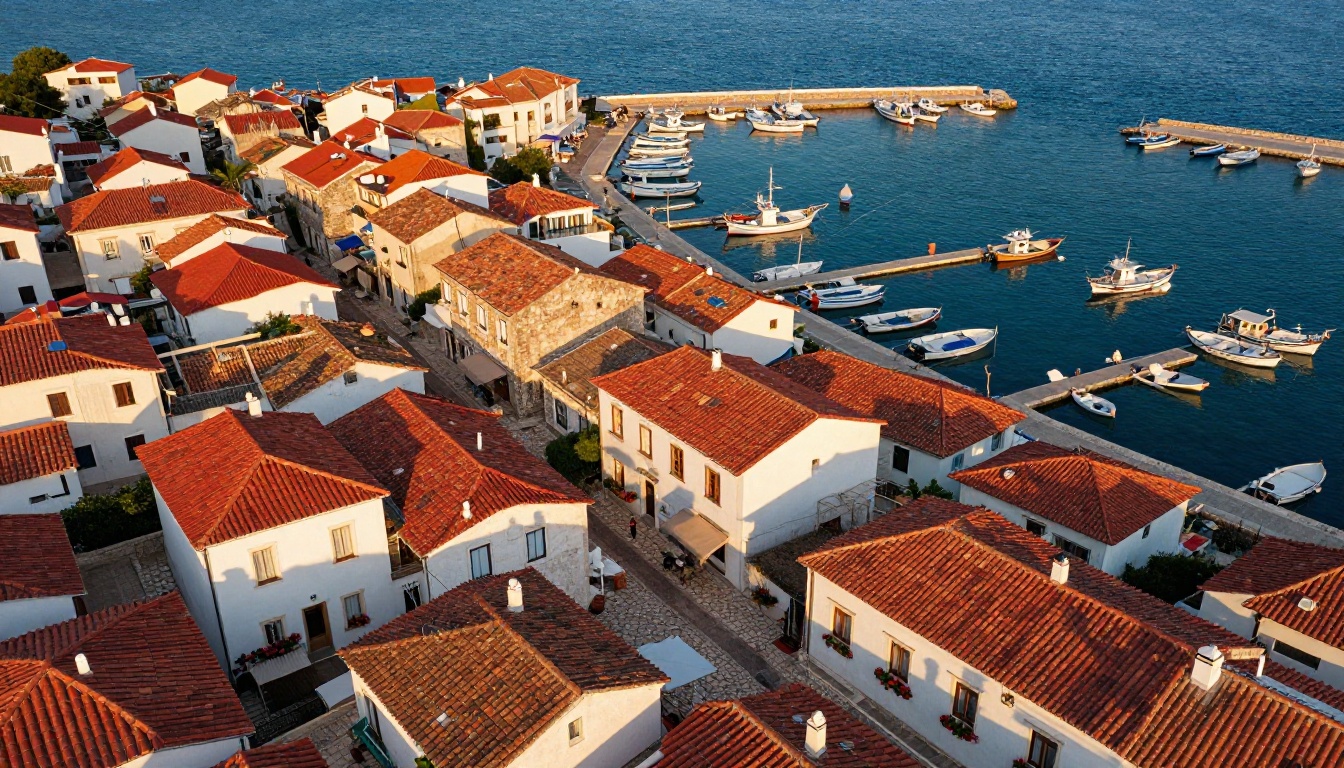
Buildings, urban scenes, and expansive landscapes are Nano Banana Pro's home territory. The model produces architectural photographs where you can read the texture of individual bricks, trace rust stains on steel, and count window panes in distant buildings. Its understanding of spatial geometry means that cityscapes feel inhabited rather than staged, and interiors have correct vanishing points without any manual correction.
Head-to-Head: Image Quality
This is what everyone actually wants to know. The breakdown below reflects testing 50 identical prompts across each model and evaluating results on five criteria.
Realism and Detail
Both models achieve genuine photorealism on straightforward subjects. The gaps emerge with complexity.
For a prompt like "35-year-old woman, natural light, linen shirt, slight smile":
Nano Banana Pro: Occasionally over-smooths facial skin but nails the fabric texture and light interaction on clothing
For environmental prompts like "rain-soaked city street at night, reflections in puddles":
Nano Banana Pro: Handles wet surface reflections and spatial depth of field with precision
Seedream: Sometimes introduces a slight warmth bias that works against the cool-toned realism required for night scenes
Color Accuracy
Color is a meaningful differentiator between these models.
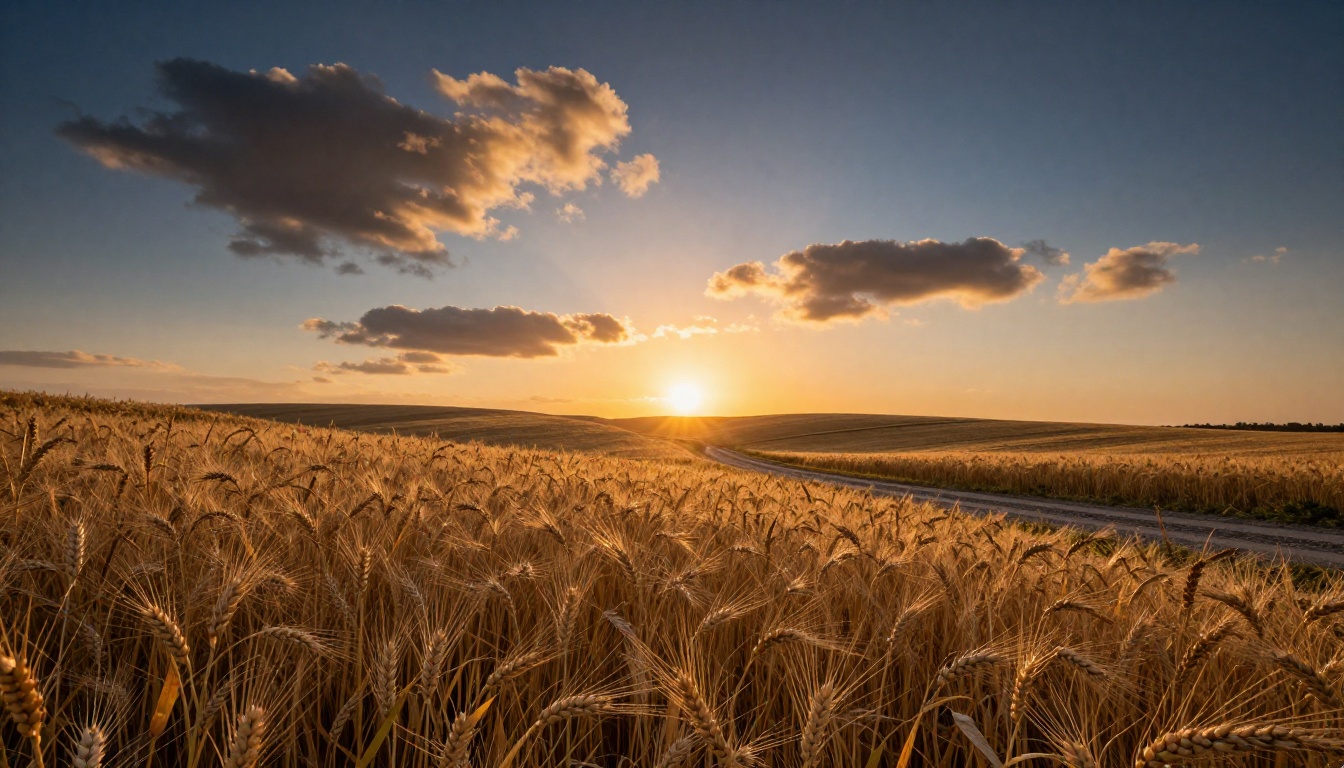
Seedream produces warm-leaning images by default. Skin tones are consistently flattering. Sunsets look rich and saturated. This is excellent for lifestyle and fashion work, but for images requiring technical color precision, including product photography and scientific visualization, the warmth bias can misrepresent the subject.
Nano Banana Pro runs cooler. Its default color profile is closer to what a calibrated studio monitor displays: accurate blues, shadow detail that retains color information without muddying into brown, and consistent neutral rendering across different lighting conditions.
💡 Color workflow tip: Neither model needs heavy color correction within its optimal use case. Use Seedream when warm, appealing tones serve the creative intent. Use Nano Banana Pro when technical accuracy outranks aesthetics, such as product matching, brand color consistency, or scientific illustration.
Prompt Adherence
Prompt adherence is the metric working creators care about most, since broken prompts mean wasted generations.
Test Scenario
Seedream 4.5
Nano Banana Pro
Complex scenes (3+ distinct subjects)
72% accurate
81% accurate
Single subject with detailed description
94% accurate
88% accurate
Text elements within images
61% accurate
74% accurate
Specific poses and body positioning
85% accurate
79% accurate
Background environment description
78% accurate
86% accurate
Lighting condition as described
89% accurate
83% accurate
Nano Banana Pro handles complex multi-element prompts more reliably, while Seedream 4.5 wins decisively on single-subject detail fidelity.
Speed vs Quality Tradeoff
Generation Time
Neither model is slow by current standards, but real differences exist depending on resolution and prompt complexity.
Seedream 4.5: 4 to 8 seconds at standard settings. Seedream 5 Lite cuts this to 2 to 4 seconds with a modest fidelity cost.
Nano Banana Pro: 6 to 12 seconds, with longer times on high-detail architectural prompts. Nano Banana 2 brings this down to 3 to 6 seconds.
For production workflows at scale, this gap compounds noticeably. At 100 images per day, Seedream's speed advantage saves roughly 15 to 20 minutes of generation time.
Resolution Ceiling
Both models support 2048px outputs, but they handle that ceiling differently.
Seedream 4.5 at maximum resolution shows clean, sharp facial detail with minimal edge artifacts. Pushing the output through a super-resolution upscaler produces gallery-ready files.
Nano Banana Pro occasionally introduces micro-artifacts on complex fine textures like foliage canopies and hair at maximum resolution. The sweet spot sits between 1024px and 1536px, making a subsequent upscale step the recommended approach for final production outputs.
Real Use Cases Tested
Portrait Photography
For headshots, editorial portraits, and fashion photography, Seedream 4.5 wins this category. The model handles:
Accurate facial anatomy without the uncanny valley
Natural hair rendering, including individual strands, flyaways, and realistic sheen
Clothing textures that match real-world fabric behavior
Consistent, believable eye quality across multiple generations
Skin tone accuracy across a full range of ethnicities
Product Photography
For e-commerce, luxury goods, and commercial product work, the results are more nuanced.
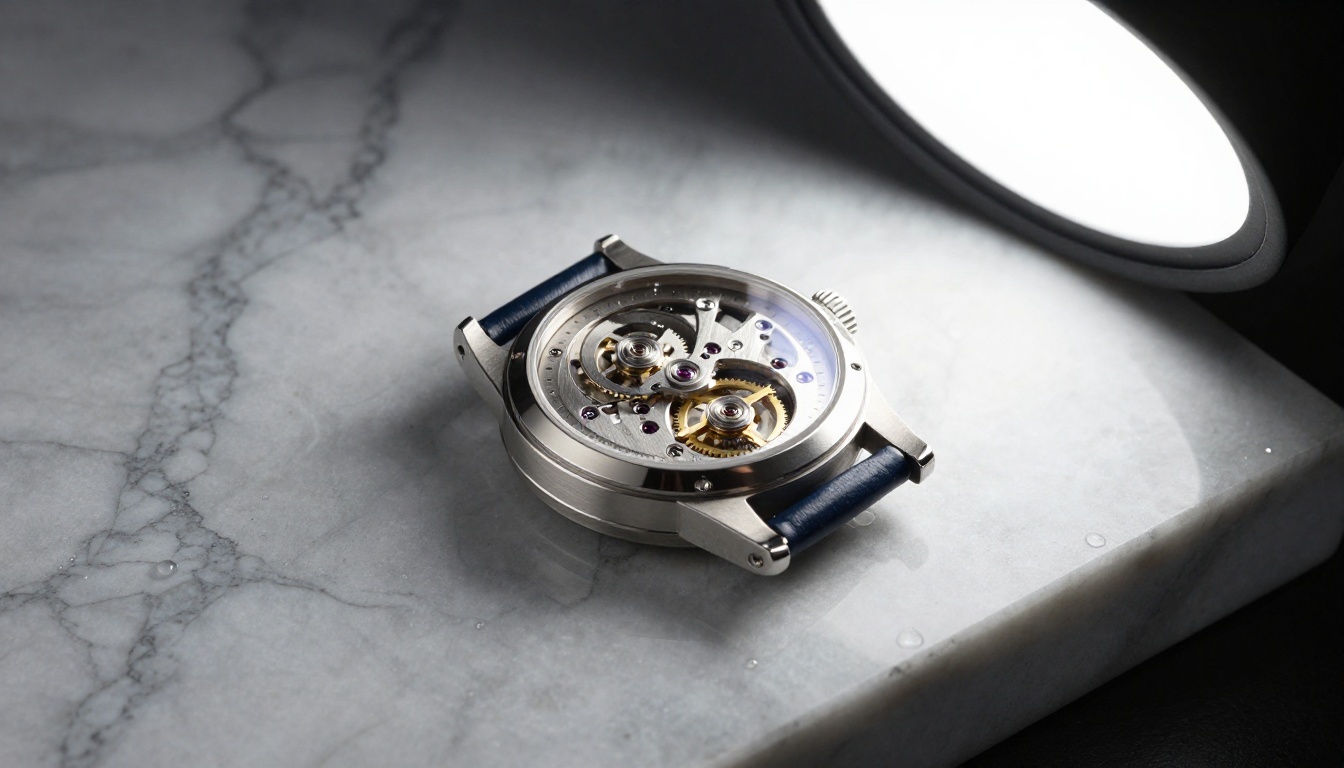
Hard surfaces (watches, electronics, glass, metal): Nano Banana Pro's cooler color profile and precise reflection rendering make it the stronger choice for accuracy
Soft goods (clothing, leather, fabric, textiles): Seedream's texture fidelity gives it the edge for material realism
For most product photography workflows, running both models on the same prompt and selecting the best output is a viable approach given the fast generation times involved.
Landscape and Architecture
This category belongs clearly to Nano Banana Pro. Its outputs show:
Atmospheric perspective rendered with scientific accuracy across distance
Architectural geometry that holds up to pixel-level inspection
Wide-angle spatial relationships handled correctly without barrel distortion artifacts
Environmental light applied physically: overcast, golden hour, and fog all behave as they would through an actual camera lens
How to Use Seedream on PicassoIA
Seedream 4.5 is live on PicassoIA. Here is exactly how to get the best results from it.
Example: "Woman, 28 years old, dark wavy hair, standing in a sunlit cafe, warm morning light from the left window, 85mm f/1.8, Kodak Portra 400"
Parameter
Value
Effect
Guidance scale
7
More creative, less literal
Guidance scale
9
Prompt-precise, controlled
Steps
30 to 40
Optimal quality without waste
Aspect ratio
4:5
Best for portraits
Aspect ratio
16:9
Best for editorial and landscape
Avoid stacking too many style descriptors. Pick one dominant lighting condition per generation and describe it specifically.
How to Use Nano Banana Pro on PicassoIA
Nano Banana Pro rewards a slightly different prompting philosophy than Seedream. The model responds to spatial and material language far more than emotional or abstract descriptors.
For architectural and landscape work, select 16:9 or 2:1 wide ratios
Set guidance scale between 6 and 8 since the model interprets spatial prompts more literally than other models
List scene elements in order of visual priority from foreground to background
Getting Best Results
💡 Spatial language is your best tool here. Prompts that explicitly separate "foreground", "midground", and "background" elements tend to produce far better-composed outputs than general scene descriptions. Nano Banana Pro genuinely processes spatial depth in prompts.
What consistently works:
Precise environmental descriptors ("wet cobblestone reflecting street lights, early morning, light fog")
Camera positioning instructions ("aerial view from 80 meters, looking northwest at 20-degree downward angle")
Material specifications ("polished black granite with natural veining", "weathered oak with visible grain and silver patina")
Specific lighting physics ("diffused overcast light with no hard shadows, even exposure across frame")
What to avoid:
Long lists of subjects in one scene (limit to 2 or 3 maximum)
Overly abstract emotional modifiers ("melancholy", "joyful") without grounding them in concrete visual details
Mixed style directives in a single prompt
For faster iteration using the same spatial prompts, Nano Banana 2 cuts generation time significantly while preserving the architectural accuracy that Nano Banana Pro is known for. It's the right choice when you're in the drafting phase and switching to Pro for finals.
So, Which One Is Right for You?
The honest answer is that the right model depends entirely on what you're creating. There is no universal winner here, only context-specific ones.
If your workflow centers on people, portraits, or fashion, run Seedream. If it centers on places, products with hard surfaces, or technically precise environments, Nano Banana Pro is the stronger pick. The most effective approach for creators working across multiple content types is using both, running subject-focused prompts through Seedream and environmental prompts through Nano Banana Pro, then selecting the best output.
Both Seedream 4.5 and Nano Banana Pro are available on PicassoIA right now, alongside their faster variants. Start with a portrait prompt through Seedream and the identical environmental version through Nano Banana Pro. The quality differences you see firsthand will tell you more about which model fits your style than any benchmark ever could.