Short Form Video Wins with Veo 3.1: Creating Viral Content in Seconds
This article explores how Google's Veo 3.1 AI model transforms short-form video creation across social platforms. You'll discover the specific settings, prompt techniques, and platform-specific formats that deliver engagement. From TikTok's 9:16 vertical format to Instagram Reels' cinematic transitions, we break down the exact workflow for producing professional-quality videos that capture attention within the first 3 seconds. The tutorial section shows how to use Veo 3.1 on PicassoIA with practical examples that you can implement immediately.
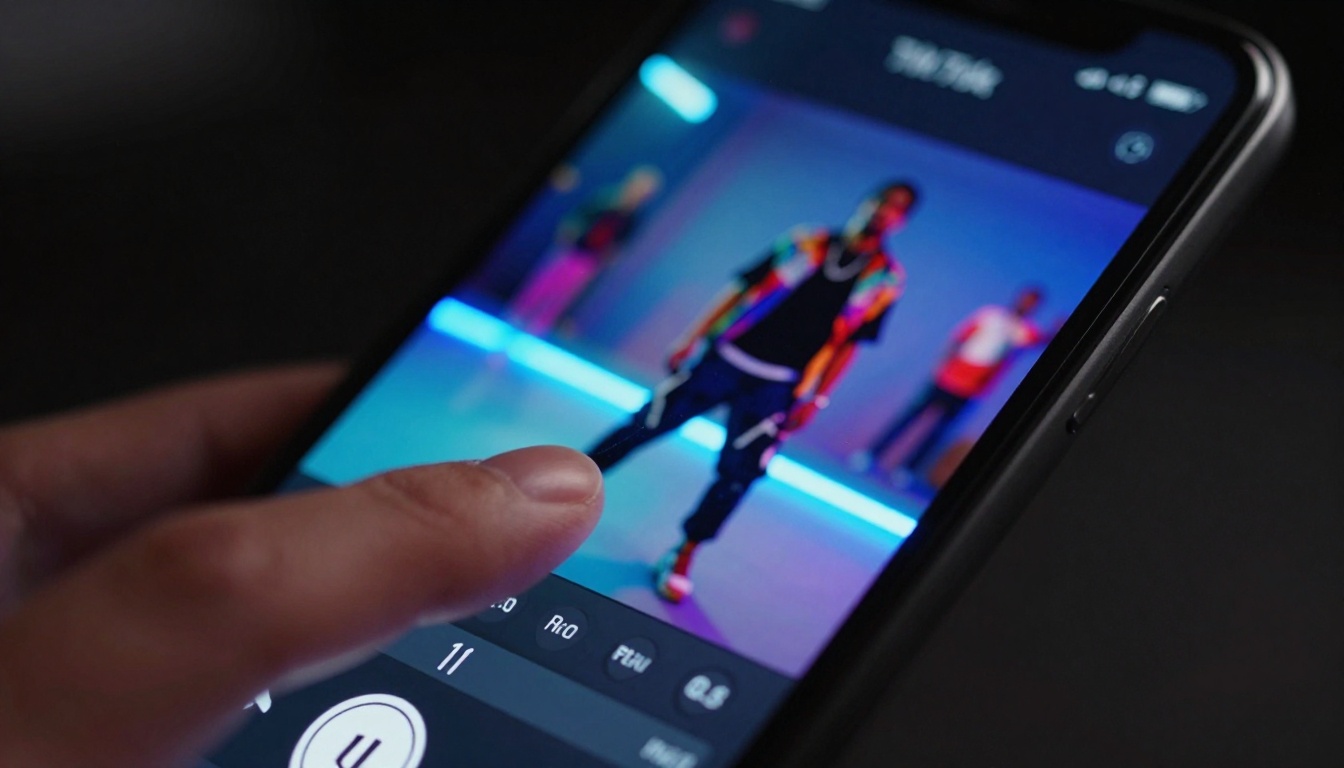
The TikTok algorithm doesn't care about your production budget. Instagram Reels rewards consistency over cinematography. YouTube Shorts prioritizes watch time over resolution. This reality has created an opening for AI video generation tools that can produce platform-optimized content at scale. Google's Veo 3.1 represents the current apex of this technology—a model specifically tuned for the demands of short-form video platforms.
Why Short-Form Video Dominates Social Platforms
The numbers tell the story: TikTok users spend an average of 95 minutes per day on the platform. Instagram Reels generate 22% more reach than standard video posts. YouTube Shorts receives 50 billion daily views. This isn't just trend data—it's user behavior fundamentally shifting toward bite-sized, vertical-format content.
💡 Platform Attention Spans: TikTok's average watch time per video is 34 seconds. Instagram Reels perform best at 15-30 seconds. YouTube Shorts algorithm favors videos under 60 seconds. Veo 3.1's default 10-second generation aligns perfectly with these constraints.
The economics are equally compelling. Traditional 60-second brand commercials cost $10,000-$50,000 to produce. AI-generated alternatives using Veo 3.1 can be created for pennies, tested across multiple variations, and scaled based on performance data.
Series Potential: Content should suggest follow-up videos
Crafting Prompts That Actually Work
The difference between generic AI video and platform-optimized content lies in prompt engineering. Here's the exact structure that delivers results with Veo 3.1:
Prompt Template:
[Platform]: [Subject Action] in [Setting] with [Style], [Camera Movement], [Lighting], [Mood] --duration [Seconds] --aspect 9:16 --motion [Quality]
Working Examples:
TikTok Success Prompt:
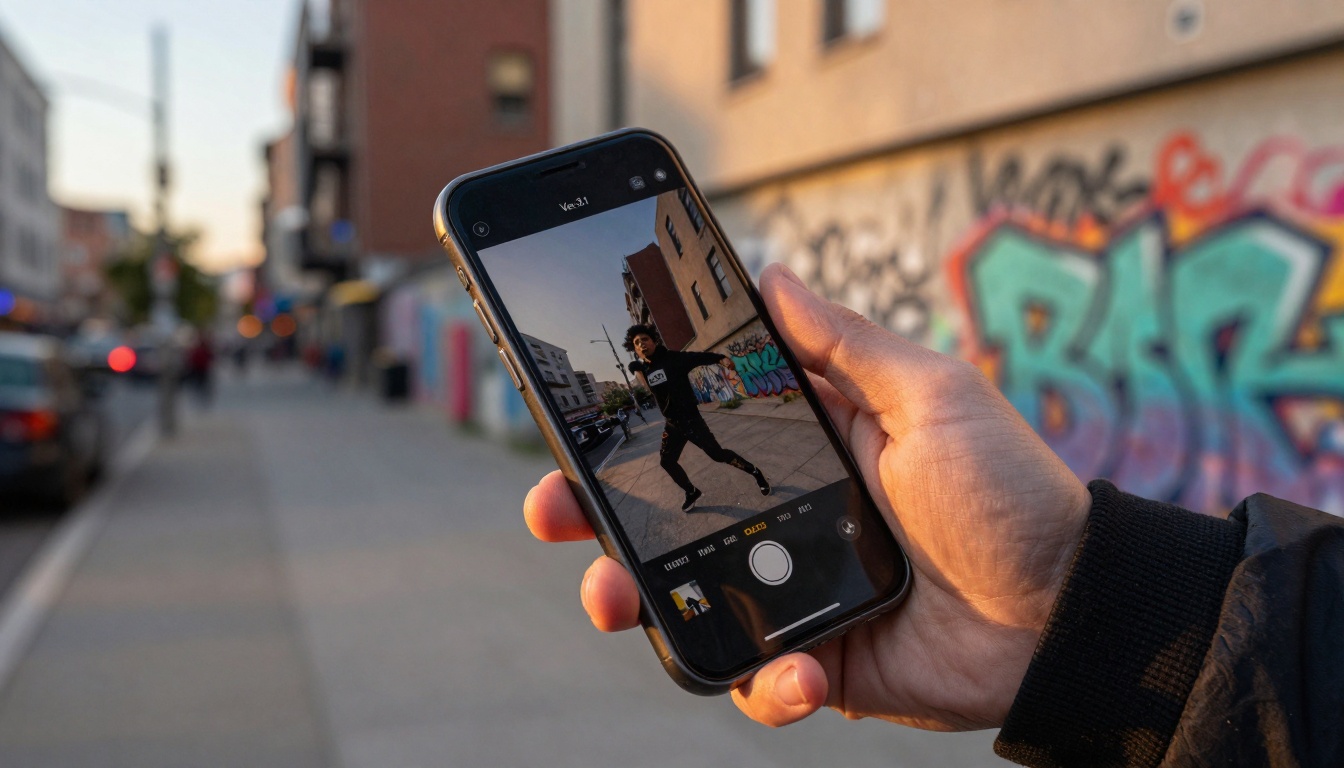
TikTok: A skateboarder performs an ollie in an urban alley at golden hour, cinematic style, tracking shot following the trick, warm sunset lighting, energetic mood --duration 12 --aspect 9:16 --motion smooth
Instagram Reels Prompt:
Instagram: A chef prepares avocado toast in a modern kitchen, clean minimalist style, overhead stationary shot, bright natural lighting, calm aesthetic --duration 18 --aspect 9:16 --motion subtle
YouTube Shorts Prompt:
YouTube: A science experiment demonstrating chemical reaction in a laboratory, educational documentary style, close-up then pull-back camera movement, clinical fluorescent lighting, informative tone --duration 45 --aspect 9:16 --motion realistic
Critical Prompt Elements:
Platform Context: Telling Veo 3.1 which platform you're targeting influences motion pacing and style
Duration Specification: Exact second counts matter for algorithm optimization
Aspect Ratio Lock: 9:16 ensures no cropping or reformatting needed
Motion Quality: "smooth" for social content, "cinematic" for brand work
Timing, Duration, and Attention Spans
The 3-Second Rule: TikTok's algorithm decides within the first 3 seconds whether to push your video to more users. Veo 3.1 prompt engineering must account for this:
Hook-First Prompt Structure:
TikTok: [Dramatic Opening Action], then [Main Content], with [Resolution] --duration 10 --hook-first true
Example with Timing Breakdown:
TikTok: A glass shatters dramatically (0-2s), then artist paints on broken pieces (2-8s), revealing finished artwork (8-10s) --duration 10 --hook-first true --aspect 9:16
Platform-Specific Timing Strategies:
Platform
Ideal Length
Hook Window
Content Pacing
Resolution Timing
TikTok
10-24 seconds
0-3 seconds
Fast (2s/scene)
Last 2 seconds
Instagram
15-30 seconds
0-5 seconds
Medium (3s/scene)
Gradual reveal
YouTube
30-60 seconds
0-8 seconds
Slow (4s/scene)
Continuous build
Adding Audio and Music Layers
While Veo 3.1 generates silent video, audio integration follows specific platform patterns:
TikTok Audio Strategy:
Use trending sounds (identified via TikTok Creative Center)
Match audio BPM to video cut timing
Audio should peak at video climax points
Consider voiceover for educational content
Instagram Reels Audio Approach:
Original music or licensed tracks
Subtle background scores
Voiceover with clean audio quality
Audio ducking for text overlays
YouTube Shorts Sound Design:
Educational voiceover prioritized
Sound effects for emphasis
Music as background only
Clear speech intelligibility
Audio Prompt Integration:
When using Veo 3.1, include audio timing cues in your prompt:
TikTok: Dancer performs routine in studio, each move synced to beat drops at 2s, 5s, 8s marks --duration 12 --aspect 9:16 --motion rhythmic
Prompt Construction: Use the platform-specific template above
Parameter Selection: Set duration to 12, aspect to 9:16, motion to smooth
Generate: Click create and wait 45-90 seconds
Review: Check motion quality and hook effectiveness
Export: Download MP4 file at 1080×1920 resolution
Post-Production: Add trending audio in TikTok/Instagram editor
Example Generation Session:
Prompt: TikTok: A barista creates latte art in a cozy cafe, close-up on pouring milk, then reveal of heart design, warm morning lighting, comforting mood --duration 12 --aspect 9:16 --motion smooth --style cinematic
Expected Output: 12-second vertical video showing detailed latte art process with smooth motion transitions, optimized for TikTok's visual style.
Instagram: Fashion model showcases outfit in three different poses in a minimalist studio, clean transitions between poses, softbox lighting, elegant aesthetic --duration 18 --aspect 9:16 --motion subtle --style minimal
Transition Techniques:
Use "clean transitions" in prompt for Instagram
Specify "pose change at 6s and 12s" for timed transitions
"Gradual reveal" works for product showcases
"Match cut" for seamless scene changes
Common Mistakes and How to Avoid Them
Mistake #1: Ignoring Platform SpecificationsUsing horizontal or square formats that get cropped
Solution: Always specify --aspect 9:16 in Veo 3.1 prompts
Mistake #2: Wrong Duration for PlatformCreating 60-second videos for TikTok (algorithm penalizes)
Solution: Match duration to platform sweet spots:
TikTok: 10-24 seconds
Instagram: 15-30 seconds
YouTube: 30-60 seconds
Mistake #3: Poor Motion QualityJerky or unnatural movement that looks AI-generated
Solution: Use --motion smooth for social content, --motion cinematic for professional work
Mistake #4: Inconsistent StyleMixing aesthetic styles within single video
Mistake #5: No Hook StrategySlow starts that lose viewers in first 3 seconds
Solution: Structure prompts with dramatic opening action specified
Testing and Optimization Workflow:
Generate 5 variations of same concept with Veo 3.1
Post to platform with different captions/hashtags
Analyze analytics after 24 hours
Scale winning variant with additional generations
Iterate based on performance data
Performance Tracking Metrics:
Metric
Target
Veo 3.1 Adjustment
3s Retention
>65%
Increase hook intensity
Watch Time
>70%
Improve pacing
Shares
Industry average +20%
Enhance emotional appeal
Comments
High engagement
Add discussion hooks
The shift toward AI-generated short-form video isn't coming—it's here. Platforms have optimized their algorithms for volume and consistency, which plays directly to Veo 3.1's strengths. The model's understanding of platform-specific requirements, combined with precise parameter control through PicassoIA, creates a production pipeline that traditional methods can't match for speed or cost.
What separates successful implementations isn't just using the tool, but understanding the underlying platform mechanics. Veo 3.1 gives you the visual quality; your prompt engineering and platform strategy determine whether that quality translates to engagement.
Test the exact prompts and parameters outlined here. Generate your first TikTok-optimized video using Veo 3.1 on PicassoIA, track the performance against your existing content, and scale what works. The data will show you the difference between generic AI video and platform-optimized content that actually performs.