The visual landscape for content creators has shifted dramatically in recent years. What used to require expensive equipment, specialized skills, and extensive time now happens with text prompts and AI interfaces. This isn't about replacing human creativity - it's about accelerating the production process so creators can focus on strategy, storytelling, and audience connection rather than technical execution.
💡 Quick Tip: Start with specific problems rather than general concepts. Instead of "beautiful landscape," try "sunset over Italian vineyards with golden hour lighting, 35mm film grain, Kodak Portra 400 simulation."
The shift happened gradually, then suddenly. Three years ago, AI image generation was niche, technical, and inconsistent. Today, tools like Flux, GPT Image, and Qwen Image produce photorealistic results that rival professional photography. The change isn't just about quality - it's about accessibility.
What changed:
- Speed: Minutes instead of days for visual concepts
- Cost: Subscription fees instead of studio rentals
- Variety: Unlimited iterations instead of limited shots
- Consistency: Cohesive visual styles across platforms
Creator reality check:
Most successful creators don't use AI for everything. They use it for specific pain points:
- Social media grids that need visual cohesion
- Product photography when studios are unavailable
- Brand identity development before committing to design
- Content planning before production begins
Instagram's 3x3 grid presents a unique challenge: nine images that must work individually while creating a cohesive whole. AI tools solve this by generating variations with consistent style parameters.
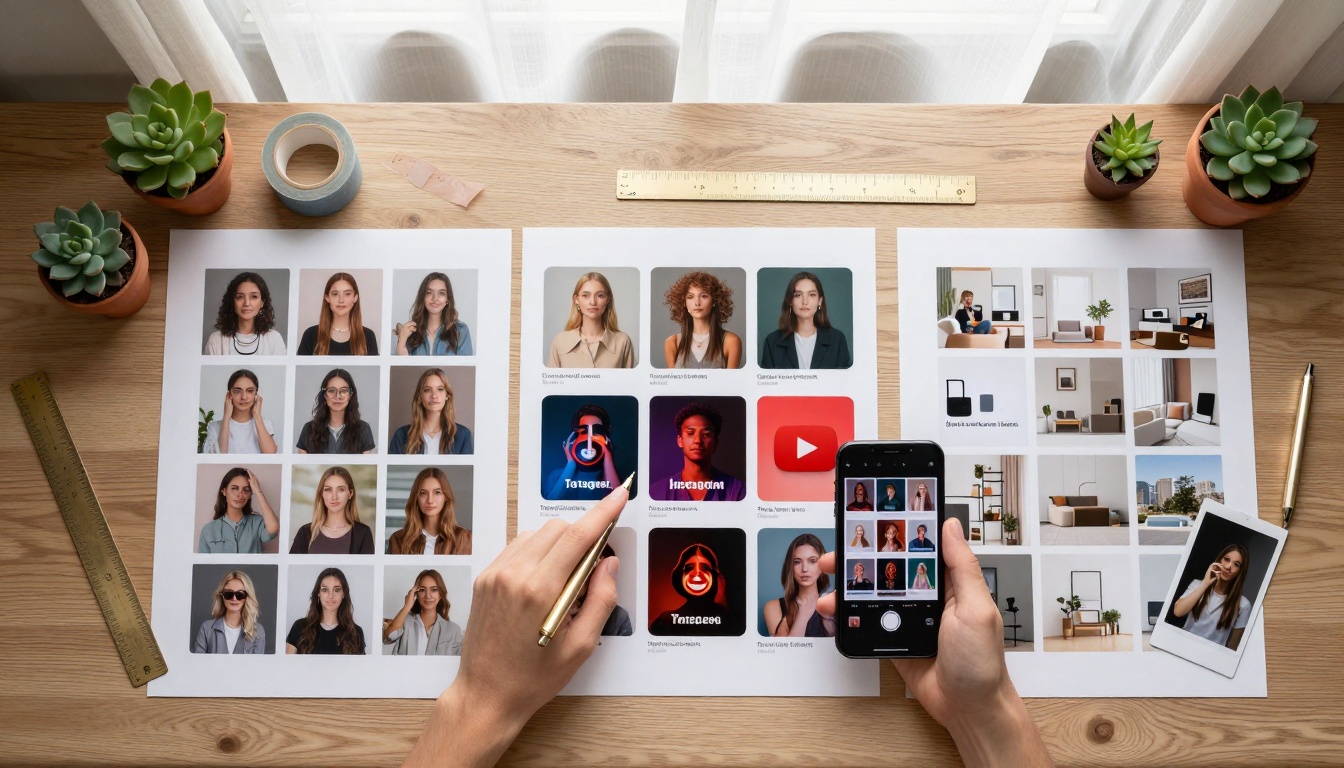
Instagram workflow:
- Define style parameters: Color palette, lighting conditions, composition rules
- Generate variations: 20-30 images with consistent style
- Select grid arrangement: Choose 9 that tell a visual story
- Refine specifics: Adjust individual images while maintaining cohesion
Platform-specific approaches:
| Platform | AI Visual Strategy | Tools to Consider |
|---|
| Instagram | Cohesive grids, Stories templates, Reels thumbnails | Flux 2 Pro, P-Image |
| TikTok | Attention-grabbing first frames, consistent branding | Z-Image Turbo for speed |
| YouTube | Clickable thumbnails, channel art, end screens | Qwen Image 2512 for detail |
| Pinterest | Vertical pins, step-by-step visuals, mood boards | Seedream 4.5 |
Practical example: A lifestyle creator needs 9 Instagram posts about "cozy autumn mornings." Instead of shooting for days, they use AI to generate:
- Coffee mug with steam in morning light
- Blanket fort with book and candle
- Rainy window with condensation
- Sweater with falling leaves
- Breakfast table with golden hour lighting
- Pet sleeping by fireplace
- Book stack with tea cup
- Boots by front door with fallen leaves
- Journal with handwritten notes
All share: "golden hour lighting, film grain texture, warm color palette, natural materials" parameters.
Brand Identity Development Accelerated
Startups and small businesses face a classic dilemma: invest in professional branding or bootstrap with limited resources. AI visual tools provide a middle path - rapid exploration before committing to final designs.
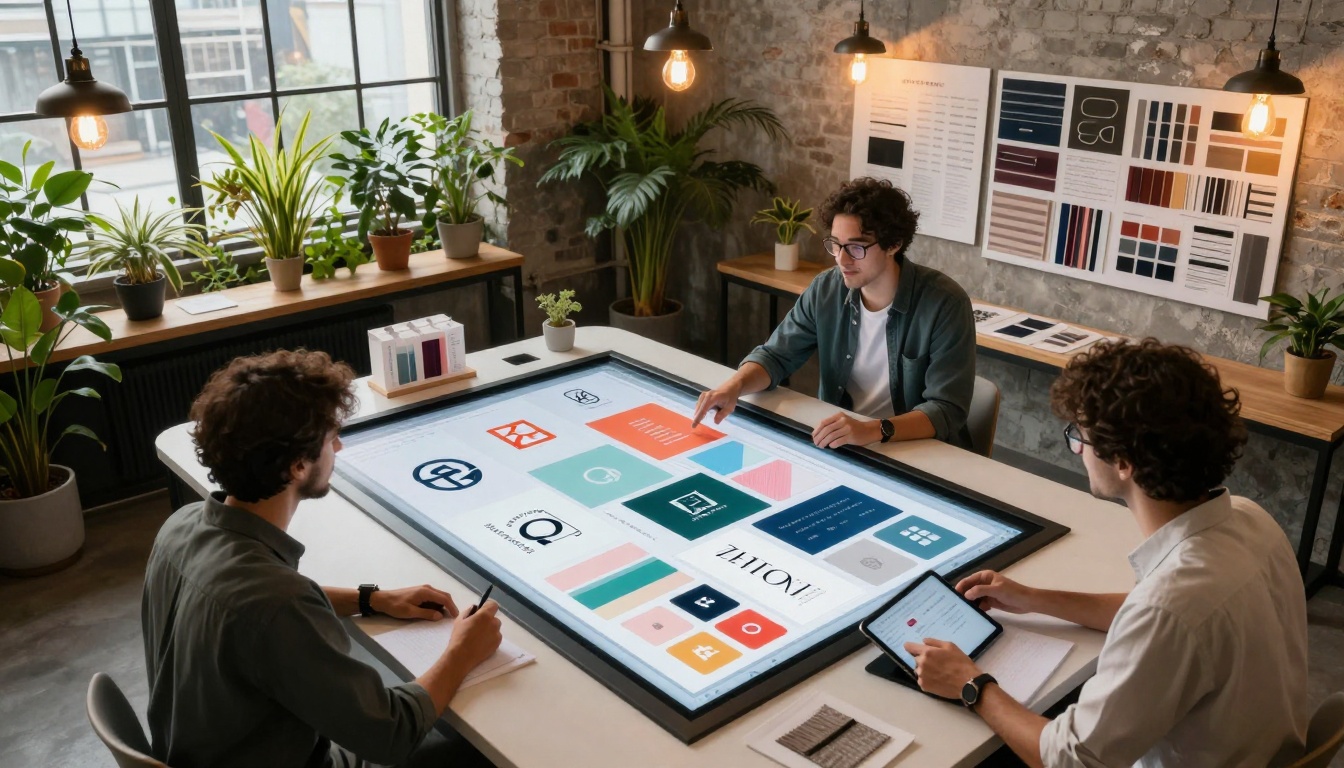
Brand development phases with AI:
Phase 1: Exploration
- Generate 50+ logo concepts in different styles
- Test color palette combinations visually
- Explore typography pairings in context
- Create mood boards with various aesthetics
Phase 2: Refinement
- Narrow to 5-10 strongest directions
- Create application mockups (business cards, websites, packaging)
- Test across different mediums (digital, print, merchandise)
- Gather stakeholder feedback with visual examples
Phase 3: Implementation
- Finalize chosen direction
- Create brand guidelines with AI examples
- Develop template system for consistent application
- Train team on visual standards
Cost comparison:
| Approach | Time | Cost | Flexibility |
|---|
| Traditional Agency | 4-6 weeks | $5,000-$20,000 | Limited revisions |
| Freelance Designer | 2-4 weeks | $1,000-$5,000 | Moderate revisions |
| AI-Assisted Process | 3-7 days | $100-$500 | Unlimited exploration |
💡 Pro Tip: Use P-Image Edit for rapid iterations. Start with a strong base concept, then generate variations with specific adjustments: "same logo but with rounded corners," "same colors but more saturated," "same typography but bolder weight."
Product Photography Without Studios
E-commerce changed product photography from luxury to necessity. Every product needs multiple angles, lifestyle contexts, and variations. AI tools generate these without physical shoots.
Common product photography challenges AI solves:
- Multiple angles: Front, back, side, detail shots
- Lifestyle contexts: Product in use, in environment, with people
- Variations: Different colors, materials, configurations
- Seasonal updates: Holiday themes, seasonal backgrounds
- Scale representation: Size comparison, relative dimensions
Workflow for product visuals:
Step 1: Base product image
- Photograph product on neutral background
- Ensure clean, well-lit capture
- Multiple angles if possible
Step 2: AI contextualization
- Generate lifestyle settings for product
- Create usage scenarios
- Develop environmental contexts
Step 3: Variation generation
- Color variations
- Material alternatives
- Configuration options
Step 4: Platform optimization
- Social media formats
- E-commerce grid layouts
- Marketing campaign visuals
Example: A small jewelry brand needs product photos for 50 pieces. Traditional photography would cost $3,000+ and take weeks. AI-assisted approach:
- Photograph each piece on simple background ($200)
- Generate 5 lifestyle contexts per piece using AI ($50 in API costs)
- Create seasonal variations for holiday campaigns
- Develop social media templates for consistent posting
Tools for product visuals:
Fashion Content Visualization
Fashion creators face unique challenges: seasonal collections, outfit combinations, styling variations, and trend adaptation. AI tools allow visualization before production or purchase.
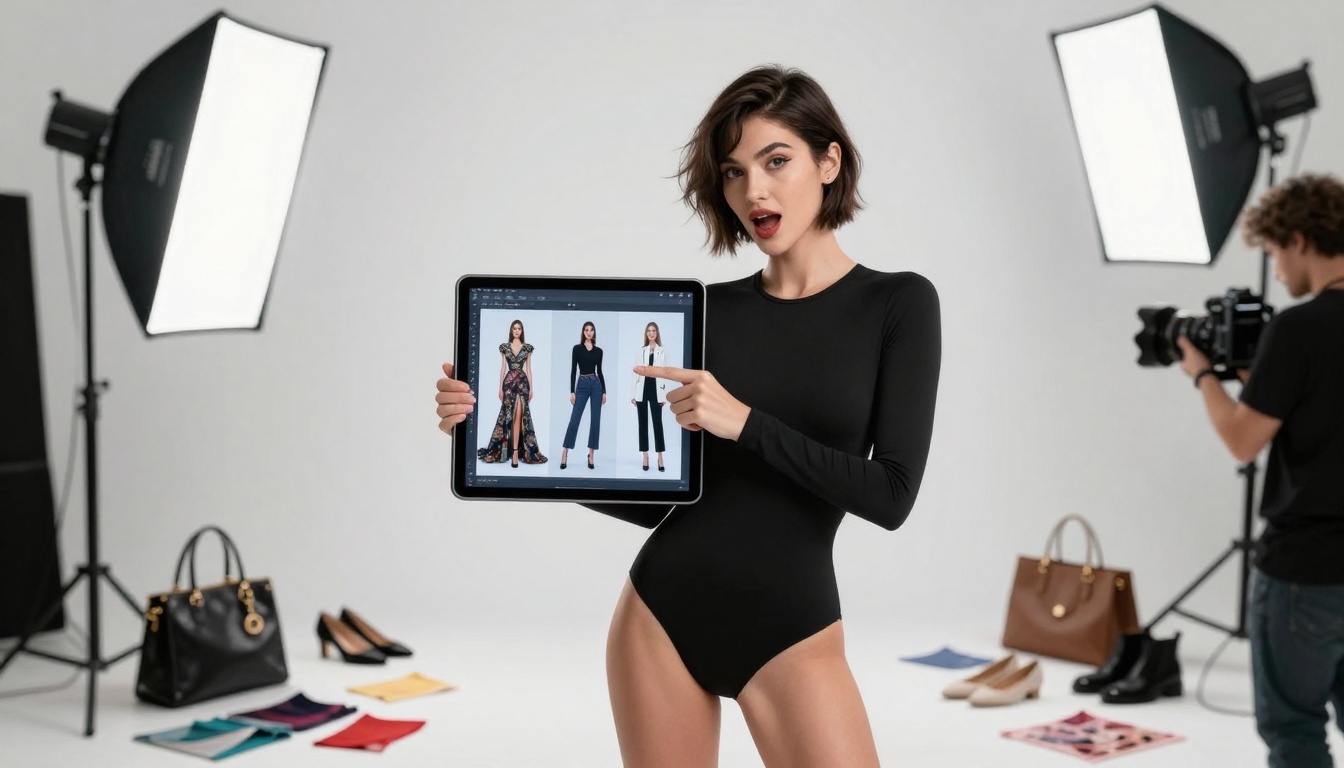
Fashion content applications:
Outfit Planning
- Generate complete outfits from wardrobe items
- Test color combinations before purchasing
- Visualize seasonal transitions
- Create capsule wardrobe visuals
Collection Development
- Seasonal theme exploration
- Color palette testing
- Fabric and texture visualization
- Accessory coordination
Styling Scenarios
- Event-specific outfits (wedding, business, casual)
- Body type variations
- Age-appropriate styling
- Climate-appropriate layering
Social Media Content
- Flat lay compositions
- Try-on hauls visualization
- Styling tutorial concepts
- Trend adaptation examples
Practical workflow:
- Inventory input: List available clothing items with details
- AI generation: Create outfit combinations from inventory
- Context testing: Visualize outfits in different settings
- Social media planning: Develop content calendar with visuals
- Audience testing: Share concepts for feedback before production
💡 Style Consistency: When generating fashion visuals, maintain consistent parameters: "fashion photography, studio lighting, model standing, full body, clean background, professional styling."
Travel Content Pre-Production
Travel creators invest significant resources in destination content. AI tools allow visualization before the trip, optimizing shot lists and content strategy.

Pre-trip planning with AI:
Destination Research
- Generate location-specific visual concepts
- Research optimal shooting times and angles
- Plan logistical requirements based on visual goals
- Identify unique perspectives before arrival
Content Strategy Development
- Shot list creation with visual examples
- Story arc visualization
- Platform-specific content planning
- Engagement strategy based on visual appeal
Equipment Planning
- Lens selection based on desired shots
- Lighting equipment needs
- Accessory requirements
- Backup planning for conditions
Budget Optimization
- Prioritize high-impact visual locations
- Eliminate low-potential shooting spots
- Maximize content yield per location
- Plan efficient routing between shots
Post-Production Planning
- Editing style consistency
- Color grading approach
- Cropping and composition standards
- Platform format optimization
Example workflow for Bali trip:
- AI research: Generate 100+ Bali visual concepts
- Shot selection: Choose 30 highest-potential concepts
- Location mapping: Plot selected shots on map
- Logistical planning: Schedule based on light conditions
- Content calendar: Plan social media rollout
- Equipment prep: Rent specific lenses for planned shots
Food Styling and Recipe Cards
Food content requires consistent styling, lighting, and composition. AI tools generate recipe card visuals, ingredient flat lays, and presentation concepts before cooking begins.
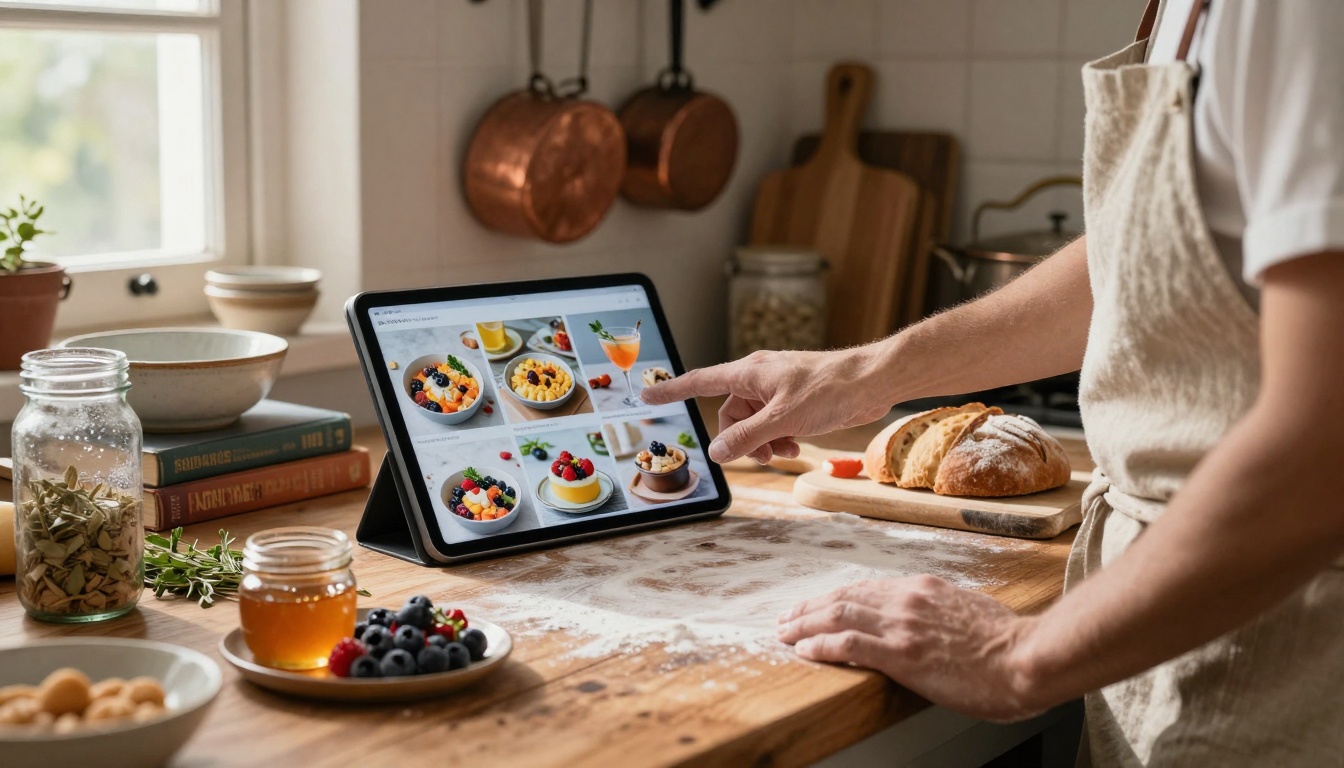
Food content applications:
Recipe Development
- Visualize finished dishes before cooking
- Test plating variations
- Explore ingredient presentations
- Develop step-by-step visual guides
Ingredient Photography
- Flat lay compositions
- Seasonal ingredient displays
- Farmer's market style shots
- Pantry organization visuals
Social Media Content
- Instagram recipe carousels
- TikTok cooking tutorials
- YouTube thumbnail concepts
- Pinterest recipe collections
Brand Collaboration
- Product placement visualization
- Sponsor integration concepts
- Cookbook development visuals
- Cooking class materials
Consistency challenges solved:
- Lighting: Consistent natural light simulation
- Styling: Cohesive prop selection
- Composition: Rule-of-thirds application
- Color palette: Seasonal color coordination
Tools for food visuals:
Practical example: Seasonal recipe series
- Theme definition: "Summer berry desserts"
- AI generation: 20 dessert concepts with summer styling
- Recipe development: Create recipes for selected concepts
- Visual refinement: Adjust AI concepts to match actual recipes
- Content production: Shoot recipes with AI concepts as reference
- Platform distribution: Optimize for different social media formats
Beauty and Makeup Tutorial Planning
Beauty creators need to visualize makeup looks, product applications, and tutorial sequences before filming. AI tools allow testing on different face shapes, skin tones, and lighting conditions.
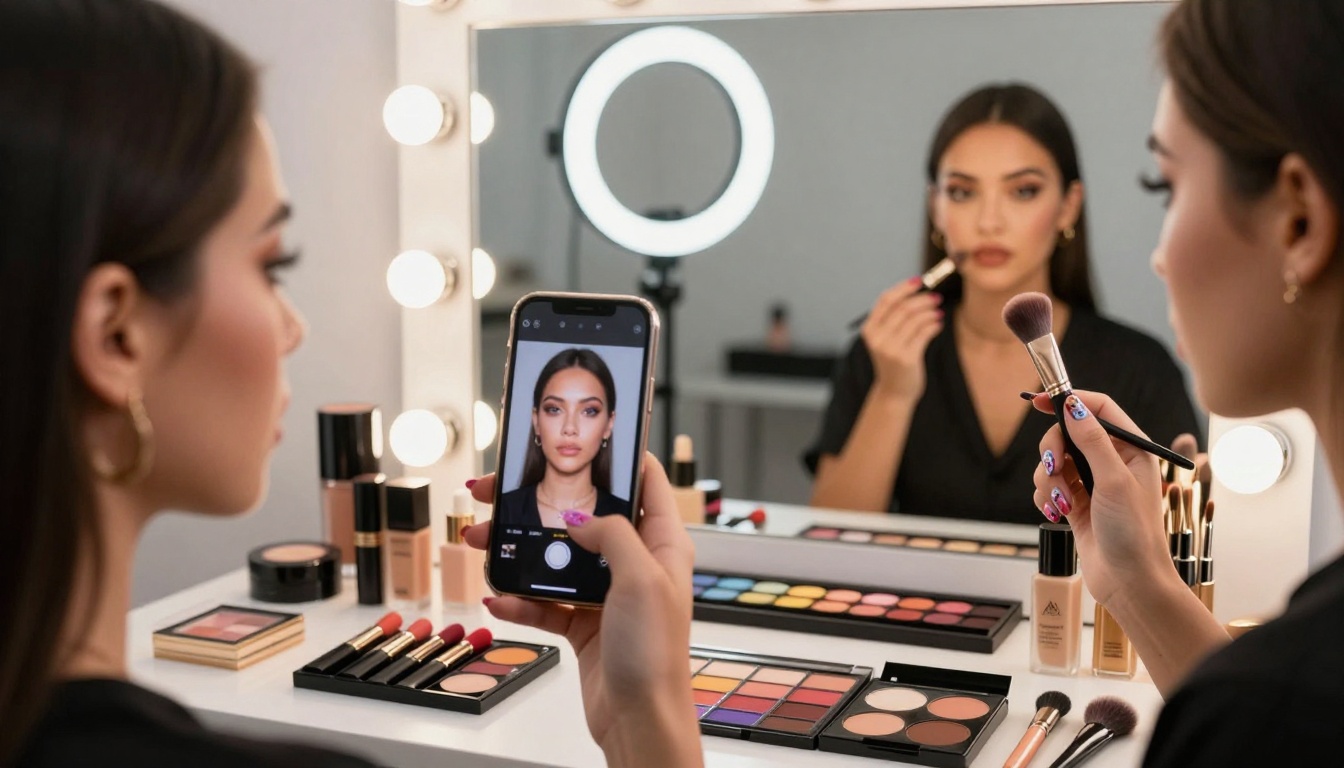
Beauty content applications:
Makeup Look Development
- Test color combinations on different skin tones
- Visualize looks in various lighting conditions
- Explore seasonal makeup trends
- Develop tutorial step sequences
Product Photography
- Swatch visualization on different skin tones
- Product application demonstration concepts
- Before/after transformation visuals
- Skincare routine visualization
Tutorial Planning
- Step-by-step visual breakdowns
- Camera angle and lighting planning
- Editing style consistency
- Platform format optimization
Brand Collaboration
- Product launch visual concepts
- Collection promotion materials
- Limited edition visualization
- Campaign development
Inclusivity applications:
- Skin tone testing: Visualize looks across Fitzpatrick scale
- Face shape variations: Adjust techniques for different structures
- Age considerations: Style-appropriate looks for different ages
- Cultural appropriateness: Respect cultural beauty standards
Workflow for makeup tutorial series:
- Concept development: 10 makeup look concepts
- AI visualization: Generate each look on different face models
- Product selection: Choose products that achieve visualized looks
- Tutorial scripting: Write scripts based on visual steps
- Filming preparation: Set up lighting and angles to match AI concepts
- Post-production: Edit to match AI visual style
💡 Pro Tip: Use P-Image Edit for makeup look iterations. Start with base face, then apply: "same face with smokey eye makeup," "same face with bold lip color," "same face with natural daytime makeup."
Collaborative Team Workflows
Creative teams benefit from AI tools during brainstorming, client presentations, and internal alignment. Visual concepts facilitate clearer communication than verbal descriptions.
Team collaboration applications:
Brainstorming Sessions
- Rapid concept generation during meetings
- Visual voting on direction options
- Style exploration without technical barriers
- Mood board development in real-time
Client Presentations
- Visual options instead of verbal descriptions
- Iteration based on immediate feedback
- Cost visualization for different approaches
- Timeline estimates with visual examples
Internal Alignment
- Brand standard visualization
- Campaign consistency checking
- Cross-platform style coordination
- Quality control reference materials
Tools for team collaboration:
- Interactive whiteboards with AI integration
- Shared prompt libraries for consistent style
- Version control for visual concepts
- Feedback systems integrated with generation
Example: Agency client presentation
- Internal brainstorming: 50+ visual concepts using AI
- Concept refinement: Narrow to 10 strongest directions
- Client presentation: Show visual options with explanations
- Feedback incorporation: Generate variations based on client input
- Final direction: Agree on visual approach with examples
- Production planning: Use agreed visuals as reference for execution
Personal Passion Projects
Beyond professional content, AI tools empower personal creative expression. Hobbyists, artists, and enthusiasts use AI for passion projects without commercial pressure.
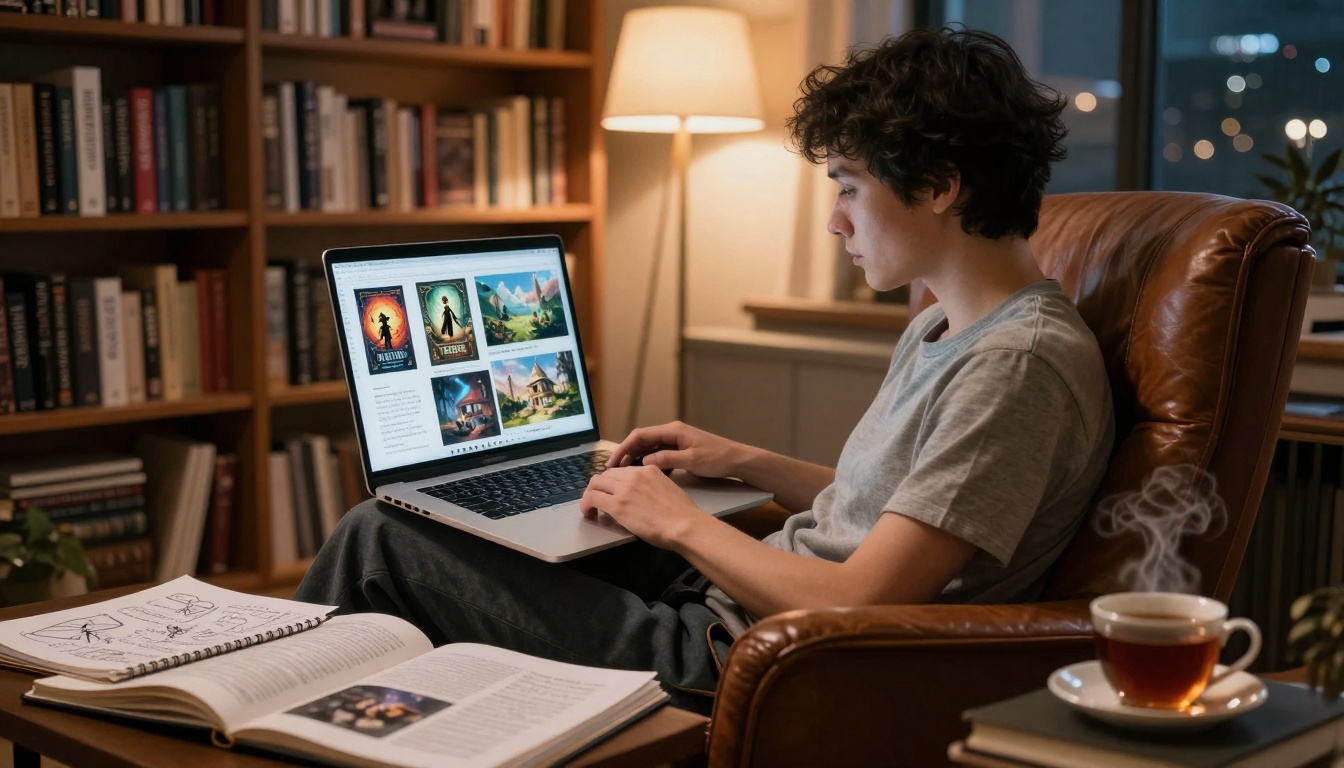
Personal project applications:
Creative Writing Support
- Book cover design concepts
- Character visualization
- Scene setting descriptions
- World-building visual aids
Art and Design Exploration
- Style experimentation without material cost
- Technique visualization before execution
- Composition testing
- Color theory application
Home and Lifestyle
- Interior design visualization
- Garden planning concepts
- DIY project planning
- Personal brand development
Gaming and Entertainment
- Character concept art
- Game environment visualization
- Cosplay design planning
- Fan art creation
Education and Learning
- Visual aids for complex concepts
- Study material creation
- Presentation enhancement
- Skill development visualization
Accessibility considerations:
- Cost barriers removed: Free tiers and affordable options
- Skill requirements lowered: Intuitive interfaces
- Time investment reduced: Rapid iteration possible
- Fear of failure diminished: Experimentation encouraged
Community aspects:
- Shared prompt libraries: Communities exchange successful formulas
- Collaborative projects: Groups work on shared visual goals
- Skill sharing: Experienced users mentor beginners
- Open source development: Community-driven tool improvement
The barrier to entry has never been lower. Most platforms offer free tiers or trial periods. The real investment isn't money - it's time spent learning prompt engineering and developing personal workflow.
First month learning path:
Week 1: Foundation
- Choose one primary tool (Flux or P-Image)
- Complete platform tutorials
- Generate 100 simple images
- Learn basic prompt structure
Week 2: Application
- Apply to one specific content type
- Develop consistent parameters
- Create template prompts
- Measure time savings
Week 3: Integration
- Incorporate into existing workflow
- Develop quality standards
- Create output organization system
- Track productivity improvements
Week 4: Optimization
- Refine prompt library
- Develop style consistency
- Create platform-specific templates
- Plan scaling strategy
Common beginner mistakes to avoid:
- Overcomplicating prompts: Start simple, then add detail
- Ignoring parameters: Lighting, style, composition matter
- Skipping iteration: Generate multiple variations, then refine
- Isolating tools: AI works best integrated with existing workflow
- Chasing perfection: "Good enough" often beats "perfect" for content
Resource recommendations:
| Resource Type | Specific Recommendations | Best For |
|---|
| Learning Platforms | Prompt engineering courses, YouTube tutorials | Foundation building |
| Community Groups | Discord servers, Reddit communities | Problem solving |
| Tool Documentation | Official guides, API references | Technical integration |
| Example Libraries | Prompt collections, style guides | Inspiration |
| Workflow Templates | Process documentation, checklist systems | Efficiency |
What Comes Next
The AI visual tool landscape continues evolving rapidly. Current capabilities will seem primitive in 12 months. The creators who thrive will be those who view AI as collaborative partner rather than replacement, who develop workflows that leverage machine efficiency while maintaining human creativity, and who focus on strategic application rather than technical mastery.
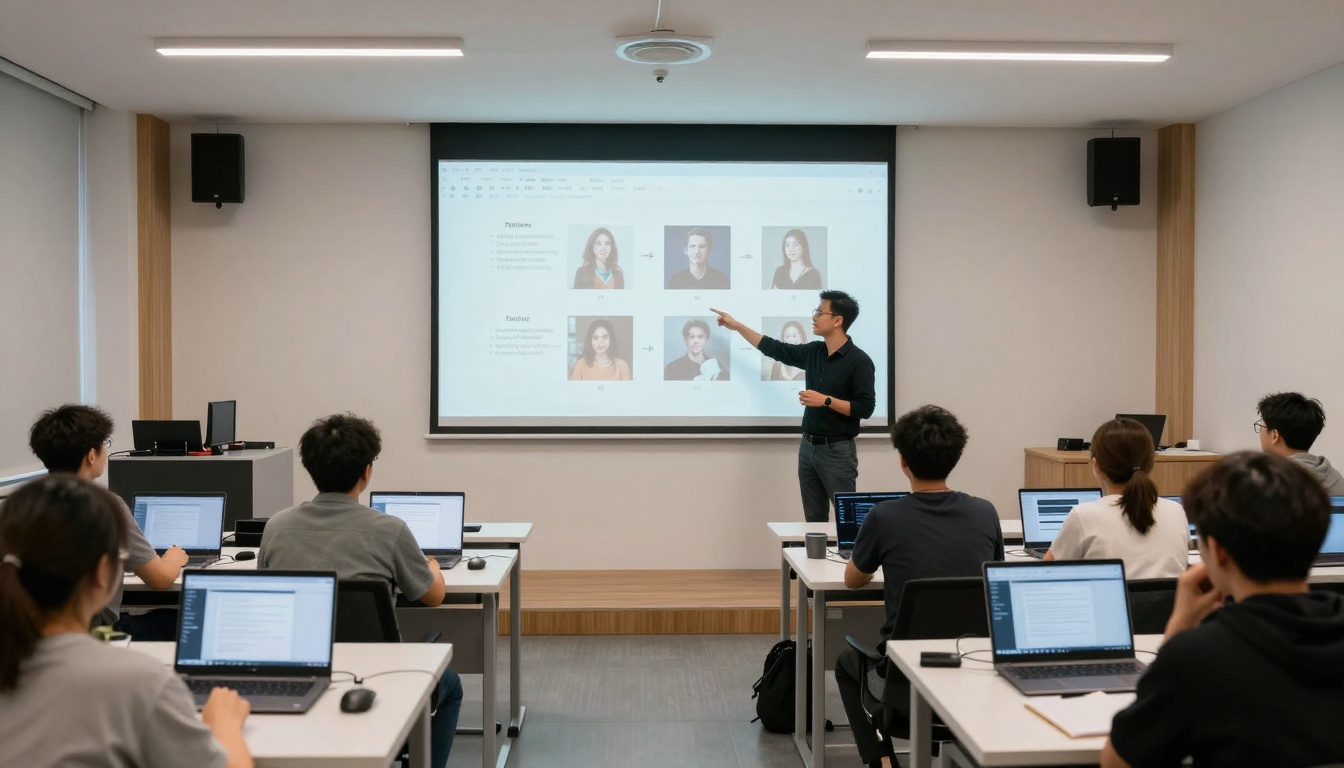
The most successful creators using AI visuals share common characteristics:
Strategic mindset
- AI for specific problems, not everything
- Quality standards maintained
- Human creativity amplified, not replaced
- Audience needs prioritized over technical novelty
Workflow integration
- Seamless tool incorporation
- Time savings measured and optimized
- Output consistency maintained
- Platform requirements respected
Continuous learning
- Tool evolution tracked
- New capabilities tested
- Community knowledge shared
- Personal skills developed
Ethical consideration
- Transparency about AI use
- Originality standards maintained
- Copyright respect upheld
- Authenticity preserved
The visual content revolution isn't about AI replacing creators. It's about creators who use AI replacing those who don't. The tools are accessible, the learning curve manageable, and the productivity gains substantial. The question isn't whether to use AI visual tools, but which specific problems in your workflow they can solve today.
Start with one pain point. Generate ten variations. Refine based on results. Integrate into your process. Measure the time saved. Then tackle the next challenge. The cumulative effect over months transforms not just your output, but your creative relationship with visual content production.


