Most people blame the model when their AI images come out flat, noisy, or just wrong. The real culprit is almost always the prompt itself. Not the idea, but the execution. How you phrase lighting, distance, angle, texture, and mood controls roughly 80% of what you get back. The fixes are small. One word placed correctly can shift an image from amateur to cinematic, and this article shows you exactly which words and where.
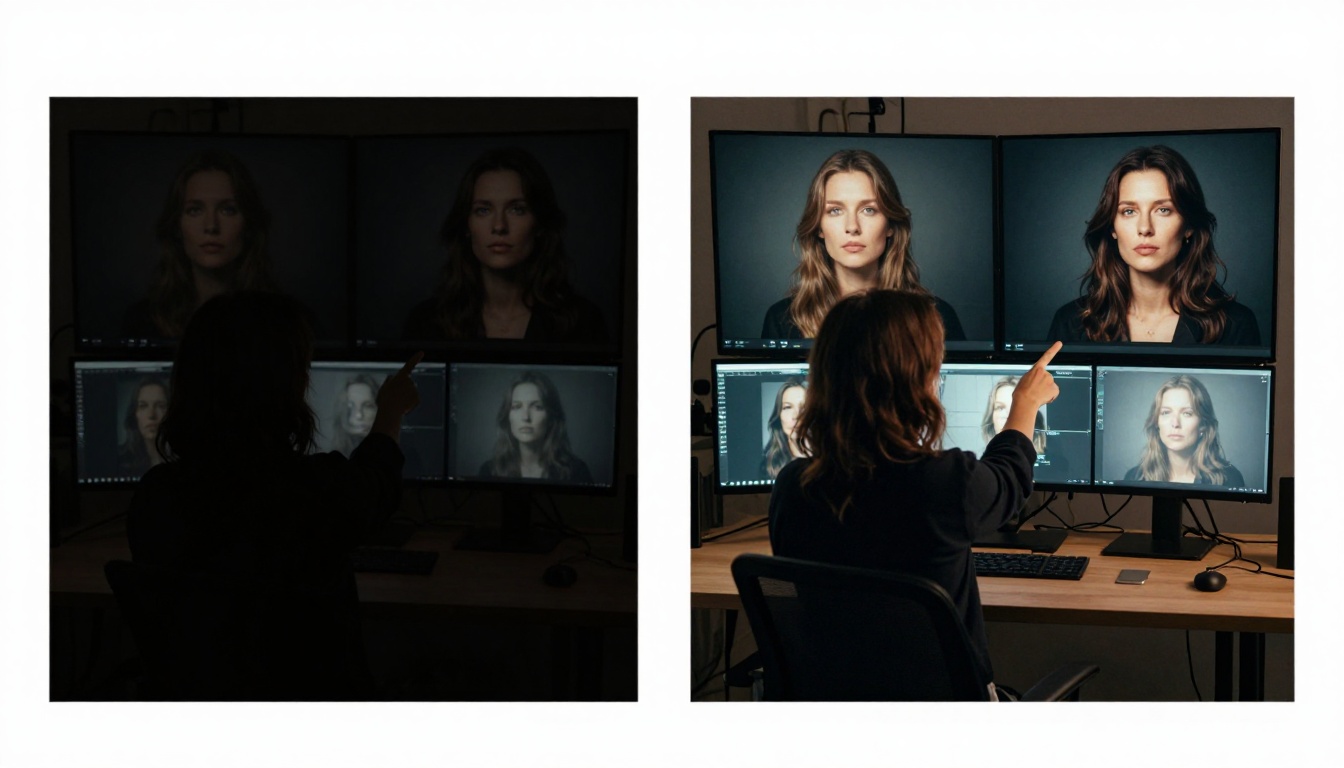
Lighting Changes Everything
You could write the most detailed subject description in the world, and if your lighting description is vague, the model fills in the gap with something generic. Flat, even lighting is the default output for under-described prompts, and it kills depth, mood, and visual interest in a single stroke.
Volumetric vs. soft vs. harsh
These three words describe completely different lighting scenarios and produce completely different images. "Soft morning light" gives you diffused, shadow-free output with a gentle, lifestyle feel. "Harsh midday sun" introduces strong shadows, bleached highlights, and raw contrast. "Volumetric light" tells the model to show the light itself as a physical presence, like rays cutting through dust, smoke, or fog.
💡 Add one of these to your next prompt: "golden hour backlight", "overcast diffused light", "single key light from the left", "blue hour twilight glow". Each of these shifts the emotional tone of the image before you change anything else.
The direction of light matters just as much as the quality. "Light from the left", "rim light from behind", "overhead fluorescent" all produce radically different results. A model like GPT Image 2 responds especially well to precise environmental descriptions, and light direction is one of the most reliable triggers.
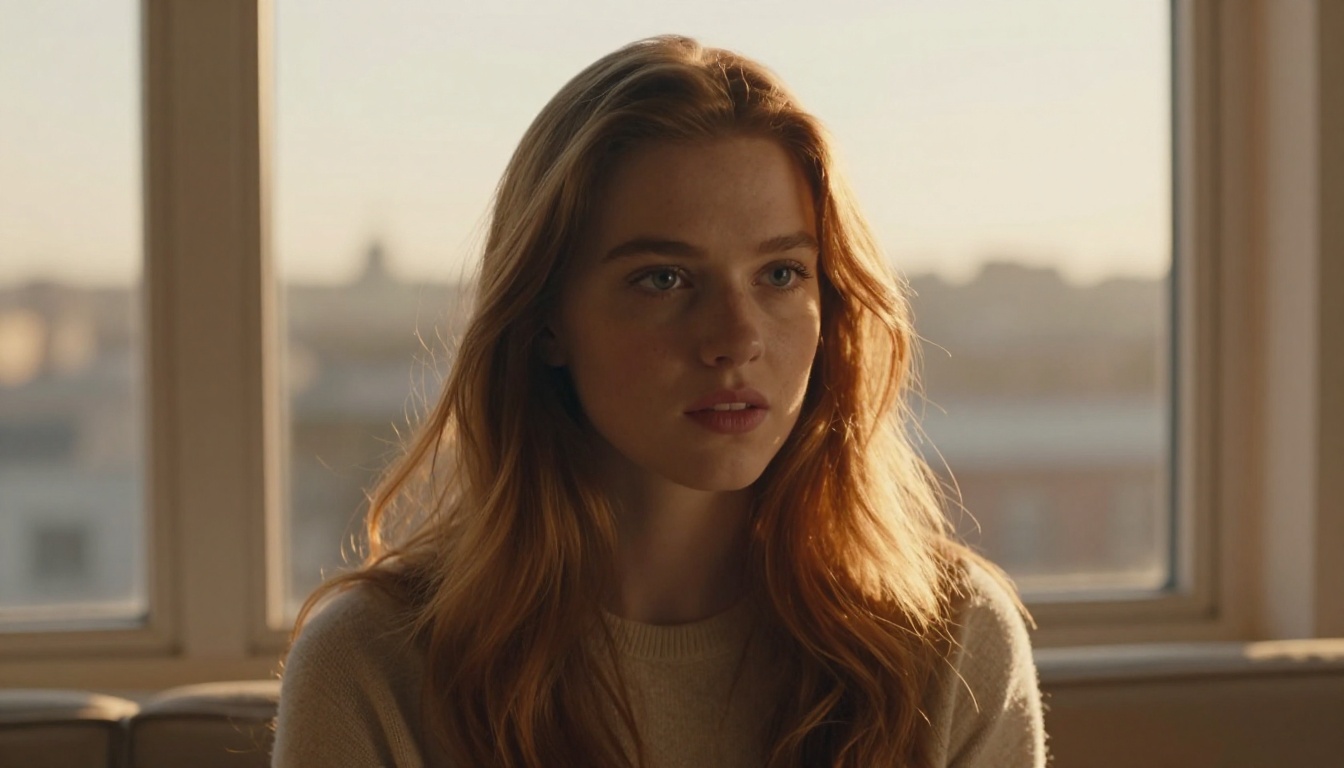
The time-of-day shortcut
If you want to avoid writing a full lighting paragraph, name the time of day and the weather. "Late afternoon overcast" gives you soft, diffused light with neutral shadows. "Pre-dawn blue hour" gives you cool tones, low contrast, and a moody atmospheric quality. "Midday harsh sun" gives you punchy shadows and strong directional light. These are fast, reliable triggers that models understand consistently across different architectures.
Camera Angle Rewrites the Story
The angle of the camera is not just a technical detail. It carries narrative weight and affects how a viewer emotionally reads the image. A low-angle shot makes subjects look powerful and imposing. An overhead aerial shot flattens the scene into a graphic, design-like composition. A close-up 85mm portrait shot creates intimacy and draws focus to expression.
Low-angle and high-angle
Add "low-angle shot, looking up" to any subject description and the output shifts from neutral documentation to a sense of scale or dominance. This works well for architecture, portraits where confidence is the goal, and any scene where you want to imply drama without changing the subject itself. "High-angle shot, looking down" creates vulnerability, overview, or an editorial flat-lay quality that reads as organized and intentional.

Lens focal length as a mood word
Focal length is one of the most underused prompt modifiers available. Here is what each range implies visually and how models interpret it:
| Focal Length | Visual Effect | Best For |
|---|
| 24mm | Wide, environmental, slight edge distortion | Architecture, landscape, context shots |
| 50mm | Neutral, natural human perspective | Street, documentary, casual portraits |
| 85mm | Flattering compression, shallow depth of field | Portraits, fashion, beauty editorial |
| 135mm | Strong subject-background separation | Cinematic stills, isolation shots |
| 200mm+ | Heavy compression, very thin focus plane | Dramatic isolation, long-distance subjects |
Writing "85mm f/1.8" in your prompt tells the model exactly what spatial relationship you want between subject and background. Models like Seedream 4.5 and Wan 2.7 Image Pro both respond reliably to lens specifications when included alongside the style modifiers.
Subject Description That Actually Works
Vague nouns produce vague images. "A woman" gives the model complete creative freedom, which almost always means something generic. "A woman in her late 20s with short dark hair, wearing a linen blouse, slight smile" constrains the output toward something specific and repeatable. You are not limiting the model's creativity, you are directing it.
Physical specifics change output dramatically
You do not need to write a novel. Three or four specific physical details are enough to shift the model away from stock-photo defaults. The most impactful details to include:
- Age range: "mid-30s" vs. "early 20s" shifts body language, styling, and even background defaults
- Hair description: length, color, and texture ("loose waves", "tucked behind ear", "short natural curls")
- Clothing specifics: material implies environment ("linen" suggests casual warmth, "leather" implies edge or urban context)
- Skin tone and texture: "smooth olive skin with subtle highlights", "freckles across the nose", "natural skin texture"

Action vs. static pose
"Standing" is not an action. "Leaning forward over a desk mid-conversation" is an action. The difference shows clearly in the energy of the output. Even small verbs like "glancing", "reaching", or "pausing" push the model toward a scene with narrative tension rather than a posed catalog shot.
💡 Combine action with emotion for best results: "laughing mid-sentence", "staring out the window with a distant expression", "focused intently on the task in front of her". This gives the model direction for facial expression and body language simultaneously, which usually produces images that feel alive rather than staged.
Color Palettes in 3 Words or Less
Color is where many prompts leave the most quality on the table. If you do not specify a palette, the model defaults to what it has seen most often in training data for that subject type, which is usually oversaturated, slightly garish, and visually noisy. One palette anchor changes this immediately.
Named film stocks as palette shortcuts
Film stock names carry an enormous amount of color science information compressed into a short phrase. Models trained on photographic data recognize these names and apply their associated color profiles with reasonable consistency:
- Kodak Portra 400: Warm skin tones, soft highlights, cream shadows, slightly desaturated but rich with depth
- Fujifilm Velvia 50: Hyper-saturated colors, deep greens, vivid blues, high contrast, vibrant landscapes
- Kodak Ektar 100: Vivid reds and oranges, slightly cool skin tones, fine grain, crisp detail
- Kodak Gold 200: Warm yellows, nostalgic feel, soft grain, gentle contrast
- Fujifilm Provia 100F: Neutral and clean, accurate skin tones, strong contrast without exaggeration
Writing just "Kodak Portra 400" at the end of your prompt can shift the entire color character of the output without touching any other variable.

Palette words for non-photographic prompts
If film stock names feel out of place for your use case, use palette descriptors directly. "Muted earth tones", "cool desaturated blues", "warm amber and cream", "high contrast monochrome" all perform well across most models. The key is being deliberate. An unspecified palette is an invitation for the model to make choices, and those choices are often wrong.
Atmosphere and Texture Details
Atmosphere is the difference between a technically correct image and one that feels like it exists in a real, physical world. Two prompts with identical subjects and identical lighting can produce completely different results based on how well the texture and environmental details are described.
Surface and material descriptions
When you describe surfaces, name the material and its condition. "Wooden desk" is weaker than "worn oak desk with ring stains and visible grain texture". "City street" is weaker than "wet cobblestone alley reflecting orange streetlights". These details trigger the model's understanding of how light interacts with specific surfaces, which improves overall realism significantly and grounds the image in a real place.
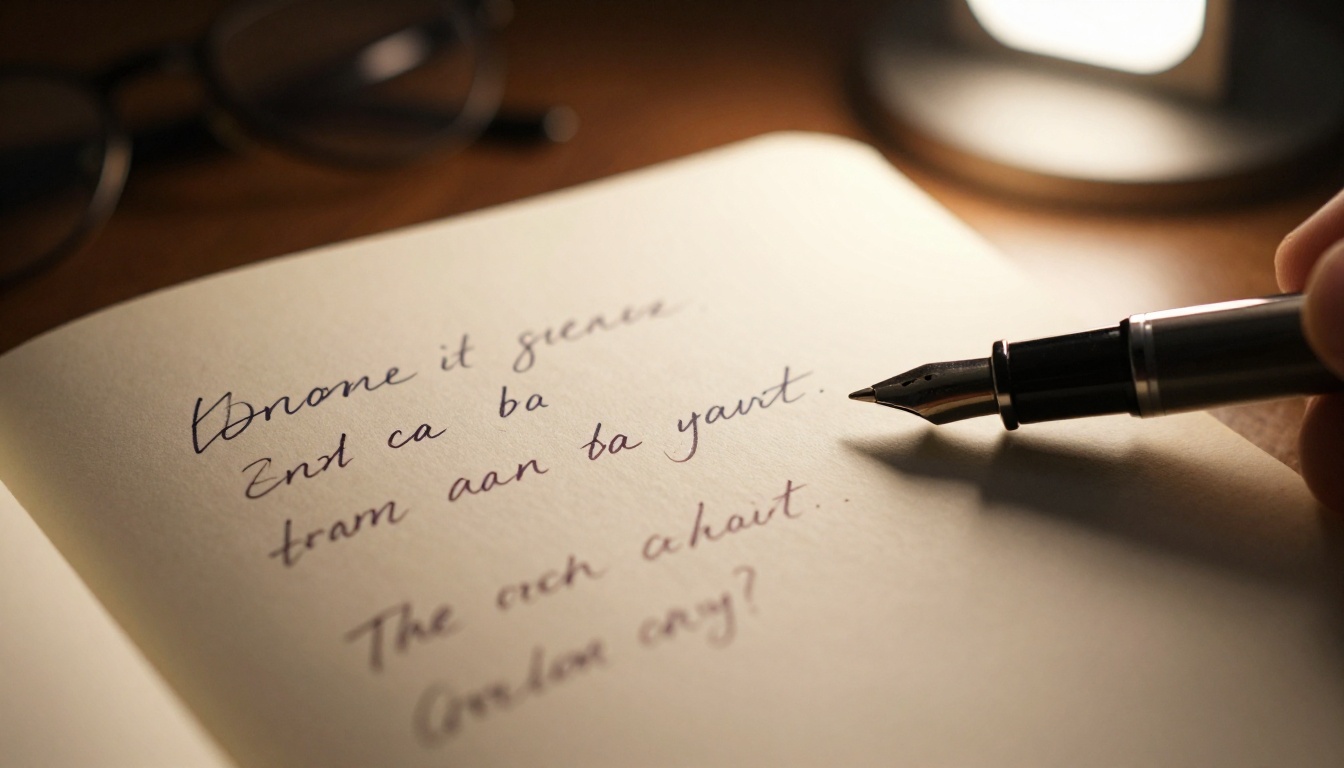
Film grain as a realism signal
Adding "film grain", "subtle film grain", or "Kodak grain texture" to photorealistic prompts counterintuitively improves perceived realism. Perfectly clean digital images often feel artificial to viewers. Grain signals that the image was captured rather than rendered, and most models have learned to associate grain with high-quality photographic output. It is one of the cheapest realism upgrades available.
💡 The grain sweet spot: Use "subtle film grain" or "fine grain texture" for portraits and lifestyle shots. Reserve "heavy grain" or "pushed film grain" for moody, dark, or low-light scenarios. Too much grain in a bright outdoor scene will just look like noise rather than texture.
Negative Prompt Strategy
Negative prompts are often treated as a cleanup tool, something you use to remove things that have already appeared in a bad generation. The more effective approach is using them proactively to define what the image is not, before the model has a chance to make assumptions.
What to actually exclude
The most effective negative prompt entries are not abstractions like "ugly" or "bad quality". Those terms are too vague for the model to act on precisely. More useful exclusions are specific artifacts and style categories you want to avoid:
cartoon, illustration, render, cgi, digital art when you need photorealismoverexposed, blown highlights, harsh shadows when you need controlled lightingsymmetrical composition when you want something more dynamic and naturalcluttered background when you need subject isolationwatermark, text, logo, signature for clean, unmarked outputsplastic skin, airbrushed, retouched when natural texture matters
One mistake that breaks results
A common mistake is writing the same concept in both the positive and negative prompt. If your positive prompt says "soft natural lighting" and your negative says "dramatic lighting", you are sending contradictory signals and the model resolves this unpredictably. Keep positive and negative prompts focused on entirely different dimensions of the image to avoid signal conflict.

Which Models React Best to Precision
Not every model benefits equally from detailed prompts. Some are trained to work well with short, natural-language descriptions. Others are optimized for structured, technical prompt sequences. Knowing which is which saves significant iteration time and prevents frustration when precision does not seem to help.
Models that reward long, detailed prompts
GPT Image 2 handles long, descriptive prompts particularly well. It processes full sentences and manages nuanced instructions about mood, spatial relationships, and the interplay between scene elements. A detailed paragraph covering subject, lighting, atmosphere, and style gives this model enough material to produce something genuinely specific.
Wan 2.7 Image Pro performs well with structured detail density, especially for 4K photorealistic outputs. Long prompts with specific technical parameters like lens specs and film stock tend to produce cleaner, more faithful results on this model than short prompts do.
Hunyuan Image 2.1 handles compositional descriptions particularly well, including spatial relationships between elements and layered environmental context with multiple planes of depth.
Models that prefer focused brevity
Seedream 4.5 responds well to concise prompts with strong style anchors. Too much conflicting information in a long prompt can dilute the output on this model. Precision over volume is the right strategy here, picking the three or four most important descriptors and making them count.
Wan 2.7 Image is best for clean, focused outputs. A clear subject, a strong lighting reference, and a single style word reliably deliver consistent 2K results without requiring the full-paragraph treatment.
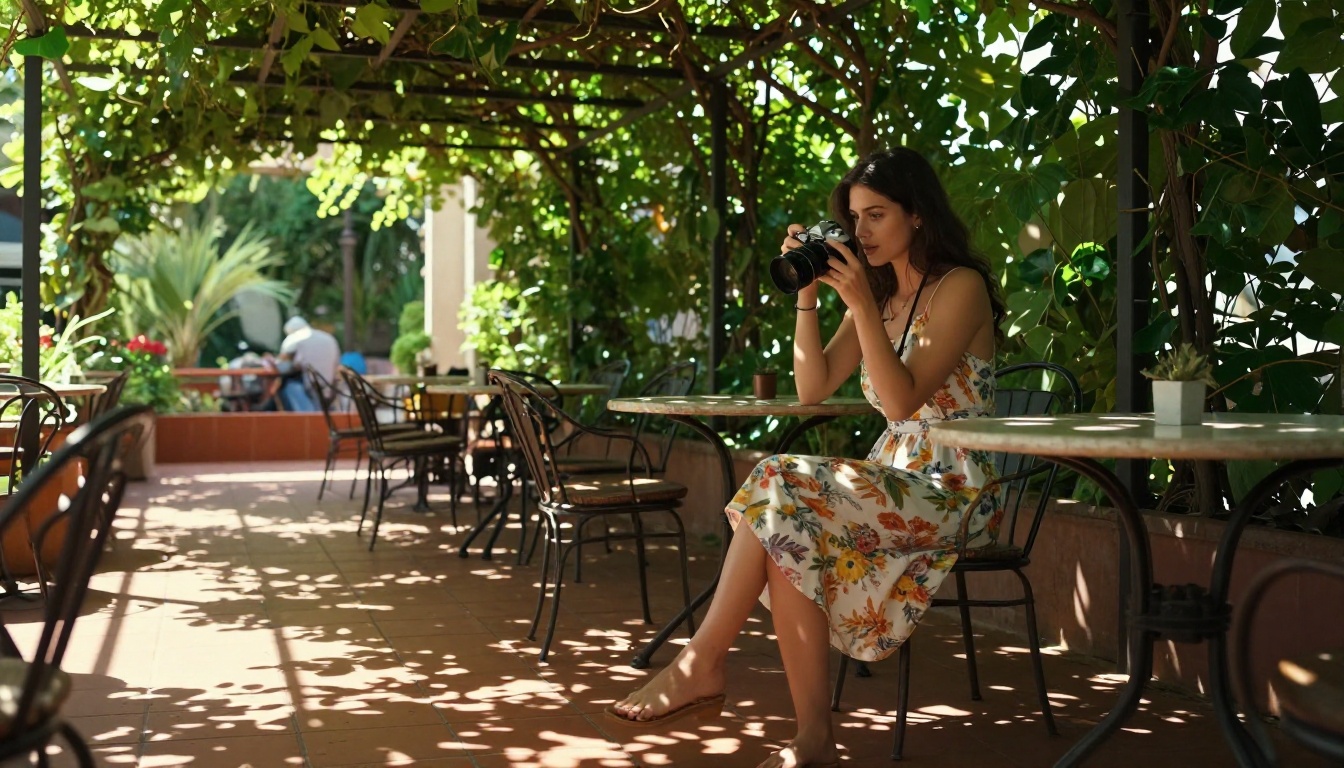
| Model | Prompt Style | Strengths |
|---|
| GPT Image 2 | Long, descriptive | Nuance, mood, complex multi-element scenes |
| Seedream 4.5 | Focused, keyword-rich | 4K quality, clean style execution |
| Wan 2.7 Image Pro | Detailed, technical | High-fidelity photorealism, fine detail |
| Hunyuan Image 2.1 | Compositional | Spatial accuracy, layered scene depth |
| Wan 2.7 Image | Clean, concise | Reliable output, consistent 2K quality |
The best prompt writers do not invent something new every time. They develop a personal formula, a layered structure they apply consistently, then swap out individual components based on the specific image they need. This approach produces better results and dramatically faster iteration.
The layered structure
A reliable prompt formula follows this sequence:
- Subject and action: Who or what is in the scene, what are they doing, specific physical details
- Environment: Where are they, what does the setting look like, surface materials and condition
- Lighting: Source, direction, quality, and color temperature of the light
- Camera: Angle, focal length, and aperture
- Film stock or style: The color character and grain profile
- Negative exclusions: What to explicitly leave out
Writing in this order gives the model a logical sequence to process. Subject first, context second, technical details last. This also makes it easy to isolate exactly which layer to change when you want to iterate.

Testing one variable at a time
The fastest way to improve your results is to change exactly one thing per generation. If you change the lighting, the subject description, the camera angle, and the film stock simultaneously, you cannot know which change produced the improvement. Isolate variables deliberately. Run the same prompt with only the lighting word changed. Then only the focal length. Then only the film stock. This builds a personal reference of what actually works on the specific model you are using.
💡 Keep a prompt log: A simple text file with your input prompt and the resulting image URL is one of the most practical tools available. After 20 to 30 entries, patterns emerge quickly about which modifiers do the most work and which ones are mostly noise.
Put These Tweaks to Work Right Now
Every idea in this article is immediately usable. Pick a prompt you have already tried that felt flat or generic, identify which layer it is missing (usually lighting direction or camera specifics), and add exactly that. Run one generation. Compare. Adjust one thing.
The image models on PicassoIA span everything from quick natural-language prompts to highly technical photorealistic generation. GPT Image 2, Seedream 4.5, Wan 2.7 Image Pro, and Hunyuan Image 2.1 all respond to precise prompting in different ways, and the only way to find what works best for your specific use case is to experiment with intention, one variable at a time.
Start with the lighting word. Change "natural light" to "volumetric golden hour backlight from the left". Run it. The difference will be visible immediately, and from there the logic of what to change next becomes obvious on its own.


