If your social media graphics don't stop the scroll in the first half-second, they're invisible. That's the blunt reality of every feed in 2027, whether you're posting on Instagram, LinkedIn, TikTok, or Facebook. Nano Banana Pro from Google changes what's possible for creators and brands who want AI-generated images that hold up under scrutiny, not just on a phone screen but on a 4K monitor and in print.
This article covers exactly what shifts when you run your social media creative through Nano Banana Pro: the image sharpness you get, which platforms benefit most, how to set it up on PicassoIA, and which upscaling tools push it even further.
What Nano Banana Pro Actually Does
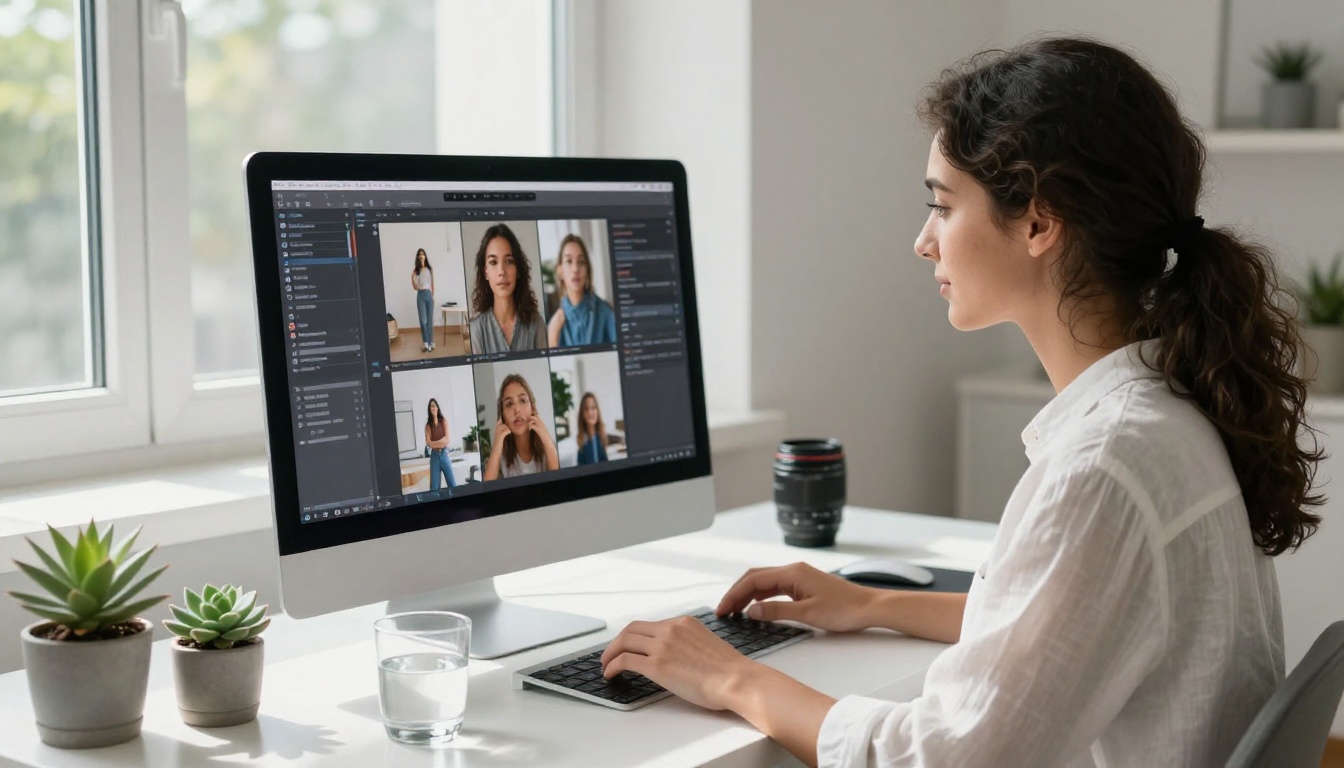
Nano Banana Pro is Google's text-to-image model built for speed and output quality. Where older generation models would smear fine details, produce milky highlights, or flatten textures into mush, Nano Banana Pro renders with the kind of tonal precision that makes an image look photographed rather than generated.
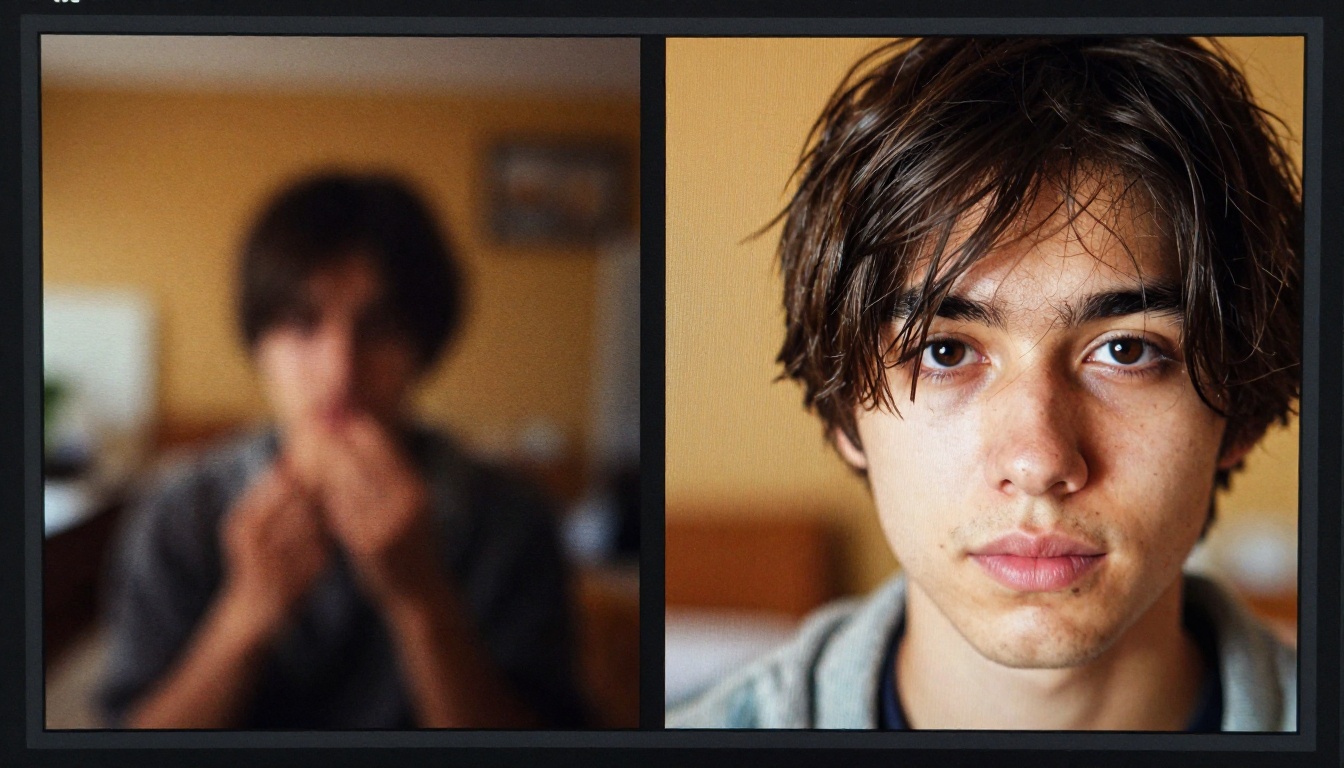
The practical difference: skin pores render as skin pores. Fabric weaves don't blend into a single tone. Hair strands are individual. These details don't just make images look better at full resolution. On social media, where every image is compressed by the platform's encoding algorithms, high-detail source images survive compression better. A blurry source gets worse. A crisp source stays crisp.
Speed That Doesn't Cut Corners
One of the persistent frustrations with high-quality AI image models is generation time. Models with better detail retention often require more inference steps, and that adds up when you're producing dozens of social media assets per week.
Nano Banana Pro sits in a practical position here. It doesn't require the same waiting period as some of the heaviest models on the platform. You get the detail improvement without the workflow penalty. For a content team producing 20 to 30 posts per week, that speed difference compounds into hours saved per month.
Why Sharpness Wins on Every Feed
Social platforms are not neutral delivery mechanisms. Instagram recompresses images. LinkedIn has its own encoding. TikTok thumbnails get squeezed down to near-thumbnail sizes. Each platform applies its own quality reduction.
A graphic that starts at mediocre quality ends up at poor quality after platform compression. An image that starts at high quality ends up at mediocre quality after compression. That's still a dramatic difference in what audiences see.
💡 The practical rule: Generate at the highest quality your model can deliver, then let the platform's compression work against a better baseline. You can't add back detail the platform strips out, but you can start with so much detail that what remains is still excellent.
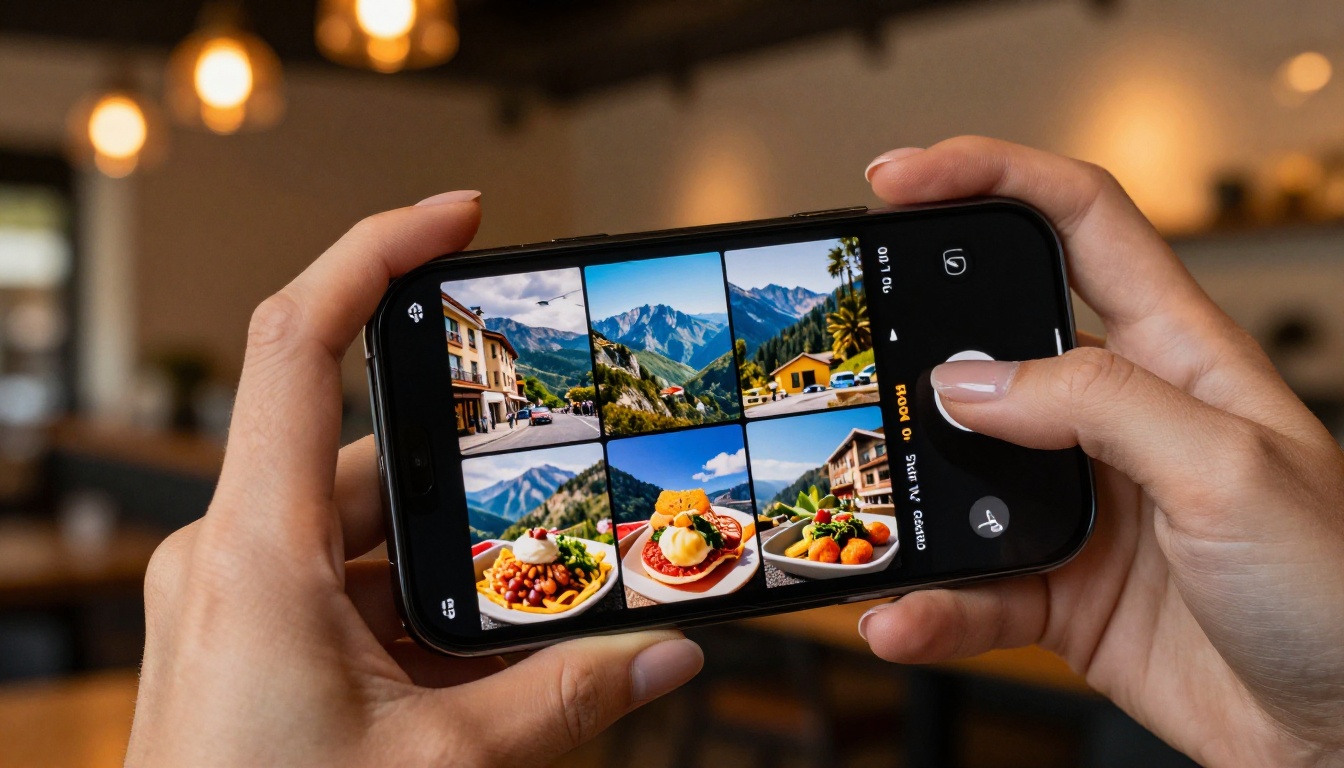
Not all social platforms treat images the same way. Understanding where Nano Banana Pro makes the biggest visible difference helps you prioritize your creative production.
Instagram and Facebook
Instagram remains the most visually demanding platform for creators. Users have developed finely tuned visual literacy there. A muddy image reads as low-effort even if the content of the image is exactly right. The feed grid also matters: your last 9 to 12 posts are visible simultaneously, and the cumulative quality of that grid signals something about your brand's standards.
Facebook is less visually demanding at first glance, but its cover photo and ad image specifications reward high-resolution inputs. Paid ad images in particular benefit from starting at higher quality because Meta's ad delivery system shows your creative to many people at many different screen resolutions and connection speeds.
LinkedIn and X (Twitter)
LinkedIn's audience actively scrutinizes professional presentation. A banner image, a headshot, or a carousel slide that looks slightly off registers immediately. The platform's demographic is also more likely to view content on a desktop monitor rather than a phone, meaning full-resolution rendering matters more than on mobile-first platforms.
X (Twitter) used to be a place where image quality mattered less because the platform compressed images aggressively. This has improved over time, and promoted content still renders at higher quality. For organic posts, the key visual real estate is the first thumbnail a follower sees in their timeline.
TikTok Thumbnails
TikTok is primarily a video platform, but cover images and thumbnail selection are critical for profile browsing and search. A TikTok profile grid functions similarly to an Instagram grid for anyone choosing whether to follow an account. Crisp, visually legible thumbnail frames stop the browse-scroll just as effectively as a full post stops the feed-scroll.

How to Use Nano Banana Pro on PicassoIA
PicassoIA gives you direct access to Nano Banana Pro without any setup overhead. You don't need a Google Cloud account, API keys, or local GPU infrastructure. Open the model, write your prompt, generate.
Getting Your First Crisp Image
- Go to the Nano Banana Pro model page on PicassoIA.
- Write your prompt. Be specific. "A professional product flatlay of a skincare serum bottle on white marble with soft natural light" produces a fundamentally different result from "a skincare product."
- Set your aspect ratio to match the platform: 1:1 for Instagram square posts, 4:5 for portrait Instagram posts, 16:9 for LinkedIn banners or YouTube thumbnails.
- Generate and inspect at 100% zoom before downloading.
- If the image is close but not perfect, refine the prompt with more specific lighting or texture details.
Prompting for Sharpness
Nano Banana Pro responds well to prompts that describe photographic conditions rather than abstract style requests. Telling it you want "sharp" doesn't work as well as describing the conditions that produce sharpness in real photography.
Try these approaches:
- Specify a camera and lens: "shot on Canon EOS R5, 85mm f/1.8"
- Specify lighting: "volumetric morning light from the left, soft fill from the right"
- Specify texture: "each detail of the fabric weave visible, natural grain of the wood surface"
- Add photo style: "Kodak Portra 400 film grain, natural colors, photorealistic"
The model processes these as meaningful inputs, not decorative language. A prompt with specific photographic instructions produces images that look photographically intentional rather than AI-generic.
💡 Quick tip: Avoid vague quality words like "ultra high quality" or "stunning." Describe the specific scene details and photographic conditions that would make a real photo look exactly how you want this image to look.

The Nano Banana Family Compared
Google has released several versions of the Nano Banana model on PicassoIA. Each sits at a different point on the speed-to-quality curve.
For a typical content production workflow, a practical approach is to use Nano Banana 2 Lite during the concepting phase where you're testing directions quickly. Once you've confirmed the visual direction, switch to Nano Banana Pro for the final production images that go live on your channels.
The original Nano Banana remains useful for rapid iteration at the very start of a creative brief. And Nano Banana 2 is the go-to when you need Pro-level results but can't afford the extra generation time across a high-volume batch.
Pair It With Super-Resolution After Generation
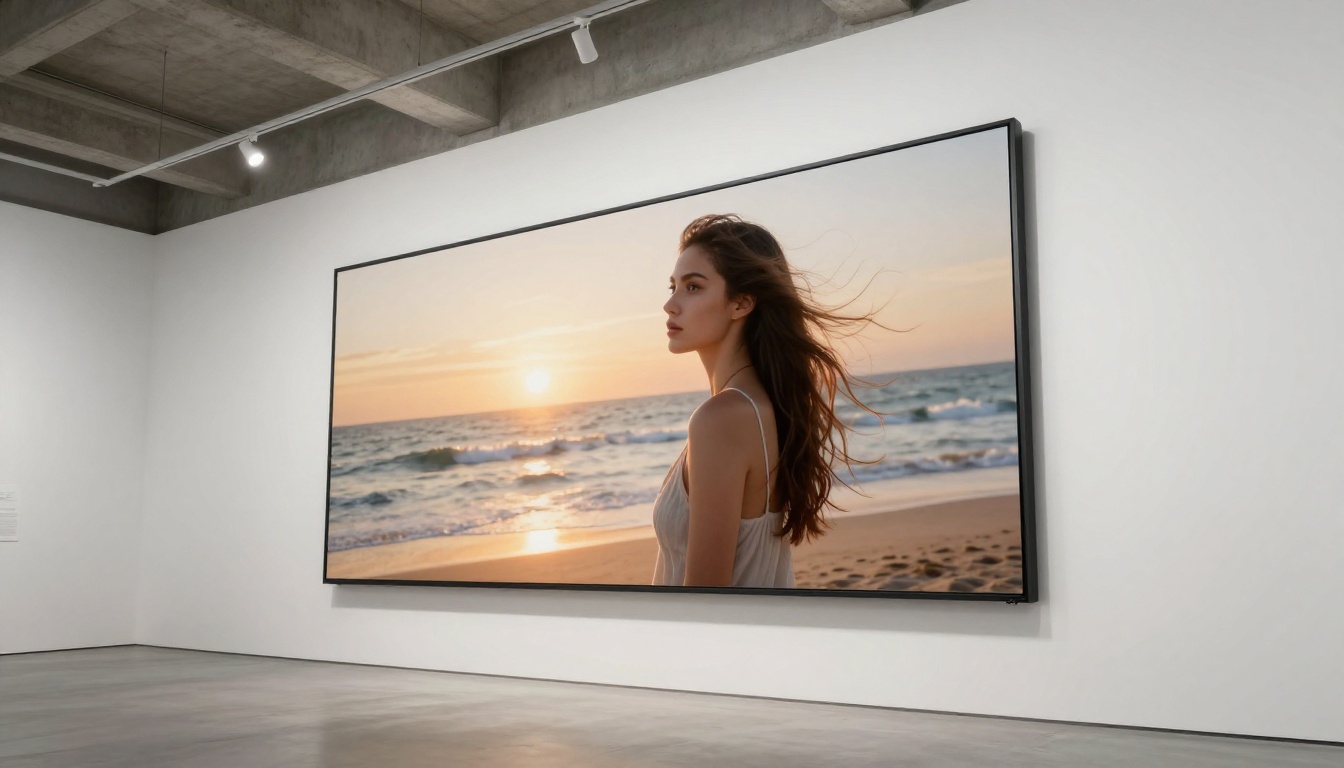
Even at Nano Banana Pro's output quality, pairing with a dedicated super-resolution model can push images further. This is especially valuable when you're creating images that will be used at large print sizes, as desktop hero images, or as display ads where quality loss from platform encoding hits harder.
P Image Upscale and Recraft Crisp Upscale
P Image Upscale from PrunaAI is designed for fast 1-second upscaling with minimal generation time. It's well-suited to batch upscaling when you're producing many assets. The output is clean and sharp without introducing significant artificial-looking enhancement.
Recraft Crisp Upscale takes a different approach, optimized specifically for the kind of clean edge rendering that social media graphics need. Where some upscalers soften edges while increasing resolution, Recraft Crisp Upscale maintains the definition of hard edges in text, product outlines, and architectural details.
Clarity Pro Upscaler is worth mentioning for portrait-heavy social content. If your images regularly feature people, Clarity Pro handles skin texture and hair detail at a level that generalist upscalers often miss.
When to Use Topaz or Google Upscaler
Topaz Image Upscale supports 6x magnification, which is beyond what most social platforms need but useful when images need to serve both digital and print use cases simultaneously. A product image created for Instagram that also appears on a printed trade show banner needs that headroom.
Google Upscaler and Real ESRGAN work well for detailed background scenes where a uniform quality lift across the whole frame is needed rather than targeted detail enhancement.
For portraits specifically, Crystal Upscaler targets facial detail at 4x with results that consistently outperform generic upscalers on human subjects. Bria Increase Resolution rounds out the toolkit for general-purpose 4x upscaling with fast turnaround.
Other Models Worth Knowing
Nano Banana Pro handles a wide range of social media content, but certain use cases push in directions where specialized models perform better.
Seedream 5 Pro for Hyper-Detail
Seedream 5 Pro from ByteDance generates at 2K resolution by default, which means the detail budget per image is substantially higher. For content where individual texture elements need to survive heavy cropping or zooming, like a product detail shot or an architectural close-up, Seedream 5 Pro can exceed what Nano Banana Pro delivers in fine-structure rendering.
The tradeoff is generation time and credit cost. For social content where you need consistent output across many posts quickly, Nano Banana Pro is the better workhorse. Seedream 5 Pro is worth using when you have one specific hero image that needs to be exceptional above all else.
Reve 2.1 for Editable Results
Reve 2.1 is built with editing in mind. If your workflow involves generating an image and then modifying specific elements (changing a background, adding a product, adjusting lighting in specific zones), Reve 2.1's outputs are structured in a way that makes subsequent editing operations more predictable.
This matters for social media where A/B testing different versions of the same creative is standard practice. Generate a base image with Reve 2.1, then create variants through PicassoIA's inpainting and outpainting tools without generating from scratch each time.
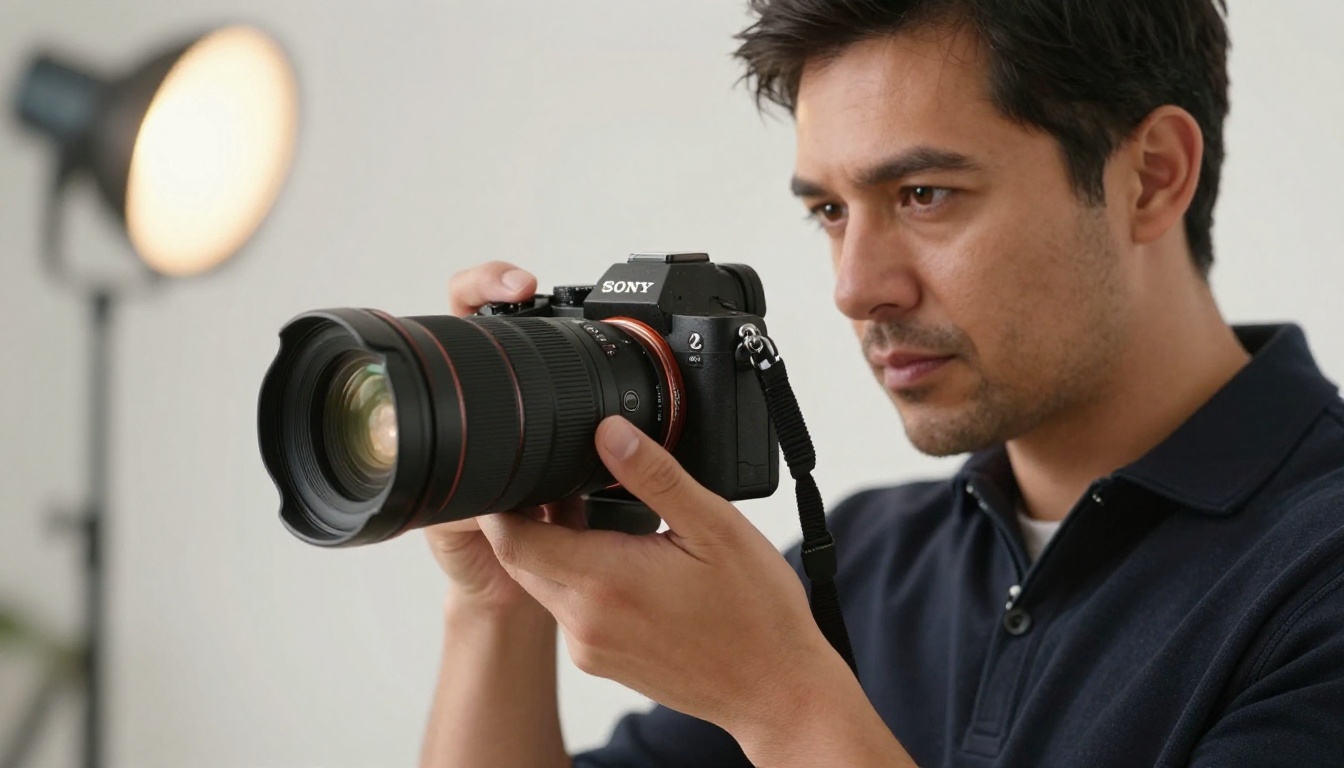
3 Workflows That Actually Work
The Brand Post Workflow
This is the workflow for consistent branded content: product features, promotional posts, and brand announcements.
- Start with Nano Banana 2 Lite to generate 4 to 6 rapid concepts testing different visual directions.
- Select the strongest concept and refine the prompt with specific brand details: brand color environment, product placement, lighting that matches your brand photography style.
- Generate the final image with Nano Banana Pro.
- Run through P Image Upscale for a resolution boost before downloading.
- Export at the platform's recommended dimensions.
The Campaign Creative Workflow
For campaigns with multiple ad variations across platforms:
- Generate your hero image with Nano Banana Pro at the highest resolution needed.
- Use PicassoIA's outpainting to extend the canvas for different platform ratios without regenerating from scratch.
- Apply Bria Increase Resolution to any cropped variants to maintain quality at different dimensions.
- Use Reve 2.1 to create swapped-background variants for regional or seasonal campaigns.
The Quick Content Workflow
For high-volume content calendars where speed matters as much as quality:
- Prompt Nano Banana to generate 10 rough concepts in a session, testing different subjects and compositions.
- Identify the 2 to 3 directions that work and regenerate those with Nano Banana Pro.
- Apply Recraft Crisp Upscale to sharpen edge definition before posting.
This three-stage process gets you from zero to a week's worth of social content in a single working session. The Nano Banana draft pass costs almost nothing in time, and the Nano Banana Pro final pass is limited to only the directions that proved out.

Image quality correlates with engagement in measurable ways. Posts with higher visual quality consistently outperform lower-quality posts at the same follower count, in the same niche, with similar captions and posting times. This has been documented across studies of Instagram engagement rates, LinkedIn analytics, and paid social performance benchmarks for years.
The mechanism is partly aesthetic and partly algorithmic. Platforms like Instagram surface content that performs well early. A crisp, high-quality image generates more early engagement, and early engagement signals to the algorithm that the post is worth distributing more broadly. The quality of your graphic directly affects your organic reach, not just how the post looks to the people who already see it.
What to track after switching models:
- Save rate per post (Instagram)
- Impressions to engagement ratio (LinkedIn)
- Profile visits from feed posts (all platforms)
- Click-through rate on promoted posts (paid)
💡 Worth tracking: After switching to Nano Banana Pro generated content, compare engagement rate per post across a 30-day period against the 30-day period before. The difference shows up clearly in the data within the first three to four weeks.
Try It Yourself on PicassoIA
The fastest way to see what Nano Banana Pro does for your social content is to generate one image in your actual content niche and compare it to your current creative. No workflow commitment, no setup: write a prompt describing one of your typical posts and see what comes out.
PicassoIA puts Nano Banana Pro alongside over 200 other text-to-image models, meaning you can run the same prompt through multiple models and see the difference for your specific content type. From there, the super-resolution tools add another layer of quality at any point in the workflow.
Your social media graphics are competing with professional creative teams, dedicated photographers, and brands spending thousands per shoot. Nano Banana Pro on PicassoIA closes that gap in the time it takes to write a prompt. Start with one image, see what changes, and scale from there.


